 Affonso
Cursor is an AI-powered code editor that helps you build applications faster. To add Affonso tracking to your existing Cursor project, use the interactive system below.
Choose Your Integration Method
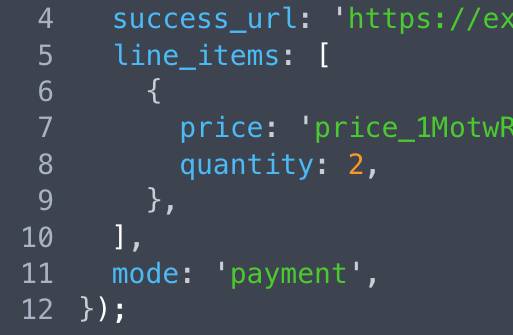
Select your payment provider, then choose your integration method to copy the AI prompt:






How to Use
- Select your payment provider by clicking on the logo above
- Choose your integration method by clicking on the method image
- Cursor will open automatically with the prompt ready to use
- Replace
[your-program-id]with your actual Program ID from your Affonso dashboard
Was this article helpful?

Ready to grow your business
through partnerships?
Find the right partners, help them promote, and turn their work into measurable revenue.