 Affonso
Set a hold period
The hold period is the number of days a commission stays Pending before it becomes Approved and eligible for payout. Set it per incentive, not at program level. Refunds during the hold automatically reduce or void the commission before money goes out.
Open Groups
Open Groups.
Open the group's incentives
Click the group, then Incentives Setup.
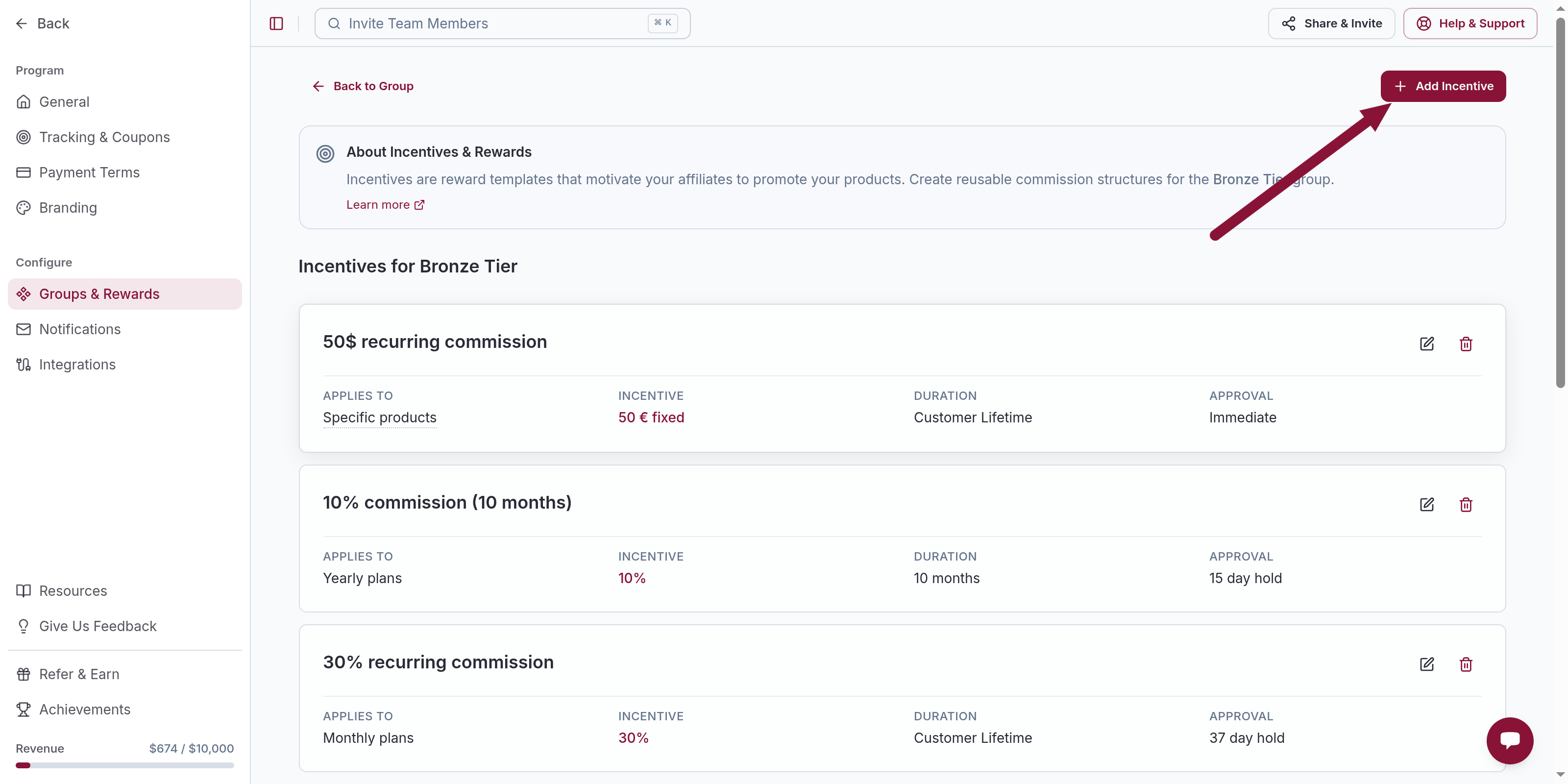
Open the incentive
Click the incentive whose hold you want to change.
Set Hold Period
Under Approval Type, choose Hold Period. Enter the number of days.
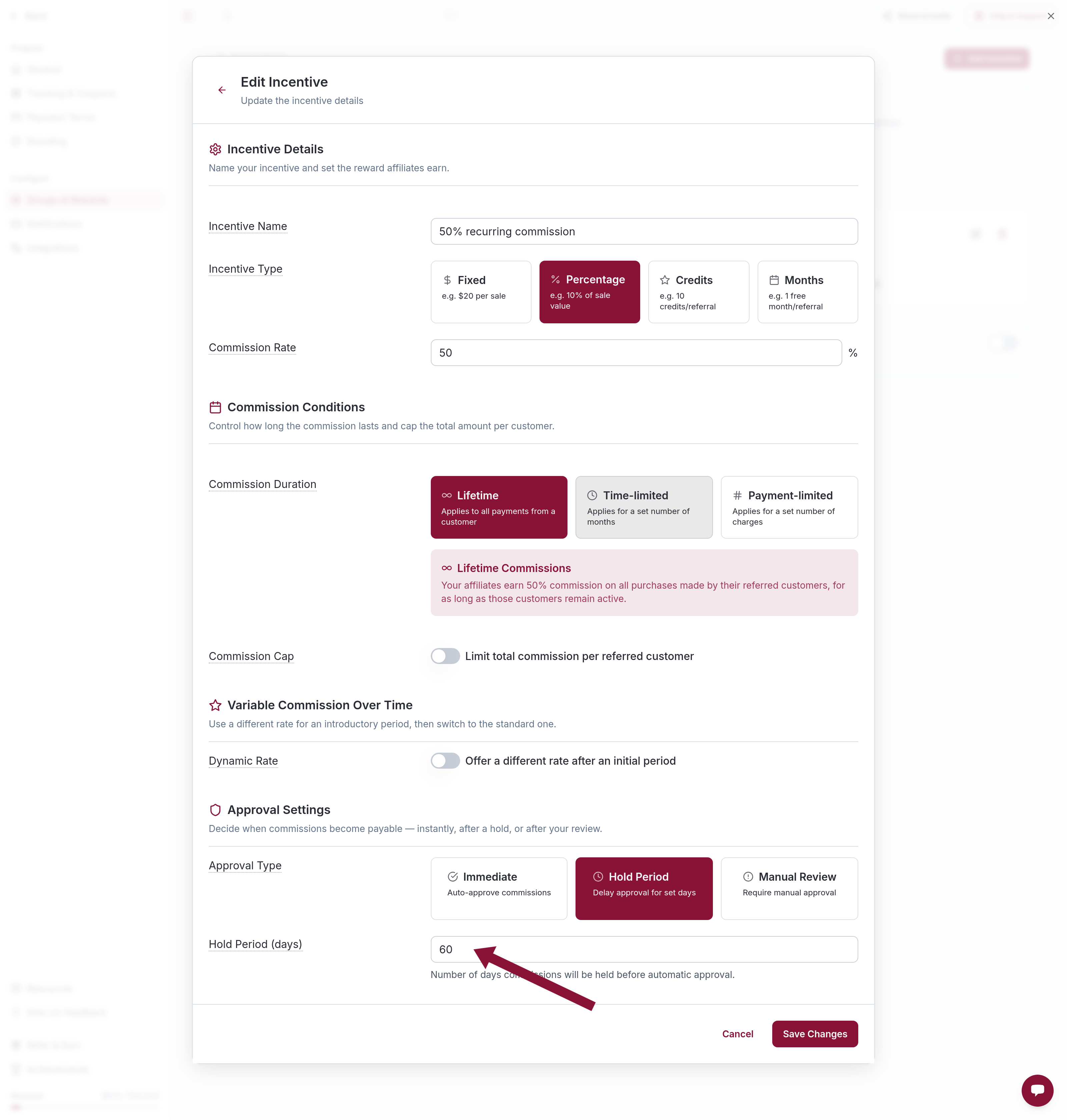
Save. Different incentives can use different holds.
Choose a value
A common formula is trial length plus refund window. A 7-day trial and a 30-day refund policy → 37 days. That keeps the commission pending until the customer is past the refund window.
Refunds during the hold
If the customer refunds while the commission is Pending, the commission is adjusted to $0 (or pro-rated for a partial refund). The rate used when the commission was generated does not change when the refund happens.
Common issues
Commissions approve before refunds land
Cause: The hold is shorter than trial plus refund window.
Solution: Set Hold Period to trial days plus refund days on that incentive.
Related
Was this article helpful?

Ready to grow your business
through partnerships?
Find the right partners, help them promote, and turn their work into measurable revenue.