 Affonso
Set commission rates
Commission settings live on incentives, and incentives live on groups. There is no program-wide commission page. Use a separate group when a tier needs its own rate, hold, or applies-to.
1
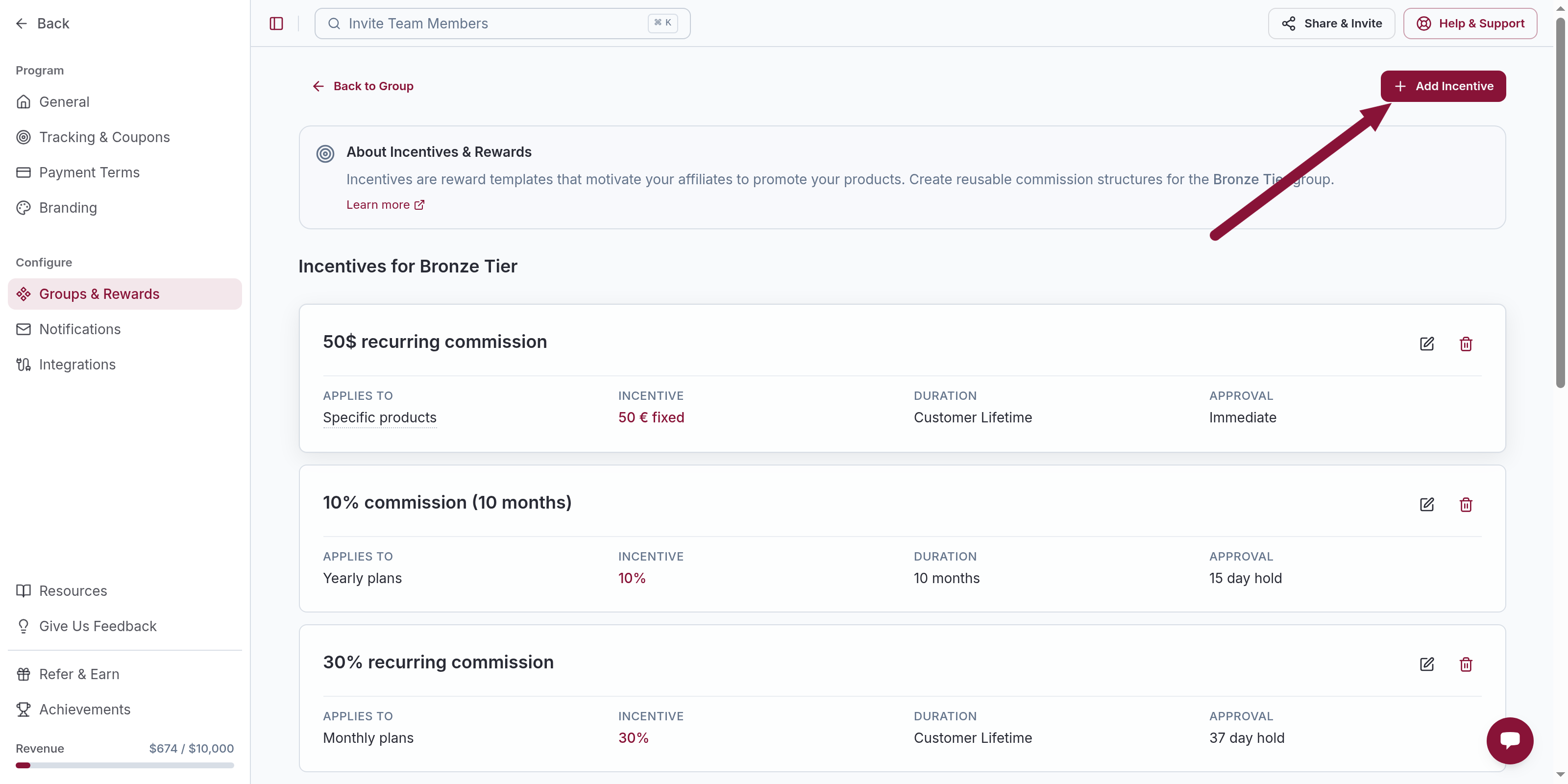
Open the group's incentives
Open Groups, click the group, then Incentives Setup. A new account has one default group.
2
Edit the incentive
Open an incentive. Set:
- Commission Rate — Fixed, Percentage, Credits, or Months
- Approval Type — including Hold Period
- Applies to — All plans and products, a plan type, or Specific products
Save.
Common issues
No program-wide commission settings page
Cause: Rates are not set at program level.
Solution: Open the group → Incentives Setup and edit the incentive there.
Related
Was this article helpful?

Ready to grow your business
through partnerships?
Find the right partners, help them promote, and turn their work into measurable revenue.