 Affonso
Pay commission on signups
Signups (Pay Per Lead) pays when a referred visitor becomes a lead — before any purchase. Incentive Type is Fixed. Percentage and Dynamic Rate are not available, because there is no sale amount at signup.
Signup tracking must already fire. The tracking script calls Affonso.signup() (email or external user ID). That converts the click to a LEAD and, if this incentive exists on the affiliate's group, creates the fixed commission.
Open Incentives Setup
Open Groups, click the group, then Incentives Setup. Click Add Incentive.
Choose Signups (Pay Per Lead)
On Apply to, select Signups (Pay Per Lead). Click Continue.
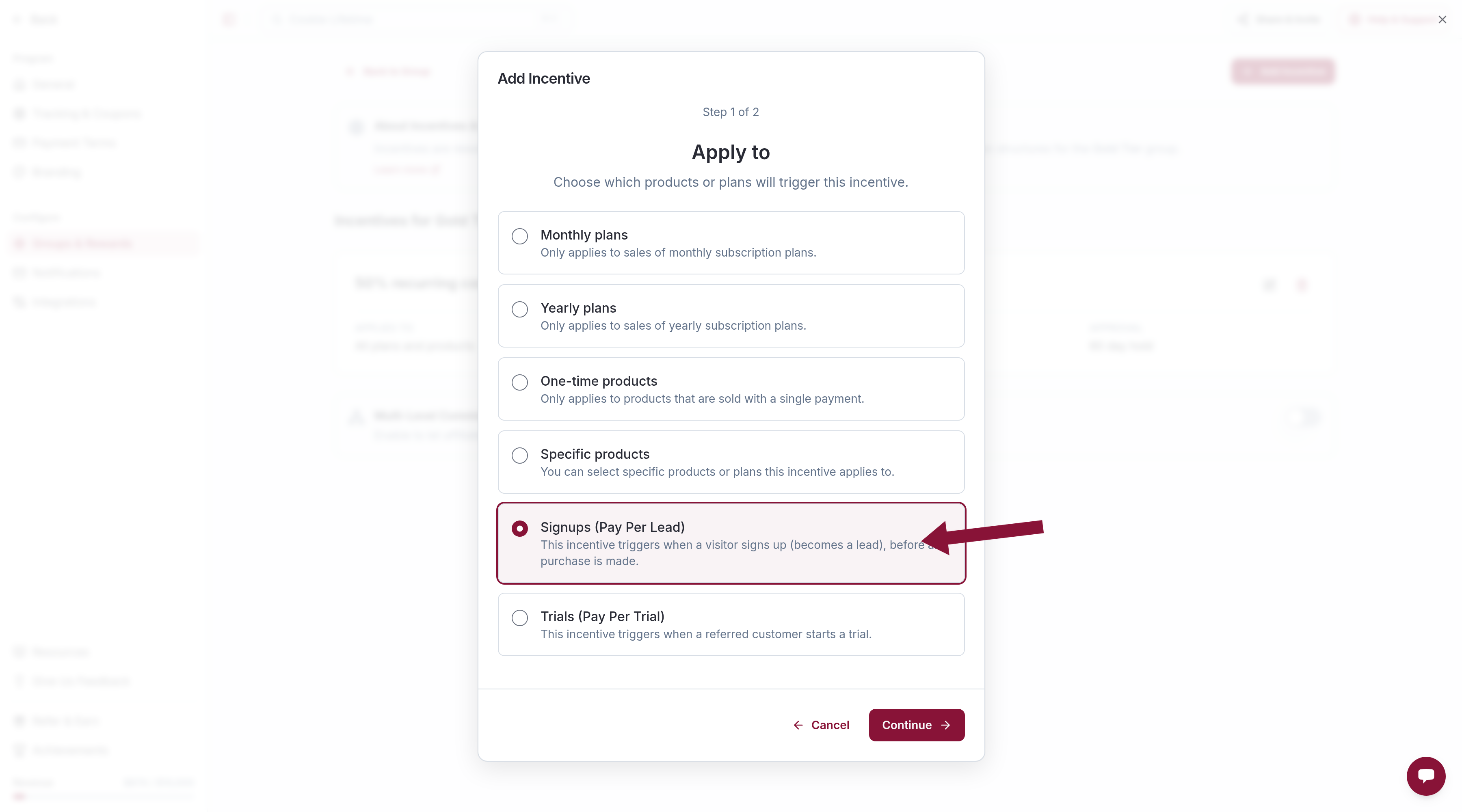
A group can have only one signup incentive.
Create a Fixed amount
On Select or Create an Incentive, click Create New Incentive.
Percentage is disabled. Dynamic Rate is not shown. Set Incentive Type to Fixed and enter the amount per lead (for example 5). Approval Type can stay Immediate, or use Hold Period / Manual Review.
Click Create Incentive, then Add Incentive.
The signup commission and a later sale commission are separate. A lead who then buys can earn both, if the group also has a sale incentive.
Server-side programs can send event_type: "lead" through POST /v1/events instead of the pixel.
Common issues
Cannot choose Percentage
Cause: There is no sale amount at signup.
Solution: Use Fixed. Hover Percentage to see the same reason in the wizard.
Dynamic Rate is missing
Cause: Signup incentives are a single fixed payment per lead.
Solution: Leave the amount on Fixed. Variable intro rates apply to sale incentives only.
Signups track, but no lead commission
Cause: The group has no Signups (Pay Per Lead) incentive, or Affonso.signup() never ran for that visitor.
Solution: Confirm the incentive on Incentives Setup, then check signup tracking.
Related
Was this article helpful?

Ready to grow your business
through partnerships?
Find the right partners, help them promote, and turn their work into measurable revenue.