Best product analytics tools in 2026: the buyer's shortlist.
Compare seven product analytics tools for SaaS, app, and plugin teams. See pricing models, free plans, funnels, retention, feature adoption, and hosting options.
Your signup count looks healthy. Inside the product, you still cannot tell which users reach their first useful result, which features bring them back, or where a trial loses momentum before payment.
Product analytics connects those actions into a journey you can measure. You can compare the users who activate with those who leave, then decide what to change.
This shortlist covers the best product analytics tools for SaaS, app, and plugin companies. PostHog ranks first for engineering-led teams that want event analytics and the surrounding product stack in one platform.
Key Takeaways
The short version, before you compare the tools.
Start with the action that means a user got value. A signup opens an account; an activation event shows someone used the product for its intended job. Your first funnel should connect those steps to returning usage and a paid subscription.
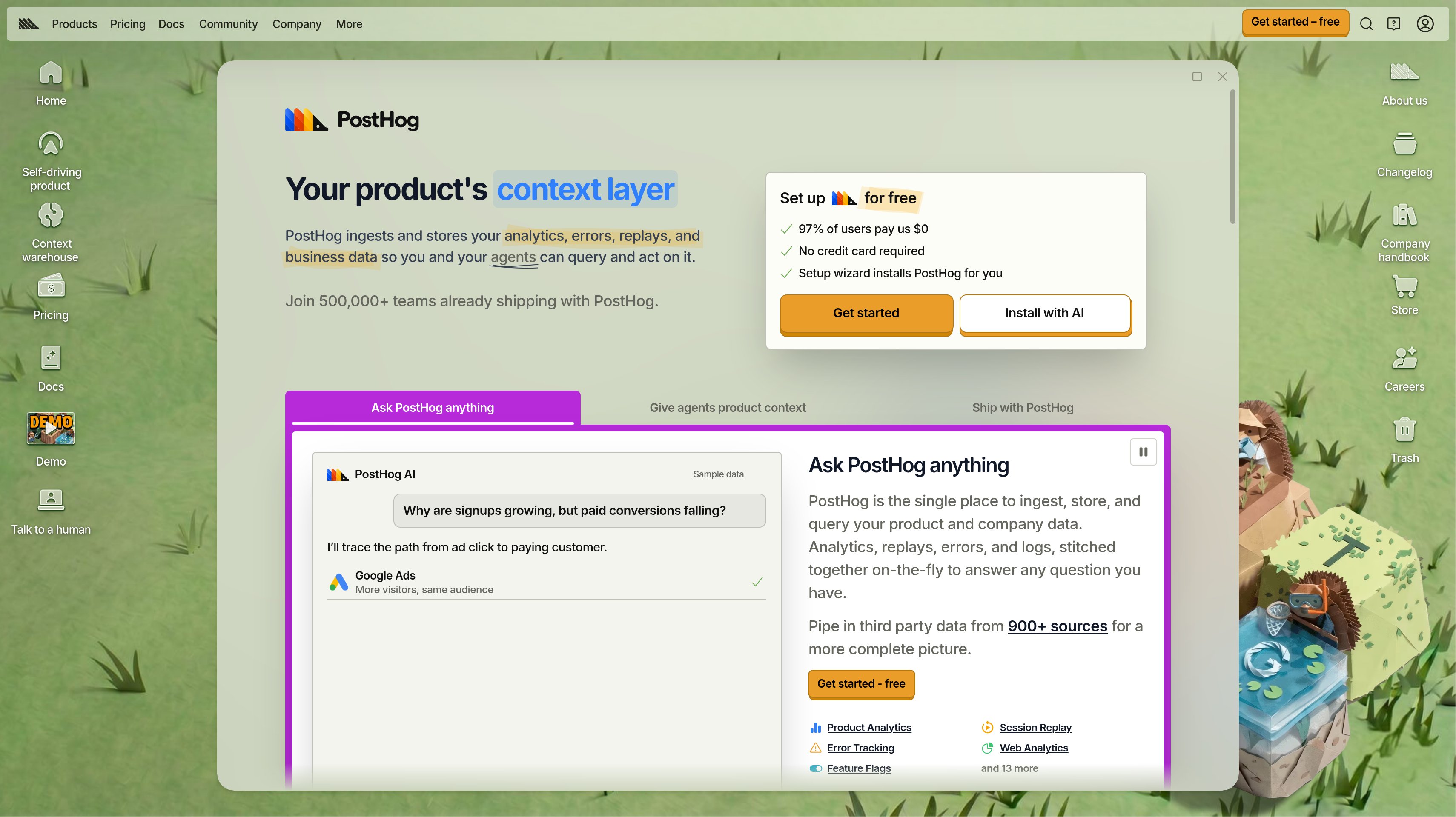
PostHog leads for engineering-led SaaS teams. Product analytics shares a platform with replay, error tracking, and data warehouse sources. Its recurring free tier includes 1 million analytics events a month, unlimited team members, and one year of data retention.
Mixpanel and Amplitude suit different reporting needs. Mixpanel puts self-serve funnels, retention, and saved cohorts at the center. Amplitude combines analytics with guides, surveys, and experimentation, with the full platform and unlimited seats included on every plan.
Autocapture changes what you can ask later. Heap records user interactions so you can analyze actions you did not define in advance. You still need clear event definitions and an agreed activation milestone to turn that history into a useful report.
Guidance and measurement can share a product. Pendo pairs analytics with in-app guides, and Userpilot combines onboarding flows with usage reporting. Compare the plan that includes your required analytics, since Userpilot's advanced product analytics starts on Growth.
Compare billing units before prices. Events, monthly active users, and sessions describe different amounts of activity. Countly adds a hosting decision, with private cloud on Flex and a self-hosted Enterprise plan for your own infrastructure.
What product analytics tools actually are (and what they are not)
Product analytics tools record what people do inside your software. An event might be creating a workspace, publishing a page, completing a workflow, or upgrading a subscription. Properties describe the context, such as the user's plan or the feature involved. Together, those records let you ask which actions happen, in what order, and for which users.
For a SaaS company, that means following the path from signup through activation to repeated use and payment. Funnels show where users stop between steps. Retention cohorts group people by when they started or how they behaved, then show whether they return. Feature-adoption reports help you distinguish a feature that people open once from one that becomes part of their work.
The useful question is specific. If your plugin helps users publish a report, measure whether they finish and publish it. Counting every button click can describe activity without explaining value. Pair your behavioral baseline with the free SaaS churn calculator to see how retention assumptions affect subscription revenue. The calculator models the commercial consequence; your analytics helps you investigate the product behavior behind it.
Website traffic analytics, heatmaps, and A/B testing tools are separate categories, even when a product bundles them together. Product analytics also needs a consistent user identity and events your team understands. It does not decide your activation definition or replace your billing records. Agree on the question first, then collect enough context to answer it without giving every click equal importance.
How We Ranked These Product Analytics Tools
This shortlist evaluates product analytics software for teams measuring behavior inside a SaaS product, app, or plugin. The ranking favors useful event analysis and a clear path to measuring activation, retention, and feature adoption.
The comparison draws on public pricing, product pages, and vendor documentation. Extra capabilities such as replay and experiments matter when they support that work, but they do not determine a tool's position on their own.
We compared five criteria:
Event capture and definition. How you record user actions, add context, and define meaningful events. Autocapture and retroactive analysis get separate attention because they change which questions you can answer after installation.
Funnels and retention. The path from signup to activation and payment, plus the ability to compare returning users. The goal is to identify a step or behavior your team can act on.
Feature adoption and team workflow. How product managers and engineers use reports, cohorts, and usage trends. Guides and onboarding count where they connect measurement to an action inside the product.
Hosting and access. Vendor hosting, private cloud, self-hosting, team seats, and the permissions available on higher plans. Data control is a separate requirement from the number of charts a platform offers.
Total cost and plan capacity. Events, sessions, or monthly active users, free allowances, data history, and the tier that includes the required analysis. A free trial stays separate from a recurring free plan.
Published customer statements are attributed to their source, and plan limits stay attached to the relevant tier. We plan to review this guide quarterly and after material pricing changes.
The Best Product Analytics Tools in 2026
Your analytics should help someone make a product decision. These seven tools differ in how they capture behavior, make reports available to the team, and connect findings to onboarding or adoption work. Start with the reporting job you need to repeat, then compare the plan and hosting model that support it.
1. PostHog, best for all-in-one product analytics for engineering-led SaaS teams
PostHog brings product analytics together with data warehouse sources, error tracking, surveys, and PostHog AI. Session replay, feature flags, experiments, workflows, and logs sit on the same platform. For your engineering team, the attraction starts with understanding product behavior alongside the technical context around it. That combination, with a recurring event allowance and usage-based expansion, puts PostHog first in this shortlist.
The Free tier includes 1 million analytics events each month, unlimited team members, one project, and one year of data retention. It requires no credit card and is not a trial. Other monthly allowances include 5,000 session recordings, 1 million feature flag requests, 100,000 exceptions, and 1,500 survey responses. Usage stops at the free-tier limits, so that tier cannot create a surprise charge.
Pay-as-you-go keeps the free allowances. Beyond the first million events, identified events cost $0.000198 each and anonymous events cost $0.00005 each. It includes six projects, seven years of data retention, email support, and per-product billing limits. Platform packages add SSO, audit logs, and custom roles; annual plans and volume discounts are available.
For your first evaluation, define the user action that marks activation and the events that precede it. Keep identified and anonymous activity separate in your cost estimate, since the published rates differ. Add the surrounding products according to the questions your team needs to investigate.
Best suited for engineering-led SaaS teams that want product behavior, technical context, and usage-based billing in one platform. You can begin with a single product journey and add more of the stack as your reporting needs grow.
2. Mixpanel, best for self-serve funnels and retention reports
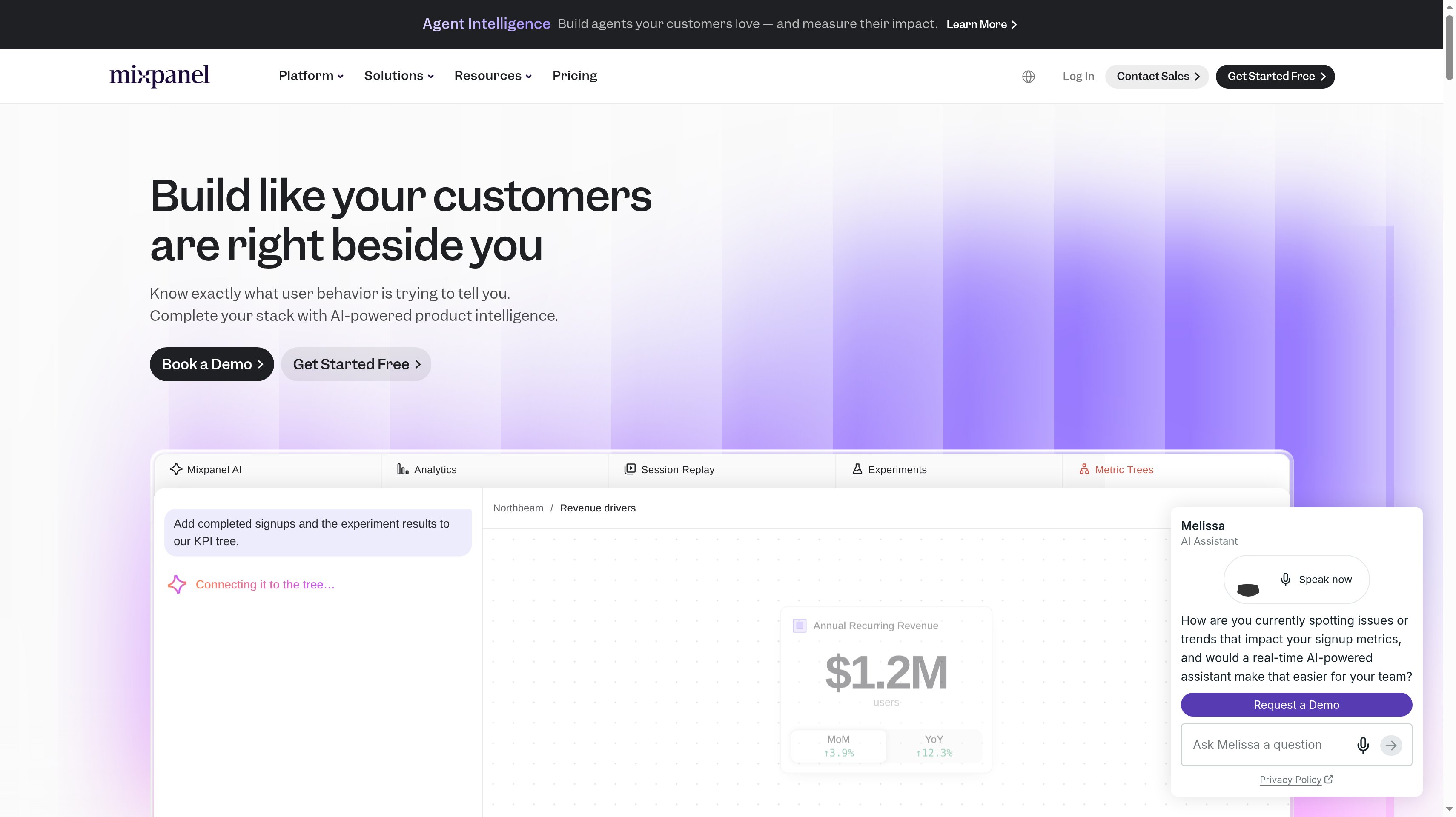
Mixpanel is a strong fit when your product team wants to build funnels and retention reports around user behavior. You can use those views to investigate which steps separate a new account from an activated user, then compare whether those users return. Saved cohorts give the team a repeatable group to analyze, such as users who reached a meaningful milestone in your product.
Free is available forever without a credit card. It includes unlimited seats, up to 1 million events a month, 10,000 monthly session replays, funnels, and retention analysis. That gives a team room to share reports while testing its initial event definitions. Mixpanel AI, analytics, replay, heatmaps, experiments, and feature flags are included across the plans.
Growth starts at $0 and charges as you grow, with capacity up to 20 million monthly events and 500,000 monthly session replays. It adds unlimited saved cohorts, metrics, and reports, with volume discounts available. Enterprise has custom pricing, capacity up to 1 trillion monthly events, data verification, and a dedicated success team.
The Startup Program gives eligible companies their first year free if they were founded less than five years ago and have up to $8 million in total funding. For your evaluation, ask the person responsible for activation to build the report they would use in a weekly product meeting. A useful result explains where to investigate next, with a cohort the team can recognize.
Best suited for product managers who want self-serve funnel and retention analysis that they can share across the team. Unlimited seats on Free make it practical to involve the people who own onboarding and feature adoption from the start.
3. Amplitude, best for scaling teams combining analytics, guides, and experiments
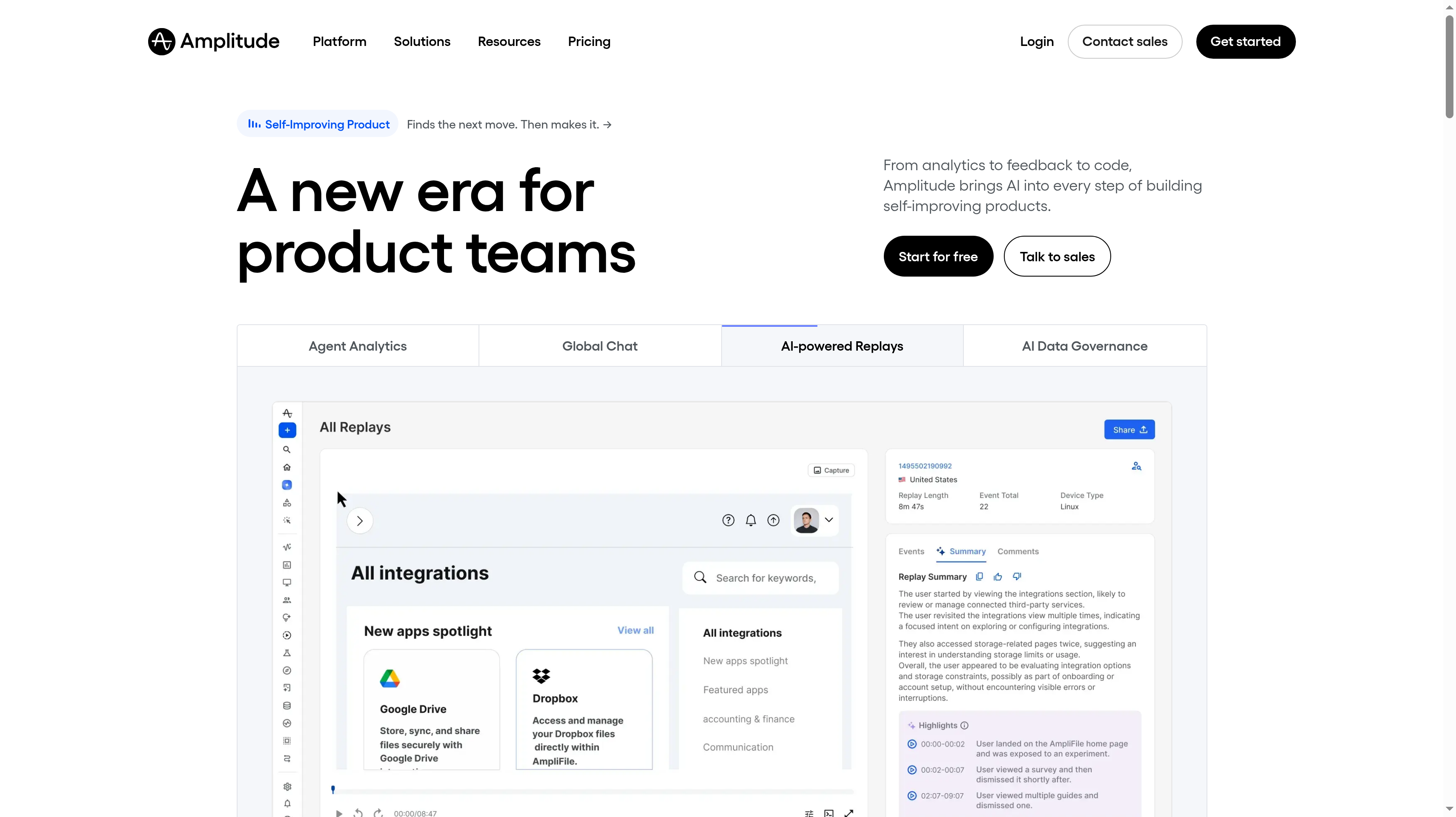
Amplitude combines product analytics with guides and surveys, activation, session replay, and experimentation. Every plan includes the full platform, Amplitude AI, AI agents, MCP, and unlimited seats. The reason to consider it is the connection between understanding behavior and acting on it. Your team can evaluate analytics alongside the guidance it wants to put in front of users, within the same platform.
Free includes 2 million events a month forever, no credit card required, and 10,000 monthly session replays. Plus starts at $0 with the first 2 million monthly events free and requires a credit card. It scales up to 70 million events and adds custom events and formulas, 20 behavioral cohorts, alerts, heatmaps, and two years of data retention.
Growth and Enterprise use custom event-based pricing. They add SSO, project permissions, and advanced behavioral exploration. Enterprise also adds role-based access and data access controls, which matter when different teams need different visibility into product data. Startups with under $10 million in funding and fewer than 20 employees can get one free year on Growth.
Your buying decision should start with the product question, even when the package spans several disciplines. Ask how you would identify a cohort that misses an activation step and use that finding to shape a guide. Then decide which permissions, formulas, and history your team needs to repeat that work as the product grows.
Best suited for scaling product teams that want analytics, user guidance, and experimentation in one platform. Its plan structure gives you a way to add behavioral exploration and access controls as more teams work with the data.
4. Heap, best for autocapture and retroactive analysis
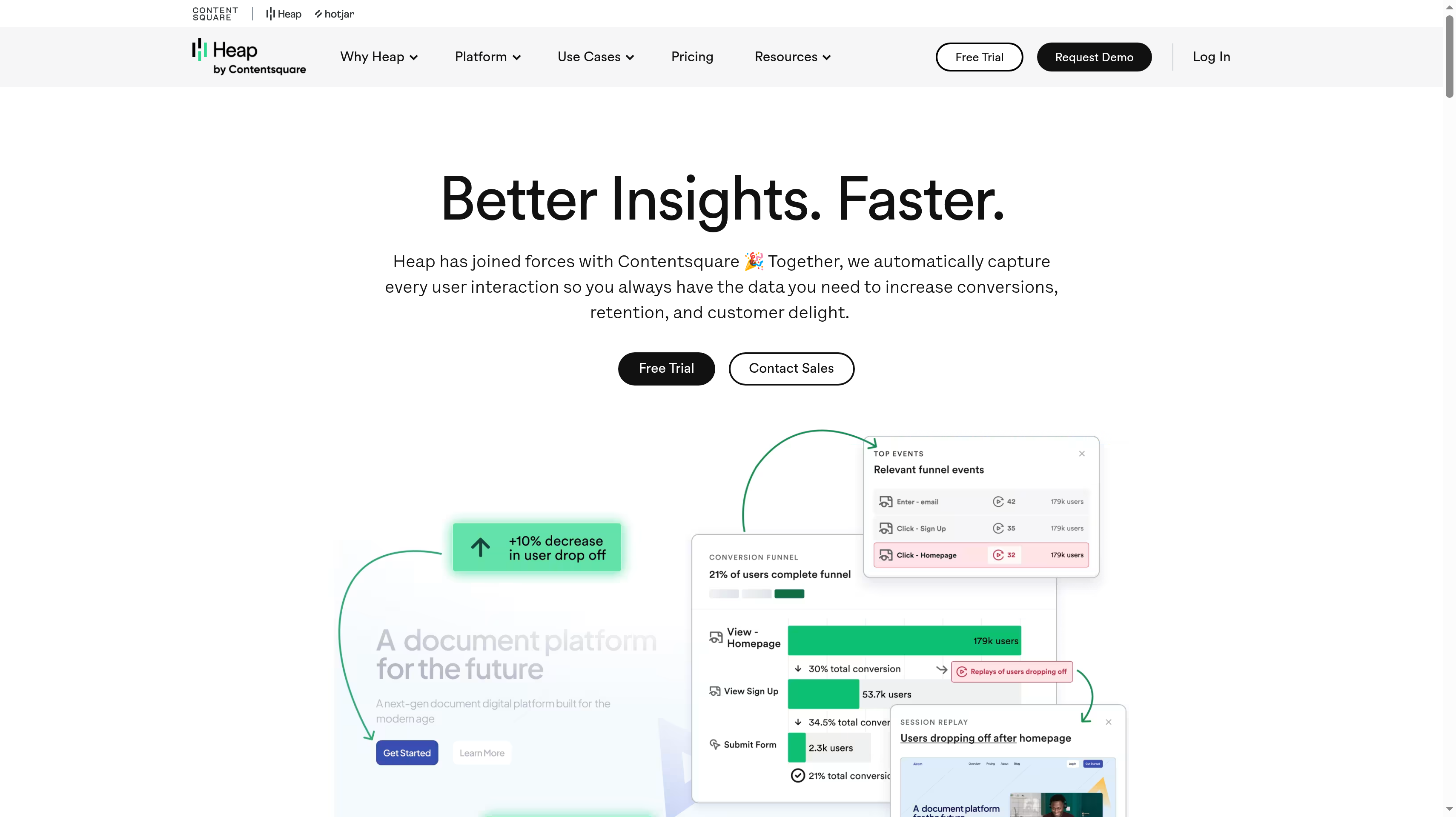
Heap automatically captures user interactions so you can analyze behavior you did not plan to track in advance. That changes the starting point for a product question. If your team notices an onboarding problem after a release, you can investigate captured interactions instead of waiting for a newly defined event to build a history. Heap is part of the Contentsquare group and lists over 100 integrations.
Free includes up to 10,000 monthly sessions, core analytics charts, six months of data history, and SSO. Growth pricing is estimated after you install the snippet. It adds Contentsquare's Sense AI assistant, unlimited users and reports, CSV exports, 12 months of data history, and email support. The billing unit is sessions, so compare that allowance with how often people use your product.
Pro and Premier use custom session pricing. They include account analytics, an engagement matrix, and report alerts, with session replay available as an add-on. Premier adds data warehouse integration, behavioral targeting, unlimited projects, and region-specific storage. Those differences matter when your analysis needs to connect individual activity with an account or move into a wider data workflow.
Autocapture still needs interpretation. Your team has to agree which captured actions represent activation, meaningful feature use, and a completed task. During evaluation, choose an interaction you did not specify in your original tracking plan and see whether you can turn it into a useful product report.
Best suited for teams that want to investigate past interactions when new product questions arise. Retroactive analysis fits a workflow where the team learns what to measure while reviewing real user behavior.
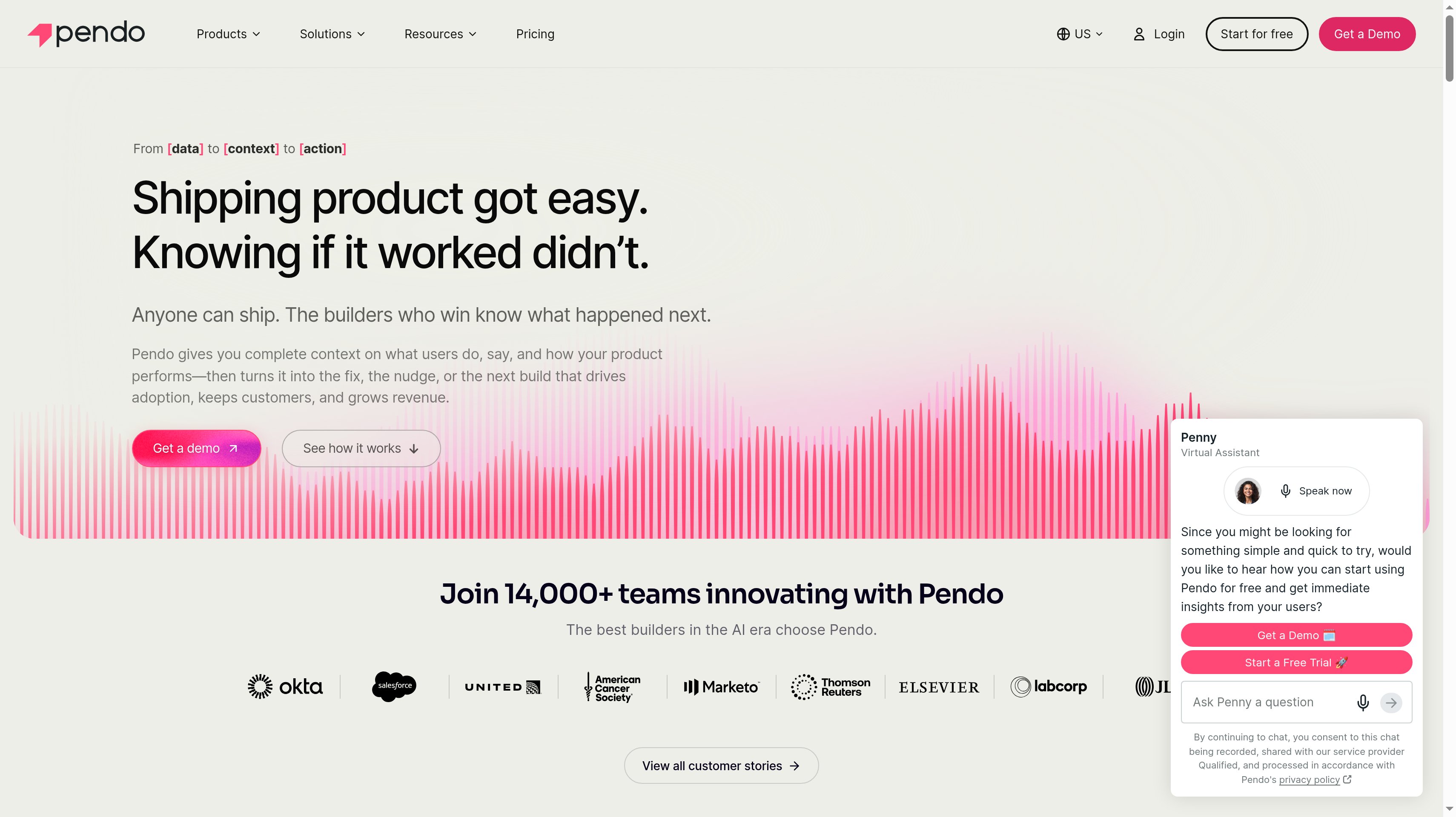
5. Pendo, best for pairing product analytics with in-app guides
Pendo pairs product analytics with in-app guides, so your team can measure adoption and help users inside the product. Retroactive analytics begins on the day you install Pendo. Every plan includes Leo for natural-language questions, integrations, and SOC 2, GDPR, and HIPAA compliance. The central buying question is whether the same team needs to understand usage and publish guidance for the people behind those numbers.
Pendo Free is available forever for up to 500 monthly active users. It includes product analytics, in-app guides, Pendo-branded roadmaps, and NPS surveys. A separate 30-day trial gives you access to the full platform. The free plan is a way to evaluate the analytics-and-guidance workflow with a defined active-user allowance.
Paid pricing depends on monthly active users and the modules you choose. Base includes product analytics and in-app guides. Core adds session replay. Ultimate adds NPS, PMF, and CSAT surveys, orchestration, and data sync. All three use custom MAU volumes and request-based pricing, so your active-user estimate and module list define the quote.
For an adoption project, begin with the feature your users should return to after onboarding. Decide what successful use means, which people need guidance, and how you will measure their later behavior. That gives the evaluation a concrete task beyond counting guide views or opening a usage dashboard.
Best suited for product teams that own both feature-adoption reporting and the in-app guides intended to improve it. You can evaluate those jobs together around the same onboarding milestone or feature rollout.
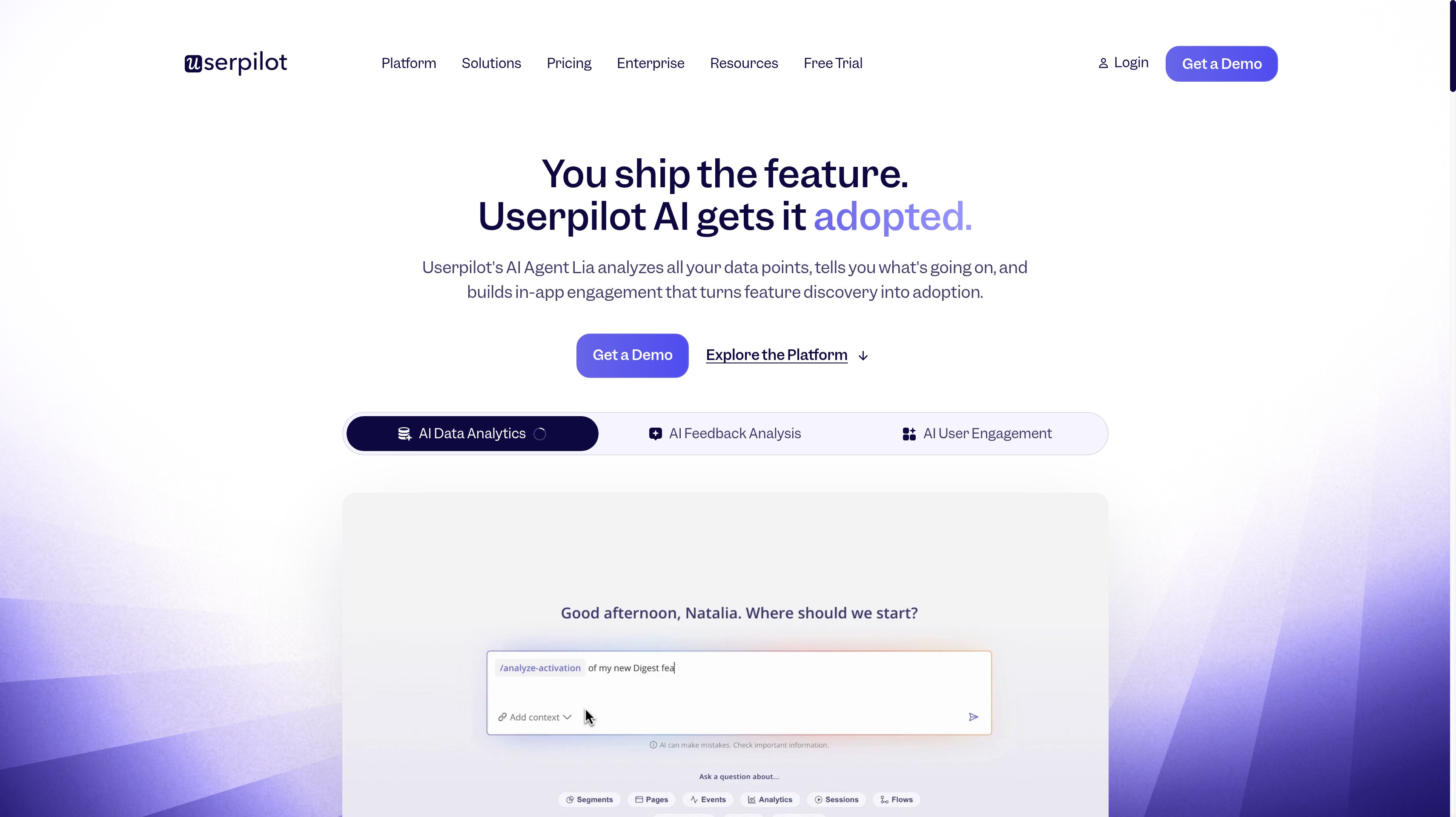
6. Userpilot, best for no-code onboarding plus SaaS analytics
Userpilot combines no-code in-app engagement with product analytics. Onboarding flows, checklists, a resource center, and surveys give your SaaS team ways to help users take the next step. Usage trends, segmentation, and tracking provide the measurement around that work. The fit is a team whose analytics questions start with onboarding and activation, and whose next action is often a change inside the product experience.
Starter is $299 per month for up to 2,000 monthly active users. It includes in-app engagement, user segmentation and tracking, usage trends, and an NPS survey. A 14-day free trial is available. Starter is the entry point for engagement and usage reporting; the advanced product analytics tier is Growth.
Growth starts at $849 per month and adds advanced product analytics, event autocapture, a resource center, and advanced in-app surveys. It includes 100,000 free emails a month, 5,000 free session replays a month, and three years of data retention. Enterprise uses custom pricing and adds mobile engagement, data warehouse sync, bulk export, and an SLA.
Keep the evaluation tied to a specific onboarding task, such as helping a new workspace finish its first project. Choose the event that confirms completion, the segment that needs help, and the usage trend you will review afterward. That makes it easier to decide whether Starter's reporting matches the job or whether you need Growth's advanced analysis.
Best suited for SaaS teams that want to build onboarding without code and measure how users adopt the product. Its engagement tools fit teams that regularly revise flows and checklists based on usage evidence.
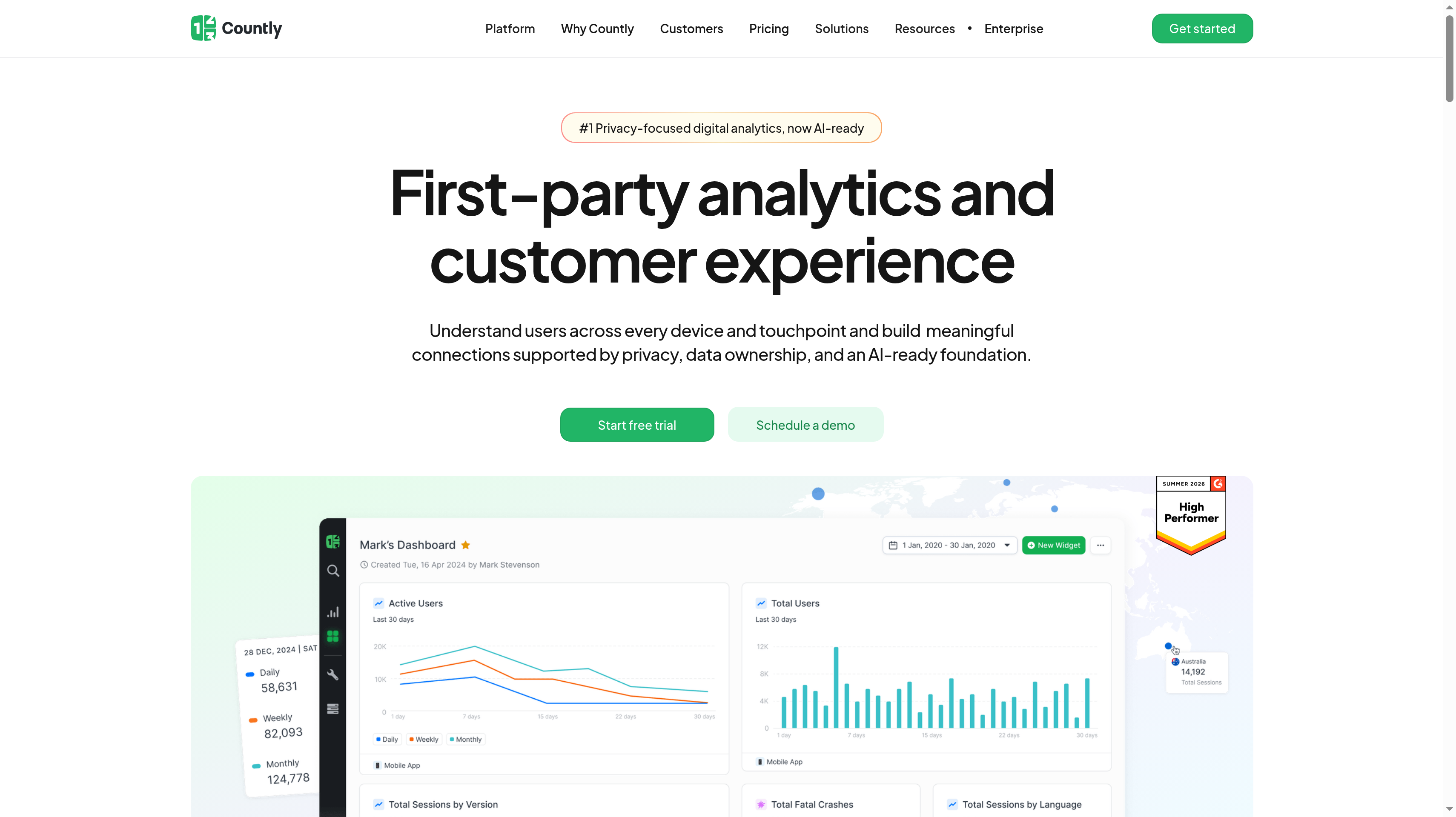
7. Countly, best for self-hosted or private-cloud product analytics
Countly offers product analytics through a private cloud or a self-hosted deployment. It is open source and emphasizes first-party data ownership. That makes hosting part of the initial selection, alongside event tracking and user analysis. If your company has requirements about where behavioral data lives or who can access it, you can start with the deployment model and then choose the analysis capabilities.
Flex is the Countly-hosted private-cloud plan, with a region you choose. It starts at $175 per month and uses usage-based pricing instead of seat-based pricing. The included advanced analytics covers real-time analytics, event tracking, session analysis, user profiles, dashboards, and alerts. A free trial is available for evaluating the hosted setup.
Funnels, retention, flows, formulas, crash analytics, and AI insights come through the Intelligence add-on. Adaptivity is a separate add-on for push notifications, journeys, in-app messaging, surveys, remote configuration, and A/B testing. For this shortlist's core job, include Intelligence in the scope when your team needs funnel and retention reports. The Flex starting price describes the base plan.
Enterprise runs on your infrastructure, includes all capabilities, and uses custom pricing. Countly describes this self-hosted option as having zero vendor access to your data. Your evaluation should cover who operates that deployment and which reports the product team needs, so infrastructure ownership and analytics requirements are part of the same decision.
Best suited for teams whose product analytics purchase begins with private-cloud or self-hosting requirements. Countly gives those teams a choice between a hosted region and running the full platform on their own infrastructure.
Side-by-Side Comparison
Compare the free allowance, billing unit, core analysis, and hosting model together.
Tool
Free plan
Paid pricing model
Standout capability
Hosting
PostHog
1M analytics events/mo, unlimited team members, 1 project, 1-year retention
Pay-as-you-go after the free allowance; $0.000198 per identified event or $0.00005 per anonymous event beyond the first 1M
Product analytics alongside technical context and data warehouse sources
Vendor-hosted platform
Mixpanel
1M events/mo, unlimited seats, funnels and retention
Growth starts at $0 and scales with usage, up to 20M events/mo; Enterprise custom
Self-serve funnels, retention, and unlimited saved cohorts on Growth
Plus starts at $0, first 2M events/mo free, scales to 70M; Growth and Enterprise custom event pricing
Analytics with guides and activation on the same platform
Vendor-hosted platform
Heap
10K sessions/mo, core charts, 6 months of history, SSO
Growth estimate after snippet installation; Pro and Premier custom session pricing
Autocapture for retroactive analysis
Vendor-hosted; region-specific storage on Premier
Pendo
Up to 500 MAUs, analytics, guides, branded roadmaps, NPS
Base, Core, and Ultimate quoted by MAUs and modules
Product analytics paired with in-app guides
Vendor-hosted platform
Userpilot
14-day trial
Starter $299/mo, up to 2,000 MAUs; Growth from $849/mo with advanced analytics; Enterprise custom
No-code onboarding with usage reporting and segmentation
Vendor-hosted platform
Countly
Free trial
Flex private cloud from $175/mo, usage-based; Intelligence add-on for funnels and retention; self-hosted Enterprise custom
First-party data control with deployment choice
Private cloud in your chosen region or self-hosted
Use your own activity pattern to compare these units. One user can generate many events across several sessions, so a million-event allowance and a ten-thousand-session allowance are not interchangeable. Estimate the actions you intend to collect and how often users perform them before treating a free limit as a budget.
Data history also changes the evaluation. Decide how far back you need to compare onboarding cohorts, then match that period to the relevant plan. A longer record helps answer questions about earlier releases only when the event definitions remain understandable.
Which product analytics tool fits your use case
Choose around the work your team will repeat. A founder building the first activation funnel needs a different starting point from a product organization coordinating guides, reporting, and access controls across teams.
Use these scenarios to narrow the shortlist before you compare every feature. Keep one representative journey for the evaluation, so each candidate has to answer the same question about your users.
Use case
What changes about the setup
What to look for
Shortlist pick
Early-stage SaaS building its first funnel
You need a shared definition of signup, activation, key feature use, and payment before expanding event coverage.
A recurring free event allowance, room for the team, and usage controls while you learn the activity pattern.
PostHog
PM team that wants reports without SQL
The person asking about onboarding should be able to explore funnels and returning users directly.
Self-serve funnels, retention analysis, saved cohorts, and reports that the whole team can use.
Mixpanel
Product-led onboarding and activation
The same team measures adoption and changes the help users receive inside the app.
Analytics beside guides, or onboarding flows and checklists with the required reporting tier.
Pendo or Userpilot
Team that missed events in its tracking plan
A new question depends on interactions that happened before someone decided to name the event.
Autocapture, retroactive analysis, and enough history to cover the release you want to investigate.
Heap
Strict data residency or self-hosting requirements
Your deployment decision includes where data lives, who operates the service, and vendor access.
A chosen private-cloud region or your own infrastructure; include the funnel and retention capabilities in scope.
Countly
Scaling team consolidating product tools
Analytics needs to work alongside guides, activation, replay, and experiments as more people use the platform.
A shared platform, unlimited seats, behavioral exploration, and the project permissions your teams require.
Amplitude
Proof: What results look like
PostHog says 97% of companies use it for free. Mixpanel says it is trusted by more than 29,000 companies. Those vendor-published figures describe usage and adoption of the platforms; they do not predict how much your own activation rate will improve.
Amplitude publishes a customer statement that it helps the Gong team surface trends and connect specific features to outcomes. That is a useful goal for your evaluation: connect a product action to what happens next, then decide which onboarding or feature change deserves attention.
Once customers keep getting value, recommendations can become another growth channel. For supastarter, founder Jonathan Wilke reports that affiliates bring in more than 50% of customers. See the Affonso customer testimonials, then use the LTV:CAC analyzer to assess how retention and partner acquisition affect your economics.
FAQ
What are the best product analytics tools for a SaaS startup?
PostHog ranks first here for engineering-led startups that want product analytics and technical context with a recurring free allowance of 1 million events a month. Mixpanel is a close fit when your priority is self-serve funnels and retention, while Amplitude offers 2 million monthly events on Free. Choose the tool your team can use to explain an activation problem, then compare its cost at your expected activity level.
What is the difference between product analytics and web analytics?
Product analytics follows identified behavior inside your software, such as finishing onboarding, using a feature again, or upgrading after a trial. Web analytics focuses on visits, traffic sources, and activity on your website. Your product question might be whether new users complete their first project; your website question might be which landing page brings them to signup, and those questions need different reports.
Which product analytics tools have a free plan?
PostHog and Mixpanel each include up to 1 million analytics events a month, and Amplitude includes 2 million. Heap Free covers up to 10,000 monthly sessions, while Pendo Free covers up to 500 monthly active users with analytics and guides. Userpilot offers a 14-day trial and Countly offers a free trial, so keep those evaluations separate from the ongoing allowances in the other plans.
How do product analytics tools price events, users, and sessions?
An event-based model counts recorded actions, a monthly-active-user model counts active people, and a session model counts visits or periods of activity. PostHog, Mixpanel, and Amplitude use events, Heap uses sessions, and Pendo and Userpilot use MAUs. Countly Flex is usage-based rather than seat-based; build your estimate around the relevant plan and add-ons, with user activity and team seats treated as separate quantities.
What are good Mixpanel alternatives?
PostHog fits engineering-led teams that want analytics alongside technical context, and Amplitude fits teams bringing analytics, guides, and experimentation together. Heap is a distinct option when autocapture and retroactive analysis drive the purchase. Pendo and Userpilot pair measurement with in-app engagement, while Countly offers private-cloud or self-hosted deployment, so the strongest alternative depends on which part of your current workflow you want to change.
What events should a SaaS company track first?
Start with signup, the activation event that confirms a useful result, key feature use, and upgrade to a paid plan. Add properties that explain the context, such as the plan and feature, and use a consistent user identifier so those actions form one journey. Write down what counts as each event before collecting it, then test a complete signup-to-payment path against the reports your team will use.
Can product analytics measure referral and partner-driven signups?
Yes, you can pass the referral source or partner identifier as a user property or event context and compare activation and retention for those users. Your application needs to carry that context through signup so later activity remains connected to the source. Affonso's analytics and tracking attributes subscription revenue and commissions to each partner, giving your affiliate and partner programs the commercial record alongside your product analysis.
How long does it take to set up product analytics?
The work depends on your application, identity setup, and the reports you need, so a snippet installation alone is not a useful completion target. Begin with one journey, verify that a user keeps the same identity through it, and confirm that each event means what the report says it means. Autocapture can preserve interactions for later analysis, but your team still has to define activation and decide what returning usage should look like.
Try for free
Choose the analytics tool that helps your team explain where users get value. Instrument one journey and review the funnel with the people responsible for onboarding. Follow the users who activate to see whether they return. Use that evidence to decide what to build or explain next. When those customers recommend your product, give them affiliate and partner programs that record the revenue they bring and the rewards they earn. Start your Affonso free trial.
 Affonso
 Silvestro Zinnanti, FounderComparisonOctober 29, 202622 min read