Best workflow automation tools in 2026: the buyer's shortlist.
Compare eight workflow automation tools for SaaS, app, and plugin teams. See pricing, hosting, and the fit for your stack.
Your billing, CRM, and product database already hold the events that run the company. The work starts when a signup, upgrade, or refund has to show up in the next system without someone copying it.
A workflow automation tool watches those events and runs the next step in Slack, email, or your own API. If that layer is missing, the same record gets typed twice.
This 2026 shortlist covers the best workflow automation tools. Zapier takes the top spot for SaaS, app, and plugin teams that need the widest app catalog.
Key Takeaways
The short version, before you compare the tools.
The job is moving events between systems you already pay for. A new subscriber, a failed payment, or a closed ticket should update Slack, the CRM, and finance without a paste step. Workflow automation software does that. It does not replace billing, your help center, or an affiliate and partner program.
Zapier leads this shortlist for SaaS teams that need coverage first. It lists 9,000+ apps. Free includes 100 tasks a month and two-step Zaps. Professional starts at $19.99 per month billed yearly for 750 tasks. Team starts at $69 per month billed yearly for 2,000 tasks and 25 users.
Make, n8n, and Activepieces change the unit you pay for. Make Core starts at $9 per month for 10,000 credits. n8n Cloud Starter is 20€ per month billed yearly for 2,500 workflow executions. Activepieces Plus is $20 per month for 10,000 credits. n8n and Activepieces also offer a self-hosted community edition.
Developer and AI-agent products sit on a different buying track. Pipedream Startup is $99 per month billed yearly when you put connectors into production. Gumloop Pro is $37 per month for 20,000 credits. Those tools fit when the workflow lives inside your product or an agent, not only in a shared ops canvas.
Microsoft and enterprise iPaaS cost more because they bundle governance. Power Automate Premium is $15 per user/month paid yearly. Process is $150 per bot/month. Hosted Process is $215 per bot/month. Workato publishes editions, not a list price, and includes 1,200+ connectors.
Partner events belong in the same layer. Once signup and billing flows are stable, send affiliate, referral, and payout events into the same tool. Affonso already publishes Zapier, Make, and n8n webhook paths for that work.
What workflow automation tools actually are (and what they are not)
Workflow automation tools connect the apps your company already uses so one event can trigger the next action. For a SaaS, app, or plugin company that usually means a visual canvas or a small code step that reads a webhook, a polling trigger, or a native connector, then writes to another system.
A trial user creates an account. Finance needs the customer in the billing provider. Support needs a workspace. Growth needs a Slack message and a CRM row. Later, a refund or plan change has to reverse or update those records. The platform should make the relationship between the trigger, the data, and the action clear enough that your team can debug a failed run.
Some tools add AI agents, desktop RPA, an embeddable builder, or self-hosting. Those are separate buying decisions, even when a vendor packages them with the canvas. If you are also setting partner rewards on the same events, the free affiliate commission calculator is a useful check before those workflows go live.
A workflow automation platform does not replace your billing provider, CRM, or help center. You still need an owner for each flow, credentials that survive a teammate leaving, and a path from a failed run to a human. The software only runs the steps you define. Browse Affonso integrations to see how partner events sit next to that stack.
How We Ranked These Workflow Automation Tools
This shortlist evaluates workflow automation platforms for existing SaaS, app, and plugin companies. IT service-desk suites and generic project trackers are out of scope.
The research uses public pricing, product pages, and vendor documentation.
We compared five criteria:
App coverage. Native connectors for the tools a SaaS team already runs, plus webhooks or HTTP for everything else. Catalog size matters when the stack is long. Depth of actions matters when one app has to do more than create a row.
Workflow model. Linear steps, visual branching, code nodes, and agents that pick their own tools. The question is whether your team can see the run, change one step, and ship it again.
Hosting and data control. Cloud-only, self-hosted community editions, on-prem or air-gapped options, and whether credentials stay in your vault.
Developer and embed path. APIs, MCP, and a builder you can put inside your own product. That is a different purchase from an internal ops canvas.
Total cost and plan capacity. Software fees, the billing unit (tasks, credits, executions, seats, or bots), included volume, overages, and what the entry plan actually includes.
Customer results are attributed to the company reporting them. Entry plans and higher tiers are compared with their billing terms and usage charges stated separately. A free plan counts as real capacity only when it includes a published task, credit, or execution allowance. We plan to review this guide quarterly and after material pricing changes.
The Best Workflow Automation Tools in 2026
A workflow starts as an event in one app and a write in another. The tools below differ in how they model that path, where they run, and what it costs when volume grows. These eight options cover no-code canvases, self-hosted platforms, embedded integration layers, AI agents, Microsoft 365, and enterprise iPaaS.
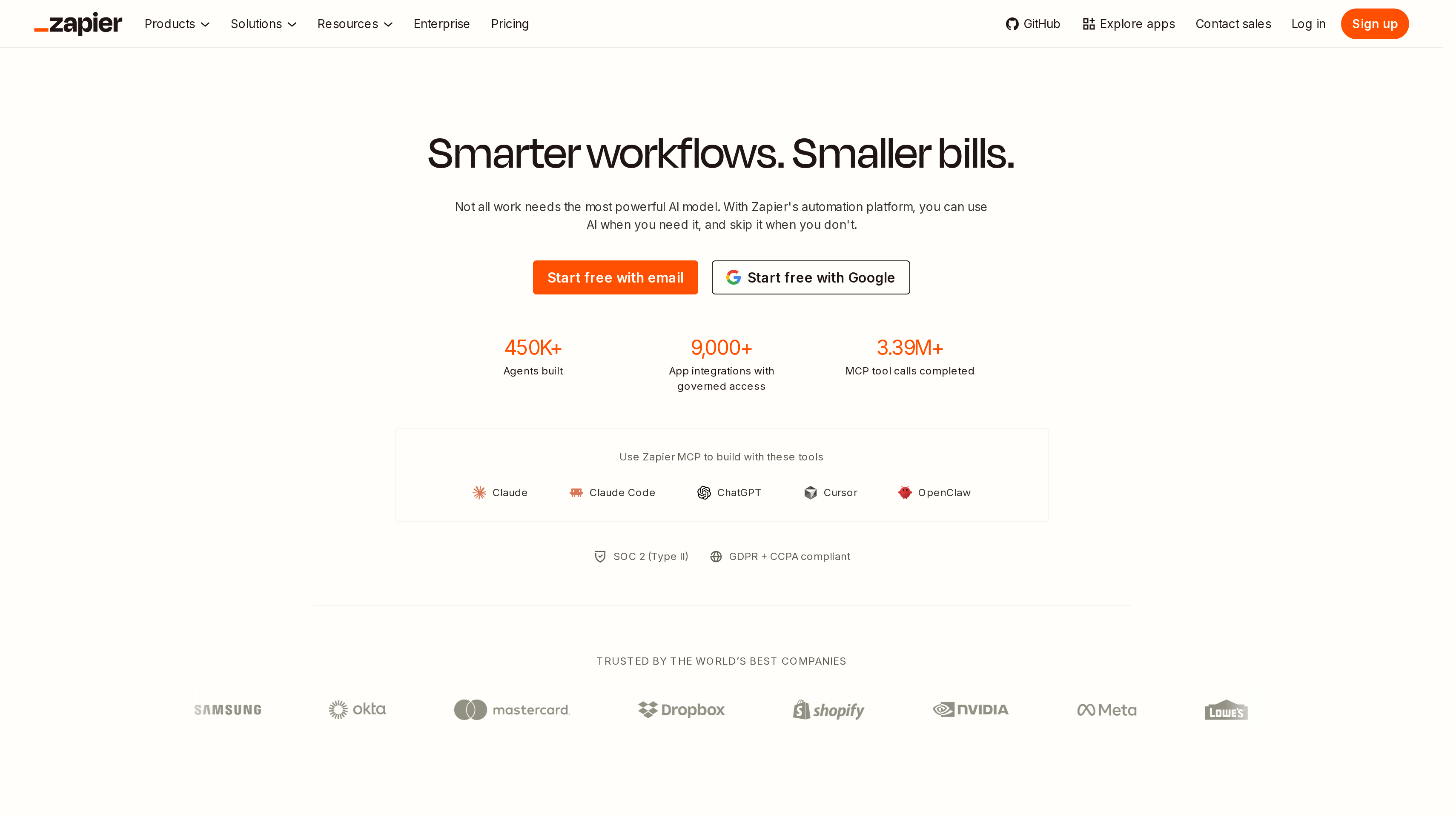
1. Zapier, best for the widest SaaS app catalog
Zapier connects 9,000+ apps through automated workflows called Zaps. Each Zap starts with a trigger and runs the actions you choose. That catalog is why it leads this shortlist for SaaS, app, and plugin teams. Most stacks already have a native Zapier app, so the first workflow is a mapping problem rather than a custom API project.
Free includes 100 tasks a month, unlimited Zaps, Tables, and Forms, and two-step workflows. Polling runs every 15 minutes. Professional starts at $19.99 per month billed yearly, or $29.99 on monthly billing, for 750 tasks. It adds multi-step Zaps, unlimited premium apps, webhooks, filters, paths, and AI by Zapier. Team starts at $69 per month billed yearly, or $103.50 monthly, for 2,000 tasks and 25 users. It adds shared Zaps, shared app connections, and SAML SSO. Enterprise is quoted and adds unlimited users, SCIM, and annual task limits.
A task is counted when an action step runs successfully. Triggers, filters, and several built-in tools do not count. New accounts get a 14-day Professional trial without a credit card. Zapier also ships Agents, Chatbots, Canvas, and MCP on top of the core task pool. Those add-ons have their own allowances.
Teams already on Affonso can send partner, referral, and payout events into a Zap through the Zapier integration. The same webhook guide covers the payload and signature.
Best suited for SaaS and app teams that want the largest connector catalog and a webhook path from product events into Slack, CRM, and finance. Shared folders and SSO on Team matter when more than one person owns the flows.
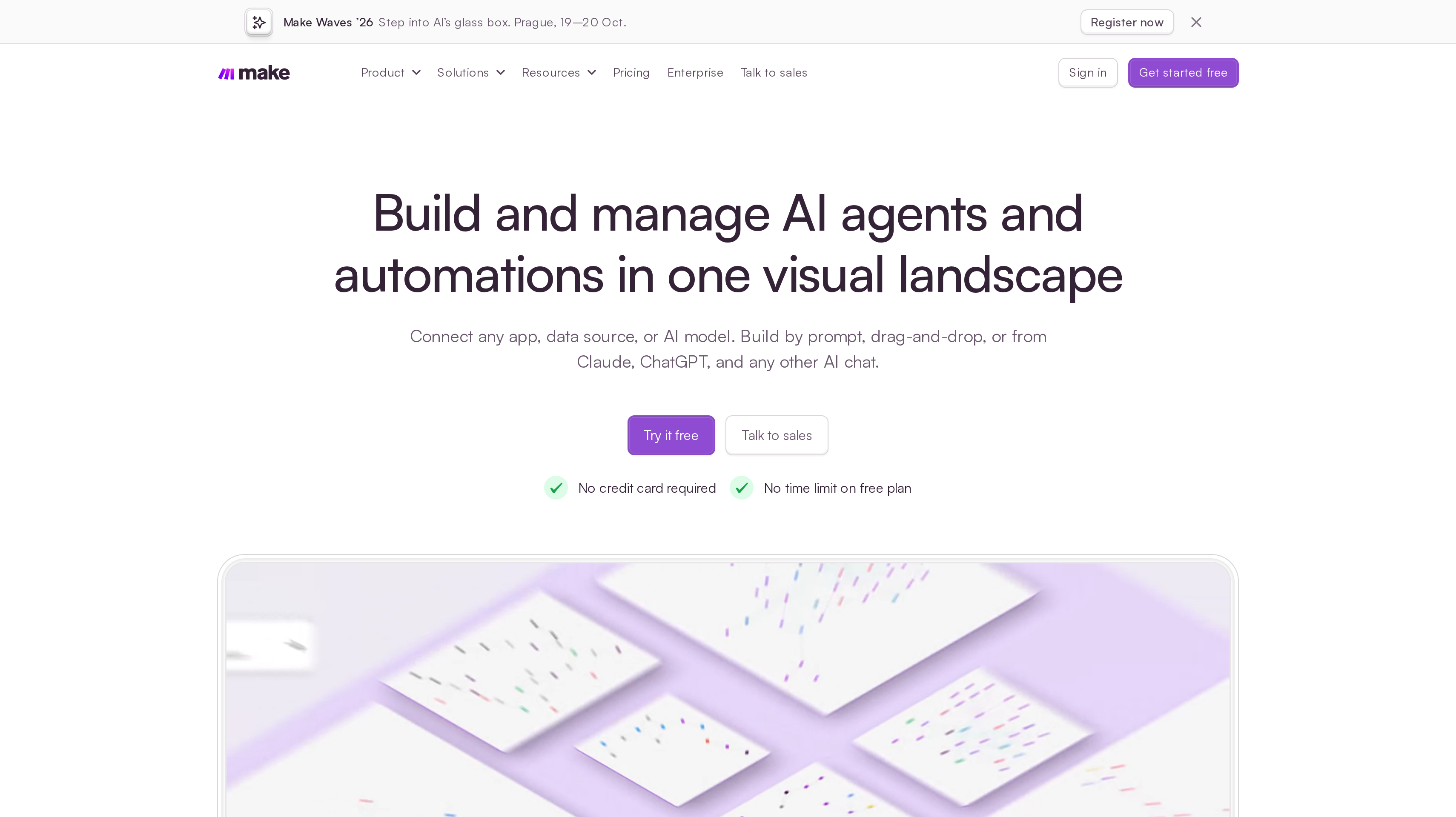
2. Make, best for visual scenarios at credit prices
Make is a visual automation platform. You build a scenario on a canvas, watch data move between modules, and branch with routers. Credits are the billing unit. Most module actions consume one credit. Router and error-handler modules do not.
Free includes 1,000 credits a month, 3,500+ apps, routers and filters, and a 15-minute minimum interval. There is no time limit on Free. Core starts at $9 per month for 10,000 credits and adds unlimited active scenarios, minute-level scheduling, and the Make API. Pro starts at $16 per month for 10,000 credits and adds priority execution, custom variables, and full-text execution log search. Teams starts at $29 per month for 10,000 credits and adds team roles plus shared scenario templates. Enterprise is quoted.
Paid plans include Make AI Agents, the Make Code app for JavaScript or Python, and an MCP server that can call your scenarios. Unused credits expire at the end of the term. If you run out, scenarios pause until you add credits, upgrade, or buy an extra bundle.
Teams already on Affonso can start a Make scenario from partner activity through the Make integration.
Best suited for ops and growth teams that want a visual canvas with branching and a lower entry price per unit of work. Credit volume and team roles decide whether Core is enough.
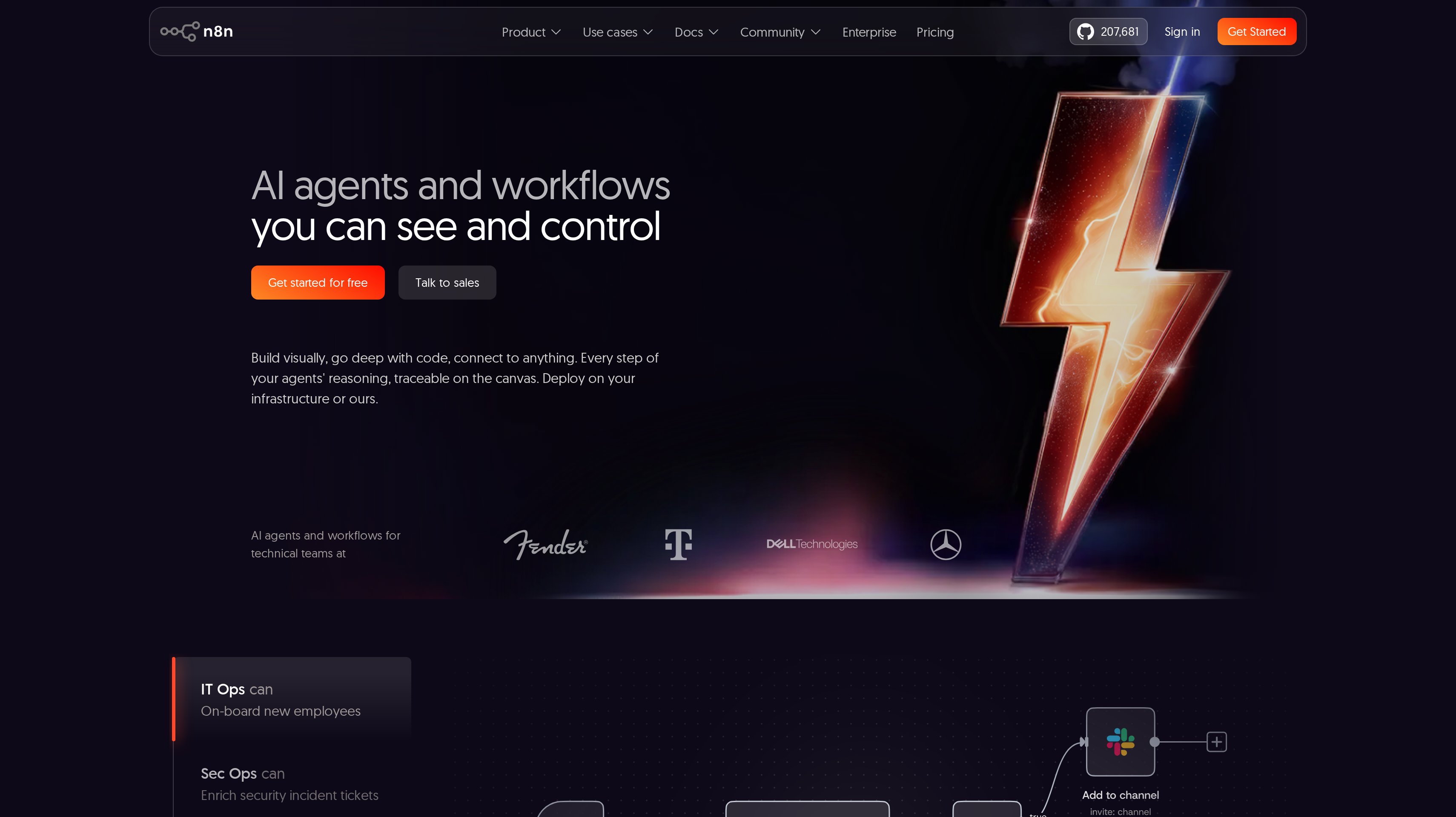
3. n8n, best for self-hosting and paying per execution
n8n is a workflow automation tool that can run in the cloud or on infrastructure you control. You build on a visual editor, drop into JavaScript or Python when a node is not enough, and pay for a full workflow run rather than each step. Official pages list 500+ pre-configured integrations. Anything else goes through HTTP or a pasted curl command.
Cloud Starter is 20€ per month billed yearly. It includes 2,500 executions, one shared project, five concurrent executions, agents, MCP and AI nodes, and 1,600 Assistant credits a month. Pro is 50€ per month billed yearly for 10,000 executions, three shared projects, up to 50 concurrent executions, admin roles, and workflow history. Business is 667€ per month billed yearly and adds SSO and LDAP, Git version control, queue mode, and multiple environments. Enterprise is quoted.
A Community Edition is available on GitHub for self-hosting. The Cloud trial includes 1,000 executions and Pro-level features without a credit card. An execution is one run of the whole workflow, no matter how many nodes it contains. n8n states a single instance can handle up to 220 workflow executions per second and that Cloud data is stored in Frankfurt.
Teams already on Affonso can build that workflow around an Affonso webhook through the n8n integration.
Best suited for technical SaaS teams that want to self-host or keep execution cost predictable as workflows get longer. Git environments and SSO on Business matter when several people ship production flows.
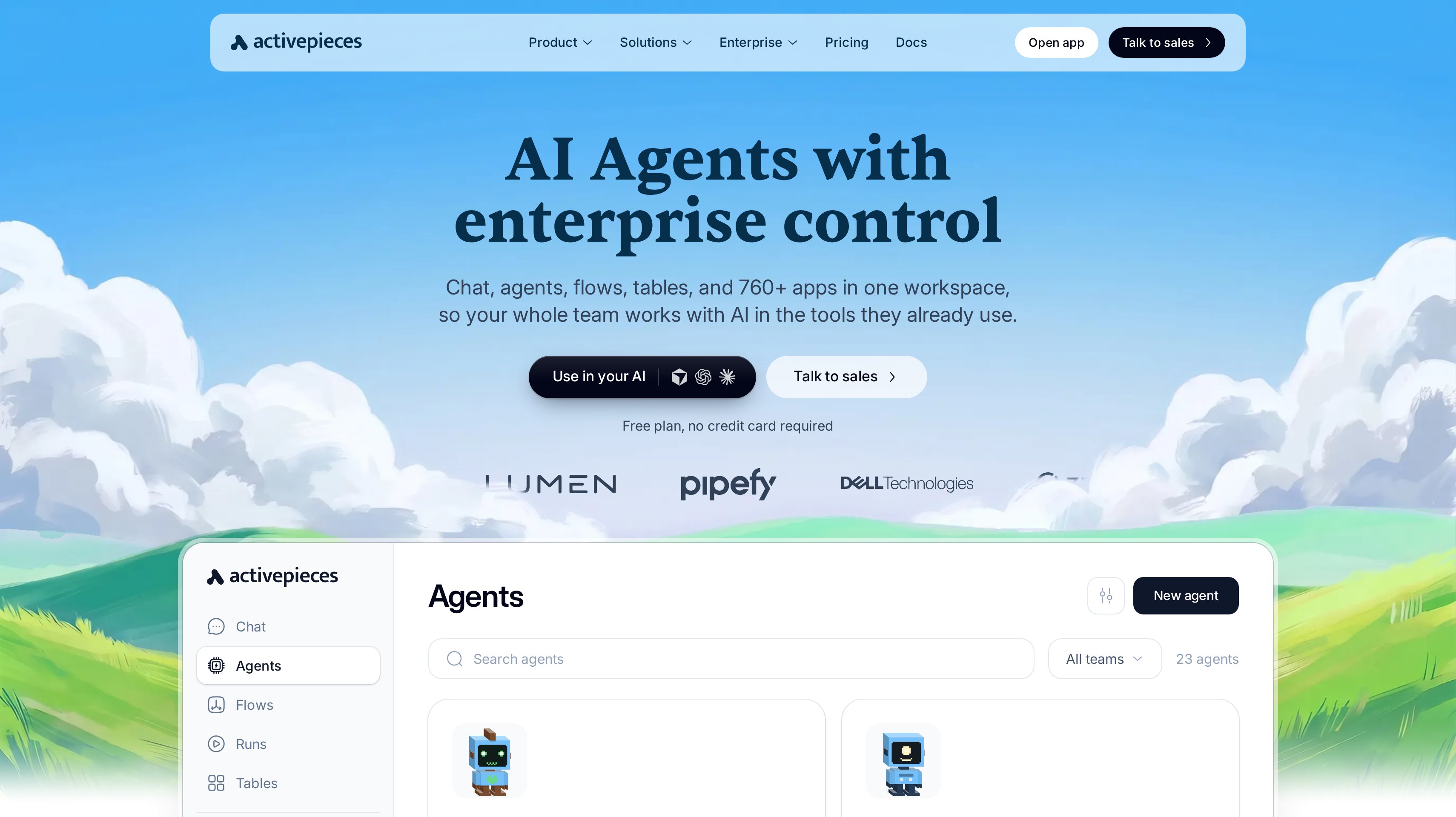
4. Activepieces, best for open-source pieces you can self-host
Activepieces puts flows, agents, tables, and chat in one workspace. The homepage lists 760+ open-source pieces. Every piece is MIT-licensed. You can call any REST or GraphQL API with the HTTP piece, write TypeScript inline, or describe a step and let the builder draft it.
Free is $0 with no card. It includes 1,000 credits a month, unlimited flows, up to five users, agents, tables, MCP, and API access. Plus is $20 per month for 10,000 credits and bring-your-own AI keys. Team is $200 per month for 50,000 credits, 25 users, unlimited projects, SSO, and standard roles. Ultimate is quoted. Embed starts at $36,000 a year if you want the builder inside your own product.
Hosting is cloud or on-prem on every plan. A Community Edition runs the automation core on your servers. Paying adds access control, projects, and the agent layer. On Plus and Team, extra credits are $0.007 each. A run is one credit, with extra credits for AI steps unless you bring your own keys.
Alan reports 300+ workflows deployed, $500k+ saved annually, and 6,300+ hours reclaimed after using Activepieces. Funding Societies reports 100+ automation flows and a quarter-year of manual work saved.
Best suited for teams that want an open-source connector library and the option to run the same product on their own servers. Plus is the step when Free credits are not enough and you want your own model keys.
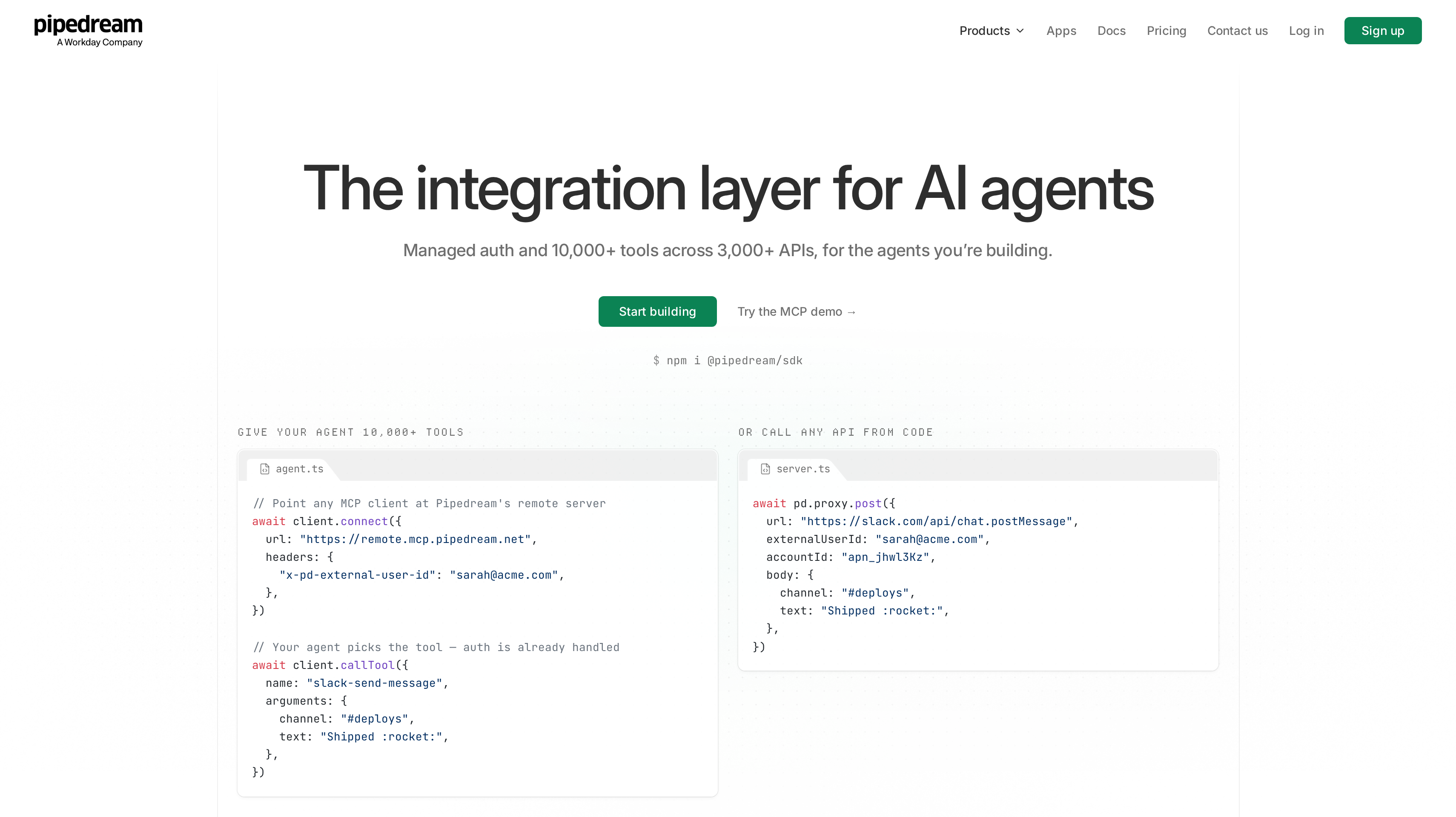
5. Pipedream, best for embedding integrations in your product
Pipedream is an integration layer for apps and AI agents. The free plan is for building and testing. It includes 3,000+ connectors, 10,000+ prebuilt tools and triggers, MCP servers, managed auth, unlimited team members, and no credit card. Production is a paid step.
Startup is $99 per month billed yearly, or $150 billed monthly. It includes a production environment, 100 external users, then $2 per extra user, and 10,000 usage credits, then $0.012 per credit. Business is an annual contract with volume pricing, SSO, SCIM, HIPAA, dedicated static egress IPs, and Slack support.
A usage credit is spent when you run an action, call a tool through MCP, send a request through the Connect proxy, or emit an event from a deployed trigger. Each credit covers 30 seconds of compute. Listing apps and other management calls do not use credits. Pipedream publishes SOC 2 Type 2 and GDPR on every plan.
This is the shortlist pick when the workflow is something your customers run inside your product, not only something your ops team runs in a shared account.
Best suited for product and engineering teams that need managed auth and connectors inside their own app. Startup is the gate from development to production users.
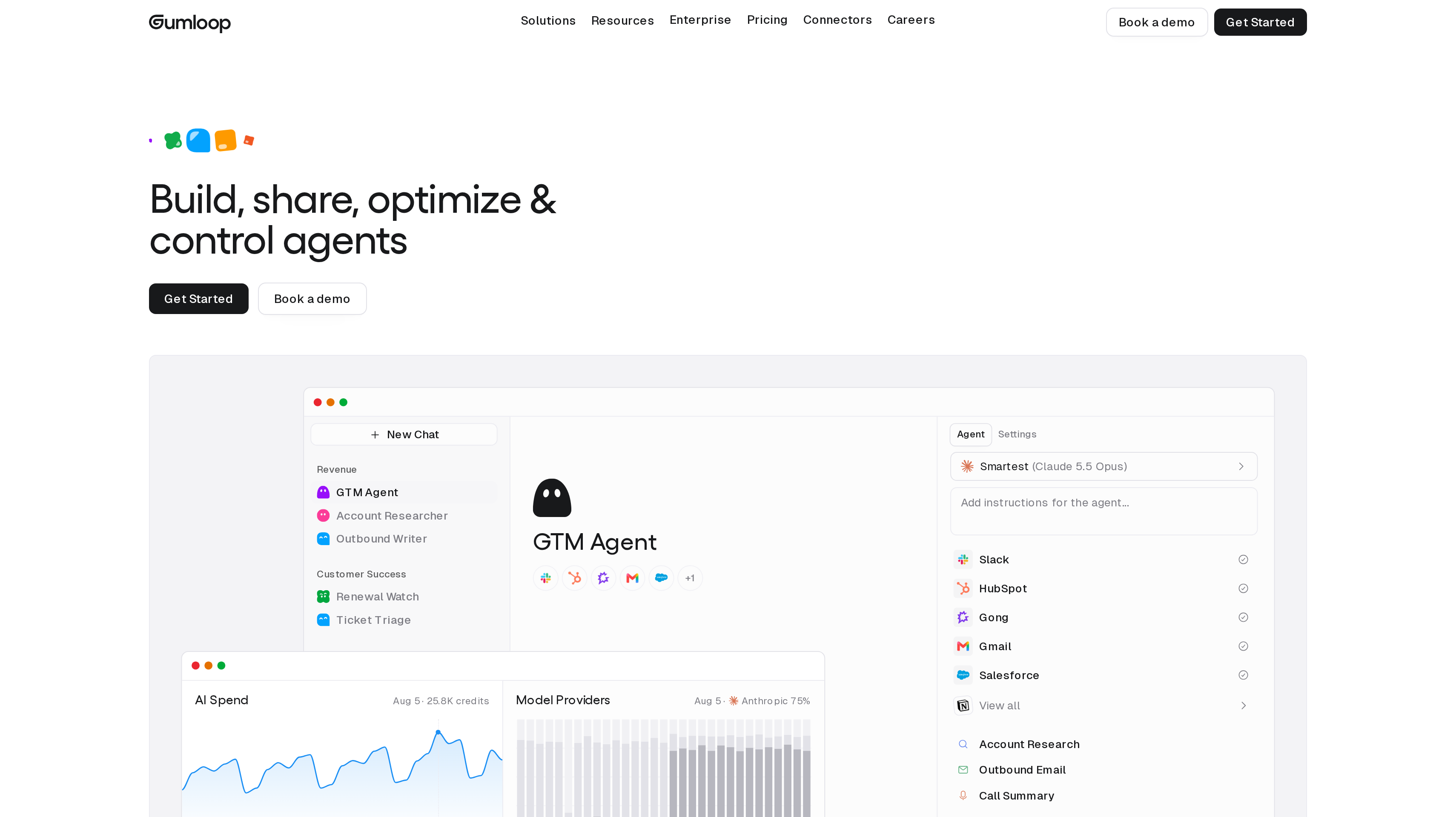
6. Gumloop, best for agent-first automation
Gumloop is built around agents that use connectors, write code, and spend credits on what they actually do. Official docs list 300+ built-in connectors. You attach Gmail, Slack, Notion, or Salesforce to an agent and ask it to complete a job. Credit cost varies by model, tool calls, and compute time.
Pro is $37 per month and includes 20,000 credits. Enterprise is quoted, with unused credits that roll over. Every new account starts a 14-day Pro trial. The trial requires a card and becomes a paid subscription unless you cancel. One credit is listed at $0.005. Overage on Pro is $0.005 per credit, with a default cap of 1,000,000 overage credits per billing period.
Credits do not roll over on Pro. Bring-your-own keys on Pro and above can drop model credits to zero and move token cost to your provider. Enterprise can run Gumloop in a VPC, which removes the compute charge because the work runs on your infrastructure.
Best suited for teams that want an agent to operate the apps they already use, instead of drawing every step on a canvas. Credit use and the card-required trial are part of that purchase.
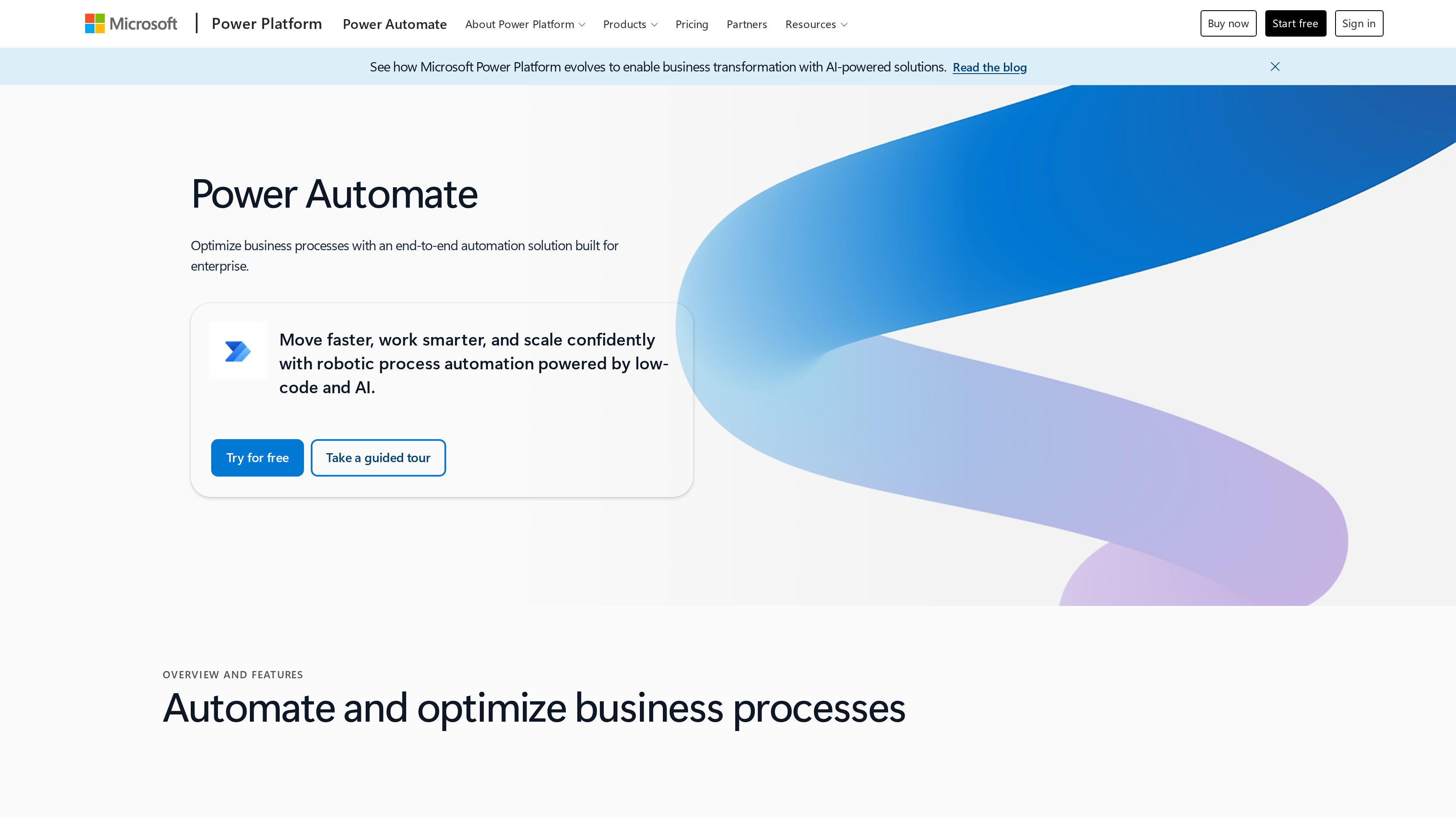
7. Microsoft Power Automate, best for Microsoft 365 and desktop RPA
Power Automate is Microsoft's low-code automation product. Cloud flows sit next to Excel, Teams, and SharePoint. Desktop flows add attended or unattended robotic process automation for apps that have no API. Microsoft lists more than 1,400 prebuilt certified connectors, and you can add a custom connector.
Premium is $15 per user/month paid yearly. It includes cloud flows, attended desktop flows, process and task mining with 50 MB of stored data, and Dataverse capacity. Process is $150 per bot/month paid yearly for unattended desktop flows or a process that should run without licensing every user. Hosted Process is $215 per bot/month paid yearly and adds a Microsoft-hosted virtual machine. A 30-day trial covers UI-based cloud flows and standard connectors.
Selected Microsoft 365 licenses include limited Power Automate use for personal productivity with standard connectors. Premium connectors, custom connectors, and RPA sit on the standalone plans. Microsoft recommends Premium for each user who builds, and a Process license for each unattended bot or core business process.
Best suited for teams already in Microsoft 365 that need cloud flows next to Office apps, or desktop RPA for systems without an API. Attended versus unattended licensing is the main plan split.
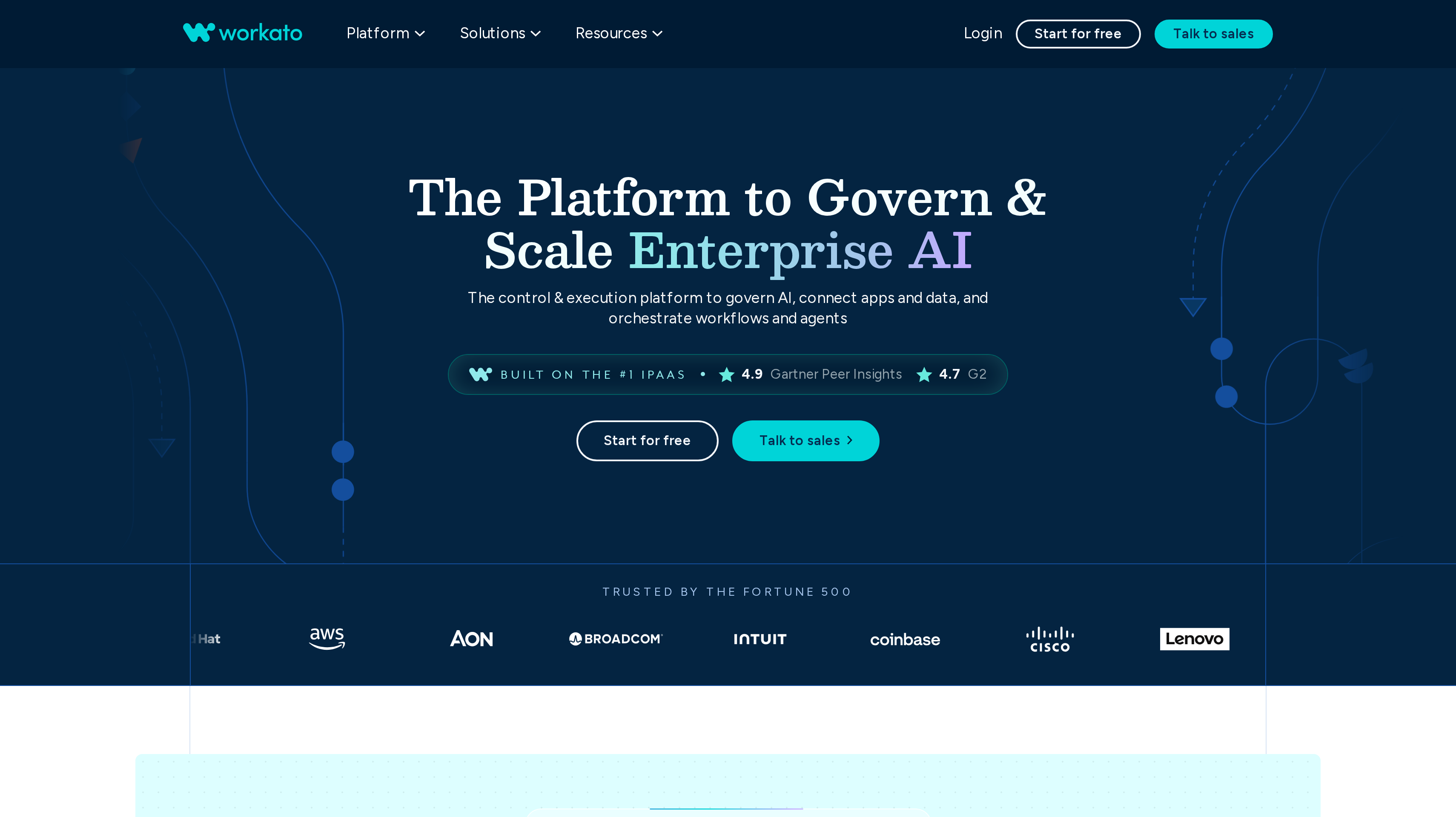
8. Workato, best for enterprise iPaaS and governed recipes
Workato is an enterprise integration and automation platform. Recipes connect applications, and the published editions add MCP servers, data pipelines, and an agent studio as you move up. Every edition includes 1,200+ pre-built connectors. Workato also states unlimited workspaces and users.
Standard lists application integration, recipe lifecycle management, dev/test/production environments, SAML SSO, MFA, custom OAuth profiles, and role-based access control. Business MCP adds pre-built MCP servers, an AI/MCP gateway, data integration, and an API platform. Enterprise MCP adds data pipelines, event streams, document processing, and tighter security controls. Workato ONE adds Agent Studio and Workato GO. List prices are not published. Workato says pricing varies by contract and when you joined.
On-premises applications and databases need an on-premises gateway. Consumption is tracked in a usage dashboard by capability. Stanley Toh reports more than 300 automations running between 105,000 and 120,000 jobs a month, and about 6,500 human hours saved a month. That is a vendor-published customer result on Workato's pricing page.
Best suited for enterprise IT teams buying integration software with environments, SSO, and a quote process. Recipe lifecycle and on-prem connectivity are the reason to evaluate it.
Side-by-Side Comparison
The comparison covers connector coverage, how you build a workflow, where it runs, whether you can embed it, and what the entry plan includes. Prices are in the vendor's published currency. USD list prices and euro Cloud prices are labelled separately.
Tool
Cost and capacity
App coverage
Workflow model
Hosting
Embed or developer path
Zapier
Free: 100 tasks/mo, two-step Zaps. Professional from $19.99/mo billed yearly, 750 tasks. Team from $69/mo billed yearly, 2,000 tasks, 25 users
9,000+ apps
Linear Zaps, paths, webhooks, optional agents
Cloud
MCP and SDK. Webhooks from Affonso
Make
Free: 1,000 credits/mo. Core from $9/mo, 10,000 credits. Pro from $16/mo. Teams from $29/mo
3,500+ apps
Visual scenarios, routers, Make Code
Cloud
MCP server, Make API
n8n
Community Edition self-hosted. Cloud Starter 20€/mo billed yearly, 2,500 executions. Pro 50€/mo, 10,000 executions. Business 667€/mo
500+ integrations, HTTP for the rest
Visual editor, JS/Python, agents
Cloud or self-host
API, CLI, MCP, OEM embed
Activepieces
Free: 1,000 credits, 5 users. Plus $20/mo, 10,000 credits. Team $200/mo, 50,000 credits, 25 users. Embed from $36k/year
760+ open-source pieces
Flows, agents, tables, TypeScript
Cloud or on-prem
API, SDK, MCP, white-label builder
Pipedream
Free for development. Startup $99/mo billed yearly or $150 monthly. 100 users then $2. 10,000 credits then $0.012
3,000+ connectors
Code and prebuilt tools, MCP
Cloud
Connect, MCP, production APIs
Gumloop
Pro $37/mo, 20,000 credits. 14-day trial requires a card. Enterprise quoted
300+ connectors
Agent builder, tools, optional flows
Cloud, Enterprise VPC
MCP connectors, BYOK
Power Automate
Premium $15/user/mo paid yearly. Process $150/bot/mo. Hosted Process $215/bot/mo. 30-day trial
1,400+ certified connectors
Cloud flows and desktop RPA
Microsoft cloud, hosted VMs
Custom connectors, Dataverse
Workato
Quote only. Standard through Workato ONE
1,200+ connectors
Recipes, MCP, optional Agent Studio
Cloud, on-prem agents
API platform, MCP servers
Which workflow automation tool fits your use case
Two SaaS companies can sell the same kind of product and need different workflow automation software. Start with the work the automation has to do. These rows map that work to the tools above.
Use case
What changes about the setup
What to look for
Shortlist pick
Connect a long SaaS stack
Billing, CRM, support, and Slack already exist. You need coverage more than a custom runtime.
Largest app catalog, webhooks, a trial without a card.
Zapier
Branching visual scenarios
One event fans out to several systems and you want to see the data on a canvas.
Routers, credit pricing, minute-level schedules.
Make
Self-host or pay per run
Credentials or data should stay on your infrastructure, or long workflows should not multiply the bill.
Community edition, execution pricing, code nodes.
n8n or Activepieces
Open-source pieces, cloud or on-prem
The team wants MIT-licensed connectors and the same product on either host.
Piece library, self-host, published cloud prices.
Activepieces
Embed integrations in the product
Customers connect their own apps inside your UI.
Managed auth, production user pricing, MCP.
Pipedream
Agent-first work
The job is described in prose and the agent picks tools.
Agent builder, credit model, connector catalog.
Gumloop
Microsoft 365 and desktop apps
Flows should start in Teams, Excel, or a desktop app with no API.
Cloud flows, attended or unattended RPA, M365 rights.
Power Automate
Enterprise iPaaS
Several environments, SSO, and on-prem systems need a quoted contract.
Recipe lifecycle, governance, connector count.
Workato
Proof: What results look like
Bookbot reports that Make cut part-time employee onboarding from over an hour to 21 minutes per hire, a 65% reduction, and saved more than 25 hours on annual tax-declaration signing. Those are vendor-published HR results for visual scenarios, not a SaaS billing stack.
Alan reports 300+ workflows, $500k+ saved annually, and 6,300+ hours reclaimed after using Activepieces. Workato publishes a customer quote from Stanley Toh: more than 300 automations running between 105,000 and 120,000 jobs a month, saving about 6,500 human hours a month. Both figures describe vendor-reported operations results.
Partner events use the same automation layer once billing and product flows are stable. Jonathan Wilke, founder of supastarter, reports that affiliates refer more than 50% of its customers. See more customer stories, then use the LTV:CAC analyzer to judge what a partner channel does to acquisition cost.
FAQ
What is the best workflow automation tool for SaaS?
Zapier ranks first in this shortlist for SaaS, app, and plugin teams that need the widest app catalog and a webhook path from product events into the rest of the stack. Make is the closer fit when you want a visual canvas and credit pricing. n8n is the closer fit when you want to self-host or pay per workflow execution.
How much do workflow automation tools cost?
Zapier Professional starts at $19.99 per month billed yearly. Make Core starts at $9 per month. n8n Cloud Starter is 20€ per month billed yearly. Activepieces Plus is $20 per month. Pipedream Startup is $99 per month billed yearly. Gumloop Pro is $37 per month. Power Automate Premium is $15 per user/month paid yearly. Workato is quote only.
What is the difference between workflow automation software and iPaaS?
Buyers use both names for tools that move data between apps. In this shortlist, Zapier, Make, n8n, and Activepieces are the usual workflow automation platforms. Workato is sold as enterprise iPaaS, with environments, on-prem agents, and a quote. Pipedream is closer to an embedded integration layer for your product.
Can I self-host a workflow automation platform?
Yes. n8n publishes a Community Edition on GitHub. Activepieces runs on your servers or fully air-gapped, with a Community Edition for the automation core. Gumloop Enterprise can run in a VPC. Zapier, Make, Pipedream, and Power Automate are cloud products. Workato connects on-prem systems through agents, which is not the same as hosting the platform yourself.
How should I compare tasks, credits, and executions?
Use the vendor's published unit. Zapier counts successful action steps as tasks. Make counts most module actions as credits. n8n counts one execution per full workflow run. Activepieces counts one credit per run, plus extra for hosted AI steps. Pipedream counts credits per 30 seconds of compute on production actions. Gumloop spends credits on model calls, tools, and compute.
Do workflow automation tools replace billing or CRM?
No. They read and write those systems. You still buy a billing provider, a CRM, and a place to publish product answers. The automation layer only runs the steps between them.
How do I add an affiliate program next to my automations?
Export what you can, then rebuild the highest-volume flows first in the new canvas. Confirm webhooks, credential sharing, and the new billing unit before you cut over. HTTP or webhook steps cover apps the new catalog does not list. Keep the old tool running until the replacement flows have a week of clean history.
Try for free
Pick the automation tool that matches how your team already builds. Connect billing and Slack first. Add one webhook from your product. Measure failed runs before you buy agents or unattended bots. When partners need the same events your ops flows already watch, keep those steps in the automation layer and run the program beside it. Start your Affonso free trial.
 Affonso
 Silvestro Zinnanti, FounderComparisonOctober 18, 202621 min read