Best heatmap tools in 2026: the buyer's shortlist.
Compare seven heatmap tools for SaaS, app, and plugin teams. See pricing, free plans, heatmaps, session replay, and the fit for your team.
Your pricing page gets visitors, but too many leave before signing up. The traffic report shows the exit. It cannot show the person clicking a plan label that looks like a button or scrolling past the answer they needed.
Heatmaps and recordings make those moments visible. You can see what people notice, where they hesitate, and which parts of the page they never reach.
This shortlist compares seven heatmap tools for SaaS, app, and plugin teams. Contentsquare, formerly Hotjar, ranks first for its mix of page-level insight, replay, and a generous free plan.
Key Takeaways
The short version, before you compare the tools.
Start with the page you need to understand. A marketing site needs click and scroll patterns. A signup form needs friction insights. An onboarding screen may need a recording with the technical context behind an unresponsive button.
Contentsquare leads for a broad heatmap and replay setup. Free includes 200,000 monthly sessions, heatmaps, replays, and one month of data access. Growth starts at $39 per month billed yearly and adds zone-based heatmaps, journey analysis, and Sense AI summaries.
Microsoft Clarity is the free starting point without traffic limits. It includes unlimited heatmaps, websites, and team members. Microsoft says anonymous behavior data helps improve its models, so include that data use in your team's evaluation.
Mouseflow and Crazy Egg serve different investigation habits. Mouseflow combines friction detection and form analytics with unlimited users. Crazy Egg suits marketers who want to inspect page behavior and then try an on-page change.
App debugging and enterprise analysis need their own fit. LogRocket connects replay to console and network logs. FullStory brings heatmaps, journeys, and replay into an enterprise experience platform, while Lucky Orange includes every feature on every plan for small teams.
Compare capture and access together. A session allowance, a pageview allowance, and a recording allowance measure different things. Retention matters too, because your team needs time to review what happened and decide what to change.
What heatmap tools actually are (and what they are not)
Heatmap software turns interactions on a page into a visual overlay. Click maps show where people press. Scroll maps show how far they travel down the page. Hover, movement, and attention views add other ways to investigate the areas drawing activity. Treat those patterns as clues about behavior, rather than proof that a visitor understood your message.
For your SaaS, app, or plugin business, the useful pages extend beyond the homepage. On pricing, you might investigate whether visitors reach the plan comparison. On signup, you might look for repeated clicks around a field. Inside onboarding, a recording can help explain why someone returns to the same screen without completing the next step. Keep mobile and desktop observations separate when their layouts differ.
Heatmaps combine activity across visits, while session replay lets you follow an individual visit in sequence. Together they help you move from a suspicious pattern to the interaction behind it. Web analytics, product analytics, and A/B testing tools are separate categories with different jobs. A recording can suggest a clearer button label, but it does not establish that the new label increases conversion.
Give the investigation a business question before collecting screenshots. You might want more qualified visitors to finish signup, rather than simply more clicks on a prominent element. The free LTV:CAC analyzer helps you put acquisition cost beside customer value before deciding how much time to invest in improving that journey.
How We Ranked These Heatmap Tools
This shortlist focuses on qualitative page behavior for SaaS, app, and plugin teams. The buying question is how you will see and investigate friction on your marketing site, pricing page, signup, and onboarding screens.
The comparison draws on public product descriptions, pricing, and vendor documentation. Heatmaps and replay determine the ranking; surveys, funnels, and testing are supporting capabilities.
We compared five criteria:
Heatmap coverage. Click, scroll, hover, attention, and other views that help explain activity on a page. The useful distinction is which question each view helps your team answer.
Replay and friction. Recordings that show an interaction in context, alongside signals such as rage clicks, dead clicks, or form problems where the product supports them.
Team workflow. Whether the findings suit a founder inspecting a landing page, a marketer improving signup, or an engineer reproducing an app issue.
Capacity and access. Monthly sessions or pageviews, recording allowances, project limits, retention, and team seats. These affect what you can observe and who can review it.
Cost and entry point. The free plan or trial, the paid plan's included capacity, and the features you need for your first investigation.
Vendor-reported outcomes are attributed to the company publishing them. They illustrate specific uses rather than promise the same result for your pages. We plan to review this guide quarterly and after material pricing changes.
The Best Heatmap Tools in 2026
The right starting point depends on whether you are studying a page, a form, or an app interaction. Each option below combines visual behavior data with a different way of investigating it. The ranking favors a useful heatmap and replay workflow first, then separates the more specific marketing, engineering, and enterprise fits.
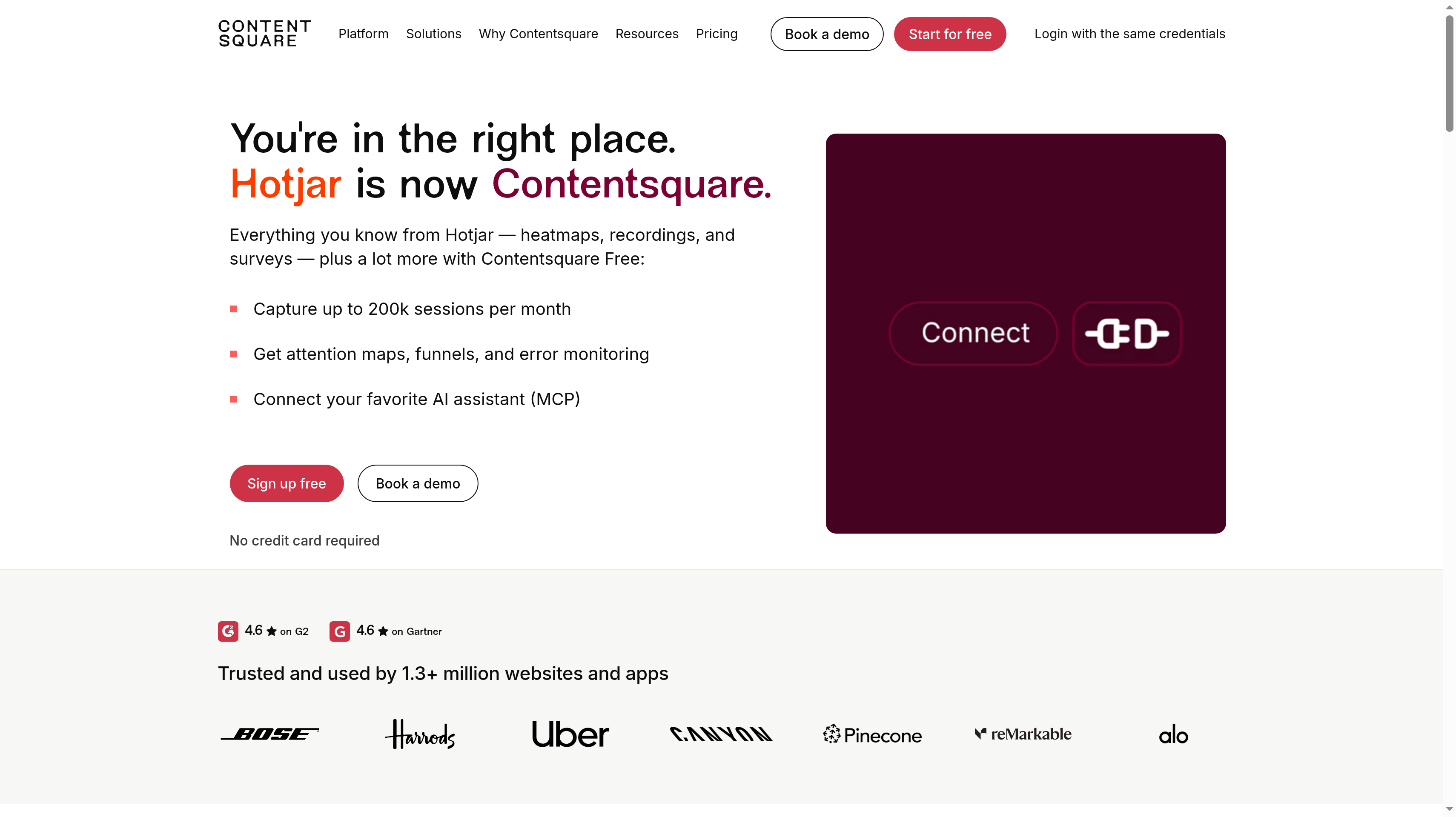
1. Contentsquare (formerly Hotjar), best for all-round heatmaps and replay with a generous free plan
Contentsquare brings click, hover, and scroll heatmaps together with Attention Maps and session replay. That combination gives your team a broad way to investigate a pricing page before opening individual recordings. You can identify an area worth examining, watch how visitors interact with it, and use surveys or feedback to ask about the uncertainty the recording cannot explain. That breadth earns it the first spot here.
Hotjar is now Contentsquare. New users sign up on Contentsquare because creating a new Hotjar account is no longer possible. Existing Hotjar users can log in with the same credentials. If your team has an older Hotjar evaluation document, use Contentsquare's current plans for the new setup.
Free includes 200,000 monthly sessions, one project, and one month of data access, with replays, heatmaps, funnels, error and performance monitoring, and basic surveys. New free accounts begin with a 15-day Growth trial without a credit card. Growth starts at $39 per month billed yearly or $49 monthly, from 7,000 monthly sessions, with three projects and 13 months of data access.
Growth adds zone-based heatmaps, journey analysis, Sense AI chat, and replay and heatmap summaries. Choose it for those investigation capabilities and longer access to findings. The paid starting allowance is smaller than Free's, so match the selected session volume to your actual traffic rather than assuming a higher tier automatically includes more capture.
Best suited for growth teams that want to move between page patterns, recordings, and visitor feedback while improving pricing and signup. You can begin with Free and evaluate whether deeper page analysis belongs in your weekly conversion work.
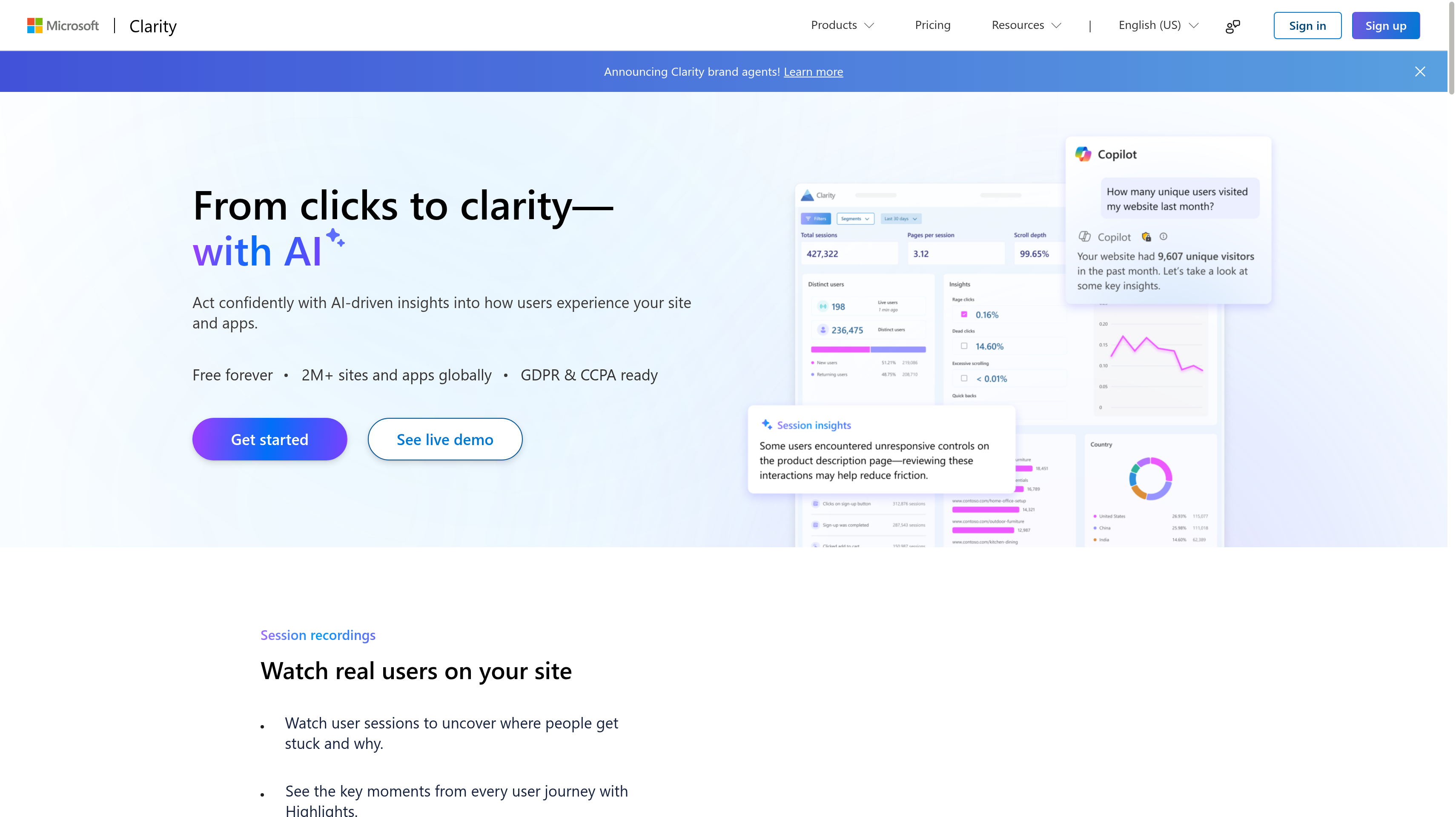
2. Microsoft Clarity, best for free heatmaps without traffic limits
Microsoft Clarity makes a practical starting point when you want to see what visitors do without adding a software subscription. It is free forever, with no traffic limits and unlimited heatmaps, websites, and team members. You can give the people responsible for your landing pages access without choosing a paid tier or deciding which colleague gets a seat.
Click, scroll, area, and conversion heatmaps cover the main page investigation tasks. Always-on session recordings let you look at the visits behind a pattern, while rage-click and dead-click insights help identify interactions worth watching. More than 40 segmentation filters give you ways to narrow the investigation instead of treating every visit as part of the same audience.
Copilot summarizes sessions and heatmaps, and smart events offer another way to organize behavior. The Google Analytics integration connects Clarity with your traffic reporting workflow. A founder might start with the signup page, notice people repeatedly clicking an inactive area, and review the related behavior before asking a designer to change the layout.
Microsoft also offers a mobile SDK for Android, iOS, Flutter, and React Native, plus an MCP server and browser extension. Microsoft says it uses anonymous behavior data to improve its models and never shares your data with third parties. That explanation of the free service belongs in your team's assessment alongside the heatmap capabilities.
Best suited for founders and small growth teams that want to investigate a live marketing site with no traffic cap. You can keep colleagues involved and build a habit of reviewing page behavior before committing a recurring budget.
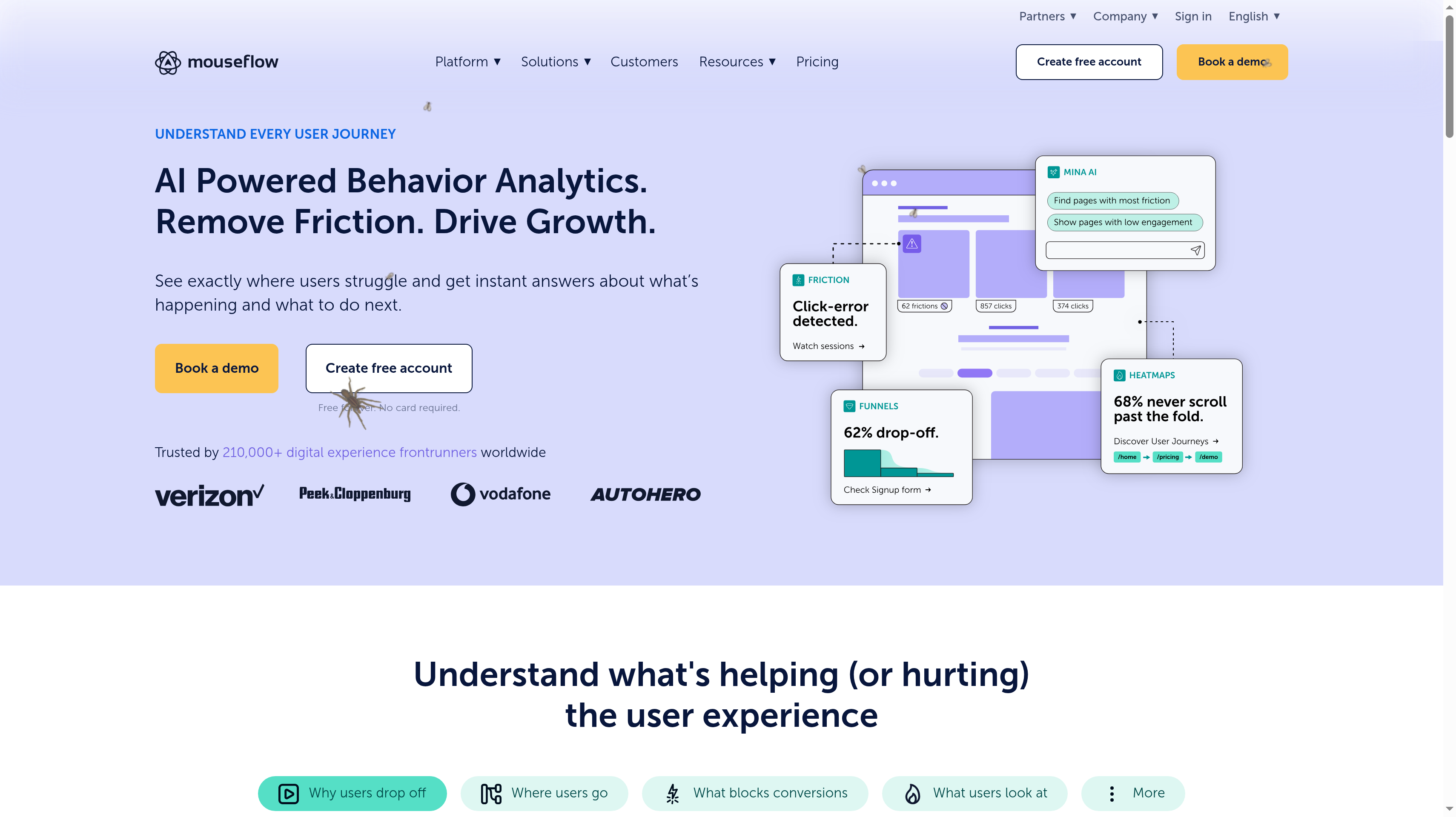
3. Mouseflow, best for friction and form analytics with unlimited users
Mouseflow puts friction detection beside session replay and website heatmaps. It is a useful fit when the question has become more specific than where visitors click. You may need to understand the signup form they abandon, the repeated action before an exit, or the page that keeps sending them back through the same journey. Form analytics and friction views support that investigation.
Its heatmaps include click, scroll, and geo views, with attention, movement, interactive, and friction heatmaps on higher plans. Mouseflow describes its session capture as unsampled, recording 100% of sessions within your plan's capacity. Unlimited users on every plan let marketing, design, support, and engineering review the same behavior without per-seat charges.
Free covers 500 monthly sessions, one website project, and one month of retention. Essential includes 5,000 monthly sessions. Advanced covers 25,000 sessions and five funnels, while Premium covers 100,000 sessions, ten funnels, and 12 months of retention. A 14-day free trial gives you an evaluation period before choosing the capacity for ongoing work.
Mina AI provides an assistant and weekly insights, while feedback surveys let you add a visitor's explanation to observed behavior. Premium includes data export, a REST API, and MCP access. Funnels and journeys help locate the relevant visits; the reason to choose Mouseflow here is the closer view of friction and forms once you reach them.
Best suited for teams sharing responsibility for signup completion and form usability across departments. Everyone can examine the same evidence and discuss a specific interaction rather than pass around separate descriptions of the problem.
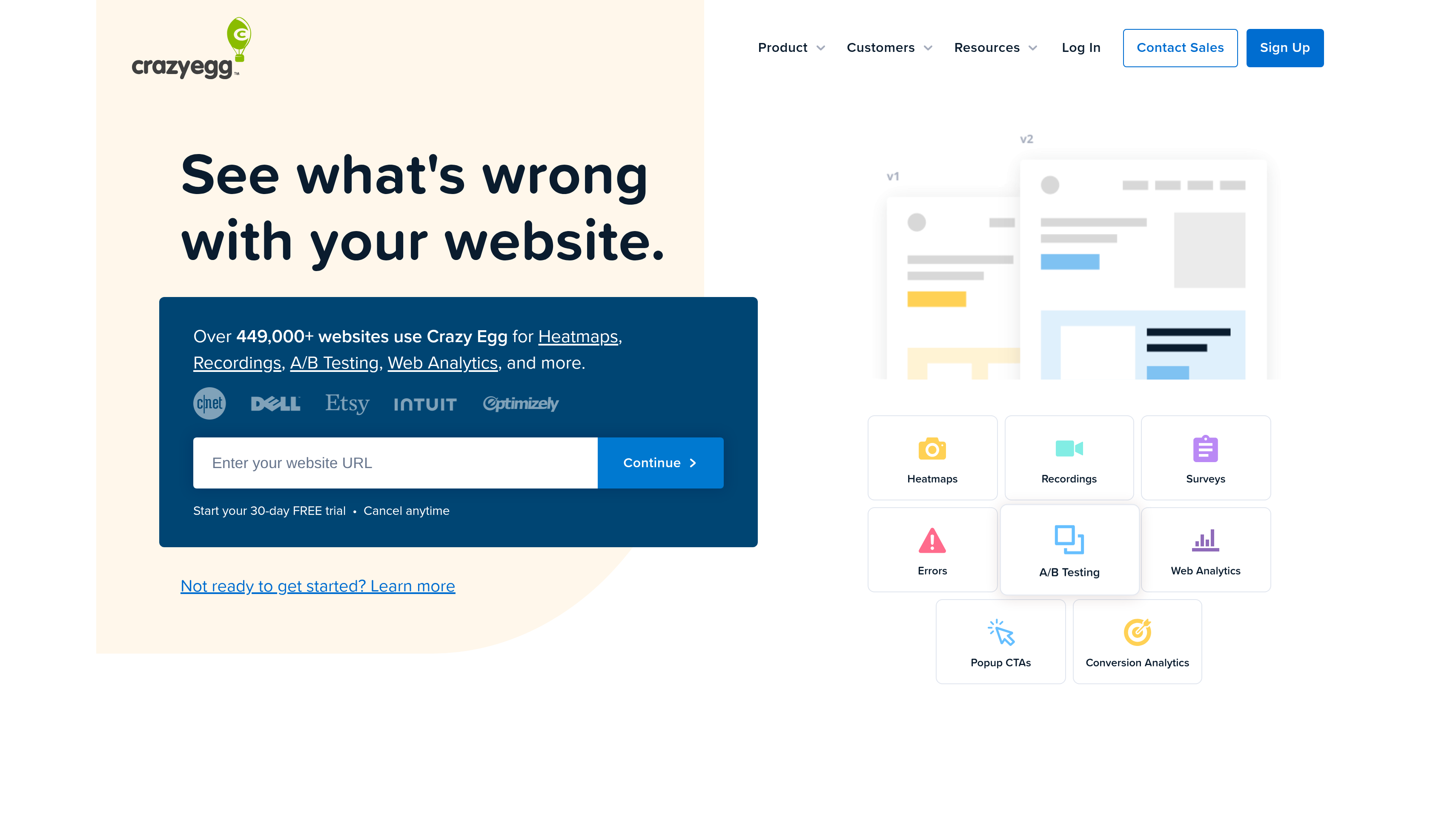
4. Crazy Egg, best for simple heatmaps and quick on-page tests
Crazy Egg suits the marketer who wants to inspect a page, understand a confusing interaction, and work on a change. Heatmaps and recordings are the starting point. Surveys and error tracking add context when a busy area of the page does not tell you enough on its own. The appeal is a direct page-review workflow for the people who own your marketing site.
Starter costs $29 per month billed annually and includes 5,000 tracked pageviews per month, five heatmap reports, and 50 monthly recordings. It also includes unlimited domains and team members, with AI analysis for heatmaps and recordings. Those separate allowances make it useful to choose the pages and visits you want to investigate before beginning an evaluation.
Plus is $99 per month billed annually for 150,000 tracked pageviews, 75 heatmap reports, and 1,000 recordings per month. It adds unlimited A/B testing, popup CTAs, and error tracking. Pro costs $249 per month billed annually for 500,000 pageviews, 100 reports, and 5,000 recordings. The 30-day free trial gives your team time to work through an initial page review.
For a SaaS pricing page or a plugin's landing page, start by asking whether visitors find the information needed to continue. Watch recordings around the areas drawing clicks, then decide which change deserves a test. The testing capability supports that next step; the heatmaps and recordings remain the reason Crazy Egg belongs on this list.
Best suited for marketing teams that own landing-page copy and layout and want a straightforward way to inspect them. You can turn a visible usability question into a concrete page change and follow it through the same working process.
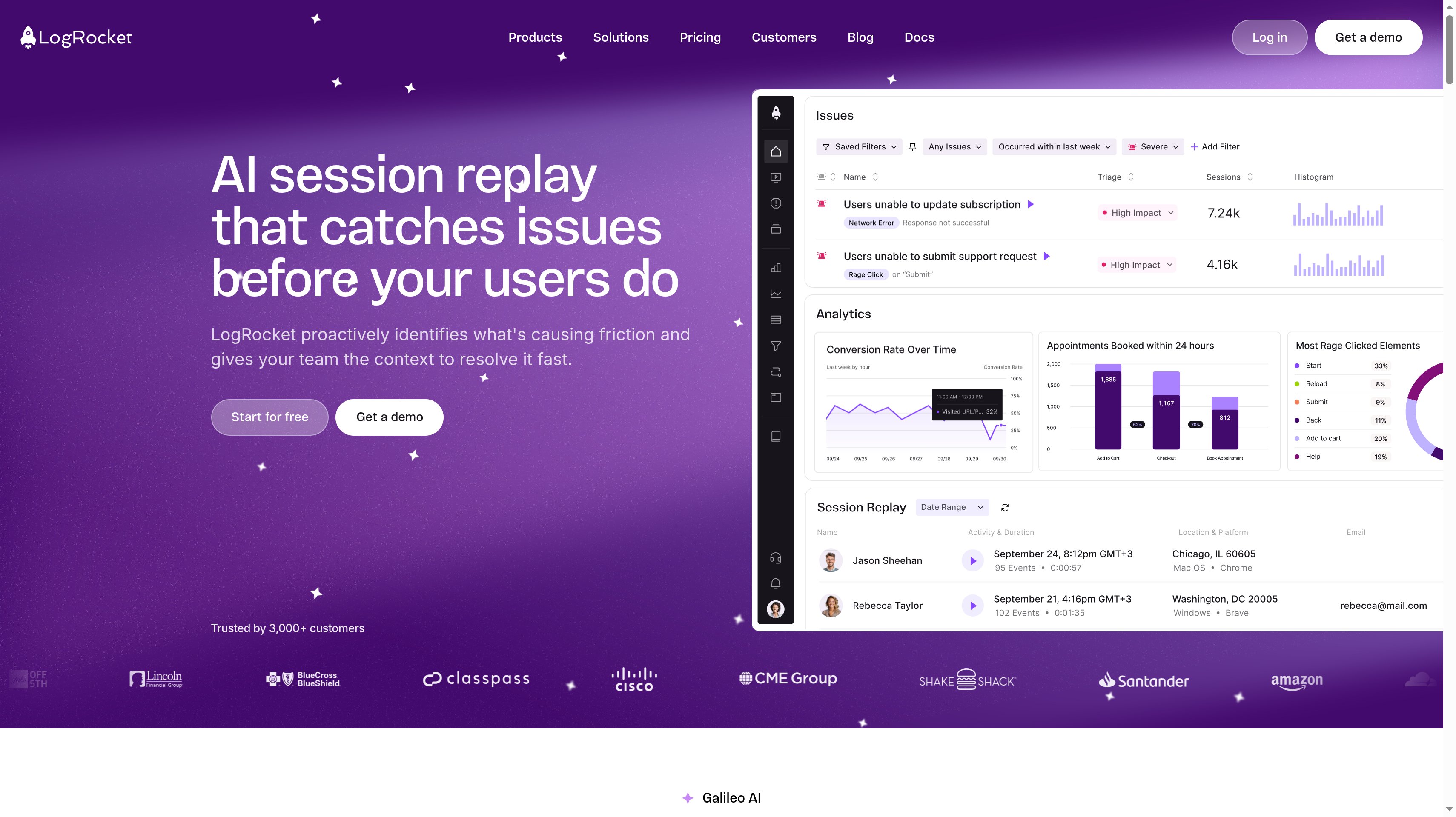
5. LogRocket, best for product and engineering teams debugging web-app UX
LogRocket connects session replay with the technical context behind an interaction. DOM playback, console logs, and network logs help your team investigate what happened when a person tried to use the app. A recording of a failed onboarding action becomes more useful when an engineer can examine the surrounding behavior and requests, rather than work from a screenshot and a short support message.
Clickmaps, heatmaps, and rage-click maps help identify the parts of an interface that deserve closer attention. Error tracking and frontend performance monitoring add context to those visual clues. For this shortlist, that connection between visible frustration and an investigation an engineer can act on is LogRocket's strongest fit. Product analytics is a secondary part of the package.
Core and Pro are priced by monthly sessions, with analytics, errors, and logs always unlimited. Pro adds Galileo AI, which watches sessions, surfaces issues, and gives reproduction steps. Enterprise has custom pricing and unlimited seats. A 14-day trial includes all features without a credit card, so you can evaluate the workflow using an issue your team already understands.
Installation uses NPM or a script tag, and a self-hosted option is available for regulated industries. During an evaluation, choose an onboarding or account-setup interaction and see whether replay plus logs helps the person responsible reproduce it. That exercise tests the handoff between product observation and engineering work, which is the main buying decision here.
Best suited for product and engineering teams investigating confusing or broken interactions inside a web app. You get a shared account of the visitor's experience and technical evidence to help move an issue toward a fix.
6. FullStory, best for enterprise digital experience analytics
FullStory places session replay, heatmaps, and journeys inside a broader behavioral data platform. It is aimed at enterprises that need to understand customer experience across teams. For a larger SaaS company, the useful question is whether the people responsible for a journey can investigate the same behavior and agree on the interactions that need work.
Its heatmap coverage includes scroll maps and click maps alongside replay. You can use a page-level pattern to frame the question, then examine visits to understand the sequence around it. Journeys add context when the confusing interaction is only part of a longer route through your site or app. The qualitative evidence remains central even when the wider platform supports other analysis.
FullStory's plan comparison lists role-based access control and SAML single sign-on, along with configurable form privacy. Those capabilities matter when a behavior-analysis rollout involves an internal access review. They give you concrete topics to bring to the demo alongside the marketing or onboarding journey you want to inspect.
The buying process is sales-led, with pricing requested through a demo. Bring a real investigation to that conversation and include the colleagues who will review access and deployment. Ask how the selected package supports your heatmaps, replay, retention needs, and working process. A broad platform earns its place when those people can use its findings to make decisions about the customer experience.
Best suited for enterprise teams that need page and session evidence within an experience analytics platform subject to internal access controls. Your evaluation can involve growth, product, and the people responsible for approving the rollout together.
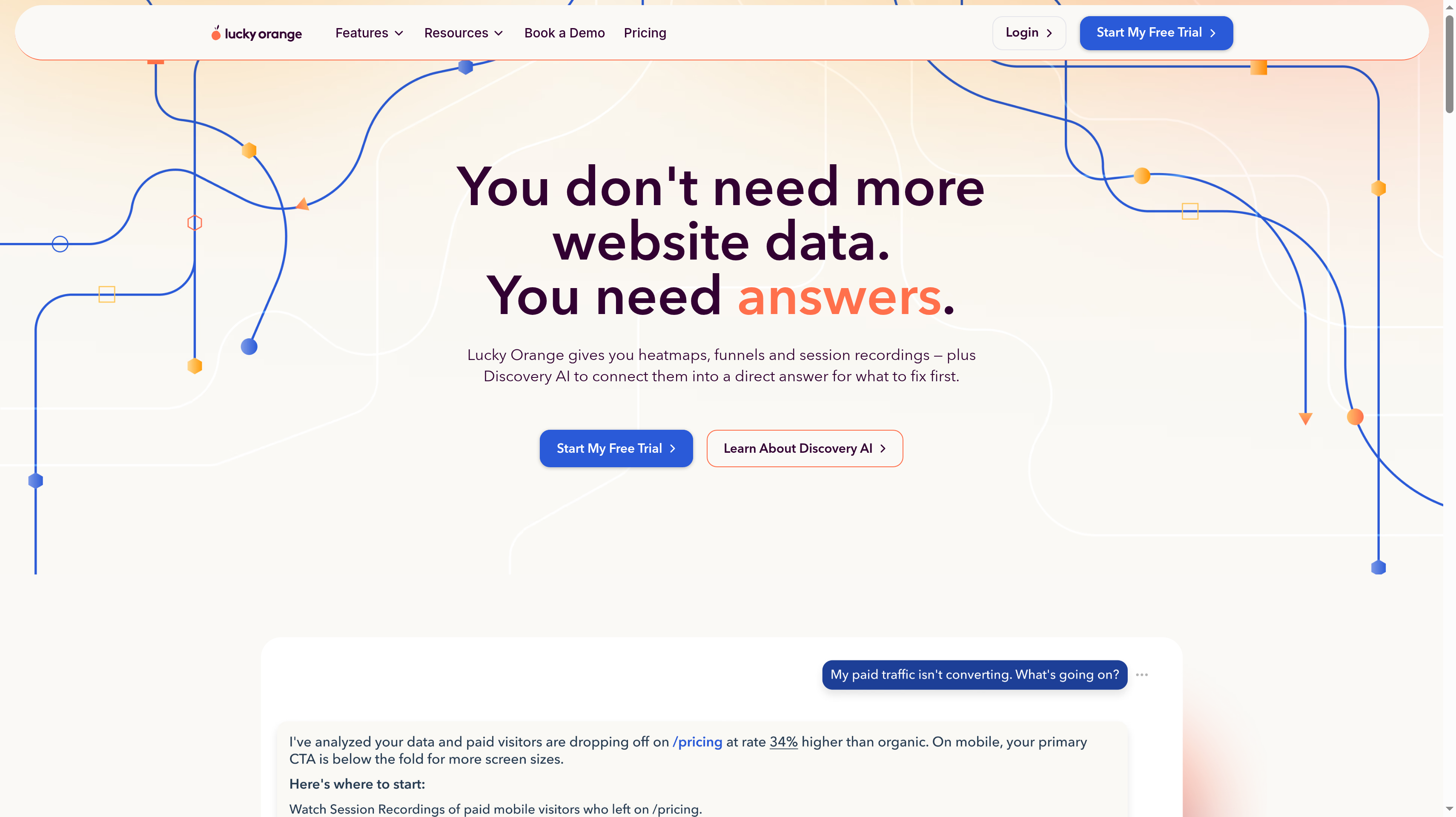
7. Lucky Orange, best for small teams that want every feature on every plan
Lucky Orange combines dynamic heatmaps and session recordings with a broad set of visitor tools. Every feature is available on every plan, and team members are unlimited. That makes the entry decision about session capacity rather than which investigation feature you might need later. A small team can evaluate the whole workflow while it is still learning where visitors struggle.
Dynamic heatmaps let you study page interaction, while recordings provide the sequence behind it. Page and form analytics help focus questions about pricing or signup. Discovery AI adds another way to explore findings. The product also includes live visitor view, live chat, unlimited surveys, and announcements, so the same team can observe behavior and ask visitors about it.
Build costs $32 per month paid annually for 3,500 monthly sessions, or $39 on monthly billing. Grow is $72 per month paid annually for 10,000 sessions. Expand starts at $199 per month paid annually for 50,000 sessions, while Scale starts at $839 per month paid annually for 300,000 sessions. Base data storage starts at 60 days.
A seven-day free trial lets you try the feature set, and additional websites cost $5 per site. Keep your first investigation focused even with everything available. Review a pricing-page heatmap, watch the related behavior, and use a survey if the visitor's reason remains unclear. The extra tools support that conversation without becoming the purpose of the evaluation.
Best suited for small teams that want heatmaps, recordings, and visitor feedback available from their entry plan. You can choose session capacity around your traffic while keeping the same set of tools available to your colleagues.
Side-by-Side Comparison
Compare the page views you need with the way your team investigates a problem. The entry price alone does not tell you how many visits you can replay or how long findings stay available. Use this table to narrow your shortlist, then match the plan to the pages and traffic you intend to study.
Friction and form investigations with unlimited users
Crazy Egg
Starter $29/month billed annually
30-day trial
Heatmaps with AI analysis
Starter includes 5,000 monthly pageviews, five reports, and 50 recordings
LogRocket
Core and Pro priced by monthly sessions
14-day trial, no credit card
Clickmaps, heatmaps, rage-click maps
Replay with console and network logs for app UX debugging
FullStory
Custom quote through sales
Demo-led evaluation
Click maps, scroll maps, heatmaps
Enterprise experience platform with replay, journeys, and access controls
Lucky Orange
Build $32/month paid annually; $39 monthly
Seven-day trial
Dynamic heatmaps
Every feature on every plan; unlimited team members; Build has 3,500 monthly sessions
Which heatmap software fits your use case
Choose around the work you can act on this week. If a founder owns the marketing site, a free heatmap and a handful of relevant recordings can support the next copy decision. If an engineer needs to reproduce an onboarding issue, logs beside replay may matter more than the breadth of page reports.
Give your evaluation an owner and a concrete question. Keep observations separate from explanations: a repeated click is visible, but the visitor's reason still needs investigation. The use cases below connect that responsibility to a suitable starting point.
Use case
What changes about the setup
What to look for
Founder who wants free marketing-site heatmaps today
You need to see what happens on the live page and share findings without adding a subscription.
Microsoft Clarity for unlimited traffic and team access; Contentsquare Free for a broad heatmap and feedback setup. Start with the page closest to signup.
Growth marketer improving pricing and signup
Page patterns need to lead to an explanation and an edit your team can make.
Contentsquare for heatmaps, recordings, and visitor feedback; Crazy Egg for a focused page review with testing available afterward. Compare mobile and desktop behavior separately.
Team investigating friction and forms with unlimited seats
Marketing, support, and design need to discuss the same abandoned interaction.
Mouseflow for friction detection, form analytics, and unlimited users. Choose capacity and retention that let colleagues examine the behavior before it expires.
Product and engineering team debugging app UX
The recording needs enough technical context to support reproduction.
LogRocket for DOM playback with console and network logs. Evaluate it with a known onboarding issue and include the engineer who will work on it.
Enterprise team needing a governed experience platform
Access review and an agreed rollout process become part of the purchase.
FullStory for heatmaps and replay in a wider experience platform. Bring your access requirements and a real customer journey to the demo.
Small team wanting every feature on the entry plan
You want to try observation and visitor feedback without choosing feature upgrades first.
Lucky Orange for its full feature set on every plan. Select the session allowance for your traffic and keep the initial investigation focused.
Proof: What results look like
Mouseflow publishes that WP Engine cut support tickets by 27% using feedback surveys. It also reports that Booking.com saw 37% less search dissatisfaction. These are vendor-published customer outcomes for particular workflows, including feedback collection, rather than a promise that adding a heatmap will produce the same change on your site.
Crazy Egg says more than 449,000 websites use it. Microsoft Clarity says it runs on more than two million sites and apps. Adoption shows that these tools serve live websites at scale; it does not tell you which one will explain your own signup friction. Your useful proof is an observed interaction, a clear change, and a subsequent check of the result.
Acquisition is another part of that work. Jonathan Wilke, founder of supastarter, reports that affiliates refer more than 50% of its customers through its program with Affonso. Read the customer testimonials, then use the LTV:CAC analyzer to judge the economics of bringing more referred visitors into the journey you are improving.
FAQ
What are the best heatmap tools for SaaS?
Contentsquare ranks first here for teams that want broad heatmaps, replay, and feedback with a generous free plan, while Clarity is the free choice without traffic limits. Mouseflow fits form and friction investigations, and LogRocket suits app debugging. Choose the workflow your team will use to turn an observed interaction into a specific improvement.
What is the difference between heatmaps and session replay tools?
Heatmaps combine interactions into a page view that helps you spot patterns, such as clicks concentrated around a particular element. Replay follows an individual visit, giving you the sequence around a confusing action. Use the heatmap to decide where to investigate and recordings to examine what happened before assuming you know the cause.
Which heatmap tools are free?
Microsoft Clarity is free forever without traffic limits, Contentsquare Free includes 200,000 monthly sessions with one month of data access, and Mouseflow Free covers 500 monthly sessions. Crazy Egg, LogRocket, and Lucky Orange offer trials. Match the free option to your traffic and review schedule so the useful visits remain available when someone investigates them.
What happened to Hotjar, and what are good Hotjar alternatives?
Hotjar is now Contentsquare, and new users sign up there because new Hotjar accounts are no longer available; existing users keep the same login credentials. Clarity is an alternative for free heatmaps without traffic limits, while Mouseflow fits friction and form analysis. Crazy Egg is another option for marketers investigating page behavior and preparing changes.
Do heatmap and recording tools slow down my website?
Behavior capture adds work in the browser, and the effect depends on the implementation and the page. Compare performance before and after enabling capture on representative pages, including signup and any interaction your visitors depend on. Use that result to decide how the tool fits your site, rather than assuming every script has the same effect.
Are heatmap and session recording tools GDPR compliant?
Microsoft describes Clarity as GDPR and CCPA ready. That is a vendor claim, rather than a compliance conclusion for your implementation. Have the person responsible for privacy assess the data you intend to capture and your setup before rollout, especially when recordings involve account screens or forms.
How many sessions do I need for a useful heatmap?
There is no single threshold that makes every page informative; usefulness depends on the consistency of the behavior and the question you are asking. Keep the page version, device layout, and audience comparable, then look for repeated patterns and examine the recordings behind them. A striking patch of color alone is a weak reason to redesign a page.
How do partner and affiliate visitors fit into heatmap analysis?
Segment visits from partner links to see how referred visitors behave on your pricing and signup pages, using consistent tags from the UTM link builder. Then reward the partners who send customers, with saas affiliate software such as Affonso tracking referrals, commissions, and payouts. The behavior tool explains the visit; referral tracking connects the customer to the partner.
Try for free
Pick the tool that answers the question your team can act on next. Inspect a pricing or signup page and watch the behavior behind a repeated problem. Make the change your evidence supports, then review what happens afterward. When the journey is clearer, bring more relevant visitors through affiliate and partner programs. Affonso helps you track who referred each customer, what the partner earns, and the payout. Start your Affonso free trial.
 Affonso
 Silvestro Zinnanti, FounderComparisonNovember 3, 202622 min read