Best Google Analytics alternatives in 2026: the buyer's shortlist.
Compare eight Google Analytics alternatives for SaaS, app, and plugin teams. See pricing, privacy, data ownership, revenue attribution, and the fit for your site.
You publish a comparison page, launch a campaign, and open GA4 to find out whether either brought customers. The answer takes longer than the work that prompted the question.
For your marketing site, you need to know where visitors come from, what they read, and which visits become signups or revenue. Privacy and data ownership belong in that buying decision too.
This shortlist covers eight Google Analytics alternatives for SaaS, app, and plugin companies. Plausible ranks first for combining a lightweight, EU-hosted setup with useful campaign and conversion reporting.
Key Takeaways
The buying decisions that matter before you open a trial.
Plausible is the first pick for a SaaS marketing site. Cookieless tracking, EU-owned infrastructure, goals, and campaign reporting cover the everyday job. Starter is $9 per month on monthly billing for up to 10,000 pageviews, with deeper revenue attribution on Business.
The usage unit matters as much as the price. Most tools here price by pageviews, Matomo Cloud prices by hits, and Umami and DataFast price by events. A busy page with several tracked actions can consume more than one unit.
Many sites change the comparison. Fathom's $15 monthly plan includes 50 sites sharing 100,000 monthly pageviews. Pirsch Standard includes 50 websites and unlimited members for $6 per month at 10,000 monthly pageviews.
Open source gives you another deployment choice. Matomo, Umami, and Rybbit are open source, and Matomo and Rybbit explicitly offer self-hosting. Compare the managed cloud plan separately from the work of operating software yourself.
Free capacity differs from a free evaluation. Umami Hobby includes 100,000 monthly events at no cost. Simple Analytics has a hobby plan with one month of history and a required badge, while other vendors offer trials with different lengths and card requirements.
Choose the report you need to act on. DataFast centers the decision on revenue by traffic source. Simple Analytics focuses on the visits missing when GA4 visitors reject consent. Those are different reasons to change your measurement setup.
What Google Analytics alternatives actually are (and what they are not)
For this shortlist, an alternative measures visits to your public website. It tells you which sources send traffic, which pages attract attention, and whether visitors complete a goal such as submitting a form or starting a trial. For a SaaS team, the useful outcome is a clearer decision about content, campaigns, or acquisition spending.
Privacy-friendly web analytics changes how that information is collected. The tools here emphasize cookieless measurement, with several also describing no personal data collection, European hosting, or self-hosted deployment. These details answer different questions. Cookie use concerns the measurement method; hosting tells you where data lives; ownership and deployment decide who controls the system.
Your marketing site also has a journey to measure. Someone reads an article, opens pricing, and completes a signup form. Goals and funnels help you understand that path, while UTM parameters distinguish campaigns that send traffic to the same landing page. Use the free UTM link builder to give campaigns consistent names before you compare their performance. Otherwise, the dashboard can split one campaign across several labels.
In-product event analytics and heatmaps are separate categories from the marketing-site measurement covered here. Revenue tracking connects that website view to payments, helping you see which campaigns bring paying customers.
How We Ranked These Web Analytics Tools
This shortlist focuses on replacing GA4 for the marketing site of an existing SaaS, app, or plugin company. The ranking favors useful acquisition and conversion reporting with a privacy-friendly collection model.
The comparison draws on public product descriptions, published pricing, and vendor documentation. Each recommendation centers on a specific job for your team.
We compared five criteria:
Privacy and hosting. Cookie use, personal data collection, EU hosting, infrastructure ownership, and the option to self-host. A vendor's privacy claims are described alongside its collection model, rather than treated as interchangeable labels.
Acquisition reporting. Referrers, UTM campaigns, channel grouping, and the route from a traffic source to a useful marketing decision.
Goals and revenue. Form completions, custom events, funnels, and payment attribution. The relevant plan matters because basic goal tracking and deeper revenue reporting can sit on different tiers.
Setup and ongoing access. Script footprint, site and team allowances, shared reporting, APIs, and Google Analytics imports.
Cost and retained history. Billing terms, pageviews versus hits or events, free capacity, trial requirements, and retention. We compare the published allowance with the price so you can map it to your own traffic.
Customer outcomes remain attributed to the vendor or person reporting them. They illustrate a use case rather than predict your results. We plan to review this guide quarterly and after material pricing changes.
The Best Google Analytics Alternatives in 2026
The best website analytics tools make the next marketing decision easier to see. These eight options differ in how much reporting they include, where your data lives, and what you pay to keep it. Start with your main reason for replacing GA4, then compare the plan that actually covers that job.
1. Plausible, best overall for privacy-friendly SaaS marketing sites
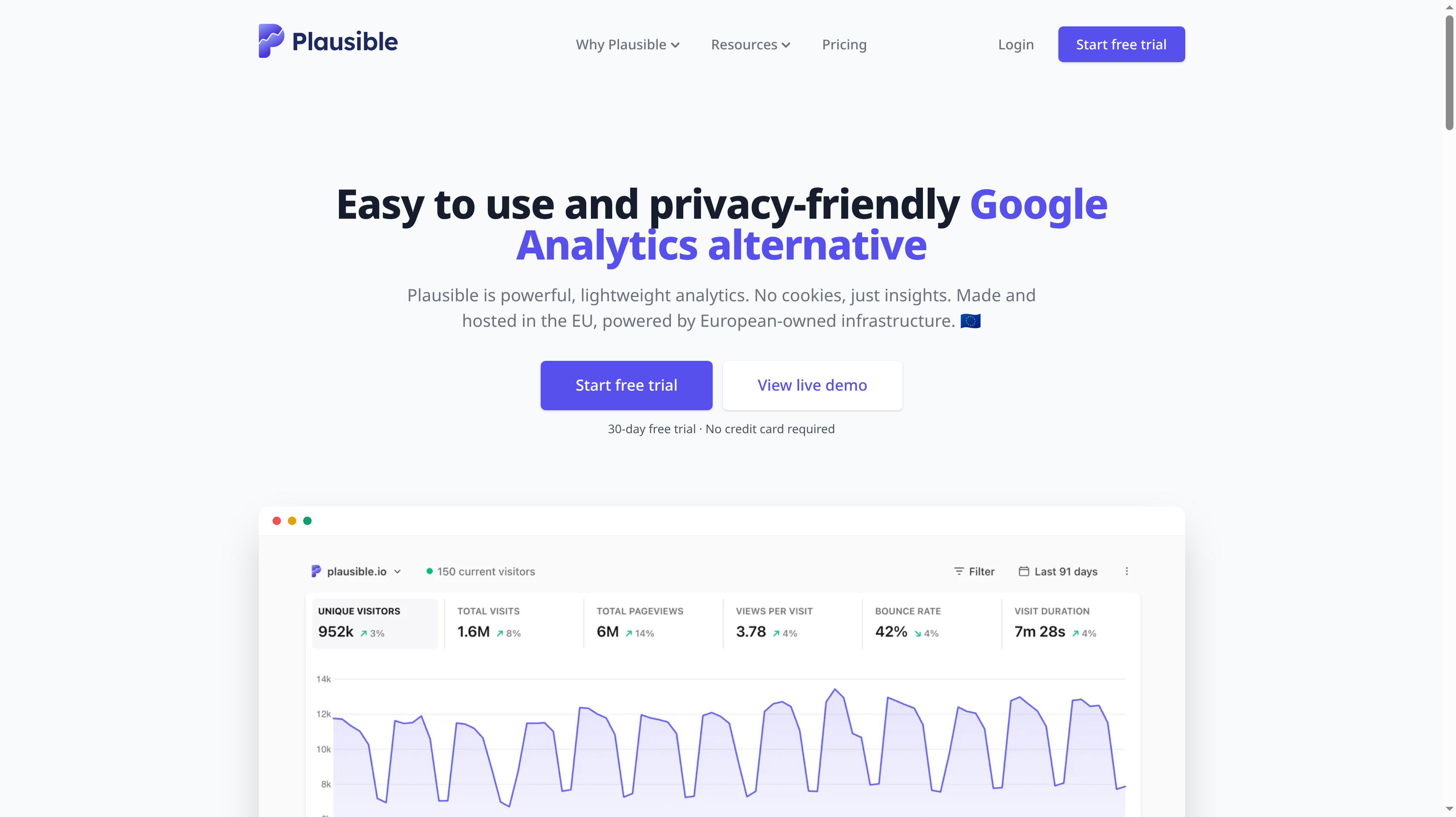
Plausible is a lightweight, open-source analytics tool made and hosted in the EU on European-owned infrastructure. It uses no cookies or persistent identifiers and describes a collection model without personal data, cross-site tracking, or cross-device tracking. Plausible says that model needs no cookie banner or GDPR consent for its analytics. Its script is 54 times smaller than Google Analytics. That combination gives a SaaS marketing team a practical starting point for replacing GA4.
The reporting covers UTM campaigns with automatic channel grouping, including Paid Search and Affiliates. Search Console integration brings search queries into the dashboard, and traffic reporting includes AI tools such as ChatGPT, Perplexity, and Claude. Automatic scroll depth, codeless goals, downloads, form completions, and outbound clicks help you measure what visitors do after they arrive. Built-in bot filtering keeps automated traffic out of the view.
At up to 10,000 monthly pageviews on monthly billing, Starter is $9 per month for one site, three years of retention, goals, custom events, and a Google Analytics import. Growth is $14 per month for up to three sites and three team members, with shared links and embedded dashboards. Business is $19 per month for up to ten sites and ten team members, five years of retention, custom properties, ecommerce revenue attribution, funnels, and user journeys. The trial lasts 30 days without a card.
Best suited for SaaS marketing teams that want campaign sources and conversion goals in a compact, EU-hosted dashboard. Business fits when you also need to follow revenue and the journey between landing page and conversion.
2. Fathom Analytics, best for pageview pricing shared across many sites
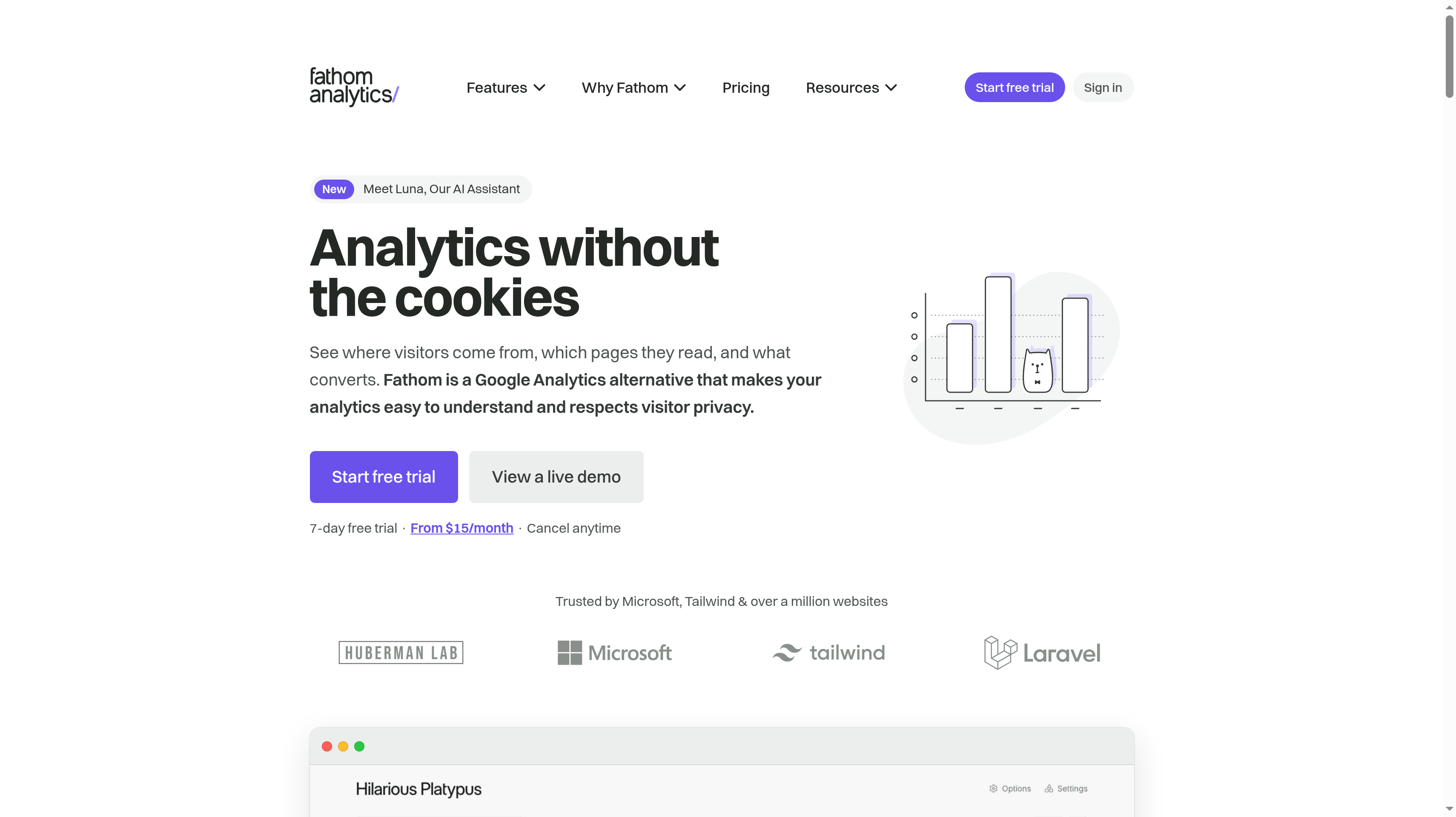
Fathom Analytics measures anonymous pageviews without collecting or storing personal data. The Canadian company routes EU traffic through European-owned infrastructure and describes its analytics as requiring no cookie notices. Automatic bot filtering aims to show human visits. For a team running a main site, several product sites, and smaller campaign domains, the attraction is the same reporting package across the account.
Pricing follows monthly pageviews across all your sites. The monthly plan is $15 for up to 100,000 pageviews, $25 for up to 200,000, or $45 for up to 500,000. Every plan includes 50 sites, and annual billing gives you two months free. The seven-day trial requires a card, with an email before billing begins.
Every tier includes event and revenue tracking, UTM campaign tracking, saved views, and shared dashboards. An Analytics API, unlimited email reports and exports, and email support are also included. You can organize recurring views for the people responsible for different sites and use exports when the team needs the numbers outside the dashboard.
The feature set stays the same as traffic increases. That makes the comparison straightforward when your main variable is audience size, while site count and reporting needs remain steady.
Best suited for teams or agencies that manage many websites and want one pageview allowance with the same features throughout. Shared dashboards and scheduled email reports help each site owner follow their own results.
3. Matomo, best for data ownership with detailed cloud or self-hosted reporting
Matomo is open-source analytics available in the cloud or on your own infrastructure. It positions the product around full data ownership, with free self-hosted software and a managed cloud option that stores data in Europe. This is the choice to examine when ownership is a deployment requirement and your marketing team still wants detailed reporting. The decision includes who will operate the system and where the underlying records should live.
Cloud Business is USD 26 per month excluding tax for 50,000 monthly hits. Additional capacity costs USD 2.6 per 5,000 hits, and annual billing gives you two months free. The plan includes 30 websites, 30 team members, 24 months of raw data retention, and reports kept forever. A 21-day cloud trial needs no credit card. Self-hosting has a separate operating commitment even when the software itself is free.
Reporting includes funnels, users flow, cohorts, multi-channel conversion attribution, and ecommerce tracking without data sampling. A Google Analytics data importer helps bring existing history into the new setup. The GDPR Manager, tag manager, and API give your team tools for administering collection and working with the resulting data.
Matomo's breadth makes sense when several people need to ask different questions of the same website history. Define those reporting jobs before deciding how much of the platform to configure.
Best suited for teams that want control over analytics deployment while keeping detailed acquisition and conversion reporting. Matomo Cloud provides managed European storage, and self-hosting gives your technical team responsibility for running the system.
4. Simple Analytics, best for seeing traffic missing after visitors reject consent
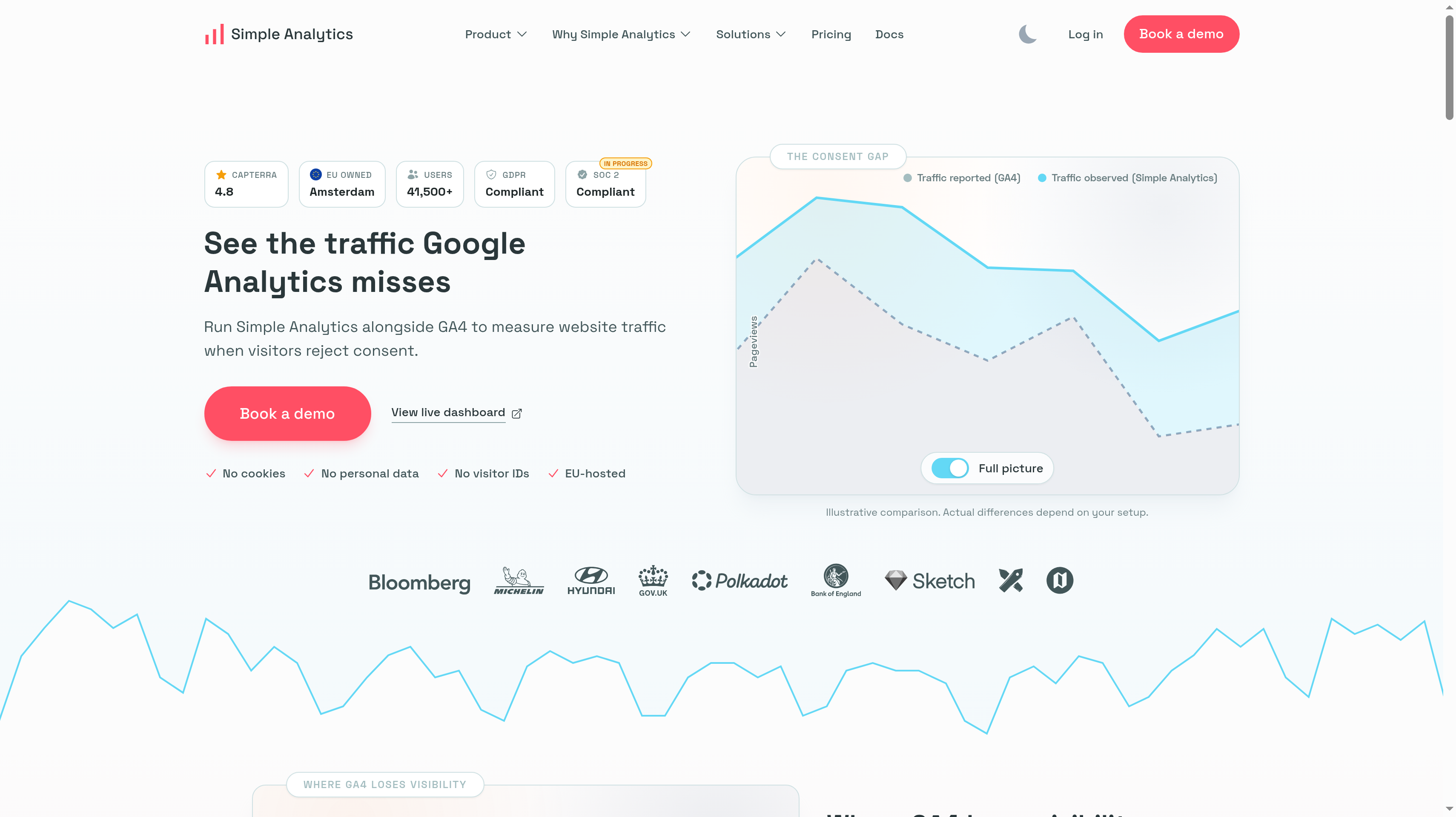
Simple Analytics is EU-owned, based in Amsterdam, and EU-hosted. It uses no cookies, personal data, or visitor IDs. Its main pitch is a specific measurement problem: you can run it alongside GA4 to see traffic that GA4 misses when visitors reject consent. For a marketing team, that makes the trial a comparison of collection coverage before it becomes a decision to replace the existing dashboard.
The self-serve plan is $20 per month on monthly billing for 100,000 pageviews and one user. Each extra user costs $20 per month, and annual billing gives you two months free. A 14-day self-serve trial lets you compare the new view with your current numbers. Include the people who need their own access when you compare the monthly cost with other tools in this shortlist.
The free hobby plan includes one user, five websites, and one month of history, with a badge required. That gives a small site a way to begin collecting data, while the history allowance matters if you want to compare campaigns over a longer period. Enterprise has custom pricing, API and BI access, and a free 30-day proof of concept comparing results against GA4.
A useful evaluation starts with the same pages and date range in each system. Look at whether the extra visibility changes a decision, such as which landing pages deserve more work or which campaigns you continue funding. Keep differences in collection method in mind when interpreting totals.
Best suited for marketing teams that want to understand the traffic left out of a consent-dependent GA4 setup. The parallel comparison fits a team that wants evidence from its own website before changing its reporting routine.
5. Umami, best open-source option with a free cloud tier
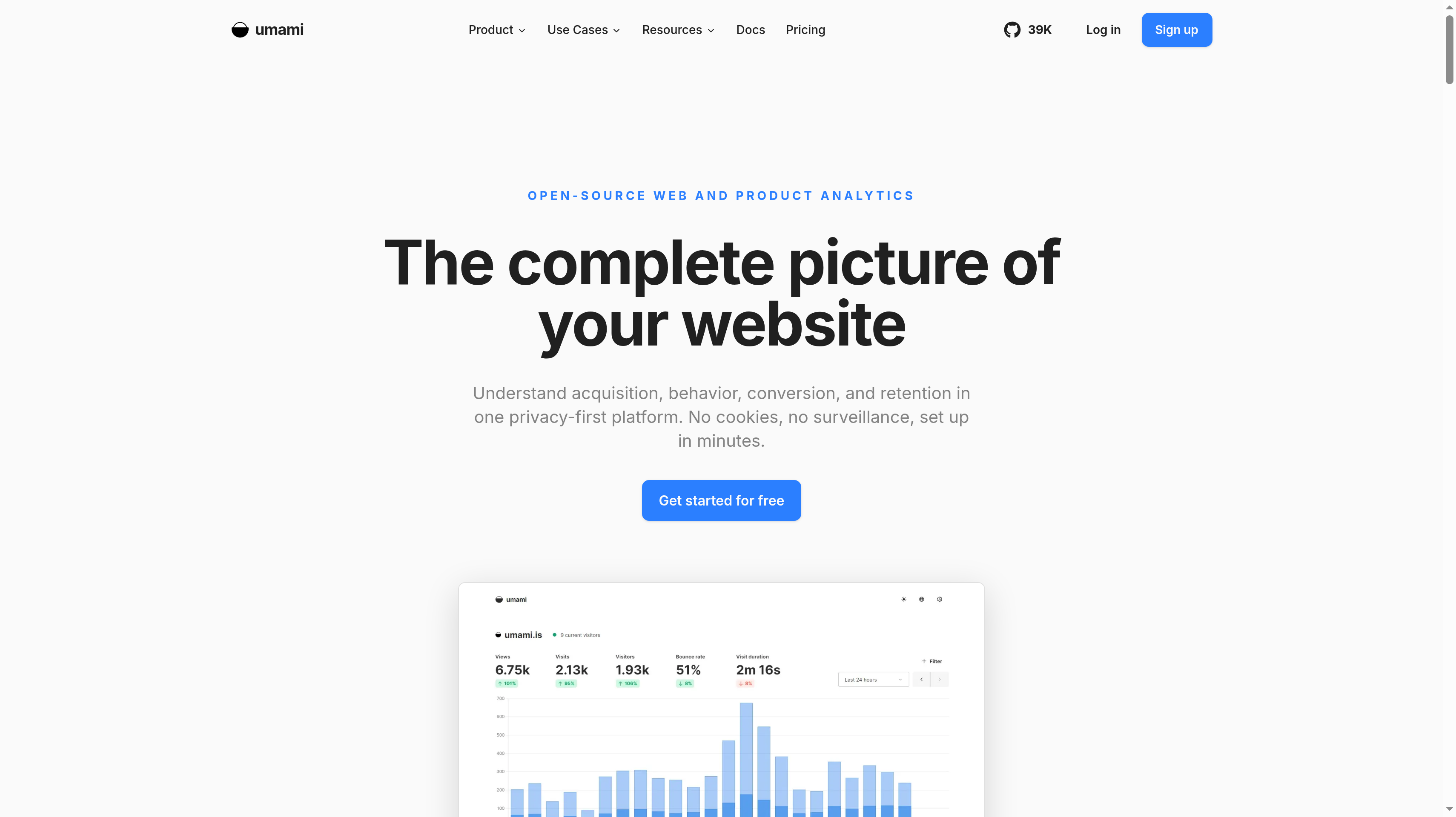
Umami is an open-source web and product analytics platform with a privacy-first, cookieless approach. It describes its analytics as GDPR and CCPA compliant without cookie banners. For this comparison, the relevant part is its marketing-site reporting: channels, referrers, UTM parameters, attribution, goals, and revenue tracking. You can begin with acquisition questions and decide how much further to configure the reporting around your website.
Cloud Hobby is free for up to 100,000 events per month on one website, with six months of retention and community support. That is a meaningful starting allowance for a side project or a team evaluating its event volume. Count the events you intend to send before treating that allowance as equivalent to 100,000 pageviews.
Pro is $20 per month on monthly billing, with one million events included and additional events at $0.00003 each. It covers up to 20 websites, ten team members, two years of retention, API and MCP access, and email support. Business is $200 per month for ten million events, unlimited websites and members, five years of retention, white-labeling, and a streaming API. Pro and Business have 14-day free trials.
Funnels and user journeys help you follow the route between a campaign landing page and a goal. The plan choice also determines how much history your team keeps for comparing acquisition work over time. If the free allowance suits your current site, retention and team access are clear reasons to evaluate Pro as the reporting becomes part of your routine.
Best suited for technical teams that want an open-source platform and a free managed starting point for website analytics. Pro fits a group that needs several sites, shared access, and programmatic access to the reports.
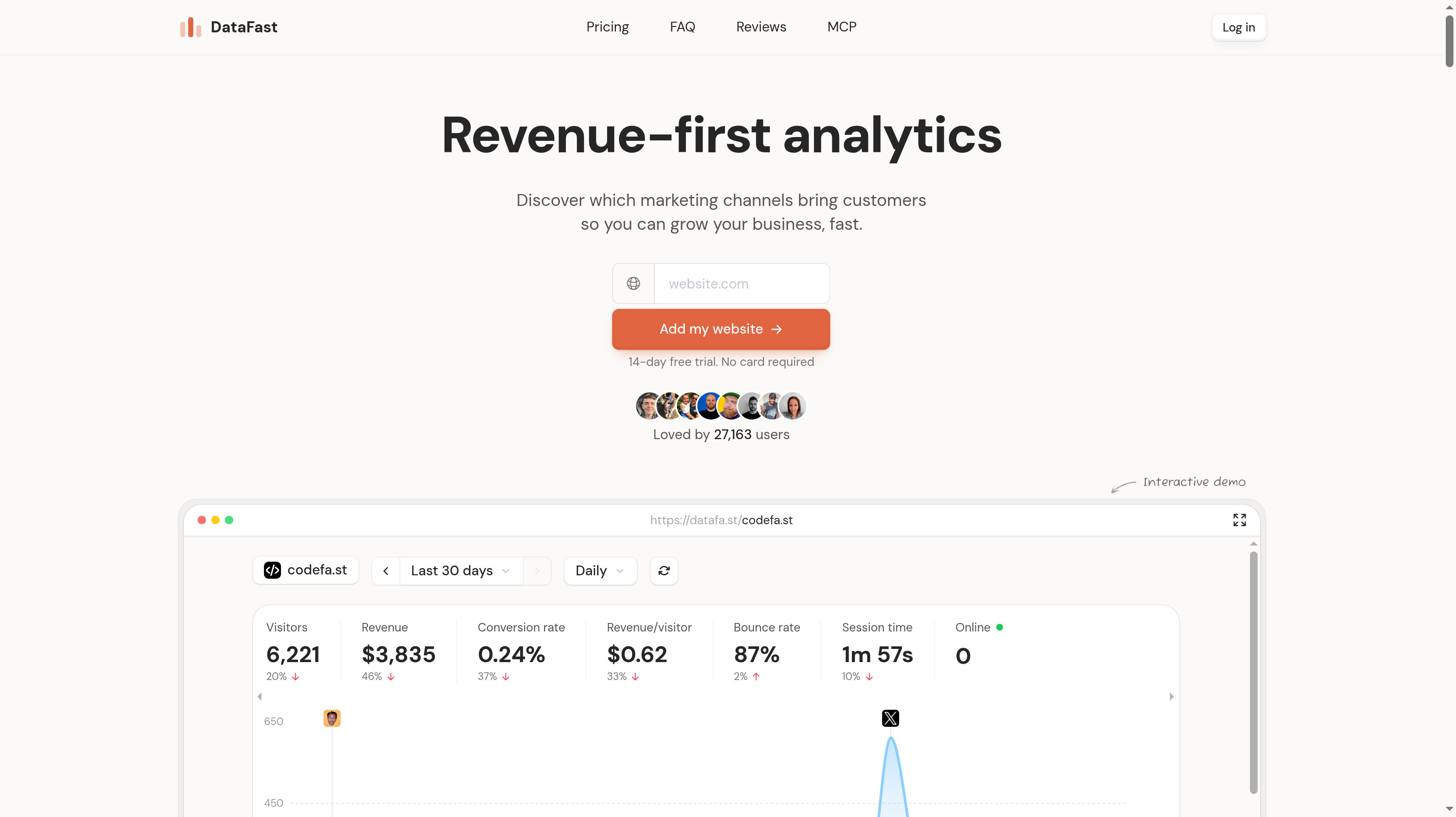
6. DataFast, best for attributing revenue to traffic sources
DataFast starts with a question many SaaS founders care about more than pageviews: which traffic sources bring paying customers? You connect your payment processor so it can attribute revenue to those sources and show revenue per visitor. Its cookieless, GDPR-focused web analytics puts the acquisition report next to the money that follows it. That is a specific fit when your next decision concerns marketing spend or where to invest your own time.
Starter is $9 per month on monthly billing for 10,000 events, one website, one team member, and three years of retention. Growth is $19 per month at the same 10,000-event allowance, with 30 websites, 30 team members, and five or more years of retention. Growth also includes social mentions on X and Reddit and X link attribution. Annual billing gives you two months free, and the 14-day trial requires no card.
Goals, funnels, journeys, and a live visitor view connect the initial visit to the actions you care about. Plugins for WordPress, Shopify, and NPM give you installation paths for different website setups. API, CLI, and MCP access let you work with DataFast from tools including Cursor, Claude Code, and Codex.
Start the evaluation with the payment connection and the source labels you already use. A revenue report becomes useful when you can recognize the campaign behind a payment and compare it with other acquisition work. For a plugin company, that may mean comparing sources sending visitors to the public sales site before they buy.
Best suited for founders and growth teams that want payment attribution to guide acquisition decisions. The source-to-revenue view fits a business deciding which channels deserve another campaign or a larger budget.
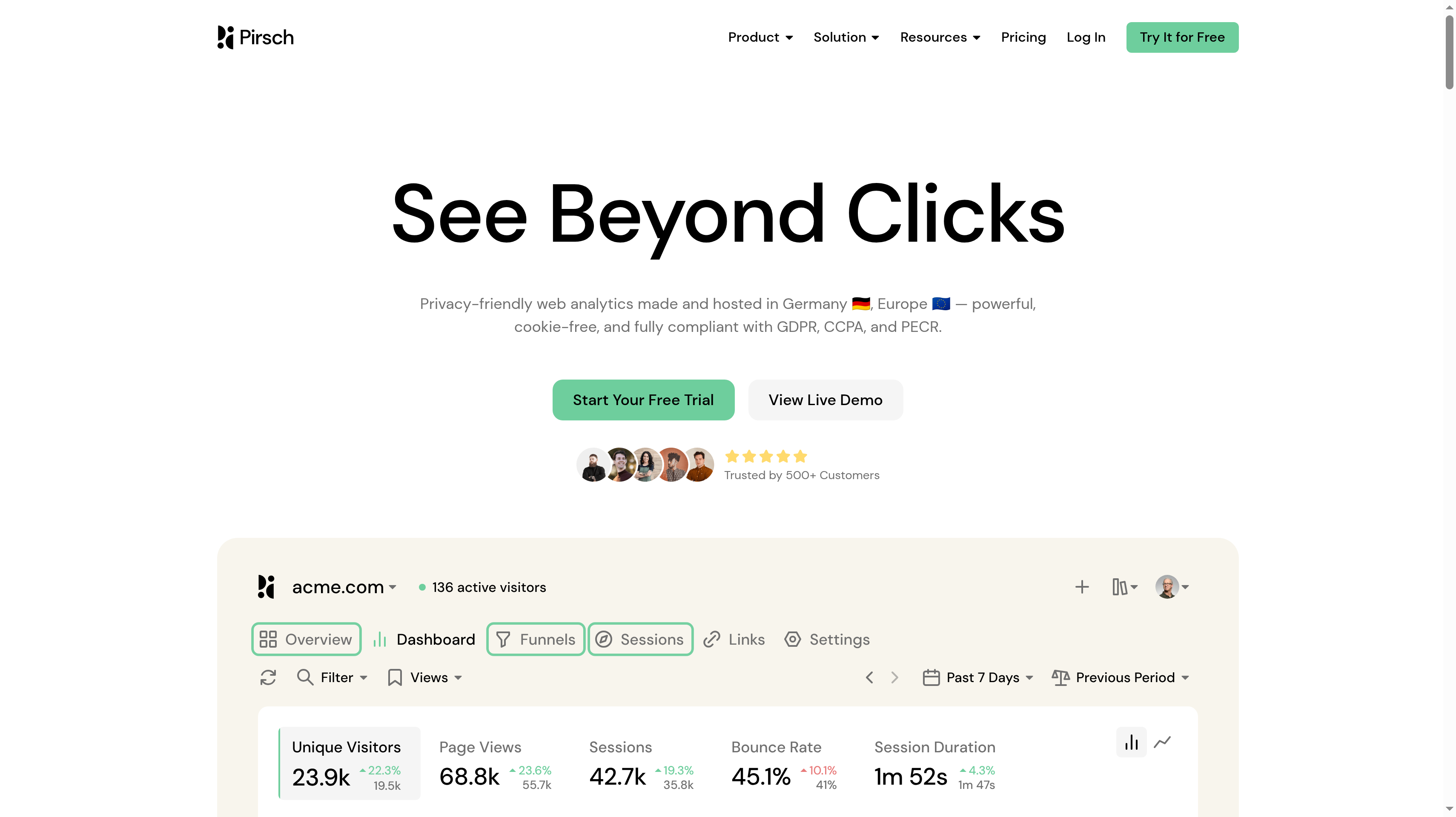
7. Pirsch, best for a low-cost plan with unlimited data retention
Pirsch is privacy-friendly, cookie-free web analytics made and hosted in Germany. Its core is open source, and the company is independent and bootstrapped. Pirsch describes compliance with GDPR, CCPA, and PECR. The practical attraction here is a low entry price with unlimited retained history, so a small site's past campaigns remain available for later comparisons.
Standard is $6 per month on monthly billing for 10,000 monthly pageviews. It includes 50 websites, unlimited members, and unlimited data retention. Events and conversion goals, session analysis, a built-in URL shortener, REST API and SDKs, and a Google Analytics import are included. Both site count and collaborator access belong in the price comparison.
Plus is $12 per month on monthly billing at 10,000 monthly pageviews. It adds unlimited websites, funnels, teams, segmentation, custom domains, white labeling, and priority support. Enterprise has custom pricing for managed cloud or on-premise deployment, SAML SSO, and raw data access. The 30-day trial needs no credit card, and prices exclude sales taxes such as VAT.
The built-in URL shortener gives campaign links a place alongside the reporting. Goals let you move beyond a list of popular pages and define the action that makes a visit valuable. With unlimited retention on Standard, you can revisit an older launch when planning the next one, rather than limiting the comparison to a short history window.
Best suited for budget-conscious teams that want German hosting, shared access, and long-term website history. Standard is particularly relevant when several low-traffic sites need conversion goals and an import of existing Google Analytics data.
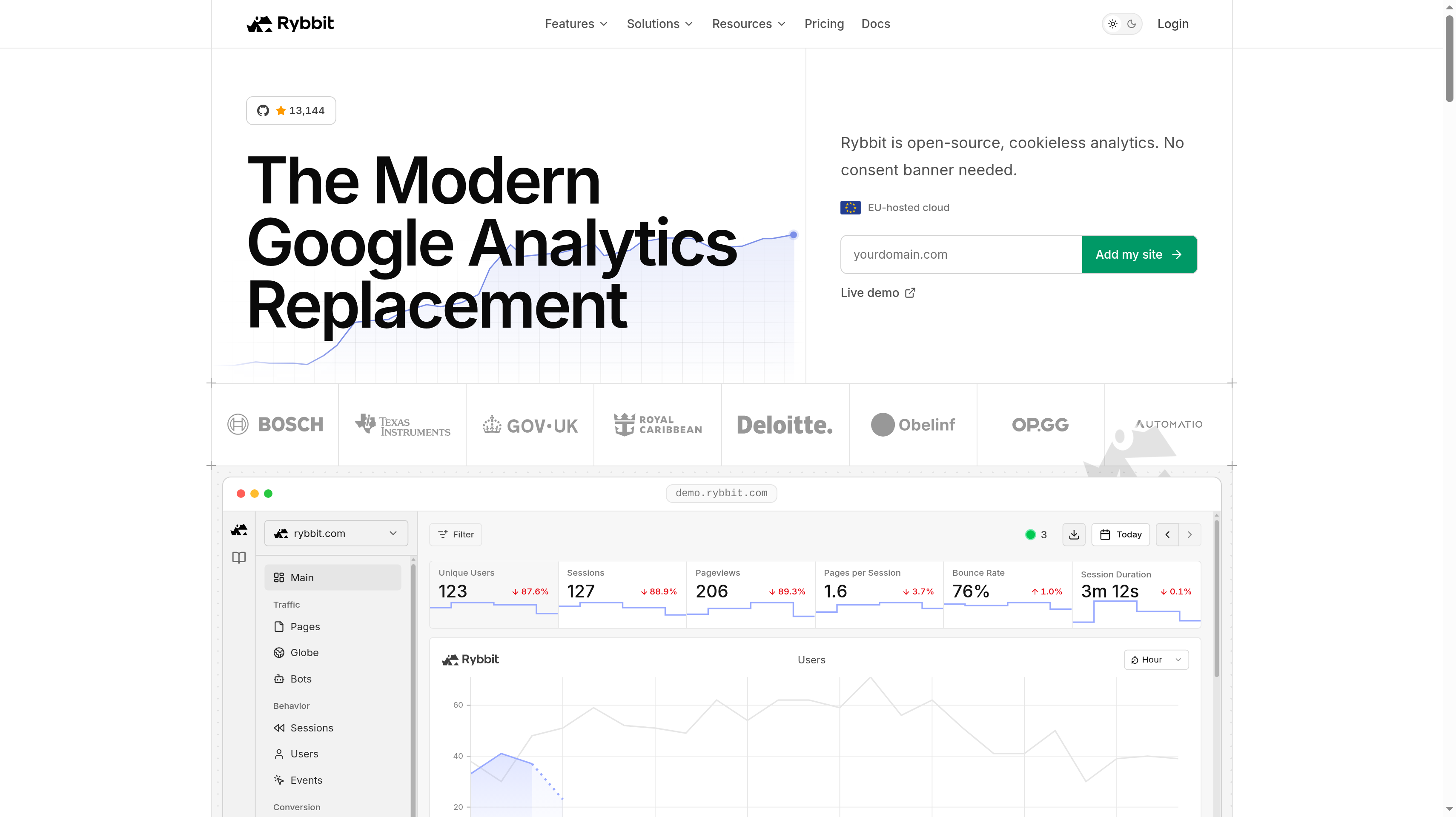
8. Rybbit, best open-source option with session replay
Rybbit is an open-source, cookieless analytics platform with EU-hosted cloud and self-hosting available. It describes its collection as requiring no consent banner. The distinction in this shortlist is the option to combine website reporting with session replay, so your team can move from a conversion question to an individual visit when that is useful.
At 100,000 monthly pageviews with annual billing, Standard is $13 per month for up to five websites and three team members. It includes custom events, funnels, goals, journeys, and web vitals. Pro is $26 per month billed annually for the same pageview level, with unlimited websites and members, session replays, five-year retention, and priority support. Annual billing gives you four months free. There is a seven-day free trial, while Enterprise has custom pricing for SSO, on-premise deployment, and white-labeling.
Autocapture records clicks, form submissions, outbound links, and errors. That gives you website actions to investigate alongside source reporting and goals. User sessions and journeys help you follow how a visitor moved through the site, while web vitals bring page performance into the same evaluation. Replay is part of Pro in the cloud comparison, so include that tier when it is the feature driving your choice.
Start with one path such as landing page to signup. The funnel shows where to investigate, and replay helps you inspect individual visits.
Best suited for technical teams that want open-source website analytics with session replay in the same platform. Pro fits a marketing and engineering group that shares responsibility for understanding visits and fixing conversion problems.
Side-by-Side Comparison
Compare the collection and hosting model alongside the plan that covers your traffic and team. Self-hosted software and a free cloud plan are separate options.
Tool
Starting paid price
Free plan or trial
Hosting and data ownership
Standout for SaaS teams
Plausible
Starter $9/mo, monthly billing, 10,000 pageviews
30-day trial, no card
EU-made and hosted on European-owned infrastructure; open source
UTM channel grouping, codeless goals; revenue attribution and funnels on Business
Fathom Analytics
$15/mo, monthly plan, 100,000 pageviews across sites
7-day trial, card required
Canadian company; EU traffic on European-owned infrastructure
Same features on every plan; 50 sites, events, revenue, and shared dashboards
Matomo
Cloud Business USD 26/mo, monthly billing, 50,000 hits
Free self-hosted software; 21-day cloud trial, no card
European cloud storage or self-hosting; full data ownership
Unsampled reporting, GA import, multi-channel conversion attribution
EU-owned and EU-hosted; no personal data or visitor IDs
Parallel GA4 comparison focused on traffic missing after consent rejection
Umami
Pro $20/mo, monthly billing, 1 million events
Hobby free at 100,000 events/mo; 14-day paid-plan trials
Open-source platform; managed cloud plans available
Acquisition, goals, revenue, and API and MCP access on Pro
DataFast
Starter $9/mo, monthly billing, 10,000 events
14-day trial, no card
Cookieless, GDPR-focused web analytics
Payment-processor connection for revenue by traffic source
Pirsch
Standard $6/mo, monthly billing, 10,000 pageviews
30-day trial, no card
Made and hosted in Germany; open-source core
Unlimited retention and members, 50 websites, URL shortener
Rybbit
Standard $13/mo, billed annually, 100,000 pageviews
7-day trial
EU-hosted cloud or self-hosting; open source
Autocapture and web vitals; session replay on Pro
Which web analytics tool fits your use case
A founder with one site and an agency with many domains can fit the same pageview band while needing different account limits and reporting access.
Use the trial to follow a real campaign through to a goal, or a payment where supported, with the people who will read the reports.
Use case
What changes about the setup
What to look for
SaaS marketing site leaving GA4
The weekly questions concern sources, landing pages, and signups.
Plausible for lightweight EU-hosted analytics, campaign grouping, and codeless goals. Use Business when funnels and ecommerce revenue attribution are required.
Agency or many small sites
Several owners need reports, and traffic should fit a shared allowance.
Fathom for 50 sites and shared pageview pricing with the same features on every tier. Pirsch Standard also includes 50 websites and unlimited members.
Strict EU residency or self-hosting
Data location and responsibility for operating the software become selection requirements.
Matomo for European cloud storage or self-hosting with detailed reporting. Plausible for European-owned cloud infrastructure; Rybbit when self-hosting and replay are part of the brief.
Revenue attribution by channel
A visit becomes useful evidence when you can connect it to a payment.
DataFast for payment-processor attribution and revenue per visitor. Compare the source labels, goals, and event allowance using a campaign you already understand.
Low budget or side projects
Free capacity, required branding, and retained history affect the first choice.
Umami Hobby for 100,000 monthly events on one website. Simple Analytics has a free hobby plan; Pirsch Standard combines a low paid entry price with unlimited retention.
Website reporting with visit-level investigation
Marketing and engineering need to inspect visits after finding a conversion problem.
Rybbit Pro for session replay alongside goals, journeys, and web vitals. Umami Business includes replay and heatmaps when those belong in the same deployment.
Proof: What results look like
Matomo publishes a quote from MetaLocator CEO Michael Fatica saying, "We save about 150K per year using Matomo." That is a customer-reported saving, tied to that company's setup. It gives you a reason to evaluate the cost of your own analytics operation without treating the figure as a forecast.
Plausible reports 21,000 paying subscribers. In a quote Plausible publishes, Hugging Face co-founder and CEO Clem Delangue says, "We're massive users of Plausible here at Hugging Face." Adoption and a named customer account show use in practice; your trial still needs to answer your own reporting questions.
Acquisition measurement can also help you assess a partner channel. Jonathan Wilke, founder of supastarter, reports that affiliates refer more than 50% of its customers. Read his Affonso testimonial among the customer stories, then use the LTV:CAC analyzer to compare what referred customers contribute with what you spend acquiring them.
FAQ
What is the best Google Analytics alternative for a SaaS marketing site?
Plausible leads this shortlist for its lightweight script, EU-owned hosting infrastructure, campaign grouping, and conversion goals. DataFast is the more specific choice when revenue by source drives the purchase, while Matomo fits teams that want detailed reporting with a self-hosted deployment option.
Are Google Analytics alternatives GDPR compliant without a cookie banner?
Plausible, Simple Analytics, Umami, Pirsch, and Rybbit describe cookieless or privacy-friendly collection, and several explicitly state that their analytics needs no consent banner. That claim concerns the analytics collection they describe. Your site's other scripts and the data you choose to collect still need their own assessment.
Which options are free or open source?
Umami Hobby is free for 100,000 monthly events on one website, and Simple Analytics offers a free hobby plan with a required badge. Matomo offers free self-hosted software. Plausible, Matomo, Umami, and Rybbit are open source, while Pirsch has an open-source core; open source and free managed hosting are different offers.
Can I import my existing Google Analytics data?
Plausible Starter, Matomo Cloud Business, and Pirsch Standard include a Google Analytics import. Use the evaluation to decide which historical reports you need alongside new collection. An import gives you a way to carry history over, while goals and campaign naming still deserve attention in the new setup.
How do pageviews, hits, and events affect pricing?
Fathom and Pirsch publish pageview-based allowances, Matomo Cloud uses hits, and Umami and DataFast use events. Rybbit's quoted annual plans and Plausible's quoted plans also use pageviews. Compare each allowance with the actions you intend to track, since custom events can make an event allowance differ from a pageview count.
Can I run another analytics tool alongside GA4?
Yes. Simple Analytics explicitly positions its product for that comparison, including a self-serve trial and an Enterprise proof of concept. Use a common date range, consistent campaign labels, and the same marketing pages, then assess whether the extra traffic visibility changes a decision rather than expecting identical totals.
What is the difference between web analytics and product analytics?
Web analytics answers acquisition questions about your public website, including which source sent a visitor and whether a landing page led to a goal. Product analytics follows activity inside your application to understand feature use and retention. Choose this shortlist around marketing-site questions, even when a vendor also offers broader reporting.
How do I track affiliate and partner traffic with privacy-friendly analytics?
Use consistent UTM parameters and the analytics tool's source or channel reporting to compare visits from partner campaigns. The UTM link builder helps standardize those labels. Affonso attributes signups and subscription revenue to each partner and manages commissions and payouts, while your web analytics reports on campaign traffic and website goals.
Try for free
Choose a website analytics tool around the decision you need to make next. Give your campaigns consistent names. Measure a signup or payment alongside the visit that preceded it. Use those reports to decide where to spend your next week of marketing work. When partner recommendations become part of that plan, give them clear terms and track the revenue they bring. Start your Affonso free trial to set up that channel.
 Affonso
 Silvestro Zinnanti, FounderComparisonOctober 25, 202622 min read