Compare eight email APIs for SaaS and app developers. See transactional sending, deliverability tools, SDKs, pricing per email, and the fit for your team.
Your password reset flow can work perfectly and still leave a customer locked out. If the email never reaches their inbox, the rest of the feature does not matter.
An email API handles delivery behind the messages your app sends. Your developers also need a way to follow a failed receipt, inspect a bounce, and test a notification before it reaches real users.
This shortlist compares the best email API options for SaaS and app developers in 2026. Resend leads for its modern API and SDKs, with distinct picks for delivery operations, AWS volume, testing, and self-hosting.
Key Takeaways
The short version, before you compare the tools.
Resend leads for developer experience. Its API, SDKs, webhooks, and inbound inboxes fit teams building product email into their app. Pro includes 50,000 emails for $20 per month, with extra emails at $0.90 per 1,000.
Postmark is the delivery-focused choice. Message streams, retention, templates, and inbound processing give your team a place to manage transactional sending. At 10,000 emails per month, Basic costs $15 and Pro costs $16.50, with different retention and inbound features.
Amazon SES has the lowest listed sending rate here. Essentials costs $0.16 per 1,000 emails for the first 10 million each month. That makes it a strong starting point when your app already runs on AWS and email volume drives the decision.
Sending capacity and operating tools are separate purchases. SendGrid Pro includes dedicated IPs and subusers. Mailgun adds dedicated IP pools and longer logs on Scale, while Resend offers a dedicated IP add-on. Match those features to the people who will run delivery.
Testing and multiple channels change the shortlist. Mailtrap pairs its sending product with a separate Email Sandbox for development and staging. MailerSend covers transactional email, SMS, and WhatsApp through its messaging APIs.
Plunk offers a different ownership model. Its open-source platform runs in an EU-hosted cloud or on your own infrastructure. Cloud usage costs $0.001 per email on Pay as you grow, and self-hosting is free.
What an email API actually is (and what it is not)
A transactional email API lets your application ask an email service to send a message. Your code supplies a recipient, content, and the details of the event behind it. The provider handles the sending infrastructure. Password resets, magic links, payment receipts, invoices, security alerts, and account notifications all belong in this category.
For a SaaS company, those messages sit inside the product experience. A receipt follows a successful charge. A magic link needs to arrive while someone is trying to sign in. Your app decides when the event happens and who should receive the message. The sending service gives developers an API or SMTP connection, then delivery records and events help explain what happened next.
The API does not replace your authentication system, billing logic, or application database. Your app still decides whether a payment succeeded and who receives the receipt. Configure sender authentication with SPF, DKIM, and DMARC, and define how your application handles bounces and suppressed recipients before you depend on email for access.
Cost belongs in that design discussion. Estimate messages by product event, including sign-ins and receipts, rather than treating registered users as email volume. The free LTV:CAC analyzer helps you put recurring infrastructure and acquisition spending in the context of customer value. Include the work of maintaining delivery in your budget.
How We Ranked These Email APIs
This shortlist focuses on email sent from application code. The buying question is how your team will send, troubleshoot, and pay for messages that support a customer's use of your product.
Public product pages, pricing, and vendor documentation provide the basis for the comparison. The ranking favors a clear developer workflow first, then distinguishes tools by delivery operations, scale, testing, and hosting.
We compared five criteria:
API and SDK quality. The sending interface, language libraries, templates, and documentation that developers use to put an email into production. A useful evaluation follows a real password reset or receipt through your own code.
Deliverability tools. Sender authentication, dedicated or shared IP options, suppression handling, and the information available when a message fails. These are operational capabilities, not a promise that every email reaches the inbox.
Events and troubleshooting. Webhooks, activity records, log retention, and inbound processing. Your support team needs enough history to connect a customer's report to the message your app attempted to send.
Testing and team setup. Safe development environments, sending domains, subusers, and the controls needed to keep different applications organized. Testing a template and running delivery for several products create different requirements.
Cost per email. Monthly allowances, daily caps, extra usage, billing terms, and paid features. A plan's headline price matters alongside the number of messages and domains it covers.
Vendor scale claims and customer results remain attributed to their publishers. Free tiers, trials, and paid allowances appear separately throughout the guide. We plan to review this guide quarterly and after material pricing changes.
The Best Email APIs in 2026
Each service below can handle transactional email from your app. The differences show up in the developer workflow, delivery controls, message history, and what you pay as volume grows. These eight picks cover managed developer tools, AWS infrastructure, broader delivery platforms, a testing-focused setup, and open-source hosting.
1. Resend, best for a modern API, SDKs, and React-friendly email
Resend puts the developer workflow first. Its API and SDKs for popular languages give you a direct way to send product email, with webhooks for events and inbound inboxes for receiving messages. For a React-based app, that developer focus fits a team that wants email work to sit alongside the rest of its code. That is why it takes the first spot here.
Free includes 3,000 emails per month with a daily limit of 100, three domains, three inboxes, ticket support, and 30-day data retention. Pro costs $20 per month for 50,000 emails and removes the daily sending limit. It includes ten domains and five webhook endpoints, with extra emails at $0.90 per 1,000 on pay-as-you-go overage.
Scale costs $90 per month for 100,000 emails, 1,000 domains, ten webhook endpoints, and a dedicated Slack channel. Extra sending stays at $0.90 per 1,000. Dedicated IPs cost $30 per month as an add-on, and another 100 domains cost $20 per month. Enterprise has custom pricing and a 99.99% uptime SLA.
Compare how your app will grow across domains and webhook endpoints. Several apps can make domain capacity important, while separate systems consuming delivery events may need more endpoints. Put those requirements next to send volume when choosing between Pro and Scale.
Best suited for developers who want a modern sending API and SDKs that fit the way they already build their app. Teams using React can make product email part of that development workflow and use inbound inboxes when replies need to reach their software.
2. Postmark, best for transactional delivery and inbox placement
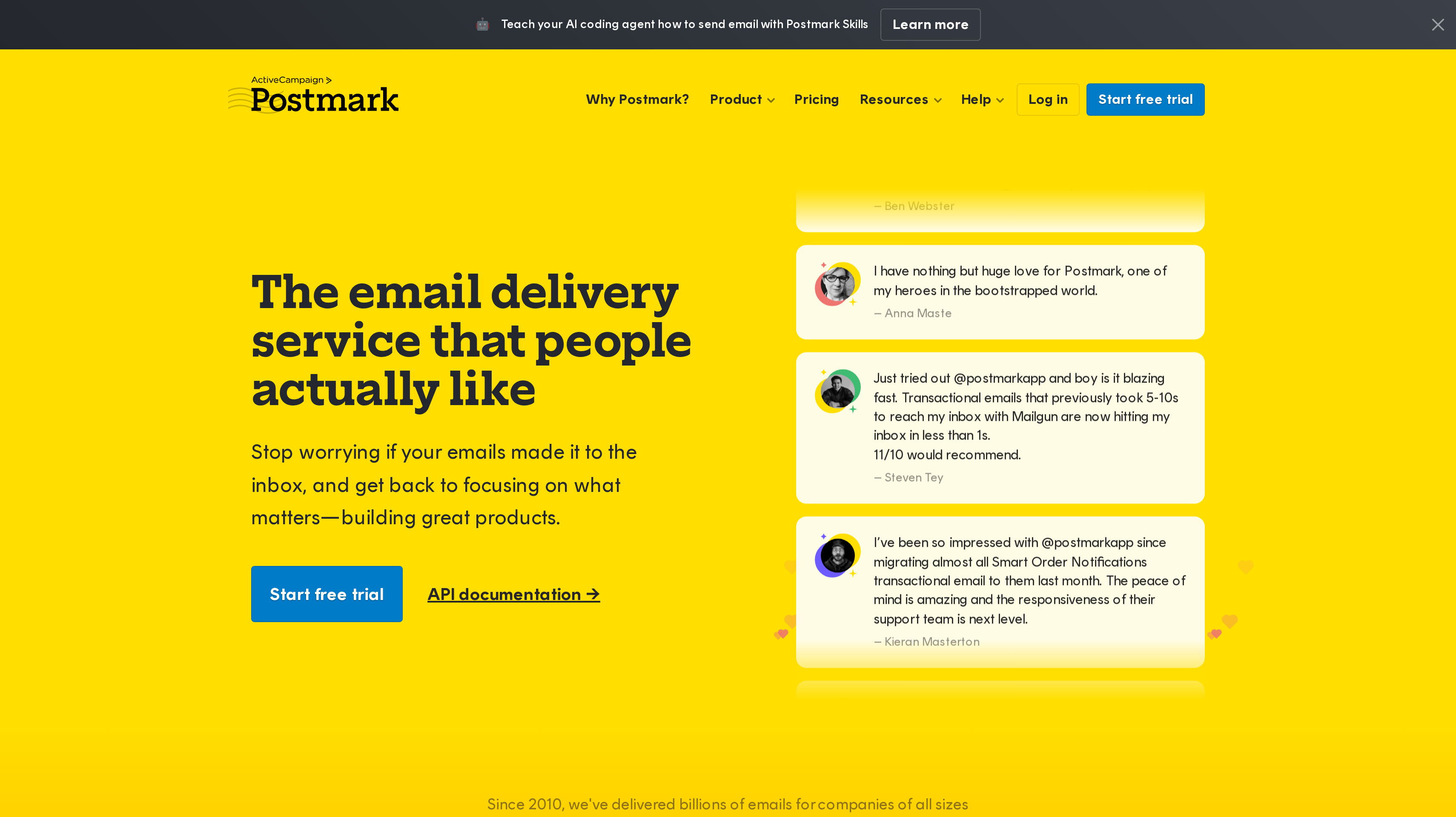
Postmark centers on transactional email delivery. You can send through its email API or SMTP service, manage templates, and organize traffic with message streams. Analytics and message retention help your team investigate delivery. Its focus makes it the pick when reliable product messages and the work around them carry the most weight in your decision.
The free Developer plan provides 100 emails every month, never expires, and has no overages. At 10,000 monthly emails, Basic costs $15 per month, includes five sending domains and 45-day retention, and charges $1.80 per additional 1,000 emails. Paid plans allow unlimited emails per day, so a monthly allowance does not also impose a daily sending cap.
At that same volume, Pro costs $16.50 per month with ten domains, inbound processing, and retention up to 365 days. Its extra usage costs $1.30 per 1,000 emails. Platform costs $18 per month, includes unlimited domains and inbound processing, and charges $1.20 per additional 1,000. A free trial requires no credit card.
Retention matters if customers ask about older receipts, and inbound processing lets replies become events in your app. Postmark also provides Postmark Skills to teach AI coding agents how to send with the service. Compare those aids with the history your support process needs.
Best suited for teams that treat transactional delivery as a product responsibility shared by engineering and support. Message streams, retained history, and inbound processing suit applications where understanding a particular email matters as much as sending it.
3. Amazon SES, best for high volume at a low per-email cost on AWS
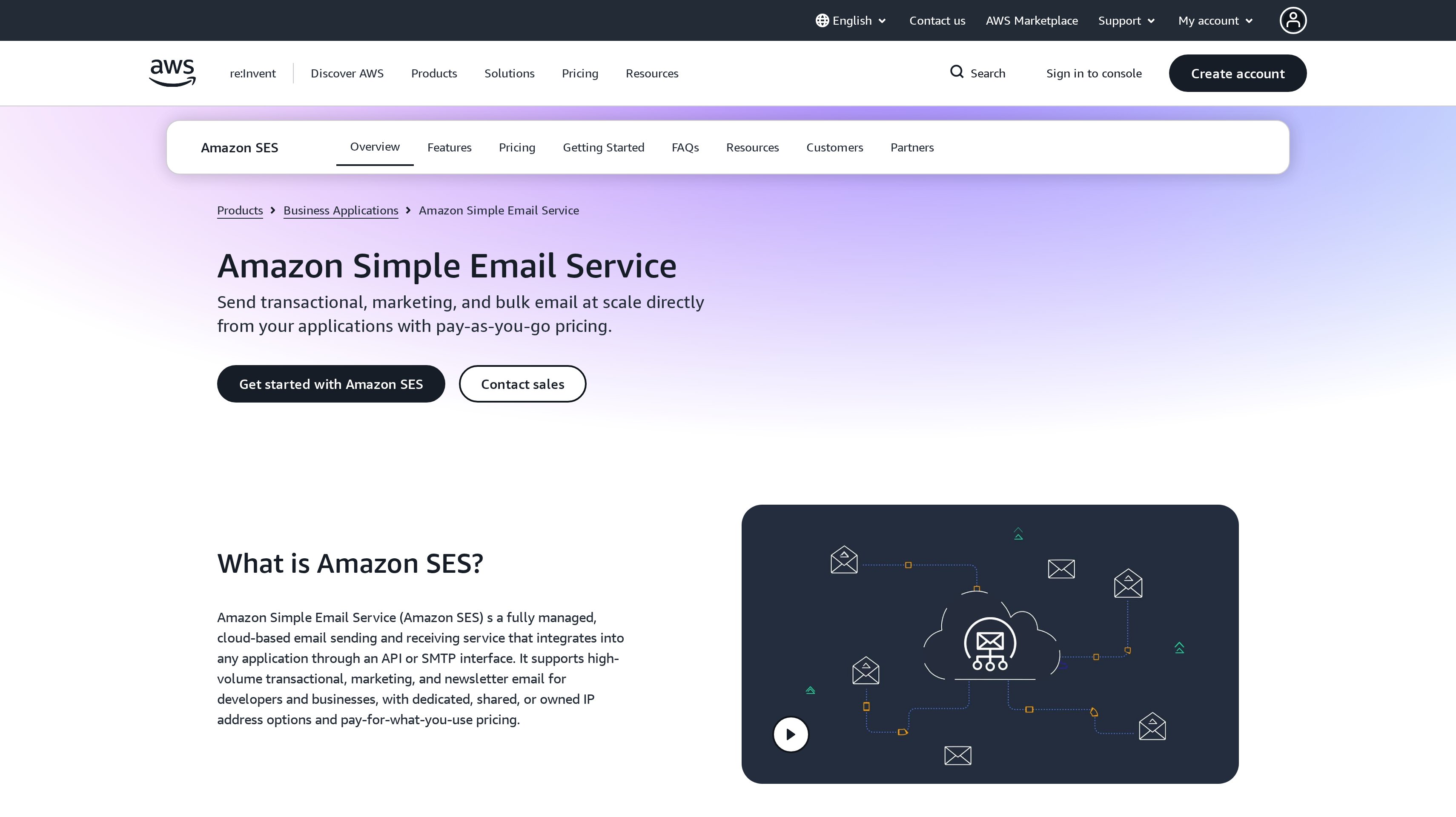
Amazon Simple Email Service, or SES, is cloud email infrastructure that connects to your application through an API or SMTP. It supports shared, dedicated, or owned IP addresses, plus sender statistics and deliverability tools. If your team already operates on AWS, SES lets you evaluate email in the same infrastructure context as the rest of your application.
Pricing is pay as you go, without contracts or upfront commitments. For the first 10 million emails each month, Essentials costs $0.16 per 1,000 emails. Pro costs $0.22 per 1,000 plus $105 per account per region each month. Enterprise costs $0.23 per 1,000 plus $500 per account per region each month. Lower tiered sending rates apply above 10 million and 100 million emails.
Account and region charges belong beside expected monthly sending in your budget. Identify who will review sender statistics and manage IP configuration, then select the plan around those responsibilities and its delivery tools.
New AWS customers get up to $200 in AWS Free Tier credits usable on SES. Those credits help with initial usage, while the pay-as-you-go structure is the basis for the ongoing budget. A high-volume application should model regular traffic and the heavier periods caused by billing or account activity.
Best suited for AWS teams whose email volume makes per-message cost a central buying criterion. Shared, dedicated, and owned IP options give delivery operators choices that fit how they want to manage sending infrastructure.
4. SendGrid, best for scale with dedicated IPs and subusers
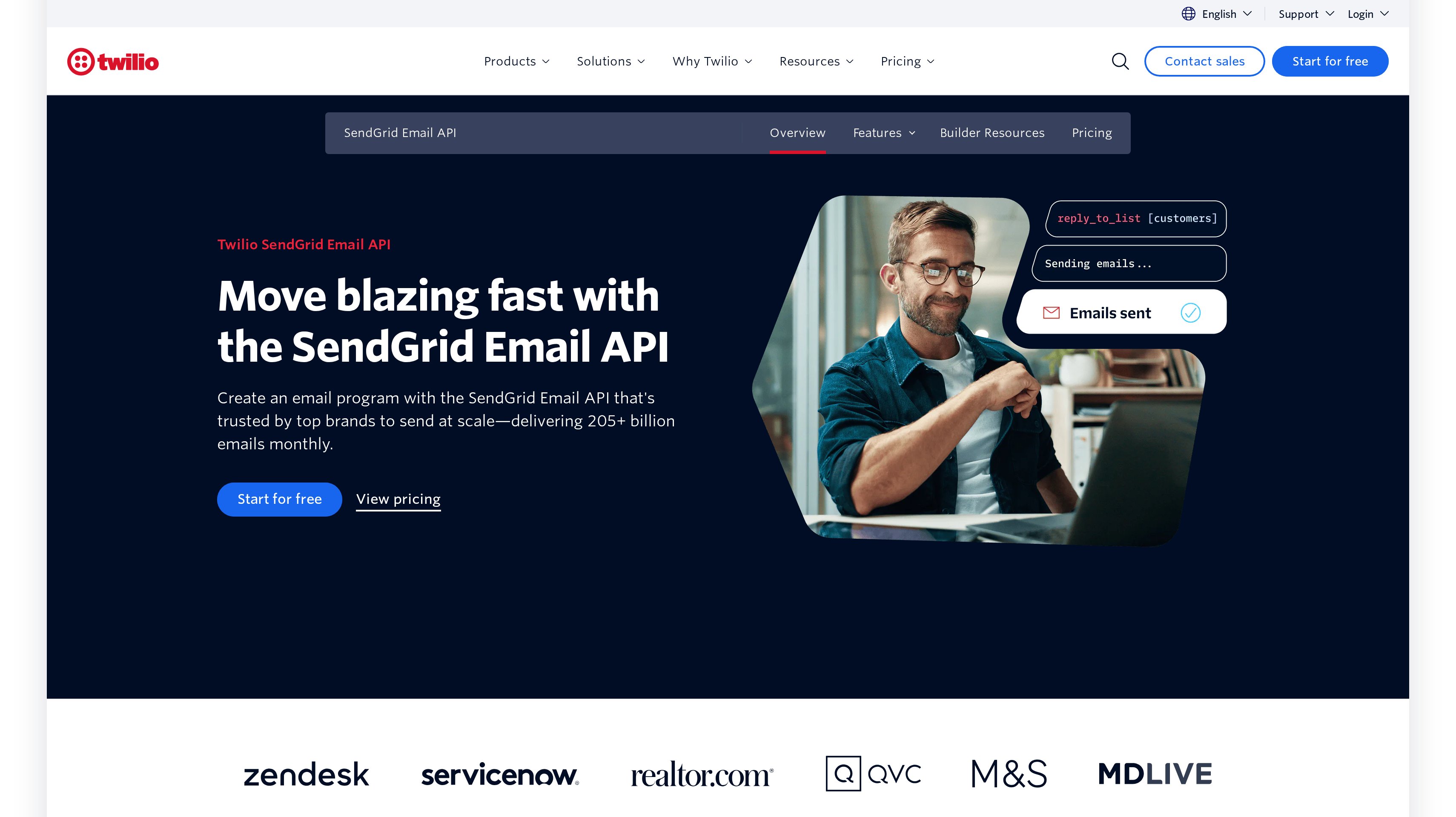
Twilio SendGrid Email API combines an email API and SMTP relay with client libraries, interactive API documentation, and dynamic templates. Event webhooks and deliverability insights support the work after your app submits a message. The product now lives on Twilio.com. Its particular fit here is a growing operation that needs dedicated IPs and a way to organize sending through subusers.
The free trial allows 100 emails per day for 60 days. Essentials starts at $19.95 per month. Pro starts at $89.95 per month and includes dedicated IPs, subuser management, single sign-on, and email testing. Premier has custom pricing with more email validations and expert program management. Monthly send volume and the features you select determine pricing.
Subusers are relevant when your team needs to organize sending for different parts of a business or application portfolio. Dedicated IPs put sending infrastructure into the plan discussion as well. Decide who will own that setup and how your team will review deliverability insights before you choose a tier on sending capacity alone.
Dynamic templates separate the event that triggers a receipt from the content the recipient sees. Event webhooks bring delivery information into your systems. Trace one message through both during evaluation so engineering and support agree on how to investigate it.
Best suited for teams expanding transactional sending across applications and operational owners. Pro brings dedicated IPs, subusers, and single sign-on together for a setup where delivery administration needs its own controls.
5. Mailgun, best for API-first sending with routing, logs, and validation
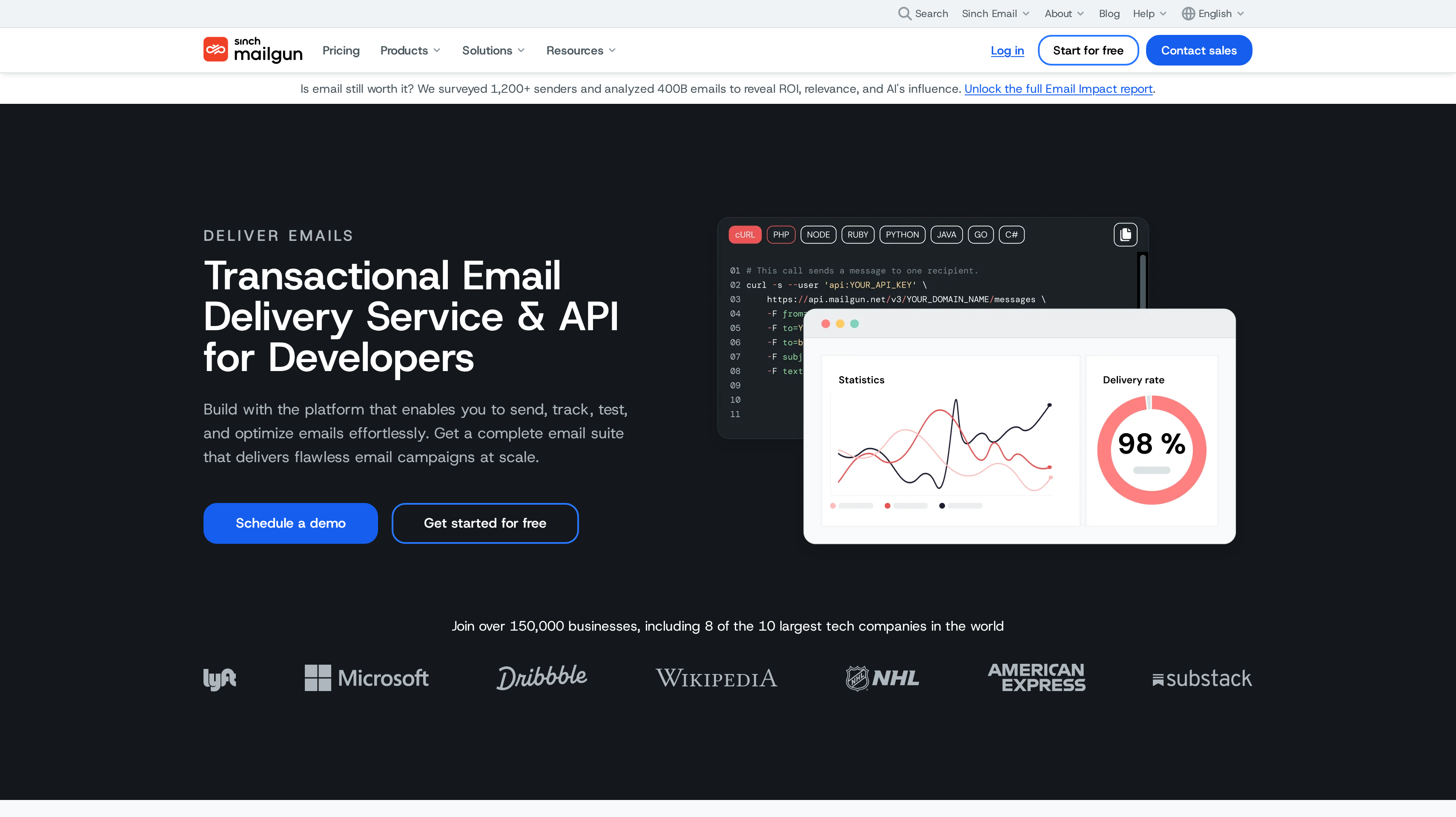
Mailgun is a transactional email service for developers in the Sinch Email group. RESTful APIs and SMTP relay handle sending, while tracking, analytics, webhooks, and inbound routing help your app work with messages afterward. Email validation and the Mailgun Optimize and Mailgun Inspect products extend the delivery and testing toolkit. Routing is the distinguishing buying reason when incoming mail belongs in your application workflow.
Free allows 100 emails per day, one custom sending domain, one inbound route, and one-day log retention. Basic starts at $15 per month for 10,000 emails with no daily limit. Foundation costs $35 per month for 50,000 emails and is free for the first month. It includes 1,000 sending domains, a template builder, five-day logs, and extra emails from $1.30 per 1,000.
Scale costs $90 per month for 100,000 emails and also has a free first month. It adds SAML single sign-on, 5,000 validations, dedicated IP pools, and 30-day logs. Extra emails start at $1.10 per 1,000. These differences let you compare the operating features beside the sending allowance rather than treating every paid tier as more of the same capacity.
Choose log retention around when support questions arrive, not only the messages developers are debugging today. Map inbound routes to the actions they should trigger, and decide where teammates will inspect delivery events.
Best suited for developers building sending and inbound email into application logic. Routing, webhooks, validation, and selectable log retention fit teams that want to manage the message workflow through APIs.
6. MailerSend, best for transactional email, SMS, and WhatsApp APIs
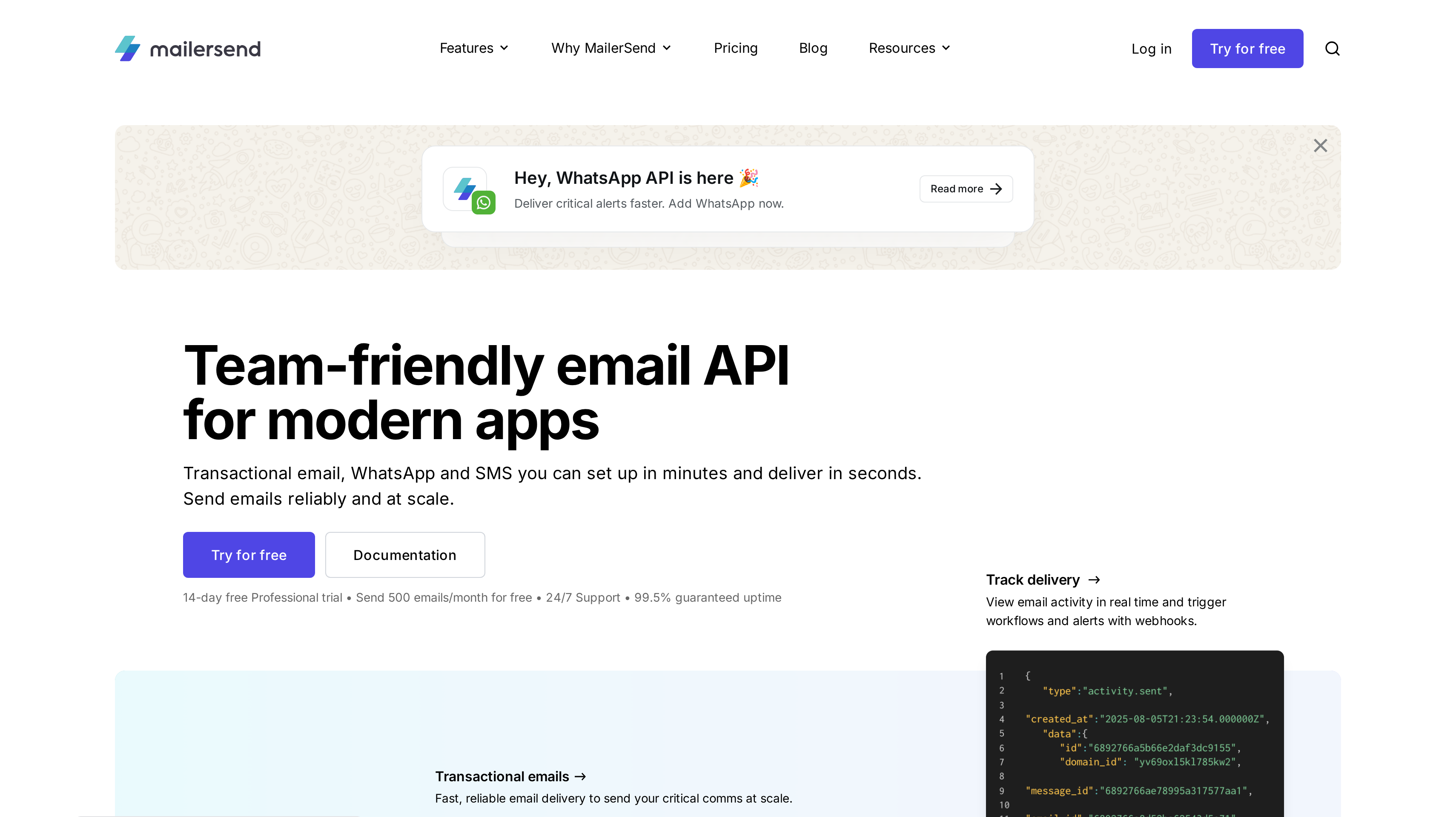
MailerSend covers transactional email, SMS, and WhatsApp messaging through APIs, with SMTP relay for email. Webhooks and real-time activity help your team connect messaging to the rest of the app. It is the distinct choice when a product needs more than email for account notifications and your developers want those channels within one messaging service.
Free includes 500 emails per month. Hobby costs $6.30 per month billed yearly, or $75.60 per year, for 5,000 emails per month. At 50,000 monthly emails, Starter costs $31.50 per month billed yearly, or $378 per year. It includes ten domains and the SMS API for the USA and Canada. Annual billing saves 10%.
Professional costs $99 per month billed yearly, or $1,188 per year, at the same 50,000-email allowance. It adds unlimited users, domains, and templates, plus a dedicated account manager. Extra email usage costs $1.30 per 1,000 on Starter and Professional. A 14-day trial gives you Professional features. MailerSend also lists 24/7 support and 99.5% guaranteed uptime.
Start with required email events, then identify which alerts need another channel. Real-time activity and webhooks help developers follow messaging from their systems. User and domain capacity matter when several teammates or products share that responsibility.
Best suited for product teams building transactional email alongside SMS and WhatsApp notifications. The API approach fits developers who want to coordinate those channels around application events, with Starter's SMS availability covering the USA and Canada.
7. Mailtrap, best for an email sandbox alongside production sending
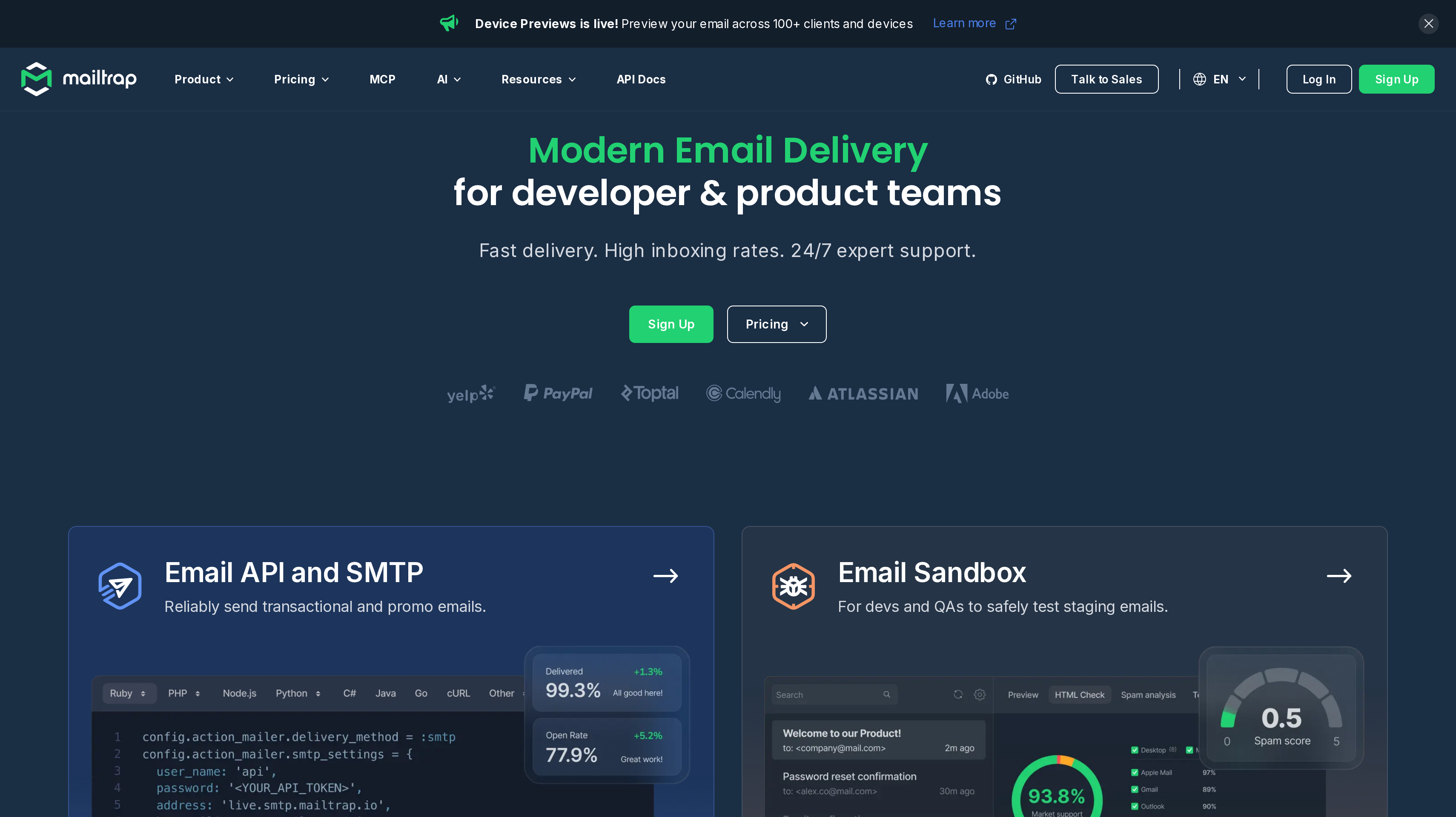
Mailtrap has two distinct jobs in this shortlist. Its Email API/SMTP product sends production messages, while Email Sandbox captures and inspects test emails from development and staging so they never reach real users. That separation is useful when your team wants to test a password reset or invoice flow without putting a customer's address into a live send.
For Email API/SMTP, Free includes 4,000 emails per month, a daily limit of 150, and one domain. Basic starts at $15 per month for 10,000 emails, five domains, and three users. Business starts at $85 per month for 100,000 emails and 100 domains. It includes a dedicated IP with automatic warm-up and 24/7 support.
Enterprise starts at $750 per month for 1.5 million emails. Senders above 200,000 emails per month can receive free migration assistance. Email Sandbox has its own plans, including a free allowance of 50 test emails and Basic at $14 per month billed annually. Keep testing capacity and production sends separate when you work out the subscription you need.
SDKs, webhooks, templates, and inbound email support application development around the sending product. Mailtrap also lists SOC 2 Type 2 and ISO 27001. For your trial, build a test account flow in the sandbox, inspect the resulting message, and then define how the production configuration will differ. That gives testing a repeatable place in the release process.
Best suited for developer and product teams that want a safe email testing environment next to their delivery service. Separate sandbox plans let you size development usage around test runs while production capacity follows customer activity.
8. Plunk, best for open-source, self-hostable email priced per email
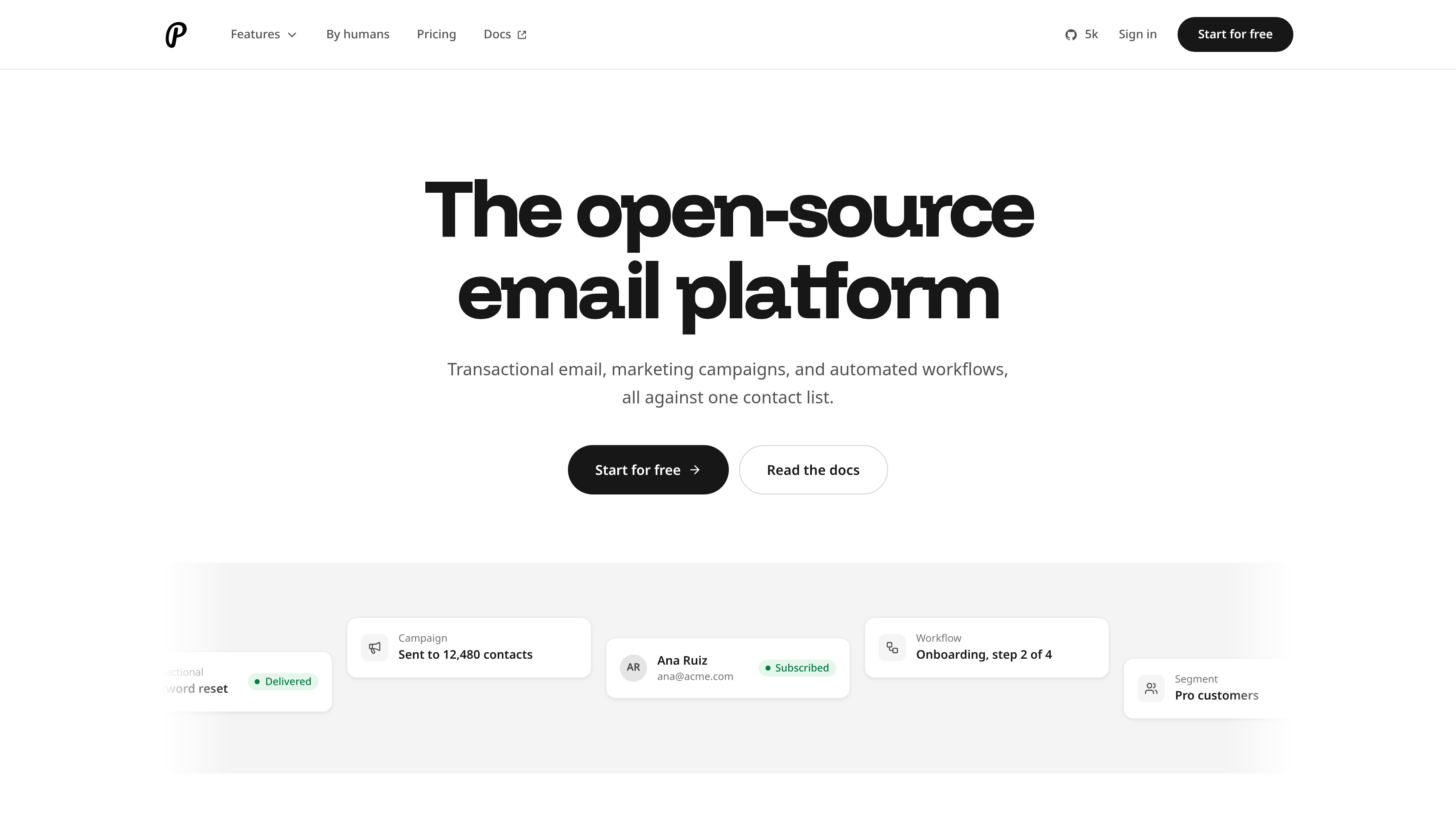
Plunk is an open-source email platform under the AGPL-3.0 license. Its transactional sending works through a REST API or SMTP relay, with inbound email and email validation available in the same platform. You can use its EU-hosted cloud or self-host with Docker Compose. That hosting choice makes it distinct from the managed-service buying paths above.
Free forever includes 1,000 emails per month, unlimited contacts, and Plunk branding. Pay as you grow costs $0.001 per email, removes Plunk branding, and includes a monthly spend cap. Every feature is available on every plan. For a product team, the billing unit is straightforward to connect to sign-ins, receipts, and notifications generated by application events.
Self-hosting is free. It gives your team responsibility for running the deployment, so the decision includes who will maintain the service alongside the app. The cloud option offers the alternative when you want to use the platform without running that deployment yourself. Both are relevant to a team that values access to the source code.
Plunk also provides an MCP server for agents alongside REST and SMTP. Evaluate sending and inbound processing through the interfaces your developers will use, and set a monthly spend cap that fits your hosted-service budget.
Best suited for teams that want an open-source email platform with a choice between EU cloud hosting and their own Docker Compose deployment. Per-email cloud pricing fits applications where usage should follow the number of product messages rather than the size of a contact list.
Side-by-Side Comparison
The comparison covers sending interfaces, operational tools, testing, and the capacity behind each price. Prices are USD list prices with billing terms shown. Monthly sending allowances and daily caps appear separately because a large monthly total does not tell you how many messages a free plan permits in one busy day.
Tool
Price
Free/trial
Best for
Key feature
Resend
Pro $20/mo
3,000/mo; 100/day
Developer workflow
SDKs, inbound inboxes
Postmark
Basic $15/mo
Developer: 100/mo
Transactional delivery
Message streams
Amazon SES
Essentials $0.16/1,000; first 10M/mo
New AWS credits
AWS volume
IP options
SendGrid
Essentials from $19.95/mo
100/day, 60-day trial
Scaled sending
Pro subusers
Mailgun
Basic from $15/mo
100/day
Inbound routing
Logs, validation
MailerSend
Hobby $6.30/mo, billed yearly
500/mo
Multiple channels
SMS, WhatsApp
Mailtrap
Basic from $15/mo
Sending: 4,000/mo; 150/day
Email testing
Separate sandbox
Plunk
Pay as you grow $0.001/email
1,000/mo
Self-hosting
Docker Compose
Which email API fits your use case
Your app's email workload matters more than its user count. A product with frequent sign-ins has a different sending pattern from one that mostly sends invoices, and a staging environment should never share the same assumptions as production.
Choose a representative flow and identify who owns it when something goes wrong. The table maps those responsibilities to the capabilities and tools that fit them.
Use case
What changes about the setup
What to look for
A developer team adding product email
Sending, replies, and delivery events need to fit the app's code and tools.
Resend's API, SDKs, inbound inboxes, and webhook endpoint allowances.
Support needs to investigate receipts and access emails
Customers may ask about an older message, and replies may need processing.
Postmark's message streams, retention options, and inbound processing on Pro or Platform.
High-volume sending from an AWS application
Per-email cost and regional account setup drive the budget.
Amazon SES sending rates, account and region charges, sender statistics, and IP options.
Several products share delivery operations
The people managing infrastructure need ways to organize sending and access.
SendGrid Pro for subusers and dedicated IPs; Mailgun for inbound routing, logs, and dedicated IP pools on Scale.
Product alerts need email and other channels
Developers coordinate account notifications across messaging methods.
MailerSend's email, SMS, and WhatsApp APIs, with Starter SMS availability in the USA and Canada.
Testing or hosting is a primary requirement
Test messages need isolation, or your team wants to run the email platform itself.
Mailtrap Email Sandbox for safe test capture; Plunk for AGPL-3.0 source and Docker Compose self-hosting.
Proof: What results look like
Published scale claims show the workload behind a service, not an inbox-placement benchmark for your app. Twilio says SendGrid delivers more than 200 billion emails every month. AWS says Amazon sends hundreds of billions of emails each year through SES. Use those claims as context, then evaluate your own receipts, sign-in messages, and delivery events.
Once that product stack is working, a partner channel has a different measure of success. Jonathan Wilke, supastarter's founder, says affiliates bring in more than half of its customers. SocialRails founder Matt describes getting Affonso running in 30 minutes and receiving eight leads. These are customer-reported partner-channel results, not outcomes caused by choosing an email API.
The published customer stories give you examples to compare with your own program. Use the LTV:CAC analyzer to compare customer value with what you spend acquiring those customers. Keep that acquisition budget separate from the cost and reliability of delivering product email.
FAQ
What is the best email API for SaaS developers?
Resend ranks first for its developer-focused API, SDKs, webhooks, and inbound inboxes. Choose Postmark when transactional delivery operations and message history lead the decision, or Amazon SES when you want low unit costs within AWS. Your sending pattern and the team responsible for delivery should decide the final fit.
How much does a transactional email API cost?
Resend Pro includes 50,000 emails for $20 per month, while Postmark Basic costs $15 per month at 10,000 emails. Amazon SES Essentials charges $0.16 per 1,000 for the first 10 million monthly emails. Compare included volume, extra sending, and the operational features you need on the same basis.
Which email APIs have a free plan?
Resend includes 3,000 monthly emails, Mailtrap sending includes 4,000, Plunk includes 1,000, MailerSend includes 500, and Postmark Developer includes 100. Resend and Mailtrap also impose daily caps, while Mailgun Free allows 100 emails per day. SendGrid's 100-email daily allowance is a 60-day trial, so distinguish ongoing free capacity from a temporary evaluation.
What are the best Resend alternatives for product email?
Postmark fits teams prioritizing message streams, retention, and inbound processing, while Amazon SES fits high-volume AWS sending. Mailgun adds an API-centered routing and validation workflow, and Mailtrap pairs delivery with a separate testing sandbox. Plunk is the open-source option when self-hosting belongs in the decision.
How is transactional email different from a newsletter?
Transactional email follows an individual product event, such as a password reset, payment, or account alert. A newsletter sends an editorial issue to people who subscribed to receive it. If publishing issues is the job, the newsletter platform shortlist covers that separate buying decision.
How should I compare deliverability tools?
Start with sender authentication, bounce and suppression handling, delivery events, and the history available for troubleshooting. Then compare dedicated IP options where your operating model needs them, such as Resend's add-on, SendGrid Pro, or Mailtrap Business. A dedicated IP is infrastructure your team manages, not evidence of a guaranteed inbox result.
How can I test app emails without reaching real users?
Use a development environment that captures messages before delivery to customers. Mailtrap Email Sandbox provides that separate testing product, with its own plans and allowance. Test recipients, template content, and the application event behind a message before switching the production flow to live sending.
How can I send custom emails for affiliate and partner events?
Affonso sends its own affiliate emails, and none of these eight providers has a native Affonso integration. For custom messages, use Affonso webhooks to receive events such as a new referral or a paid commission, then call your chosen email API from your backend. Your application owns that connection and the transactional message it sends.
Try for free
Choose the sending service around the product messages your customers depend on. Give delivery events an owner and test the flows before launch. Once the email stack is running, turn customer and creator recommendations into a measurable acquisition channel. Affonso runs affiliate and partner programs, with referral tracking, commissions, and payouts in one place. Connect the program to your existing product and billing setup. Start your Affonso free trial and evaluate the partner workflow alongside the tools you already use.
 Affonso
 Silvestro Zinnanti, FounderComparisonOctober 24, 202621 min read