Compare eight SaaS hosting platforms for production apps. See deploys, databases, scaling, regions, pricing, and the fit for your team and stack.
Your app runs locally. Putting it in front of paying customers means deciding where the frontend, background jobs, and database will run, and who owns the work when traffic grows.
The right host depends on what you deploy. A frontend with previews has different needs from a container app with workers, scheduled tasks, and persistent storage. The monthly bill follows those choices too.
This 2026 shortlist compares eight SaaS hosting platforms. Vercel takes the top spot for Next.js and frontend-heavy apps that want automatic deployments, preview environments, and a global CDN.
Key Takeaways
The short version, before you compare the platforms.
Choose around the whole application. Write down your frontend, web services, workers, scheduled jobs, and storage before comparing plans. A platform that fits the website may cover only part of the production system your customers use.
Vercel leads for frontend-heavy SaaS apps. Automatic CI/CD, preview deployments, and a global automated CDN support teams shipping frequent interface changes. Pro costs $20 per month with $20 of included usage credit and adds team collaboration and spend management.
Render brings several production workloads together. Web services, background workers, cron jobs, private services, and Postgres share one platform. Pro costs $25 per month for the workspace, plus compute, and includes full-stack previews and horizontal autoscaling.
The billing unit matters more than the entry price. Railway meters active CPU and memory by the second. Netlify uses credits, Fly.io charges for running Machines, and Heroku prices dynos separately from database and add-on choices.
Regional compute and a global CDN solve different problems. A CDN distributes delivery, while running application code near users changes where requests execute. Fly.io is the regional container choice here; plan database placement alongside application placement.
Self-hosting gives your team a different job. Coolify's self-hosted software is free, and you supply the servers. Its hosted control option starts at $5 per month for two servers, while your team still chooses and provides the infrastructure running the apps.
What SaaS hosting actually is (and what it is not)
SaaS hosting is the infrastructure and deployment workflow that keep your subscription application available to users. It takes application code or a container image and runs it somewhere customers can reach. Depending on the platform, that includes frontend delivery, application compute, private services, scheduled tasks, and a managed database alongside your app.
For your team, the work continues after the first deploy. You need a way to review changes before release, adjust capacity as usage grows, and understand which services contribute to the bill. A preview environment helps you inspect a proposed change. Background workers handle work outside the request a user is waiting for. These are different parts of the same production setup, and your shortlist should account for each one.
A managed application platform takes on deployment and infrastructure operations within its product's scope. A self-hosted deployment tool puts that workflow on servers you provide. Neither choice writes your application's business logic or replaces decisions about authentication, billing, and customer data. A database offered beside your app is a hosting component; choosing an entire backend service is a separate decision.
Start your budget with the system you expect to run, including environments and supporting services. Then connect that operating cost to your acquisition model. The free LTV:CAC analyzer helps you examine what you spend to acquire a customer against the value of the subscription. Hosting belongs in the broader margin calculation, alongside the costs of serving and supporting that customer.
How We Ranked These SaaS Hosting Platforms
This shortlist focuses on where SaaS teams deploy production applications. It covers frontend platforms, managed full-stack hosting, regional containers, and a self-hosted option, with databases considered as supporting services.
The comparison draws on vendors' public product descriptions and pricing pages. Deployment features and billing models carry more weight here than a long list of services your application may never use.
We compared five criteria:
Deployment and review. Repository imports, Git or container workflows, automatic deployments, and preview environments. The useful question is how your team moves a proposed change into a release customers can use.
Workload fit. Frontend delivery, web services, background jobs, scheduled tasks, and private services. Each host should match the processes your application actually runs.
Data and supporting services. Managed databases, persistent storage, and networking between services. These are evaluated as parts of the hosting setup, rather than as a separate backend platform comparison.
Scaling and placement. Autoscaling, instance sizes, regional compute, and CDN delivery. Compute location and content delivery remain separate capabilities throughout the guide.
Cost and operating responsibility. Workspace fees, usage credits, compute charges, and infrastructure you supply yourself. Included allowances stay separate from the price of additional services.
Published availability targets and contractual SLAs are described with their own terms. Customer-reported outcomes are attributed to their authors and kept separate from hosting capabilities. We plan to review this guide quarterly and after material pricing changes.
The Best SaaS Hosting Platforms in 2026
Start with the application you need to operate, then choose the deployment workflow your team wants to own. These eight platforms cover frontend releases, full-stack services, usage-metered projects, regional containers, and deployments on your own servers. The order favors a common frontend-heavy SaaS setup, with a specific alternative for each different workload and operating model.
1. Vercel, best for Next.js and frontend-heavy apps with previews and a global CDN
Vercel puts repository-based deployment, preview environments, and global delivery in one workflow. You import your repo, use automatic CI/CD, and get preview deployments for reviewing changes. For a Next.js or frontend-heavy SaaS team, those capabilities put the customer-facing part of the product at the center of the release process. That combination earns it first place in this shortlist.
The platform includes Fluid compute, a global automated CDN, a web application firewall, DDoS mitigation, and traffic and performance insights. You can consider delivery, application execution, and visibility together when planning the frontend.
Hobby is $0 per month for personal projects. Pro is $20 per month with $20 of included usage credit, flat-rate CDN with traffic spike protection, advanced spend management, and team collaboration with free viewer seats. It also includes cold start prevention and a free custom domain, with a free trial available. Vercel lists its prices in USD excluding taxes.
Enterprise has custom pricing and adds SCIM and directory sync, managed WAF rulesets, multi-region compute and failover, and a 99.99% SLA. Vercel also provides API, CLI, MCP, and Skills access for coding agents, plus sandboxed VMs. Use those access paths for deployment scripts and coding tools.
Best suited for teams whose release reviews center on a Next.js interface and shareable previews. Choose it when your developers want frontend deployment, global delivery, and spending controls in the same platform.
2. Render, best for web services, workers, cron jobs, and Postgres in one place
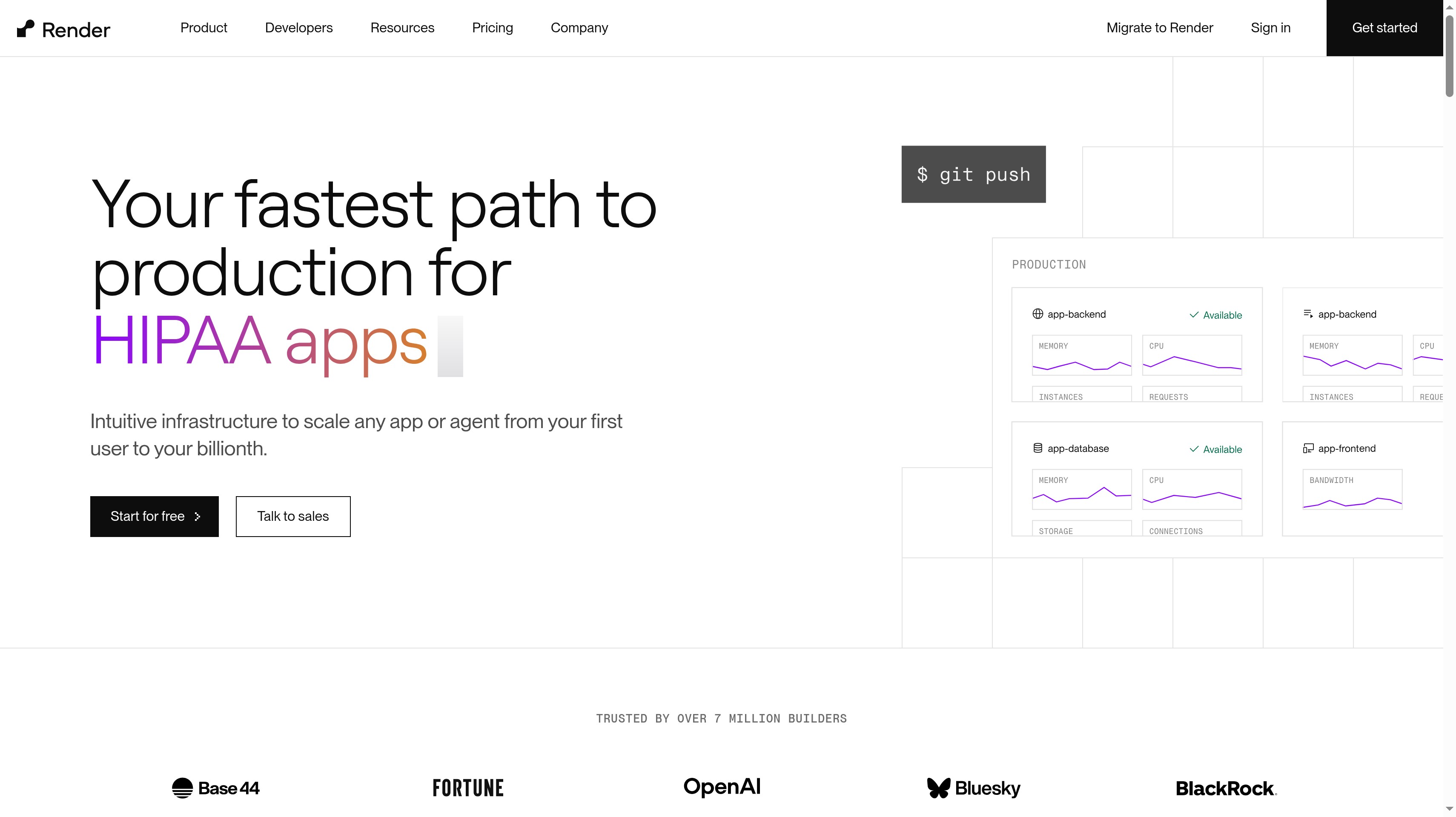
Render groups the processes behind a full-stack product on one managed platform. You can host web services, background workers, cron jobs, private services, static sites, and WebSockets, with Postgres and key value stores alongside them. Private networking connects the setup. That range is useful when the app includes work that continues after a browser request ends.
Full-stack previews let your team review the application for each pull request. Render also offers infrastructure as code, persistent disks, workflows, zero-downtime deploys, and autoscaling. Your team can plan web processes, workers, and scheduled work together.
Pricing separates the workspace plan from compute. Hobby costs $0 per month for the workspace and allows up to 25 services with 5 GB of bandwidth. Pro is $25 per month, with unlimited seats and services, 25 GB of bandwidth, full-stack previews, horizontal autoscaling, and isolated environments. The workspace price is one part of your estimate; compute is another.
Scale costs $499 per month and includes 1 TB of bandwidth, HIPAA-compliant workspaces, SAML SSO, and SCIM. Enterprise uses custom pricing with uptime SLAs. Render CLI and MCP provide access outside the dashboard. VC-funded startups can receive up to $100K in credits through Render for Startups, and Render offers up to $10K in migration credits.
Best suited for full-stack teams that want their web app, asynchronous jobs, and Postgres under one operating model. It fits a release process where reviewers need to inspect the connected application through full-stack previews.
3. Railway, best for teams that want usage-based pricing billed by the second
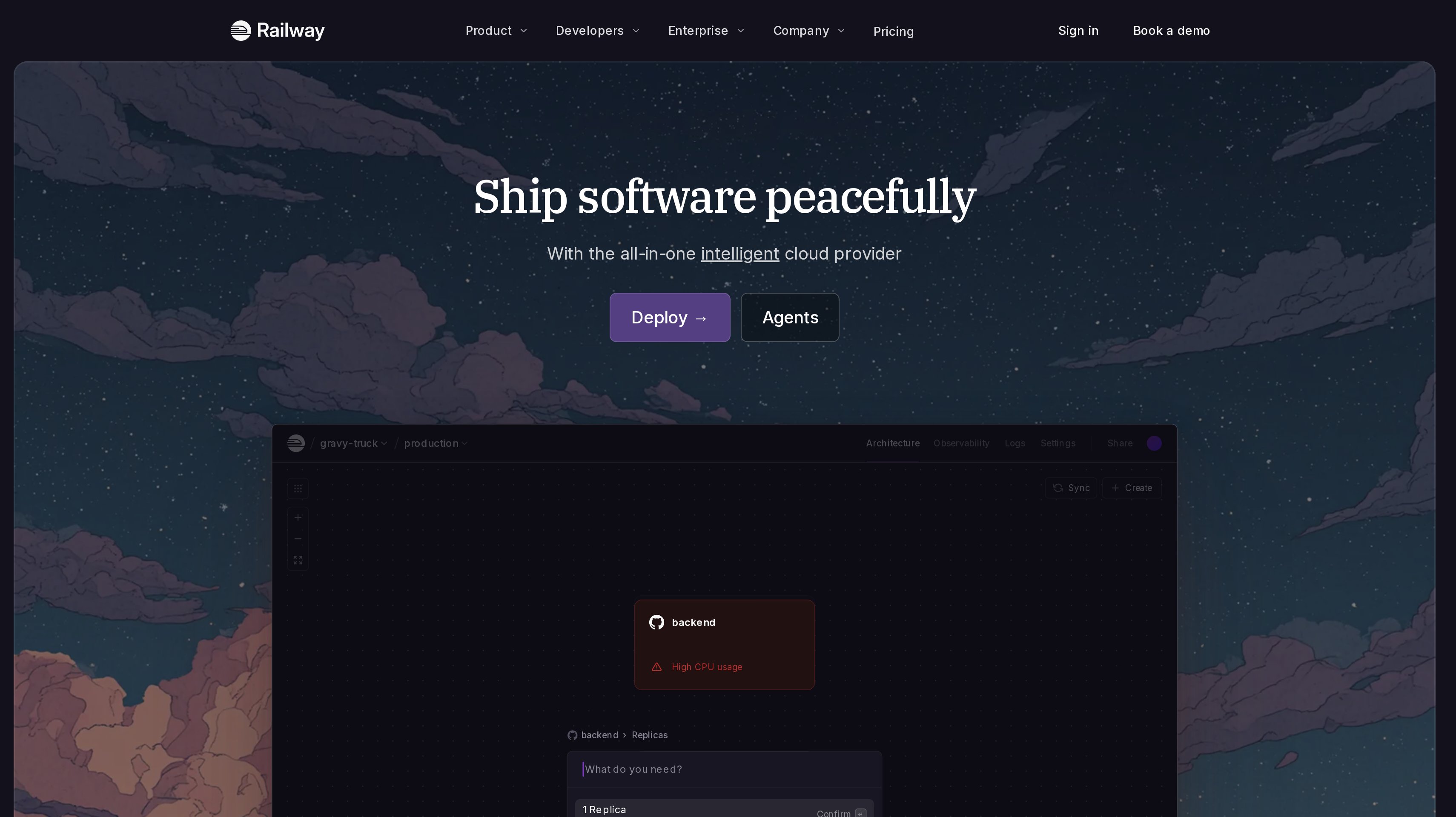
Railway organizes apps, databases, and services on a visual project canvas. You can see the components of your project together while deploying the processes that make up the product. Its pricing centers on active CPU and memory, billed by the second. That makes resource consumption the starting point for the buying decision.
For a SaaS team, the practical task is to identify which services stay active and what resources each uses. A web service and a supporting database belong in the same cost estimate, even when they have different usage patterns. Use the project canvas to organize those components.
Free is $0 and includes a 30-day trial with $5 in credits, then $1 in monthly credits. It allows up to 1 vCPU and 0.5 GB of RAM per service. Hobby has a $5 minimum usage charge with $5 of monthly usage credits, supports up to 48 vCPU and 48 GB of RAM per service, and carries a 99.9% availability target.
Pro has a $20 minimum usage charge with $20 of monthly credits. It supports up to 1,000 vCPU and 1 TB of RAM per service, up to 42 replicas, unlimited workspace seats, and 30-day logs, with a 99.99% availability target. Enterprise is custom. Compare those capacity ceilings with your expected services, while keeping the minimum charge and actual resource use separate in your budget.
Best suited for teams that want to organize connected services visually and pay around measured compute use. It fits developers who prefer second-based resource billing and want room to increase service capacity within the same project model.
4. Netlify, best for web teams deploying from Git, AI tools, or API on credit-based plans
Netlify gives web teams several routes to deployment. You can deploy any framework from Git, AI tools, or an API, and use unlimited deploy previews to review changes. That combination fits a team where code reaches production through both repository workflows and tools that create or update the application through an API.
The platform includes a global CDN, functions and AI models, Netlify Database, Blob storage, and firewall traffic rules. Agent Runners are also part of the product. For your hosting decision, map each of those services to the work your application needs. Frontend delivery, function execution, and stored data are separate demands even when the platform brings them into one account.
Free costs $0 forever and has a limit of 300 credits per month. Personal is $9 per month with 1,000 monthly credits. Pro costs $20 per month and includes unlimited members, private organization repositories, shared environment variables, and three or more concurrent builds. Its credit tiers range from 3,000 to 20,000 credits per month. Enterprise has custom pricing and a 99.99% SLA.
Estimate consumption in credits. Start with the services you intend to use and compare the available credit tiers, rather than treating the monthly subscription as a fixed amount of compute. Unlimited previews answer the review-workflow question; shared environment variables and concurrent builds address how the team coordinates delivery.
Best suited for web teams that want Git, AI tools, and API-driven deployment to share one platform. It fits a collaborative release process built around deploy previews and a monthly credit allowance.
5. Fly.io, best for running application containers close to users across regions
Fly.io centers hosting on Machines, hardware-virtualized containers that launch instantly and run when needed. You can place application compute in regions worldwide. For a product serving users in different places, that changes the hosting question from where content is delivered to where the application's code executes.
Private networking, granular routing, autoscaling, and zero-downtime deploys support that regional setup. Managed Postgres is available alongside the application. Plan compute and data placement together so you understand which requests need to travel between them. Adding regional application processes is an architectural choice, and the database remains part of how a request reaches its answer.
You pay while a Machine runs. The shared-cpu-1x preset with 256 MB costs $2.19 per month, or $0.0030 per hour. The performance-1x preset with 2 GB costs $33 per month. Estimate your bill using the machine sizes and running time your services need.
Storage and networking have their own units. Volumes cost $0.15 per GB per month, egress starts at $0.02 per GB in North America and Europe, and a dedicated IPv4 address costs $2 per month. Every app receives a shared IPv4 address and unlimited Anycast IPv6. Fly.io also offers Sprites sandboxes for untrusted or AI-generated code, a separate workload to consider if your product executes code supplied by users or agents.
Best suited for teams that want to decide where their application containers run and how traffic reaches them. It fits developers planning regional compute, private service connections, and resource-level infrastructure costs together.
6. DigitalOcean App Platform, best for predictable monthly pricing on a managed PaaS
DigitalOcean App Platform is a fully managed PaaS for deploying from GitHub, GitLab, or container registries. It combines the deployment workflow with automatic HTTPS, custom domains, a global CDN, and DDoS mitigation. For your team, the choice starts with the app components and capacity you want the platform to run.
Shared and dedicated CPU options give you different compute choices within that model. Horizontal and vertical scaling let you plan around more instances or a larger instance, while CPU-based autoscaling adjusts capacity around that signal. Development and production databases are available as supporting services. Include them when you scope the app rather than comparing only the web component's starting price.
The free tier starts at $0 per month and covers three apps with static sites. Each static-site app includes 1 GiB of transfer, and team members are unlimited. A static-site allowance and a running container are different deployment needs, so keep them separate in the budget.
The paid tier starts at $5 per month. Paid capabilities include container deployments, autoscaling, high availability, dedicated egress IP, log forwarding, and up to ten revisions for rollbacks. Use monthly component pricing to plan recurring spend. Match the chosen configuration to your production services and the environments you need to maintain.
Best suited for teams that want managed application deployment with a monthly component budget. It fits a product running Git-based or container deployments whose owners want clear compute choices and managed databases alongside the app.
7. Heroku, best for a mature git-push platform with an add-on marketplace
Heroku is Salesforce's fully managed application platform. Apps run in dynos, its smart containers, with deployment through git push or Docker. The model gives your team a named application process to size and operate, while the Elements marketplace provides add-ons around the app. It suits buyers who want that established deployment and service-selection workflow.
Supporting data services include Heroku Postgres, Key-Value Store, and Apache Kafka. Think through which belong in your production system before pricing the dynos alone. A web application, its database, and additional services are separate cost decisions even when you administer them on the same platform. The marketplace extends the list of services you can select around that core.
Monthly dyno prices are $5 for Eco, $7 for Basic, $25 for Standard-1X, and $250 for Performance-M. Heroku Postgres Essential-0 costs $5 per month, and Essential-1 costs $9 per month. Add-on pricing varies by add-on. Use the dyno and database combination your product needs as the basis of your estimate, then add the services you intend to attach.
Heroku AI includes managed inference and agents, with MCP on Heroku. Private Spaces and Shield address enterprise deployments. Start with your required application processes and data services, then decide which enterprise or AI capabilities belong in the stack.
Best suited for teams that value a mature application platform and want to select supporting services through an add-on marketplace. It fits developers who prefer git-push or Docker releases with dynos and managed data services as the main building blocks.
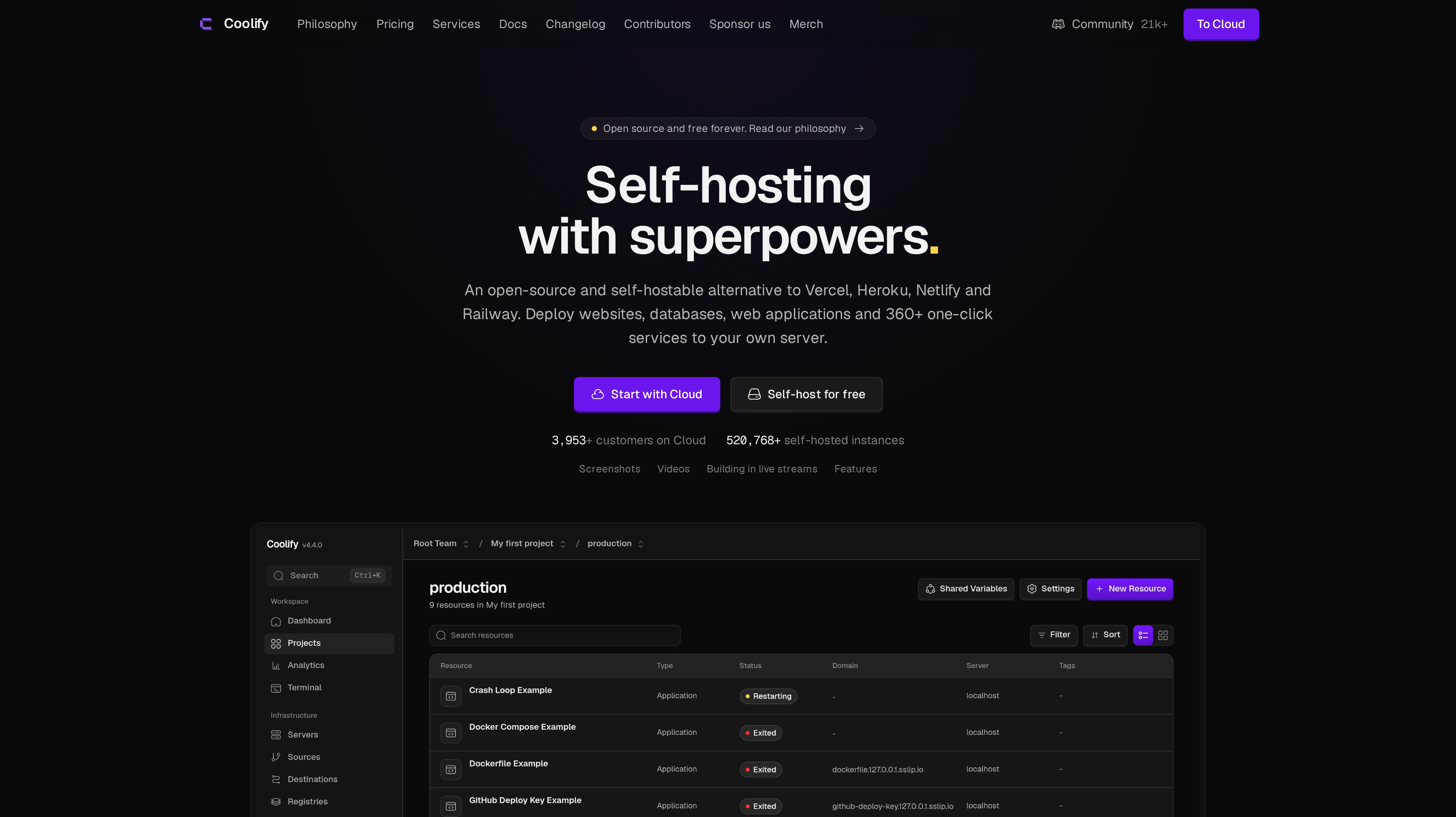
8. Coolify, best for open-source deployments on your own servers
Coolify is an open-source, self-hostable deployment platform for websites, databases, and web applications. It also offers more than 360 one-click services and API access. The defining choice is infrastructure ownership. You provide the servers, and Coolify supplies the deployment workflow for the applications and services you put on them.
That separates the software decision from the server decision. Your team can choose its infrastructure and use Coolify to manage deployments there. You also need an owner for server upkeep, capacity planning, and the way production services recover from problems. Those responsibilities belong in the buying decision alongside the software's price, especially when you are comparing it with a fully managed PaaS.
Self-hosted Coolify is free forever with access to all features. You bring your own infrastructure. Coolify Cloud costs $5 per month as a base price for two servers, plus $3 per month for each additional server. Annual billing saves 20%. With Cloud, Coolify runs on managed infrastructure while you still provide the servers hosting your applications.
The difference between those options is where Coolify itself runs. Server capacity remains something you choose in either setup. Teams with established server operations can budget deployment software separately. The one-click service catalog also gives you a way to deploy supporting services through the same tool, with a community of more than 21,000 members around it.
Best suited for teams that want their deployment platform to be open source and their applications to run on servers they control. It fits developers who already own server operations or deliberately want to build that capability into their team.
Side-by-Side Comparison
Compare the deployment workflow, workloads, data options, and pricing unit together. The prices below are in USD, with monthly terms and included credits stated separately from supporting services.
Tool
Price
Billing
Best for
Vercel
Pro $20/mo
$20 usage credit
Next.js frontends
Render
Pro $25/mo
Workspace; compute extra
Full-stack apps
Railway
Hobby $5 minimum
$5 credits; second-based
Usage-based hosting
Netlify
Personal $9/mo
1,000 credits/mo
Web teams
Fly.io
shared-cpu-1x $2.19/mo
Running Machines
Regional containers
DigitalOcean App Platform
From $5/mo
Monthly
Managed PaaS
Heroku
Eco $5/mo
Per dyno
Add-on marketplace
Coolify
Self-hosted: free
Own infrastructure
Self-hosted deployments
Which hosting platform fits your use case
A useful shortlist starts with the work your application does during a normal customer session and after that session ends. Include previews, background processing, data storage, and any regional requirements in the same inventory.
Then decide which operations your team wants to own. The rows below connect common setups with the capabilities that should drive your final comparison.
Use case
What changes about the setup
What to look for
Next.js product with frequent interface releases
Reviewers need to inspect proposed changes before they reach customers.
Vercel for preview deployments and a global automated CDN; Netlify for unlimited previews with Git, AI-tool, or API deployment.
Full-stack app with asynchronous work
Web requests, workers, scheduled jobs, and Postgres need a coordinated home.
Render for those service types, private networking, and full-stack pull-request previews.
Connected services with variable resource use
The estimate follows active CPU and memory across the project.
Railway for a visual canvas and second-based billing; compare minimum usage charges with expected consumption.
Users spread across regions
Application execution location becomes part of request handling.
Fly.io for regional Machines, routing, and private networking; include data placement in the design.
Managed app with a monthly capacity plan
Your team wants to budget app components and supporting services together.
DigitalOcean App Platform for managed Git or container deploys; Heroku for dynos and marketplace add-ons.
Deployment on infrastructure you control
Server selection and operations remain with your team.
Coolify for open-source deployment software; choose whether to self-host the control platform or use Cloud.
Proof: What results look like
A production stack gives you somewhere to serve customers. Partner-channel results measure a different part of the business. Jonathan Wilke, founder of supastarter, says affiliates bring in more than 50% of its customers. His published account describes partner onboarding and commission payments through Affonso, rather than an outcome attributable to a hosting provider.
Matt, founder of SocialRails, reports completing his Affonso setup in 30 minutes and receiving eight leads by the time he shared his testimonial. Those figures describe one customer's early program activity, not a forecast for a newly deployed app.
What is the best SaaS hosting platform for a Next.js app?
Vercel ranks first here for Next.js and frontend-heavy products because repository deployment, previews, and global CDN delivery share one workflow. If your system also needs web services, background workers, cron jobs, and Postgres in one platform, Render is the next option to evaluate. Start with the full application inventory before choosing around the frontend alone.
How much does SaaS hosting cost for a production app?
Build the estimate from application compute, databases, storage, and the environments you need. Vercel Pro is $20 per month with $20 usage credit, Render Pro is $25 per month for the workspace plus compute, and Railway Hobby has a $5 usage minimum with $5 credits. Those prices represent different billing models and scopes.
What should I look for in Vercel alternatives?
Decide whether you want a different frontend workflow or a host for more application processes. Netlify offers Git, AI-tool, and API deployment with unlimited previews and credit-based plans. Render brings web services, workers, cron jobs, and Postgres together, while Coolify provides deployment software for servers your team supplies and operates.
Which Heroku alternatives fit a full-stack application?
Render is a close fit when you want managed web services, workers, scheduled jobs, and Postgres together. Railway suits teams that want a visual service canvas and second-based active resource billing. DigitalOcean App Platform offers managed Git and container deployments with monthly pricing, while Coolify fits teams choosing their own server infrastructure.
What is the difference between a global CDN and regional application hosting?
A CDN distributes content delivery, while regional hosting determines where your application code executes. Vercel, Netlify, and DigitalOcean App Platform include global CDN delivery; Fly.io lets you run Machines across regions worldwide. For requests that read or write data, include the database's placement when deciding where application processes should run.
How should I compare credits, workspace fees, and instance pricing?
Use the unit your production setup consumes, then add supporting services. Render separates workspace plans and compute, Netlify supplies monthly credits, Railway meters active CPU and memory by the second, and Heroku prices dynos and data services separately. Model each required service and environment instead of comparing entry subscriptions as equivalent bundles.
What does my team manage when choosing self-hosted deployments?
With Coolify, you supply the servers and own the operating process around them, including capacity and maintenance. The self-hosted software includes all features for free. Coolify Cloud hosts Coolify on managed infrastructure, starting at $5 per month for two servers, while the servers running your applications still come from you.
How do I add a partner program after my app is live?
Run affiliate and partner programs alongside your application with saas affiliate software. Use the Affonso SDK for a custom connection or webhooks for program events, with your deployment remaining a separate choice. The affiliate software shortlist explains how to compare tracking, commissions, and payouts.
Try for free
Choose the host around the application your customers will use. Put a representative release through the deployment workflow. Account for the database, background work, and recurring infrastructure bill. Once customers can use and recommend the product, give those recommendations a clear path into your partner channel. Affonso connects affiliate and partner programs with referral tracking, commissions, and payouts. Start your Affonso free trial and assess that workflow alongside your live app.
 Affonso
 Silvestro Zinnanti, FounderComparisonNovember 4, 202621 min read