Best knowledge base software in 2026: the buyer's shortlist.
Compare nine knowledge base tools for SaaS help centers and product docs. See pricing, publishing, and the fit for your team.
Customers still open tickets for questions your product already answers. A public help center is the place those answers live, so people can search before they write in.
The same articles also feed your in-app widget, chatbot, and support inbox. If the pages are thin or stale, those channels repeat the same work.
This 2026 shortlist covers the best knowledge base software. Ferndesk takes the top spot for a help center that checks articles against the product and drafts the updates as you ship.
Key Takeaways
The short version.
A customer-facing help center is not an internal wiki. The job is a searchable public site, an in-app widget, and articles your team can cite in replies. Confluence-style workspaces solve a different problem.
Ferndesk leads this shortlist for a help center that stays checked against the product. Pro is $149 per month with 5 seats, 5 languages, and 1,000 AI conversations. Pre-seed or under $1M ARR teams can pay $75 per month for the first year.
Suite products cost more because they bundle the inbox. Intercom Essential starts at $29 per seat/month billed yearly. A Zendesk help center starts on Suite Team at $55 per agent/month billed yearly. Fin is $0.99 per outcome. Extra Zendesk automated resolutions are $1.50 committed or $2.00 pay-as-you-go.
Dedicated knowledge base tools charge for sites, editors, or a quote. Help Scout Standard starts at $25 per user/month billed yearly. GitBook Essential starts at $65 per site/month billed yearly plus $12 per user/month. HelpDocs Sprout starts at $99 per month billed yearly. Document360 is quote only.
Developer documentation is a separate buying track. Mintlify Starter is free with five editor seats, Git sync, and an API playground. GitBook Free also includes Git sync and OpenAPI docs. Those tools fit when the reader is a developer.
Partners use the same help center. Once customers self-serve product questions, partners look up program rules the same way. Publish eligibility, cookies, and payout answers next to the product docs.
What knowledge base software actually is (and what it is not)
Knowledge base software publishes answers your customers, users, and later your partners can find without opening a ticket. For a SaaS or app company that usually means a public help center, collections of articles, search, and a widget inside the product.
Use customer feedback tools to collect requests when an article does not solve the underlying product problem.
A trial user needs setup steps. A paying subscriber needs billing and permission answers. A developer needs an API reference. The platform should make the relationship between a question and an article clear enough that your inbox does not become the index.
Some tools add a help desk or shared inbox, a messenger, a changelog, or Git sync. Those are separate buying decisions, even when a vendor packages them with the help center. Look at Affonso's own help center to see a public knowledge base used for product questions. If you are also setting partner rewards, the free affiliate commission calculator is a useful check before those answers go live.
A knowledge base does not replace your support team. You still need accurate articles, an owner who updates them after releases, and a path from a failed search to a human. The software only publishes and measures the content.
How We Ranked These Knowledge Base Tools
This shortlist evaluates customer-facing help centers and documentation for SaaS and app companies. Internal wikis and employee intranet tools are out of scope.
The research uses public pricing, product pages, and vendor documentation.
We compared five criteria:
Public help-center publishing. A branded site, custom domain, search, sitemap or SEO controls, and a widget or embed that puts articles inside the product.
Authoring and knowledge operations. Collections, drafts, reuse, localization, review, and a way to keep articles current after a release, including whether the tool can check claims against the product.
Support-stack fit. Whether the knowledge base stands alone or only ships as part of a shared inbox, messenger, or suite.
AI self-service price. Published per-resolution, per-outcome, or credit prices for answers that use your articles.
Total cost and plan capacity. Software fees, seats, sites, editor caps, and what the entry plan actually includes.
Customer results are attributed to the company reporting them. Entry plans and higher tiers are compared with their billing terms and usage charges stated separately. A free plan counts as real capacity only when it includes a public site or a published article allowance. We plan to review this guide quarterly.
The Best Knowledge Base Software in 2026
A help center starts as a public site of answers. The tools below differ in how they publish that site, what they bundle around it, and what it costs to keep the content current. These nine options cover dedicated knowledge bases, support suites, and developer documentation.
1. Ferndesk, best for a help center that stays current as you ship
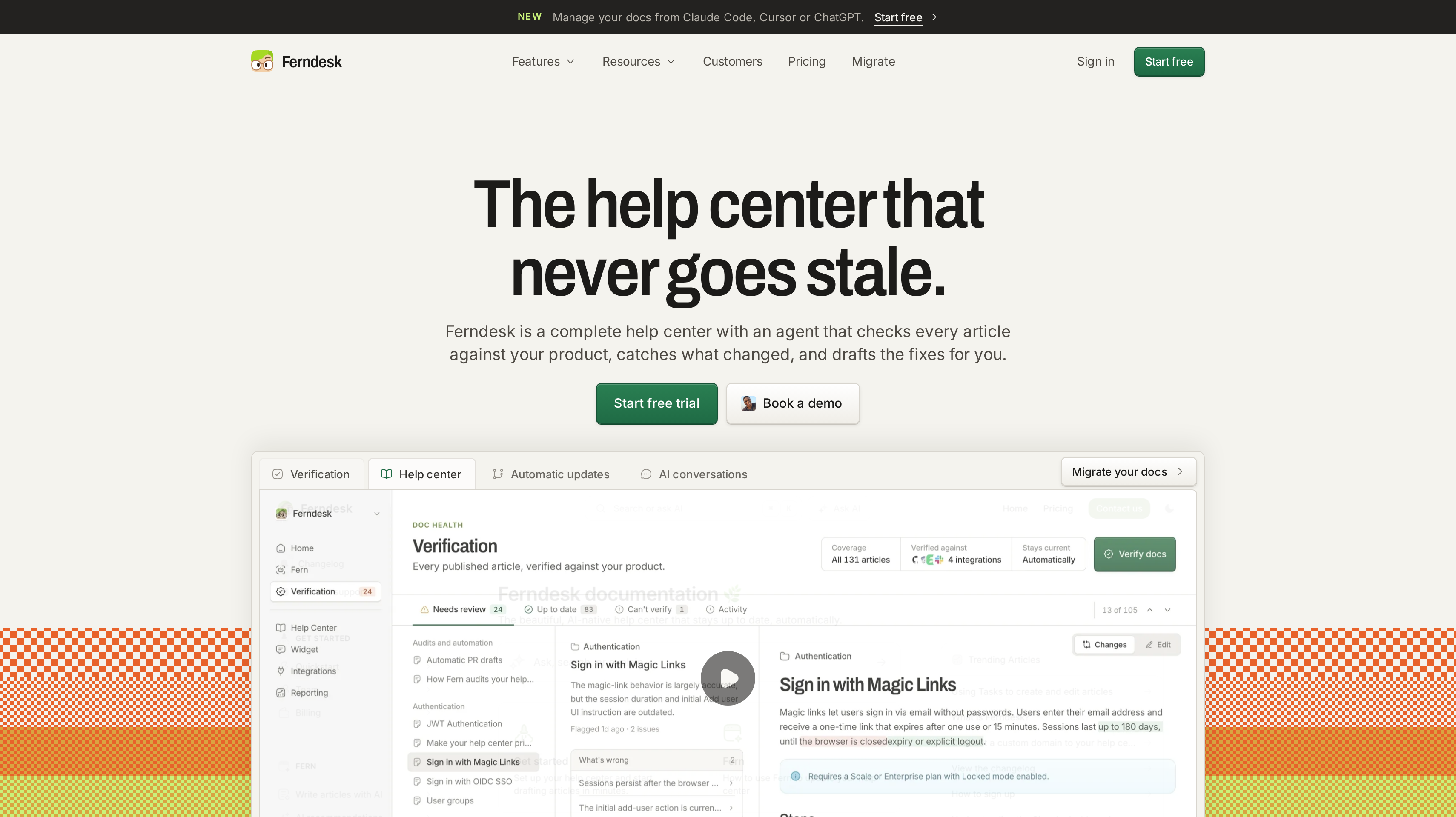
Ferndesk is a complete help center with an agent, Fern, that checks every article against the product, flags what changed, and drafts the fix. You approve before anything publishes. That is why it leads this shortlist. Most tools wait for someone to notice a stale page.
The public portal can sit on your domain or a /help subfolder. Search, AI answers, an in-app widget, API docs with a try-it playground, private docs, translations, and analytics ship together. Private docs use a magic link, OIDC, or JWT. When the widget cannot answer, it can hand off to Intercom, Zendesk, or Help Scout. A one-click migration keeps existing URLs.
Fern reads the codebase, support tickets, changelogs, and product videos. A merged pull request can produce a drafted article and a changelog entry. Verification checks published claims against code, the live app, support replies, and links. Screenshots can be re-taken when the UI changes. Scheduled audits catch stale docs. Manual AI drafting and automatic PR screening are unlimited on Pro.
Pro is $149 per month and includes 5 seats, 5 languages, and 1,000 AI conversations. Pre-seed or under $1M ARR teams can pay $75 per month for the first 12 months, or $745 if they pay the year up front. Enterprise starts at $399 per month and adds SAML SSO, SCIM, 2,500 conversations, and a data processing agreement. The trial is 7 days and does not require a credit card.
Best suited for SaaS teams that ship often and need a public help center whose articles stay checked against the product.
2. Help Scout, best for a branded public help center
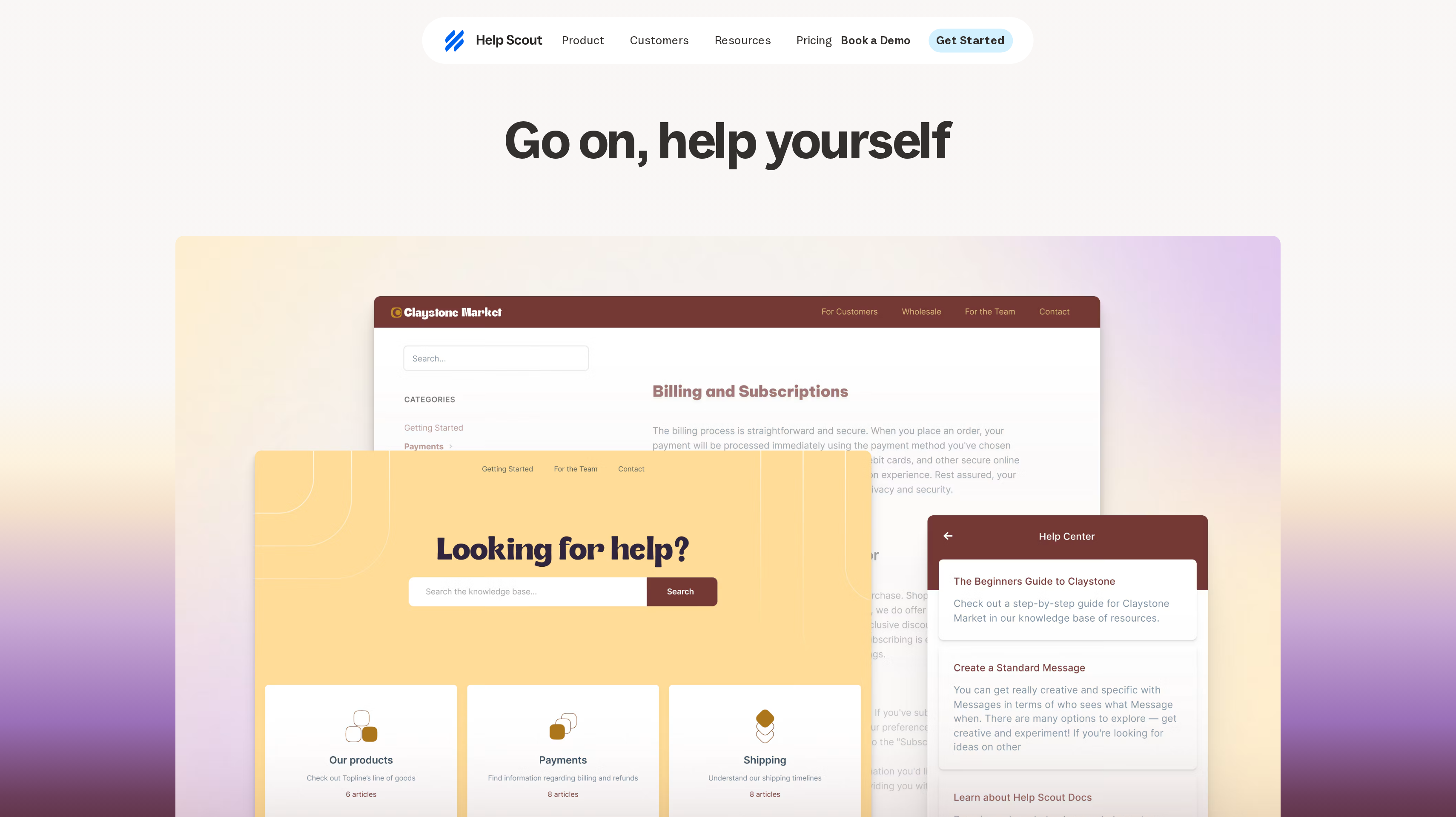
Help Scout Docs is a public support website you write and organize inside the same account as the shared inbox. Each Docs site can hold collections, categories, and articles. Paid plans have no article cap on a single site. Customers can rate articles. They cannot comment or publish.
You can attach a custom domain such as support.yourdomain.com, brand the site with presets or CSS, and embed Beacon in the app so the same articles appear in context. Private collections stay visible only to Help Scout users, so they work as an internal layer next to the public site.
The Free plan includes 5 users, 1 Inbox, and 1 Docs site with 10 articles. Standard is $25 per user/month billed yearly and includes 2 Docs sites. Plus is $45 with 3 sites. Pro is $75 with 5 sites. Extra Docs sites are $20 per month when billed yearly. You need a Help Scout account to use Docs, but you do not have to set up an inbox if you only want the knowledge base.
AI Answers is $0.75 per resolution on paid plans, with a 3-month trial of unlimited resolutions on a new account. Help Scout publishes an average resolution rate of 73% for that assistant. Standard and Plus have a 15-day trial without a credit card.
Best suited for SaaS and app teams that want a public help center customers can search and rate, with an optional inbox later. Beacon and extra Docs sites matter when you have more than one product or audience.
3. Intercom, best for in-app help and AI answers
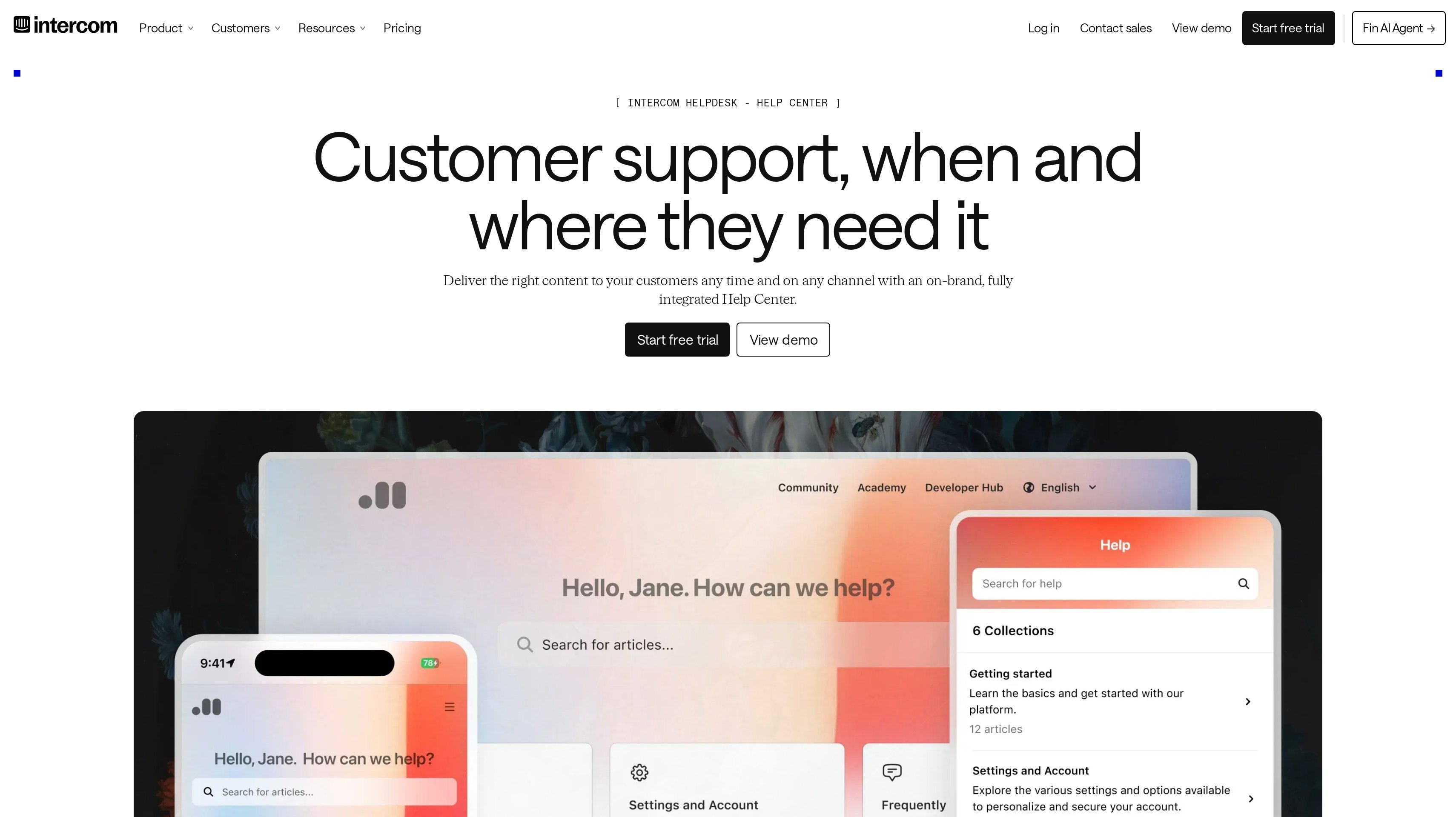
Intercom puts a public help center on every plan, next to Messenger and a shared inbox. The Knowledge Hub is the source Fin, Copilot, and the help center all read. Article search in Messenger can follow the customer's language when you have localized both the Messenger and the help center.
Essential is $29 per seat/month billed yearly, or $39 on monthly billing, and includes a public help center. Advanced is $85 per seat/month billed yearly and adds a private and multilingual help center plus 20 Lite seats. Expert is $132 per seat/month billed yearly and adds a multibrand Messenger and help center plus 50 Lite seats.
Fin is $0.99 per outcome on every plan, charged once per conversation when the customer confirms a resolution, does not ask for more help, or Fin completes a workflow. Intercom publishes an average Fin resolution rate of 76% across 12,000+ customers. Copilot is $29 per agent/month billed yearly after 10 included conversations per agent each month.
The trial lasts 14 days and does not require a credit card. Multiple help centers and brand-specific sites sit on Expert, so confirm that plan if you ship more than one product under different brands.
Best suited for teams that already talk to users in Messenger and want the help center, inbox, and AI agent to share one knowledge store. Localization and multibrand help centers decide whether Essential is enough.
4. Featurebase, best for help articles next to feedback and updates
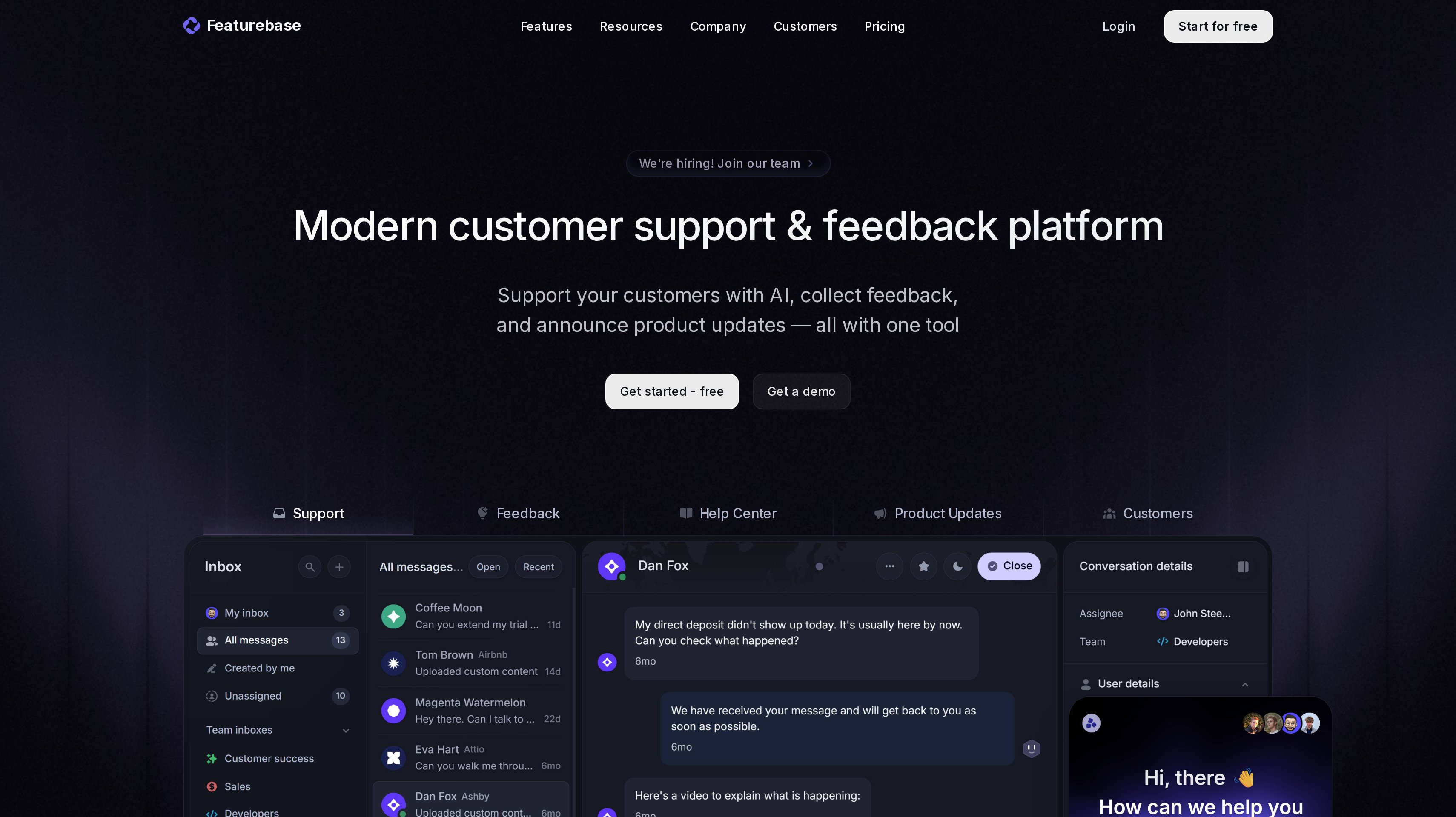
Featurebase Documentation combines Help Center articles and API documentation on one customer-facing site. You group articles into collections, use tabs for guides versus reference, and import an OpenAPI spec to generate endpoint pages with an API playground. Ask AI answers from published content and links back to sources. Messenger can surface the same articles inside the product.
A custom Help Center domain is available on paid plans. Featurebase publishes a sitemap at /sitemap.xml on that custom domain. Teams already on Affonso can connect Featurebase so changelog posts reach partners through the Featurebase integration.
Growth is $29 per seat/month billed yearly, or $37 on monthly billing. Professional is $59 per seat/month billed yearly, or $75 monthly, and includes 20 Lite seats. Enterprise is $99 per seat/month billed yearly and includes 50 Lite seats. The Free plan includes one seat. All plans include unlimited support conversations, feedback items, end-users, and survey responses.
Fibi is $0.49 per resolution on paid plans and is not billed if you do not use it. Copilot is free for 10 conversations per teammate each month, then $19 per agent/month. Removing Featurebase branding from widgets, the help center, and the feedback portal is $69 per month.
Best suited for product-led SaaS teams that want the help center to live next to feedback, roadmaps, and changelog updates. API documentation on the same site matters when developers and end users share one portal.
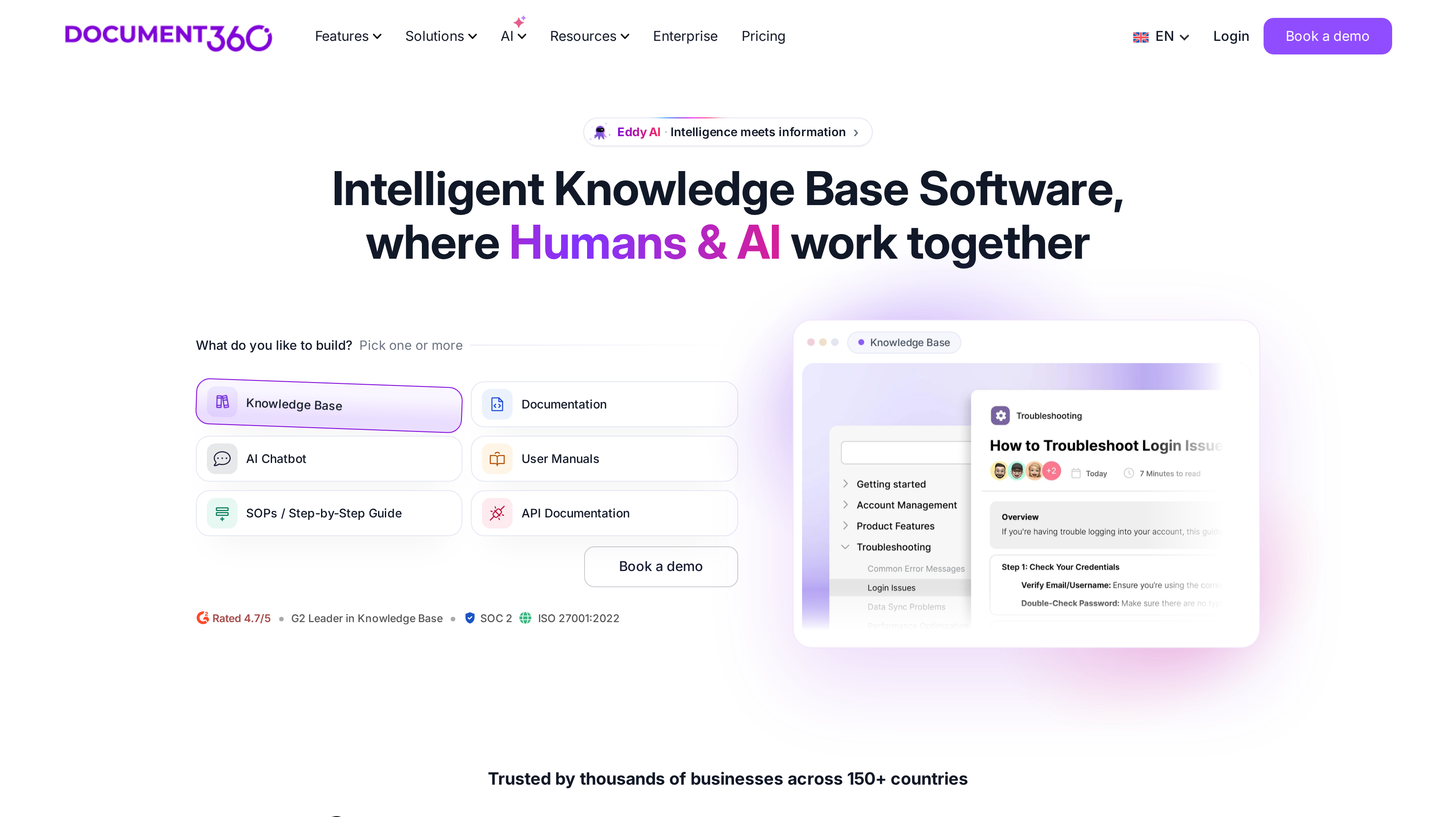
5. Document360, best for a dedicated knowledge base platform
Document360 is built as a knowledge base first. A project is one complete knowledge base, public or private, with its own users, custom domain, branding, and readers. You can run several projects, for example a public product help center and a private handbook. Editors get Markdown or a WYSIWYG editor, revision history, reusable blocks, review reminders, and a custom workflow builder.
The reader site supports custom CSS and JavaScript, related articles, and an embedded help center mapped to pages in your app. Eddy AI covers writing, FAQ creation, search, and an MCP server. An AI chatbot that reads the knowledge base, files, and connected tickets is listed as an add-on.
Pricing is quoted. Document360 prices around team accounts, workspaces, languages, SSO and security needs, whether projects are public, private, or mixed, and AI Premium Suite usage. There is no public list price on the pricing page.
Published customer results sit on that same page. SafeBreach reports a 30% increase in traffic to its documentation site after using Document360 analytics. Fastmag reports a 15% reduction in support tickets after launching a localized knowledge base.
Best suited for teams that want a purpose-built knowledge base with review workflows, several projects, and analytics on what readers do. A quote process is part of that purchase.
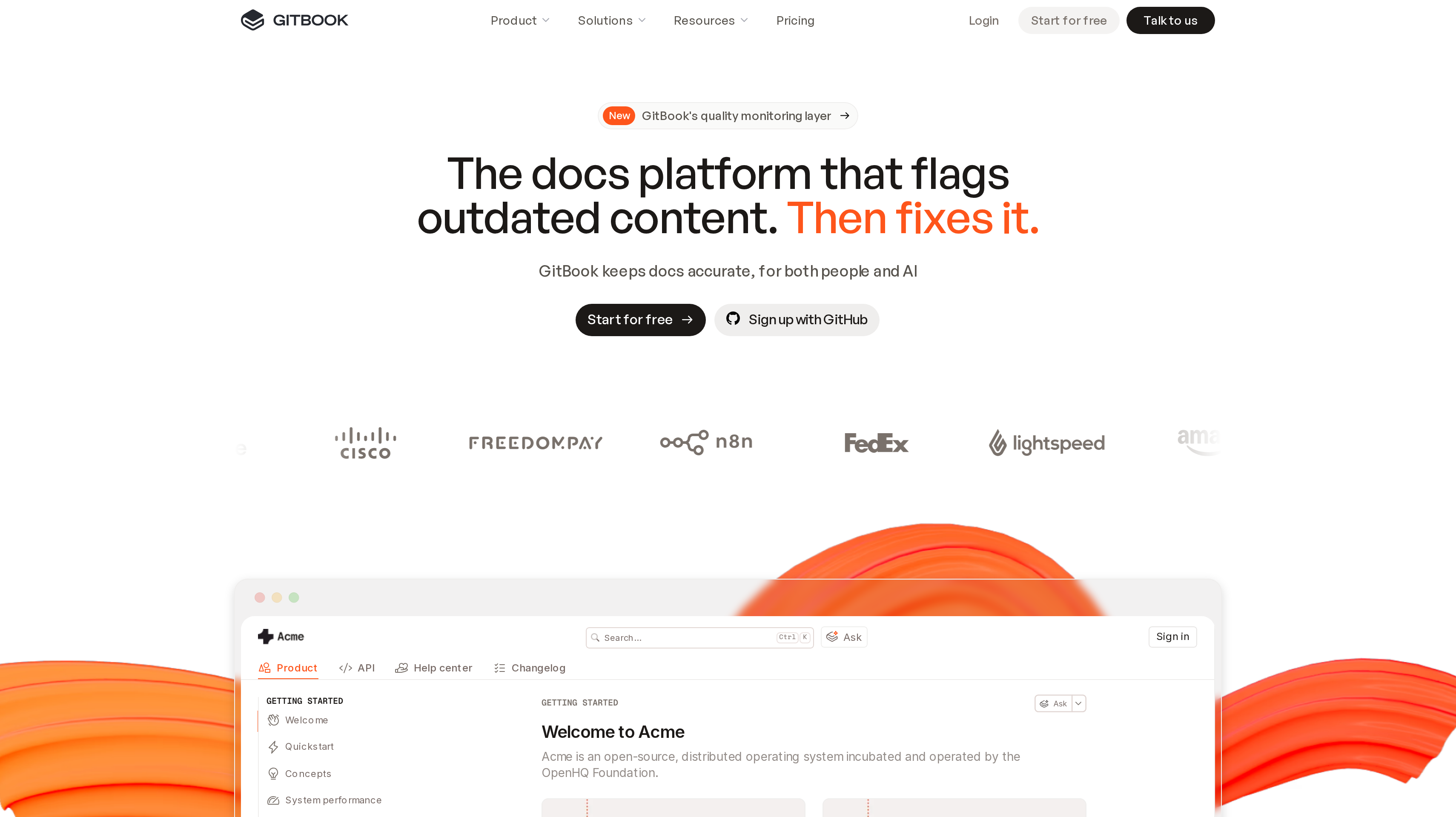
6. GitBook, best for product documentation teams
GitBook publishes product docs that both people and AI tools can read. The visual editor sits next to GitHub or GitLab sync, so writers and engineers can work in the same site. Free includes Git sync, OpenAPI-generated API documentation, preview deployments, and an MCP server for published docs.
Essential is $65 per site/month billed yearly, plus $12 per user/month. Monthly billing is $79 per site plus $15 per user. Essential adds AI Assistant Ask, a custom domain, analytics, user feedback, site redirects, and reusable content. It includes $20 of AI credits, listed as 2,000 credits. Ultimate is $249 per site/month billed yearly, plus the same $12 per user/month, or $299 plus $15 on monthly billing, and includes $100 of AI credits, listed as 10,000 credits. Enterprise is quoted.
A site with several variants still counts as one published site. Guests and readers are billed as members. Paid self-serve plans have a 14-day trial. Custom domains start on Essential, so a public branded help-center URL is a paid-site decision.
Best suited for product and engineering teams that already write in Git and need a public docs site with API reference. Custom domains and team editing are the reason to leave the Free plan.
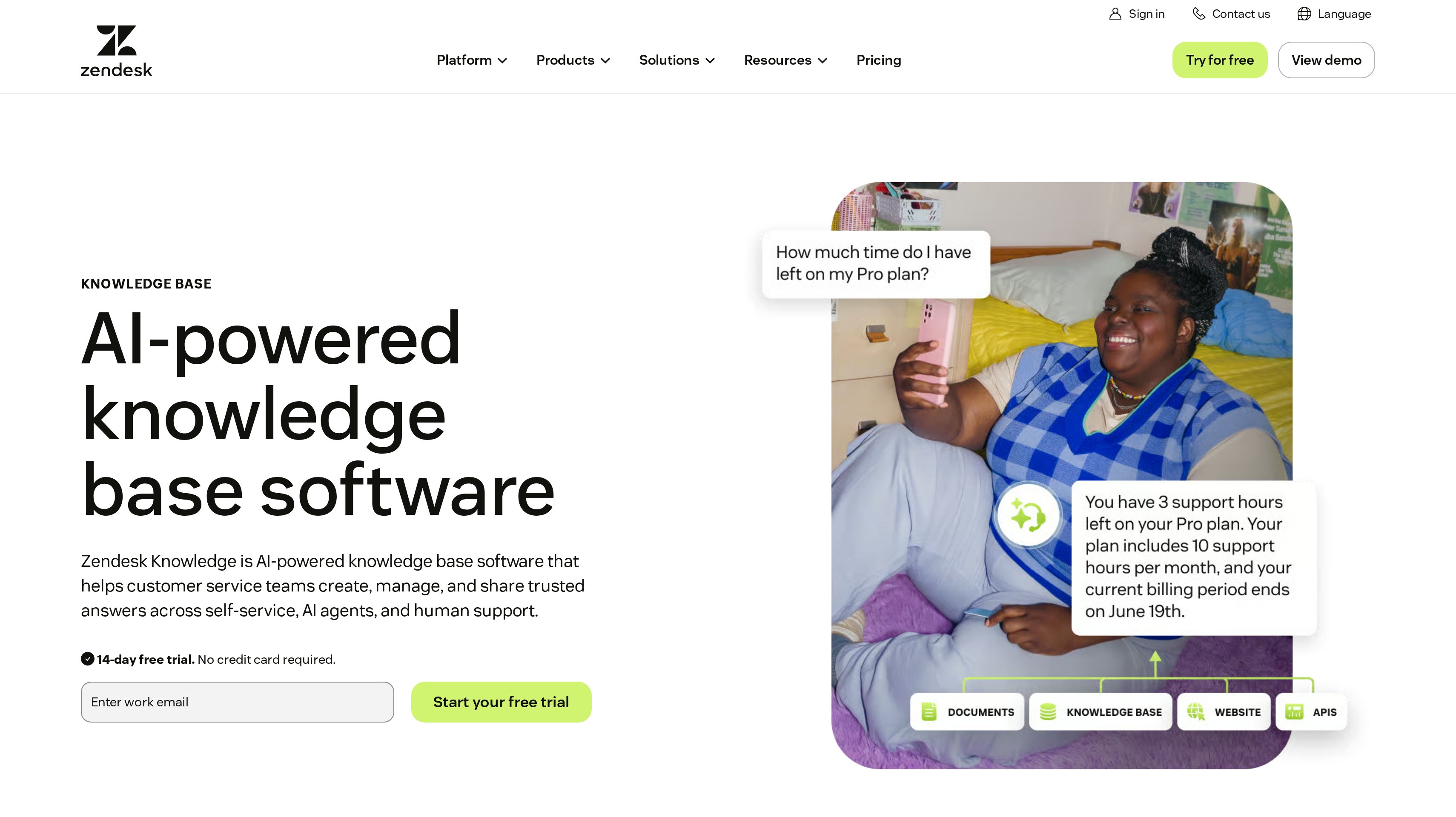
7. Zendesk, best for multi-help-center support organizations
Zendesk Guide, now Zendesk Knowledge, is the help center inside Zendesk Suite. Suite plans bundle ticketing, messaging, live chat, a help center, and voice. Support Team starts at $19 per agent/month billed yearly, or $25 monthly, and does not include a help center. The knowledge base starts on Suite.
Suite Team is $55 per agent/month billed yearly, or $69 monthly. It includes one help center, one default language, and help-center search. Suite Professional is $115 per agent/month billed yearly, or $149 monthly. It raises help centers to five, languages to 40+, and adds community-forum search plus generative search. Article view permissions and structured content appear on Suite.
Each Suite plan includes automated resolutions for AI agents: 5 per agent/month on Suite Team and 10 on Suite Professional, up to 10,000 per year. Extra committed automated resolutions are $1.50. Pay-as-you-go resolutions are $2.00. Knowledge connectors, revision history, and approval workflows sit on higher Suite configurations, so confirm the plan if those are required.
Best suited for support organizations that already run Zendesk and need one or more public help centers next to ticketing. Language count and the number of help centers decide between Suite Team and Suite Professional.
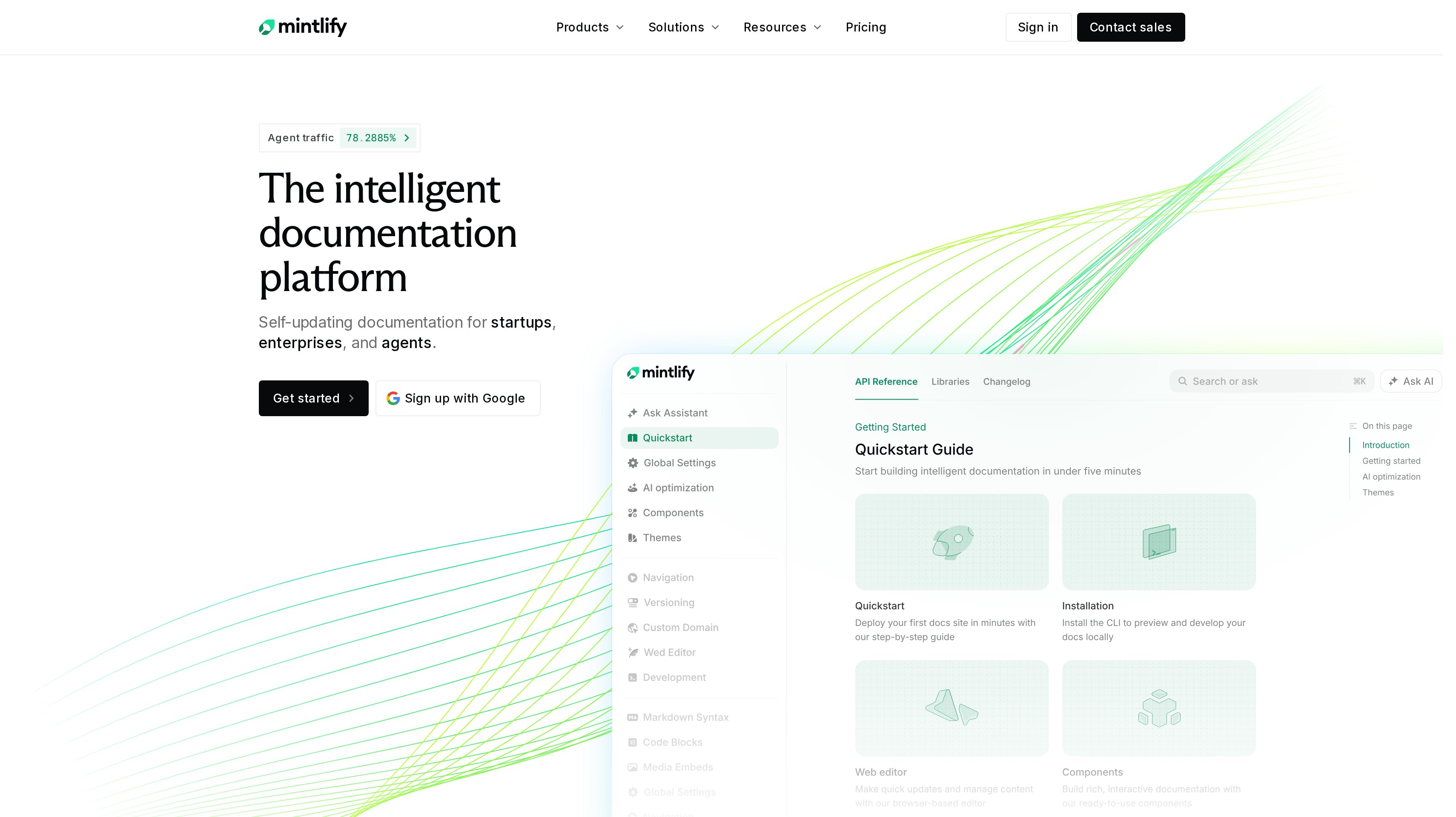
8. Mintlify, best for developer documentation
Mintlify hosts documentation from a Git repository. Each page is a Markdown or MDX file, with site settings in docs.json. Starter is $0 per month and includes hosting, a custom domain, the web editor, authentication, an MCP server, an API playground, Git sync, search, and up to 5 editor seats. The site goes live on a mintlify.site address until you attach your domain.
Pro is $450 per month billed yearly, or $540 billed monthly, with unlimited editor seats, 10,000 AI credits per month, the Assistant, the writing agent, automations, preview deployments, and admin APIs. Assistant answers cost 25 credits and are free when the Assistant cannot answer. An automation that updates docs costs 250 credits and is free when nothing needs updating. Credit overages are $0.01 per credit.
Every new account gets Pro for 14 days with 5,000 credits and no credit card. After that, the site can stay on Starter. Enterprise adds SSO, SCIM, RBAC, and a performance SLA. Mintlify lists customer stories from developer-facing products such as Lovable, Replit, and Perplexity.
Best suited for engineering teams that treat docs as code and need an API playground plus an MCP server on the public site. Pro is the step for AI answers, automations, and unlimited editors.
9. HelpDocs, best for standalone help center software
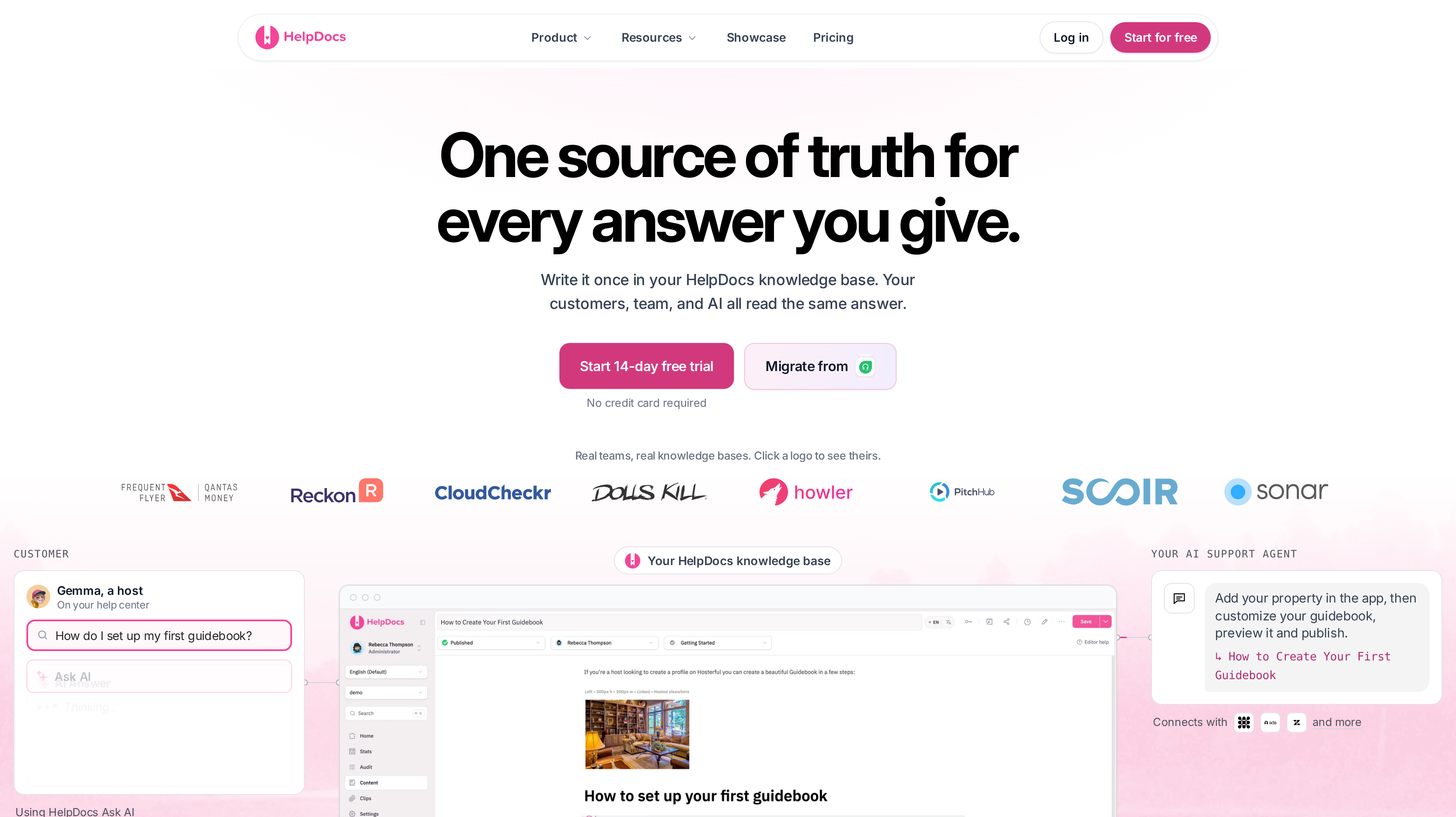
HelpDocs is knowledge base software without a required helpdesk. Every plan includes unlimited public viewers, unlimited articles, a custom domain, SSL, SEO controls, CSS and JavaScript, and a read/write API. Clips are reusable blocks that update every article they sit in. Variables store a product name or support email once and replace it everywhere.
Sprout is $129 per month, or $99 per month billed yearly. It includes 5 editors, 1,000 AI credits per month, 3 languages, and 90 days of analytics. Bloom is $299 per month, or $239 per month billed yearly, with 15 editors, 5,000 credits, 20 languages, and JWT embedded SSO. Harvest is $499 per month, or $399 per month billed yearly, with 25 editors, extra editors at $25 each, 10,000 credits, and unlimited languages.
HelpDocs AI drafts, rewrites, and answers from your articles. Every plan also publishes articles as Markdown with an llms.txt index and includes an MCP server. The trial is 14 days without a credit card. Companies less than 3 years old with 5 or fewer employees can apply for 50% off any plan for two years.
Best suited for teams that want a self-serve help center with a custom domain and no inbox seat attached. Editor count and language limits are the main plan gates.
Side-by-Side Comparison
The comparison covers publishing a public help center, keeping articles current, whether a support suite is required, AI answer pricing, and what the entry plan includes. Prices are in USD list prices, not negotiated contracts.
Tool
Cost and capacity
Public help center
Authoring
Support-stack fit
AI self-service
Ferndesk
Pro $149/mo; 5 seats, 5 languages, 1,000 AI conversations. Founder year-one $75/mo if pre-seed or under $1M ARR. Enterprise from $399/mo
Custom domain or /help; in-app widget; private docs
Article verification against the product; drafted fixes you approve; scheduled audits
Standalone help center; widget can escalate to Intercom, Zendesk, or Help Scout
1,000 AI conversations/mo on Pro; unlimited manual AI drafting
Help Scout
Free: 5 users, 1 Docs site, 10 articles. Standard from $25/user/mo billed yearly; 2 Docs sites. Extra sites $20/mo billed yearly
Clips, variables, unlimited articles; languages by plan
Standalone knowledge base; no required helpdesk
1,000 to 10,000 AI credits/mo by plan; MCP and llms.txt included
Which knowledge base software fits your use case
Two SaaS companies can sell the same kind of product and need different knowledge base software. Start with the work the help center has to do. These rows map that work to the tools above.
Use case
What changes about the setup
What to look for
Shortlist pick
Keep articles current as you ship
Releases change defaults, buttons, and limits faster than someone can rewrite pages.
Article verification against the product, drafted fixes you approve, screenshot updates.
Ferndesk
Launch a public help center
Customers need a branded site they can search before they write in.
Custom domain, collections, article ratings or feedback, a widget you can embed.
Help Scout or HelpDocs
Help center plus inbox
Agents need to find and send articles while they reply.
Shared inbox or Messenger, article search in the conversation, one knowledge store.
Intercom or Help Scout
Product-led SaaS portal
Feedback, changelog, and help articles should share a customer destination.
One portal for updates and docs, optional API reference, a messenger widget.
Featurebase
Dedicated knowledge operations
Several products or audiences need review, reuse, and analytics.
Projects or sites, workflows, revision history, quoted or editor-based plans.
Document360
Developer documentation
The reader is implementing an API or SDK, not filing a billing ticket.
Git sync, OpenAPI or an API playground, MCP or AI-readable output.
Mintlify or GitBook
Multi-brand support org
Several help centers, languages, and ticket queues already exist.
Multiple help centers, language packs, suite ticketing.
Zendesk Suite Professional
Proof: What results look like
Fastmag reports a 15% reduction in support tickets after launching a localized knowledge base on Document360. SafeBreach reports a 30% increase in traffic to its documentation site after using Document360 analytics. Those are vendor-published customer results for a dedicated knowledge base.
On the suite side, Synthesia reports that after launching Fin, resolution time moved from five days and five hours to four hours and 37 minutes. Help Scout publishes a 73% average resolution rate for AI Answers. Both figures describe AI that reads help content, not the help center alone.
Tristan Roth, founder of ISMS Copilot, reports that Ferndesk turned an hour of docs work into five minutes and estimates it saves 20 hours a month. That is a vendor-published founder result for keeping articles current, not for AI ticket resolution.
A help center also becomes the place partners check program terms and product changes. Jonathan Wilke, founder of supastarter, reports that affiliates refer more than 50% of its customers. See more customer stories, then use the LTV:CAC analyzer to judge what self-serve and partner channels do to acquisition cost.
FAQ
What is the best knowledge base software for SaaS?
Ferndesk ranks first in this shortlist for a help center that checks articles against the product and drafts updates as you ship. Help Scout is the closer fit when you want a branded public Docs site and an optional inbox without that verification loop.
How much does knowledge base software cost?
Ferndesk Pro starts at $149 per month. Help Scout Standard starts at $25 per user/month billed yearly, and Intercom Essential starts at $29 per seat/month billed yearly. HelpDocs Sprout starts at $99 per month billed yearly, GitBook Essential at $65 per site/month billed yearly plus seats, Mintlify Starter at $0, and Document360 is quote only.
What is the difference between a knowledge base and a help center?
A knowledge base is the content system. A help center is the public site customers use to search it. In practice, SaaS buyers use both names for the same customer-facing documentation.
Compare community platforms when customers also need a place to share their own answers and examples.
How is help center software different from documentation software?
Help center software is written for customer questions and support deflection. Documentation software is written for product and API reference, often with Git sync. GitBook and Mintlify sit on that side. Ferndesk, Help Scout, and HelpDocs sit on the help-center side.
Can I use knowledge base software without a help desk?
Yes. Ferndesk and HelpDocs are sold as standalone help centers, and Help Scout Docs can run without setting up an inbox. Mintlify and GitBook publish docs without a ticket queue, while Intercom and Zendesk attach the help center to a suite.
How should I compare AI answer pricing?
Use the vendor's published unit: 1,000 included AI conversations per month on Ferndesk Pro, $0.75 per resolution for Help Scout AI Answers, $0.99 per outcome for Intercom Fin, and $0.49 per resolution for Featurebase Fibi. Zendesk charges $1.50 or $2.00 after included automated resolutions. Mintlify and HelpDocs use monthly credits.
How do I add an affiliate program next to my help center?
Partners ask the same product and payout questions customers do. Publish those answers in the help center, then run the program in affiliate software for SaaS. The affiliate software shortlist covers that buying decision.
How do I migrate articles from my current help center?
Export articles and images, then confirm the new tool's importer, API, or migration service before you cut over URLs. Ferndesk advertises a one-click migration that preserves URLs. HelpDocs includes a migrator on every plan, and Document360 includes standard migration in most quotes.
Try for free
Pick the help center that matches how you already support users. Publish a small set of articles on the questions that create tickets today. Attach a custom domain and put the widget on one product page. Measure failed searches before you buy AI answers. When partners need the same product and payout answers, keep those pages in the help center and run the program beside it. Start your Affonso free trial.
 Affonso
 Silvestro Zinnanti, FounderComparisonOctober 17, 202623 min read