Best backend as a service in 2026: the buyer's shortlist.
Compare eight backend as a service platforms for SaaS and app teams. See databases, auth, storage, functions, usage-based pricing, and the fit for your product.
Your app needs a database, user accounts, file uploads, and somewhere to run backend code. Building each piece separately gives you control, but it also gives your team more infrastructure to operate.
A managed backend brings those services together. The buying decision starts with how your product stores data and what your developers want to maintain themselves.
This shortlist covers the best backend as a service platforms in 2026. Supabase takes the top spot for SaaS teams that want a full Postgres backend with bundled auth, storage, and edge functions.
Key Takeaways
The short version, before you compare the tools.
Start with your data model. Postgres, a document model, a reactive database, and embedded SQLite lead to different application designs. Decide how your product records accounts, customer activity, and shared data before you compare free allowances.
Supabase leads for a bundled Postgres backend. Every project includes a full Postgres database alongside Authentication, Data APIs, Edge Functions, Realtime, and Storage. Pro starts at $25 per month, with the first project included and additional projects from $10 per month.
Your development workflow changes the shortlist. Convex puts a reactive database and backend functions in an all-TypeScript platform. Nhost builds around Postgres and an instant real-time GraphQL API. Firebase combines app services with Google Cloud and client-side access to Gemini models through Firebase AI Logic.
Cloud and self-hosted backends involve different work. Appwrite and Nhost offer both routes. PocketBase is free, open-source software that you host yourself, with an embedded SQLite database and an admin dashboard in one file.
The starting price is only one part of the bill. Supabase meters additional users, disk, and egress. Convex Professional prices by developer, Back4app lists per-app plans, and Amplify charges for usage without per-seat pricing. Match the billing unit to how people use your product.
Free capacity has several dimensions. Count database space, files, requests, and bandwidth separately. Supabase, Appwrite, and Nhost pause free projects after a week of inactivity, so an occasional demo and a daily-use app have different operating needs.
What backend as a service actually is (and what it is not)
Backend as a service, or BaaS, packages common backend services so your team can build application features without assembling every service separately. A typical bundle covers a database, authentication, file storage, and functions for server-side logic. Some BaaS providers also include realtime updates, search, messaging, or tools for working with AI agents.
For a SaaS product, those services support the path from signup to regular use. A customer creates an account, joins a workspace, saves records, and uploads files. Your backend must connect those actions to the right user and permissions. Bundled services reduce the number of systems you connect, while your team still decides what each customer can read and change.
A BaaS does not define your business rules or replace your billing provider. Authentication establishes who signed in; your application still decides what their subscription allows. A database stores account records; your code decides how account changes affect access. App hosting is another decision, even when a backend bundle also includes hosting. Choose the backend for its data and application services first.
The commercial question is how that backend behaves as customers become active. A file-heavy app and a small text-based workspace can have the same user count and very different resource needs. Compare your expected usage with the plan's database, storage, and transfer allowances. Use the free LTV:CAC analyzer alongside that budget to understand how much acquisition spend your customer economics can support.
How We Ranked These Backend as a Service Platforms
This shortlist evaluates managed backend bundles for SaaS and app teams, plus self-hosted options that package the same core work. The ranking favors a clear database model, useful bundled services, and a development workflow you can carry into daily product work.
The comparison uses the vendors' public pricing, product pages, and documentation. Dedicated authentication products and standalone app hosting platforms sit outside this buying decision.
We compared five criteria:
Database model and data access. Postgres, document-oriented data, reactive databases, and SQLite shape how you store records and query relationships. We also compare Data APIs, REST, GraphQL, and realtime access where the platform lists them.
Bundled backend services. Authentication is one component alongside file storage, functions, realtime, and search. The useful question is how much of your application's backend you can build within the bundle.
Developer workflow. TypeScript functions, infrastructure as code, hooks, preview deployments, and agent access matter when they match how your team builds and releases changes.
Operating model. Managed cloud services and self-hosting divide responsibility differently. Backups, recovery, support, and the option to run the software yourself affect the work your team takes on.
Cost and capacity. We compare starting plans with their actual units, including developers, apps, requests, users, storage, and transfer. Included allowances and additional usage charges remain separate throughout the comparison.
Customer outcomes are attributed to the people reporting them. Plan comparisons distinguish monthly charges from annual billing, and free software from included cloud capacity. We plan to review this guide quarterly and after material pricing changes.
The Best Backend as a Service Platforms in 2026
The right backend should make your next product feature easier to build and operate. These eight platforms differ in their database model, bundled services, deployment choices, and pricing units. Start with the platform whose approach matches your application, then compare the resources your workload will consume.
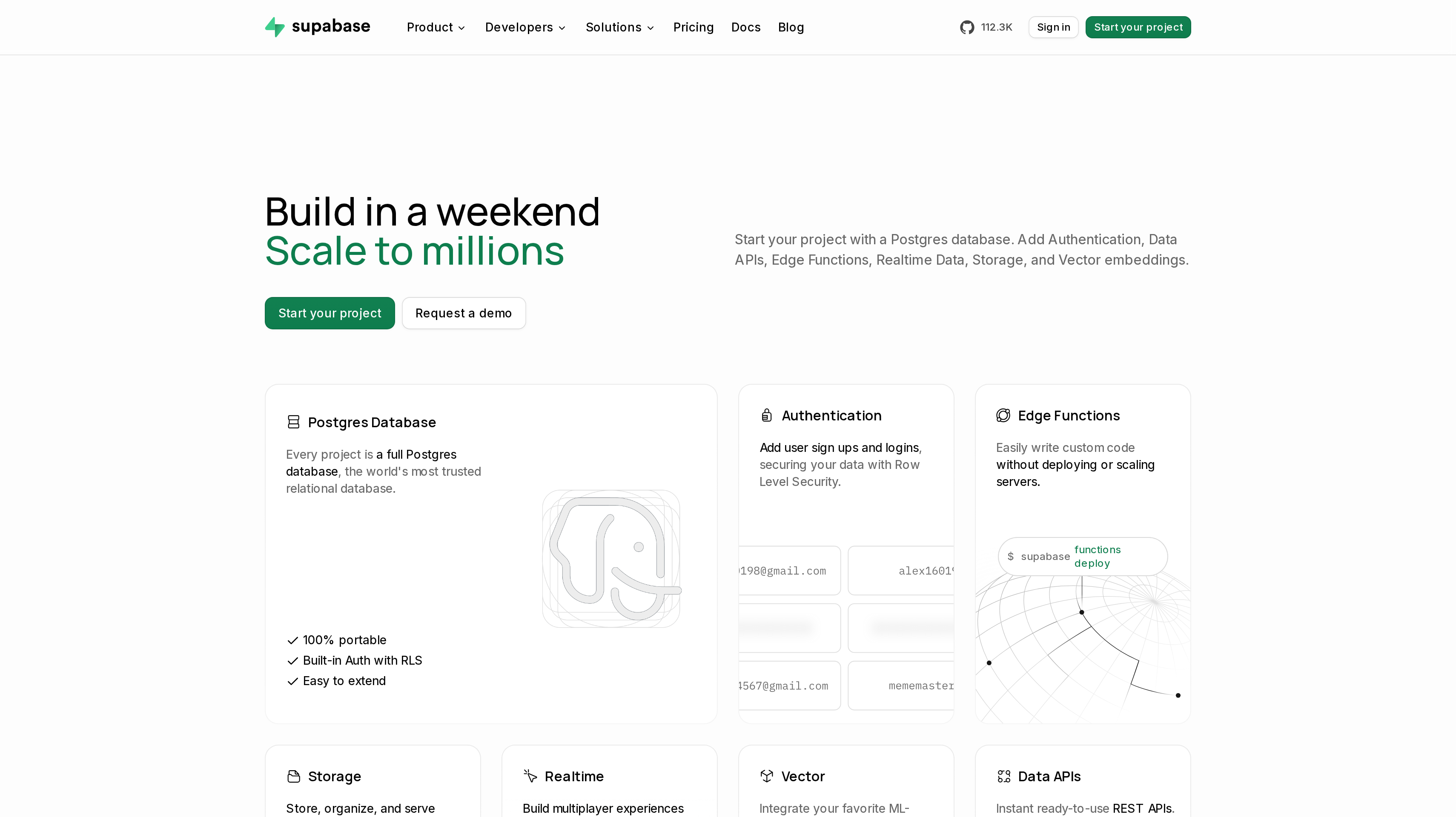
1. Supabase, best for a full Postgres backend with auth, storage, and edge functions
Supabase gives every project a full Postgres database with Authentication, Data APIs, Edge Functions, Realtime, Storage, and Vector embeddings. Row Level Security lets you define access rules at the database level. That combination puts the core services for a SaaS application around a relational database, which is why it leads this shortlist.
You can model your product's records in Postgres, use Data APIs to access them, and run server-side work through Edge Functions. Realtime supports application updates as data changes, while Storage handles files separately from database records. Keeping those responsibilities clear helps when your app has customer accounts, shared workspaces, and uploaded content.
Free is $0 per month with unlimited API requests, 50,000 monthly active users, a 500 MB database, 5 GB egress, and 1 GB file storage. It includes community support and allows two active projects. Free projects pause after a week of inactivity. Pro starts at $25 per month with the first project included, additional projects from $10 per month, daily backups retained for seven days, and email support.
Pro includes 100,000 monthly active users, then $0.00325 per additional MAU. Each project includes 8 GB disk, then $0.125 per GB; egress includes 250 GB, then $0.09 per GB. File storage includes 100 GB. Team starts at $599 per month with SOC 2, ISO 27001, SSO, and a HIPAA add-on available; Enterprise is custom.
Best suited for SaaS teams that want relational application data and the surrounding backend services in one product. You can build account-based workflows around Postgres while using the bundled file, identity, and function services.
2. Firebase, best for mobile and web apps on Google Cloud with generative AI
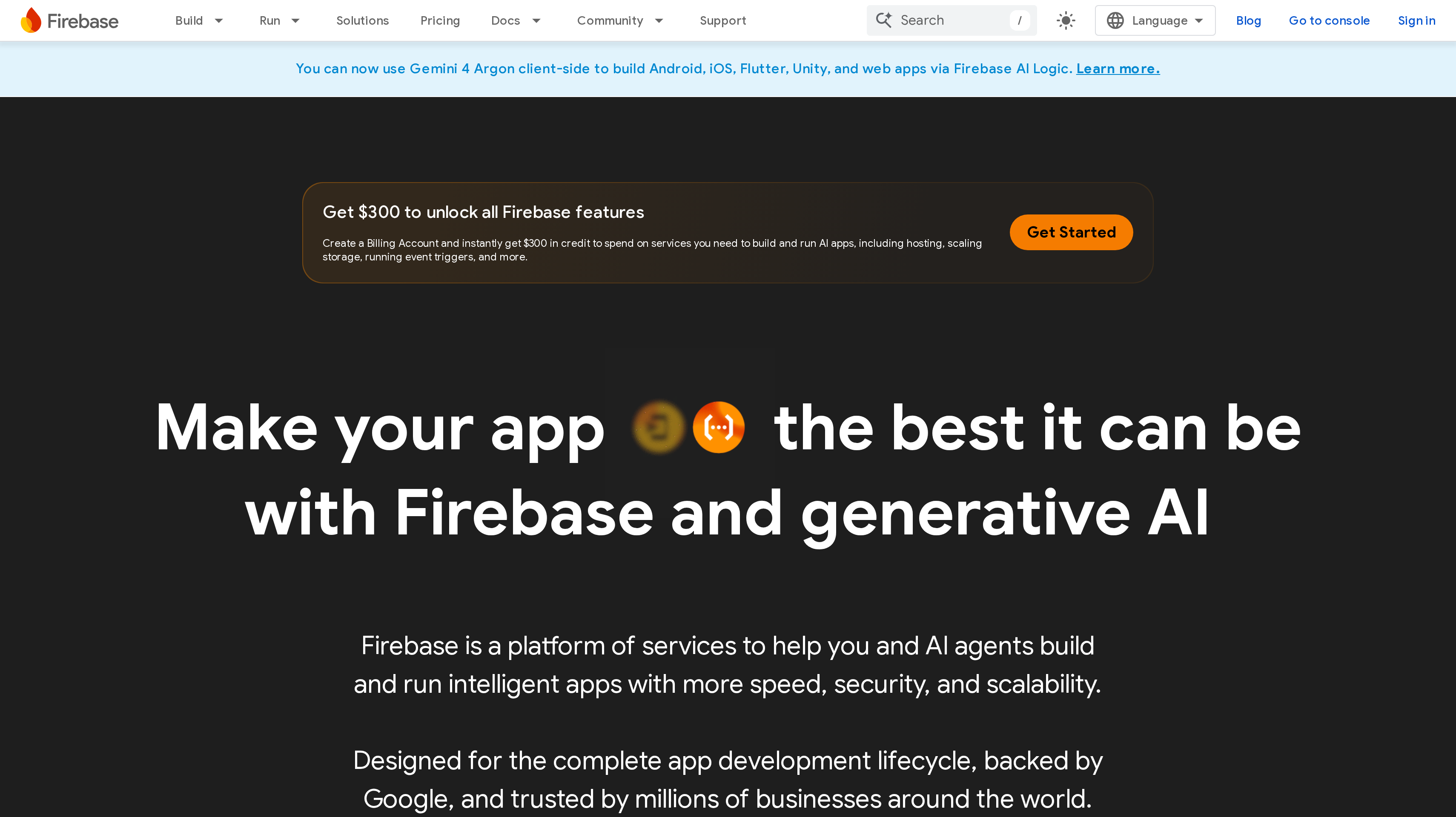
Firebase is Google's platform of services for building and running apps, with tools for developers and AI agents. Its bundle includes databases, authentication, storage, functions, analytics, A/B testing, App Check, and App Distribution. Hosting and App Hosting are also part of that broader app bundle.
Your team can use the database and functions for application behavior, analytics to understand activity, and A/B testing to compare product choices. App Distribution also supports the release process. Together, those services make Firebase relevant when your backend choice should include tools for testing and improving the app.
Firebase AI Logic adds client-side access to Gemini models from Android, iOS, Flutter, Unity, and web apps. That matters when generative AI belongs inside the product experience you are building. Compare the backend services your app needs with the AI work you want clients to perform, rather than choosing the platform only for an AI feature.
Spark is the no-cost plan, with usage limits and no payment method needed. Blaze is pay as you go, includes Spark's no-cost usage, and provides access to more services and higher usage. Eligible new billing accounts get $300 in free credit. As one example within the bundle, App Hosting includes up to 10 GiB of outgoing bandwidth per month, then charges $0.20 per GiB uncached and $0.15 cached; storage includes up to 5 GB, then $0.10 per GB.
Best suited for mobile and web teams that want Google's backend, app testing, and generative AI services together. You can evaluate the same bundle across several client platforms while keeping the product's data requirements central to the decision.
3. Convex, best for TypeScript teams that want reactive data and backend functions
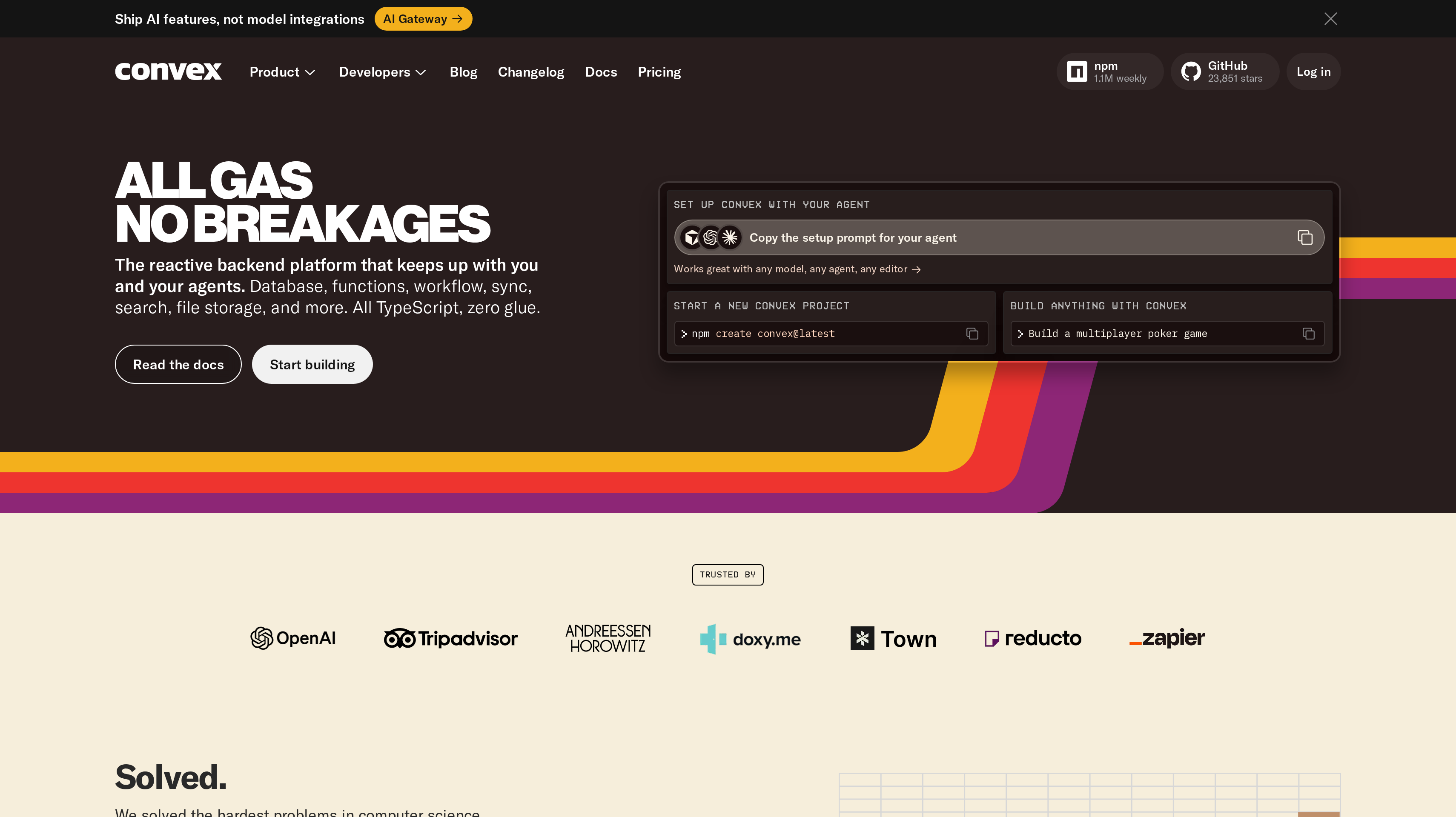
Convex is a reactive backend platform with a database, functions, workflows, sync, search, file storage, and auth. Its all-TypeScript approach makes the programming model a central part of the buying decision. You choose it because you want application data and backend code to follow that workflow together.
Reactive data is useful when users should see application changes without manually refreshing a view. Think of a shared workspace where several people update records during the same session. Convex's sync and functions belong to the same platform, so your evaluation can focus on how that model fits the interactions your product needs.
The platform also lists text and vector search, crons, Node.js actions, and webhooks. Those give your team places to run scheduled work, connect outside services, and add search around application data. Preview deployments and selectable data regions are part of the developer and operating setup. Test a representative workflow, including a background task and a search, before deciding whether the approach suits your team.
Free & Starter is free, or $0 per month with pay-as-you-go usage, for one to six developers. Professional costs $25 per developer per month for one to twenty developers and adds log streaming, exception reporting, daily backups, custom domains, email support, and HIPAA/SOC 2 reports. Business & Enterprise has a $2,500 monthly minimum with SAML/SSO, SLAs, and dedicated deployments.
Best suited for TypeScript teams building products where shared data changes should appear throughout the app as users work. Your developers can keep reactive data, backend functions, scheduled jobs, and search within one platform.
4. Appwrite, best for open-source, agent-ready backends in the cloud or self-hosted
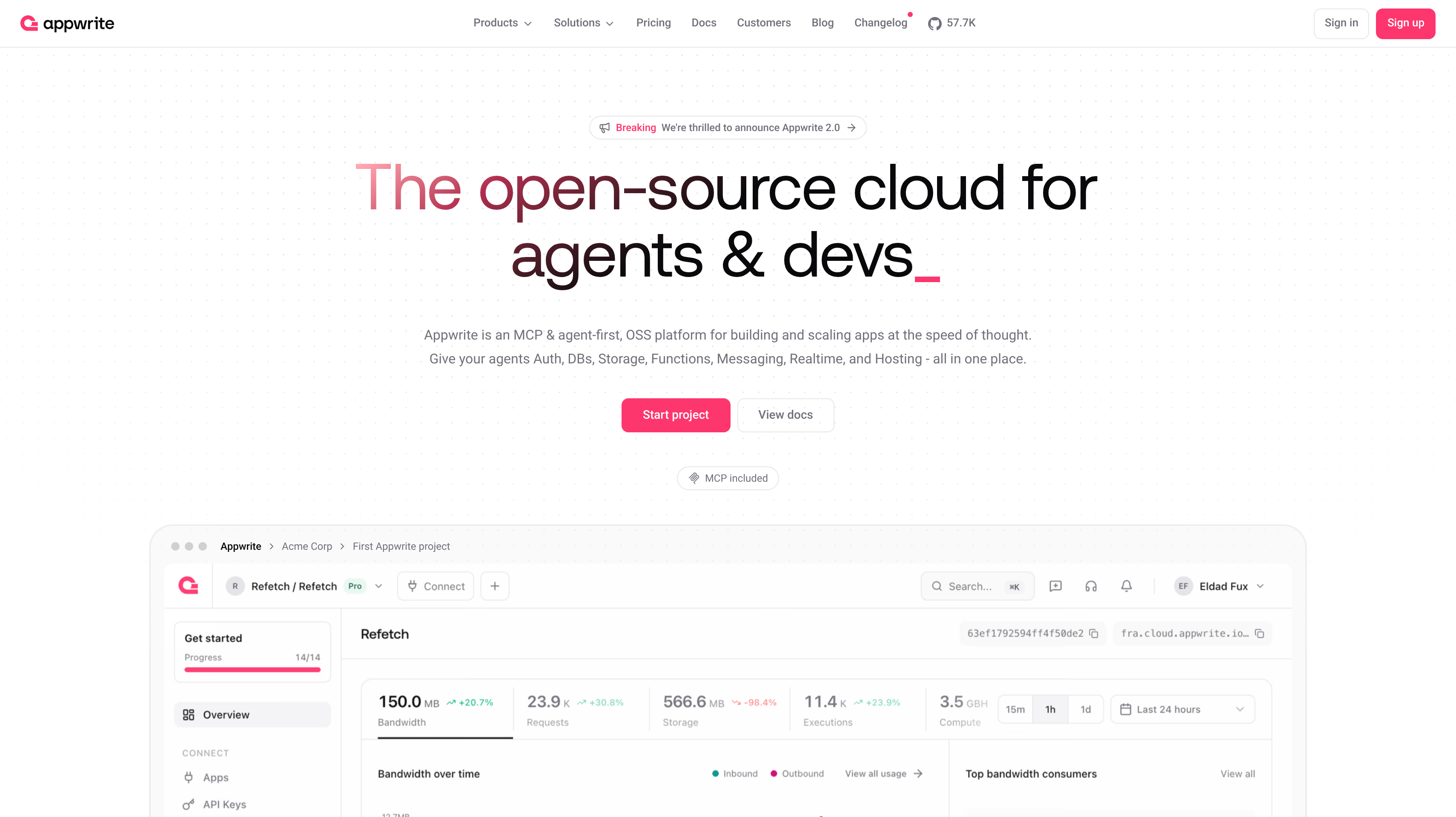
Appwrite is an open-source backend platform with a cloud offering. Its Appwrite 2.0 positioning centers on MCP and an agent-first workflow. Auth, Databases, Storage, Functions, Messaging, Realtime, and Hosting sit in the same platform, giving your team a broad bundle to evaluate.
You can decide whether managed infrastructure fits the team or whether you want to run the platform yourself. MCP and agent access are relevant when your development process includes AI tools, while the database and service bundle still determine how you build the application.
Free costs $0 and includes one database, one bucket, and two functions per project. It allows 75,000 monthly active users, 5 GB bandwidth, 2 GB storage, and 750,000 executions. Free accounts have a two-project limit, and projects pause after a week of inactivity. Those separate allowances help you compare a user-heavy app with one that runs frequent functions or stores more files.
Pro starts at $25 per month with $10 in monthly compute credits and pay-as-you-go usage. It includes unlimited databases, buckets, functions, and members, plus daily backups, 200,000 MAU, 2 TB bandwidth, 150 GB storage, and 3.5 million executions. Enterprise is custom, with uptime SLAs, SOC 2, HIPAA and BAA, and bring your own cloud. Unlimited resource counts and included usage amounts describe different parts of the plan.
Best suited for teams that want an open-source backend bundle with an agent-oriented workflow and a choice of operating model. You can bring database, file, function, messaging, and realtime requirements into the same platform evaluation.
5. Nhost, best for GraphQL-first teams on Postgres
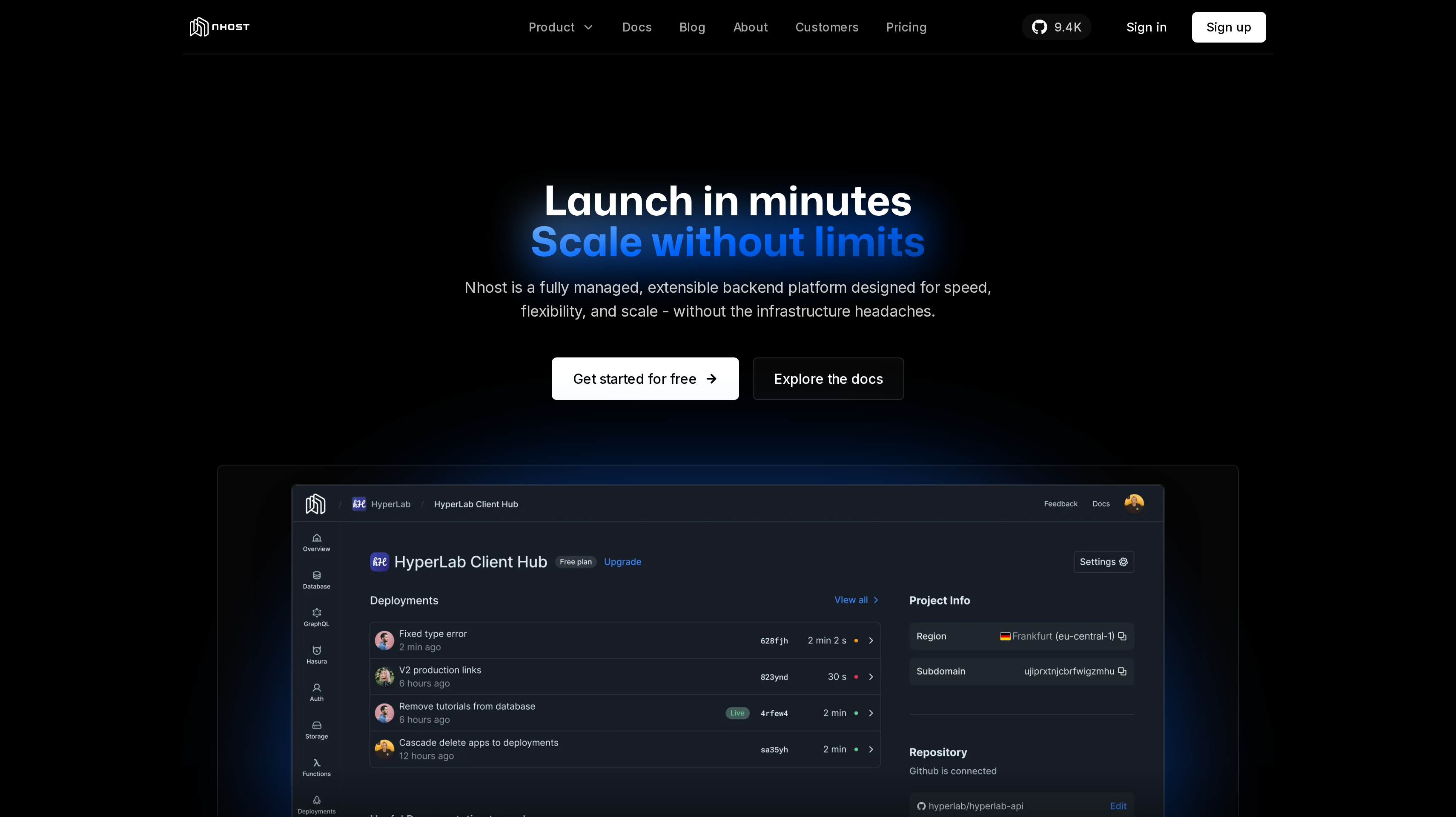
Nhost is a fully managed, extensible backend built around a Postgres SQL database and an instant real-time GraphQL API. It includes auth, storage, functions, and infrastructure as code. You can use Nhost Cloud or self-host the platform, so the data access model and the operating model are separate choices.
GraphQL is the main reason to put it on your shortlist. If your team wants to query application records through GraphQL while retaining a Postgres database, that combination is the starting point. Real-time access belongs to the API offering, which matters when a screen should follow changes in the underlying data.
Auth covers sign-up, sign-in, user management, and OAuth providers. Storage and functions handle other parts of the backend alongside the database. For a SaaS team, the practical evaluation is an account workflow that creates a user, saves application records, and stores a file. Infrastructure as code also matters when you want backend configuration to form part of your development process.
Starter is $0 per month for one project with a 1 GB database, 1 GB storage, and 5 GB egress. The project pauses after a week of inactivity. Pro starts at $25 per month with $15 in compute credits, a 10 GB database, 50 GB storage, automated backups, point-in-time recovery, and managed Grafana. Team starts at $599 per month with SOC 2 Type II, an email support SLA, and external database connections; Enterprise is available through contact.
Best suited for teams that want Postgres records exposed through a real-time GraphQL API. You can combine that data access approach with bundled identity, files, and functions in either a cloud or self-hosted setup.
6. PocketBase, best for small projects that want a single-file open-source backend
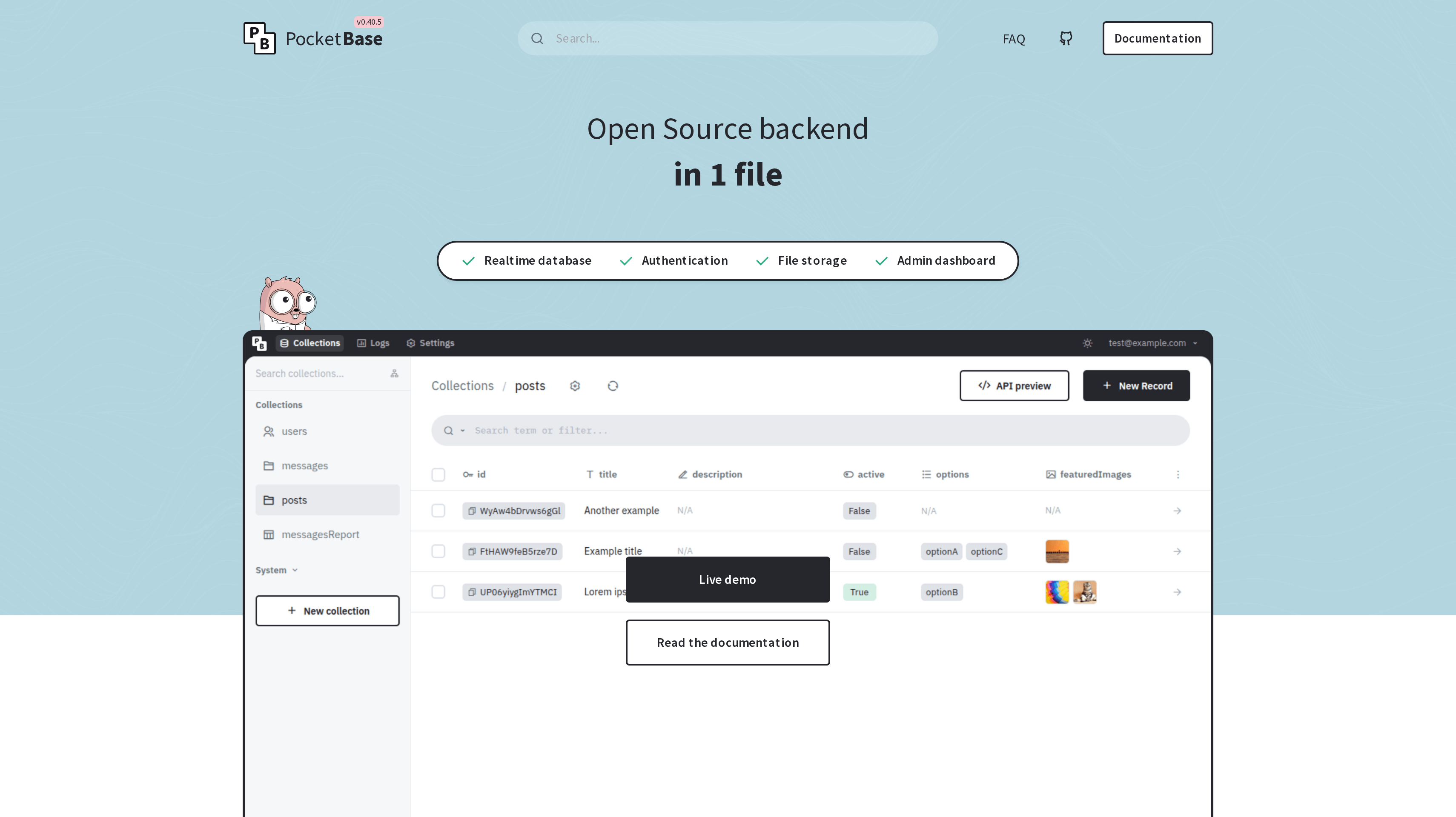
PocketBase packages an open-source backend into one file. It combines an embedded SQLite database, schema builder, data validation, realtime subscriptions, REST API, and admin dashboard. You host it yourself, so it gives you backend software to operate rather than a paid cloud plan with included capacity.
The single-file approach suits a small project whose backend you want to understand and manage directly. The admin dashboard gives you a place to work with the backend, while the schema builder and validation define the records your application accepts. Realtime subscriptions and the REST API give your client ways to work with that data.
Built-in auth includes email and password plus OAuth2 with Google, Facebook, GitHub, and GitLab. File storage can use local storage or S3, with thumbnail support. That combination covers common account and upload needs without requiring you to assemble a separate tool for each part. Decide where files will live alongside your choice of where to run the application.
You can run PocketBase as a standalone app or use it as a Go or JavaScript framework with hooks. The software is free and open source; your own hosting provides the infrastructure. Its documentation says it is under active development, does not guarantee backward compatibility before v1.0.0, and does not yet recommend production-critical applications unless you follow the changelog.
Best suited for developers building small apps, prototypes, or internal projects around an embedded SQLite database. You can keep the admin interface, data API, accounts, and files within a compact backend you run yourself.
7. AWS Amplify, best for full-stack TypeScript teams building on AWS
AWS Amplify brings a full-stack TypeScript workflow to teams building on AWS. You can add auth and storage, connect to real-time data, and scale on AWS. Its frontend deployment capabilities sit alongside those backend services, which makes the bundle relevant when your team wants to work across both parts of the application.
The backend buying question is how your developers want to define and connect those services. For a TypeScript team already building on AWS, Amplify puts that full-stack development approach at the center. Evaluate the account, file, and data flows your product needs before weighing the convenience of the wider deployment workflow.
The bundle deploys server-side rendered and static frontends through Git-based workflows, with zero-config support for Next.js and Nuxt. That is useful context for how Amplify brings an app together, rather than a separate hosting comparison. Your shortlist decision should still follow the backend services and the AWS operating model you want your team to use.
Amplify charges for what you use and has no per-seat pricing for teams. For build and deploy, the Standard instance has 8 GB and four vCPUs, with up to 1,000 build minutes per month at no cost on the Free Tier, then $0.01 per minute. Large costs $0.025 per minute and XLarge $0.10. New AWS customers get up to $200 in AWS Free Tier credits usable on Amplify. These build charges describe one part of the bundle's usage.
Best suited for full-stack TypeScript teams that want to build their application's backend within AWS. You can assess auth, storage, and real-time data together with the Git-based workflow used to deploy the app.
8. Back4app, best for low-code teams that want managed data and per-app pricing
Back4app is a low-code backend platform with ready-to-use components and AI-powered tools. It provides managed MongoDB databases with relational models and a serverless backend. The fit is a team that wants packaged backend components and a per-app plan to compare against its expected workload.
Its data offering is useful to examine when your product has related records but your team wants a managed MongoDB foundation. Start with a real part of the product, such as customers and the records they create. Work through how those relationships fit the managed database before you choose a plan based on request capacity alone.
Free includes 25,000 requests, a 250 MB database, 1 GB transfer, and 1 GB files, with no credit card needed. MVP costs $15 per app per month billed annually, with 500,000 requests, 1 GB data storage, 250 GB transfer, and 50 GB files. Paid plans include daily backups, giving you a separate operating consideration alongside the usage allowances.
Pay As You Go is $80 per app per month billed annually, with five million requests, 3 GB data, 1 TB transfer, SOC 2, and ISO 27001. Dedicated is $400 per app per month billed annually, with unlimited requests, ten CPUs, 14 GB, and HIPAA after a BAA. Enterprise is custom and includes an on-premises option. For a portfolio of apps, compare the per-app plan with the capacity each application needs.
Best suited for low-code teams that want managed MongoDB with relational models and defined per-app allowances. You can budget each app around its request, data, transfer, and file needs while using ready-to-use backend components.
Side-by-Side Comparison
Compare the database approach, surrounding backend services, operating model, and pricing unit together. The free allowance helps you plan a first project; the paid unit helps you estimate an active product. Prices are USD, with annual billing identified where it applies.
Tool
Price
Free plan
Best for
Supabase
Pro from $25/mo
50K MAU
Postgres SaaS
Firebase
Blaze usage pricing
Spark
Google Cloud apps
Convex
Professional $25/developer/mo
Free & Starter
Reactive apps
Appwrite
Pro from $25/mo
75K MAU
Agent-ready backends
Nhost
Pro from $25/mo
1 GB database
GraphQL on Postgres
PocketBase
Your hosting costs
Free software
Small SQLite projects
AWS Amplify
Usage pricing
1,000 Standard build min/mo
TypeScript on AWS
Back4app
MVP $15/app/mo annually
25K requests
Low-code apps
Which backend as a service fits your use case
Two apps with the same number of users can need different backends. One stores related business records, another sends frequent shared updates, and another spends most of its resources on uploaded files.
Choose the application behavior first, then the development and operating model. The rows below connect those requirements to specific starting points rather than treating the cheapest entry plan as the answer.
Use case
What changes about the setup
What to look for
Relational SaaS with customer workspaces
Accounts, users, and application records have relationships and access rules.
Supabase for full Postgres, Row Level Security, Data APIs, and bundled backend services.
Mobile or web app with generative AI
Several client platforms need backend services and access to AI models.
Firebase for app services and Firebase AI Logic with Gemini access across supported clients.
Shared app with reactive screens
Users need changes to application data to appear as they work.
Convex for an all-TypeScript database and function workflow with sync, search, and scheduled work.
Open-source backend with deployment choice
Your team wants to choose between managed cloud and operating the software.
Appwrite for its agent-first bundle; Nhost for Postgres and GraphQL; PocketBase for small SQLite projects.
Full-stack TypeScript on AWS
Backend services should fit the team's AWS development process.
Amplify for auth, storage, real-time data, and a Git-based full-stack workflow.
Low-code apps with separate budgets
Each app needs defined request and storage allowances.
Back4app for managed MongoDB, relational models, and per-app plans with annual billing.
Proof: What results look like
Once your backend supports the product, a partner channel is a separate growth decision. Jonathan Wilke, founder of supastarter, says affiliates refer more than 50% of its customers. His published account describes onboarding partners and paying their commissions through Affonso.
Matt, founder of SocialRails, says he set up Affonso in 30 minutes and had received eight leads when he shared his testimonial. These are customer-reported partner-channel outcomes, rather than evidence that a particular backend produces more revenue.
Use those customer testimonials to decide what you want to measure after the stack is in place. The affiliate commission calculator helps you work out a reward that fits your margins before you invite partners.
FAQ
What is the best backend as a service for a SaaS team?
Supabase ranks first here for its full Postgres database and bundled auth, storage, edge functions, and realtime services. Choose around the data access model your product needs: Nhost emphasizes GraphQL on Postgres, while Convex brings reactive data and functions into an all-TypeScript workflow.
How much do BaaS providers cost?
Supabase, Appwrite, and Nhost have paid plans starting at $25 per month, while Convex Professional is $25 per developer per month. Back4app MVP is $15 per app per month billed annually, Firebase Blaze and AWS Amplify use usage pricing, and PocketBase is free software you host yourself. Compare included resources alongside the starting charge.
What are the best Supabase alternatives for different data workflows?
Nhost is a close starting point when you want to keep Postgres and use an instant real-time GraphQL API. Convex fits teams that prefer a reactive database with TypeScript functions, while Appwrite offers an open-source service bundle with cloud and self-hosted options. The decision is which backend model you want your developers to build around.
What are the best Firebase alternatives for an app backend?
Supabase fits a move toward Postgres, Appwrite combines backend services in an open-source platform, and Convex centers on reactive data and TypeScript. Map your app's database, files, functions, and realtime behavior before choosing a replacement. Firebase AI Logic is also part of the comparison if your product uses its client-side Gemini access.
Can I self-host a backend as a service?
Appwrite and Nhost support self-hosting as well as cloud offerings, and PocketBase is software you run yourself. Self-hosting puts infrastructure operation with your team, so choose it alongside a plan for backups and updates. PocketBase uses embedded SQLite, while Nhost builds around Postgres and a GraphQL API.
How should I compare free backend plans?
Use a representative product workflow and count database storage, uploaded files, transfer, and function or request usage separately. Supabase Free includes a 500 MB database, Nhost Starter includes 1 GB, and Back4app Free includes 250 MB, with different allowances elsewhere. Also account for the inactivity pause on Supabase, Appwrite, and Nhost free projects.
How do I connect my backend to an affiliate program?
You can track referred signups and conversions through Affonso's API integration, with the SDK for a TypeScript backend. Affonso webhooks send program events to your endpoint so your app can react to activity. These are custom connections; none of the eight backends has a native Affonso integration.
What should I test before choosing a backend?
Build a signup, a permission-controlled data view, a file upload, and a backend function using a representative part of your app. Follow how those actions consume database space, storage, requests, and transfer, then confirm the backup and recovery options on your intended plan. That exercise makes the service bundle and pricing units concrete before you commit the product to a platform.
Try for free
Choose the backend that fits your data and the work your team wants to own. Build one complete customer workflow before expanding the app. Budget for active usage alongside the first project's setup. When customers begin recommending your product, give those referrals a program you can measure. Affonso runs affiliate and partner programs with referral tracking, commissions, and payouts. Start your Affonso free trial.
 Affonso
 Silvestro Zinnanti, FounderComparisonNovember 3, 202622 min read