Best CRM for startups in 2026: the buyer's shortlist.
Compare eight CRMs for early-stage SaaS, app, and plugin startups. See pipelines, contact data, automation, pricing per seat, and the fit for your team.
Your next customer is somewhere between an email thread, a demo booking, and a spreadsheet. When a founder handles every conversation, remembering the next step can feel manageable until someone else joins sales.
A CRM gives those conversations a shared record. You can see who owns a deal, what happened, and what needs to happen next.
This 2026 shortlist covers the best CRM for startups building SaaS, apps, and plugins. HubSpot takes the top spot for its free starting point and a path into marketing, sales, and service on one platform.
Key Takeaways
The short version, before you compare the tools.
Choose around the work you repeat. A founder managing demos needs a different setup from a team making outbound calls all day. Start with the conversations and handoffs your team already handles, then compare the features that support them.
HubSpot leads for a shared customer platform. Its free CRM covers up to two users without an expiration date. Starter Customer Platform brings Marketing, Sales, Service, Content, and Data Hub Starter together at a list price of $20 per seat per month.
Attio and Pipedrive suit different sales habits. Attio combines contact syncing, enrichment, and flexible objects for data-driven teams. Pipedrive centers the working day on a visual sales pipeline, with full email sync, automations, and nurturing sequences on Growth.
Relationship selling and outbound need different tools. folk brings email, calendar, WhatsApp, and LinkedIn contact capture into a relationship-led workflow. Close puts calling, email, and SMS inside the CRM for teams that spend their day reaching prospects.
Free capacity has a team-size limit. HubSpot allows two free users, while Attio and Zoho CRM allow three. Compare the paid plan your next hire will need alongside the plan you can use today.
Customization needs an owner. Salesforce offers a route into its wider ecosystem, Zoho CRM combines low entry pricing with customization, and Twenty gives technical teams an open-source option with self-hosting. Decide who will maintain your fields and workflows before adding them.
What a CRM for startups actually is (and what it is not)
A startup CRM is a shared record of the people and companies you sell to, the opportunities you are working on, and the next action for each relationship. It replaces the private spreadsheet that only one founder understands with a process another teammate can follow. Contact records explain who someone is. A pipeline explains where a potential sale stands.
For a SaaS, app, or plugin company, the relationship often continues after the initial purchase. A trial might become a sales conversation, an account might need a larger plan, or a customer might introduce another buyer. Your CRM for SaaS should reflect the parts of that lifecycle your team actively manages. Give each stage a clear meaning, so a booked demo and a buyer evaluating a proposal do not become the same status.
Email and calendar sync can bring conversations into that record, while enrichment adds context to contacts. Workflows help with repeated follow-up and handoffs. Those capabilities are useful when they reduce work someone already does. Before connecting everything, decide which system owns contact details, subscription status, and sales activity. That makes it easier to resolve conflicting records later.
A CRM does not replace your billing provider, product analytics, or a dedicated customer feedback tool. It also cannot define a sales process for you. Agree on deal ownership and what qualifies an opportunity before building reports. Use the free LTV:CAC analyzer to connect your acquisition spending with customer value, then choose software that helps you manage the sales work behind those numbers.
How We Ranked These CRM Tools
This shortlist evaluates CRMs for early-stage SaaS, app, and plugin teams choosing their first system or replacing a spreadsheet-based setup. The ranking favors a useful starting point and a clear path as your sales process develops.
The comparison draws on public pricing, product pages, and vendor documentation. Features describe each platform's capabilities; named plans identify the specific access or capacity included in the comparison.
We compared five criteria:
Pipeline and deal tracking. How the CRM organizes leads, opportunities, and the work needed to move a sale forward. A founder should be able to review the pipeline and identify the next conversation without reconstructing it from messages.
Contact data and enrichment. Contact syncing, enrichment, relationship attributes, and custom objects. These determine how well the records match your buyers and the relationships your team maintains.
Communication and daily use. Email and calendar connections, calling, SMS, and meeting support. The useful combination depends on whether you sell through scheduled demos, ongoing relationships, or outbound activity.
Automation and developer fit. Workflows, sequences, AI capabilities, APIs, and self-hosting where available. If several systems need to exchange events, the workflow automation shortlist covers that separate buying decision.
Cost and capacity. Free seats, paid pricing per user, billing terms, record limits, and usage charges. The relevant budget is the plan your team needs to run its process, including the people joining next.
Published claims and customer results remain attributed to their source. We plan to review this guide quarterly and after material pricing changes.
The Best CRM for Startups in 2026
Your first CRM should make the next sales action clear. These eight tools differ in how they organize relationships, capture communication, automate work, and charge as the team grows. Use the ranking to build a shortlist, then try the same sales workflow in the tools that match your team.
1. HubSpot, best for a free CRM that grows into marketing, sales, and service
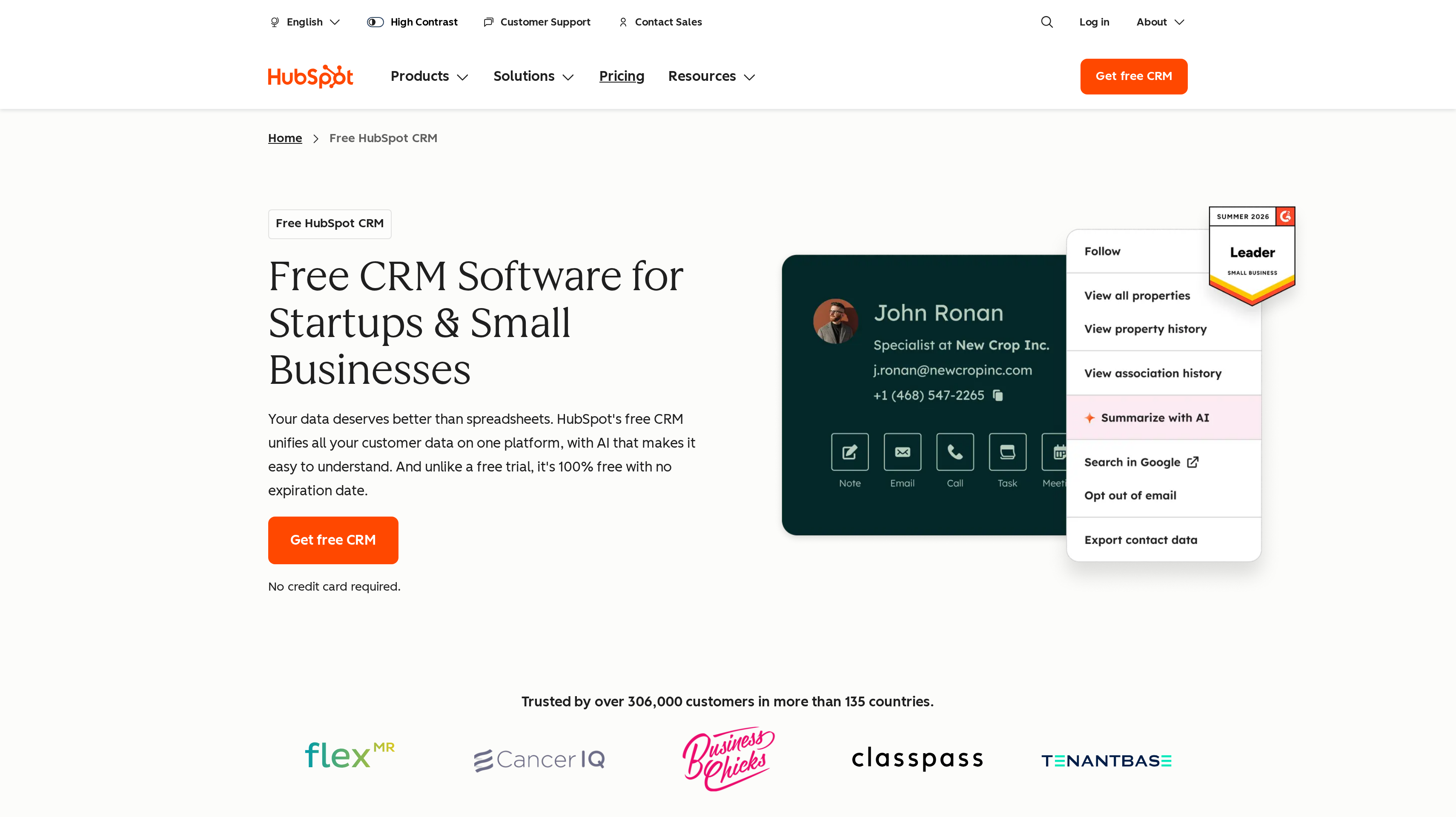
HubSpot brings customer data and tools for marketing, sales, service, content, and data into one platform. Smart CRM provides the shared customer record, with AI across the platform. It leads this shortlist because you can start with a free CRM and build toward a broader customer setup as different people take responsibility for acquisition, sales, and support.
The free CRM costs $0 per month for up to two users, has no expiration date, and needs no credit card. That gives a founder and an early teammate a place to establish shared records before committing to a paid customer platform. Start by agreeing on the details both people need to qualify a buyer.
Starter Customer Platform has a list price of $20 per seat per month. It includes Marketing, Sales, Service, Content, and Data Hub Starter, plus 500 HubSpot Credits. Marketing Hub Starter includes 1,000 marketing contacts. Seat count and marketing-contact capacity are separate parts of that plan, so include both when mapping your sales and marketing work.
Agent Hub adds an agent builder and a prospecting agent to the wider platform. Give any agent a defined task and decide who reviews its work. Agree on how sales and marketing will use the shared records before expanding the setup.
Best suited for startups that want a free customer database today and a common platform for marketing, sales, and service as they hire. Founders can build those teams around the same customer relationships.
2. Attio, best for data-driven SaaS teams that want a flexible, AI-native CRM
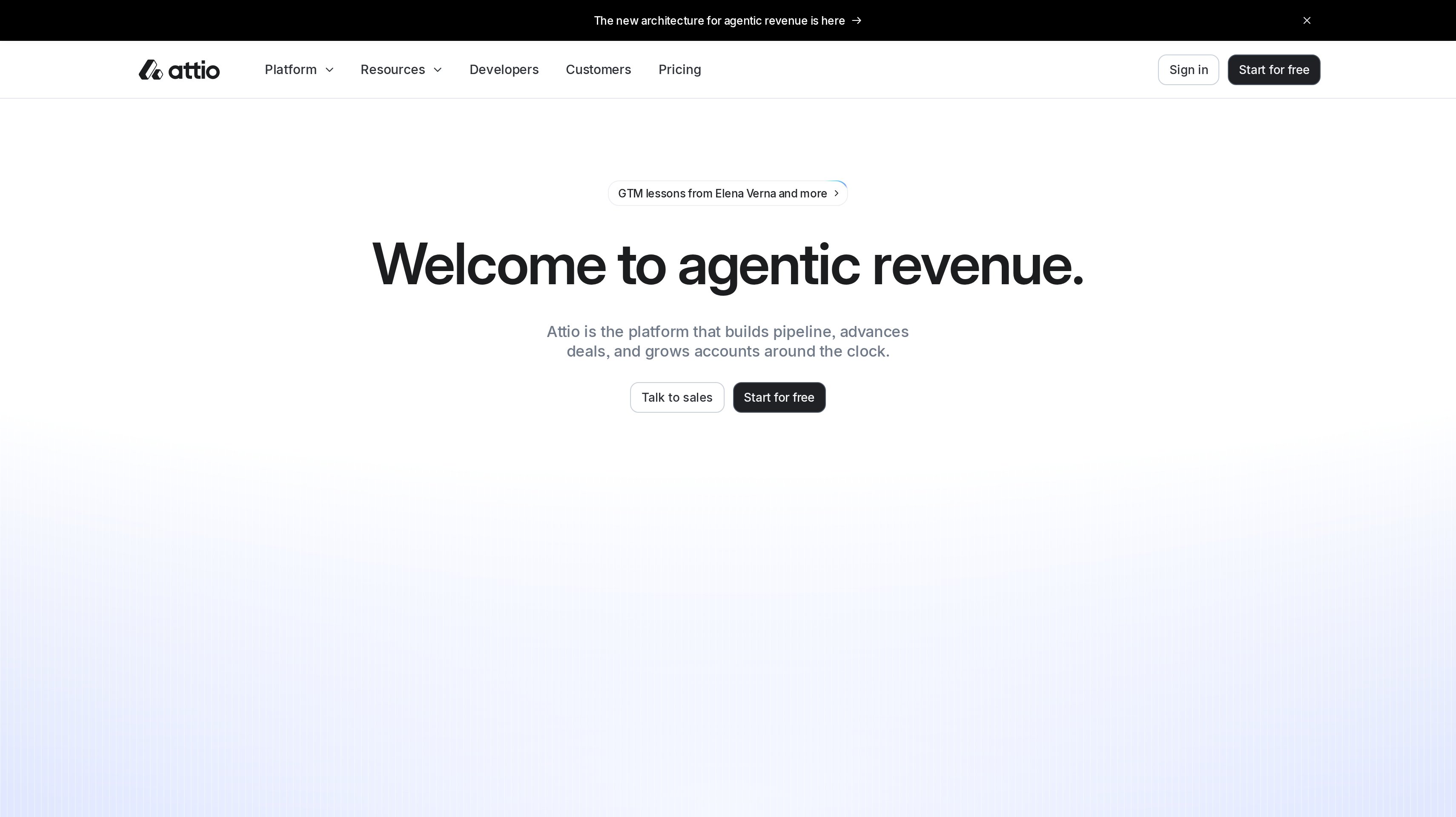
Attio organizes sales around a flexible data model, with real-time contact syncing and automatic enrichment. Custom objects and relationship attributes let you describe more than a standard list of contacts. For a SaaS team, that flexibility is useful when your sales process depends on how people, companies, and other records relate to one another.
Free includes up to three seats, three objects, and 50,000 records. Plus costs $44 per user per month billed monthly, or $35 billed annually, for up to ten seats and 250,000 records. Those allowances make both team size and database size part of the buying decision. Start by defining the objects you need, then decide which relationships deserve their own structure.
Pro is $99 per user per month billed monthly, or $79 billed annually. It includes call intelligence, sequences, advanced reporting, and capacity for 1,000,000 records. Enterprise is custom-priced and billed annually. Workflows, Ask Attio, and AI agents extend the platform's automation capabilities. Evaluate them against a specific task, such as organizing an account review.
The developer options include an API, webhooks, an App SDK, and an MCP server. That gives a technical team several ways to connect its CRM with other systems and AI tools. Choose the data you want to exchange before building a connection, and keep the ownership of each field clear.
Best suited for data-driven SaaS teams that want customer relationships modeled around their business and contact details enriched automatically. Operators and developers can shape the CRM alongside their sales process.
3. Pipedrive, best for founder-led sales teams that work in a visual pipeline
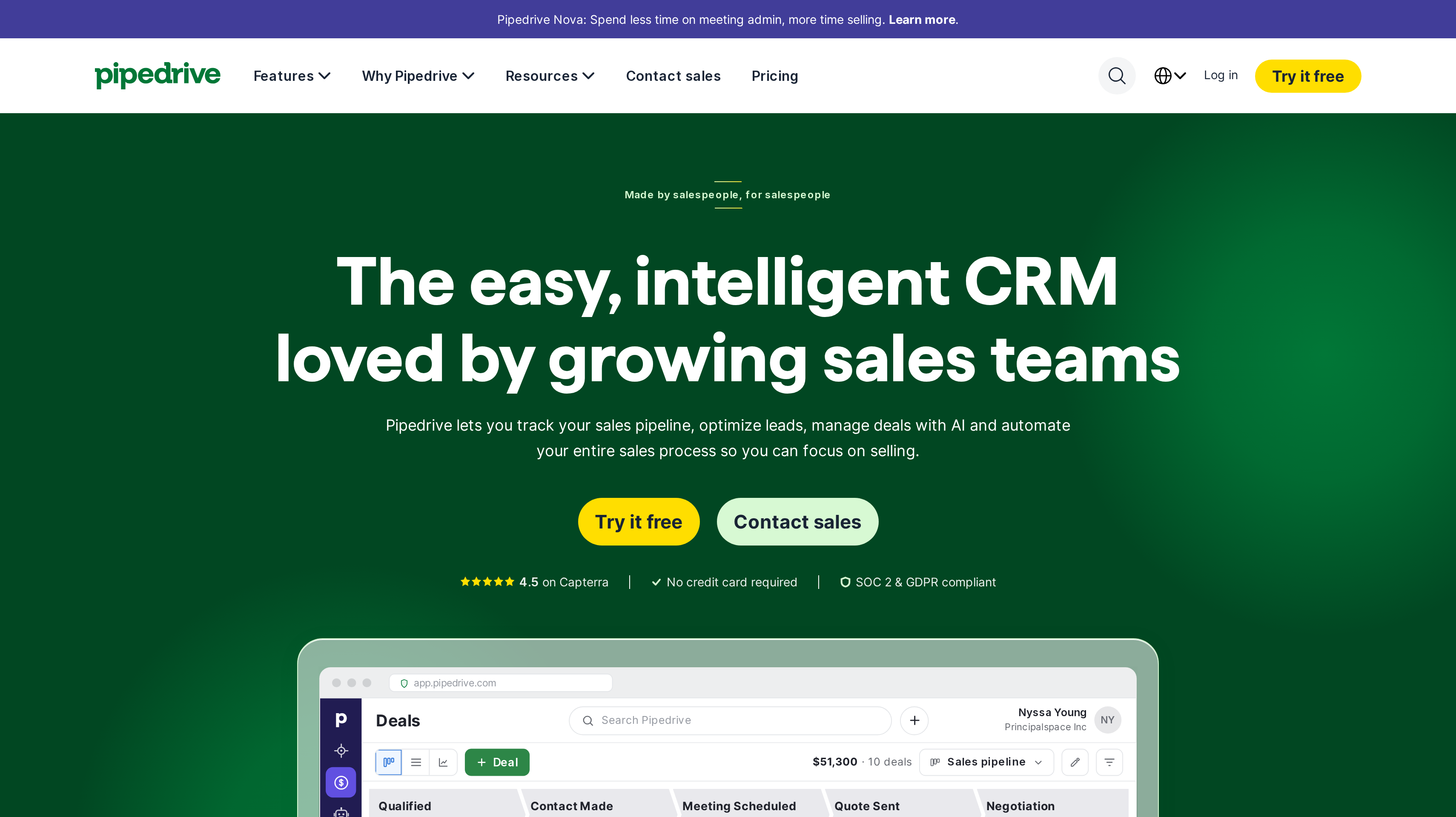
Pipedrive centers sales on a visual pipeline, with lead, deal, calendar, and pipeline management. You can organize the sales conversation around the opportunity and the work needed to move it forward. That is a practical fit when a founder wants to hand over active deals without asking the new salesperson to reconstruct every email thread.
Lite costs US$14 per seat per month billed annually, or US$168 per seat per year. Growth is US$39 per seat per month billed annually and adds full email sync with tracking, automations, and nurturing sequences. Premium is US$59 and Ultimate is US$79 per seat per month, both billed annually. A free 14-day trial needs no credit card.
The Growth capabilities matter when your pipeline review regularly ends with a list of emails to send. Decide which messages need your judgment and which repeated steps belong in an automation. Your stage names should tell a teammate what the buyer has done and what comes next.
AI-powered report creation supports reporting, while Pipedrive Nova meeting intelligence provides briefs, transcripts, and CRM updates. More than 500 integrations include Zapier, Zoom, and Lemlist. Those connections give you ways to bring surrounding sales work into the setup while keeping the deal pipeline central to daily use.
Best suited for founders and small sales teams that want to manage opportunities through a visible sequence of sales stages. The pipeline supports a daily routine of reviewing deals, following up, and preparing the next meeting.
4. folk, best for relationship-led selling, partnerships, and fundraising contacts
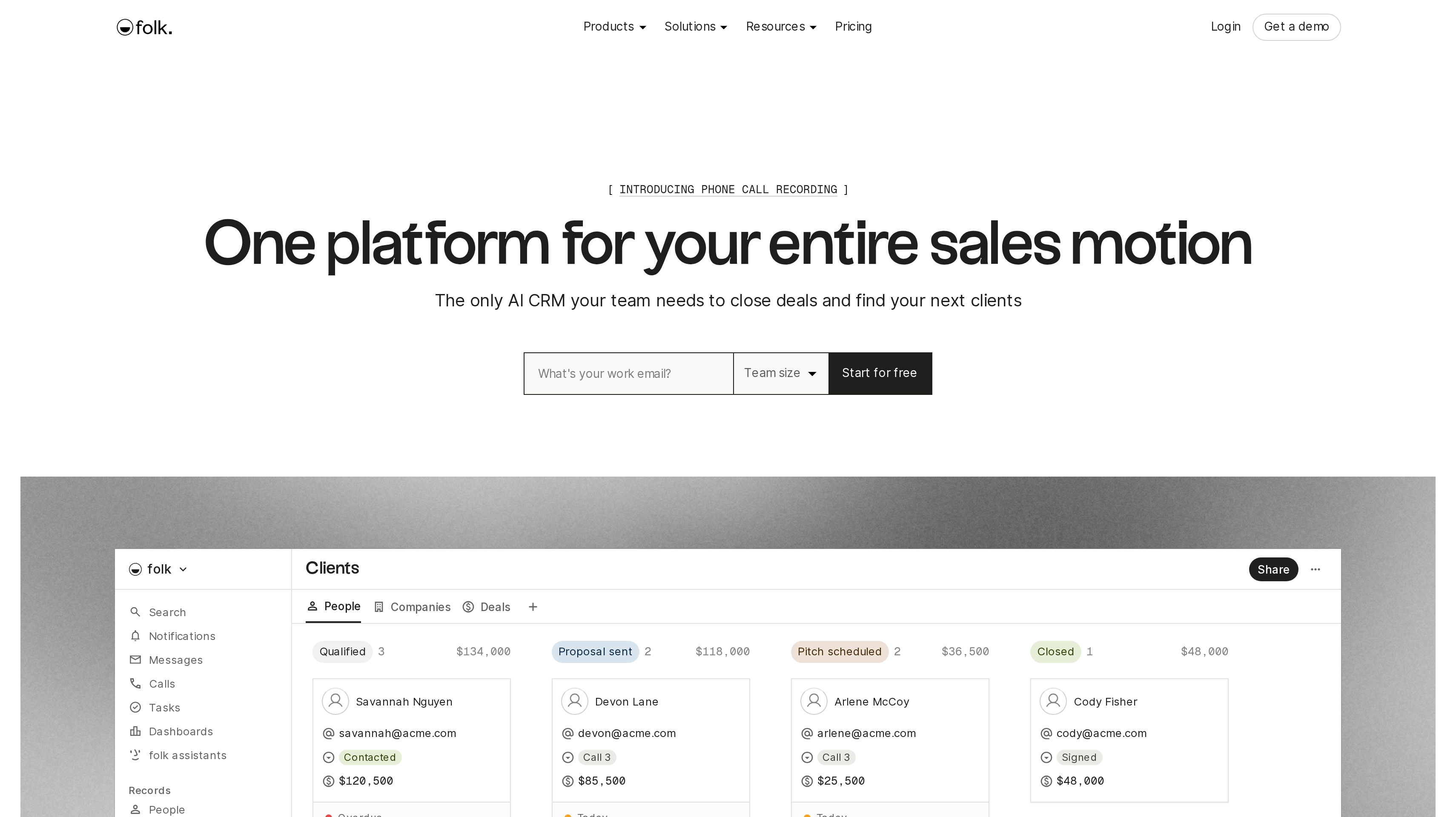
folk combines pipeline management, contact enrichment, and email campaigns with the communication channels behind a relationship. Email, calendar, and WhatsApp sync sit alongside folkX, its LinkedIn extension. That combination suits a founder whose next opportunity might come through an introduction, an investor conversation, or an ongoing partnership discussion.
The platform includes AI assistants and magic fields to help with contact work. Compare how you want to organize prospective customers and fundraising contacts. Decide what information to keep for each, so a teammate understands the context before reaching out.
Standard costs $24 per member per month billed annually, or $288 per year. Premium is $48 per member per month billed annually, or $576 per year, and adds custom objects and deals, email sequences, dashboards, and API access. Enterprise starts at $80 per member per month billed annually. A free trial gives you a way to evaluate the workflow with your own contacts.
folk lists more than 5,000 integrations, Zapier and Make apps, a REST API, and MCP. Premium's API access is a relevant plan distinction when your team wants to build around its relationship data. Map the workflow before choosing the connection, especially when different people maintain the same contact in several places.
Best suited for founders and partnership teams whose selling depends on introductions and relationships across several channels. Customer, partner, and fundraising conversations stay organized around the people involved.
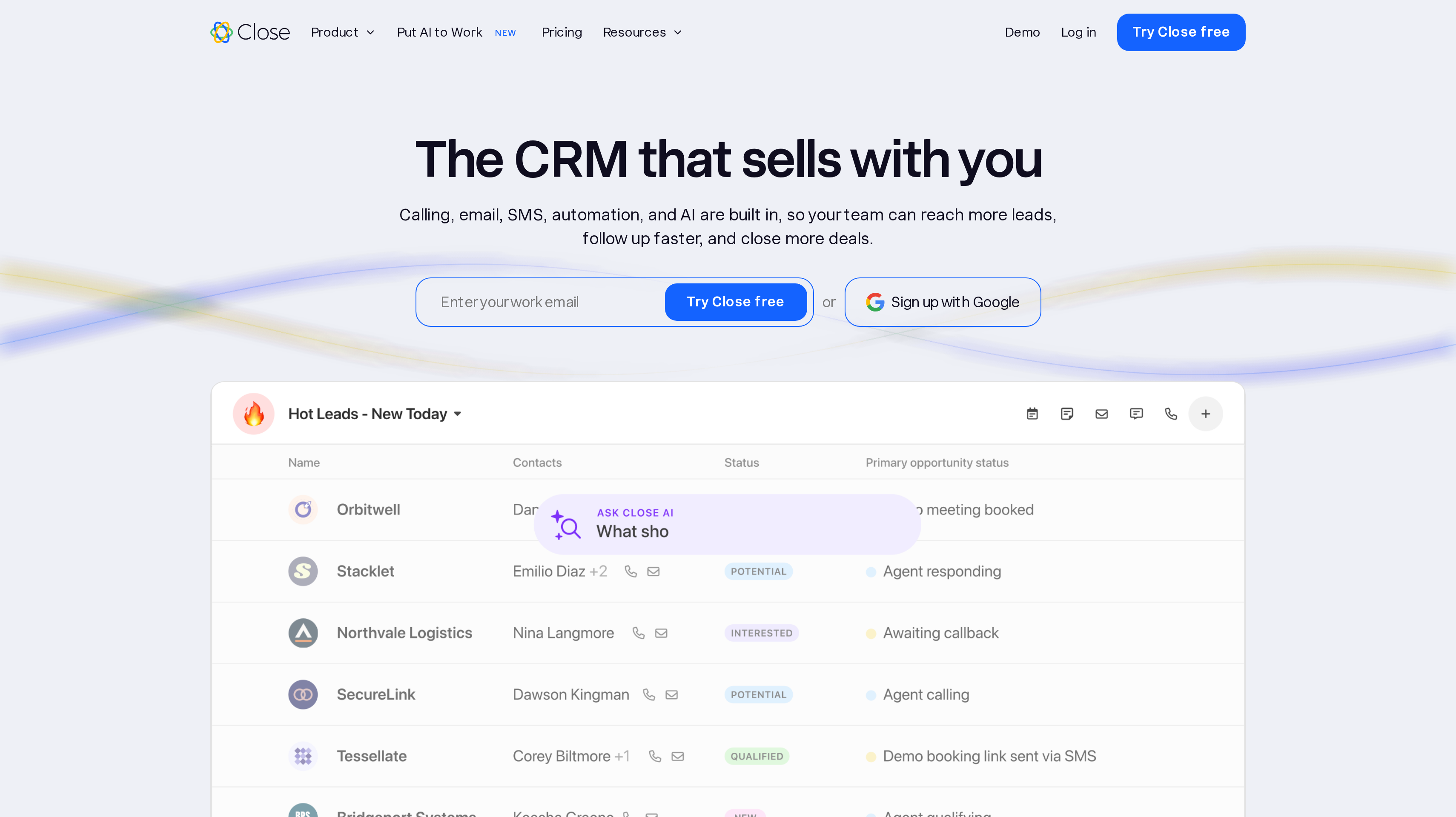
5. Close, best for outbound teams that call, email, and text from one CRM
Close combines a CRM with calling, email, SMS, automated workflows, meetings, and scheduling. The appeal is a working day spent contacting prospects from the same place you manage them. A team that follows a lead through calls and messages can evaluate the communication workflow alongside the customer record, rather than treating them as separate purchases.
Chloe, Close's AI sales agent, calls leads, qualifies them, books meetings, and updates the CRM. Define what makes a lead ready for a meeting and what details the salesperson needs before the handoff. Those requirements give you a concrete way to assess the agent's fit.
Solo is $9 per user per month billed annually, or $19 billed monthly, for one user and up to 10,000 leads. Essentials is $35, Growth is $99, and Scale is $139 per user per month billed annually. You can try Close without a credit card, and it offers a 30-day money-back guarantee.
Calling and SMS usage are passed through at cost. Most outbound calls cost around $0.02 per minute, and numbers start at about $1 per month. Put expected communication usage alongside seats in your budget. For a calling team, the useful comparison is the cost of the actual outreach routine you plan to run.
Best suited for outbound sales teams that want calls, email, text messages, and scheduling inside their CRM. Founders building a repeatable qualification and meeting-booking process can use it before expanding the sales team.
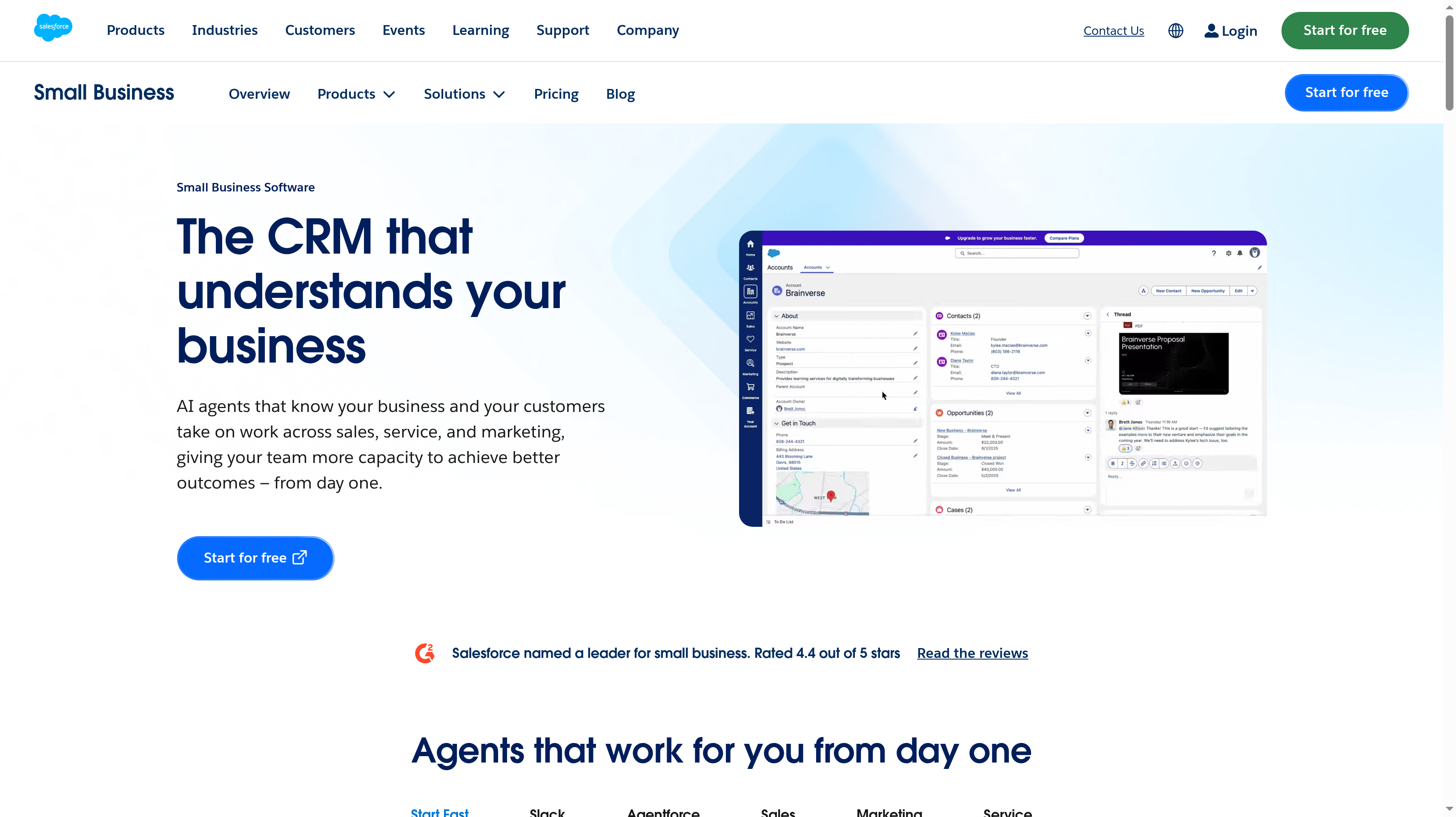
6. Salesforce Starter Suite, best for startups planning around the Salesforce ecosystem
Salesforce Starter Suite brings small-business CRM tools together with assistive AI and an Employee Agent. Email nurture campaigns and lead scoring support the work before a sales conversation, while built-in sales flows and lead routing help organize what happens when a lead is ready for attention. It suits a startup that already expects Salesforce to be part of its longer-term operations.
Starter Suite starts at 25 USD per user per month, billed monthly or annually. A free Slack workspace connects to the CRM, giving your team a shared communication space alongside customer work. During evaluation, define who receives a new lead and what that person needs to know before contacting the buyer. Use that handoff to judge the sales flows and routing.
Pro Suite costs 100 USD per user per month billed annually, with a contract required. It adds quoting and forecasting, more customization and automation, and AppExchange access. Those are concrete reasons to compare Pro with Starter when your process begins to need more than the entry suite. Salesforce offers a free trial.
Write down the requirements you already have and those you expect after the first sales hire. Separate them before configuring the initial setup. That gives you a focused starting point and a reasoned path toward the wider Salesforce ecosystem.
Best suited for startups that want an entry CRM within Salesforce and expect their sales operations to develop there. Teams can plan for more formal lead routing, quoting, and forecasting as responsibilities spread across people.
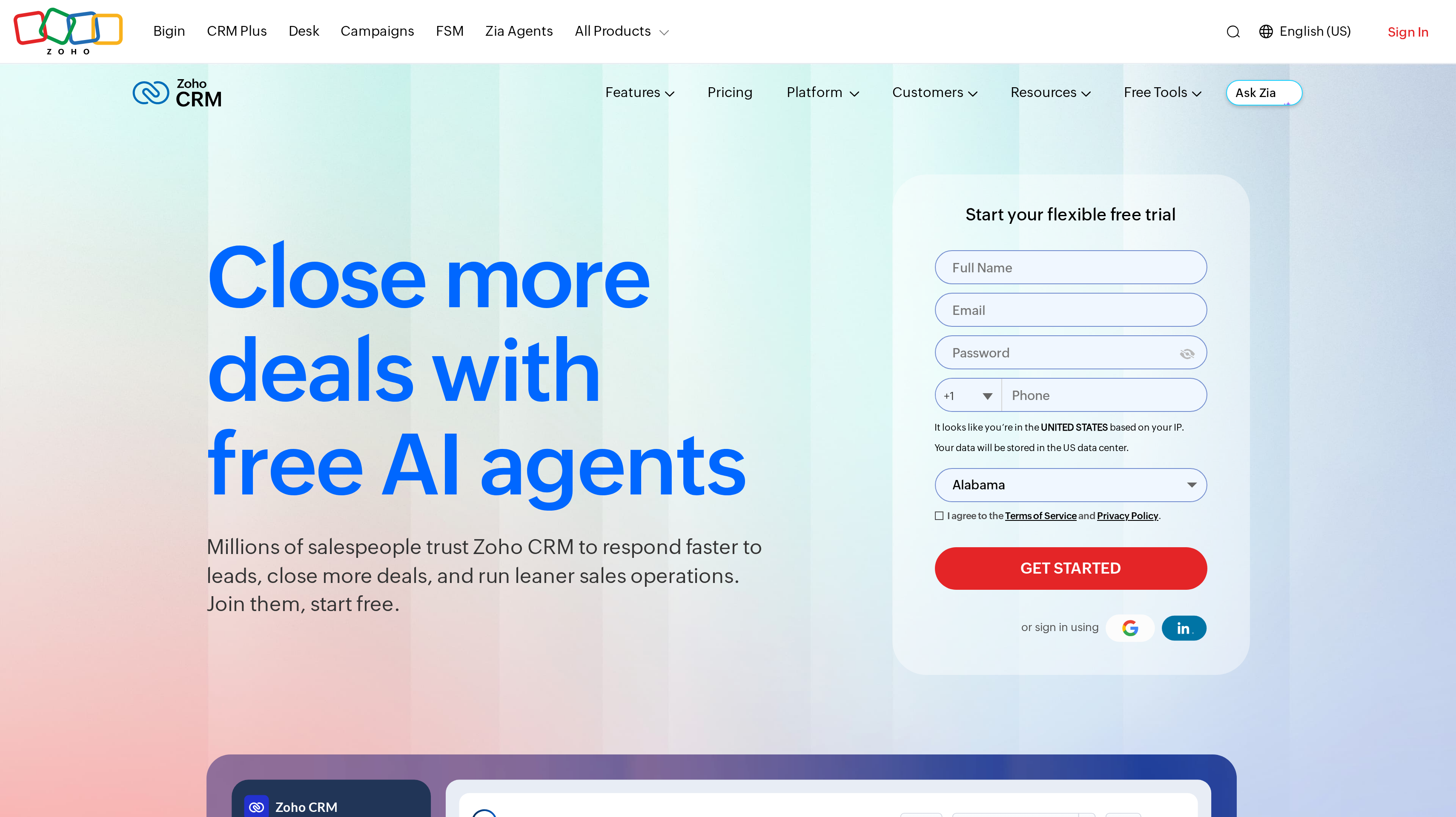
7. Zoho CRM, best for budget-conscious teams that want a free plan and customization
Zoho CRM combines contact management with a broad set of sales capabilities, including workflow automation, multiple pipelines, built-in calling, and forecasting. Its wider capabilities include data enrichment, custom modules, CPQ, customer portals, and Zia AI agents. The attraction for a small team is the combination of a free starting point and room to configure a more detailed sales process.
Free costs US$0 forever for three users and includes contact management, workflow automation, APIs, and mobile apps. That lets an early team work with shared contacts and begin connecting its data without paying for the first three seats. Use that starting point to agree on the fields everyone should maintain and the steps that deserve automation.
Standard costs US$14 per user per month billed annually, or US$20 billed monthly. Professional is US$23 and Enterprise is US$40 per user per month billed annually. Paid editions have a free trial, and Zoho CRM offers free onboarding and human support. Keep the workflow you want to run in view when comparing the editions.
Before adding a custom module or another pipeline, identify the person responsible for it and the decision it should help them make. A smaller shared model can be easier to maintain while you learn which opportunities turn into customers.
Best suited for budget-conscious startups that want three free users and a path toward a more customized CRM. Your team can define its own sales structure and maintain it as the business develops.
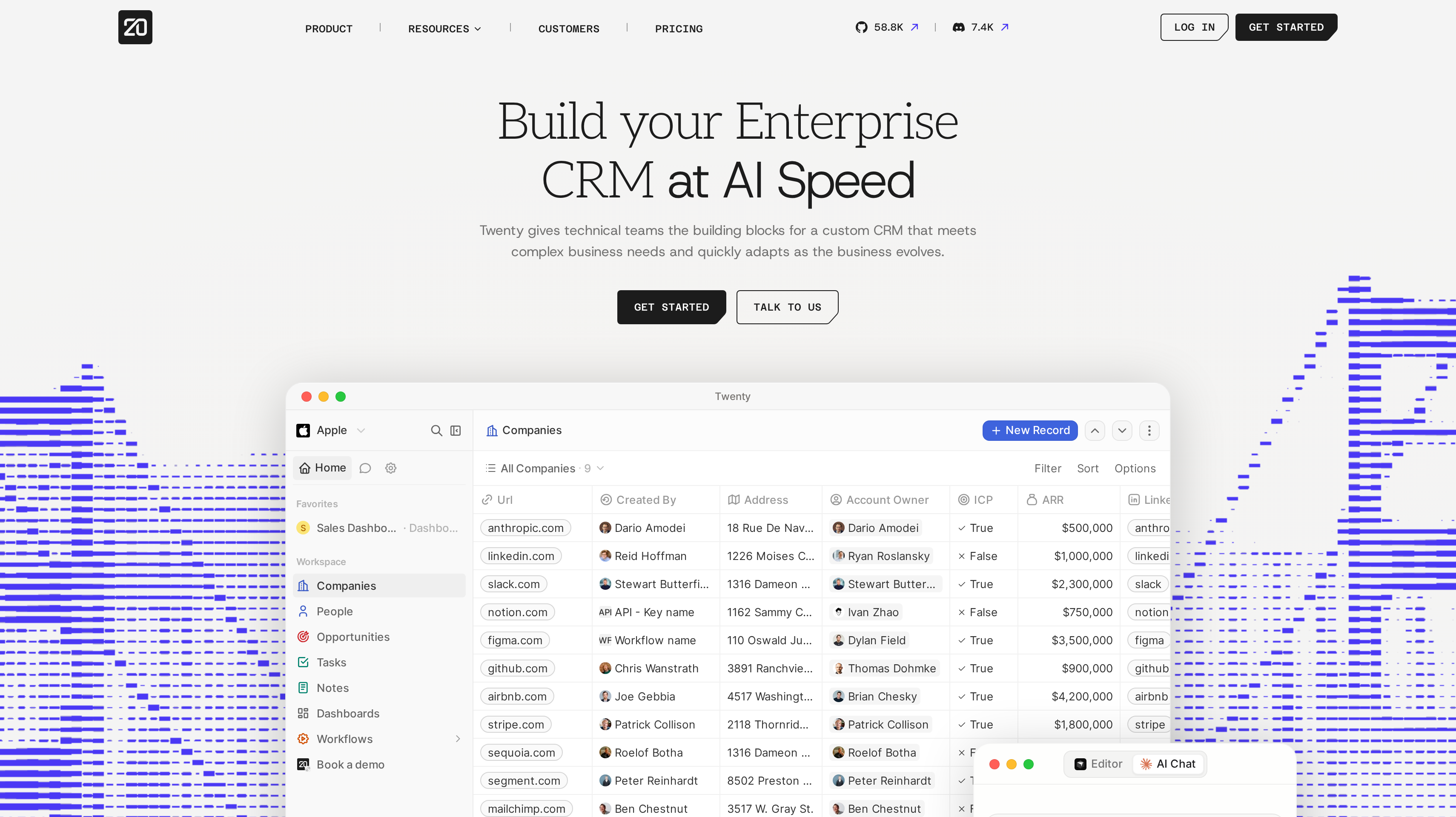
8. Twenty, best for technical teams that want an open-source, self-hostable CRM
Twenty is an open-source CRM with a self-hosting option and building blocks for a custom customer system. Custom objects, fields, views, and apps let you shape the records around your business. Workflows and AI agents with custom skills extend that setup. It is a useful shortlist option when your technical team wants a direct role in how the CRM works.
Pro costs $9 per user per month billed yearly, or $12 billed monthly, with unlimited seats, objects, and records. Unlimited seat capacity means you can add team members; the price remains per user. That distinction matters when comparing database capacity with the subscription budget for a growing team.
Organization costs $19 per user per month billed yearly and adds row-level permissions, SAML/OIDC single sign-on, a custom domain, and priority support. Enterprise starts at $50,000 per year and includes single-tenant isolation and SCIM. A free trial needs no credit card. These tiers give you specific access and deployment requirements to consider alongside the core CRM model.
Self-hosting is a separate operating choice. Decide who will maintain the deployment alongside your other technical responsibilities. For the customer model, begin with the relationships your sales team needs today. Add objects when they describe a relationship your current records cannot capture clearly.
Best suited for technical founders and engineering-led teams that want an open-source CRM they can shape and self-host. The technical team takes responsibility for the customer-data design and the operation of its chosen deployment.
Side-by-Side Comparison
Compare the cost of the working plan with its free capacity, sales workflow, and data or automation options. Prices use the vendors' published dollar currencies, with monthly rates and billing terms shown. Calling and SMS usage in Close sit alongside its seat price.
Tool
Price
Free plan
Best for
HubSpot
Starter Customer Platform $20/seat/mo
2 users
Marketing, sales, service
Attio
Plus $35/user/mo annually
3 seats
Flexible data
Pipedrive
Lite US$14/seat/mo annually
14-day trial
Visual pipelines
folk
Standard $24/member/mo annually
Free trial
Relationship selling
Close
Solo $9/user/mo annually
Trial, no card
Outbound sales
Salesforce Starter Suite
From 25 USD/user/mo monthly/annually
Free trial
Salesforce ecosystem
Zoho CRM
Standard US$14/user/mo annually
3 users
Budget customization
Twenty
Pro $9/user/mo yearly
Trial, no card
Open source
Which CRM fits your use case
Start with a sales week your team actually recognizes. A founder preparing demos, a salesperson making calls, and a partnerships lead following introductions need different information close to hand. Choose the row that describes your current work before planning a more elaborate setup.
Then run a small evaluation with real contacts and an active opportunity. Ask the person who will use the CRM to capture a conversation, find the next action, and explain the record to a teammate. That exercise gives you something concrete to compare beyond a feature list.
Use case
What changes about the setup
What to look for
Founder-led sales growing into a shared customer platform
Marketing and service will need the same customer context as sales.
HubSpot for a free two-user start and a paid platform spanning those functions.
SaaS sales organized around connected data
Your relationships need more structure than a standard contact list.
Attio for custom objects, relationship attributes, automatic enrichment, and developer connections.
A small team reviewing deals every day
Each opportunity needs a clear stage and a next conversation.
Pipedrive for a visual pipeline; Growth for full email sync, automations, and nurturing sequences.
Introductions, partnerships, and fundraising
Relationship context spans inboxes, calendars, WhatsApp, and LinkedIn.
folk for those communication connections, folkX, enrichment, and pipeline management.
Outbound qualification and meeting booking
Calls, emails, and texts make up the daily sales routine.
Close for built-in communication, workflows, and Chloe; budget for seats and communication usage.
A defined ecosystem or custom operating model
You already have a preference for the platform or who will maintain it.
Salesforce Starter Suite for a Salesforce path, Zoho CRM for budget-led customization, Twenty for open source and self-hosting.
Proof: What results look like
HubSpot says its platform is trusted by over 306,000 customers in more than 135 countries. That is a vendor-published adoption claim. For your own evaluation, look at whether your team can keep the pipeline current and hand an opportunity to another person with enough context to act.
Once your sales setup is in place, a partner channel has its own results to measure. In published Affonso testimonials, supastarter founder Jonathan Wilke says affiliates bring more than half of its customers. SocialRails founder Matt describes a setup completed within 30 minutes and eight leads received by the point of his testimonial. These are reported partner-channel outcomes, rather than evidence for a particular CRM.
Read the customer testimonials, then use the affiliate commission calculator to assess the reward you can offer against your margins. Keep referred leads and paying customers separate when judging the channel.
FAQ
What is the best CRM for startups choosing a first platform?
HubSpot ranks first here for its free two-user CRM and a route into marketing, sales, and service on a common customer platform. Attio is a strong fit when flexible data and enrichment drive the decision, while Pipedrive suits founders who want their sales day organized around a visual pipeline.
Which CRMs have a free plan for a small team?
HubSpot is free for up to two users with no expiration date. Attio Free allows three seats, three objects, and 50,000 records, while Zoho CRM is free forever for three users and includes contact management, workflow automation, APIs, and mobile apps. Choose around the work your team needs those seats to do.
How much does a CRM cost as you add salespeople?
Most paid plans here charge per seat, user, or member, so compare the required tier across everyone who needs access. Pipedrive Lite and Zoho CRM Standard each cost US$14 per person per month billed annually. Close also charges calling and SMS usage separately, which belongs in the budget for an outbound team.
How do I choose the best CRM for startups with founder-led sales?
Take an active deal and write down the next action, the person responsible, and the information they need before contacting the buyer. Evaluate how that workflow feels in a visual pipeline such as Pipedrive or a shared customer platform such as HubSpot. Ask an early teammate to take over the record and explain the opportunity back to you.
What should I look for in email and calendar connections?
Decide which conversations and meetings need to become part of the shared customer record. Pipedrive Growth includes full email sync with tracking, folk syncs email and calendars alongside WhatsApp, and Attio offers real-time contact syncing. If calls and texts drive your sales process, Close brings those channels into the CRM itself.
How do AI features help with CRM work?
Compare a specific task your team wants to delegate. Attio offers Ask Attio, AI agents, and call intelligence; Pipedrive Nova provides meeting briefs, transcripts, and CRM updates; Close's Chloe calls and qualifies leads and books meetings. Define the information you expect back and who reviews it before building AI into your sales routine.
What is the difference between an open-source CRM and a hosted subscription?
Open source and hosting describe different choices about the software and its operation. Twenty is open source and offers self-hosting, alongside paid plans such as Pro at $9 per user per month billed yearly. If you self-host, assign someone to maintain the deployment as well as the customer-data model your sales team uses.
How do I connect partner referrals to my CRM?
None of these eight CRMs has a native Affonso integration. Use webhooks or Zapier to build a workflow that sends partner and referral events into your CRM. Define how contacts match and which events should create follow-up work; the affiliate software shortlist covers the separate program-management choice.
Try for free
Choose the CRM that fits how you sell today and give an active deal a clear owner. Capture the next conversation and make the record useful to the teammate who follows you. Connect the communication channels your team uses, then automate the steps you already understand. When customers and creators begin sending buyers your way, give that channel a process too. Affonso runs affiliate and partner programs alongside your sales setup. Start your Affonso free trial.
 Affonso
 Silvestro Zinnanti, FounderComparisonOctober 27, 202622 min read