Best community platforms in 2026: the buyer's shortlist.
Compare eight community platforms for SaaS, app, and plugin teams. See forums, chat, member spaces, monetization, pricing, and the fit for your community.
Your most helpful users answer questions, share examples, and teach newcomers how to get more from your product. Without a place to meet, those conversations stay scattered across private messages and support tickets.
A community gives that work a home. The buying decision starts with how you want people to participate: quick conversations, detailed answers, or a membership built around learning together.
This shortlist covers the best community platforms for SaaS, app, and plugin companies. Circle takes the top spot for branded customer communities with courses, events, and payments.
Key Takeaways
The short version, before you compare the platforms.
Choose the conversation format first. Discord and Slack center on chat, Discourse organizes longer discussions, and Circle combines member discussions with courses and events. Start with the activity you want members to repeat each week.
Circle leads for a branded customer community. Professional is $89 per month billed annually, with unlimited members, courses, live events, and a website. Business adds workflows, APIs and MCP, custom profile fields, and removal of Circle branding.
A free chat space and a paid membership solve different jobs. Discord is free to use, while Slack Free keeps 90 days of message history. Skool, Mighty Networks, and Heartbeat package learning and community together for teams selling access to a membership.
Branding has a plan boundary. Bettermode Starter includes a custom domain and removal of its branding. Heartbeat Grow includes white-labeling, while Circle Plus and Mighty Pro offer custom branded apps through custom pricing.
Compare the bill at your intended size. Slack Pro charges $8.75 per user per month on monthly billing. Skool Hobby is $9 per month with a 10% transaction fee, while Pro is $99 with a 2.9% transaction fee. Member allowances matter on Bettermode and Heartbeat.
Give someone responsibility for the community. Decide who welcomes new users, answers unanswered questions, and handles moderation. Your software choice should support the work that person will do, whether that means organizing forum categories, managing chat roles, or scheduling member events.
What community platforms actually are (and what they are not)
Community platforms give your customers, users, or developers a shared place to talk to each other and your team. The format can be a forum with durable discussions, a server with live chat and voice, or a branded membership with courses and events. The common feature is participation between members. Your team starts the conversation, but other people can contribute their own questions, answers, and examples.
For a SaaS company, that can mean onboarding workshops, a place to share workflows, and regular conversations with power users. A plugin company might organize discussions around setup questions and examples of what customers have built. A developer community needs room for implementation questions and longer technical explanations. Each purpose suggests a different way to organize the space and a different level of involvement from your team.
A community does not replace your support process or decide your product roadmap. Some questions need private account information, and a popular discussion still needs a product decision before it becomes a commitment. If your main job is collecting and prioritizing feature requests, compare the customer feedback tools separately. Keep a clear route from an interesting conversation to the person who can act on it.
A paid membership adds another decision: what members receive beyond access to your product. Courses, live calls, and recurring events can form that offer. Before setting a membership price or promising ambassadors a reward, use the free affiliate commission calculator to see how a proposed commission fits the revenue you expect to keep.
How We Ranked These Community Platforms
This shortlist compares community platforms for SaaS, app, and plugin teams building customer, user, developer, or paid member communities. The ranking gives Circle first place for its combination of branded discussions, education, events, and payments.
The comparison draws on public product and pricing pages. The criteria focus on the work your team and members need to do.
We compared five criteria:
Community format. Forums, text and voice chat, courses, and member spaces. We distinguish ongoing conversation from a library of answers and from a paid learning program.
Ownership and branding. Custom domains, website customization, branding removal, and custom branded apps. These determine how the community appears alongside your product and which plan supports that presentation.
Moderation and integrations. Roles, discussion organization, staff tools, workflows, APIs, and named integrations. The relevant question is how your team manages participation and connects the community to its existing work.
Monetization. Memberships, courses, payments, and published transaction fees. A customer support community and a membership you sell need different purchasing criteria.
Price and capacity. Billing terms, per-user charges, member limits, staff allowances, and the entry plan's included capabilities. A free plan and a trial serve different purposes in your budget.
Vendor figures remain attributed to the vendor, and customer testimonials describe the channel they actually measure. Prices retain their published billing terms, with plan capacity shown separately. We plan to review this guide quarterly and after material pricing changes.
The Best Community Platforms in 2026
Your community might need a quick answer today and a useful discussion members can find months later. It might also need a paid course, a regular live session, or a branded place beside your app. These eight platforms give you different starting points for that work.
1. Circle, best for branded customer communities with courses, events, and payments
Circle puts discussions, courses, live events, a website, and payments under your brand. For a SaaS team, that gives onboarding sessions and customer conversations a shared destination. Members can learn how to use the product and meet other users within the same community. That breadth is why it leads this shortlist for a branded customer community.
Professional is $89 per month billed annually. It includes unlimited members, community, courses, live events, a website, and Circle AI with 2,500 credits per month. Business is $199 per month billed annually and adds workflows, custom profile fields, Circle APIs and MCP, activity scores, branded email notifications, and removal of Circle branding.
Scale is $419 per month billed annually, with AI agents, unlimited workflows, webhooks, custom SSO, priority support, and 5,000 AI credits per month. Circle Plus has custom pricing and includes custom branded mobile apps and Email Hub with 10,000 contacts. A 14-day trial needs no credit card.
Separate your launch requirements from later operating needs. You might begin with discussions and recurring customer workshops, then use workflows and profile fields when member onboarding needs more structure. APIs, webhooks, and custom SSO sit on different tiers, so identify which connection your product journey needs before choosing the plan.
Best suited for SaaS teams building a branded home for customer education, discussion, and live events. It fits a community where the learning program and the conversations around it should share the same destination.
2. Discord, best for real-time developer and user communities
Discord is a group chat app built around servers, channels, and roles. Text, voice, video, and low-latency streaming give members several ways to take part. A developer can ask a setup question in text, while a user group can meet for a live walkthrough. Custom emoji and stickers give your community its own familiar language.
It is free to join and use. Nitro is an optional subscription for individual users. That makes Discord a straightforward starting point when you want to invite users into conversations without making a paid membership the reason to join. Your team's work centers on organizing channels and setting expectations for participation.
Discord's developer platform supports apps, bots, and activities. For an app or plugin company, those building blocks are relevant when the community includes people who want to create things around your product. Begin with a clear purpose for each channel, a role structure your moderators understand, and a welcome message that tells newcomers where to ask.
The native Discord integration posts Affonso affiliate program updates to your Discord, keeping your community or team informed as the program grows. Keep operational notifications in a channel with a defined audience so members can follow the conversations they joined for.
Best suited for developer and user communities that want frequent conversation through text, voice, and video. It gives power users a place to meet, explain their work, and help newcomers while your team takes part in the same channels.
3. Slack, best for B2B customer and partner communities already using Slack
Slack organizes work conversations into channels, with huddles for meetings and external messaging through Slack Connect. Its community fit is strongest when your customers and partners already use Slack during their working day. You can organize conversations around a product area or customer group and use apps and workflows to support the people running them.
Free includes 90 days of message history, up to ten apps, one-to-one meetings, and one-to-one external messages. Pro costs $8.75 per user per month paid monthly, with unlimited message history and app integrations, group meetings, and group external messages. That per-user billing unit deserves attention when you plan a broad customer workspace.
Business+ costs $18 per user per month paid monthly and adds SAML SSO, SCIM, and advanced AI. Enterprise+ uses contact-sales pricing. Slack also includes Slackbot and AI features across its product, while your plan choice determines the capabilities available to your workspace.
The native Slack integration sends new affiliates, conversions, and payout activity from Affonso to the right Slack channel. Give that channel a specific operating purpose, such as keeping the partnerships team aware of program activity, while customer discussions follow their own channel structure.
Best suited for B2B teams whose customer champions and partners already coordinate their work in Slack. Channels and external messaging fit ongoing account conversations, shared learning, and partner discussions that belong in the working day.
4. Discourse, best for searchable support forums and long-form discussion
Discourse is a customizable community platform with categories, tags, chat, and Q&A with upvoting. Staff notes give the team another tool for managing the community. Its forum format suits questions that need context, several replies, and an answer future users can find. For a SaaS or plugin team, that can turn a detailed implementation discussion into a useful reference for the next customer.
The hosted Free plan lets you explore the platform. Pro is $100 per month and includes unlimited members and chat, unlimited public and private categories, a custom domain, API access and webhooks, 15+ plugins, and five staff seats. You can organize a support forum around product areas without pricing each participating member separately.
Business is $500 per month. It adds advanced reporting, automation, events, gamification, SSO through OpenID and OAuth2, 15 staff seats, and priority support. Enterprise has custom pricing, a 99.9% uptime guarantee, and unlimited staff seats. No credit card is required up front.
Build your category structure around how users describe their problem. A developer discussion about an implementation deserves a clear title and enough detail for another member to follow it later. Assign staff responsibility for replies and moderation so the forum remains useful as conversations accumulate.
Best suited for product and developer teams that want searchable support discussions and room for detailed answers. Categories, tags, and Q&A fit a community where the value of a good response continues after the original conversation ends.
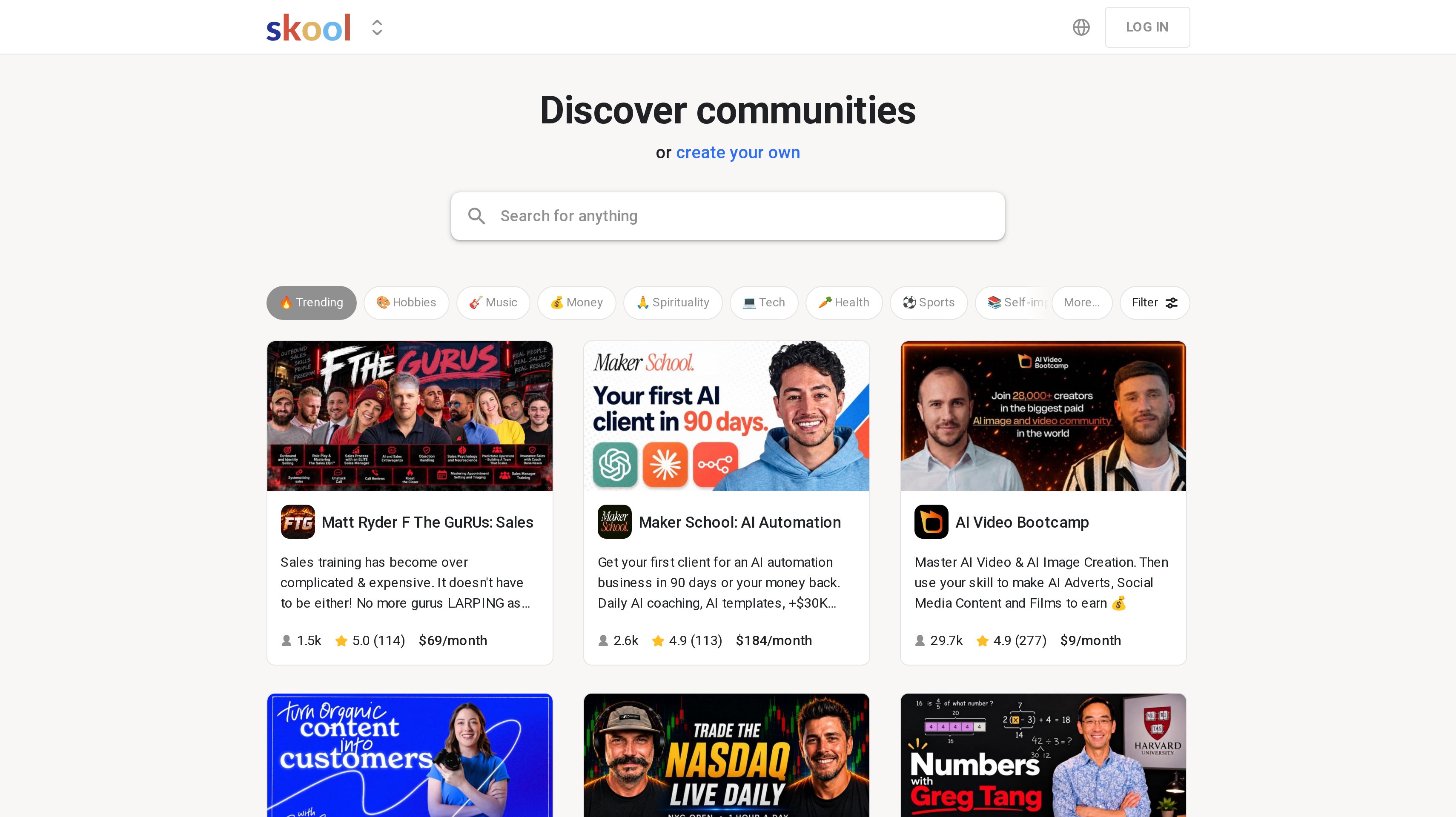
5. Skool, best for simple paid communities with courses and gamification
Skool combines community, courses, live calls, and gamification in one product. A public discovery directory lets people browse communities. For a founder teaching a method around a product, the format puts the member group and the course together. You can build participation around lessons and live calls while keeping the offer easy to explain.
Hobby is $9 per month and includes unlimited members, courses, videos, and live calls, plus a custom URL and affiliates. It carries a 10% transaction fee. Pro is $99 per month with the same unlimited capabilities and a 2.9% transaction fee. Yearly billing gives two months free, and a free trial is available.
The plan decision starts with the fee structure. Hobby has the lower subscription price, while Pro lowers the transaction percentage. Put your expected membership revenue beside both charges when deciding which fits your paid community. Unlimited member and course allowances on both plans keep that comparison focused on the subscription and transaction fee.
The operating question is what members do after finishing a lesson. Give each course a related discussion prompt or a live session where people can bring their work. Gamification is part of the product, but your teaching schedule and participation expectations still need an owner on your team.
Best suited for creator-led products selling a straightforward community and course membership. The shared course, call, and discussion format fits founders who want to teach a repeatable approach and have members learn together.
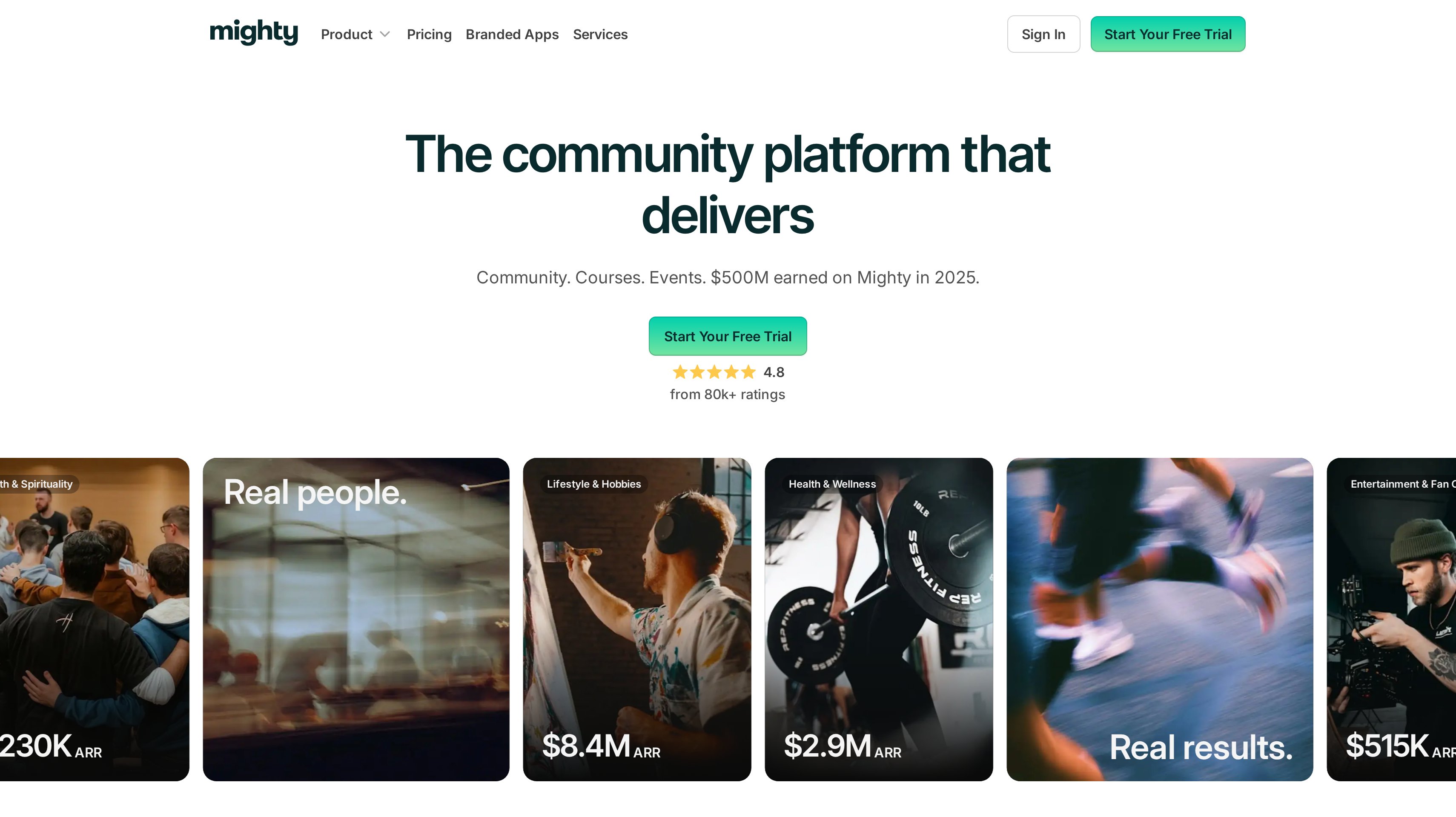
6. Mighty Networks, best for creator-led memberships with branded apps
Mighty Networks brings community, courses, events, and AI Cohost into one platform. Custom branded apps are available through Mighty Pro. It fits a creator-led product when the membership itself is part of what customers buy, with a schedule of learning and events that gives people reasons to return.
Launch is $79 per month and includes AI Cohost, community, courses, and basic automations. Scale is $179 per month and adds more automations, APIs and MCP access, and third-party integrations. Growth is $354 per month, with advanced automations, growth expert sessions, priority support, and migration services.
Mighty Pro has custom pricing for custom branded apps and full community services. Annual billing gives two months free, with Launch listed at $950 per year. A free trial is available. The distinction between the standard platform and Mighty Pro matters when a branded app is part of the experience you plan to sell.
Start with the membership promise before deciding how much automation you need. A recurring workshop, a course discussion, and a member event each require someone to prepare and host them. Scale's APIs and MCP access are relevant when your team needs to connect that operating work with other systems. Growth adds services for teams planning a migration or seeking more guidance.
Best suited for creator-led membership businesses that want courses and events organized around an ongoing community. Mighty Pro provides a custom branded app path when the membership experience should also have its own mobile presence.
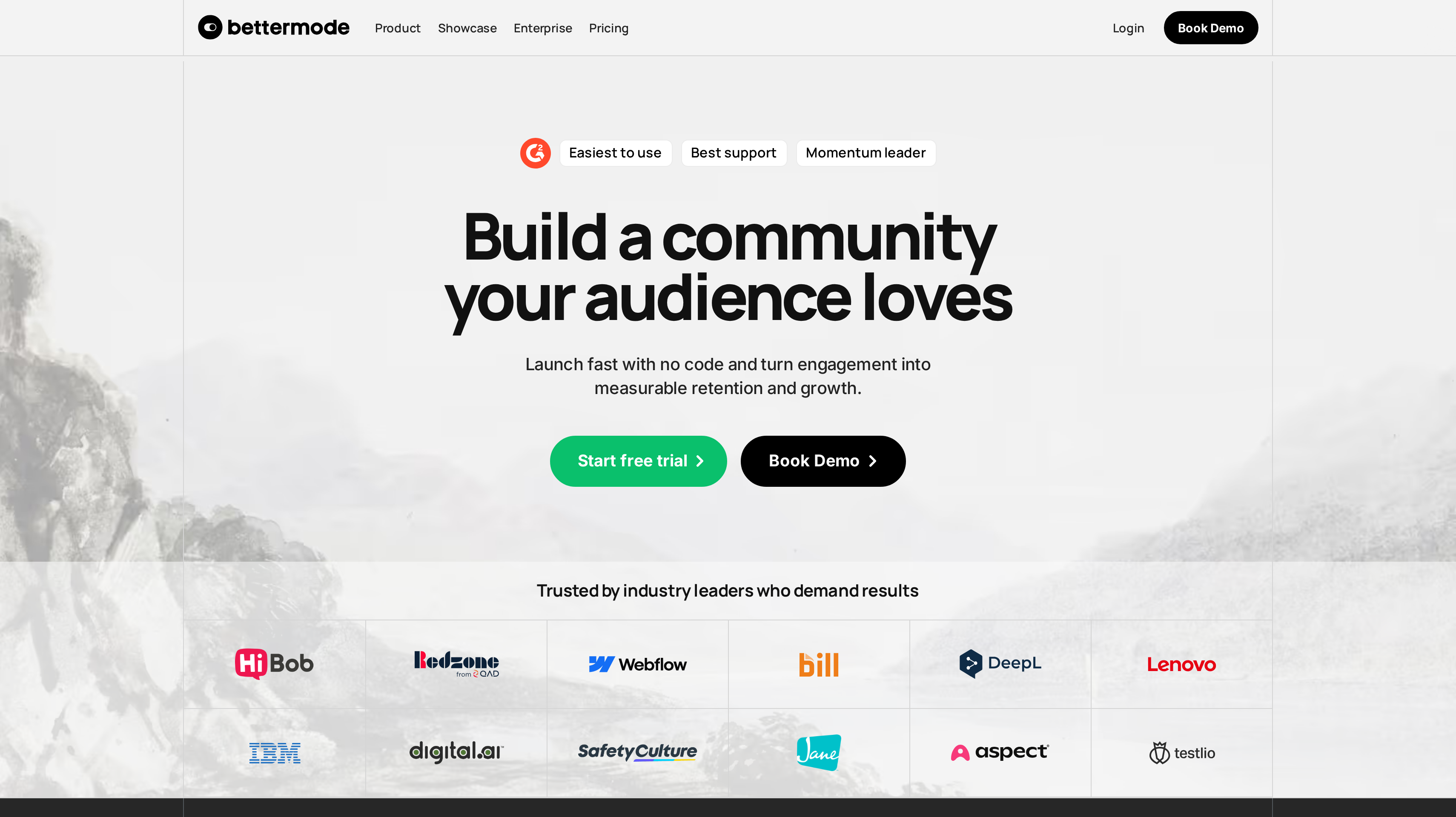
7. Bettermode, best for no-code branded communities in your product journey
Bettermode is a no-code community platform with Q&A, discussions, events, and polls apps. Drag-and-drop customization lets your team shape the community, while integrations and analytics support its operation. The fit is a branded destination that feels related to your product, with the structure chosen around what customers need to do there.
Starter is $149 per month billed yearly at $1,788 per year, or $199 on monthly billing. It includes up to 10,000 members, five collaborators, a custom domain, removal of the Powered by Bettermode branding, limited API access, private messaging, and social login. That gives a small operating team a defined member allowance and a branded starting point.
Growth is $1,500 per month billed yearly at $18,000 per year, or $1,750 monthly. It raises capacity to 25,000 members and adds Ask AI, federated search, API access, webhooks and sandbox, and OAuth2 and JWT. Premium uses contact pricing and includes SAML, a 99.9% uptime SLA, and capacity for more than 100,000 members. A 14-day trial needs no credit card.
Map the route from your app to the community before building its pages. A customer seeking help should reach the relevant Q&A or discussion space with a clear next step. Identity requirements also belong in that plan decision, since social login, OAuth2 and JWT, and SAML sit at different tiers.
Best suited for SaaS teams that want a configurable branded community as part of the customer journey. The no-code apps and layout controls fit teams organizing product questions, discussions, and events around their own presentation.
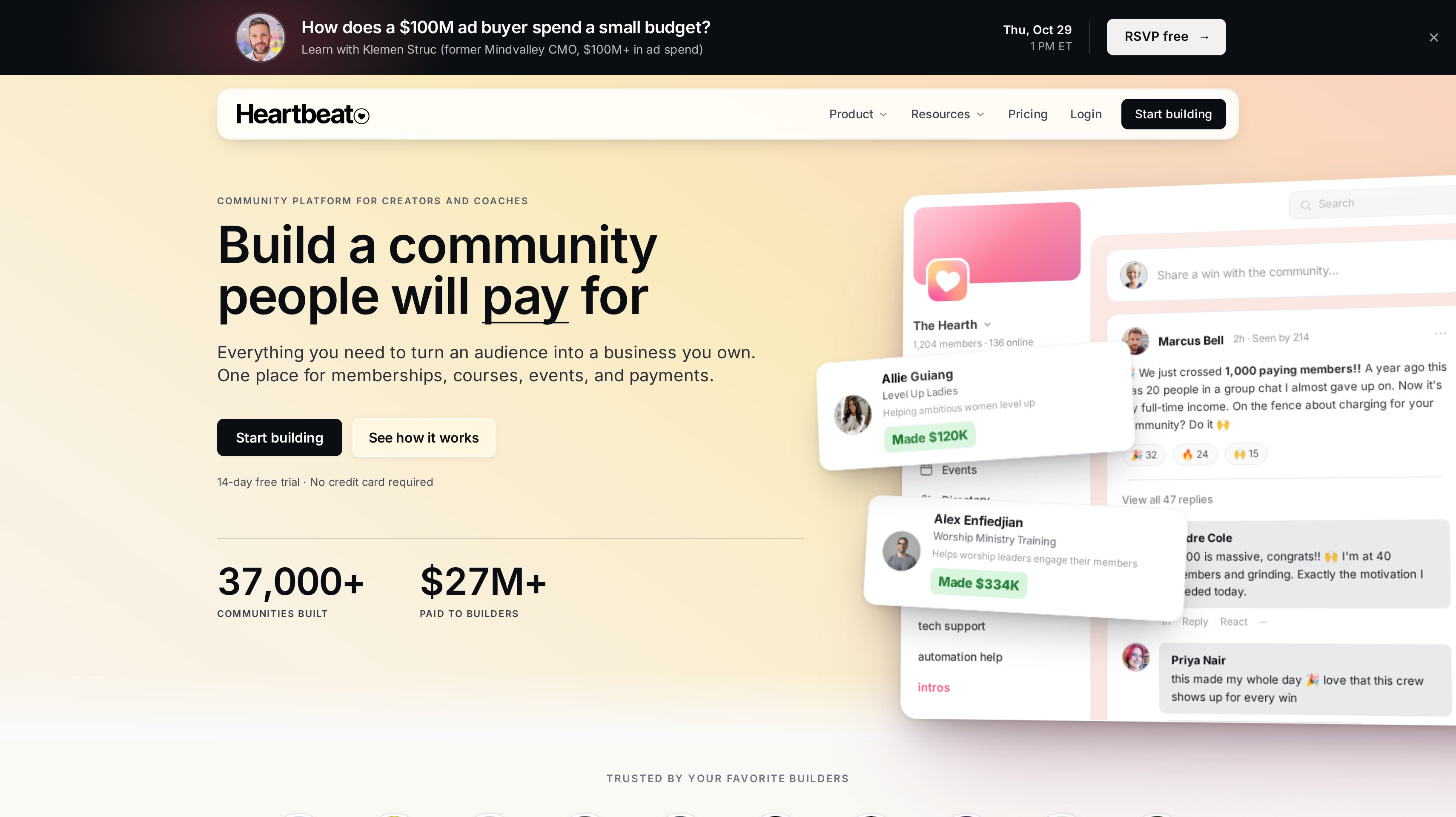
8. Heartbeat, best for small paid communities with memberships and courses
Heartbeat combines memberships, courses, events, documents, channels, and payments for creators and coaches. For a small paid community around an app or a specialist method, that puts learning materials and member conversations in the same place. Your offer can include a course, recurring sessions, and a channel where members discuss applying what they learned.
Build is billed annually at $490 and supports up to 350 members. It includes unlimited channels, courses, events, and documents, five automation workflows, Zapier, Zoom, and Google Calendar integrations, and Heartbeat branding. That gives a smaller membership a defined annual software cost and a clear capacity limit.
Grow is $124 per month billed annually at $1,490. It supports up to 5,000 members and includes unlimited automation workflows, native video hosting with 50 hours, and white-labeling. A 14-day trial is available without a credit card. The two tiers separate a smaller branded-by-Heartbeat setup from a larger membership with white-labeling and more automation.
Plan your first member experience around one useful activity. That might be reading a short document before an event or asking a question after a course. The named calendar and meeting integrations on Build are relevant when live sessions are central to the offer. Decide who maintains those sessions alongside the discussion channels.
Best suited for small paid communities whose members want courses, documents, and regular events alongside chat. The Build allowance fits a focused membership, with Grow providing more member capacity and a white-label presentation as the group expands.
Side-by-Side Comparison
Compare the conversation format, branding path, integrations, and paid membership model alongside the entry cost. Prices are in USD, with billing terms shown. Member capacity, staff seats, and per-user charges remain separate units.
Tool
Cost and capacity
Community format
Branding
Moderation and integrations
Monetization
Circle
Professional $89/mo billed annually, unlimited members. Business $199; Scale $419, billed annually
Discussions, courses, live events
Website; branding removal on Business; custom apps on Circle Plus
Workflows, APIs and MCP on Business; webhooks and custom SSO on Scale
Payments and courses
Discord
Free to join and use; optional individual Nitro subscription
Text, voice, video, streaming
Servers, custom emoji, stickers
Channels, roles, apps, bots, activities
Group chat focus
Slack
Free plan; Pro $8.75/user/mo paid monthly; Business+ $18/user/mo paid monthly
Channels, huddles, external messaging
Workspace and channel organization
Apps, workflows, Slack Connect; SAML SSO and SCIM on Business+
Work messaging focus
Discourse
Hosted Free plan; Pro $100/mo, unlimited members, 5 staff seats; Business $500/mo
Forum discussions, Q&A, chat
Customizable platform; custom domain on Pro
Categories, tags, staff notes; API, webhooks, 15+ plugins on Pro
Support and discussion focus
Skool
Hobby $9/mo with 10% transaction fee; Pro $99/mo with 2.9%; unlimited members
Community, courses, live calls
Custom URL
Gamification; public discovery directory
Paid communities, courses, affiliates
Mighty Networks
Launch $79/mo or $950/year; Scale $179/mo; Growth $354/mo
Community, courses, events
Custom branded apps through Mighty Pro
Basic automations on Launch; APIs, MCP and third-party integrations on Scale
Creator-led memberships and courses
Bettermode
Starter $149/mo billed yearly or $199 monthly; up to 10,000 members, 5 collaborators
Q&A, discussions, events, polls
Custom domain and branding removal on Starter
Limited API on Starter; webhooks, OAuth2 and JWT on Growth
Branded customer community focus
Heartbeat
Build $490/year, up to 350 members; Grow $124/mo billed annually at $1,490, up to 5,000
Channels, courses, events, documents
Heartbeat branding on Build; white-label on Grow
5 workflows, Zapier, Zoom, Google Calendar on Build
Memberships and payments
Which community platform fits your use case
Start with the conversation your customers are already trying to have. A developer explaining an implementation, a champion asking peers for advice, and a paying member attending a workshop need different spaces.
Then choose the format your team can maintain. Use the rows below to connect that operating job with the shortlist, including who will answer questions and prepare the next activity.
Use case
What changes about the setup
What to look for
Branded customer education
Onboarding courses and live workshops sit beside member discussions. Your team maintains both the lessons and the conversation.
Circle combines courses, events, a website, and payments; choose the tier around workflows and branding needs.
Real-time developer community
Users want to talk through their work and join voice or video conversations. Moderators need a clear channel and role structure.
Discord provides servers, roles, text, voice, video, and developer tools for apps and bots.
B2B customer and partner group
Participation happens during the working day, often across organizations. Plan the audience and per-user budget together.
Slack has channels, huddles, and Slack Connect, with group external messaging on Pro.
Searchable peer support
Detailed questions should stay organized after the original author gets an answer. Staff need categories and responsibility for replies.
Discourse supports long discussions, tags, Q&A with upvoting, and staff notes.
Paid learning membership
Members buy a recurring experience around lessons and events. Plan the course schedule and the economics of access.
Skool pairs courses with gamification; Mighty Networks adds a custom branded app path; Heartbeat Build covers up to 350 members.
Branded community beside your app
The community should follow your product's presentation and customer journey. Map login requirements before choosing a tier.
Bettermode offers no-code customization, community apps, and custom-domain branding on Starter.
Proof: What results look like
Discourse says its platform powers more than 22,000 communities. Mighty Networks reports $500 million earned on Mighty in 2025, while Heartbeat reports more than 37,000 communities built and over $27 million paid to builders. Those figures describe vendor-reported adoption and earnings across their platforms, rather than an expected result for your customer community.
Once your community and product stack are in place, a partner channel has its own results to measure. In Affonso's published customer testimonials, supastarter founder Jonathan Wilke says affiliates bring in more than half of its customers. Matt, founder of SocialRails, describes a setup completed within 30 minutes and eight leads received. These are partner-program results, with no claim that a community platform produced them.
Use the customer testimonials to set questions for your own program, then model acquisition costs with the LTV:CAC analyzer. Measure member participation separately from referred leads and paying customers so you can see which activity contributes to each result.
FAQ
What are the best community platforms for SaaS companies?
Circle ranks first here for a branded customer community combining discussions, courses, events, and payments. Discord fits real-time developer conversations, while Discourse fits support questions that deserve detailed, searchable answers. Choose according to the activity you want customers to return for, then compare the plan that supports it.
How much do community platforms cost?
Discord is free to use, and Slack and hosted Discourse offer free plans. Paid options include Skool Hobby at $9 per month with a 10% transaction fee, Circle Professional at $89 per month billed annually, and Discourse Pro at $100 per month. Heartbeat Build costs $490 billed annually for up to 350 members.
How do I choose between a forum and a chat community?
Choose a forum when members need context, detailed answers, and organized discussions they can revisit. Choose chat when the main job is frequent conversation and meeting other users in the moment. Discourse centers on forum discussions, while Discord and Slack make chat the starting point.
What are the best community platforms for paid memberships?
Skool combines courses, live calls, community, and gamification, with different transaction fees on Hobby and Pro. Mighty Networks combines community, courses, and events with a custom branded app option through Mighty Pro. Heartbeat puts memberships, documents, channels, and payments together, while Circle supports courses and payments alongside branded customer discussions.
What should I consider when comparing Skool alternatives?
Start with what you want to change about your paid membership experience. Circle suits a branded website with discussions and courses, Mighty Networks offers custom branded apps through Mighty Pro, and Heartbeat combines memberships with documents and channels. Compare the required plan, member allowance, and transaction fees against the offer you intend to sell.
How much branding control do community platforms offer?
Bettermode Starter includes a custom domain and removal of its branding, while Circle Business removes Circle branding and adds branded email notifications. Heartbeat Grow includes white-labeling. If you want a custom branded mobile app, Circle Plus and Mighty Pro provide that option through custom-priced plans.
How do I turn community members into affiliates or partners?
Invite members who already recommend your product into a program with clear terms and a useful offer. Affonso runs affiliate and partner programs that track referrals, commissions, and payouts; the affiliate software shortlist covers that separate buying decision. Keep participation in your community useful whether or not a member joins the program.
How should I launch a customer community?
Choose one recurring activity, such as a product workshop or a place for implementation questions, and assign a person to run it. Invite an initial group with that specific purpose, explain where to post, and answer early questions. Expand the channel or category structure when members' conversations give you a reason to do so.
Try for free
Choose the platform around the conversations your users want to have. Give the first group a clear purpose and someone they can ask for help. Build a schedule your team can maintain before adding more spaces. When members begin recommending your product, offer them a partner program with terms they understand. Use Affonso to connect that recommendation to referrals, commissions, and payouts. Start your Affonso free trial.
 Affonso
 Silvestro Zinnanti, FounderComparisonOctober 26, 202622 min read