Best help desk software in 2026: the buyer's shortlist.
Compare eight help desk software options for SaaS support teams. See pricing, ticketing, shared inboxes, channels, and the fit for your team.
A customer emails about a failed upgrade, follows up in chat, and asks their account manager for news. Your team now has several conversations about the same problem, with no clear owner.
A help desk gives that work a queue, a person responsible, and a record of what happened. The right choice depends on where customers contact you and how requests move between teammates.
Our best help desk software shortlist puts Help Scout first for SaaS, app, and plugin teams moving beyond a shared Gmail inbox. The other seven picks cover different channels, workflows, and budgets.
Key Takeaways
The short version, before you compare the tools.
Buy around the conversations your team handles. Email support, customer Slack channels, and a phone queue create different daily work. Your agents need clear ownership and context across the channels you offer.
Help Scout leads for the move beyond Gmail. Its shared inbox, saved replies, workflows, and SLA policies give a growing support team more structure. The Free plan includes five users and one Inbox; Standard costs $25 per user per month billed annually.
Zendesk and Freshdesk offer distinct ticketing paths. Zendesk separates email-focused Support plans from its multichannel Suite. Freshdesk publishes Growth, Pro, and Enterprise plans by agent, making the progression between service tiers straightforward to budget.
Collaboration can matter more than ticket volume. Front brings support, success, sales, and operations into customer conversations. Plain fits B2B relationships spread across Slack, Microsoft Teams, Discord, email, and your product.
Seat and workspace pricing use different units. Zoho Desk Express is US$7 per user per month billed annually, and its Free Edition includes three user licenses. Crisp Mini costs 45€ per month per workspace.
Compare the human workflow before buying AI capacity. Routing, escalation, reporting, and clear handoffs determine how your team works every day. Resolution fees, credits, assistant seats, and direct AI-provider charges are separate parts of the budget when you use those features.
What help desk software actually is (and what it is not)
Help desk software collects customer requests and gives your team a place to answer them. A request becomes a conversation or ticket with an owner, status, and history. Shared inboxes, assignment rules, saved replies, and reporting help teammates work through that queue without relying on forwarded emails or someone remembering to follow up.
For a SaaS company, the useful context often sits outside the message. A trial user needs help activating a feature. A paying account cannot access an integration. A plugin customer reports a conflict after an update. Your help desk should let the person replying understand the issue and bring in a colleague when the answer needs product or engineering work. SLAs turn promised response times into something the team can track.
This guide covers customer support rather than internal IT service management. It also separates the agent workspace from the content customers read themselves. Our knowledge base software shortlist covers help centers and documentation. Standalone AI agents that resolve requests autonomously are another category; here, the buying decision centers on where your people handle tickets and take over complicated cases.
Support cost belongs in your retention planning alongside subscription margin and account value. Use the free SaaS churn calculator to model what losing customers means before you decide which service commitments you can staff. Software organizes that commitment, but you still need someone responsible for the queue, a realistic coverage schedule, and an agreed way to escalate problems.
How We Ranked These Help Desk Tools
We ranked these eight options for SaaS, app, and plugin teams answering external customers. Help Scout leads because the shared-inbox transition is a useful starting point for that audience; the remaining order reflects increasingly specific operational fits.
The comparison draws on each vendor's public product and pricing pages. It focuses on the work your agents do rather than ranking products by their AI automation claims.
We compared five criteria:
Ticket and inbox workflow. How customer requests enter a shared queue, how teammates collaborate, and how a conversation reaches the person who can answer it. The important test is whether ownership stays clear through a handoff.
Customer channels. Email, live chat, in-app conversations, phone, and messaging channels such as Slack. A channel's availability on the plan you intend to buy matters more than its presence somewhere in the product range.
Service operations. Routing, workflows, SLAs, business hours, and reporting. These controls help you set a response commitment and understand where requests wait for attention.
Account and team context. Customer history, cross-team collaboration, and the ability to bring support into the tools your buyers already use. A B2B account relationship needs different context from an anonymous website chat.
Cost as staffing grows. Per-user, per-agent, per-seat, and per-workspace prices, with published free-plan capacity and relevant add-ons. Seat limits and channel upgrades belong in the same purchasing decision.
Vendor-reported results retain their attribution below. This guide is scheduled for quarterly reviews and updates after material pricing changes.
The Best Help Desk Software in 2026
Start with the place your support team spends its day. These eight products cover email-first inboxes, multichannel ticketing, collaborative customer operations, and support inside customer communities. Each section explains the buying reason, the relevant plan structure, and the team that benefits from that setup.
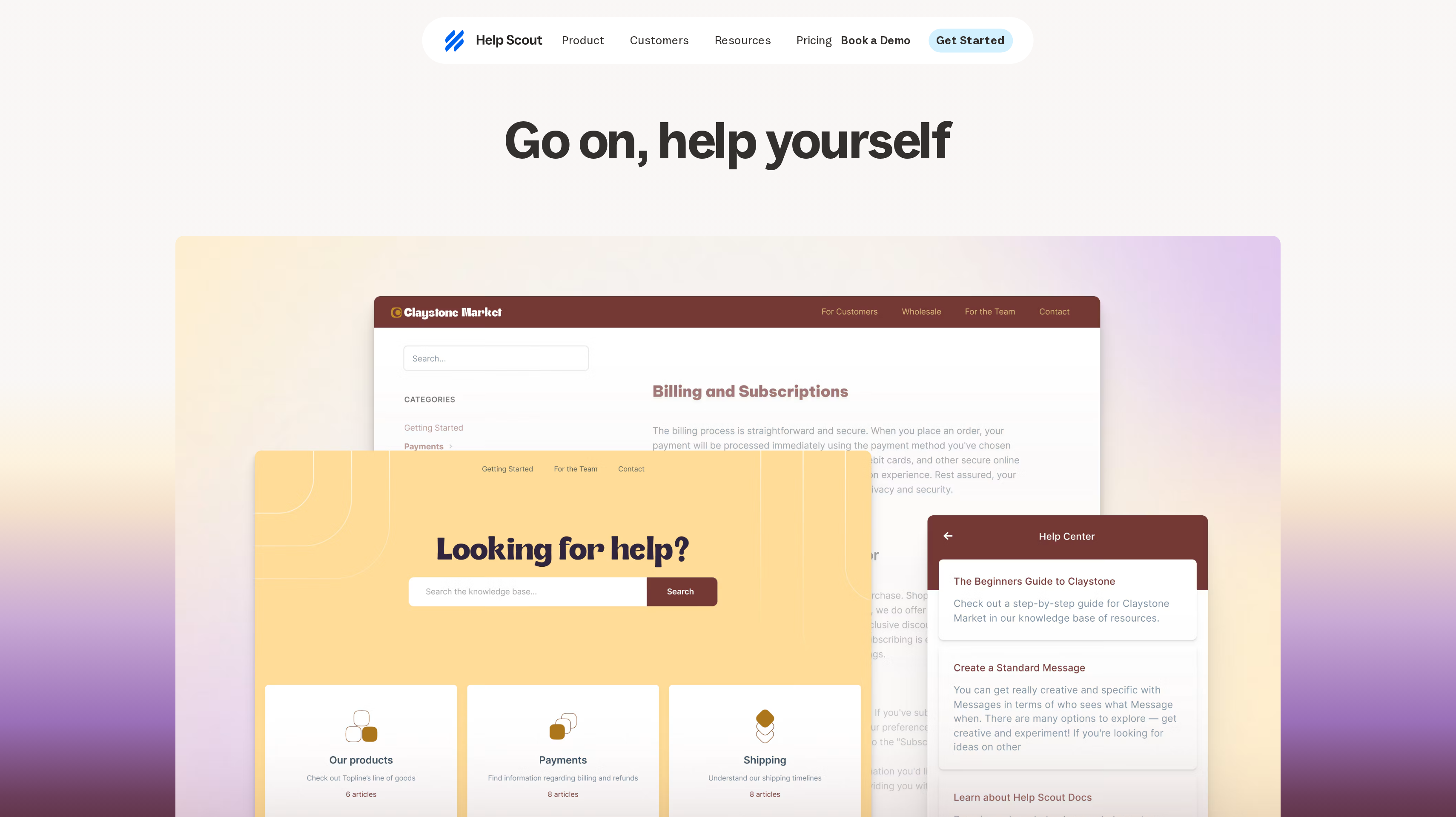
1. Help Scout, best for SaaS teams moving beyond a shared Gmail inbox
Help Scout makes sense when support has become a team responsibility and a shared email login no longer gives you enough control. Inbox is the center of that work, with customer conversations in a shared workspace. Your next step is giving requests owners and repeatable handling, rather than asking everyone to remember which emails they answered.
Standard costs $25 per user per month billed annually. It includes multiple Inboxes, one basic SLA policy, basic workflows, unlimited tags and saved replies, and an AI Inbox assistant. Those controls address common growing pains directly. Saved replies cover recurring setup questions, tags organize the reasons people write in, and the SLA policy gives the team a response target to manage.
Plus costs $45 per user per month billed annually and adds advanced workflows, two advanced SLA policies, round robin routing, and grouping conversations by company. Salesforce, Jira, and HubSpot connections are also listed. Pro costs $75 per user per month billed annually, with unlimited workflows and SLA policies, multiple routing types, and SSO/SAML.
The Free plan gives you five users and one Inbox to start organizing support. AI Answers is a separate add-on at $0.75 per resolution, billed monthly.
Best suited for SaaS teams replacing a communal Gmail workflow with assigned conversations and consistent responses. It gives support leads a practical way to introduce service targets and routing as more people join the queue.
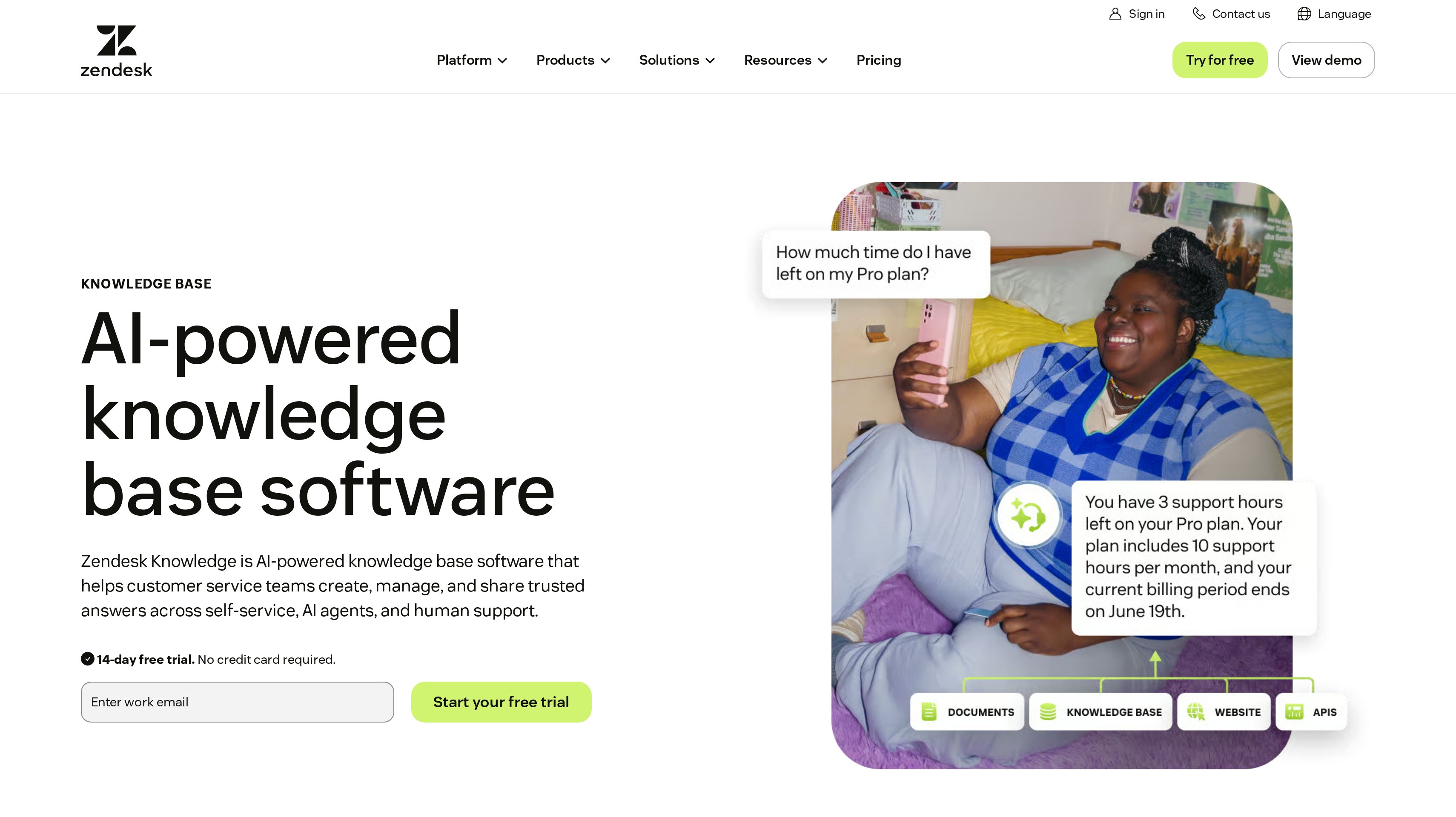
2. Zendesk, best for multichannel ticketing at scale
Zendesk is the pick when your buying brief starts with a ticketing operation spanning several customer channels. Its Support and Suite plans let you choose between email-based support essentials and a broader service platform. That distinction matters if the team needs messaging, live chat, and voice alongside the ticket queue, rather than buying those channels later as separate projects.
Support Team costs $19 per agent per month paid yearly. Zendesk positions it for teams that have outgrown a shared inbox and need core support essentials. Suite Team costs $55 per agent per month paid yearly and combines ticketing, messaging, live chat, and voice. Choose the family of plans around your service model before comparing the entry prices.
Suite Professional costs $115 per agent per month paid yearly. Zendesk describes it around advanced automation and AI-driven insights, and lists a sandbox environment and custom agent roles. For an established operation, the buying questions become who can change workflows, how changes get tested, and what managers need to see across the team.
The Copilot add-on costs $50 per agent per month paid yearly. Zendesk bills AI agents by successful automated resolutions. A multichannel trial should include an escalation between channels.
Best suited for support organizations bringing email, messaging, live chat, and voice into a common ticketing operation. It fits teams evaluating agent roles and automation controls alongside the channels customers use.
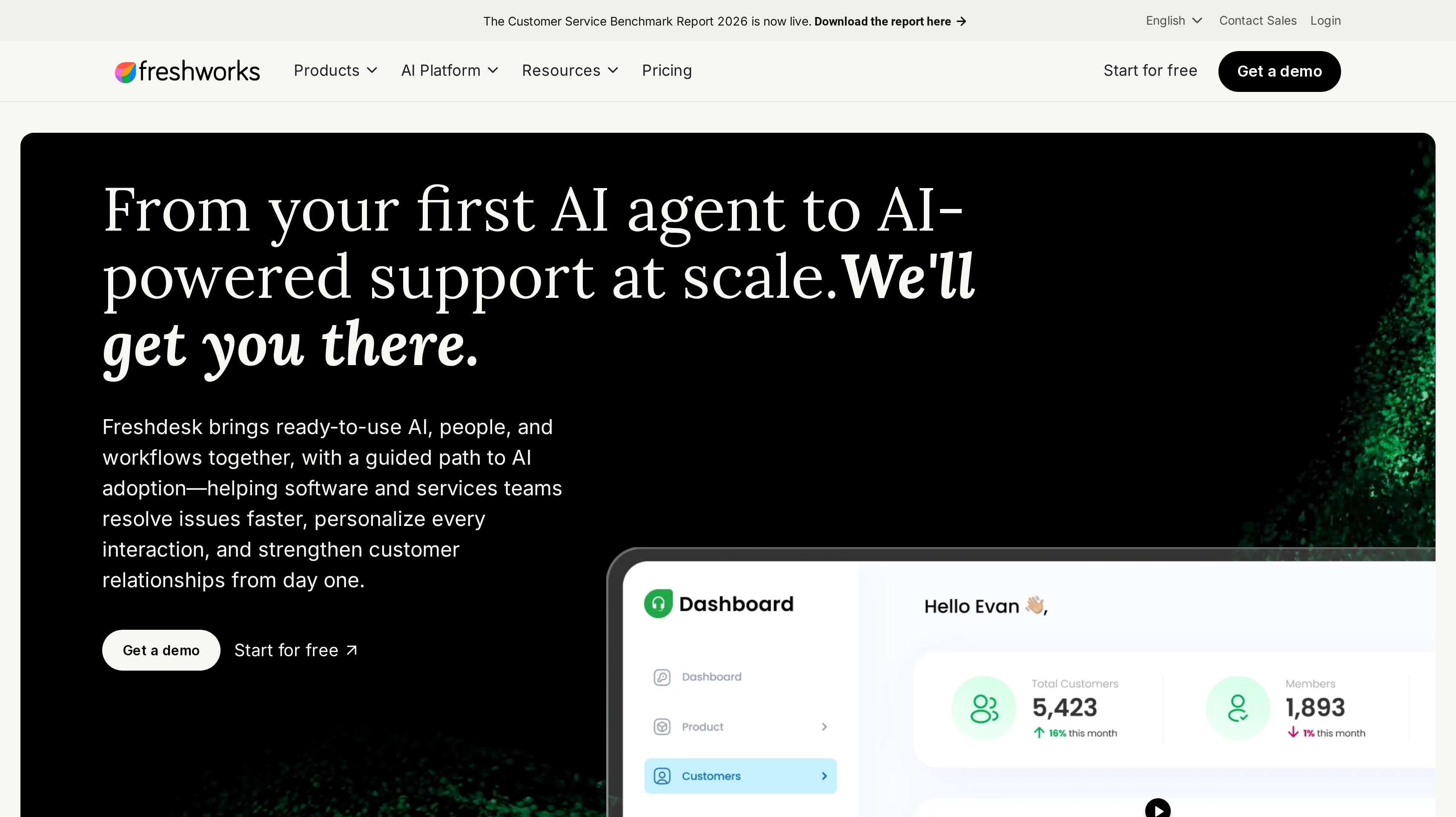
3. Freshdesk, best for full ticketing with clear per-agent plans
Freshdesk combines customer service workflows and AI in a ticketing product with a clearly named progression of agent plans. It fits the buyer who wants to establish a support queue and budget for a larger team using the same pricing unit. Growth begins with email service; the decision is which workflow and collaboration requirements move you into the higher tiers.
Growth costs $19 per agent per month billed annually. Pro costs $55 per agent per month billed annually, and Enterprise costs $89 per agent per month billed annually. The pricing page lists roles and permissions on Growth, external collaborators on Pro, and allowed domains and IP whitelisting on Enterprise. That gives you concrete access requirements to discuss before choosing a tier.
Use the trial to follow a real request from arrival through investigation and reply. Include a case that needs another department and one that waits for customer information. The queue should make those states understandable when the original owner is unavailable.
Freshdesk offers a 14-day Enterprise trial. Freddy AI Copilot is listed as an add-on at $29 per agent per month, and additional AI Agent sessions cost $49 per 100 sessions.
Best suited for teams that want dedicated ticketing with a visible Growth, Pro, and Enterprise purchasing path. It gives managers a consistent per-agent basis for comparing staffing plans and the access controls their operation needs.
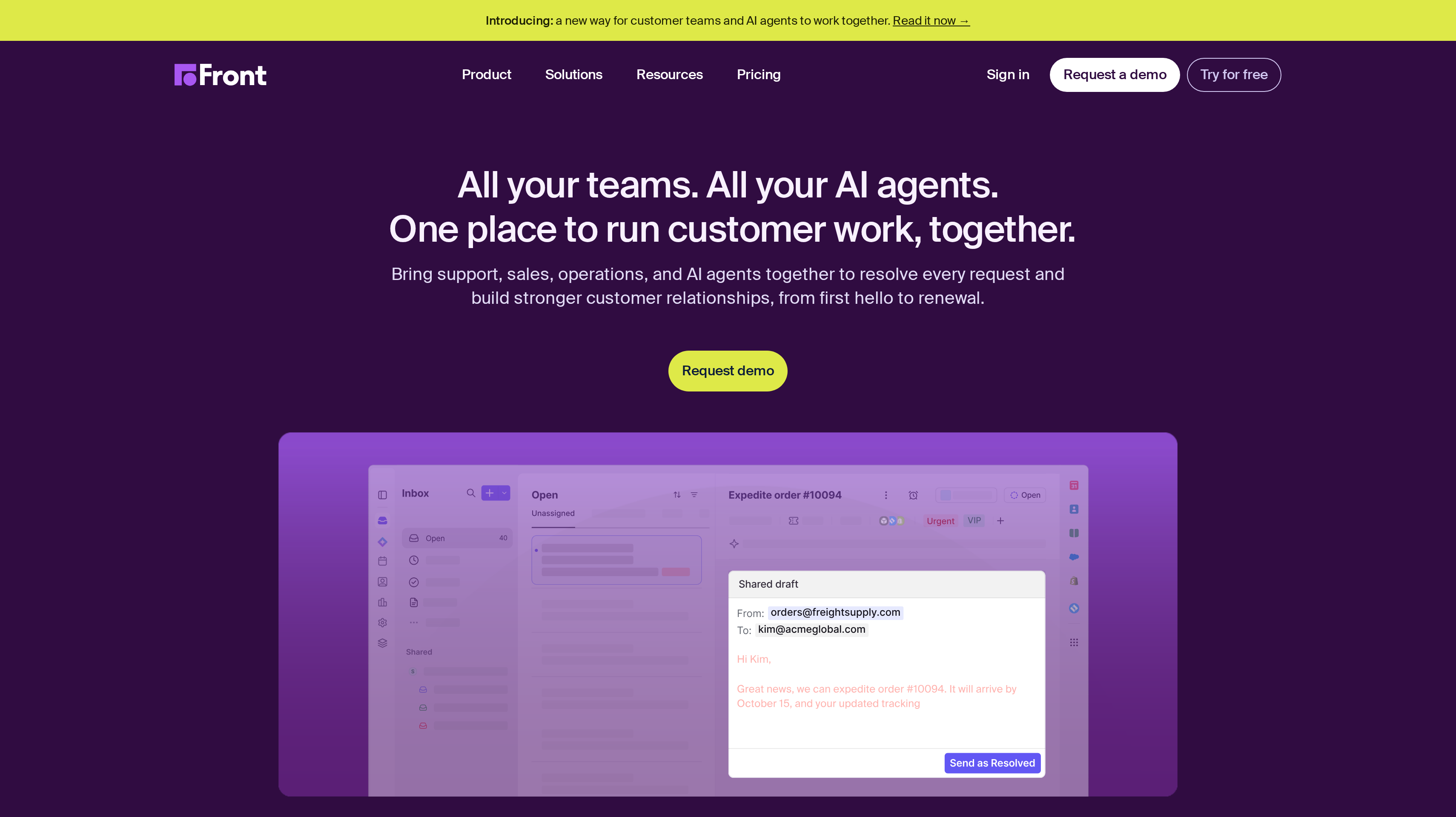
4. Front, best for shared inboxes across support, success, and operations
Front organizes customer work around collaborative shared inboxes. Its appeal is the request that crosses department boundaries: support needs a commercial decision, success needs delivery context, or operations has to act before anyone can send a complete reply. Front brings those teams into the same customer history so the person responding can see the decisions and next steps behind the answer.
Starter costs $25 per seat per month billed annually, for up to 10 seats, and covers single-channel support. Professional costs $65 per seat per month billed annually, for up to 50 seats, with omnichannel support and more automation and reporting. Enterprise costs $105 per seat per month billed annually and adds advanced AI tools and custom roles and permissions.
Think about a renewal question that includes a product issue and an invoice correction. Your trial should show how colleagues coordinate that request without asking the customer to repeat the story. Front also emphasizes performance measurement across teams and agents, which helps you examine the entire handoff.
Copilot costs $20 per seat per month as an add-on for Starter and Professional and is included in Enterprise. The free 14-day trial includes Professional capabilities, so you can try omnichannel collaboration with colleagues across the participating departments.
Best suited for customer teams whose replies regularly depend on success, sales, or operations colleagues. Shared inbox collaboration fits companies that want those departments working through the same conversation history.
5. Plain, best for B2B support in Slack, Microsoft Teams, and Discord
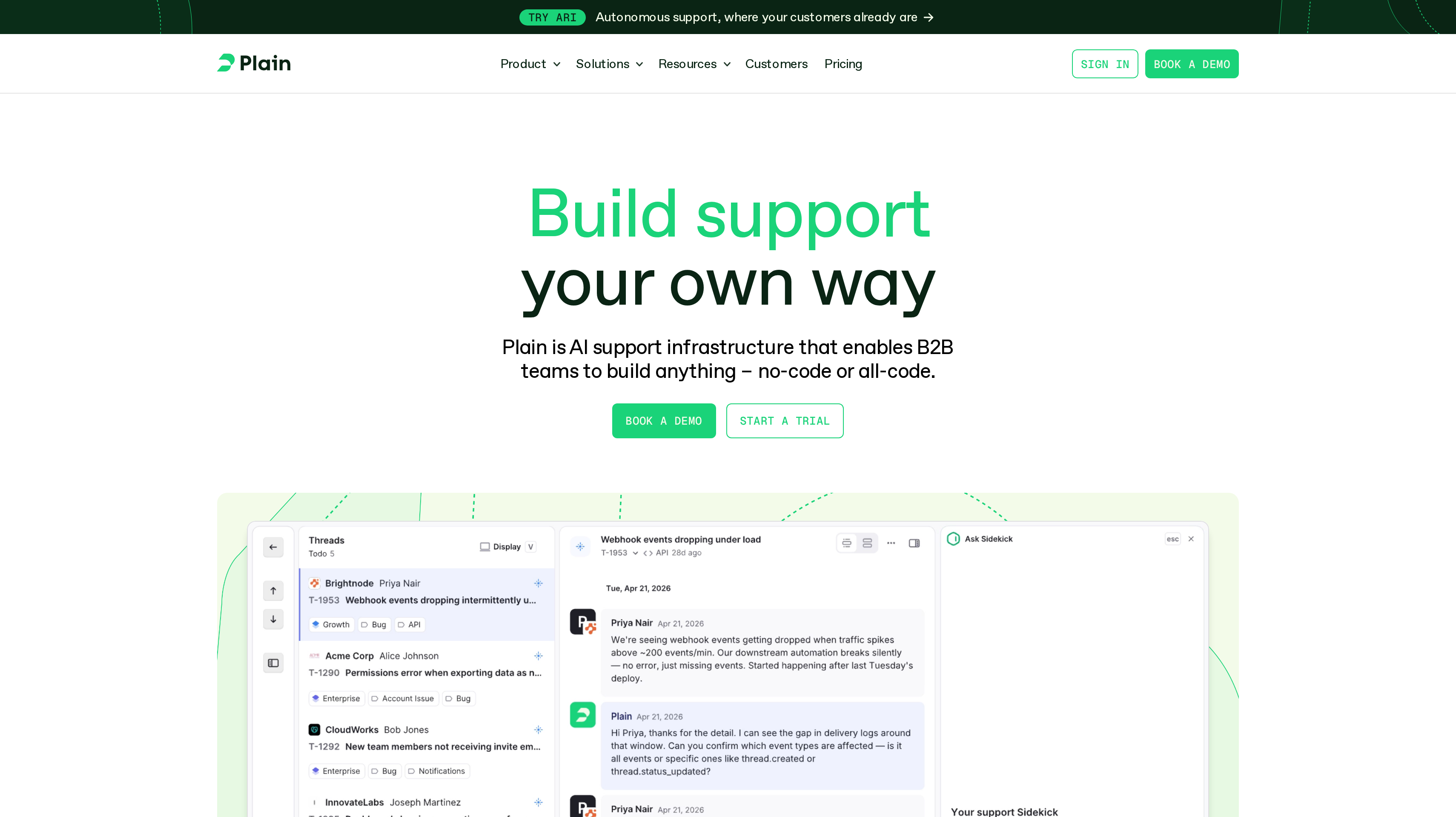
Plain starts from a familiar B2B support problem: customers talk to you in their own workspaces while your team tries to keep up across tabs. It connects Slack, Microsoft Teams, Discord, email, chat, and in-product channels in one support workspace. That channel model makes it a specific fit for software companies whose customer relationships already include ongoing shared-channel conversations.
Foundation costs $45 per user per month billed annually, with up to five member seats, unlimited viewer seats, and 1,000 credits per month. Its channel allowance includes 25 Slack channels and two email addresses. Those limits help you map a pilot to actual customer accounts rather than judging the software from a single demonstration channel.
Horizon costs $99 per user per month billed annually, with a minimum of three and up to 10 member seats. It includes 2,500 credits per month and adds Microsoft Teams, SLAs, business hours, and escalation paths. Frontier uses custom pricing for requirements such as multiple workspaces and advanced governance. Plain offers a seven-day free trial without a credit card.
Plain also supports automatic routing, investigations, notifications, and actions in your own systems. Its extensibility matters when support needs product context. AI activity uses credits: Ari uses 100 credits per resolution, while Sidekick usage depends on effort.
Best suited for B2B SaaS teams answering customers inside shared communication channels and their own product. It lets technical support teams organize those relationships while keeping humans responsible for complex conversations.
6. Zoho Desk, best for low per-user pricing with a free edition
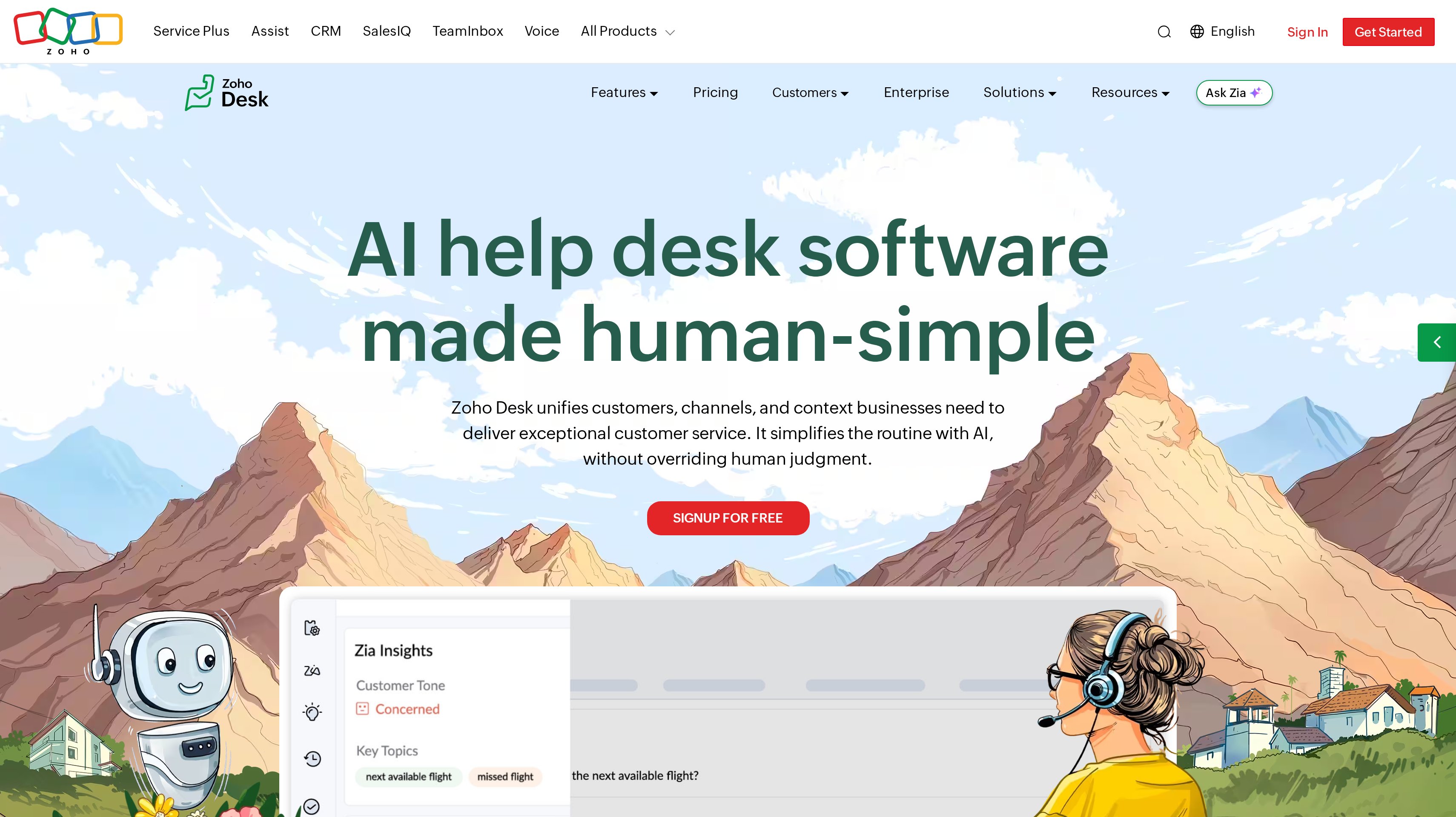
Zoho Desk is a useful starting point when your support budget needs a low per-user entry price and a genuine free edition. Its inbox brings customer conversations into a contextual workspace, while routing helps requests reach the right people. The operational appeal goes beyond the entry fee: reports, dashboards, and customer happiness tracking give managers a way to understand how the queue performs.
The Free Edition includes three user licenses for email ticketing. Express costs US$7 per user per month billed annually and covers email and contact management. Standard costs US$14 per user per month billed annually and adds business messaging. These tiers let a small team compare an email-only starting point with a broader customer communication setup.
Professional costs US$23 per user per month billed annually and adds telephony and webhooks. Enterprise costs US$40 per user per month billed annually and includes live chat through Zoho SalesIQ.
Zoho Desk describes ticket routing by skills, workload, and availability, as well as collaboration through shared ticket ownership. Those controls matter when specialist knowledge sits with a few teammates. Zia adds assistance and automation; assess who receives a request and how managers spot delays before adding AI work.
Best suited for budget-conscious teams that want email ticketing first and a defined path into messaging or telephony. The free edition gives a small support group room to establish its process before choosing a paid tier.
7. LiveAgent, best for email, chat, and call center in one help desk
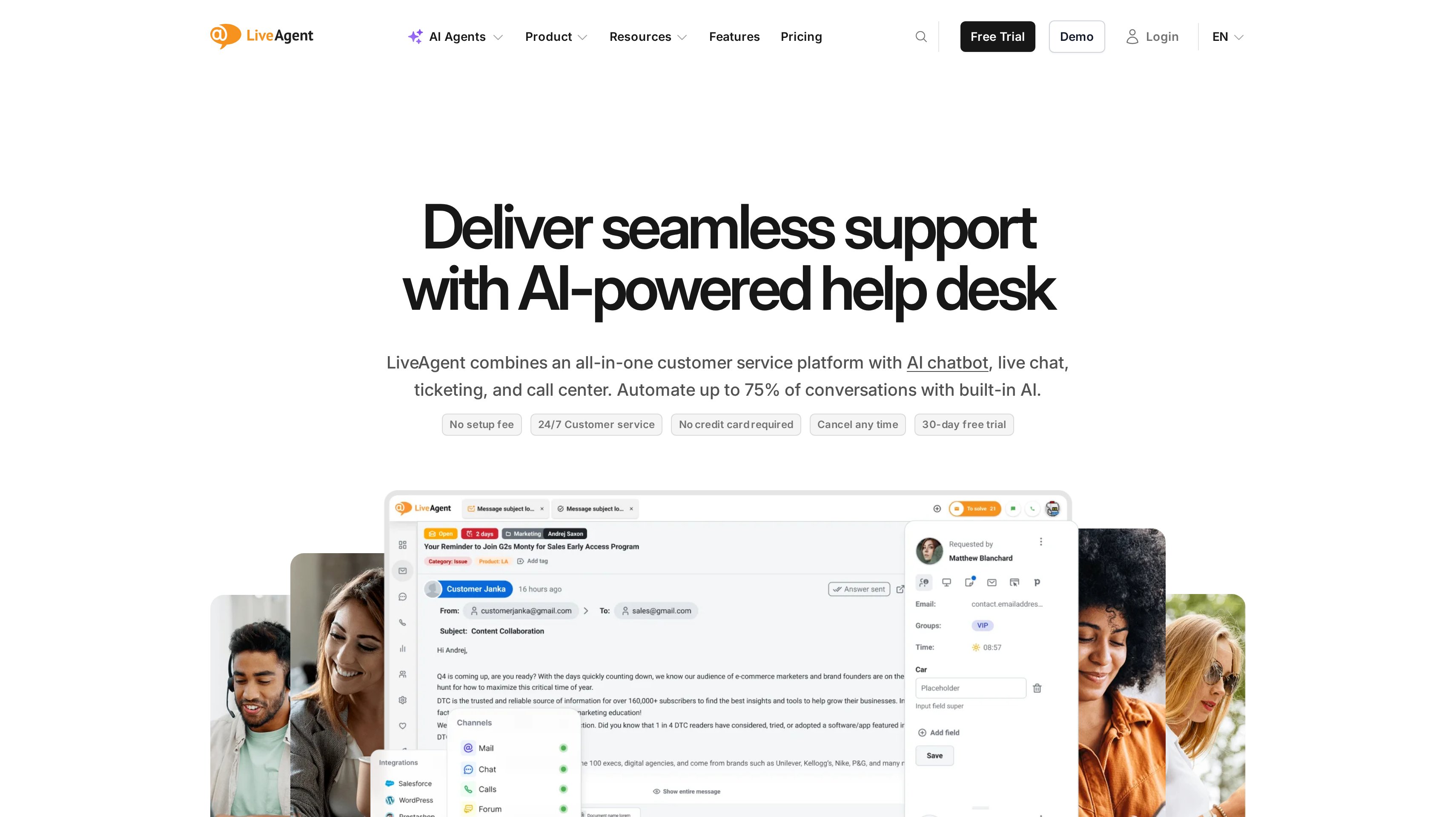
LiveAgent brings email, live chat, phone, social messages, and other messaging channels into one dashboard. Its call center makes it relevant when support includes live conversations that cannot all move to asynchronous email. A SaaS company offering phone help needs the conversation record to remain useful after the call ends and another teammate picks up the issue.
Starter costs $19 per agent per month billed monthly, or $15 per agent per month billed annually, and includes email, chat, and AI. The plan excludes social channels, call center, and reporting. Team costs $35 per agent per month billed monthly, or $29 per agent per month billed annually, and adds every channel and the call center.
Business costs $59 per agent per month billed monthly, or $49 per agent per month billed annually, with more departments, email accounts, and AI agents, plus MCP. The plan differences make channel coverage the first budgeting question. If voice is part of your promised service, use Team as the starting comparison rather than the lower Starter rate.
Every plan offers a 30-day free trial without a credit card. LiveAgent charges no AI feature or per-resolution fees itself; your chosen AI provider bills usage directly. Test how a phone interaction and its written follow-up fit into the same investigation.
Best suited for teams that need a call center alongside email and live chat in their support operation. It fits businesses where customers switch between speaking to someone and following up in writing.
8. Crisp, best for live chat and a shared inbox priced per workspace
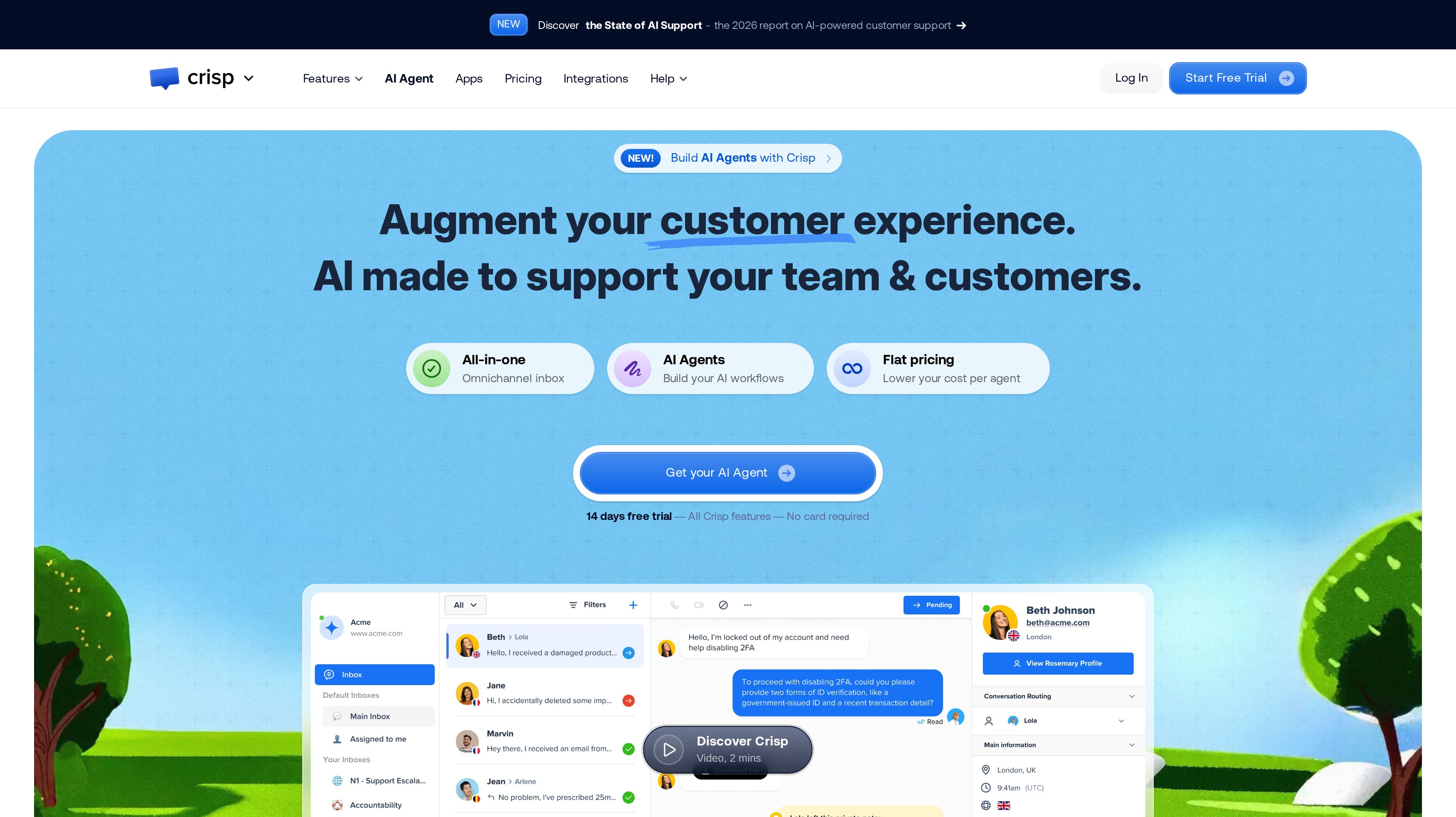
Crisp puts website and mobile-app support around a collaborative inbox, with paid plans priced by workspace. That model is useful when chat is the main way users ask for help and you want to evaluate team access inside a workspace budget. Incoming conversations share an inbox where teammates manage and answer messages, while higher tiers add broader service operations.
Free includes a website chat widget, shared inbox, and mobile applications. Mini costs 45€ per month per workspace and adds a shared email inbox, private notes, shortcuts, chat triggers, and internal search. It also includes 5€ in AI credits. For a founder-led service team, email and chat in the same place provide a concrete starting workflow to evaluate.
Essentials costs 95€ per month per workspace and adds an omnichannel inbox, customer data management, and a workflow automation builder, with 25€ in AI credits. Plus costs 295€ per month per workspace and adds a ticketing system, advanced analytics, unlimited task automations, and 75€ in AI credits.
Crisp offers a 14-day trial with access to all its capabilities. You can use it to follow a chat through the inbox, try the ticketing workflow, and explore the reporting with your team.
Best suited for app and SaaS teams that make live chat their main support entry point and prefer workspace-based budgeting. It gives teams a progression from a shared chat inbox into email, automation, and formal ticketing.
Side-by-Side Comparison
Compare each tool's price, support workflow, upgrade features, and free access.
Tool
Price/month
Main fit
Upgrade
Free access
Help Scout
$25/user
Shared inbox
Round robin
5 users, 1 Inbox
Zendesk
$19/agent
Ticketing
Chat, voice
14-day trial
Freshdesk
$19/agent
Email tickets
Collaborators
14-day trial
Front
$25/seat
Team inboxes
Omnichannel
14-day trial
Plain
$45/user
B2B channels
Teams, SLAs
7-day trial
Zoho Desk
US$7/user
Email tickets
Messaging
3 users
LiveAgent
$29/agent
Email, chat, calls
More departments
30-day trial
Crisp
45€/workspace
Chat, email
Ticketing
Free chat; trial
Which help desk software fits your use case
Your channel mix is a better starting point than your company's headcount. A small B2B team may need account channels and SLAs, while a larger app business may handle most requests through email and chat.
Use these scenarios to narrow the trial list. If repeated tickets also contain feature requests, our customer feedback tools comparison covers the separate job of grouping that demand and following it through to release.
Use case
What changes about the setup
What to look for
Leave a shared Gmail inbox
Several people need clear ownership
Help Scout for assigned conversations, replies, and workflows
Operate several support channels
Requests arrive through messaging and voice too
Zendesk Suite for a common multichannel operation
Budget a growing ticketing team
Staffing and access requirements change together
Freshdesk's per-agent tiers and collaborator needs
Coordinate customer work across departments
Replies depend on success or operations
Front for shared inbox collaboration and history
Support B2B accounts in their workspaces
Customers expect answers in ongoing channels
Plain for Slack, Teams, Discord, and in-product support
Start with a small software budget
Email is enough for the first support process
Zoho Desk Free Edition or Express
Include phone support
Calls need a place beside written requests
LiveAgent Team for email, chat, and call center
Make chat the main entry point
A shared workspace handles incoming messages
Crisp Mini for chat and email; Plus for ticketing
Proof: What results look like
Help Scout reports that teams respond to 56% more messages in their first year. LiveAgent advertises up to 28% more requests resolved on first contact. These vendor-published figures describe different measures, so use them to choose a baseline for your trial rather than treating them as a direct performance comparison.
Front says more than 9,300 businesses use its platform, while Zoho Desk reports more than 125,000 businesses globally. Adoption gives context; your evaluation still needs an ordinary ticket, a difficult escalation, and a handoff that crosses a shift. Record whether the next person can understand what to do without asking the customer to start again.
For a separate view of growth-channel outcomes, browse the customer testimonials. Use the LTV:CAC analyzer to examine acquisition economics alongside the cost of keeping customers supported. A support result and a partner-channel result answer different business questions.
FAQ
What is the best help desk software for a SaaS team?
Help Scout ranks first here for teams graduating from shared Gmail because its inbox, workflows, and SLA policies address that transition directly. Choose around your actual queue: Zendesk fits a multichannel ticketing brief, Front suits cross-department collaboration, and Plain fits customer relationships in shared workspaces.
What is the best help desk software for small business support?
Zoho Desk is a strong budget starting point, with three user licenses on its Free Edition and Express at US$7 per user per month billed annually. Help Scout's free inbox and Crisp's free chat inbox serve different starting workflows. Pick the channel your customers already use before comparing paid upgrades.
How is a ticketing system different from a shared inbox?
A shared inbox lets several teammates handle conversations together. A ticketing system adds a more explicit process for status, assignment, prioritization, and follow-up, although many help desks combine both approaches. Ask whether your team primarily needs collaborative replies or a queue that tracks investigations across several stages.
How should I compare per-seat and per-workspace pricing?
Help Scout, Zendesk, Freshdesk, Front, Plain, Zoho Desk, and LiveAgent publish user, agent, or seat rates. Crisp prices plans by workspace and lists included agents and additional-agent rates. Use your expected team size to compare those pricing models.
Which help desk should I consider for Slack or Microsoft Teams?
Plain is the most direct shortlist fit for support across customer Slack, Microsoft Teams, and Discord channels. Foundation includes 25 Slack channels; Horizon adds Microsoft Teams, SLAs, and business hours. Distinguish a channel where customers ask for help from a notification that only alerts your internal team about an email ticket.
How do I compare AI costs without changing the help desk decision?
Start with the human seats and channels you need, then price the AI work separately. Help Scout AI Answers charges per resolution, Plain uses credits, and LiveAgent passes AI usage billing to your chosen provider. Keep assistant access separate from autonomous resolutions so your forecast reflects what you actually intend to run.
What should I test before moving my support queue?
Run an unresolved customer issue through assignment, an internal handoff, a reply, and follow-up. Include the channels and service targets you promise customers, then confirm how conversation history and customer information will move. Broader workflow automation tools can handle work between systems when that falls outside the help desk process.
How can customers who recommend my product join a partner program?
Give customers and creators a defined offer, a referral link, and clear commission terms once you are ready to run that channel. Affonso manages affiliate and partner programs beside your support software. Our affiliate software shortlist compares the tools for that separate buying decision.
Try for free
Choose a help desk around a week's real support work. Bring an unanswered email and a request that needs another teammate. Test the handoff before building a long list of automations. Price the plan your channels require at the team size you expect. Once customers get useful answers and begin recommending your product, Affonso gives you a way to turn those recommendations into affiliate and partner programs. Start your Affonso free trial.
 Affonso
 Silvestro Zinnanti, FounderComparisonOctober 22, 202620 min read