Best lead generation tools in 2026: the buyer's shortlist.
Compare seven lead generation tools for B2B SaaS, app, and plugin teams. See pricing, free plans, contact data, enrichment, visitor identification, and the fit for your team.
Your sales team needs buyers who fit your product. A spreadsheet full of names gives them somewhere to start, but someone still has to find the right contacts and decide which accounts deserve attention.
The useful distinction is where those prospects come from. You can search a database, enrich accounts you already know, or identify companies visiting your website.
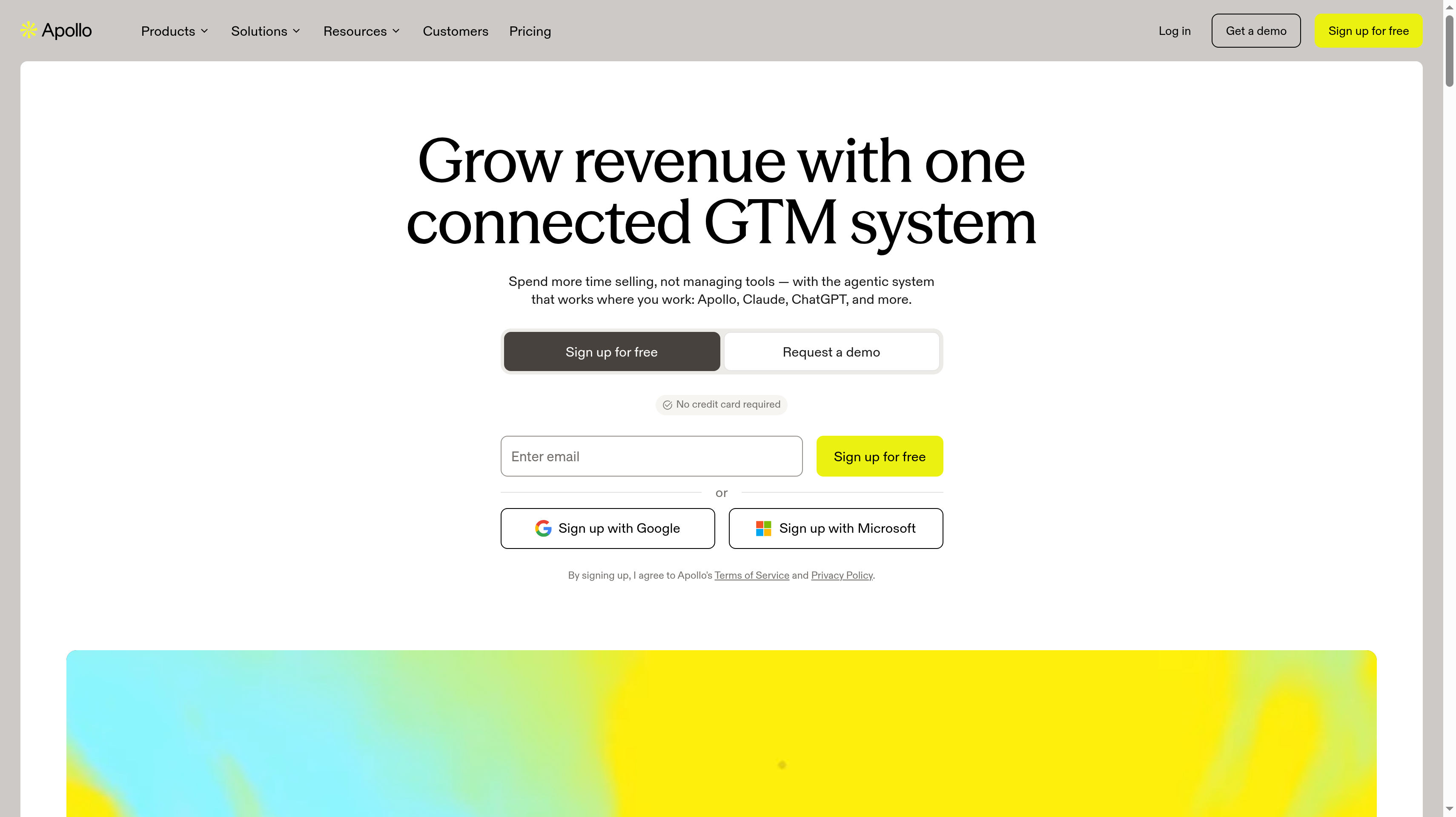
This shortlist compares seven lead generation tools for B2B SaaS, app, and plugin teams. Apollo.io ranks first for combining a B2B database with prospecting and built-in outreach in one platform.
Key Takeaways
Start with the job you need the next tool to do.
Apollo.io is the first pick for a shared prospecting and outreach workflow. Its database covers 240M+ contacts and 30M+ accounts. Basic is $49 per seat per month billed annually, with 30,000 credits per seat per year and CRM integrations.
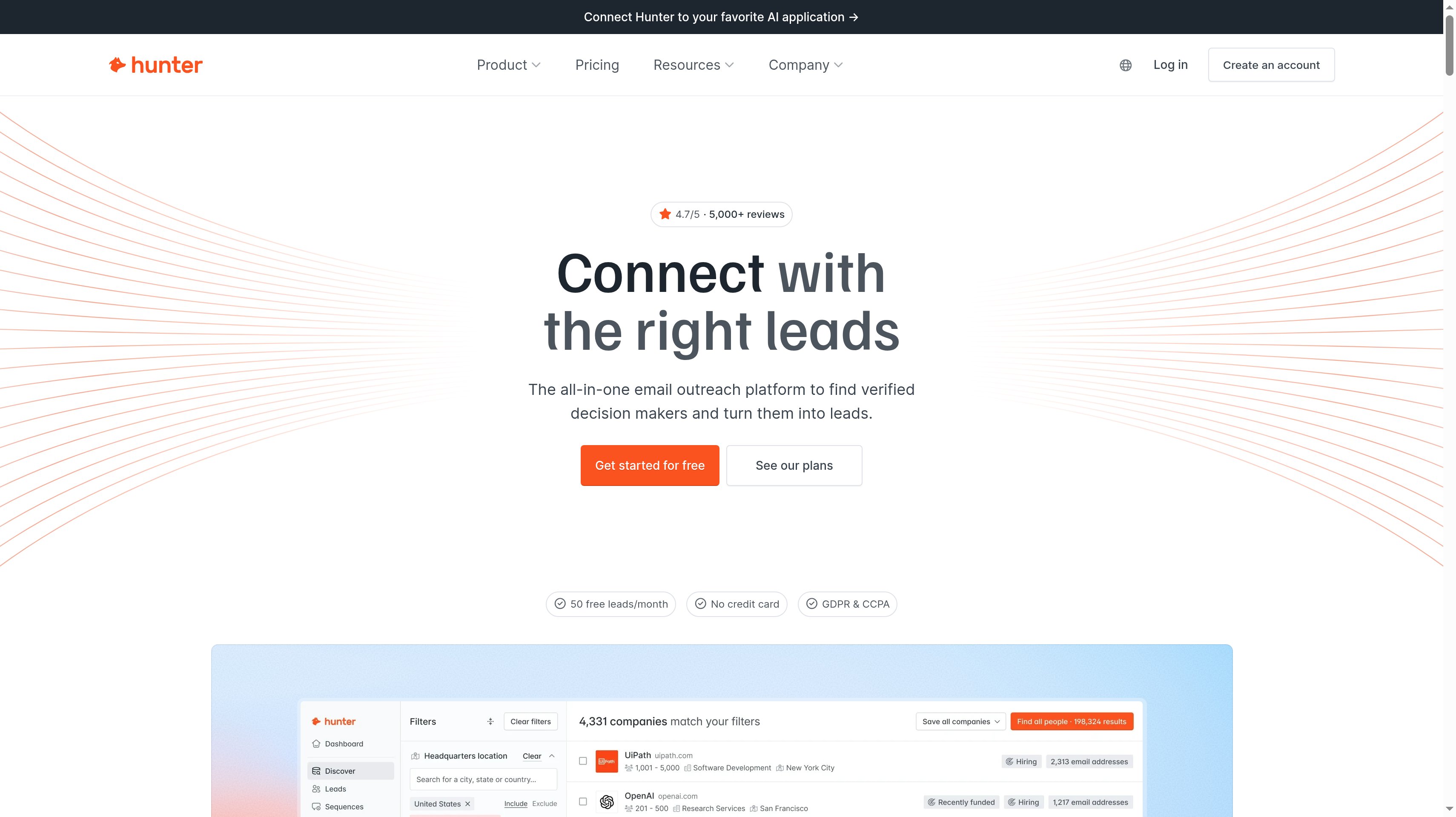
Hunter fits a focused email search. You can find business emails by person or domain and verify them before contacting a short list of accounts. Starter is $34 per month billed yearly, with 24,000 credits per year and unlimited team members.
Clay is the workflow choice. Multi-provider waterfalls and Claygent let you combine enrichment with custom account research. Lusha is the more direct fit when you want verified contacts, confidence scores, and buying signals in a credit-based plan.
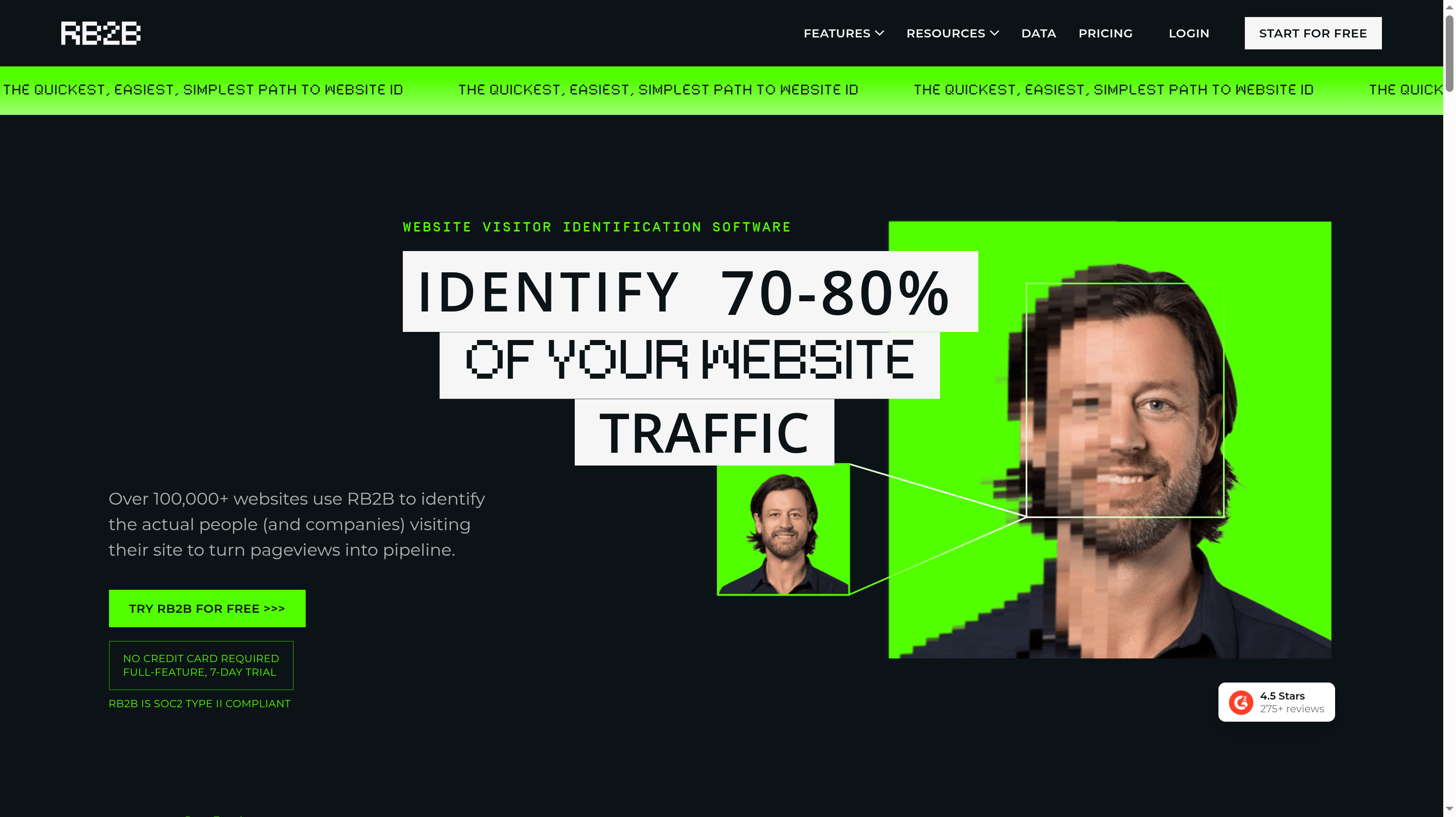
Visitor identification has two different outputs. RB2B identifies US visitors at person level on paid plans, while Leadfeeder identifies visiting companies. An identified company tells you which account showed interest; it does not identify every employee who visited.
A free plan can test the work you actually need. Apollo, Hunter, Clay, Lusha, RB2B, and Leadfeeder all offer one. The allowances measure different things, so choose a sample of real accounts before deciding which plan gives your team enough capacity.
ZoomInfo fits enterprise data and intent requirements. Its platform combines verified contact and company data with buyer intent, account fit scoring, and workflows. Pricing comes through a quote, so your evaluation should start with the records and signals your sales team needs.
What lead generation tools actually are (and what they are not)
These tools help you find potential B2B buyers and add the information needed to qualify them. A contact database starts with people and companies you can search. An email finder takes a known name or domain and helps you reach the right person. Enrichment fills gaps in records you already have, such as a contact's business email or a company's buying signals.
For a SaaS, app, or plugin business, the useful record connects a person to an account that could buy your product. Your team needs to know why that company fits, which role owns the problem, and what makes a conversation relevant now. A workflow might start with target accounts, add contact data, score the fit, and send the qualified records to sales. The output should be a smaller, usable prospect list.
Visitor identification starts from interest in your own website. Company identification shows which organizations are visiting and, with tools such as Leadfeeder, the pages they view. Person identification can add an individual profile, with coverage depending on the provider; RB2B's person-level identification covers US visitors only. Neither output means that the visitor has asked for a demo or has budget approved.
Email marketing platforms and CRMs are separate categories, even when a prospecting product includes sequences or CRM connections. You still need a clear buyer profile, relevant outreach, and a way to record sales progress. Before paying for more records, use the free LTV:CAC analyzer to model what a customer is worth against the cost of acquiring one. That gives your prospecting budget a business reason beyond the number of contacts you can export.
How We Ranked These Lead Generation Tools
The ranking focuses on finding and qualifying B2B buyers for existing SaaS, app, and plugin companies. A founder building an initial account list has a different job from a RevOps team maintaining enrichment workflows, so each tool gets a specific buying use case.
Public vendor pricing and product materials provide the basis for the comparison. Published customer stories support the proof section, with each result attributed to the company that reports it.
We compared five criteria:
Contact and account discovery. Searchable B2B records, email finding, verification, and the information that helps you choose a relevant person within a target account.
Enrichment and qualification. Multi-provider waterfalls, custom research, buying signals, and scoring that help turn an incomplete record into a prospect your team can assess.
Visitor identification. Whether the output identifies a company or a person, the geographic scope, and the path from an interested website visitor to a sales workflow.
Workflow connections. CRM sync, APIs, webhooks, and the tools that move qualified records to the people who act on them. Sequences count as a supporting capability.
Usable plan capacity. The entry plan's included credits, actions, seats, or visitor resolutions, plus the work a free account or trial lets you evaluate.
Apollo leads because it combines database search and a sales workflow for a broad SaaS use case. The remaining positions favor a clear specialist job, rather than ranking vendors by database size alone. You should judge a sample against your own target accounts before expanding the workflow. We plan quarterly reviews of this guide, with additional updates after material pricing changes.
The Best Lead Generation Tools in 2026
Choose the source of your next qualified account before choosing the software. These seven tools cover database prospecting, email finding, custom enrichment, and visitor identification. The right starting point depends on whether your team needs new accounts, better information about known accounts, or a way to act on website interest.
1. Apollo.io, best for a B2B database with built-in outreach
Apollo.io gives a SaaS sales team one place to find accounts, select contacts, and begin outreach. Its database includes 240M+ contacts and 30M+ accounts, with prospecting filters to narrow the audience. Email sequences, a deliverability suite, and email warmup support the next step after qualification. That combination earns it first place when your team wants database access and a practical sales workflow together.
Free includes 900 credits per seat per year, two sequences, and identification of 20 visiting companies per month. Basic is $49 per seat per month billed annually, with 30,000 credits per seat per year, unlimited sequences, CRM integrations, and identification of 100 companies per month. Professional is $79 per seat per month billed annually and includes 48,000 credits per seat per year, AI lead scoring, A/Z testing, and 4,000 minutes of call recordings.
Organization is $119 per seat per month billed annually, with a minimum of three seats, 72,000 credits per seat per year, and 12 intent topics. Basic and Professional have a 14-day trial.
Real-time form enrichment, CRM enrichment, waterfall enrichment, and API access give Apollo a role beyond building a new list. Your team can also improve records already entering its sales process. Gmail, Salesforce, and prospecting extensions keep contact work connected to the tools a rep uses during the day.
Best suited for SaaS sales teams that want to search a B2B database and work the resulting contacts in the same platform. The combined prospecting, enrichment, and outreach workflow fits a team building a repeatable outbound motion.
2. Hunter, best for finding and verifying business emails on a budget
Hunter fits the moment when you know which companies you want to approach and need the right business emails. Email Finder, Email Verifier, and Domain Search cover that work directly. Discover adds a B2B database with an AI Assistant, while lead enrichment and auto-verification help prepare the records for outreach. The workflow is easy to explain to a founder who wants to work a focused account list.
Free includes 50 credits per month, one connected email account, and no credit card requirement. Starter is $34 per month billed yearly at $408 per year, with 24,000 credits per year and three connected email accounts. On monthly billing, Starter is $49 per month. Every plan includes unlimited team members, which lets colleagues share the prospecting work without a separate seat allowance.
Growth is $104 per month billed yearly at $1,248 per year, with 120,000 credits per year and ten email accounts. Scale is $209 per month billed yearly at $2,508 per year, with 300,000 credits per year, 20 email accounts, and an account manager. Enterprise has custom pricing. Credits cover Email Finder, Email Verifier, and Domain Search.
Cold email sequences and an AI Writing Assistant support follow-up after you have chosen the contacts. Hunter API and Hunter MCP provide access from other workflows, so email finding can sit inside a process your team already runs.
Best suited for founders and small sales teams that need business email finding and verification for a defined set of accounts. Unlimited team members make the shared research process practical when several colleagues contribute to the same list.
3. Clay, best for enrichment waterfalls and custom prospecting workflows
Clay is a GTM data and workflow platform for teams that want to decide how prospect research happens. You can find and enrich records using 150+ providers, combine them in multi-provider waterfalls, and bring your own API key. Claygent adds web research for custom data points. That matters when your qualification depends on information beyond a standard contact record, such as whether an account matches a particular product use case.
Free includes 6,000 actions and 1,200 data credits per year, unlimited seats and tables, and up to 200 rows per table. Launch starts at $167 per month on monthly billing, with 180,000 actions and 30,000 data credits per year. It adds phone enrichment, signals, and email sending. A 14-day trial gives you another way to evaluate the workflow.
Growth starts at $446 per month on monthly billing, with 480,000 actions and 72,000 data credits per year. CRM auto-sync, data warehouse sync, the HTTP API, web intent, and priority support sit on Growth. Enterprise has custom pricing and adds SSO, SCIM, and RBAC.
Audiences search helps you find prospects, while job-change and company signals give the team reasons to revisit an account. A useful evaluation starts with a specific qualification question and follows the record through research, enrichment, and scoring. This makes Clay a fit for an owned process that you want to refine over time.
Best suited for RevOps and growth teams building custom prospecting workflows around multiple data providers. Waterfalls and Claygent support teams that want to control which information qualifies an account before sales receives it.
4. Lusha, best for verified contact data with credit-based plans
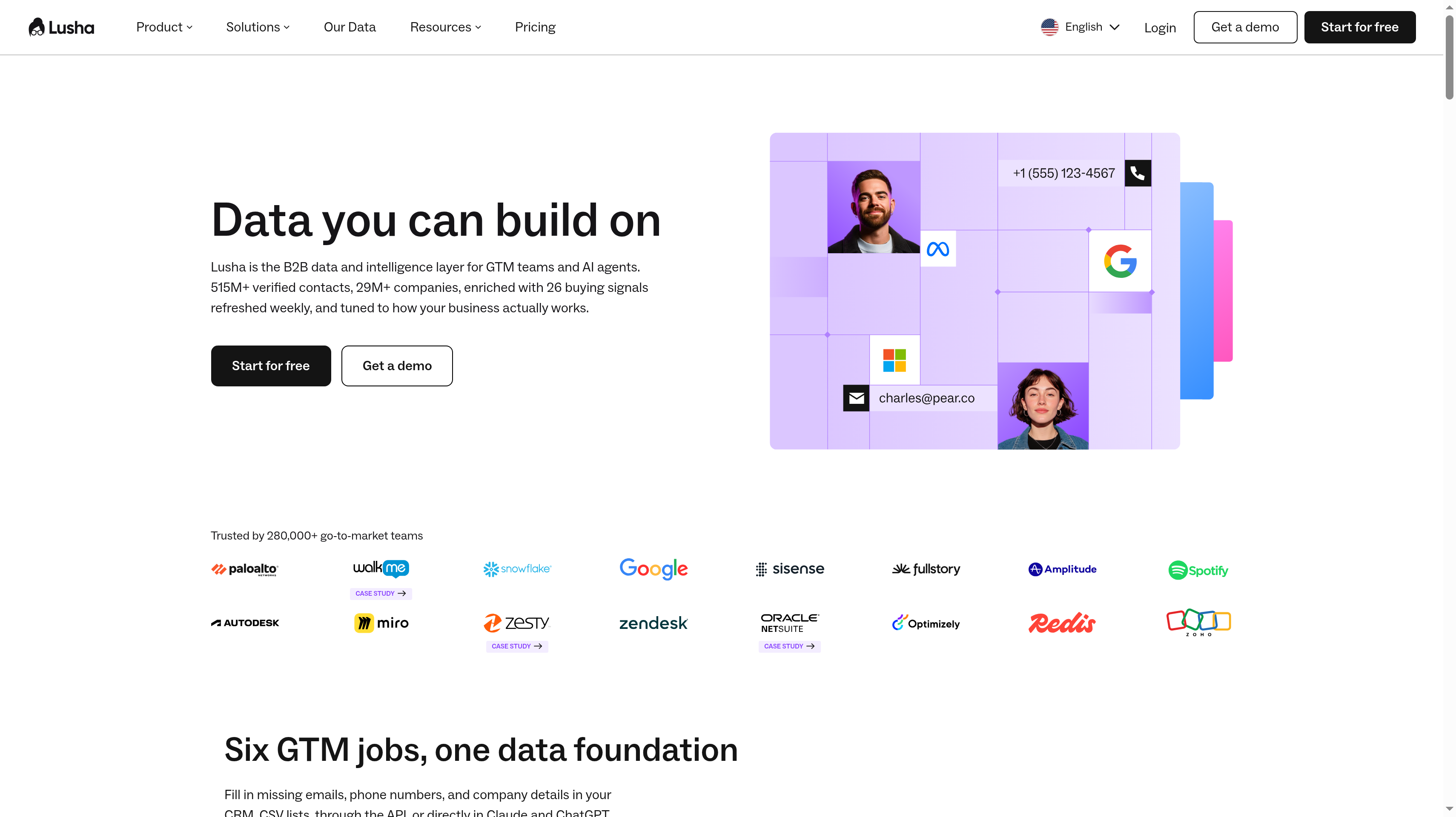
Lusha puts verified B2B contact data and buying signals into a workflow your sales team can use while researching accounts. Its database includes 515M+ verified contacts and 29M+ companies, with 77 fields per record. Each email has a confidence score, and each phone and email has a last-update date. Those details give a rep something concrete to assess before using a record.
Free provides 40 credits per month and one seat, with no credit card required. Starter is $37.45 per month billed yearly, with 4,800 credits per year, one seat, bulk enrichment, and an AI assistant. Pro is $52.45 per month billed yearly, with 7,200 credits per year, two free seats, API access, CSV enrichment, and signals.
Premium is $299.95 per month billed yearly, with 40,800 credits per year, five free seats, and team management. Scale has custom pricing and adds SSO and 25 intent topics. Your evaluation can follow the same short list through contact lookup and enrichment to see which information your team needs most often.
The Chrome extension works with LinkedIn, CRMs, and any website. Lusha also offers webhooks and MCP access. Its 26 buying signals include job changes, funding, hiring surges, and leadership moves, with most refreshed weekly. Those signals help your team choose when an otherwise suitable account deserves renewed attention.
Best suited for sales teams that want verified contact records and visible confidence information during everyday account research. Credit-based plans and bulk enrichment fit a team that wants to move between individual lookups and larger prospect lists.
5. RB2B, best for identifying US website visitors at person level
RB2B starts with the people and companies already visiting your website. Paid plans can identify US visitors at person level and send LinkedIn profile URLs to Slack or Teams. The practical use is a timely account review: someone has viewed your product, and your team can decide whether that person matches the buyer profile. Person-level identification covers US visitors only.
Free offers company-level identification, pushes to Slack, and includes 150 monthly resolutions. Starter is $79 per month, with 300 monthly resolutions and person-level LinkedIn URLs delivered to Slack or Teams. Starter does not include email addresses. The free plan stays free forever, and Pro has a seven-day free trial.
Pro starts at $149 per month, with business email addresses, all integrations, and 600 monthly resolutions at the starting level. Pro+ starts at $199 per month, with premium resolution and 600 monthly resolutions at the starting level. Pro and above support integrations with Clay, HubSpot, Salesforce, Zapier, webhooks, and Apollo, plus CSV export.
Hot pages tag high-intent activity, and hot leads apply ideal customer profile filtering. Exclusions help your team focus its review. These capabilities let you design a response around fit and page interest instead of treating every resolved visitor as an equally strong opportunity. A profile is a starting point for qualification; your sales team still has to decide whether there is a useful reason to reach out.
Best suited for SaaS companies with US website traffic that want individual visitor profiles delivered to their sales team. Page tagging and ICP filtering help that team prioritize people whose visit connects to a relevant buying use case.
6. Leadfeeder, best for company-level website visitor identification
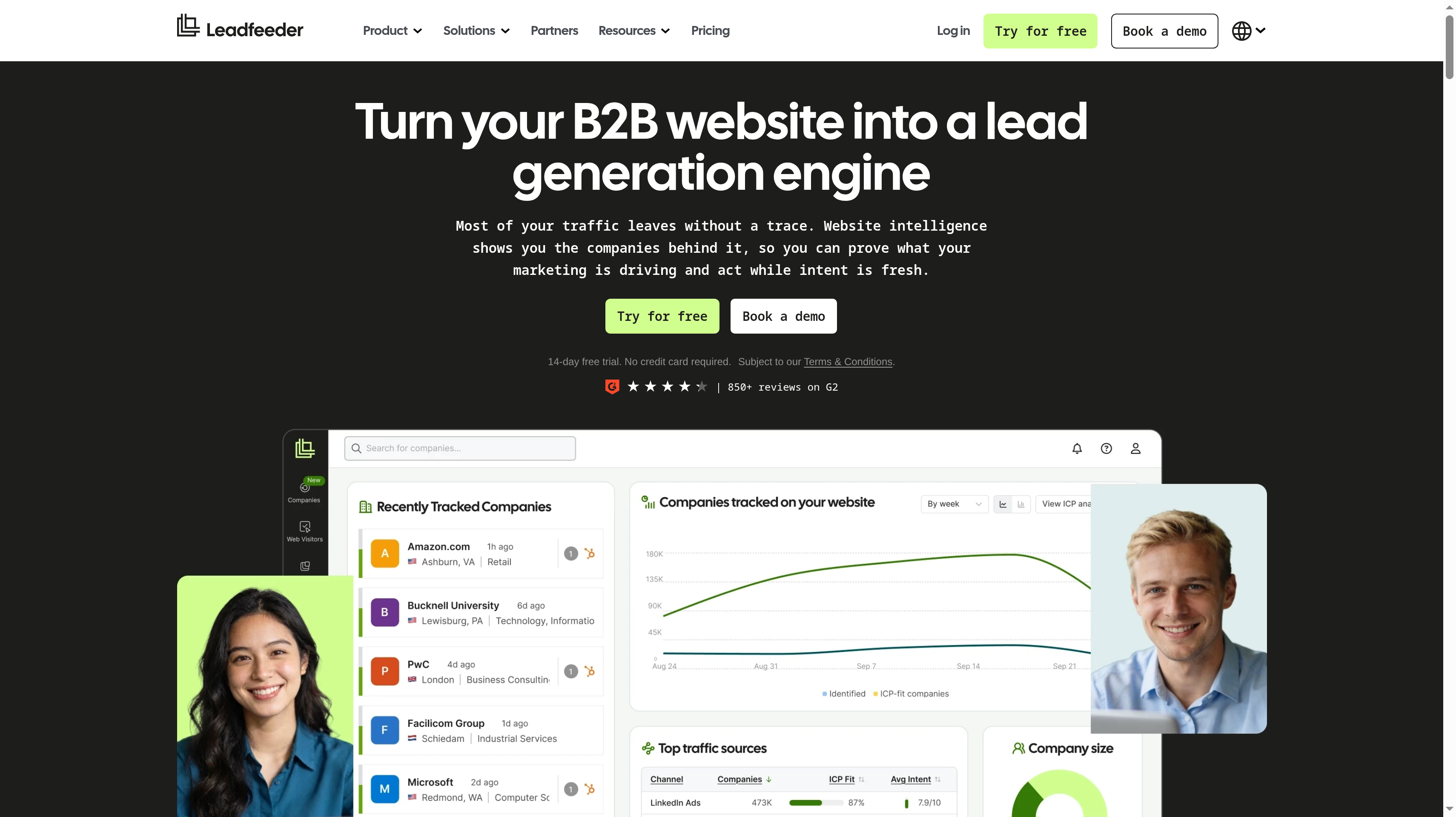
Leadfeeder shows which companies visit your website and what they look at. Web Visitors connects browsing activity to company profiles, while Web Insights shows which channels, campaigns, and pages bring the companies you want. That is useful when you sell to an account with several stakeholders and want to understand company interest before choosing a person to contact.
Lite is free forever and includes seven days of visitor history and the last 100 companies per month. Discover starts at $79 per month billed annually. Activate starts at $369 per month billed annually, and Scale starts at $599 per month billed annually. Enterprise has custom pricing. Every plan includes unlimited users and unlimited tracked domains, and a 14-day free trial requires no credit card.
Real-time alerts and CRM sync connect identified accounts to sales follow-up. Activate adds verified emails and phones and intent filters. Leadfeeder's database covers 60M companies and 400M verified contacts, giving account identification and contact research separate roles in the same buying process. API and MCP access offer another path for bringing the information into your workflow.
The distinction matters for a team serving global or EU-heavy traffic. Company identification is the relevant output to evaluate, rather than a promise to name each individual visitor. Your trial should include accounts from the markets you sell into and pages that suggest meaningful product interest, so the sales team can assess whether the resulting company list deserves action.
Best suited for B2B marketing and sales teams that want to qualify visiting companies and understand their website interest. Unlimited users and tracked domains fit a shared account review across colleagues and multiple sites.
7. ZoomInfo, best for enterprise data depth and buyer intent
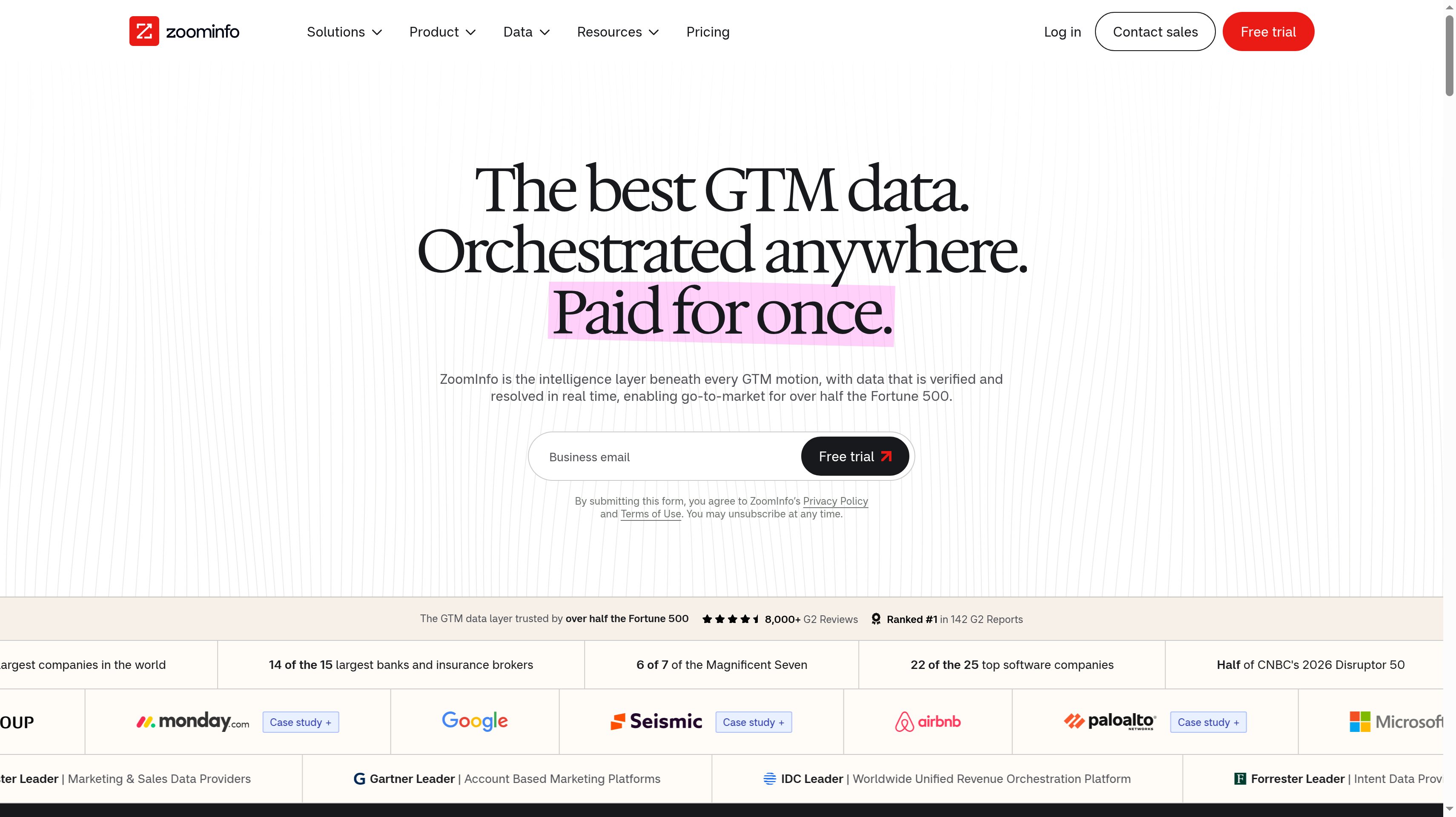
ZoomInfo combines verified B2B data with intent signals and account qualification for enterprise sales teams. Its platform covers 500M+ contacts and 100M+ companies. Buyer intent, website visitors, account fit scoring, and champion tracking add context around those records. The buying question is how that information helps your team choose accounts and act on changes across an established sales process.
Pricing is available by request. Sales packages include Professional, Copilot Advanced, and Copilot Enterprise, alongside packages for Marketing and Talent. A free trial is available. Bring a clear account sample and the required workflow to the evaluation so the proposal reflects the data and capabilities your team intends to use.
The GTM Context Graph, AI agents, and workflows support the wider platform. CRM integrations include Salesforce and HubSpot, and a Chrome extension brings access into browser research. These capabilities give a revenue team several places to use contact and account information without making the database search the whole process.
For your evaluation, define the roles you need to reach and the account signals that would change sales priorities. Then follow an example through contact research, fit scoring, and the CRM handoff. A large database is useful when the relevant records and context reach the rep responsible for the account. That is the enterprise requirement ZoomInfo addresses in this shortlist.
Best suited for enterprise sales organizations selecting B2B data and buyer intent around an established account strategy. Account fit scoring and champion tracking fit teams that need context across a larger sales operation.
Side-by-Side Comparison
The table separates prospect discovery from enrichment and visitor identification. Start with the kind of record you need your team to act on, then compare the allowance that supports that work. A person profile, a verified email, and an identified company each answer a different sales question.
Tool
Starting paid price
Free plan or trial
Data source
Standout for SaaS teams
Apollo.io
Basic $49 per seat a month billed annually
Free: 900 credits per seat a year
240M+ contacts and 30M+ accounts
Database prospecting, enrichment, and outreach in one platform
Hunter
Starter $34 a month billed yearly
Free: 50 credits a month and 1 email account
Business email finding, verification, domain search, and B2B database
Finding and verifying emails; unlimited team members
Clay
Launch from $167 a month on monthly billing
Free plan; 14-day trial
150+ data providers, waterfalls, and Claygent web research
Custom enrichment workflows; CRM auto-sync on Growth
Lusha
Starter $37.45 a month billed yearly
Free: 40 credits a month and 1 seat
515M+ verified contacts, 29M+ companies, and 26 buying signals
Contact confidence scores, update dates, and bulk enrichment
RB2B
Starter $79 a month
Free: 150 company resolutions a month; 7-day Pro trial
Website visitors; US person identification on paid plans
LinkedIn profiles to Slack or Teams; business emails on Pro
Leadfeeder
Discover from $79 a month billed annually
Lite free forever; 14-day trial
Visiting companies and page activity; contact data in Activate
Company interest insights; unlimited users and tracked domains
ZoomInfo
Quote-based Sales, Marketing, and Talent packages
Free trial
500M+ contacts and 100M+ companies; buyer intent
Enterprise data, account fit scoring, and champion tracking
Which lead generation tool fits your use case
Your starting point matters more than your team size. A founder with a list of named accounts can get value from an email finder, while a larger team may need enrichment rules that run before records reach sales. Someone should own the decision about which records qualify and what happens after the handoff.
Use the rows below to choose an initial workflow. For visitor identification, split the evaluation by geography and by whether you need a company or an individual. For database prospecting, use a sample of accounts that reflects the market you actually sell into.
Use case
What changes about the setup
What to look for
Founder doing outbound for the first time
You need target accounts, relevant people, and a manageable way to start conversations. One person may do the research and follow-up.
Apollo.io for database filters and built-in outreach. Test whether its records match your buyer roles before expanding your list.
Finding and verifying emails for a short list of accounts
You already know the companies. The work is locating business emails and checking them before contact.
Hunter's Email Finder, Domain Search, and Email Verifier. Lusha also fits when confidence information and browser lookup guide your research.
RevOps building enrichment and scoring workflows
Records need consistent qualification before they enter a rep's queue. Research may combine several providers and custom questions.
Clay for multi-provider waterfalls and Claygent. Evaluate Growth when CRM auto-sync, data warehouse sync, or the HTTP API is part of the process.
Turning anonymous website traffic into leads
You must decide whether a company record is enough or whether individual profiles are needed. A visit still needs qualification.
RB2B for US person-level LinkedIn profiles on paid plans, with business emails on Pro. Leadfeeder for company-level identification and page interest.
EU-heavy or global traffic needing company identification
Your account review should work around companies, with coverage evaluated in the markets you serve. Individual identification is a different requirement.
Leadfeeder's company profiles and Web Visitors. Include representative regional accounts in the trial and connect useful matches to the team's follow-up process.
Enterprise sales team needing intent data at scale
Account selection, buying signals, and CRM handoff must fit an established sales operation. Several roles may contribute to the same account.
ZoomInfo for buyer intent, account fit scoring, and champion tracking alongside enterprise data. Define the required account context before requesting a package.
Proof: What results look like
Clay publishes that Mistral AI reduced the time needed to map its total addressable market and score accounts from two months to ten days. That result describes research and qualification work, so it is useful when your bottleneck is preparing accounts for sales.
Leadfeeder publishes ZenDev's reported 135% increase in won leads, attributed to Anđela Čović, Head of Marketing. Apollo says more than 600,000 companies use its platform. Those claims describe different things: a customer outcome and platform adoption. Use your own qualified opportunities and customer acquisition cost to judge the workflow you choose.
A partner channel can contribute alongside prospecting. Jonathan Wilke, founder of supastarter, reports that affiliates refer more than 50% of its customers through a program run with Affonso. Read the customer testimonials for that channel's context, and model your own acquisition costs with the LTV:CAC analyzer.
FAQ
What are the best lead generation tools for SaaS?
Apollo.io is the first pick here for a SaaS team that needs a B2B database and built-in outreach. Hunter fits email finding, Clay fits custom enrichment, and Lusha fits verified contact lookup with buying signals. RB2B and Leadfeeder start with website visitors, while ZoomInfo fits enterprise account data and buyer intent.
What is the difference between lead generation software and a CRM?
The former helps you discover potential buyers, add contact information, and qualify accounts before a sales conversation. A CRM records the relationships, opportunities, and next steps your team manages over time. Connecting the two lets useful prospect data reach sales without making a raw database record count as a qualified opportunity.
Which lead generation tools have a free plan?
Apollo, Hunter, Clay, Lusha, RB2B, and Leadfeeder offer free plans, while ZoomInfo offers a free trial. Hunter includes 50 monthly credits, Lusha includes 40, and Apollo includes 900 per seat per year. Clay includes annual actions and data credits, while RB2B and Leadfeeder's free plans focus on company identification.
What are good Apollo alternatives?
Hunter is a focused choice for business email finding and verification, while Lusha fits verified contact data with buying signals. Clay suits teams that want to construct their own enrichment and qualification process across providers. ZoomInfo is a fit when the comparison centers on enterprise data, account context, and buyer intent.
How does website visitor identification work, and what can it identify?
It connects website visits to company records or, where supported, individual profiles. Leadfeeder shows visiting companies and their page interest; RB2B adds person-level LinkedIn profiles for US visitors on paid plans, with business emails on Pro. Neither an identified company nor a person profile establishes that the visitor wants a sales conversation.
Are B2B lead databases GDPR compliant?
Hunter lists GDPR and CCPA compliance, and Lusha lists GDPR, CCPA, SOC 2, and ISO 27701. These are the providers' stated credentials, rather than a conclusion about how your team uses each record. Keep the provider's claims separate from your own decisions about contact use and outreach.
How do credits work in these tools?
Credits represent a provider's allowance for data work, so compare the tasks your team needs. Hunter uses credits for Email Finder, Email Verifier, and Domain Search; Clay has separate action and data-credit allowances. Apollo and Lusha publish credit allowances, while RB2B measures visitor resolutions, so an equal allowance does not describe equal work.
How do partners and affiliates fit into lead generation?
Partners can send warm, pre-qualified leads because they already know the audience and can explain where your product fits. Affonso's saas affiliate software runs affiliate and partner programs and tracks referrals, commissions, and payouts alongside your prospecting channel. Use the affiliate software shortlist when you are ready to compare that part of your growth stack.
Try for free
Choose the prospecting tool that answers the next question your sales team needs to resolve. Build a small list, qualify the accounts, and decide who follows up. Measure which conversations become opportunities before increasing volume. Alongside that work, give customers and creators a clear way to recommend your product. Set up affiliate and partner programs in Affonso and connect referrals to commissions and payouts. Start your Affonso free trial to evaluate the partner channel alongside your sales pipeline.
 Affonso
 Silvestro Zinnanti, FounderComparisonNovember 2, 202622 min read