Best AI customer service software in 2026: the buyer's shortlist.
Compare eight AI customer service software picks that resolve tickets on their own. See pricing models, channels, helpdesk fit, and who each suits.
A customer asks for a refund. Your bot finds the refund policy, shares a link, and leaves someone on your team to open the account and finish the job.
An agent should carry that request further. It needs to understand the policy, use your systems, complete the permitted action, and bring in a person when the decision needs one.
This shortlist compares the best AI customer service software for that work. Fin ranks first for its ability to run on top of your existing helpdesk, with pricing tied to outcomes.
Key Takeaways
The main buying decisions, before you get into the individual tools.
Resolution means finishing the customer's request. Answering a product question is one job. Updating an account or processing a refund also requires system access, business rules, and a clear point for handing the conversation to a person.
Fin leads for helpdesk flexibility and outcome pricing. It works with Freshdesk, Salesforce, Zendesk, and other helpdesks. Fin AI Agent costs $0.99 per outcome, with at most one charge per conversation, even when the agent answers several questions or takes several actions.
Enterprise choices have different operating models. Decagon lets teams define workflows in natural-language Agent Operating Procedures. Sierra deploys one agent across chat, SMS, WhatsApp, email, voice, and ChatGPT. Ada focuses on support automation at scale, while Lorikeet targets complex fintech and healthtech workflows.
A credit is not always a conversation. eesel AI counts a ticket or chat as one credit, however long it runs. Chatbase sells message credits. Botpress sells conversations and counts human-assisted conversations too, so your forecast needs the right unit for each platform.
Keeping your helpdesk is a separate decision. Fin and eesel AI fit teams adding automation to tools already in use. Botpress combines agents with its own helpdesk, with no per-seat cost, so the buying decision includes where your people will work.
The rollout starts with your own tickets. Bring a policy question, an account change, and a request that requires human judgment. Evaluate what the agent completes, what it escalates, and whether your team can explain each decision afterward.
What AI customer service software actually is (and what it is not)
AI customer support software uses your company knowledge and connected systems to handle customer requests. The agent reads the conversation, finds the relevant instructions, and answers or performs an authorized action. Useful AI customer support includes a handoff when a customer needs a person, with enough context for that person to continue the work.
For a SaaS business, the work follows the account lifecycle. Someone needs help activating a trial, understanding a subscription, updating account details, or resolving a billing problem. A public article may explain the rule, but a completed request often depends on the customer's account and an action inside another system. You decide which actions the agent can take and which decisions stay with your team.
This category differs from ticketing software and shared inboxes. A helpdesk organizes conversations, assigns owners, and gives people a place to reply. An agent handles some of those conversations itself. You can add it to your current helpdesk or buy a platform that includes both. Training content is another part of the setup; the knowledge base software shortlist covers tools for maintaining the help center your agent learns from.
The software does not write your refund policy or decide what good service means for your business. Give it current instructions and a route to someone who can make exceptions. Before you budget for automation, use the free SaaS churn calculator to model the revenue effect of retaining more customers. Support cost and customer retention belong in the same buying conversation.
How We Ranked These AI Customer Service Tools
The shortlist focuses on agents that can resolve tickets and take actions for SaaS and digital businesses. Classic ticketing tools appear only where they connect to an agent. An assistant that drafts replies for a human has a different job from an agent that completes a request itself.
The comparison draws on vendor product descriptions and public pricing pages. Fin leads because it combines compatibility with existing helpdesks, a documented path from content to actions, and a clearly defined outcome charge.
We compared five criteria:
Resolution and actions. Whether the product describes completing customer requests, connecting to business systems, and following procedures. A useful evaluation follows the request through to the account change or other completed task.
Helpdesk and integration fit. Whether you add an agent to your existing workflow or adopt a platform that also houses the human support team. Named integrations matter more than a general promise to connect everything.
Channels. Chat, email, voice, SMS, and WhatsApp coverage where the vendor names them. The channel your customers already use should guide the shortlist.
Knowledge and control. Content sources, workflow instructions, testing, and tools for reviewing behavior. Your support lead needs a way to update the agent when the product or policy changes.
Cost and billing unit. Outcome fees, conversations, message credits, monthly allowances, and platform charges. These units remain separate because each counts a different kind of work.
Vendor-reported results remain attributed to the vendor. Customer examples illustrate a deployment rather than promise the same result for your queue. We plan to review this guide quarterly and after material pricing changes.
The Best AI Customer Service Software in 2026
Start with the request you want an agent to complete and the system it must touch. Then decide whether your human team will keep its current helpdesk. These eight tools cover adding an agent to an existing queue, defining enterprise workflows, and running agents alongside a built-in helpdesk.
1. Fin, best for an outcome-priced agent on top of your existing helpdesk
Fin is Intercom's AI agent, and you can use it with other helpdesks, including Freshdesk, Salesforce, and Zendesk. That makes it a practical first choice when your team already has routing, reporting, and human support processes in place. You can evaluate the agent without making a helpdesk migration part of the same project.
Setup starts with content. Fin learns from a help center, website, or PDFs, and connects to sources including Notion, Confluence, and Box. Guidance and Procedures define behavior, while integrations let it read and write to your systems. The distinction matters for requests such as an address update, where finding an article is only the beginning of the work.
Fin includes Simulations, Evals, manual inspection, Insights, and QA for reviewing performance. Your support lead can use those tools to examine how a procedure behaves before expanding the rollout. Chat, email, and voice are among its channels, so you can plan the deployment around the conversations your team already receives.
Fin AI Agent costs $0.99 per outcome. You pay nothing if it cannot answer, fails to perform an action, or the customer asks for a human. A conversation carries at most one outcome charge, and a reopened conversation refunds that outcome. Fin Voice is available through sales at $1.99 per voice outcome. A 14-day trial requires no credit card.
Best suited for support teams that want autonomous resolutions while keeping their existing helpdesk and human workflows. Outcome pricing fits a rollout where you want the agent's bill tied to completed work.
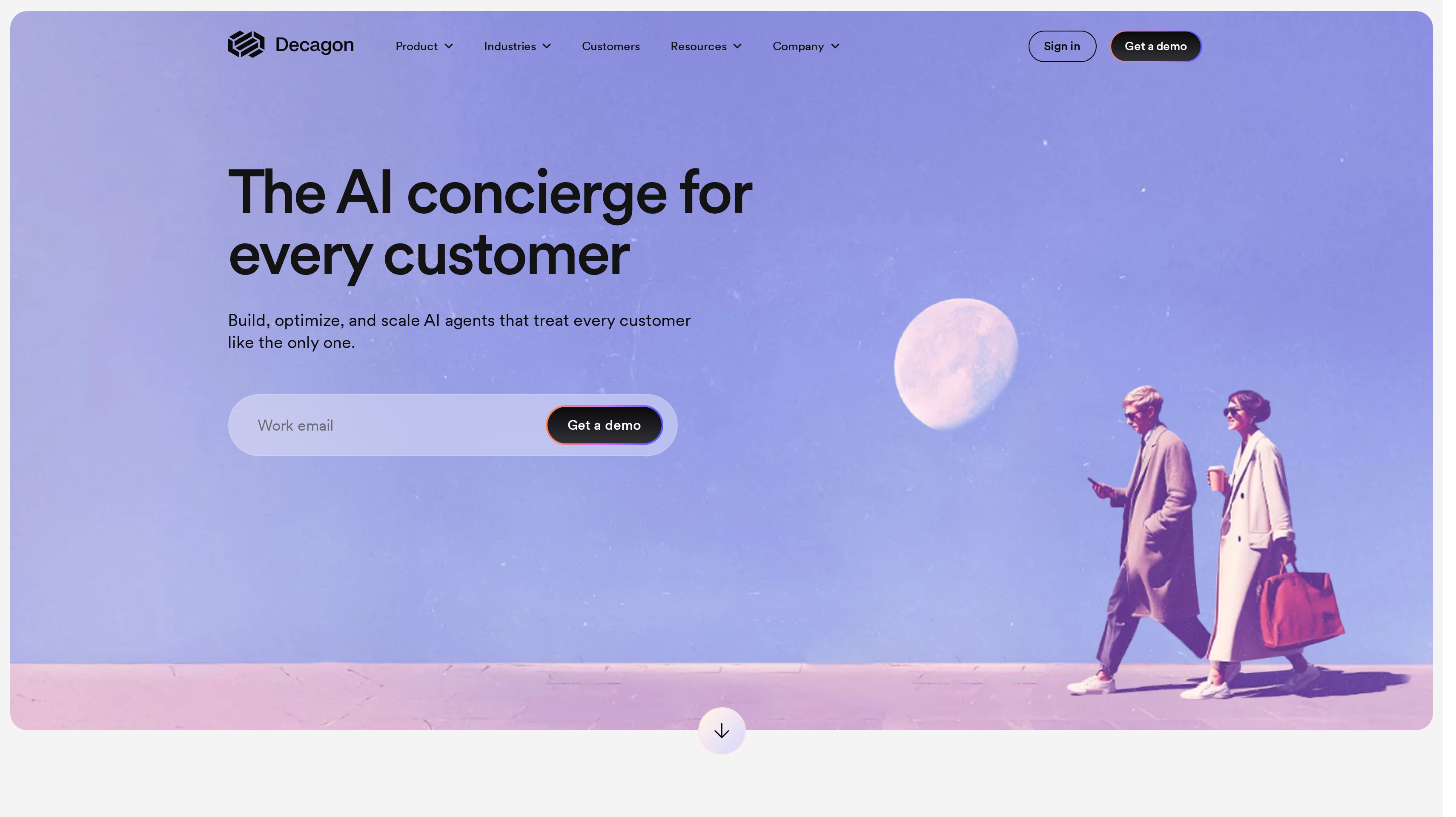
2. Decagon, best for enterprises defining agent workflows in plain language
Decagon builds AI agents around Agent Operating Procedures, or AOPs. These let you describe workflows in natural language, so the people who understand a support policy can help define how the agent follows it. The appeal is a shorter path between a policy decision and a change in agent behavior.
That model fits an enterprise where support procedures change often. You might need to revise how the agent handles a membership request or when it should stop and involve a specialist. Put the decision sequence into the evaluation, including the information the agent needs before each action. The quality of the procedure matters as much as the wording of the final reply.
Decagon describes testing, observability, and experimentation for validating AI logic, along with conversation analytics. Those tools support ongoing iteration after launch. A support operations team can treat a workflow change as something to test and inspect, rather than relying on a few convincing sample conversations.
Voice is part of the platform. In a Decagon-published testimonial, Chime describes brand customization and memory across channels in its voice deployment. For your own evaluation, trace a request that changes channel and check what information follows it. Pricing is available through sales, with the workflow and deployment scope forming part of that conversation.
Best suited for enterprise support operations teams that want to define and refine agent procedures in the language their business uses. Testing and observability matter when several teams contribute to policies and need to understand how changes affect live service.
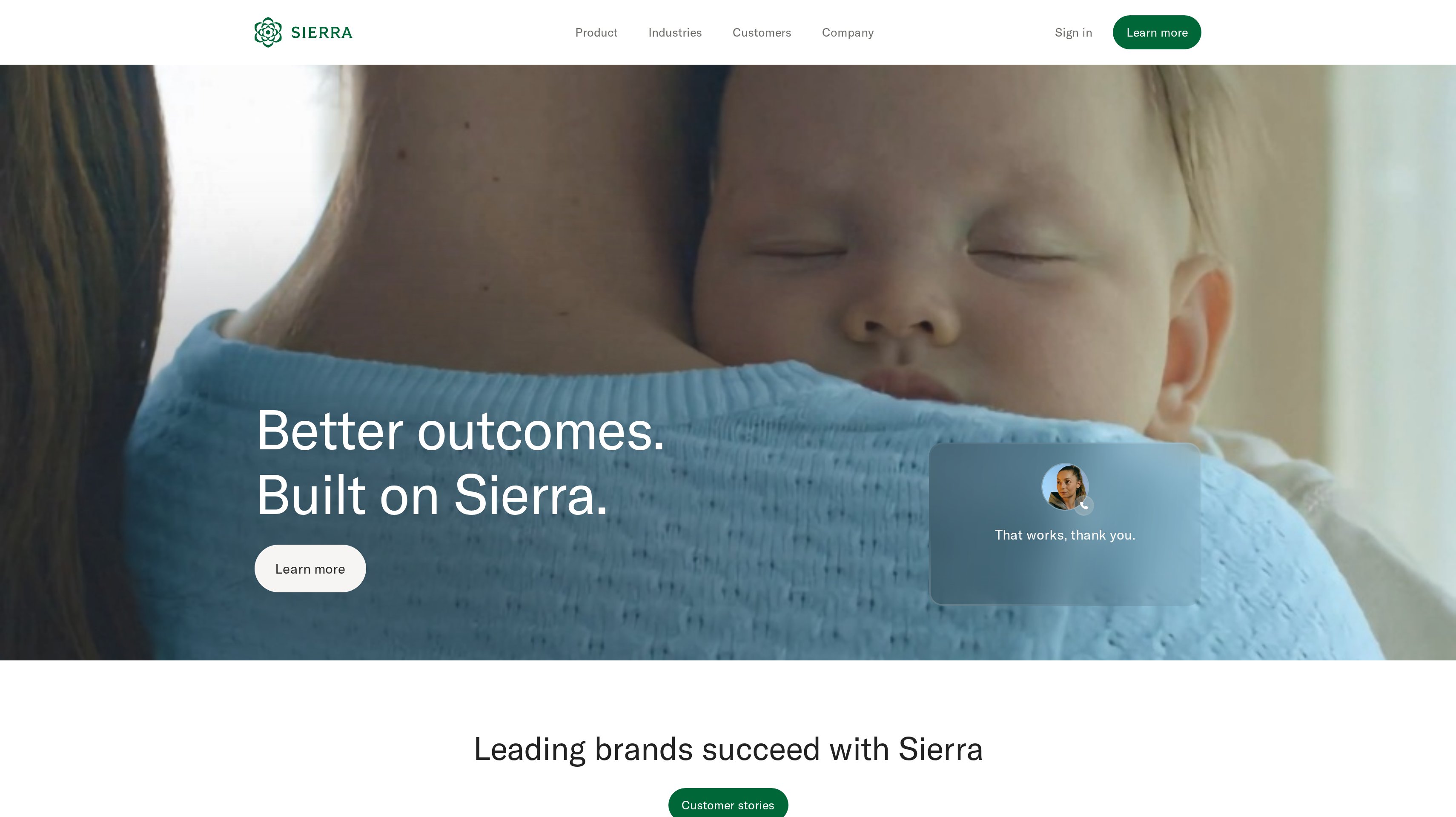
3. Sierra, best for consumer brands serving customers across every channel
Sierra puts one agent across chat, SMS, WhatsApp, email, voice, and ChatGPT. That channel breadth suits a consumer brand whose customers move between a website conversation, a message, and a phone call. The selection question becomes how you want the same service process to behave wherever a customer starts.
You can build agents with or without engineering support. Sierra also describes bringing in SOPs, transcripts, whiteboard photos, and audio recordings as inputs. That gives a team several ways to turn existing service knowledge into agent instructions, including processes that live outside a finished help article.
For a digital subscription business, a useful evaluation could follow an account request through two channels. Ask the team running the demo to show the action, the information needed to authorize it, and the handoff when an exception applies. Treat the connection to your helpdesk and account systems as part of that workflow demonstration, so the channel list maps to work your business actually handles.
Sierra uses outcome-based pricing, with rates available through sales. Define the outcome you are buying before comparing a quote with a conversation allowance elsewhere. A completed booking and an answered question can have different operational value even though each starts with a customer message.
Best suited for large consumer brands that want a common agent experience across messaging, email, and phone support. The broad channel coverage is useful when service ownership spans teams that otherwise plan each channel separately.
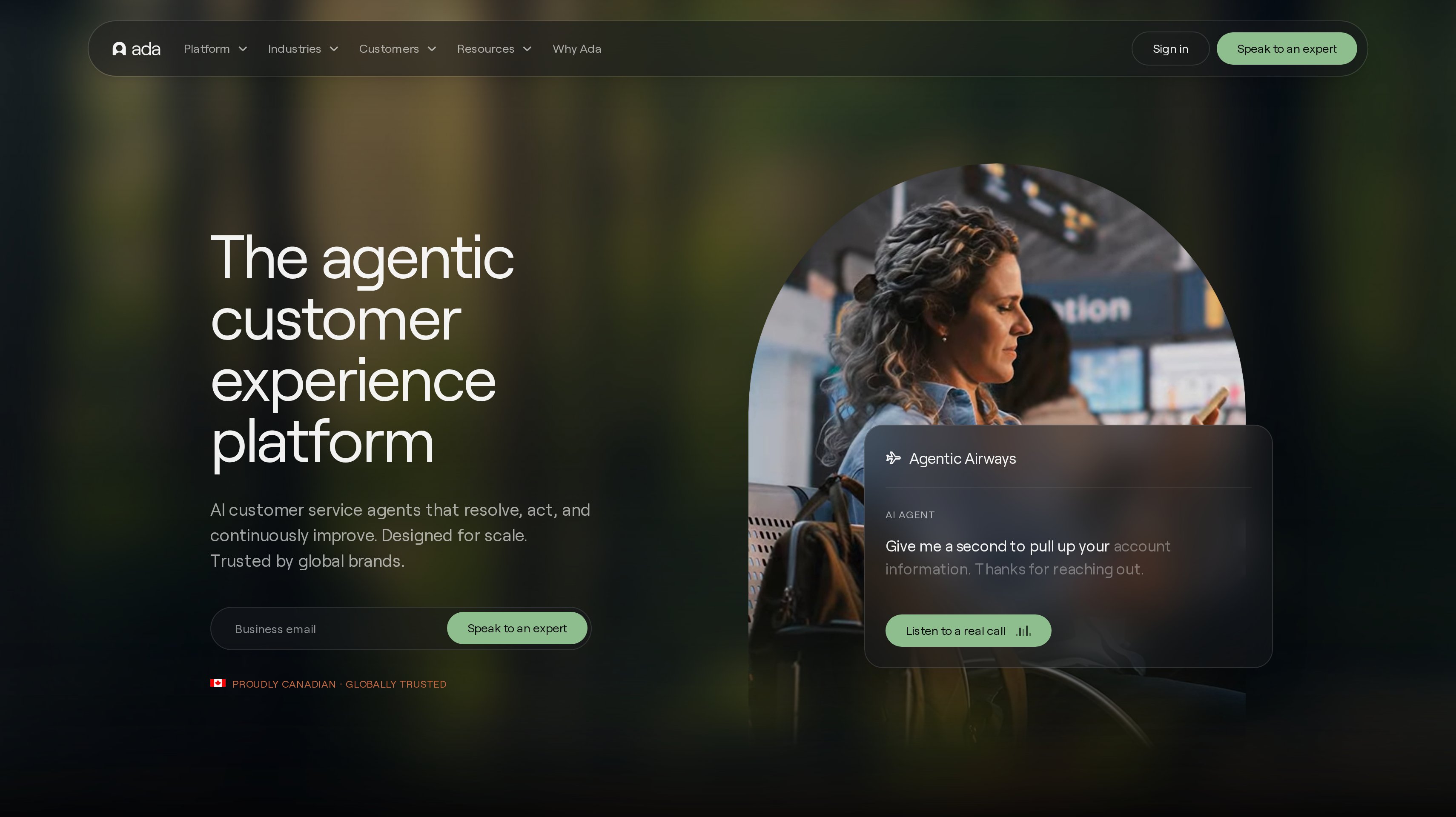
4. Ada, best for high-volume teams running support automation at scale
Ada focuses on AI customer service agents that resolve requests, take actions, and improve over time. Its platform covers voice, messaging, and email. For a high-volume operation, the main buying question is how you will manage the agent after the first group of workflows goes live.
Playbooks describe standard operating procedures, and Ada's integrations connect systems for personalized service. The platform also describes measuring, testing, and coaching the agent. Those capabilities suit a team that treats automation as an ongoing support operation, with someone responsible for policy updates and reviewing the work.
The company's published industry focus includes financial services, retail and ecommerce, and SaaS. That makes industry-specific requests a useful starting point for a demo. Bring a routine ticket and an exception from the same category, then examine the action path for each. A volume forecast tells you how often the process will run; the exception shows how it should stop.
Ada offers custom pricing through its sales team. Its demo process asks for annual support ticket volume and describes an ROI model and implementation plan built around your use cases. Prepare your current workload, the channels you need, and the systems holding customer data so that conversation produces a rollout proposal you can assess.
Best suited for high-volume support organizations that want an enterprise automation program with a team assigned to ongoing improvement. Measuring and coaching the agent fits an operation where procedures evolve across a large customer base.
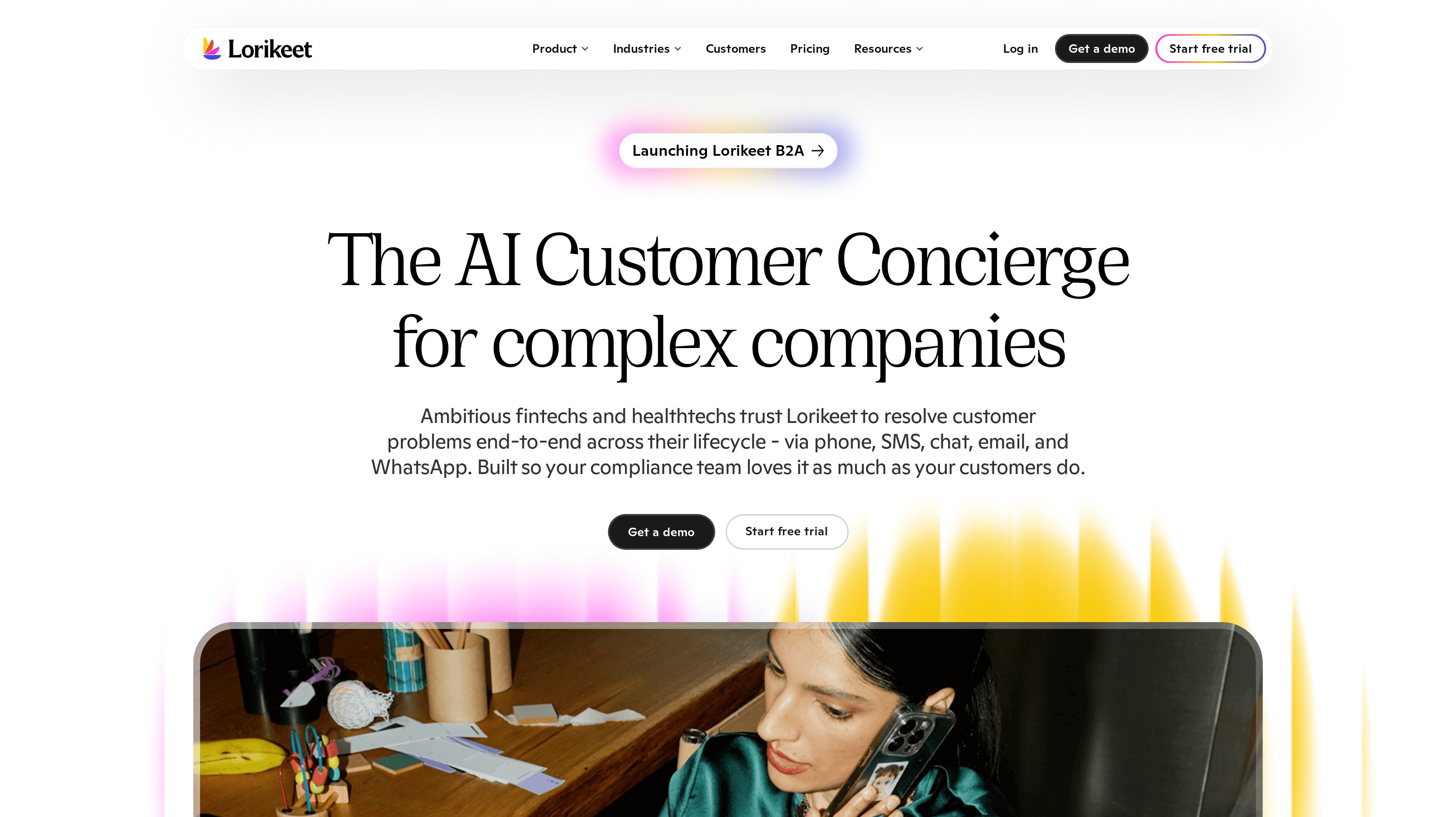
5. Lorikeet, best for fintech and healthtech teams with complex tickets
Lorikeet targets fintechs and healthtechs with customer problems that require several steps and careful handling. It follows your SOPs and uses your systems to complete the work. Phone, SMS, chat, email, and WhatsApp are named channels, so the process can extend beyond a website chat window.
The distinction is the work behind the answer. A request to change a medication delivery or reschedule an appointment needs more than instructions telling the customer where to click. Lorikeet positions its concierge around completing those workflows. For a regulated business, include your compliance team in defining which information and approvals each action requires.
Start is $2,100/mo, paid annually, for SMBs and startups with under 5,000 monthly tickets. Its per-ticket fees are $0.30 for triage, $0.99 for chat, email, and SMS resolution, and $1.50 for inbound or outbound voice. Lorikeet charges the subscription plus the applicable per-ticket fees.
Scale is listed at $5,100 per month for companies with 5,000 to 20,000 monthly tickets, while Signature has custom pricing. Lorikeet offers a 30-day free trial. Use that evaluation to walk through a complete procedure with your own exceptions, including the moment a person needs to approve or take over.
Best suited for fintech and healthtech support teams handling account-sensitive requests that cross multiple systems. The SOP-led approach fits teams that want operations and compliance staff involved in defining how customer work gets done.
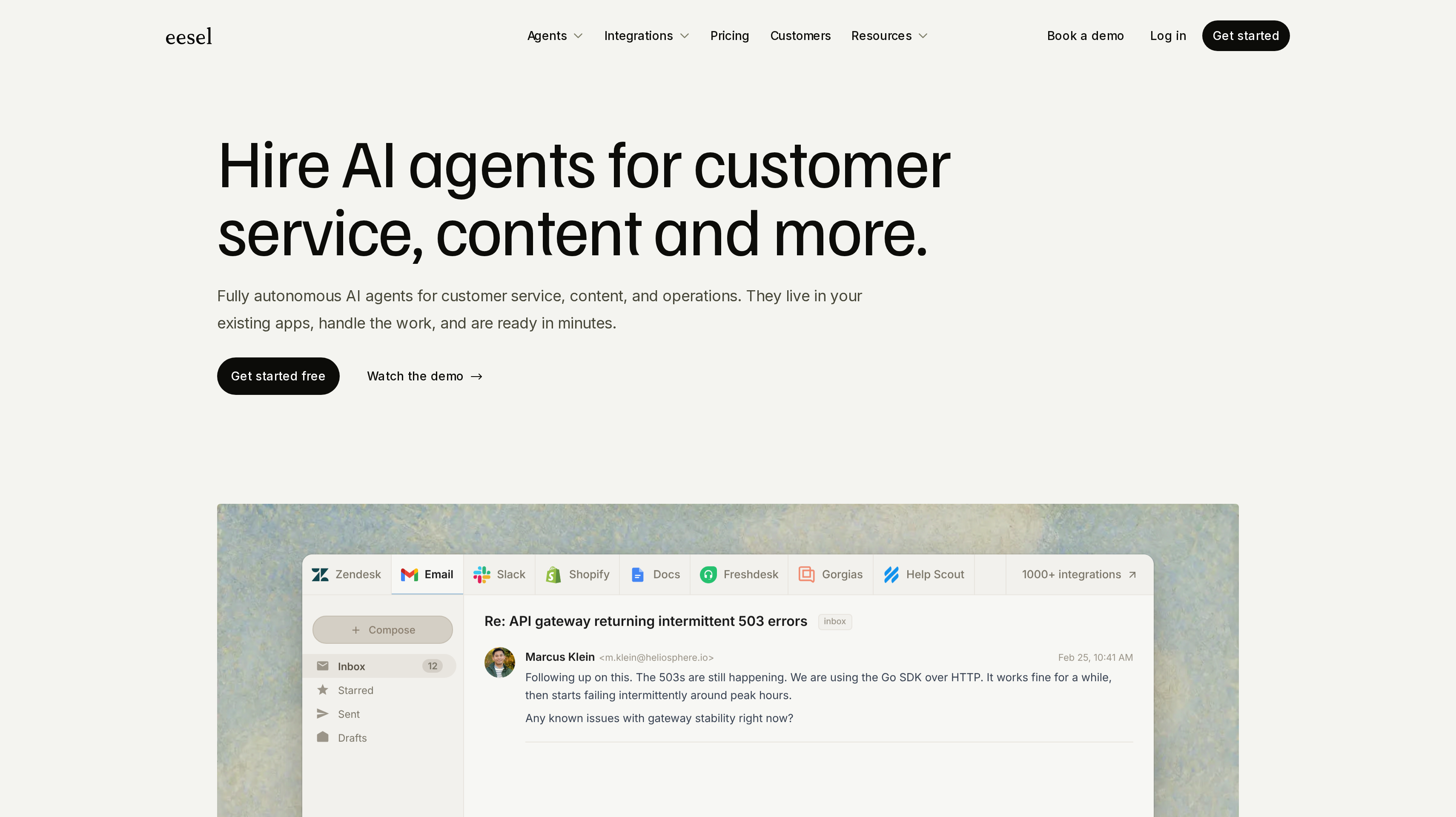
6. eesel AI, best for an agent inside your helpdesk at a fixed monthly price
eesel AI puts autonomous agents inside apps your team already uses. Its published examples include support deployments in Zendesk and Freshdesk, alongside work in Salesforce and Slack. The fit is a team adding an agent to an established queue, with existing conversations and company knowledge available to inform the setup.
Agents learn about your company through connected apps and their history. For support, that means evaluating both knowledge of your policies and the work inside the ticket. Choose an example that needs an account lookup and a change in another tool, rather than judging the agent only on answers it can copy from an article.
The Teammate plan starts at $299 per month for 500 credits. Monthly batches extend to $1,749 per month for 5,000 credits. A ticket or customer chat is one credit, however many replies it takes or actions happen inside it. Slack questions, reports, and other agent work can also consume credits, so separate support demand from other uses when choosing a batch.
There is no platform fee or per-seat price, and plans include unlimited agents and seats. The free trial provides 100 credits without a card. Each monthly plan includes a fixed credit allowance. Agents pause when credits run out until the allowance resets.
Best suited for teams that want to keep their current helpdesk and budget for a monthly ticket allowance. One credit per ticket suits queues where a request often needs several replies before the customer is finished.
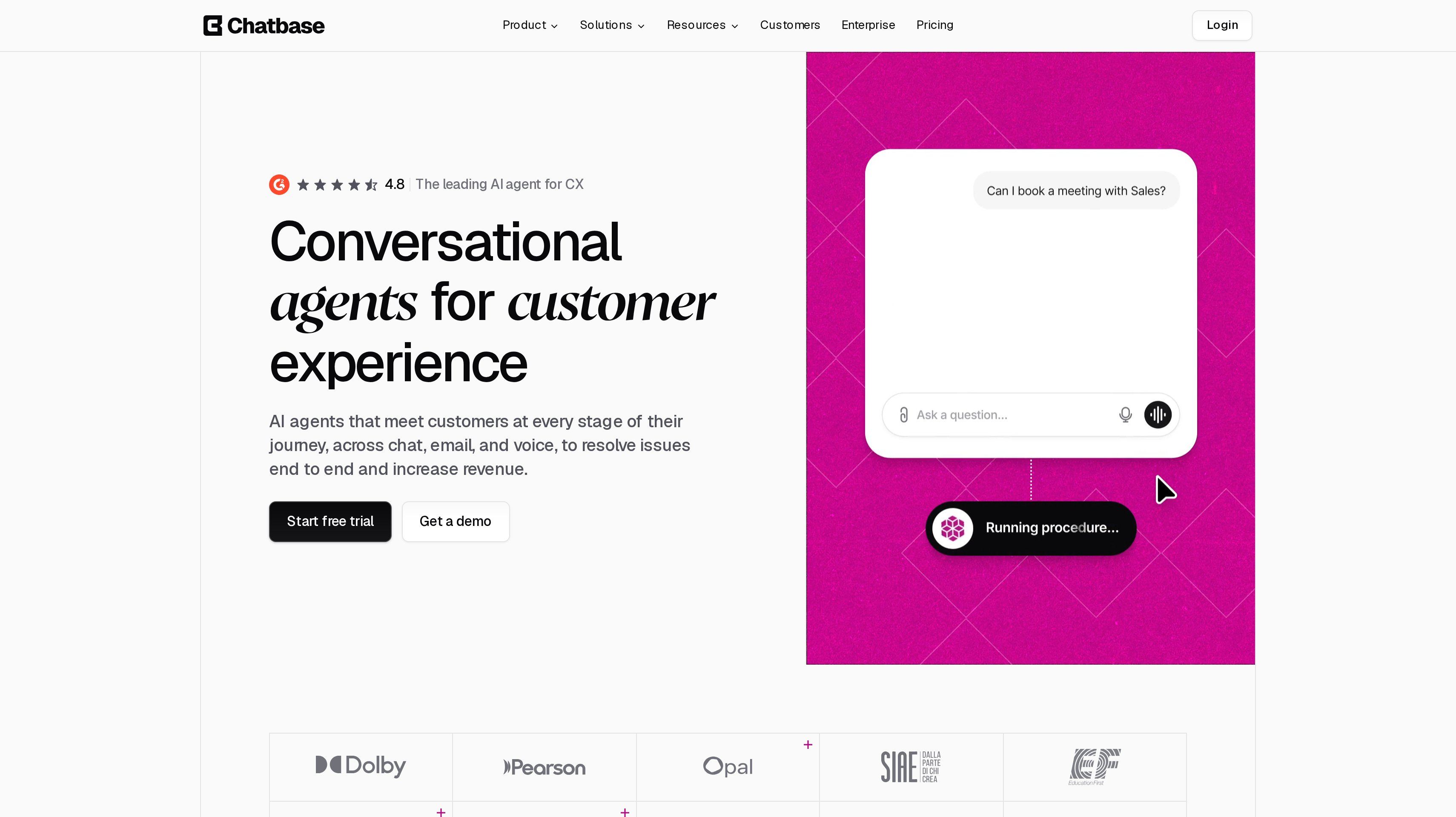
7. Chatbase, best for small teams launching their first AI support agent
Chatbase lets you connect data sources, define an agent's role, and set guardrails without code. It describes an agent that handles support, sales, and product guidance, with chat, email, and voice among its channels. That makes it approachable when a small team wants to start with one clearly defined customer job.
The setup includes testing real customer scenarios before publishing. You can review accuracy, brand consistency, and edge cases, then track resolution rates and escalations after launch. Chatbase also lists AI Actions and Procedures, which give you a way to move beyond informational replies toward defined customer workflows.
Hobby costs $32 per month billed yearly, with 700 message credits per month and two members. Standard is $120 per month billed yearly, with 4,000 message credits and three members. Pro is $400 per month billed yearly, with 15,000 message credits and five members. A seven-day trial lets you evaluate the setup before choosing your allowance.
The plans also differ in action and procedure capacity. Hobby includes five AI Actions and two Procedures per agent; Standard includes eight and four. Keep the first rollout focused enough to inspect every path. Because the pricing unit is message credits, use representative conversations to understand demand instead of treating the allowance as an equivalent number of resolved tickets.
Best suited for small teams that want to configure, test, and publish their first customer-facing agent without a coding project. A focused product question or account workflow gives the owner a manageable starting point for reviewing replies and escalations.
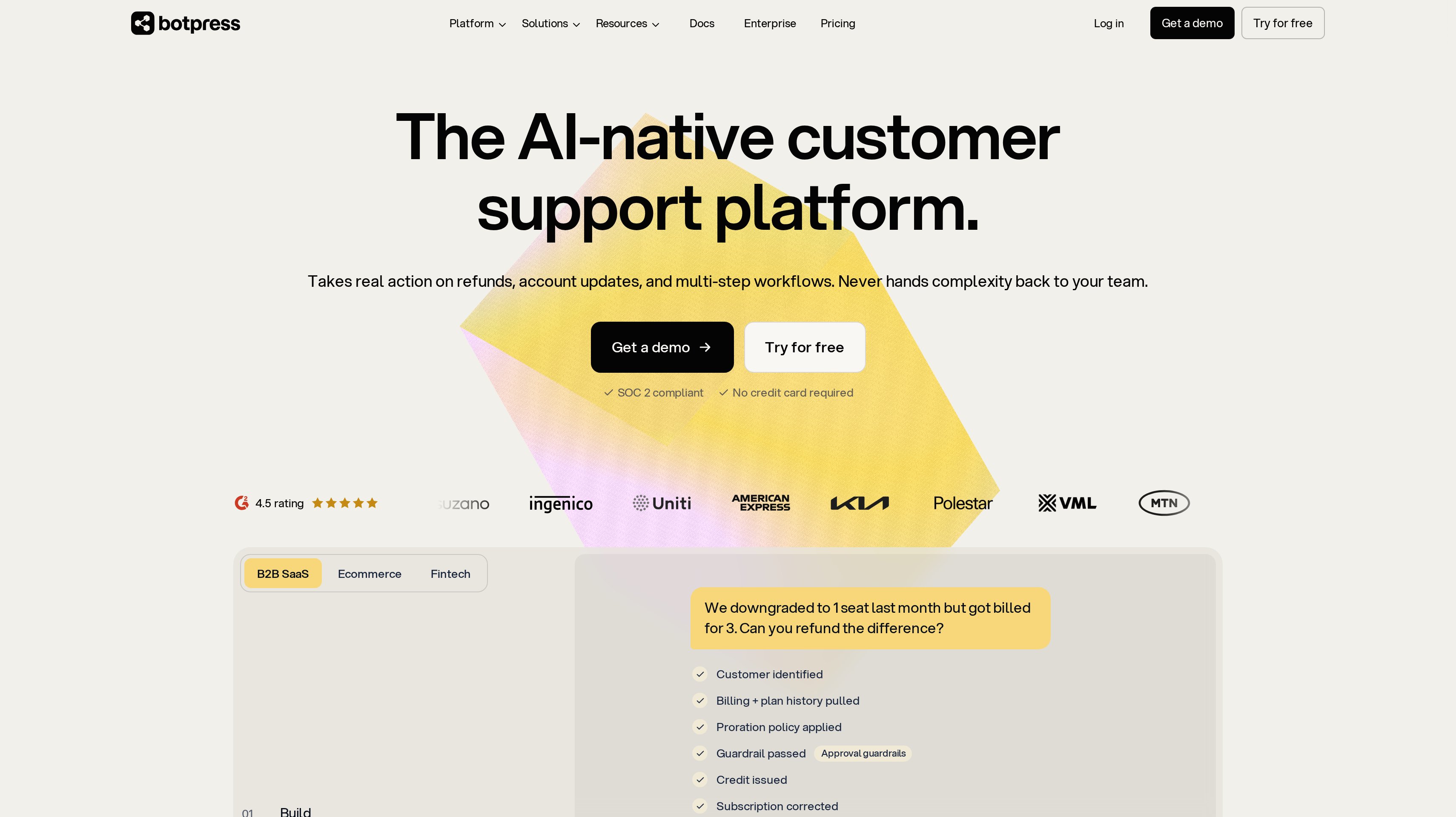
8. Botpress, best for AI agents and a helpdesk with no per-seat cost
Botpress combines AI agents with a helpdesk. Its agents take actions on refunds, account updates, and workflows with several steps. The platform has no per-seat cost, so you can consider the agent and the workspace for human support together when planning the team's setup.
Free costs $0 and includes 100 conversations, three seats, and three AI agents, with no top-ups or overages. Plus costs $150 per month billed annually and includes 250 conversations per month, unlimited AI agents, a help center with a custom domain, and $25 in AI usage. Team is listed at $750 per month with 1,500 conversations, unlimited seats, teams, routing, RBAC, and team analytics.
Botpress bills for conversations rather than resolutions. Human-assisted and AI-only conversations count the same, and emulator conversations count too. For voice, three minutes counts as one conversation. That makes your current total conversation volume a useful starting point for budgeting, including the work people continue to handle.
Additional conversation packs cost $65 per 100 on Plus and $50 per 100 on Team. Paid plans automatically add a pack at 95% of the conversation quota. AI usage has a separate automatic $10 credit grant when its limit reaches 95%. Include both mechanisms in your operating forecast, especially during a pilot with frequent testing.
Best suited for teams choosing a support workspace and autonomous agents together while expanding human access without seat fees. The combined setup fits an operation that wants people and agents handling customer work in the same platform.
Side-by-Side Comparison
Compare the billing unit alongside the workflow and channel fit.
Tool
Cost and unit
Helpdesk fit
Resolution and control
Channels
Fin
AI Agent $0.99/outcome
Existing helpdesk or Intercom
Procedures, system actions, Evals
Chat, email, voice
Decagon
Sales quote
Enterprise workflow scope
Natural-language AOPs, testing
Voice; cross-channel workflows
Sierra
Outcome-based quote
Deployment scoped with your team
One agent, SOP inputs
Chat, SMS, WhatsApp, email, voice, ChatGPT
Ada
Custom quote
Enterprise rollout
Playbooks, actions, coaching
Voice, messaging, email
Lorikeet
Start $2,100/mo + task fees
SOP and system integration
Complex customer workflows
Phone, SMS, chat, email, WhatsApp
eesel AI
Teammate $299/mo, 500 credits
Zendesk, Freshdesk and other apps
Ticket actions; 1 ticket = 1 credit
Existing helpdesk channels
Chatbase
Hobby $32/mo billed yearly, 700 message credits
Customer-facing agent deployment
AI Actions, Procedures, scenario tests
Chat, email, voice, WhatsApp, Slack
Botpress
Plus $150/mo billed annually, 250 conversations
Built-in helpdesk
Refunds, account changes, workflows
Webchat, voice
Which AI customer service tool fits your use case
Choose around the work your support team owns. A SaaS account update, a healthcare scheduling request, and a consumer brand's phone conversation may all need an agent, but each puts different demands on the setup.
Write a short acceptance test before booking demos. Name the customer's request, the system record that should change, and the conditions for involving a person. For connected processes outside the conversation, the workflow automation shortlist covers the broader automation layer.
Use case
What changes about the setup
What to look for
Keep the existing helpdesk
People retain their queue and routing.
Fin for outcome pricing; eesel AI for a monthly credit batch.
Support policies change often
Operations needs to revise and test agent logic.
Decagon's natural-language AOPs and observability.
Consumer support spans channels
Customers contact the brand through messaging and phone.
Sierra's single agent across its named channels.
High-volume automation program
A team owns measurement and ongoing improvement.
Ada's testing and coaching; map the rollout to ticket demand.
Complex fintech or healthtech requests
SOPs and account actions need compliance input.
Lorikeet's procedure-led workflows and channel coverage.
First agent or a new support workspace
The buying decision includes setup and human access.
Chatbase for a first agent; Botpress for agents with a helpdesk.
Proof: What results look like
Fin reports an average 76% resolution rate across more than 12,000 businesses. eesel AI describes a Zendesk deployment processing more than 100,000 support tickets per month in German. These vendor-published examples show different things: a resolution measure and the volume of a deployment.
Ada reports measured outcomes across more than 350 global businesses. That breadth is useful context, while your own ticket mix remains the basis for judging a pilot. Record completed requests, reopened conversations, and the work your human team still handles.
For the separate growth channel that follows good customer service, browse the customer testimonials. Use the LTV:CAC analyzer to assess acquisition economics alongside the support cost of serving those customers.
FAQ
What is the best AI customer service software for SaaS teams?
Fin ranks first here because you can add it to an existing helpdesk, train it on company content, and connect procedures to system actions. Its outcome charge gives you a clear billing unit. eesel AI is another fit for keeping your helpdesk when you prefer buying a monthly credit batch.
What does AI customer support software do beyond answering questions?
AI customer support software can use connected systems to act on a request, such as updating account information or processing an allowed refund. The procedure determines what information and permissions it needs. Include a human handoff for exceptions so a customer can still finish a request that falls outside the agent's authority.
How should I compare AI customer service software pricing?
Start with what counts toward the bill. Fin charges per outcome, eesel AI sells credits with one ticket or chat per credit, Chatbase sells message credits, and Botpress counts conversations. Apply each model to the same sample workload, then include platform fees, annual commitments, and any automatic usage purchases in your budget.
Can AI support agents work with my current helpdesk?
Yes. Fin names Freshdesk, Salesforce, and Zendesk among supported helpdesks, and eesel AI publishes deployments inside Zendesk and Freshdesk. Keeping your helpdesk lets you evaluate the agent within a workflow your people know. Confirm how assignments, conversation history, and escalation will behave in your particular setup before expanding the pilot.
How do I train an agent on help center content?
Start with current articles and remove conflicting instructions before connecting them. Fin accepts help center content, websites, and PDFs, along with sources such as Notion and Confluence. Add procedures for the work an article cannot finish, then run customer scenarios that require both an explanation and an action in your systems.
Which tools cover voice, SMS, and WhatsApp?
Sierra names voice, SMS, and WhatsApp alongside chat and email. Lorikeet also lists phone, SMS, WhatsApp, chat, and email. Choose channels around the requests your customers already make, then test the handoff and account action within each channel you intend to launch. A convincing chat answer alone does not establish the phone workflow.
What should happen when the agent needs a human?
Your rollout should define when to escalate and what context the receiving person needs. Test an explicit request for a human, a policy exception, and an action the agent cannot complete. Fin states that it charges nothing when the customer asks for a person, which also makes that handoff relevant to your cost model.
What should I measure during an agent pilot?
Measure whether requests finish correctly, how often customers return with the same problem, and what reaches your human queue. Inspect actions as well as replies, including the record in the system the agent changed. Compare the cost of that workload with the baseline so higher automation counts reflect useful work rather than more abandoned conversations.
Try for free
Put one repeatable customer request through your shortlisted agent. Follow the account action, the reply, and the human handoff before expanding its scope. Once customers can get help reliably, give the people who recommend your product a formal program. Affonso runs affiliate and partner programs for customers and creators alongside your support stack. The affiliate software shortlist explains that buying decision. Start your Affonso free trial to work through referral tracking, commissions, and payouts with your team.
 Affonso
 Silvestro Zinnanti, FounderComparisonNovember 12, 202621 min read