Best changelog tools in 2026: the buyer's shortlist.
Compare eight changelog tools for SaaS teams. See pricing, in-app widgets, release note pages, email updates, and who each tool fits best.
You release a feature on Tuesday. By Friday, support is still explaining the old workflow, and customers who asked for the change haven't noticed it.
An announcement needs somewhere permanent to live and a way to reach people inside the product or in their inbox. Your team also needs a publishing process it can keep using after a busy launch week.
These eight changelog tools cover that job. Featurebase ranks first for SaaS teams that want announcements alongside feedback, roadmap, and support in one subscription. The rest fit more specific delivery channels, budgets, and development workflows.
Key Takeaways
A few decisions will narrow your shortlist before you compare plans.
Choose the delivery channel before the editor. A public page gives customers a release history they can share. An in-app widget reaches people while they work, and email brings an update to subscribers who haven't opened your app.
Featurebase leads for a shared customer communication stack. Growth costs $29 per seat per month billed yearly and includes a public changelog, in-app updates, and email updates. Feedback, roadmap, and support sit in the same subscription, so announcements can stay with the conversations around them.
Beamer puts targeting at the center of announcements. Widgets, notifications, comments, and reactions help you introduce shipped features inside your product. Scale adds segmentation and user activities for teams choosing which users should see a message.
AnnounceKit and Noticeable solve different budget questions. AnnounceKit lets you buy Changelog separately and add other products without per-seat pricing. Noticeable includes unlimited visitors on every paid plan, while projects, collaborators, and widgets vary by tier.
Headway is a focused free option. Its Free plan includes unlimited changelogs and public-page and widget customization. Pro adds scheduled publishing, a custom domain, a private changelog, and branding removal for $29 per month.
Your engineering workflow can decide the fit. Released builds customer-facing notes from Jira work and charges paid plans by licensed Jira users. LaunchNotes suits communication across teams and products, while Changelogfy combines announcements with feedback and roadmap work for a smaller operation.
What changelog tools actually are (and what they are not)
Changelog tools turn shipped product changes into updates customers can find and understand. This category of release notes software usually combines a hosted release history with delivery through an in-app widget, notifications, or email. Your announcement explains what changed, who can use it, and what to do next. A useful post might show an account admin where to find a new export setting and why it saves work.
A CHANGELOG.md file in a repository records changes beside your code. It works well for developers following versions and technical changes. A hosted changelog adds a customer-facing publishing layer, with branding, subscriptions, and distribution outside the repo. Your marketing or product team can explain the customer benefit without asking readers to browse commits. The repo file can remain the technical record while the hosted page becomes the place you send customers.
For SaaS teams, the work continues after deployment. An update might belong in a public archive, a message to one plan's users, and a digest for people who prefer fewer emails. Reactions and replies help you see which parts need explanation. Before shipping, use the customer feedback tools shortlist if you need a separate process for collecting requests and deciding what to build.
Changelog software doesn't replace implementation documentation, a status page, or product analytics. Write instructions in your help center, report outages through your incident process, and measure feature use in the product. If retention is your reason for improving announcements, use the free SaaS churn calculator to model the revenue effect you want to measure.
How We Ranked These Changelog Tools
The ranking focuses on SaaS product and marketing teams announcing finished work. A customer should be able to discover an update, understand its value, and return to it later. Feedback boards and roadmaps count as extras around that announcement workflow.
Public product descriptions, pricing pages, and documentation inform the comparison. The order favors a connected customer workflow first, followed by more focused announcement products and tools built around a particular team setup.
We compared five criteria:
Public publishing. A hosted page, custom-domain options, branding, and a release history your customers can browse. Searchable, SEO-friendly pages matter when updates also help prospects understand how the product develops.
Delivery and audience. In-app widgets, notification formats, email subscriptions, digests, and segmentation. The question is whether the update reaches the people who can act on it without sending every message to every account.
Writing and coordination. Drafting, AI assistance, scheduling, and reuse across channels. Your team needs a repeatable way to turn finished work into clear customer language.
Developer and team connections. Jira, GitHub, Slack, APIs, webhooks, and automation. Native integrations and connections through another service are described separately so you can plan the handoff.
Cost and billing unit. Flat subscriptions, product modules, seats, visitors, and active users. Free plans and paid announcement features get separate attention because a free feedback workspace may have different publishing access.
Reported customer outcomes belong to the named publisher or customer. We plan to revisit this shortlist quarterly and after material changes to pricing or the announcement workflow.
The Best Changelog Tools in 2026
Start with the person responsible for telling customers what shipped. A founder publishing a weekly note needs a different setup from a product marketer coordinating several teams. The eight tools below range from a free page and widget to targeted announcements, Jira-generated notes, and communication across an enterprise.
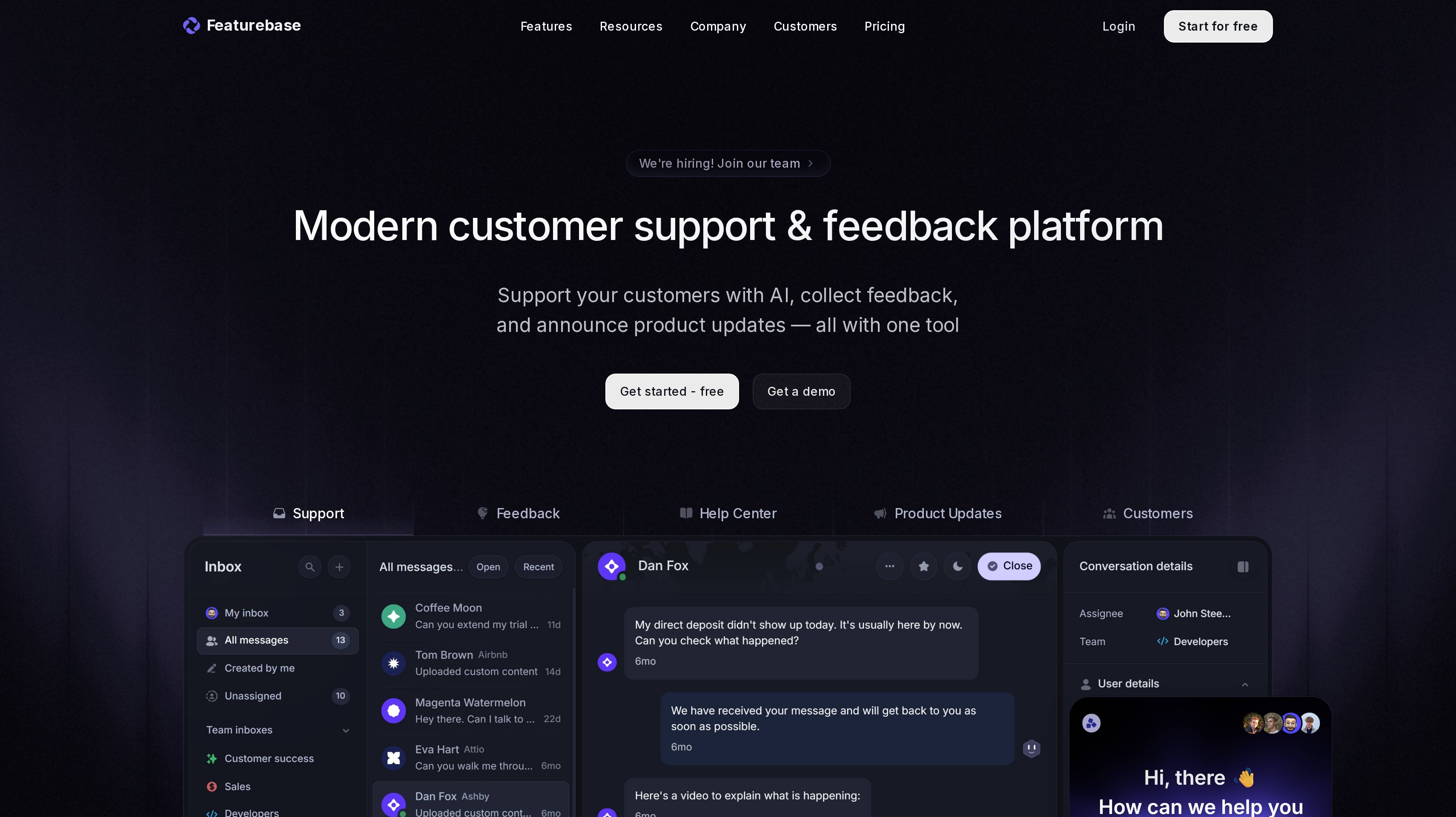
1. Featurebase, best for announcements alongside feedback, roadmap, and support
Featurebase puts your changelog beside the support and product conversations that give an announcement context. You can publish a public update and reach customers through in-app and email updates in the same product your team uses to answer questions. That combination earns it first place here. It fits a SaaS team where the people explaining a release also hear what customers misunderstood or want next.
Growth is $29 per seat per month billed yearly. It includes the public changelog page, in-app widgets, in-app and email updates, custom domains, API access, MCP, and webhooks. The outbound email allowance is 5,000 free emails, followed by usage-based pricing. Free includes one seat and feedback functionality, while the public changelog and outbound updates begin on Growth. Professional is $59 per seat per month billed yearly and adds multilingual outbound communication.
For your publishing workflow, the shared subscription means support, feedback, and roadmap work can stay alongside announcements. Jira and GitHub are among the issue-management integrations, and Slack is listed among feedback-channel integrations. Decide which finished work deserves a customer announcement, then write it around the action a reader can take rather than the internal ticket title.
The Featurebase integration brings your Featurebase changelog into Affonso, giving affiliates current product news they can use in their next recommendation or launch message.
Best suited for SaaS teams whose release announcements belong in the same workspace as customer support and product discussions. A small publishing team serving many customers can organize that work around paid seats and unlimited end users.
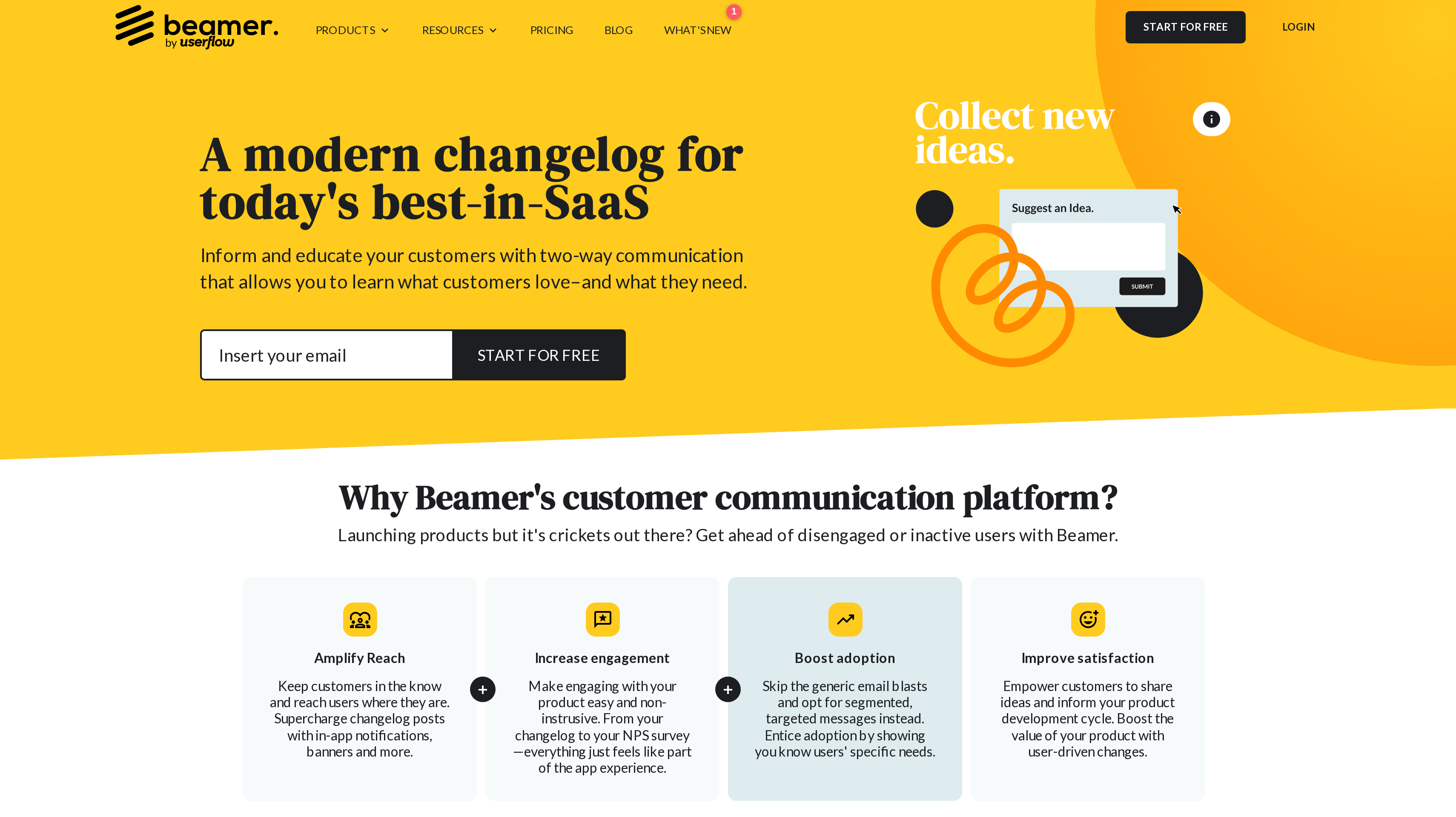
2. Beamer, best for in-app widgets and targeted product announcements
Beamer centers the changelog on reaching users inside your product. Your team can publish updates, fixes, and improvements, then draw attention to them through in-app notifications and banners. Comments and reactions give readers a way to respond to the announcement itself. For a product marketer, that makes the release post part of the app experience, with a place to see whether the message prompted questions.
Starter is $59 per month on monthly billing or $49 per month with annual billing. Pro is $119 per month on monthly billing or $99 per month with annual billing. Scale is $299 per month on monthly billing or $249 per month with annual billing. A Free plan is available for products with fewer than 1,000 monthly active users. Teammates are unlimited across the plan comparison.
Scale adds segmentation and user activities. That is the buying decision when your announcement should reach a particular audience, such as users likely to need a new workflow, rather than everyone who opens the app. You can organize the launch around relevance and use comments to learn which part of the change needs a clearer explanation.
Pricing also follows audience growth. Exceeding the included monthly active users adds bundles at $50 per month for each additional 5,000 MAUs. Treat your expected active audience as part of the budget alongside the plan's messaging features. NPS and feedback products are additional options around the announcement workflow.
Best suited for product and marketing teams that want users to discover releases during an active session. Targeted messages and reader responses support a launch process built around introducing features to the people who will use them.
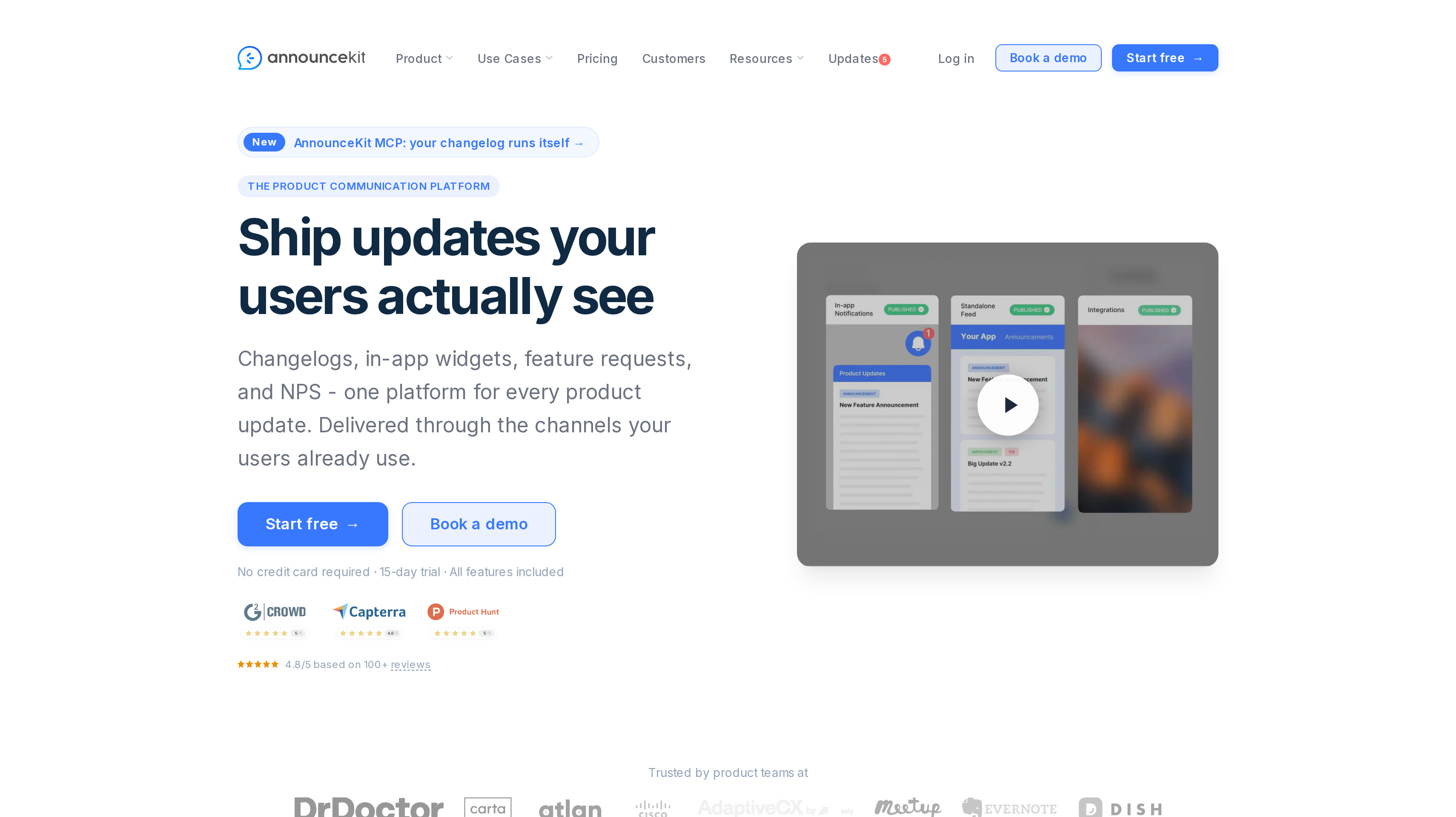
3. AnnounceKit, best for buying announcement products without per-seat pricing
AnnounceKit lets you assemble a product communication setup from separate products. Changelog covers the post editor, a standalone page, and widget types. Your team can draft with AI assistance, add labels, schedule publication, and choose an audience. Distribution options span the public page, in-app widgets, email, Slack, and RSS, so a release can reach customers through several channels from the same publishing workflow.
The Changelog product is $49 per month on monthly billing. In-app Notifications is a separate $79 per month product for banners, modals, and popups. Every workspace includes 10,000 monthly active users, and each product includes three team members. Unlimited Team & RBAC is a flat $29 per month add-on. The 15-day trial includes all features and requires no credit card.
Email is an add-on covering subscriber notifications, email digests, and your own SMTP domain. Custom Branding is also an add-on, with an own hostname, SSL, and custom CSS and JavaScript. Segmentation & User Tracking adds shared audience profiles and segments across the products you select. This structure lets you budget for the channels and controls your launch process actually uses.
Automation is included with every product through the GraphQL API, webhooks, Zapier, Slack, and the official MCP server. Beyond the included audience, MAU capacity costs $25 per additional 5,000 users. Feature Requests & Roadmap can join the setup as a separate product if you also want to handle the work before an announcement.
Best suited for teams that want to purchase changelog publishing, notification formats, and email delivery as separate choices. Flat team expansion makes it a useful fit when several contributors write or approve releases.
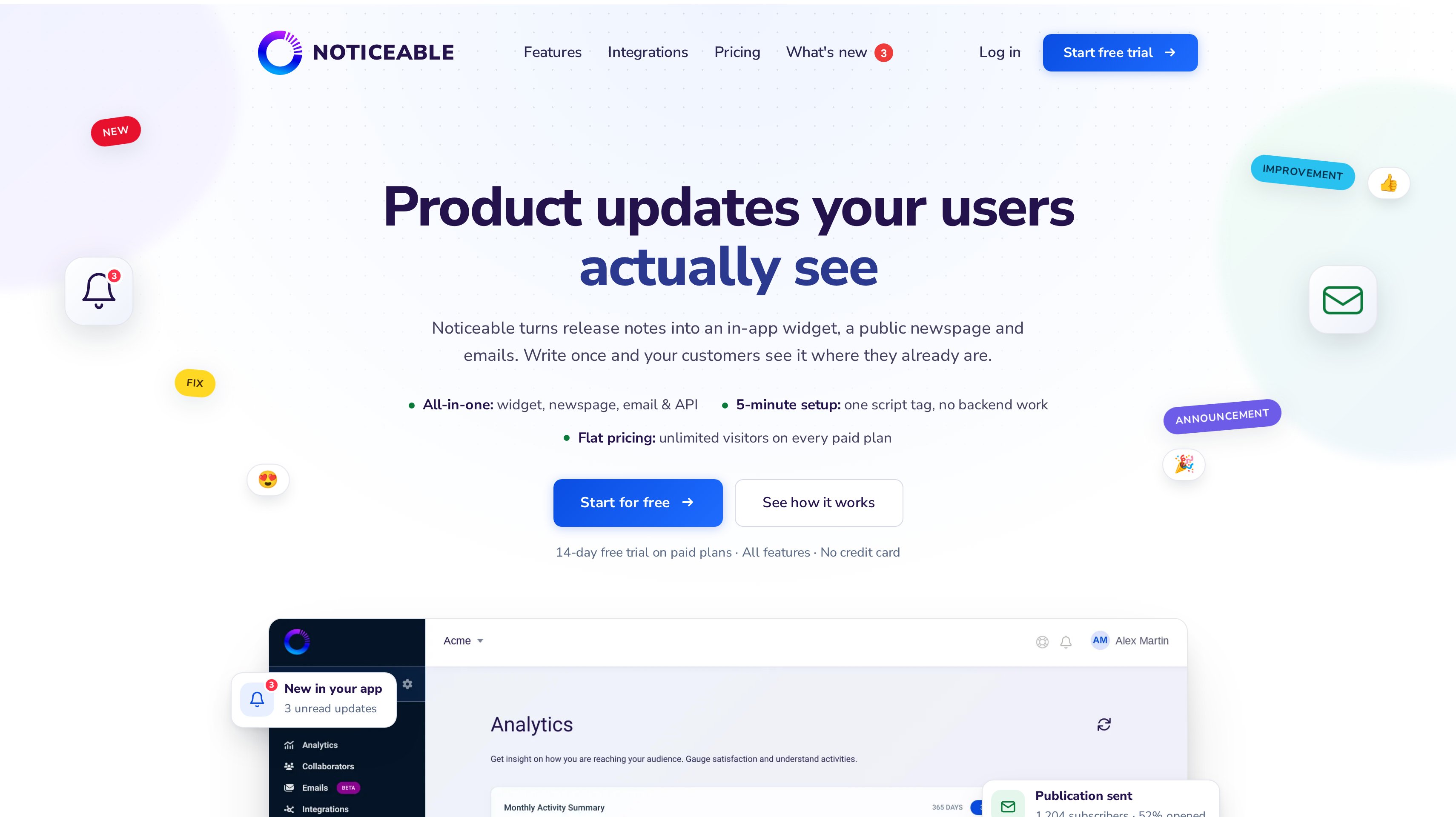
4. Noticeable, best for flat pricing with unlimited paid-plan visitors
Noticeable combines a public newspage, an in-app widget, email, and an API. Customers can open a What's New bell with an unread badge inside your app or browse a searchable, SEO-friendly changelog on your own domain. Reactions and feedback sit alongside the update. The publishing model suits a team that wants one release story to reach both active users and subscribers following the product from outside it.
Starter is $29 per month on monthly billing or $24 per month billed annually. Growth is $79 per month on monthly billing or $65 per month billed annually. Business is $159 per month on monthly billing or $132 per month billed annually. Every paid plan includes unlimited monthly visitors, and paid plans have a 14-day trial without a credit card. Free includes one project and one widget under fair use.
Plan capacity grows through projects, collaborators, and widgets. Starter includes one project and one widget with no collaborators. Growth includes two projects, two widgets, and three collaborators. Business includes three projects, three widgets, and five collaborators. Those are practical distinctions if separate products or several editors share responsibility for updates.
Subscribers can opt into emails and feeds by label. Publication analytics include views, clicks, reactions, and email open rates. Slack, Discord, and Zapier are native connections; GitHub connects through Zapier. An API and SDKs also give developers a route to fit publishing into their existing process.
Best suited for teams that want announcement costs to stay independent of visitor growth on a paid plan. Label subscriptions and a public archive fit products with several update topics and readers who choose what to follow.
5. Headway, best for a simple free changelog widget
Headway gives a small product a straightforward place to publish changes and a widget to bring those posts into the app. The focus is the release history itself. You can customize the public page and widget to make the update channel recognizable to your customers. For a founder handling product and marketing, a small publishing routine can be easier to maintain than a launch process with several destinations to manage.
Free includes unlimited changelogs, public-page customization, widget customization, and the Eyecatcher. That makes it a practical option for starting a release history and giving users an entry point inside the product. You can use the free setup to establish which changes deserve an announcement and how much detail your readers need.
Pro is $29 per month and adds branding removal, a custom domain, a private changelog, and scheduled publishing. Scheduling is useful when your finished post should appear with the feature rollout rather than when someone happens to finish writing it. A private changelog also gives you a publication option for updates intended for a restricted audience.
Headway lists Slack and Twitter connections for sharing changes with your team and customers. Team posting lets the people involved in a release contribute to the communication. Keep each note specific: name the improvement, show where it lives, and give the reader a reason to try it during their next session.
Best suited for solo founders and small product teams that want to start publishing with a free page and widget. Pro fits the same routine when you add a branded domain, scheduled releases, or a private update history.
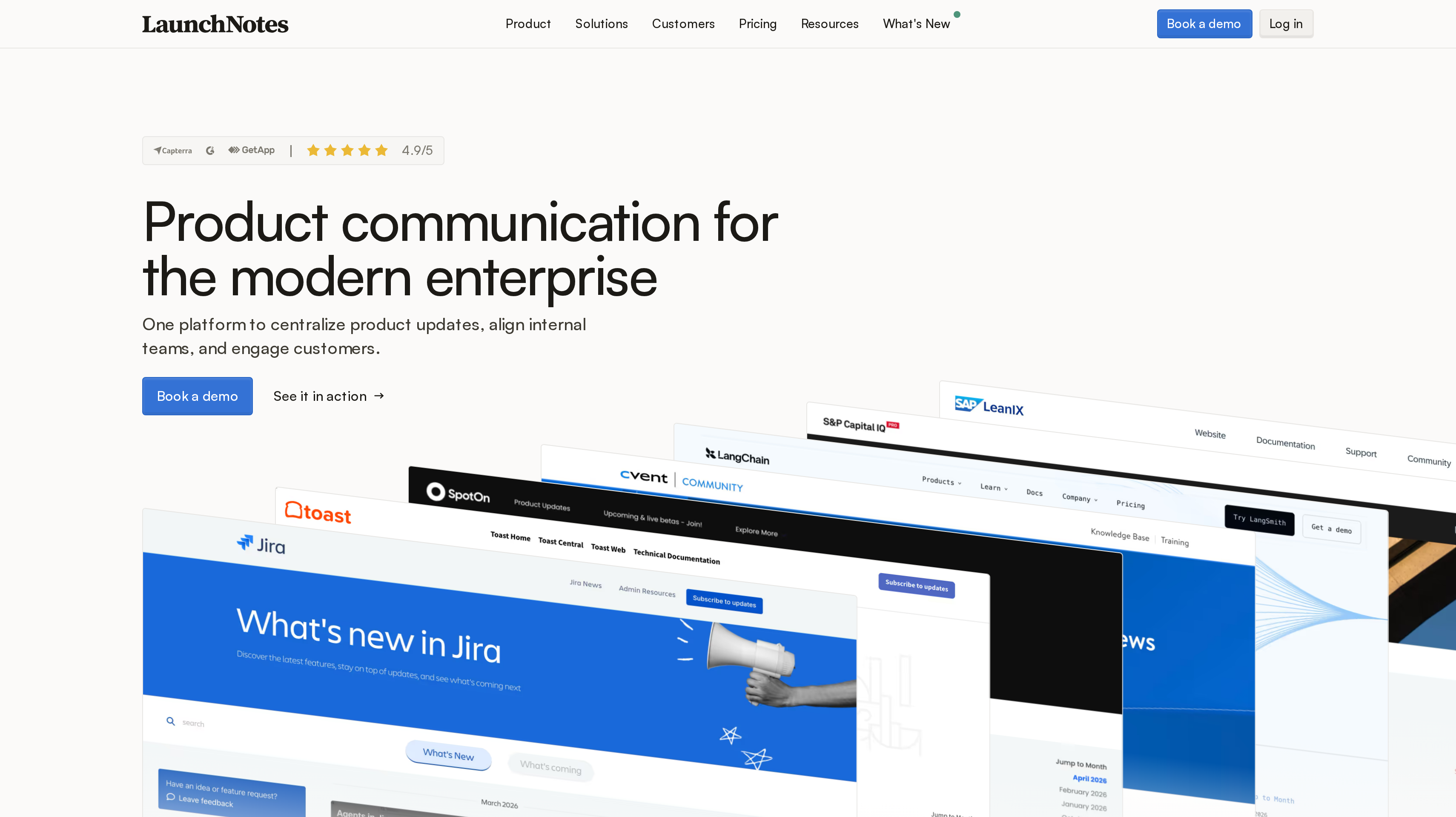
6. LaunchNotes, best for product communication across enterprise teams
LaunchNotes centralizes product updates for organizations communicating across teams and products. Your release announcement becomes a shared reference for internal stakeholders and customers. Publishing to multiple channels from one announcement helps a product organization keep the message consistent when sales, customer success, and marketing all need to explain what changed. The appeal is coordinating that work around a common product update.
Growth is $249 per month billed annually and is positioned for teams shipping across multiple products. That scope fits a company where one release can affect several customer groups and several teams need to prepare their communication. Start your evaluation with a real announcement that crosses those boundaries, including the people responsible for the customer message and its internal handoff.
AI drafting is available in the editor, and LaunchNotes also describes drafting and publishing from your preferred agent workflow. Use that assistance to prepare an initial explanation, then have the feature owner confirm availability, terminology, and the action customers should take. The useful test is whether everyone responsible for a release can work from the same approved description.
Branded roadmaps and feedback capture sit around the announcement process. LaunchNotes can connect requests to product decisions and notify people when the work ships. Those extras matter here when they supply the audience and context for a finished release. Your primary buying question remains how a product change becomes a coordinated message across the organization.
Best suited for enterprise product organizations with several teams contributing to releases across a product portfolio. A central announcement workflow gives customer-facing colleagues a consistent source for what shipped and how to explain it.
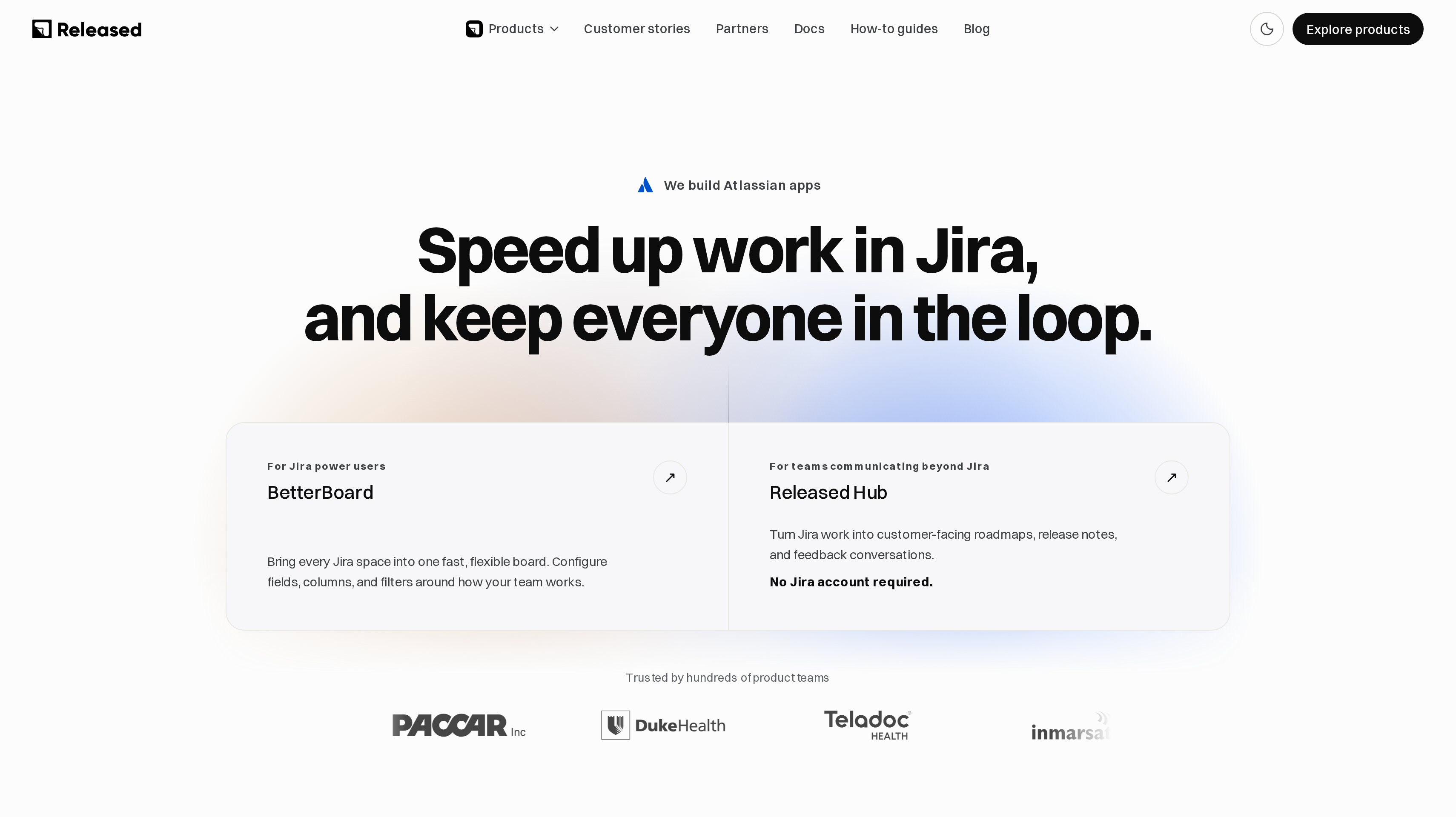
7. Released, best for Jira teams turning issues into release notes
Released connects the work recorded in Jira with the product updates customers read. Released Hub turns Jira work into customer-facing release notes, roadmaps, and feedback conversations. That makes it a specific fit when the information for an announcement already lives in issues and your team wants to spend less effort reconstructing the release in a separate writing process.
Released Hub Free is $0 per month for up to ten users and includes 2,000 AI tokens per user. Standard is $1.10 per user per month with 10,000 AI tokens per user and the option to remove the Released Hub watermark. Advanced is $1.70 per user per month with 20,000 AI tokens per user. A user means an active, licensed account on your Jira site, so the billing population follows Jira rather than only the people writing announcements.
The AI allowance is part of the publishing capacity. Choose a representative batch of completed issues and look at the customer-facing draft it produces. Internal descriptions often explain implementation details; your published note should explain the outcome, who has access, and where to use it. Keep a product owner responsible for that final edit.
Roadmaps and feedback channels extend the same connection beyond a release post. For this shortlist, the strongest reason to consider Released is the handoff from Jira delivery work to external communication. A 30-day trial starts directly from Jira, giving your team a way to evaluate that handoff around its usual release cycle.
Best suited for product teams that use Jira as the source for the work they announce. Generating notes from those issues supports a repeatable release routine shared by engineering and the people updating customers.
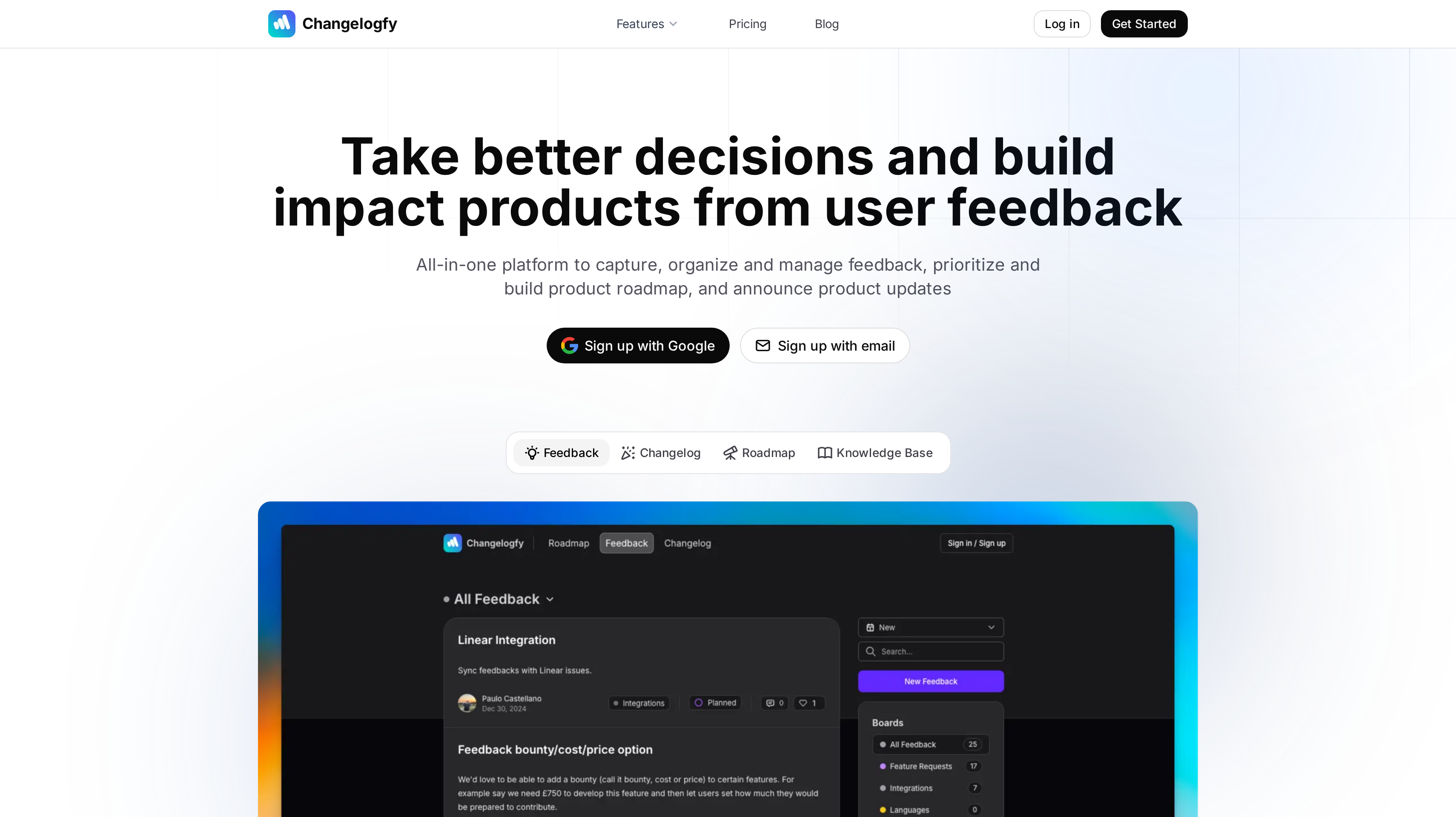
8. Changelogfy, best for small teams combining announcements and product planning
Changelogfy brings release announcements into a product that also handles feedback and roadmaps. Its announcement side includes a standalone, SEO-friendly changelog page and an in-app widget for features and improvements. You can give occasional visitors a public history while showing active users what changed where they already work. For a small team, those two destinations cover different moments in the customer relationship.
Email notifications automatically send subscribers your latest product updates, and multilingual release notes help you communicate with readers in different languages. An AI writing assistant can draft changelog content. Together, these capabilities give the person running releases a way to prepare the post and distribute it through a public page, the product, and email.
The surrounding feedback and roadmap features are useful extras when one person handles both planning and announcements. Your release post can focus on the finished improvement while the planning area holds discussions about future work. Keeping those jobs distinct makes the changelog easier to scan for a customer who only wants to know what they can use now.
Evaluate Changelogfy with a release that needs a short in-app summary and a fuller public explanation. Give the AI draft the same editorial review you would give a manually written post, especially for availability and translated product terms. The ongoing task is keeping the announcement understandable after the launch conversation has moved on.
Best suited for small SaaS teams that want public release notes, in-app announcements, and email updates alongside product planning. It gives a founder or product owner one place to manage the communication around a shipped improvement.
Side-by-Side Comparison
Compare the paid plan, billing unit, and main announcement workflow for each tool.
Tool
Paid plan
Billing unit
Announcement focus
Featurebase
Growth $29/seat/mo
Seats
Shared support stack
Beamer
Starter $59/mo
Plan + MAUs
Targeted in-app updates
AnnounceKit
Changelog $49/mo
Products + MAUs
Modular publishing
Noticeable
Starter $29/mo
Flat plan
Unlimited paid visitors
Headway
Pro $29/mo
Flat plan
Simple page and widget
LaunchNotes
Growth $249/mo
Subscription
Cross-team releases
Released
Standard $1.10/user/mo
Jira users
Notes from Jira
Changelogfy
Not listed
Not listed
Combined planning stack
Which changelog tool fits your use case
Choose around a release you actually need to communicate. Write down who should hear about it, where those people will read it, and who has to approve the wording. That gives you a much better trial than filling an empty changelog with sample posts.
The budget follows the same exercise. Count the editors for a seat-based plan, active users for a MAU-based plan, and projects for a multi-product setup. A large customer audience and a large publishing team create different requirements, even when both companies ship at the same pace.
Use case
What changes about the setup
What to look for
Support and announcements share an owner
Release questions arrive in the same workspace as customer conversations.
Featurebase for updates alongside support.
Different users need different messages
The audience depends on who can use the shipped feature.
Beamer for targeted in-app announcements.
Several people publish through selected channels
You buy the communication products and team access you need.
AnnounceKit for modular products and flat team expansion.
Your visitor count keeps growing
Audience size should stay independent of the paid subscription.
Noticeable for unlimited paid-plan visitors.
A founder runs a small product's updates
A page and widget cover the initial publishing routine.
Headway for a free start; Changelogfy for planning alongside updates.
Releases span teams or Jira work
Communication needs a shared organizational or engineering source.
LaunchNotes across teams; Released for Jira-generated notes.
A practical trial ends with a published update and someone outside the launch team reading it. Ask that person to find the feature and explain what changed. Then inspect which channels reached the intended audience and how much manual copying your team did. Those observations show where your team needs a different channel or a simpler handoff before the next release.
Proof: What results look like
Beamer publishes a customer account from Paolo Sabatinelli, Chief Product Officer at Immobiliare.it, reporting 30% higher feature adoption with 50% less effort after replacing product-update emails with Beamer. The result connects the announcement channel to feature use, which is a useful outcome to measure for your own releases.
Noticeable says more than 2,000 product teams use its platform. That describes adoption of the service; for your trial, pair delivery metrics such as views and clicks with the product action the announcement asks readers to take.
A partner channel has its own measures, including referred customers and revenue. The customer testimonials cover that growth channel, and the LTV:CAC analyzer helps you work through acquisition economics alongside your retention goals.
FAQ
What are the best changelog tools for SaaS teams?
Featurebase leads this ranking for teams combining release announcements with support and product conversations. Beamer is a strong fit for targeted in-app communication, and AnnounceKit fits buyers who want separate announcement products without per-seat billing. Start with the channel your customers will actually read and the workflow your publishing team can maintain.
How is release notes software different from a CHANGELOG.md file?
A CHANGELOG.md file keeps a version history in your repository, often for developers and technical users. Release notes software adds customer-facing publishing and distribution, such as a branded public page, an in-app widget, or subscriber emails. You can keep both and write each for the people who will use it.
Which changelog tools offer a free plan?
Headway Free includes unlimited changelogs plus page and widget customization. Beamer offers a Free plan for products with fewer than 1,000 monthly active users, Noticeable has a Free tier, and Released Hub Free covers up to ten Jira users. Featurebase also has Free, while its public changelog and outbound updates begin on Growth.
How should I compare the different pricing models?
Count the unit each provider bills against your actual setup. Featurebase charges by seat, Beamer includes MAU-based capacity, AnnounceKit combines product subscriptions with MAU capacity, and Released bills active licensed Jira users. Noticeable's paid plans include unlimited visitors, while project and collaborator allowances help determine the tier you need.
Can I schedule announcements and use AI to draft them?
AnnounceKit supports AI-assisted drafting and scheduled publication, while Headway Pro includes scheduled publishing. LaunchNotes offers AI drafting, Changelogfy has an AI writing assistant, and Released uses Jira work to generate release notes. Assign someone to review the customer benefit, availability, and next step before any draft becomes an announcement.
Should product updates go by email or inside the app?
Use the app for a change that matters while someone is working, and email for subscribers who need a reason to return. A public changelog gives both groups a permanent reference. Noticeable supports subscriptions by label, while AnnounceKit offers email notifications and digests through its Email add-on, so you can shape delivery around reader preferences.
How can Jira, GitHub, and Slack fit the publishing workflow?
Released builds the release-note workflow around Jira issues, while Featurebase includes Jira and GitHub issue-management integrations on Growth. Noticeable connects natively to Slack and reaches GitHub through Zapier; AnnounceKit includes Slack, webhooks, and an API with every product. Decide whether you need source material for a draft, a publishing trigger, or a notification after release.
How can partners use the product news we publish?
Give partners an update they can explain to their audience, with the customer benefit and a clear example of who should try it. A new feature can support a tutorial, a review refresh, or a launch message. The affiliate software shortlist covers the tools for running the affiliate and partner programs behind those recommendations.
Try for free
Choose the announcement tool around your next shipped improvement. Prepare a public note that explains the benefit and an in-app message that gets the right users to try it. Give someone ownership of replies and follow-up questions. When customers and creators start sharing that news, invite them into affiliate and partner programs. Affonso connects their recommendations with referred revenue, commissions, and payouts. Start your Affonso free trial.
 Affonso
 Silvestro Zinnanti, FounderComparisonNovember 14, 202622 min read