Best AI agent platforms in 2026: the buyer's shortlist.
Compare eight AI agent platforms for SaaS teams. See agent builders, tool access, evaluation, deployment, pricing, and the fit for production agents.
Your agent handles a demo well. Then a customer gives it an unfamiliar request, a tool call fails, and your team needs to understand what happened before the next run.
Getting an agent into production means deciding where it runs, what it can access, what it remembers, and how you judge its work. The builder is only part of that decision.
This shortlist compares eight AI agent platforms for SaaS teams. LangChain takes the top spot for its open-source frameworks and LangSmith's connected approach to tracing, evaluation, deployment, and monitoring.
Key Takeaways
The short version, before you compare the tools.
Start with who will build and operate the agent. LangChain and Mastra fit teams writing agent behavior in code. Copilot Studio, Dify, and Relevance AI offer paths where business teams can take a larger role in building or running the work.
LangChain leads for a connected development lifecycle. Your team can build with its open-source frameworks, inspect runs in LangSmith, turn traces into evaluation datasets, and deploy agents with persistent state. That connection matters when the first working version needs regular improvement.
A runtime is a separate buying decision. Amazon Bedrock AgentCore runs agents built with different frameworks and models on AWS. Google Gemini platform connects development, runtime, memory, and organization-wide governance on Google Cloud.
Tool access needs an owner. An agent calling an API needs clear permissions and a way to review its actions. AgentCore includes Gateway, Identity, and Policy, while CrewAI combines multi-agent building with guardrails and human review.
Seats are only one part of the bill. LangSmith combines seat plans with usage, Mastra includes observability events and compute allowances, Dify Cloud uses workspace plans and message credits, and Copilot Studio offers credit commitments or pay-as-you-go. Price the workload you intend to run.
A free tier should support a useful pilot. LangSmith Developer includes 5,000 base traces per month, Mastra Starter includes 100,000 observability events and 24 CPU hours, and CrewAI Basic includes 50 workflow executions per month. Those allowances measure different things, so define a successful task before comparing them.
What AI agent platforms actually are (and what they are not)
AI agent platforms provide the software around an agent's model. You define a goal, give the agent instructions and access to tools, and decide how it should use context while working. Depending on the platform, you build that behavior in code, through a visual editor, or with natural-language instructions. The platform may also host the agent and record what it does.
For a SaaS team, the lifecycle continues after the first successful response. You need to inspect tool calls, save examples of good and bad results, evaluate changes, and deploy a version your team can support. Memory helps an agent carry useful context between steps or sessions. Permissions determine which customer records and business actions it can reach.
An agent can choose its next step based on the task and the results of earlier calls. A deterministic workflow follows steps and conditions you define in advance. The workflow automation shortlist covers that second buying decision. An agent can still use a workflow for a repeatable process, and several platforms below support both approaches within agent development.
These tools do not replace your product database, business rules, or the person accountable for a customer-facing decision. Keep the scope of the first agent small enough to judge its output against real work. Before you budget for an agent intended to reduce acquisition costs, use the free LTV:CAC analyzer to understand the economics it needs to improve. That gives your pilot a business goal beyond generating a convincing answer.
How We Ranked These AI Agent Platforms
This shortlist evaluates how a SaaS team builds, deploys, and operates agents that do useful work in production. The ranking favors a connected engineering lifecycle first, followed by specific fits for cloud infrastructure, development languages, and business teams.
The comparison uses public vendor pricing, product pages, and documentation. Open-source frameworks and hosted services are assessed by the part of the agent lifecycle they cover.
We compared five criteria:
Development approach. Code-first frameworks, visual editors, and natural-language building suit different owners. We looked at how you define agent behavior and combine it with repeatable workflows.
Runtime and deployment. Hosting, persistent state, sessions, memory, and deployment choices determine how an agent keeps working beyond a demo. Cloud, VPC, and self-hosted options are stated where the vendor offers them.
Tool access and governance. APIs, MCP connections, identity, policies, permissions, and human review affect which business actions an agent can perform and who controls that access.
Evaluation and observability. Traces show the steps behind a result. Datasets, scorers, evaluations, dashboards, and alerts help your team judge changes and investigate failures.
Cost and usable capacity. Seat fees, consumption rates, credits, compute, and included allowances describe different costs. We compared the pricing unit alongside the capacity each published plan includes.
Vendor adoption claims and customer results are attributed to the company reporting them. They provide context rather than a measured comparison of agent quality. We plan to review this guide quarterly and after material pricing changes.
The Best AI Agent Platforms in 2026
The right platform depends on where your team wants to own the work. A framework gives engineers control over behavior, a managed runtime handles production execution, and a visual builder gives more people a way to contribute. These eight options cover those needs with different approaches to memory, evaluation, deployment, and cost.
1. LangChain (LangSmith), best for open-source frameworks with tracing, evals, and deployment
LangChain connects open-source agent development with the LangSmith lifecycle. You can build with Deep Agents, LangGraph, or LangChain, then use LangSmith for testing, deployment, monitoring, and governance. Fleet also lets teams build agents through natural language. The breadth across building and operating an agent is why it leads this shortlist for engineering teams.
LangSmith's step-by-step traces help you inspect how a run reached its result. You can create datasets from those traces and use evaluations to test changes against saved examples. Online evaluations, dashboards, and alerts carry that review into production. For your SaaS team, the practical benefit is a path from investigating a failed task to checking whether a change improves similar tasks.
LangSmith Deployment supports long-running tasks with persistent state, more than 30 Agent Server endpoints, and sandboxes for agent-generated code. LangSmith Engine is part of the platform's deployment offering. LangSmith states that it does not use your data to train models.
Developer is $0 per seat per month for one seat and up to 5,000 base traces per month, followed by pay-as-you-go usage. Plus is $39 per seat per month, allows unlimited seats, and includes 10,000 base traces per month, one free small serverless deployment, and access to Deployment and Engine. Usage is measured in LangChain Standard Units, with one LSU equal to $1. Enterprise has custom pricing, self-hosted and hybrid options, custom SSO and RBAC, and a support SLA.
Best suited for engineering teams that want to connect framework development with repeatable testing and production tracing. Your developers can use the same failed runs to guide debugging and build an evaluation dataset for future changes.
2. Amazon Bedrock AgentCore, best for running agents from any framework on AWS
Amazon Bedrock AgentCore provides production infrastructure for agents built with your chosen framework and model. Its supported paths include LangChain, OpenAI Agents SDK, Claude Agent SDK, Strands SDK, and your own framework. That makes it a useful choice when your team has already written the agent and wants to choose the services around its execution.
The capabilities are modular. Runtime runs the agent, while Browser, Code Interpreter, and Web Search support different kinds of work. Gateway handles MCP and tool connections. Policy and Identity address control and access, and Memory stores context. Observability, Evaluations, and Agent Registry support the work of inspecting, assessing, and organizing agents. The AgentCore CLI gives developers a command-line path into the platform.
Your team can use each capability independently. For an AWS-based SaaS company, that means choosing hosting, controlled tool access, memory, or evaluation around an existing agent project.
Pricing is consumption-based, with no upfront commitments or minimum fees. Runtime starts at $0.0895 per vCPU-hour and $0.00945 per GB-hour. Gateway costs $0.005 per 1,000 invocations, and Web Search costs $7 per 1,000 queries. New AWS customers can receive up to $200 in Free Tier credits. Build your estimate around the capabilities the task calls and the resources its runtime consumes.
Best suited for teams that want to run their preferred agent framework on AWS with modular production services. The fit is especially clear when your infrastructure team wants to choose tool access, identity, memory, and execution services separately.
3. Mastra, best for TypeScript teams building agents and workflows in code
Mastra is an open-source TypeScript agent framework with a platform for observing and deploying the agents you build. The framework includes agents, workflows, memory, a harness, and a server. Your team can define typed workflow steps with retries and branches, then combine those repeatable steps with agent behavior in the language it already uses for the product.
Memory includes semantic recall and observational memory. Mastra Studio gives your team a place to work with the system, while built-in observability covers traces, metrics, logs, evaluations, datasets, and scorers. That combination suits a development process where you want to examine a run and judge the output alongside the code that produced it.
You can deploy to Mastra Cloud or self-host. For a TypeScript SaaS team, the distinction is who operates the deployment. Decide whether you want managed hosting or whether agent execution belongs in infrastructure your team already maintains.
Mastra Platform Starter is free with 100,000 observability events, then $10 per 100,000 events, plus 24 CPU hours and 15-day retention. It allows unlimited users, deployments, and projects. Teams is $250 per month with one million events, 250 CPU hours, six-month retention, multiple teams, SSO, and SOC 2 documents. Enterprise has custom pricing with RBAC, audit logs, uptime SLAs, and on-prem deployment. The model gateway charges market rate plus 5.5%, or you can bring your own key.
Best suited for TypeScript product teams that want agents, typed workflows, and evaluation in one development approach. The cloud and self-hosted deployment paths give your engineers a choice about who runs the resulting service.
4. CrewAI, best for multi-agent work with enterprise governance
CrewAI combines multi-agent building with an enterprise runtime. Its Discovery capability ranks opportunities for automation, and the automated multi-agent builder gives teams a no-code visual editor. You can export that work to Python or take a code-first path. This makes the platform relevant when business owners help define the task and engineers need to work on its implementation.
The platform includes OpenTelemetry tracing, guardrails, and human-in-the-loop controls. Agents can also be exported as an MCP server. For a SaaS operations task that involves several agents, those capabilities give your team specific things to assess during a pilot. Look at which steps need a person, how you inspect the work, and what you intend to expose to other tools.
Deployment choices include CrewAI cloud, your own VPC, or your infrastructure. Choose with the team responsible for the business data your agents will use and the people supporting the service.
Basic is free and includes the visual editor, an AI copilot, GitHub integration, and 50 workflow executions per month. Enterprise has custom pricing and includes SSO, RBAC, PII redaction, policies, and 45-day onboarding. Forward deployed engineering is available. The enterprise offer is a specific fit when rollout includes access controls and a shared operating process across teams.
Best suited for organizations building multi-agent processes with both business contributors and developers. Visual building, Python export, human review, and enterprise policies support a shared process from defining the work to operating it.
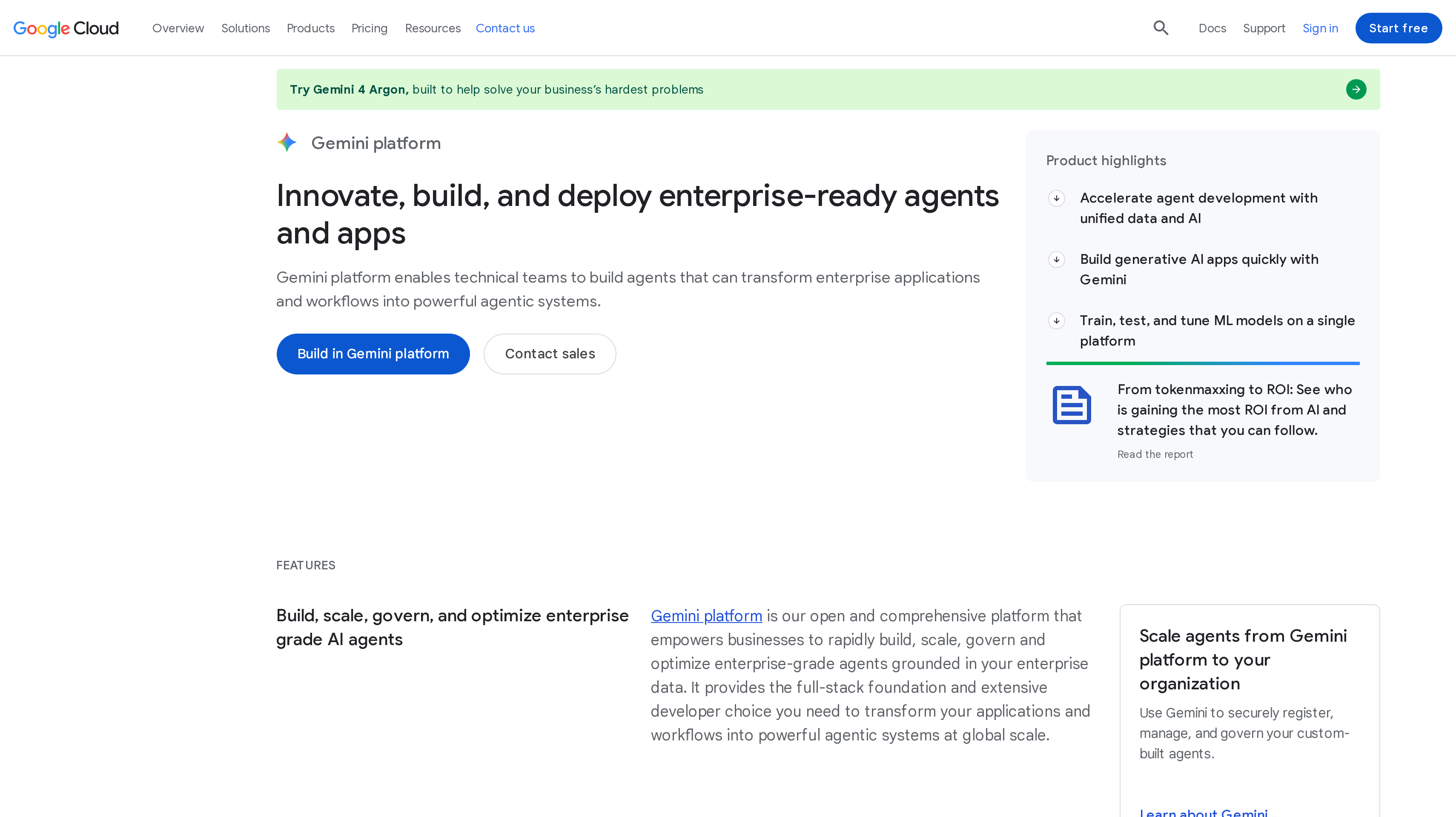
5. Google Gemini platform, best for enterprise agents on Google Cloud
Google Gemini platform brings agent development, runtime, and governance into Google Cloud. It supports building agents grounded in enterprise data, scaling their execution, and optimizing their operation. Your team can use the Agent Development Kit, or ADK, as part of that development path. The fit centers on organizations that want their agents managed within a Google Cloud environment.
Agent Runtime includes sessions and Memory Bank. Those capabilities address how an agent carries context while it works and what it can retain for later tasks. The platform offers more than 200 Google and third-party models and tools, giving your team choices for the model and tool setup behind a particular use case.
You can register and govern custom agents across your organization. That matters when several teams need a shared view of the agents they run. Start by identifying the enterprise data each agent should use and the team responsible for its behavior.
Pricing follows Google Cloud usage. New Google Cloud customers receive $300 in free credits for 90 days. The monthly free tier for agent runtimes covers the first 50 hours of compute, 100 hours of RAM, and 1 GiB of storage. Agent Storage costs $0.30 per GiB-month. Treat compute, memory, and stored context as separate parts of the workload when you estimate a pilot.
Best suited for enterprise teams building agents around Google Cloud and organizational data. ADK, runtime sessions, Memory Bank, and organization-wide agent governance fit a coordinated development and operations process.
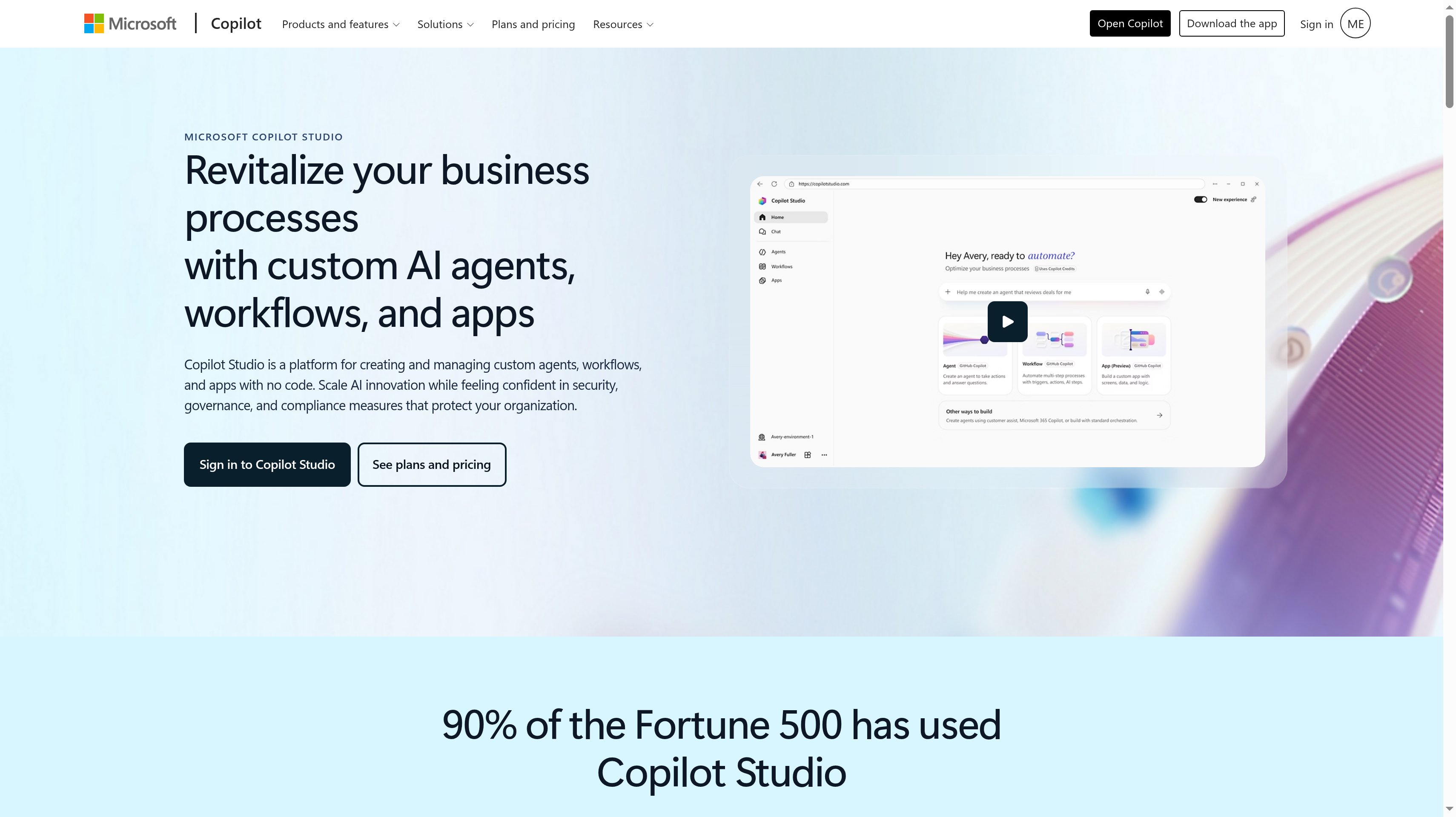
6. Microsoft Copilot Studio, best for Microsoft 365 organizations building low-code agents
Microsoft Copilot Studio is a no-code platform for creating and managing custom agents, workflows, and apps. It supports conversational and autonomous agents, with a choice of the latest models and controls for security, governance, and compliance. Your team can publish agents to websites, apps, and other channels.
For a Microsoft 365 organization, the first decision is whether the agent is for internal use or needs the standalone service. Microsoft 365 Copilot includes agent-building for internal use as part of its $30 per user per month add-on, paid yearly. That creates a clear starting point for teams whose first agent supports work inside the organization.
Standalone Copilot Studio offers a pre-purchase plan using Copilot Credit commit units, with savings of up to 20%, or pay-as-you-go. It requires an Azure subscription, and new Azure accounts receive a $200 credit. Compare those purchasing options against the workload and audience you intend to serve, keeping the internal-use offer distinct from the standalone plan.
The no-code approach makes this an AI agent builder to evaluate with the people who understand the business process. Have them define a useful conversation or autonomous task while your access owner reviews governance requirements. Include the intended publishing channel so the pilot reflects how people will use the agent.
Best suited for Microsoft 365 organizations that want business teams to create agents with no-code tools. The internal-use offering and standalone publishing options support different audiences within the same buying decision.
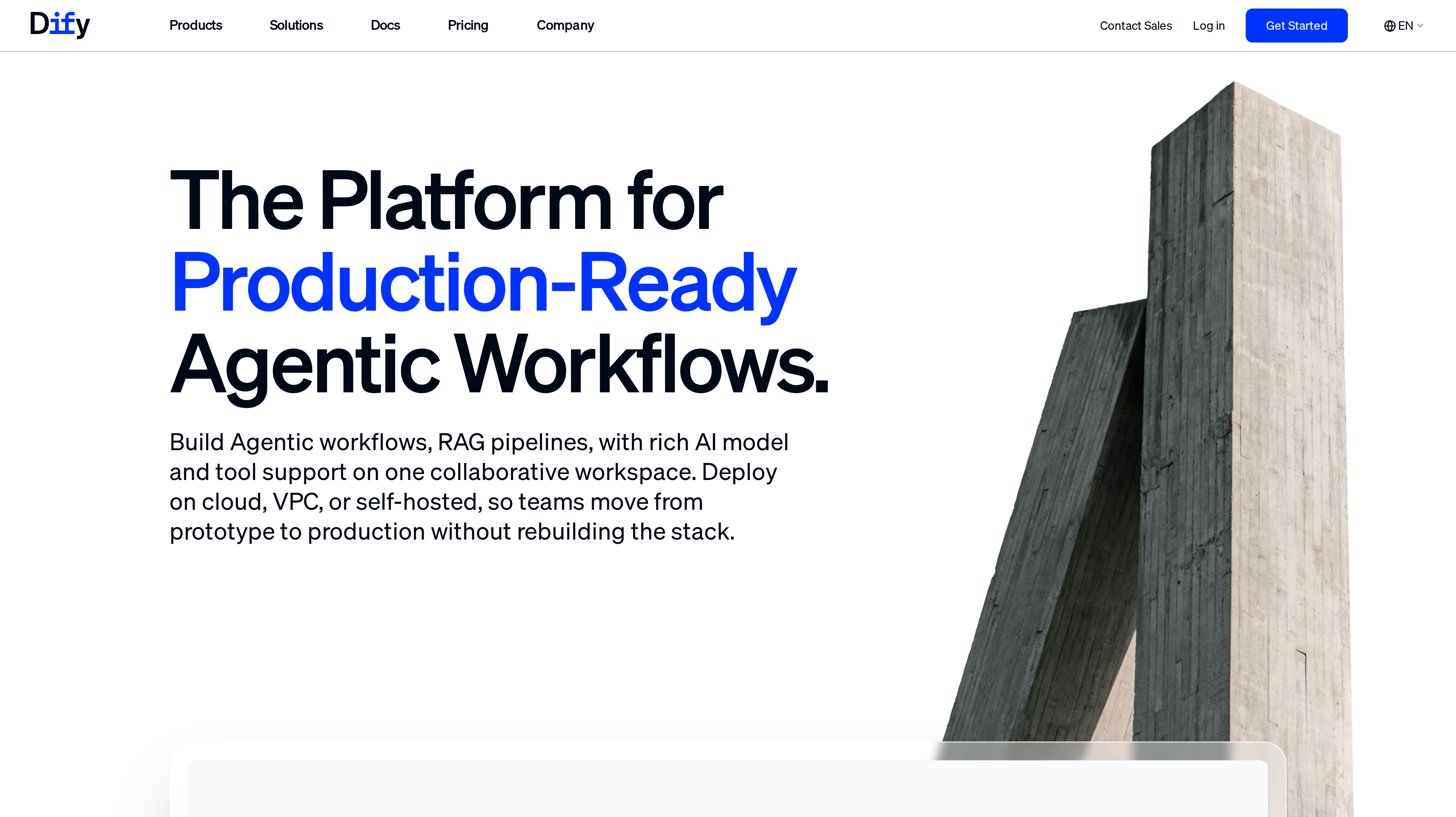
7. Dify, best for visual agentic workflows and RAG you can self-host
Dify puts agentic workflows and retrieval-augmented generation, or RAG, pipelines in a collaborative workspace. Its model and tool support lets your team build around the information and actions a task needs. A visual approach fits teams that want to make the sequence of retrieval, model work, and tool use part of the building process.
You can deploy on Dify Cloud, in a VPC, or self-host. That choice is useful when the team designing the workflow and the team responsible for hosting need to agree on the same platform. A pilot should include the source material the agent will use and examples where the retrieved information needs to support the answer.
Dify Cloud Sandbox is free with 200 message credits, one member, and five apps. Professional includes 5,000 message credits per month, three members, and 50 apps. Team includes 10,000 credits per month, 50 members, and 200 apps. Professional and Team are priced per workspace, and annual billing saves 17%.
Self-hosted Enterprise has custom pricing with a commercial license. For the cloud plans, compare membership against the people maintaining your workflows, app counts against the projects you plan to build, and message credits against expected use.
Best suited for teams that want visual agentic workflows and RAG pipelines with a choice of hosting environments. The shared workspace gives the people shaping retrieval and agent behavior a common place to build the app.
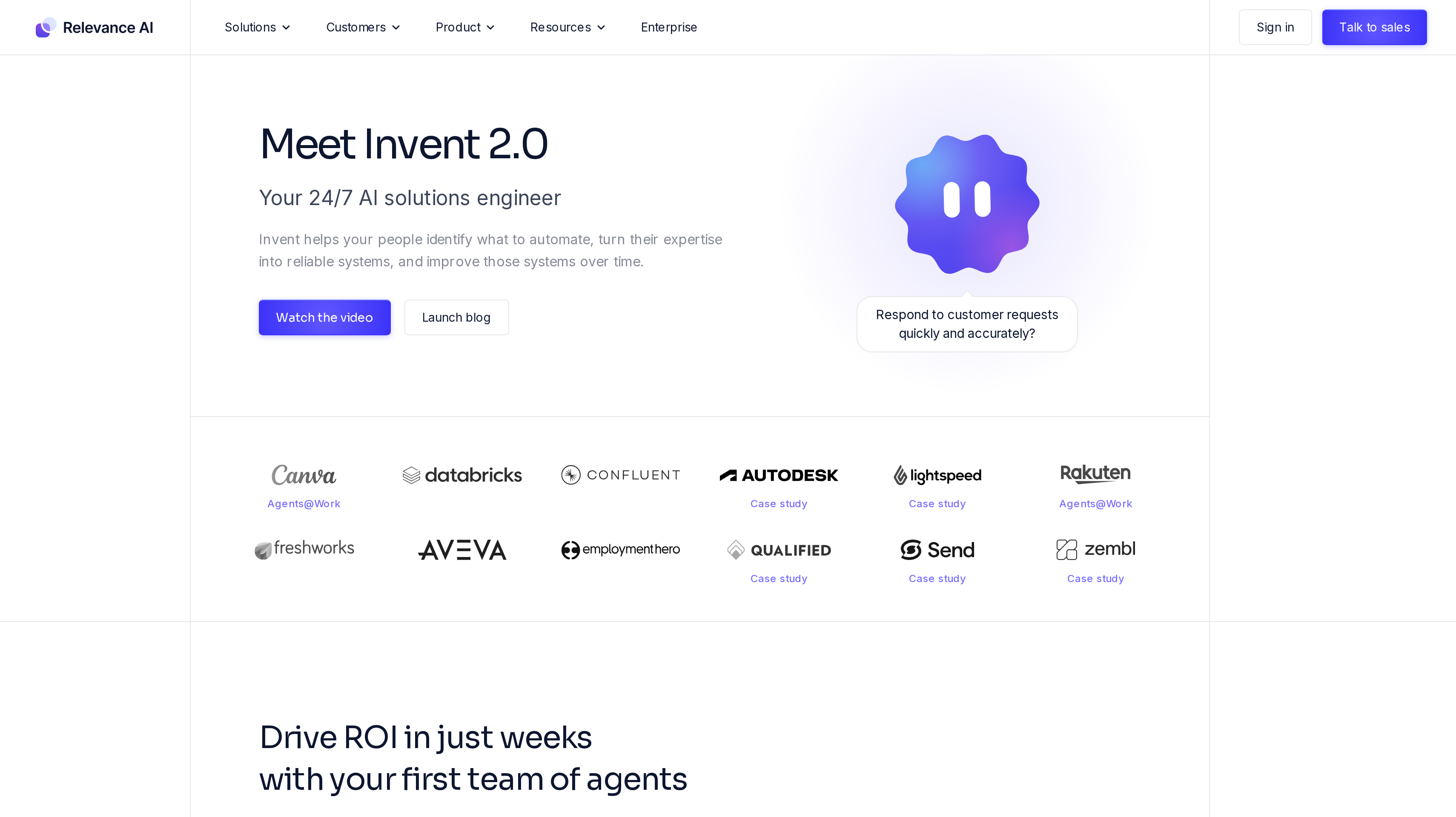
8. Relevance AI, best for go-to-market and operations teams deploying an AI workforce
Relevance AI organizes its platform around an AI workforce for sales, customer success, marketing, support, and operations. Invent 2.0 helps teams identify what to automate and turn their expertise into agents. The starting point is a business process and the knowledge of the people doing it, which makes the platform relevant to teams buying an operating solution with rollout support.
An embedded deployment team helps get the system live, then trains your team. For a SaaS go-to-market organization, that service model is part of the selection. Decide which process you want to hand over, who will judge the agent's work, and who will maintain it after training. Those choices give the deployment team a concrete outcome to work toward.
The Enterprise plan has custom pricing with unlimited agents, tools, users, projects, and workforces. It includes more than 2,000 integrations, calling and meeting agents, agent evaluations, A/B testing, and analytics. Those capabilities suit a pilot built around a real operational task where you want to compare different approaches and inspect the results.
Enterprise also includes SSO, RBAC, audit logs, and a dedicated account manager. Bring your process owner and the person responsible for access into the evaluation. Both will have a role in moving the agents into daily work.
Best suited for go-to-market and operations teams that want help turning their existing expertise into working agents. Deployment support followed by team training fits a rollout where the business team will own the process after launch.
Side-by-Side Comparison
Compare the development approach alongside deployment, tool access, evaluation, and the billing unit. Prices below are USD as published by each vendor, with plan terms and included capacity shown. The rows describe different parts of an agent stack, so a framework and a runtime can serve the same project.
Tool
Price
Build
Best for
LangChain (LangSmith)
Plus $39/seat/mo
Frameworks
Tracing and evals
Amazon Bedrock AgentCore
Consumption-based
Any framework
AWS runtime
Mastra
Teams $250/mo
TypeScript
Agents and workflows
CrewAI
Basic free
Visual or Python
Multi-agent work
Google Gemini platform
Usage-based
ADK
Enterprise agents
Microsoft Copilot Studio
Standalone pay-as-you-go
No-code
Microsoft 365 teams
Dify
Professional/Team per workspace
Visual workflows
RAG
Relevance AI
Enterprise custom
Invent 2.0
Go-to-market teams
Which AI agent platform fits your use case
Choose the work before the platform. A product engineer improving an agent's tool choices needs a different setup from an operations lead introducing agents to a team. Your existing cloud, development language, and ownership model help narrow the shortlist.
Use the same representative task when comparing options. Include the context it needs, the actions it should take, and an example where it should ask for help. That gives your developers and business owners something concrete to assess together.
Use case
What changes about the setup
What to look for
Engineering owns agent behavior and quality
Developers need to connect failures in production to changes in code and repeatable evaluation examples.
LangChain with LangSmith for frameworks, traces, datasets, evals, and deployment. Mastra for TypeScript agents and typed workflows.
An existing agent needs an AWS runtime
The framework is already chosen, and infrastructure owners are selecting the services around it.
AgentCore's independent Runtime, Gateway, Identity, Policy, Memory, and evaluation capabilities. Estimate the services your task actually uses.
Several agents share a business process
Business contributors define the work while developers maintain the implementation and access controls.
CrewAI's visual editor, Python export, human review, tracing, and Enterprise governance. Include the handoff between people and agents in your pilot.
Enterprise agents belong on Google Cloud
Teams need sessions, remembered context, enterprise data, and shared oversight across custom agents.
Google Gemini platform's ADK, Agent Runtime, Memory Bank, and organization-wide registration and governance.
Microsoft 365 teams build internal assistants
Business users need no-code building, and the audience determines which purchasing path applies.
Copilot Studio's internal agent-building offer through Microsoft 365 Copilot. Assess standalone credit plans for other publishing needs.
Business teams own visual or workforce deployment
Retrieval design, process expertise, or rollout support matters alongside engineering choices.
Dify for visual RAG and hosting options. Relevance AI for go-to-market workforces with an embedded deployment team and training.
Proof: What results look like
Adoption gives you context for a shortlist. CrewAI says 65% of the Fortune 500 uses it, while Microsoft says 90% of the Fortune 500 has used Copilot Studio. Those vendor-published claims describe adoption, not the quality or return of your particular agent.
Once your product and operating stack are in place, a partner channel has its own results to measure. In Affonso's published customer stories, supastarter founder Jonathan Wilke says affiliates refer more than half of its customers. SocialRails founder Matt reports a 30-minute setup and eight leads. These are partner-channel results, separate from the performance of any agent platform above.
For your rollout, measure completed tasks, the work people still review, and the cost of serving the customer. See the customer testimonials for the partner-channel examples, then use the affiliate commission calculator to model rewards within your margins.
FAQ
What are the best AI agent platforms for SaaS engineering teams?
LangChain ranks first here because its open-source frameworks connect to LangSmith tracing, evaluation, deployment, and monitoring. Mastra is a specific fit for TypeScript development, while AgentCore suits teams selecting production services on AWS around their preferred framework. Choose according to the part of the lifecycle your team needs to own.
What is the difference between an agent framework and a runtime?
A framework helps you define agent behavior and how it works with tools and context. A runtime provides the environment where that agent executes. LangChain and Mastra offer frameworks alongside platform services, while AgentCore lets you use production capabilities with agents built in different frameworks.
How do AI agent platforms charge for production use?
The unit varies by service. LangSmith combines seats and usage, AgentCore charges for consumed capabilities, Mastra includes events and CPU hours, and Dify Cloud combines workspace plans with message credits. Copilot Studio offers standalone credit commitments or pay-as-you-go, so compare the cost of a representative task rather than the subscription alone.
Which options let you self-host or use your own infrastructure?
Mastra supports self-hosting, Dify offers cloud, VPC, and self-hosted deployment, and CrewAI runs on its cloud, your VPC, or your infrastructure. LangSmith Enterprise offers self-hosted and hybrid options. Match the deployment choice to the team that will support the service and manage its access.
How should you evaluate an agent before putting it in production?
Save representative tasks with examples of acceptable results, then review both the answer and the actions behind it. LangSmith provides traces, datasets, and evals; Mastra adds datasets and scorers; AgentCore includes Evaluations; Relevance AI offers evaluations and A/B testing. Include tasks that require human judgment in your pilot.
What should an agent remember between tasks?
Give the agent the context the task requires, with clear rules about which information belongs to which customer or session. AgentCore includes Memory, Mastra provides semantic recall and observational memory, and Google Agent Runtime includes sessions and Memory Bank. Test whether remembered context remains relevant when the customer or task changes.
How do you choose between a visual AI agent builder and code?
Choose a visual approach when the people defining the process need to work directly on its structure. Choose code when developers will own detailed behavior and maintain it alongside your product. CrewAI offers a visual editor with Python export, Dify supports visual agentic workflows, and Mastra centers on TypeScript development.
Can an agent you build manage affiliates and referrals?
Yes, through the actions your connection supports. Affonso exposes an MCP server, API, and CLI for live program access and supported management actions, so you can build a custom affiliate-manager agent. These are developer connections rather than native integrations with the ranked platforms; the affiliate software shortlist covers choosing the program platform itself.
Try for free
Pick the platform that fits the people building and operating your agent. Give it a defined task and review the actions it takes. Use those runs to decide what to improve before expanding its responsibilities. When your SaaS is ready to grow through recommendations, build affiliate and partner programs around that channel. Connect your own agents to supported program actions through Affonso's developer tools. Start your Affonso free trial.
 Affonso
 Silvestro Zinnanti, FounderComparisonNovember 27, 202622 min read