Best scheduling app in 2026: the buyer's shortlist.
Compare eight scheduling apps for SaaS teams. See pricing, booking links, routing, team scheduling, and which app fits your demos, onboarding, and partner calls.
A prospect asks for a demo. You send some times, they reply after another meeting fills the slot, and the conversation starts again. Across a team, those delays add up.
A booking link lets the prospect choose an available time. The bigger decision is what happens around that booking, including qualification, rep assignment, reminders, and space for your own work.
Calendly leads this shortlist for teams that want familiar booking links, routing, and integrations. The best scheduling app for your company depends on which part of that workflow needs attention.
Key Takeaways
The useful differences, before you open another calendar.
Calendly is the starting point for a shared team setup. Booking links, multiple event types, round-robin distribution, and routing cover the path from a founder taking every demo to a sales team sharing demand. Free includes one event type; Standard starts at $10 per seat per month.
Cal.com gives an individual room to start. Its free plan includes unlimited event types and calendar connections for one user. Teams is $12 per user per month billed yearly and adds shared availability and round-robin scheduling.
The booking experience deserves its own comparison. SavvyCal has a week view and calendar overlay. Zcal emphasizes page design with unlimited links and calendar accounts free, while YouCanBookMe combines customizable pages with follow-up workflows.
Lead routing and calendar protection solve different problems. Chili Piper qualifies inbound prospects and applies ownership rules before a meeting reaches a rep. Reclaim.ai schedules work around meetings, so your team can offer booking links while defending focus time.
A lifetime plan changes the seat-cost discussion. TidyCal Individual Lifetime is a one-time $29 payment through AppSumo. Compare that purchase with the calendar connections, team setup, branding, and paid-booking fees your actual workflow requires.
Choose the plan for the whole meeting. Compare routing, CRM logging, shared availability, payment collection, and who needs a paid seat to host calls.
What a scheduling app actually is (and what it is not)
A scheduling app turns availability into bookable time. You connect a calendar, define an event type, and share a page where someone can choose a slot. The app checks for conflicts and creates the meeting. You decide the duration, notice period, and buffers that keep a demo from landing in time you need for something else.
For a SaaS team, that page can serve several stages of the customer relationship. Prospects book demos, new customers arrange onboarding, account owners schedule success check-ins, and partners find time to discuss a campaign. Each meeting has different requirements. A demo may need qualification and an assigned rep; an onboarding call may need several hosts available together. This guide covers meeting and demo booking, rather than employee shift scheduling or appointment software for clinics.
The best scheduling software fits those rules without making your team maintain availability in several places. Calendar connections determine which commitments block a booking. Round robin chooses a host from a group. Routing decides who should receive the prospect first. A CRM connection records the meeting against the relationship your sales team manages.
Your team still sets the meeting's purpose and follows through afterward. The scheduler does not decide whether a lead is worth pursuing or a customer achieved an onboarding goal. Before adding more seats, use the free LTV:CAC analyzer to work through customer value and acquisition cost. Give your meeting process a goal beyond filling calendars.
How We Ranked These Scheduling Apps
These rankings focus on SaaS teams booking external meetings. A founder sending a personal link and a team distributing inbound demos both need accurate availability, but their buying criteria diverge after that.
The order favors a broadly useful team scheduler first, followed by specific reasons to choose another setup.
We compared five criteria:
Booking links and calendar connections. Event types, conflict checking, shared availability, and controls over how much of your week becomes bookable. A free link is useful only if it checks the calendars where your commitments live.
Team distribution and routing. Round robin, qualification, territory or ownership rules, and the difference between choosing an available host and choosing the right host.
The invitee experience. Calendar overlays, booking questions, branding, and clear meeting choices. A customer should understand what they are booking before choosing a time.
Work around the meeting. Reminders, CRM connections, payment collection, automations, and AI calendar features. Scheduling an email thread and rearranging focus blocks count as different capabilities.
Cost as the team grows. The billing unit, free-plan allowance, lifetime purchases, included seats, and the plan needed for shared scheduling. Per-seat plans grow with host count, while lifetime plans charge once.
An individual free plan covers a single host. Team subscriptions add shared availability or meeting distribution, while inbound routing assigns leads by qualification and ownership.
The Best Scheduling Apps in 2026
Start with the meeting you need to book, then follow the work before and after it. These apps cover personal links, shared sales calendars, inbound qualification, and AI calendar planning. Each has a distinct reason to belong on your shortlist.
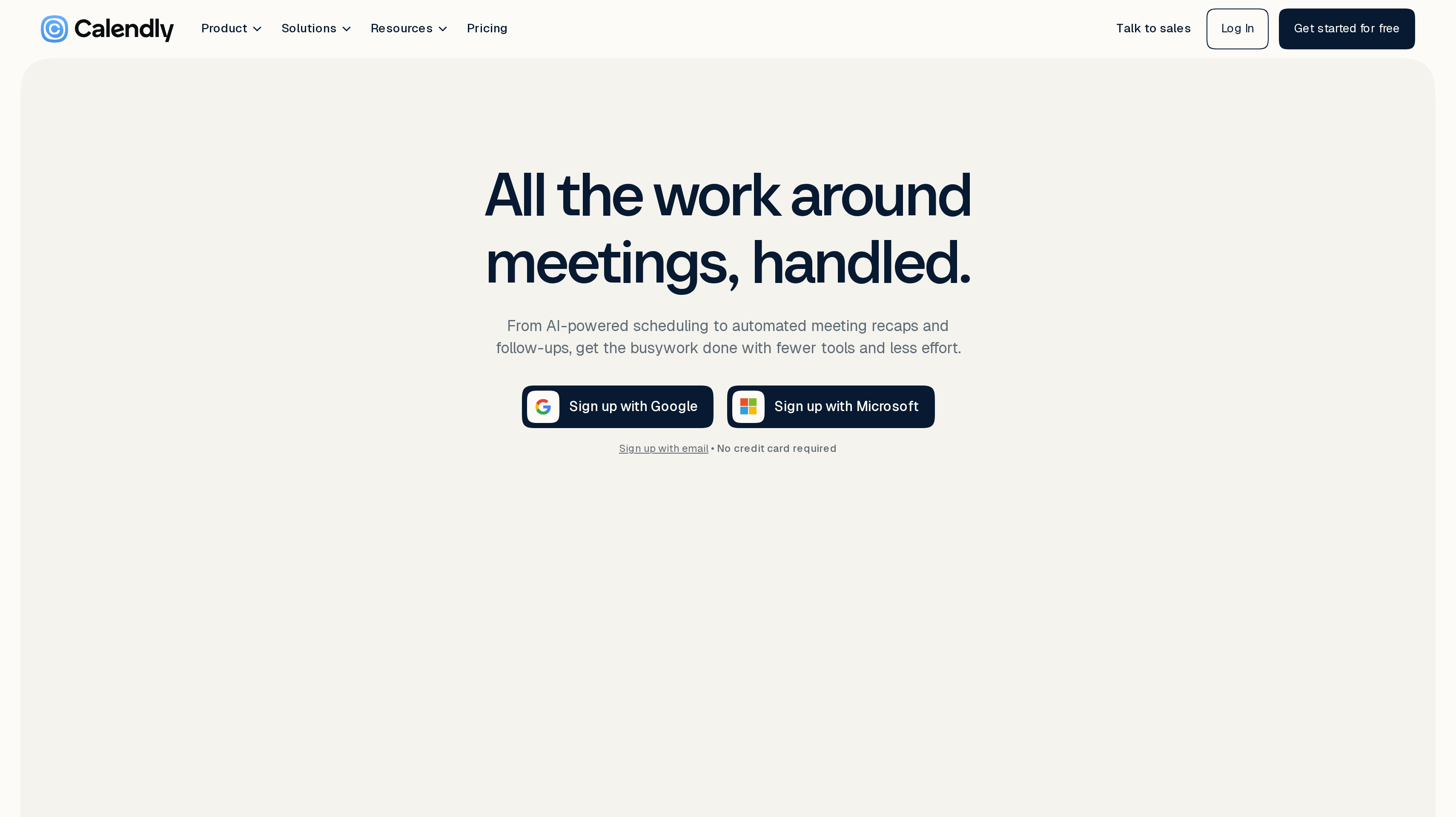
1. Calendly, best for default booking links with routing and integrations
Calendly gives your team a familiar way to offer time without coordinating every meeting by email. Begin with a personal booking link, then add event types and team distribution as more people host calls. That combination puts it first here. You can keep a common booking process across demos, onboarding, and customer conversations.
Free includes one event type. Standard starts at $10 per seat per month and adds unlimited event types, multiple calendar connections, automations, and reminders. Teams starts at $16 per seat per month. Enterprise starts at $15,000 per year for 50 seats and includes Salesforce lookup routing. Hosts need seats to connect calendars and run meetings; invitees do not need a paid seat. That distinction matters when you price a team with many customers but relatively few people taking calls.
Round-robin distribution shares bookings across teammates. Routing adds a decision before that assignment, so a prospect can reach the appropriate person or group. Test a new prospect and an account with an existing owner. A correct handoff should leave the calendar invitation and customer record agreeing about who will attend.
Payments support charging for sessions, while the Notetaker and Callie add-ons extend the workflow into recaps and email scheduling on Standard or Teams. Choose those additions around work your team already does manually.
Best suited for SaaS teams standardizing how founders, sales, and success staff offer meetings. You can give each host a booking link while building a shared process for distributing new demand.
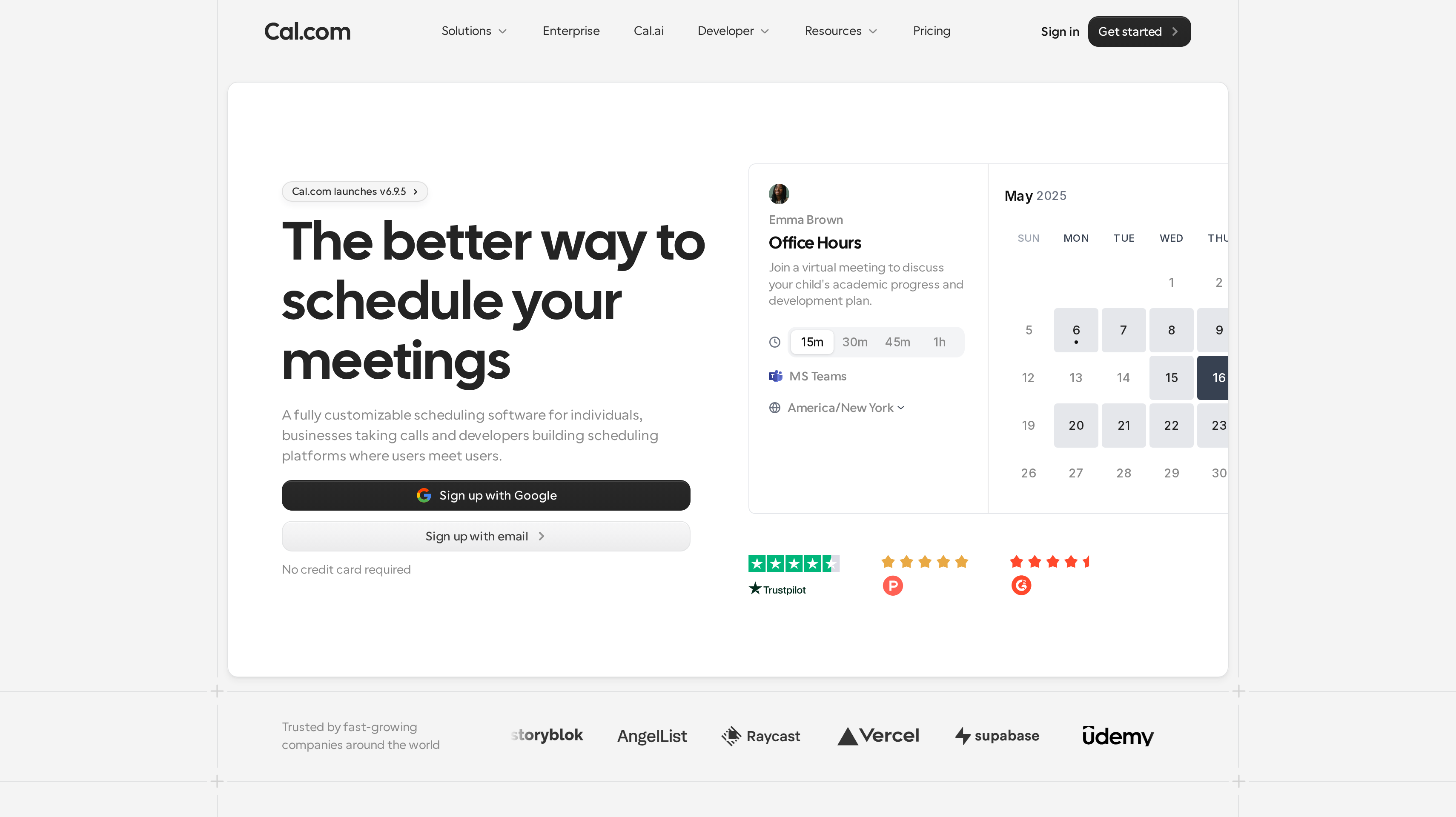
2. Cal.com, best for an open source scheduler with free individual capacity
Cal.com combines an open source scheduling approach with a hosted service for individuals, teams, and organizations. Its individual plan is a useful entry point when a founder has several calendars and several reasons to meet. You can separate product demos, partner introductions, and customer calls without treating every event type as an upgrade decision.
Individuals is free for one user with unlimited event types and calendars. It includes email and SMS notifications, integrations with more than 100 apps, and a one-click import of Calendly events. Teams is $12 per user per month billed yearly, with a 14-day trial. That plan adds one team, shared availability, round-robin scheduling, and custom APIs. Organizations starts at $28 per user per month and adds unlimited sub-teams, routing by custom variables, and a company subdomain. Enterprise has custom annual pricing.
You can set meeting limits and add buffers before or after events. For a founder coding between demos, those rules protect the time around a call. Set the limit around how many meetings you can prepare for and follow up on.
Shared availability handles meetings that require colleagues together; routing variables help distinguish which team should take a request. Define those requirements before deciding how much developer involvement your setup needs.
Best suited for founders who want several event types and calendars free, with an open source product behind the service. The team plans fit a growing company that wants shared booking and room to customize its scheduling workflow.
3. SavvyCal, best for invitees who want to overlay their calendars
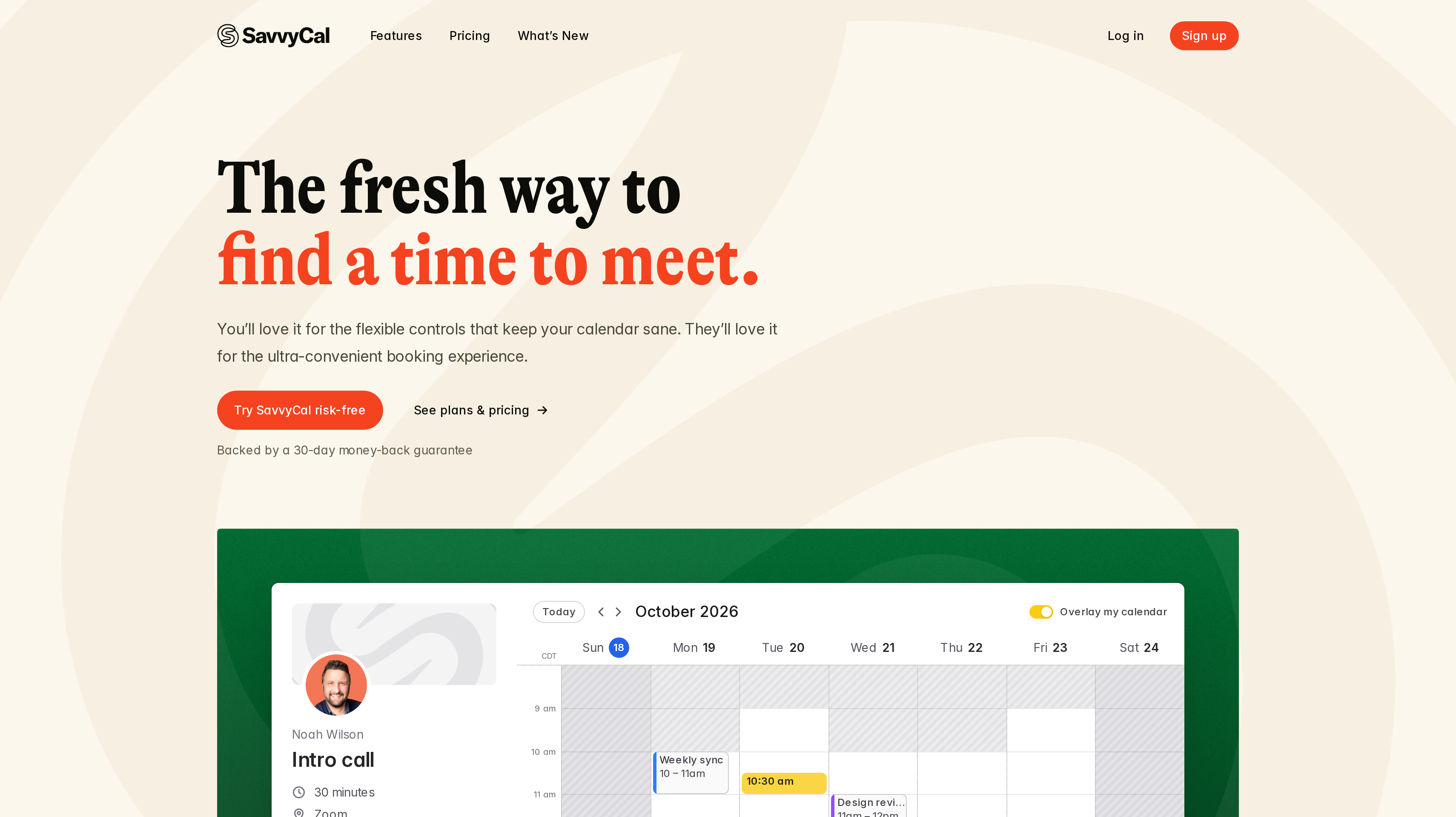
SavvyCal presents a week view with the available options together, so recipients can compare days without opening each in turn. Invitees can lay their calendar over your link to find a shared opening. That helps customers and partners fit your call around a busy week of their own.
Basic is $10 per user per month billed annually at $120 per user, or $12 per user billed monthly. It includes unlimited scheduling links, meeting polls, calendar connections, and team scheduling. Supported calendars include Google, Microsoft, iCloud, and Fastmail. Premium is $200 per user billed annually, or $20 per user billed monthly. It adds Stripe payments at booking and a branded experience on your own domain.
You can create links before upgrading to share them, and paid plans carry a 30-day money-back guarantee. Build your usual meeting types and review the page from the invitee's perspective. That experience matters when it is the customer's first direct interaction with your team.
Calendar controls cover buffers, meeting limits, preferred times, and time blocking. A demo link can offer slots inside a calendar block reserved for demos. Preferred times steer bookings toward the part of the day you want to use, while polls help a group settle on a meeting time. SavvyCal also supports connecting an MCP-compatible AI assistant to find times and book from chat.
Best suited for founders and customer-facing teams who care about how a scheduling link feels to a busy recipient. Calendar overlays and preferred times help both sides find an opening without sacrificing the host's working rhythm.
4. Chili Piper, best for routing inbound B2B leads into meetings
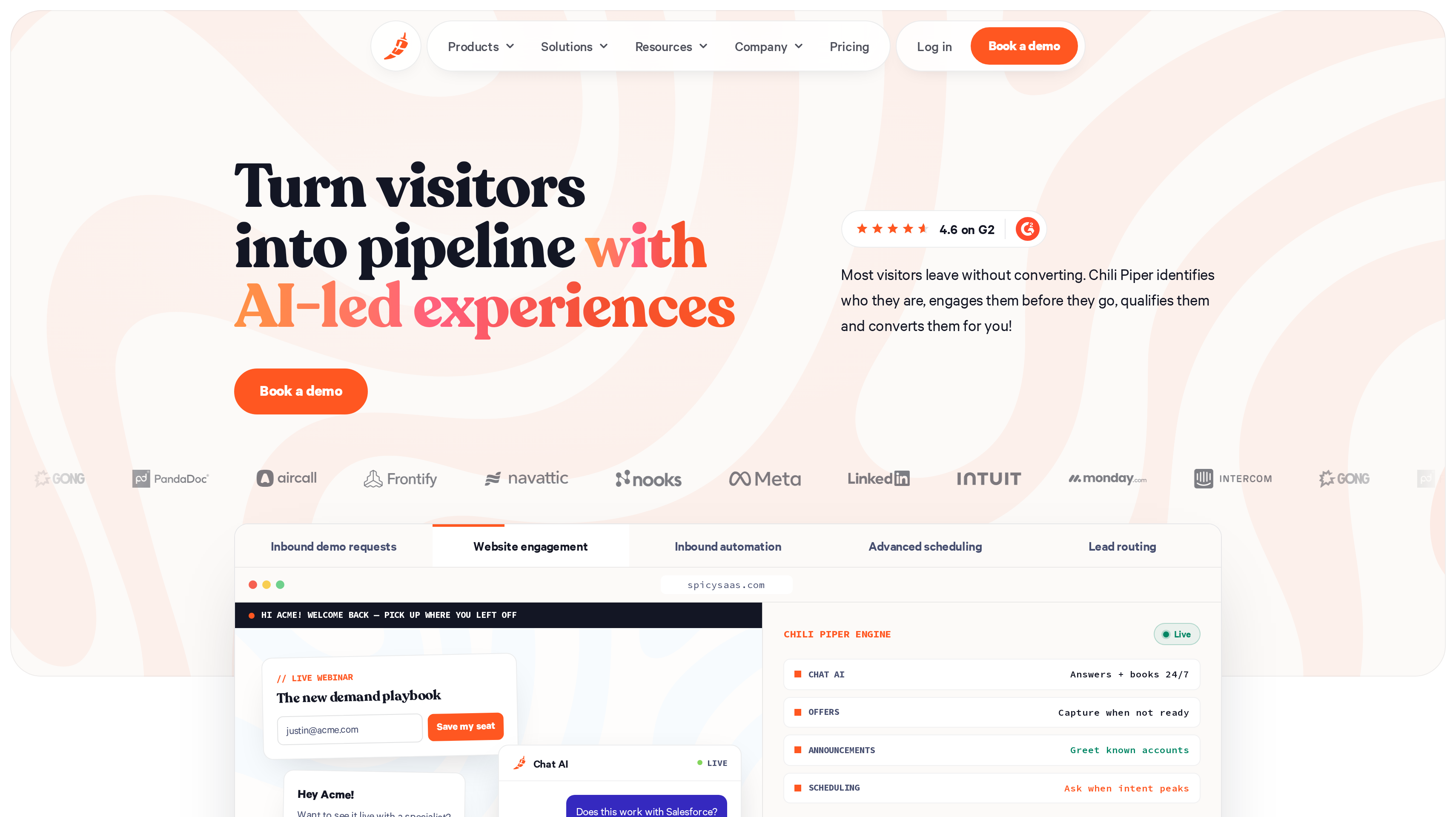
Chili Piper starts before the calendar appears. Its Routing & Scheduling product qualifies a lead, applies territory and ownership rules, and moves the prospect from a web form into a meeting. That makes it a different purchase from a personal booking link. You are choosing how inbound demand reaches sales, including what happens while a prospect is ready to talk.
Routing & Scheduling starts at $1,250 per month with up to 15 seats included. Additional seats cost $45 per seat per month. The plan includes 45,000 AI credits per year for enrichment, agents, and AI actions. Multi round-robin scheduling, weighting, and meeting limits support distribution across the team. Use the qualification rules to define who should receive a booking before you compare how evenly meetings are shared.
Every Chili Piper seat includes ChiliCal, with scheduling links that log to your CRM. Standalone ChiliCal is $12 per user per month with a minimum of 200 seats. It includes CRM, calendar, and messaging integrations, while orchestration, routing, and AI credits sit outside that standalone package.
Evaluate a form submission through to an assigned meeting and a correct CRM record. Include an existing customer, a new target account, and a request that should go elsewhere. Routing rules express those different ownership paths before a rep has to intervene.
Best suited for B2B revenue teams whose demo requests need qualification, ownership checks, and immediate scheduling. It fits an inbound process where the handoff between a form and the right rep is an operating priority.
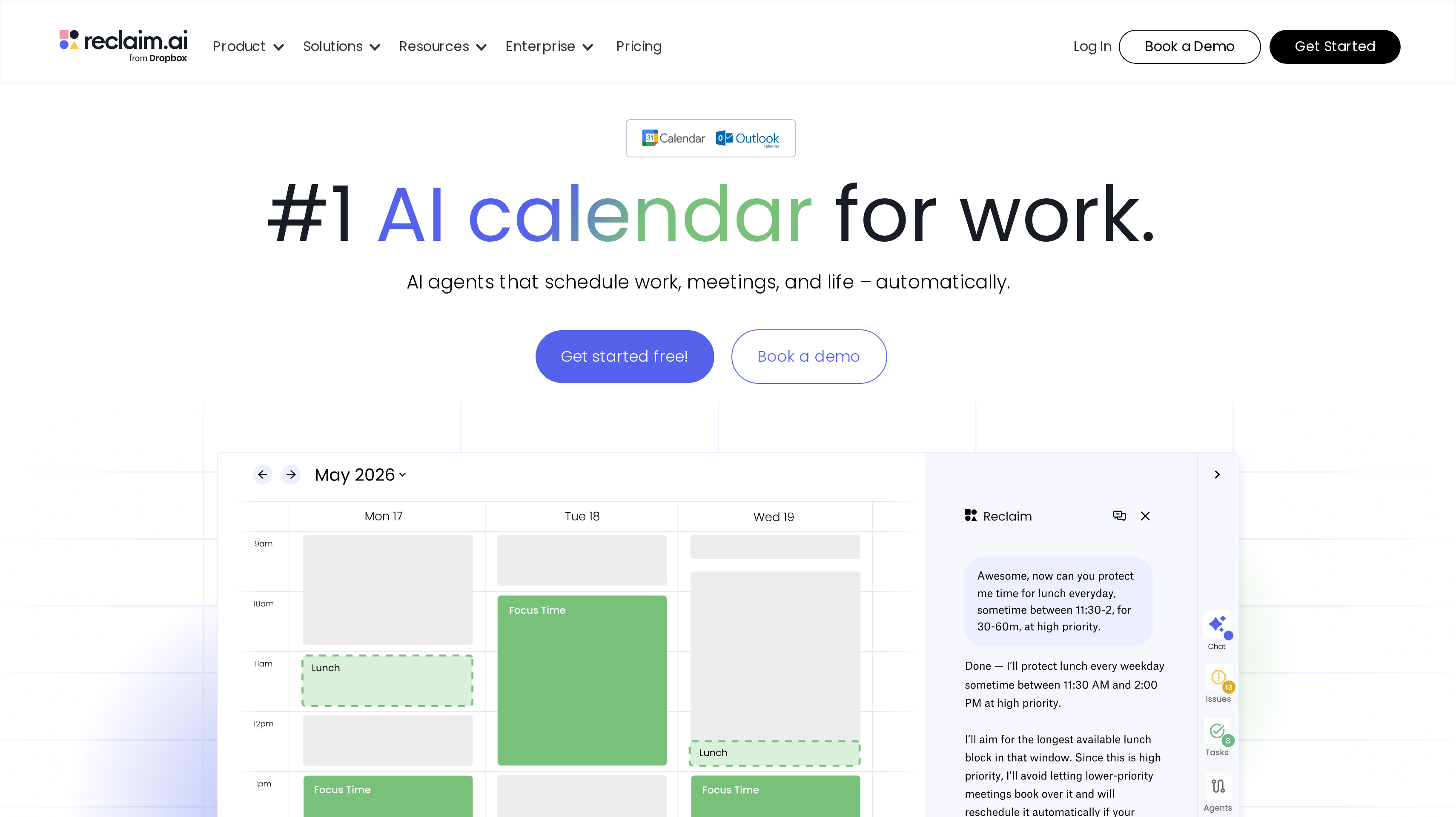
5. Reclaim.ai, best for focus time alongside AI scheduling links
Reclaim.ai approaches scheduling through the rest of your calendar. Its AI features defend focus time, arrange recurring events, schedule tasks by priority, and make room for meetings. Booking links sit beside that planning layer. The appeal for a SaaS founder is straightforward: you still need time to build the product after customers have booked their calls.
Lite is free and includes five AI agents, one Scheduling Link, limited integrations, and task recommendations. Starter starts at $10 per seat per month for up to 10 seats, with 10 AI agents per seat, three Scheduling Links, and unlimited integrations. Business starts at $15 per seat per month for up to 100 seats and adds 100 AI agents per seat, unlimited Scheduling Links, unlimited Calendar Syncs, and webhook support. Enterprise starts at $22 per seat per month for teams above 100 seats.
Reclaim can protect preparation, breaks, and follow-up time around a meeting. Scattered open slots can still leave you unable to complete concentrated work. Evaluate the week after meetings have moved, tasks have changed priority, and a recurring commitment needs a new opening.
The AI assistant supports finding time and resolving conflicts through chat. The buying reason here is how your team allocates time. Include the workload those appointments create for each host in your evaluation.
Best suited for founders and teams balancing external calls with substantial project work. It gives you a way to offer meetings while treating uninterrupted work and recurring commitments as part of the schedule.
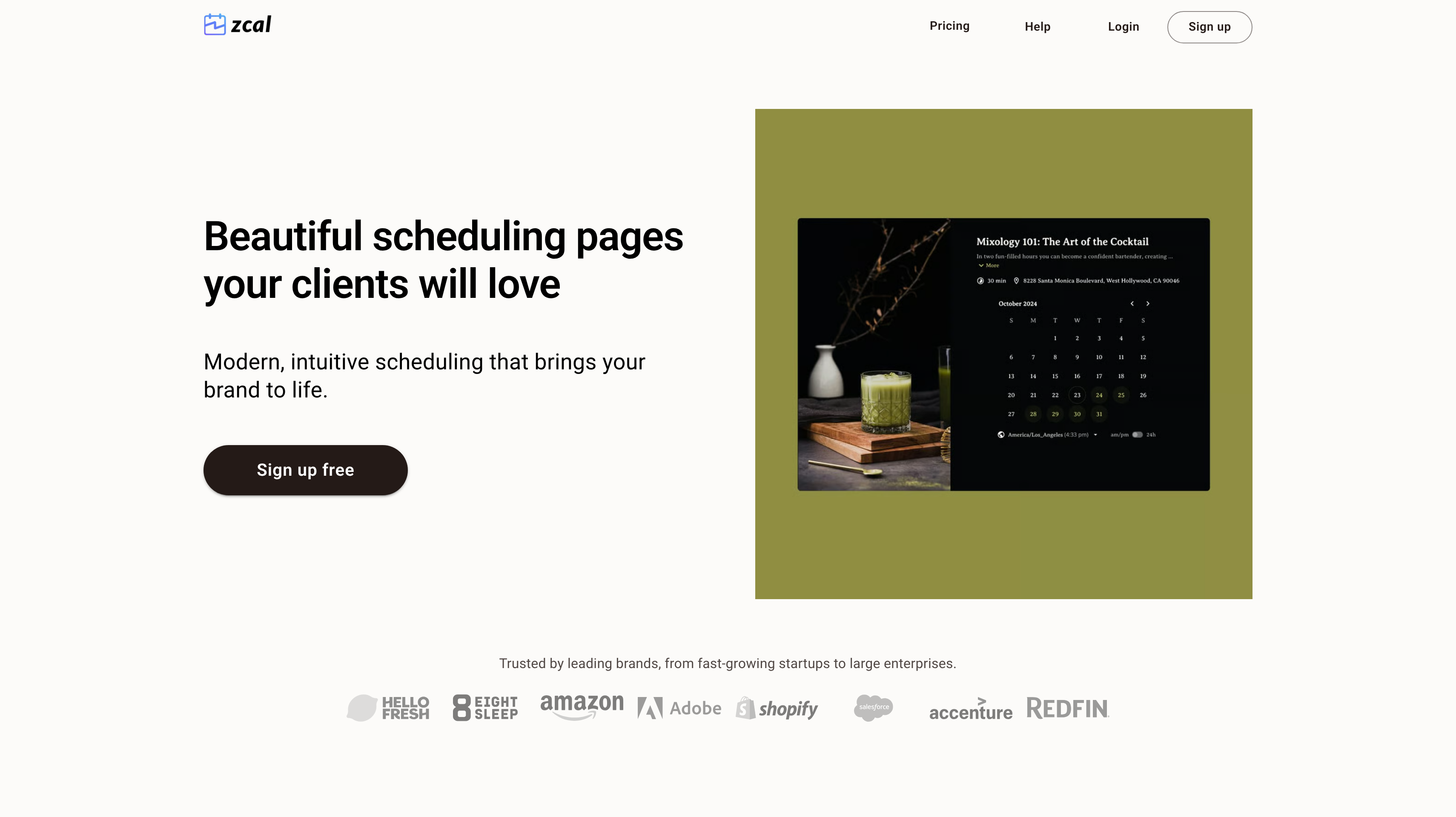
6. Zcal, best for a generous free plan with polished booking pages
Zcal puts page design near the center of scheduling. Custom fonts, colors, media, layouts, and form fields shape how customers encounter your booking page. A video greeting can introduce the person behind the link. The page can look like a continuation of your website or a personal invitation from its founder.
Free is $0 per user per month with unlimited links, unlimited calendar accounts, meeting polls, and automated email reminders. Those allowances cover a founder who needs several meeting choices without paying for every link or calendar. Pro starts at $7 per user per month and adds team co-hosting, a company team page, webhooks, unlimited videos, and business email verification. Business starts at $12 per user per month and adds custom email domains, unlimited teams, and twice the SMS credits. Pro has a 14-day free trial.
Zcal supports both collective scheduling and round-robin distribution. Collective scheduling cross-checks hosts' calendars so the offered time works for everyone required. Round robin distributes bookings among available teammates, with priority controls. Those are different setups even if both appear on the same team page. Choose according to whether a customer needs several people together or any suitable person from a pool.
Webhooks provide an automation path when a meeting is booked, rescheduled, or cancelled. For ideas on where those events should go, the workflow automation shortlist covers the systems that connect work between apps.
Best suited for founders who want several attractive booking pages and calendar connections on a free plan. Paid team features suit a small business bringing colleagues into the same branded scheduling experience.
7. TidyCal, best for solo founders who want a one-time purchase
TidyCal combines a booking page, calendar syncing, and payments with free, lifetime, and subscription plans. The lifetime option is its clearest buying distinction. For a founder's demo link and paid consulting sessions, you can choose a one-time purchase instead of another recurring software bill.
Free is $0 forever with unlimited bookings, unlimited booking types, paid bookings, recurring sessions, and package bookings. It connects one calendar. Individual Lifetime is a one-time $29 payment through AppSumo and adds automatic Zoom, Google Meet, or Teams links, group bookings, and up to 10 calendar connections. Agency Lifetime is a one-time $79 payment through AppSumo. Pro is $12 per month, or $99 per year, and includes unlimited calendar connections, a custom domain, removal of TidyCal branding, and priority support.
Paid bookings connect to Stripe and PayPal. On Free, Individual Lifetime, and Agency Lifetime, Stripe payments carry a 1% platform fee in addition to Stripe's processing fees. Pro has no platform fee.
Recurring and package bookings organize a series of sessions around a customer engagement. Give paid onboarding and free sales demos separate booking types. Your customer should understand the price and the work included before choosing a slot.
Best suited for solo founders who want predictable software ownership for demos, advisory calls, and recurring sessions. The lifetime purchase fits a stable personal scheduling setup, with paid bookings available when your expertise is part of the offer.
8. YouCanBookMe, best for customizable small-business booking pages
YouCanBookMe gives small businesses detailed control over the page, questions, and messages around an appointment. You can offer different meeting lengths, add your branding, and collect information before the call. For a SaaS team selling implementation or training alongside its subscription, that flexibility helps explain the service before a customer reserves time.
Free includes one calendar connection and one booking page, customizable form questions, video meeting connections, Stripe payments, and an availability overlay for bookers. Individual is $7.20 per month billed every two years, with two calendar connections and two pages. Professional is $10.40 per month billed every two years, with six calendar connections and 10 pages. Team is $14.40 per member per month billed every two years, with 10 calendar connections and at least 15 pages per user. A two-week trial lets you explore the paid setup.
Professional adds customized reminders, follow-up notifications, no-show management, unlimited booking questions, and a direct HubSpot integration. Zapier provides a path into other tools. Team adds round robin, a central management dashboard, centralized billing, and unlimited API access. Match those controls to the people managing bookings, rather than buying only for the number of pages you can create.
Stripe supports credit and debit cards, Apple Pay, and Google Pay. Markdown formatting lets you adjust booking pages, emails, and messages. Tell customers what to prepare, who they will meet, and what the session should achieve. Clear instructions help when you offer several kinds of call.
Best suited for small SaaS and service teams that want booking forms and customer messages to reflect how they work. It fits a business with several appointment choices and a need for consistent instructions before and after each session.
Side-by-Side Comparison
Compare price, free capacity, meeting fit, and team scheduling features.
Tool
Price
Free plan
Best for
Team features
Calendly
From $10/seat/mo
1 event type
Booking links
Routing
Cal.com
$12/user/mo yearly
Unlimited types
Open source
Round robin
SavvyCal
$10/user/mo yearly
Link setup only
Calendar overlay
Team booking
Chili Piper
From $1,250/mo
None
Inbound leads
Lead routing
Reclaim.ai
From $10/seat/mo
1 booking link
Focus time
AI planning
Zcal
From $7/user/mo
Unlimited links
Page design
Co-hosts
TidyCal
$29 once
1 calendar
Lifetime plan
Team page
YouCanBookMe
$7.20/mo, 2-year billing
1 page
Custom forms
Round robin
Which scheduling app fits your use case
Choose around the person booking and the person responsible for the meeting. A shared demo pool needs a different setup from a customer's recurring call with their account owner.
Write down the route from invitation to follow-up. Use these cases to narrow the list before comparing subscriptions for each host.
Use case
What changes about the setup
What to look for
Founder handles several meeting types
One host needs demos, customer calls, and partner introductions separated.
Cal.com for free event types and calendars; TidyCal for a lifetime purchase.
Sales team shares incoming demos
Available reps need bookings distributed through a common process.
Calendly for round robin and routing; Cal.com Teams for shared scheduling.
Inbound leads have territories or owners
Qualification and account ownership determine the host before booking.
Chili Piper for form-to-meeting routing and CRM logging.
Customers have busy calendars
Invitees need to compare their own commitments with the offered times.
SavvyCal for its week view and overlay; YouCanBookMe for overlay with custom forms.
Founders split calls and product work
Meeting availability has to coexist with tasks and protected working time.
Reclaim.ai for focus time and AI planning alongside Scheduling Links.
Booking pages represent a service
Brand, preparation questions, and payment shape the customer experience.
Zcal for page design; YouCanBookMe for workflows; TidyCal for paid packages.
Proof: What results look like
Chili Piper publishes a Gong customer testimonial reporting a 70% lift in demo request form conversions and a fivefold increase in demo requests. Those figures describe Gong's experience with its inbound process. They give you a reason to measure the form-to-booking handoff, rather than treating every visit to a booking page as a completed meeting.
Reclaim.ai reports 5.7 more productive hours per week and 49% less time waste. Those figures measure time use rather than inbound conversion. For your own evaluation, track attended demos, correct host assignment, and time available for follow-up separately.
Growth channels need their own evidence too. The customer testimonials cover affiliate and partner programs rather than scheduling outcomes. Use the affiliate commission calculator to model a partner reward against your margins when referrals become part of the acquisition plan.
FAQ
What is the best scheduling app for a SaaS team?
Calendly ranks first here for teams that want booking links, routing, and integrations in a common setup. Cal.com is a strong fit for founders starting with several event types and calendars free. Choose Chili Piper when qualifying and assigning inbound demo requests is the main job you need the software to handle.
How do I choose the best scheduling software for a growing team?
List your hosts, calendar accounts, and meeting types, then identify which calls need a named owner, several colleagues, or any available rep. Compare the plan that handles those rules, including branding, CRM logging, and payments where needed. Judge the cost at your expected host count rather than comparing only the price of a personal link.
Which Calendly alternatives on this list should I consider?
Cal.com offers unlimited individual event types and calendars free; SavvyCal emphasizes an invitee's calendar overlay; Zcal focuses on designed booking pages. TidyCal offers lifetime purchases, while YouCanBookMe combines customizable pages with booking workflows. Reclaim.ai suits calendar protection alongside links, and Chili Piper suits inbound qualification and routing.
What is the difference between round robin and routing?
Round robin distributes meetings among hosts in a pool. Routing determines which person or pool should receive the request using rules such as territory, form answers, or account ownership. When a prospect already has an account owner, define that rule before distributing the meeting among otherwise available reps.
What is the best meeting scheduler for a solo founder on a budget?
Cal.com Free gives one user unlimited event types and calendars, and Zcal Free includes unlimited links and calendar accounts. TidyCal Free covers unlimited booking types with one calendar connection, while Individual Lifetime is a one-time $29 purchase through AppSumo. Start with the calendars you need checked for conflicts and the meeting choices you actually send.
Which apps can take payment when someone books?
Calendly offers payment tools, SavvyCal Premium takes payment through Stripe, and TidyCal supports Stripe and PayPal. YouCanBookMe Free includes Stripe payments with credit and debit cards, Apple Pay, and Google Pay. TidyCal Pro removes the 1% platform fee that applies to Stripe bookings on its free and lifetime plans.
How is AI scheduling different from a booking link?
A booking link lets an invitee select an opening from the availability you expose. AI scheduling can also coordinate a time through an email conversation or move work around your calendar. Calendly's Callie handles email scheduling, while Reclaim.ai focuses on planning meetings, tasks, and focus time; choose the capability around the work you want to hand over.
How should I switch scheduling apps without disrupting customer calls?
Keep existing calendar invitations intact while you build and test the replacement links. Review your website, email signature, onboarding messages, and automated follow-ups for links that need changing, then test a booking and cancellation with a colleague. Cal.com offers a Calendly event import, but you should still verify the resulting availability and team assignment before sharing new links.
Try for free
Choose the scheduler around the calls your business already needs. Create your demo and onboarding links, connect the right calendars, and test who receives each booking. Leave enough time between calls to prepare and act on what customers tell you. As customers and creators begin recommending your product, give those relationships a program with clear rewards. The affiliate software shortlist covers that next buying decision. Start your Affonso free trial to build affiliate and partner programs alongside your meeting stack.
 Affonso
 Silvestro Zinnanti, FounderComparisonNovember 11, 202621 min read