Best platform to sell digital products in 2026: the buyer's shortlist.
Compare eight platforms to sell digital products, from ebooks and courses to plugins and software. See storefronts, delivery, license keys, fees, and the fit for you.
Your ebook, template pack, or plugin is ready. Before you launch, you need a page that explains it, a checkout that takes the order, and a reliable way to get the product to the buyer.
The right setup depends on what happens after someone pays. A PDF needs delivery. A course needs lessons. A WordPress plugin may need a license key.
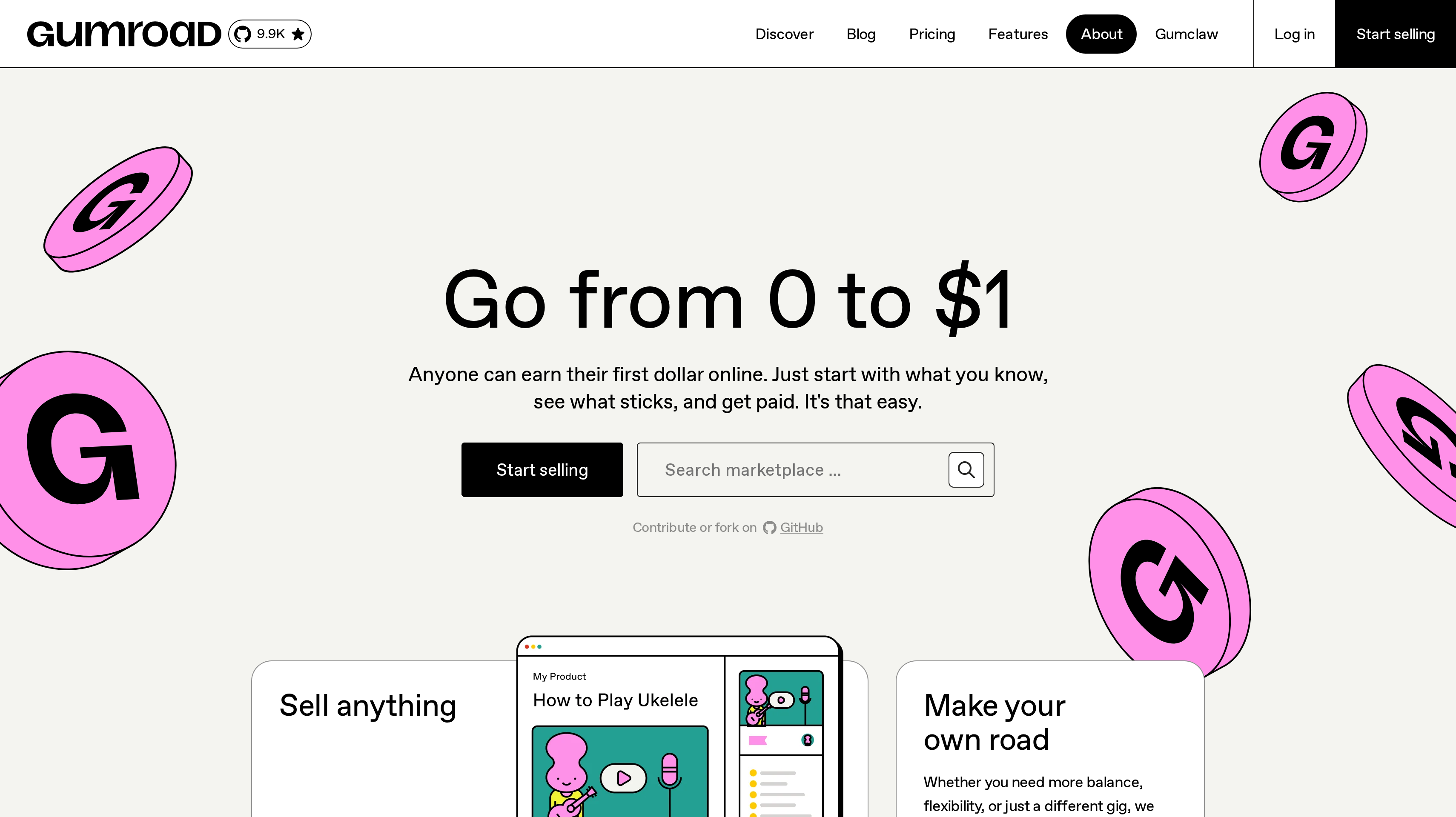
This shortlist covers the best platform to sell digital products in 2026. Gumroad ranks first for creators who want to start selling in minutes without a monthly subscription.
Key Takeaways
The short version, before you compare the platforms.
Start with what your buyer receives. A downloadable file, a course, and licensed software need different delivery workflows. Pick the platform around that experience before you compare store themes or marketing extras.
Gumroad leads for a quick launch without a monthly bill. You can use its storefront or sell from your own site, with one-time, recurring, or fixed-length payments. Direct sales cost 10% + $0.50 per transaction, while sales to new customers through Discover cost 30%.
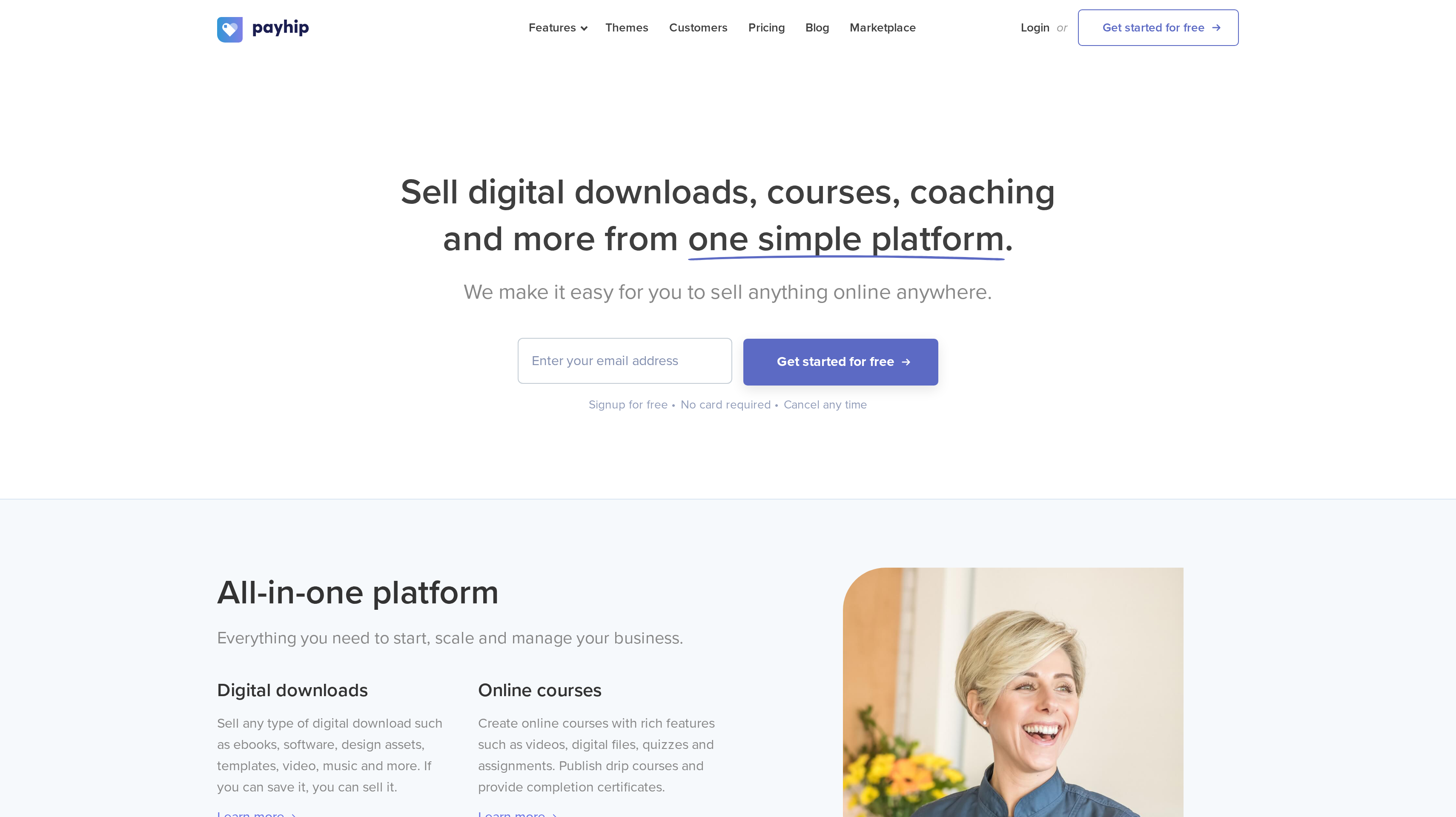
Payhip keeps features consistent across plans. Free Forever, Plus, and Pro all include every feature, unlimited products, and unlimited revenue. The choice is between $0 per month plus 5%, $29 per month plus 2%, and $99 per month with no transaction fee.
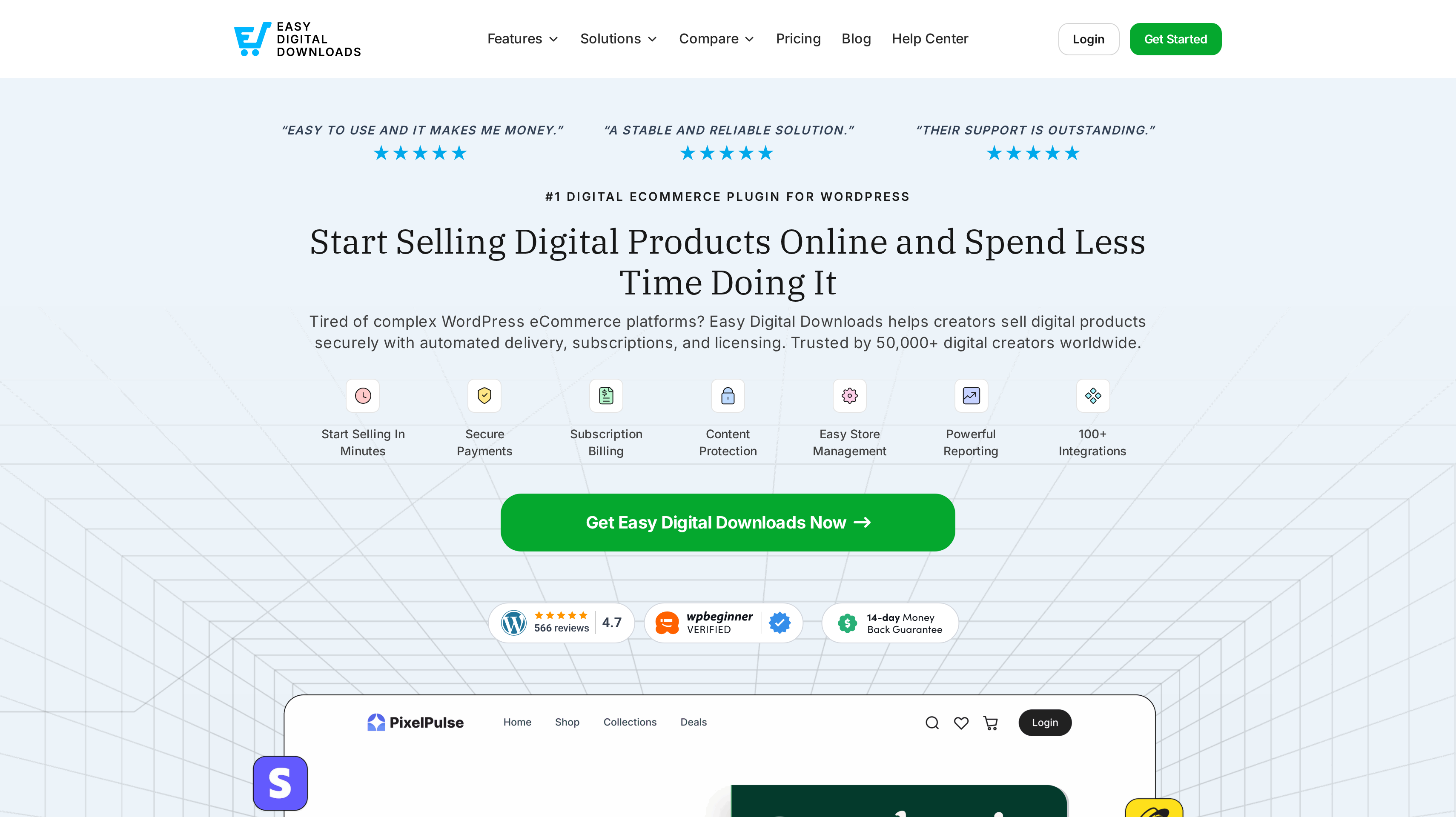
License keys deserve their own place on your checklist. Easy Digital Downloads puts a digital store on WordPress and includes software licensing and an API on Professional. That plan lists $599 per year for two sites, alongside marketplace and commission features.
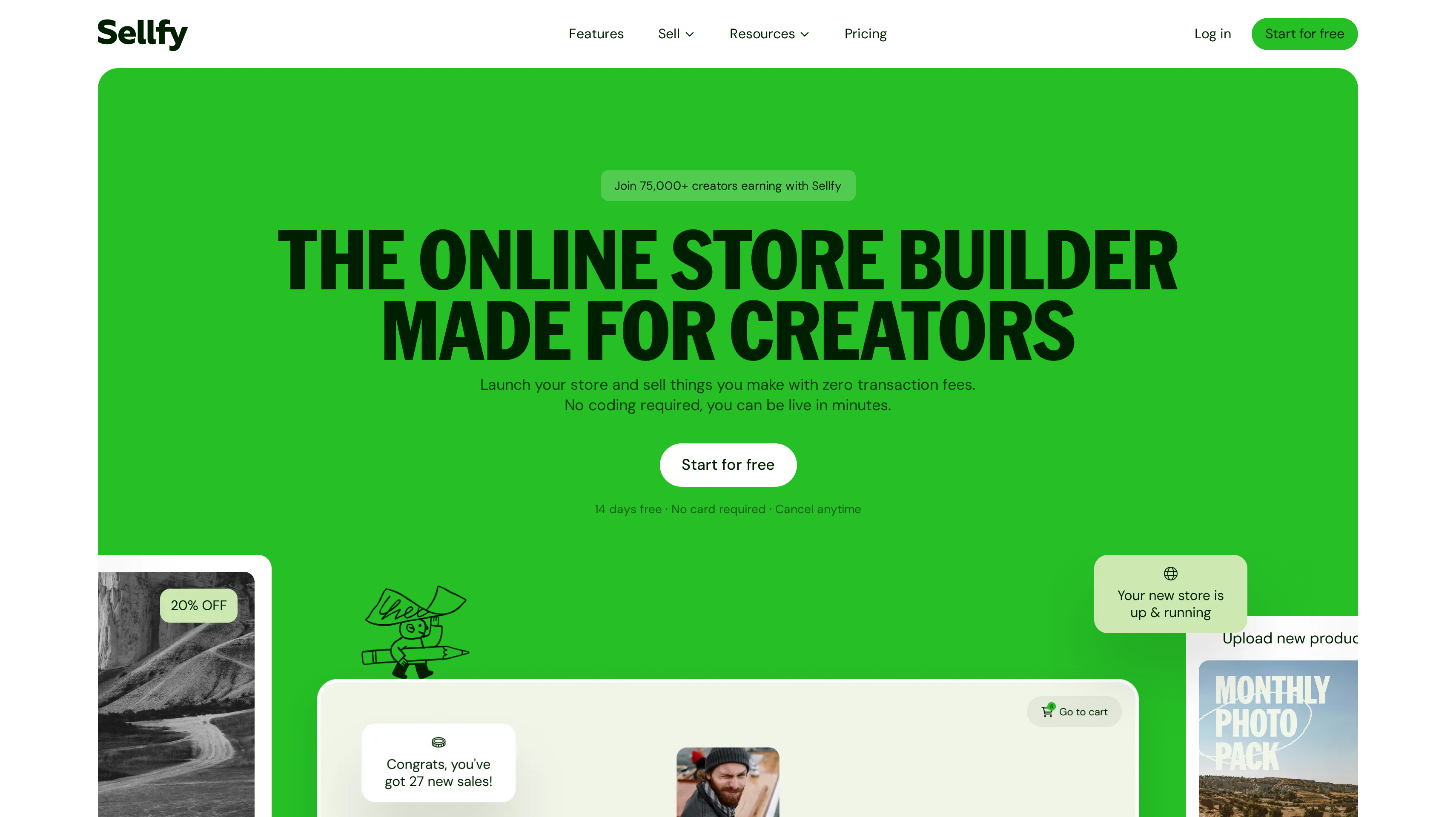
A monthly plan can remove the platform's transaction cut. Sellfy charges no transaction fees, with Starter at $22 per month billed yearly and an annual sales allowance of $10,000. Podia and Kajabi package selling with teaching, community, and email, so compare the work those subscriptions cover.
An existing audience changes the buying decision. SendOwl fits a website you already use, while Ko-fi combines a shop with tips, memberships, and commissions on one page. Your route to the checkout matters as much as the checkout itself.
What a platform to sell digital products actually is (and what it is not)
A platform to sell digital products brings the offer, checkout, and delivery together. You describe an ebook, upload a template, or organize a course, then give buyers a place to purchase it. The selling platform connects that order to the file or access they bought. Some provide a complete storefront; others fit into a website you already run.
For creators and indie makers, the important distinction is the product experience. A music download needs a clear file description and delivery. A course may need quizzes, drip lessons, and certificates. Software sellers may need license keys and an API alongside the download. Those jobs can sit behind a similar buy button, but they call for different capabilities.
Marketing tools extend that setup. Discounts can support a launch, bundles can group related products, and an affiliate program can reward people who recommend your work. Email and community tools can keep buyers engaged between purchases. Decide which of those jobs you want in the store and which already have a home, especially if you publish a newsletter or run your own site.
A selling platform does not create demand or replace the product itself. You still need a useful offer, clear examples, and a way to reach buyers. Work through the price, platform fees, and any promotional reward before you launch. The free affiliate commission calculator helps you assess a proposed partner reward against the price of your product.
How We Ranked These Digital Product Platforms
This shortlist compares selling platforms for creators, indie makers, and plugin or template sellers offering files, courses, or licensed software.
The comparison draws on public product and pricing pages. The order favors a straightforward first launch, then distinct fits for an all-in-one store, WordPress software, an existing website, and a teaching business.
We compared five criteria:
Storefront and checkout. A hosted store, a customizable selling page, or a way to sell through your existing website. Your current audience and website determine how much new setup you need.
Delivery and protection. File delivery, course access, streaming, download limits, and PDF stamping where listed. The buyer should receive the right format without you manually fulfilling each order.
Software fit. License keys and an API for sellers whose product needs activation as well as a download. This carries more weight for plugins and software than for an ebook.
Built-in marketing. Discounts, bundles, upsells, email, marketplaces, and affiliate features. These are assessed as specific capabilities, with the required plan stated where supplied.
Fees and capacity. Monthly or yearly charges, transaction percentages, fixed per-sale fees, and allowances for products, contacts, orders, or sales. Unlimited storage and unlimited sales are different promises.
Vendor-reported results remain attributed to the vendor. Prices include their billing term, and plan capacity uses the unit each platform publishes. We plan to review this guide quarterly and after material pricing changes.
The Best Platforms to Sell Digital Products in 2026
A first ebook and an established course business can both use a digital storefront. They need different things around it, including delivery, software licensing, email, or a community. These eight platforms each have a distinct fit.
1. Gumroad, best for starting to sell in minutes with no monthly fee
Gumroad gives you a customizable storefront for downloads, video lessons, subscriptions, and other digital products. You can also sell from your own site. That choice makes it a useful starting point whether your audience follows a social profile, reads your newsletter, or already visits a product page.
There are no monthly charges. Sales through your profile or direct links cost 10% + $0.50 per transaction. When a new customer discovers and buys your product through the Discover marketplace, the fee is 30%. Those are two different acquisition routes, so keep direct audience sales and marketplace sales separate when you work through your margins.
You can accept one-time, recurring, or fixed-length payments, and customers pay in their own currency. An ebook can be a single purchase, while a sequence of video lessons can use a different offer structure. Match the payment format to what you promise the buyer.
Gumroad also connects to other apps and makes its code available for contribution or forking. Discover adds a marketplace alongside the audience you bring yourself. Give buyers a product description that makes the contents and intended audience clear in either place.
Best suited for individual creators launching an ebook, download, or lesson collection with a direct purchase link. You can begin without a monthly commitment and organize each offer around how your audience wants to buy.
2. Payhip, best for all-in-one digital stores with every feature on every plan
Payhip combines digital downloads, courses, coaching, memberships, and physical products in one store. Download categories include ebooks, software, design assets, templates, video, and music. Themes give you a starting point for the storefront, and a marketplace offers another place for products to appear. That breadth fits a creator whose catalog includes more than one format.
All plans include all features, unlimited products, and unlimited revenue. Free Forever costs $0 per month plus a 5% transaction fee. Plus is $29 per month plus 2%, and Pro is $99 per month with no transaction fee. Standard payment-processing fees still apply. You can sign up without a credit card.
The plan decision is mainly about the balance between a fixed monthly charge and a percentage of sales. You do not need to move tiers to unlock course features, so you can try another format while learning what your audience will buy.
Courses include quizzes, drip delivery, and certificates. You might sell a template as a download and teach its use in a course, or add coaching for buyers who want personal help. Use the shared store to make related products easy to understand.
Best suited for creators building a mixed digital catalog who want the same feature set on a free or paid plan. Downloads, teaching, and coaching can share a store while you choose the fee structure that fits your sales.
3. Easy Digital Downloads, best for WordPress software sellers who need license keys
Easy Digital Downloads is a WordPress eCommerce plugin for digital products. It puts the store on your own WordPress site and supports automated delivery, bundles, discount codes, and content restriction. For a plugin or theme maker, that means the product explanation and selling workflow can live on the site where buyers already read about your work.
Software licensing and its API are the main reasons it ranks here. Professional adds those capabilities alongside marketplace and commission features. Plan the license experience as part of your product, including how buyers receive their download and where activation fits. A downloadable archive and a usable software license are separate parts of the purchase.
Paid plans bill yearly at list prices of $199 for Personal on one site, $399 for Extended on one site, $599 for Professional on two sites, and $999 for All Access on three sites. Extended, Professional, and All Access list no platform fees. A free Lite version is available through WordPress.org.
Other listed capabilities include abandoned cart recovery, multi-currency, subscriptions, free trials, and a Zapier integration. Match the plan to the work you need, especially licensing. Your store also remains part of your WordPress setup, so include site upkeep in the work you assign before launch.
Best suited for WordPress plugin, theme, and software sellers who want license keys and digital sales on their own site. Professional gives that setup a licensing API alongside the store's product and commission workflows.
4. Sellfy, best for creator storefronts with zero transaction fees
Sellfy is an online store builder for creators selling downloads, subscriptions, and merchandise. Its mix works for a creator who wants a digital catalog and merch in the same storefront. Email marketing is part of the platform, while download limits and PDF stamping address how digital files are delivered and shared after purchase.
Sellfy charges no transaction fees. Starter is $22 per month billed yearly, or $29 billed monthly, and covers up to $10,000 in sales per year. Business is $59 per month billed yearly for up to $50,000 in annual sales. Premium is $119 per month billed yearly for up to $200,000. A 14-day free trial requires no card.
Business adds upselling, cart abandonment, and affiliate marketing. Those capabilities support different moments in the sale: offering a related item, following an unfinished purchase, or rewarding a recommendation. Choose the tier around the marketing work you intend to run as well as the sales allowance, so the store supports your launch plan.
Premium adds migration and priority support. For a file-based catalog, include download limits and PDF stamping in your evaluation alongside the product page. A buyer should understand the file format, what is included, and how they will use the purchase.
Best suited for creators who want a dedicated storefront with no platform transaction cut and file protection controls. Business brings upsells, cart recovery, and an affiliate program into that store for an established catalog.
5. SendOwl, best for digital files sold through an existing website or checkout links
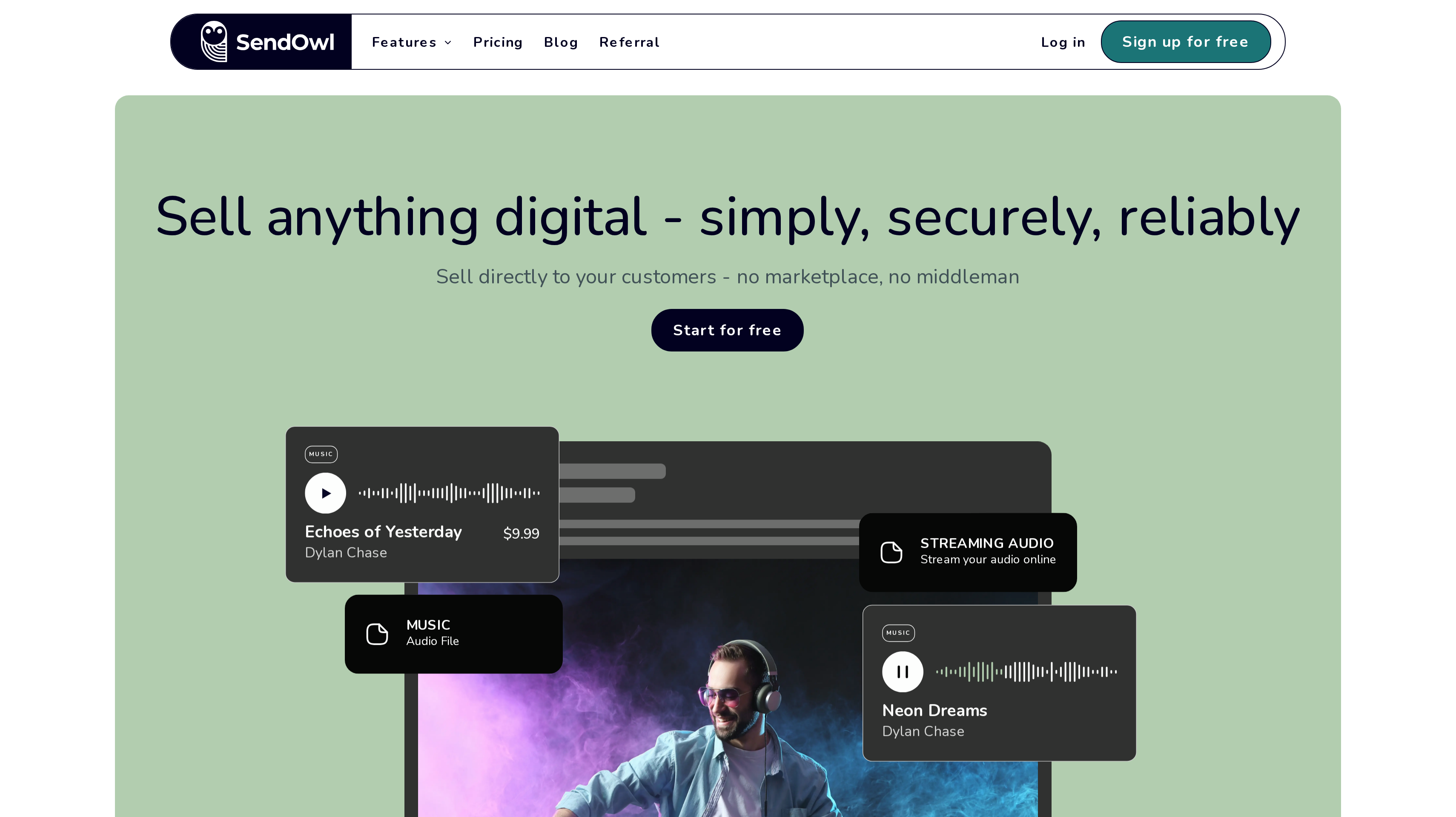
SendOwl supports direct sales of PDFs, ebooks, music, streaming audio, bundles, subscriptions, and courses. It is built around creating the product, connecting your payment gateway, and selling to your customers. There is no marketplace in that setup. The fit is especially clear when you already have a website or use checkout links to reach buyers.
Every plan includes all features, unlimited products, and unlimited storage. Pricing follows volume. Launch costs $39 per month on monthly billing and includes 5,000 orders and $10,000 in sales per year, with 10 GB of bandwidth per month. Annual billing gives two months free, bringing Launch to $32.50 per month.
Grow costs $87 per month on monthly billing for 25,000 orders and $36,000 in annual sales. Scale is $159 per month for 50,000 orders and $100,000 in annual sales. Business plans start at $299 per month for up to $200,000 in annual sales. A free trial is available.
Keep those units separate when you plan a catalog. Storage concerns the products you keep; bandwidth concerns delivery; order and sales allowances concern purchasing volume. An audio collection and a small PDF can make different demands on delivery even when their prices are similar.
Best suited for sellers with an existing website or audience who want digital delivery behind a direct buying route. PDFs, audio, and bundles can share the same selling setup while you select capacity around your catalog and sales.
6. Podia, best for bundling courses, downloads, community, and email
Podia brings courses, community, coaching, digital downloads, and email into one place. It suits a creator whose product includes both material to consume and an ongoing relationship with learners. You can plan the download, teaching offer, and community together.
Mover costs $42 per month billed yearly, or $504 per year. It includes 50 products, up to 100 email subscribers, and a 5% fee. Shaker is $84 per month billed yearly, or $1,008 per year, with 150 products and no fees. Earthquaker is $150 per month billed yearly, or $1,800 per year, with unlimited products and no fees.
Shaker adds affiliate marketing, PayPal, and Zapier. Affiliate marketing and upsells sit on higher plans. If partners will promote a course, include that requirement when you choose the plan rather than comparing only the entry price. The published product counts also matter when your catalog includes several downloads and teaching offers.
Email is part of the appeal, but its role deserves a separate decision. Decide whether it will support lessons, announce new products, or serve a broader publishing audience. The newsletter platform shortlist covers that adjacent choice if email is a substantial part of your business. Podia offers a 14-day free trial without a credit card.
Best suited for educators and creators who want downloads, courses, coaching, and community to form one business. The higher plans fit a catalog that also uses upsells and affiliates to bring buyers into that learning experience.
7. Kajabi, best for knowledge businesses with an all-in-one platform and 0% revenue share
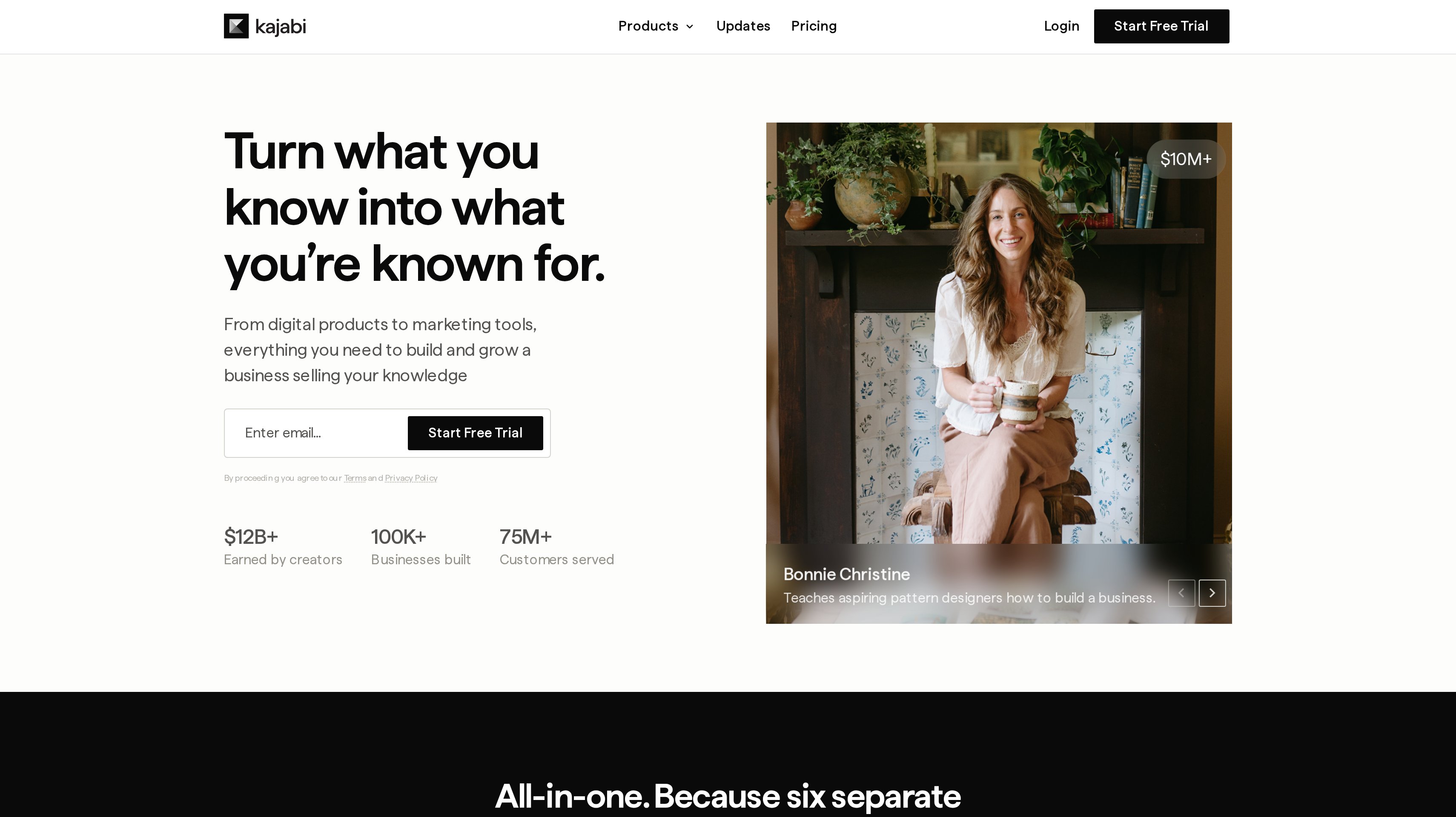
Kajabi combines digital products, courses, coaching, memberships, and community with the website and marketing tools around them. Email, landing pages, funnels, checkout, and payments are part of the platform. Its place on the shortlist is for a knowledge business buying the wider selling operation alongside the product experience. Kajabi states a 0% revenue share.
Basic is $143 per month billed annually, or $1,716 per year, with 2,500 contacts. Growth is $199 per month billed annually, or $2,388 per year, with 25,000 contacts. Pro is $399 per month billed annually, or $4,788 per year, with 100,000 contacts. The contact allowance is a separate consideration from the number of products you intend to sell.
Growth adds advanced automations and your own affiliate program. Pro adds a branded app. Compare those plans against the landing pages, emails, and teaching offers you intend to run, including how you will reach prospects and engage learners.
For example, a course business can need a page explaining the outcome, a checkout, lessons, and follow-up communication. Kajabi puts those categories of work together. You can evaluate that workflow with a 14-day free trial and a 30-day money-back guarantee.
Best suited for knowledge businesses that want their website, funnels, email, and learning products in one platform. Growth fits a business adding advanced automations and its own affiliate program to that operation.
8. Ko-fi, best for selling to an existing fan base alongside tips and memberships
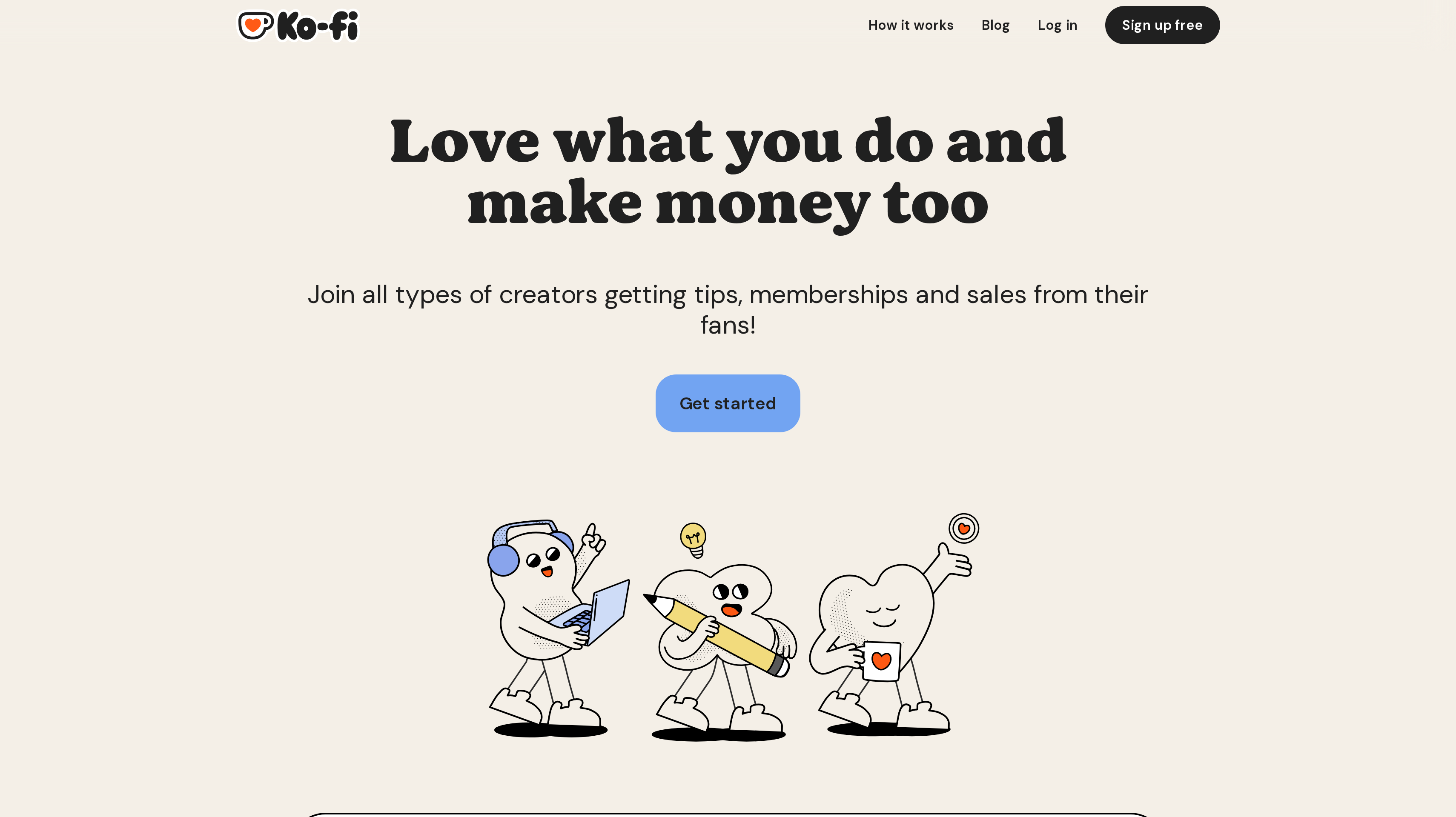
Ko-fi gives creators one page for tips, monthly memberships, physical and digital products, and commissions. Fans can support your work or buy something specific, and you get paid directly. That combination fits a creator whose audience already knows the work and wants several ways to support it. The shop becomes one part of that relationship.
Ko-fi uses a 0% to 5% service fee structure. Memberships, shop sales, and commissions carry a 5% service fee. Simple tips on Ko-fi Free have no service fee. Ko-fi Gold is no longer needed. Separate the shop sale from the tip when you work through the economics of a page that offers both.
A digital product can give a fan something concrete to buy alongside a membership or commission. For an illustrator, musician, or writer, that could mean a finished download beside the option to support future work. Keep the product description specific about what the buyer receives, especially when the same page also offers personal commissions.
Some people want a file, some want an ongoing membership, and some simply want to leave a tip. Ko-fi brings those options together. Plan the page around those choices so a first-time buyer can distinguish a product purchase from general support for the creator.
Best suited for creators with an existing fan base who want digital sales next to tips, memberships, and commissions. A shared page gives supporters a choice between buying a finished product and backing your ongoing work.
Side-by-Side Comparison
Compare the selling setup, delivery, marketing tools, and the plan needed for your product. Prices are in USD, with billing terms shown; the fee column describes platform charges, and Payhip also lists standard processing fees separately.
Tool
Cost and billing term
Platform fees and capacity
Storefront and delivery
Marketing and product fit
Gumroad
No monthly charge
Direct sales 10% + $0.50; Discover sales to new customers 30%
Customizable storefront or own site; downloads and video lessons
Discover marketplace; one-time, recurring, or fixed-length offers
Payhip
Free Forever $0/mo; Plus $29/mo; Pro $99/mo
Free 5%; Plus 2%; Pro 0%; unlimited products and revenue on all plans
Themes; downloads, courses, coaching, memberships
All features on every plan; course quizzes, drip, certificates; marketplace
Easy Digital Downloads
Personal $199/year; Extended $399/year; Professional $599/year; All Access $999/year
No platform fees on Extended, Professional, All Access; sites 1, 1, 2, 3 respectively
WordPress store; automated delivery; software licensing and API on Professional
Bundles, discounts, cart recovery; marketplace and commissions on Professional
Sellfy
Starter $22/mo; Business $59/mo; Premium $119/mo, all billed yearly
No transaction fees; annual sales allowances $10k, $50k, $200k respectively
Creator store; downloads, subscriptions, merch; download limits and PDF stamping
Email; upselling, cart abandonment, affiliate marketing on Business
Website, checkout, courses, coaching, memberships, community
Email, landing pages, funnels; advanced automations and affiliate program on Growth
Ko-fi
0-5% service fee model; Gold no longer needed
Shop, memberships, commissions 5%; simple tips on Free 0%
One creator page; physical and digital products
Fan support, monthly memberships, and commissions alongside the shop
Which digital product platform fits your use case
Choose around the next product you will sell and the audience that will buy it. A broader platform earns its place when you will use the teaching, email, or community tools alongside the checkout.
Your existing website, newsletter, WordPress site, or fan page can change the amount of setup you need. Use these scenarios to narrow the list.
Use case
What changes about the setup
What to look for
First ebook or template launch
You need a product page and a buying route before committing to a monthly plan.
Gumroad for a quick direct launch; Payhip Free Forever for all features without a monthly charge.
Mixed catalog of downloads and courses
File delivery and lessons need to sit beside each other as the catalog grows.
Payhip for downloads, course quizzes, drip, and certificates with unlimited products on every plan.
WordPress plugin, theme, or software
The purchase needs a license as well as the downloadable product.
Easy Digital Downloads Professional for software licensing and an API on your WordPress site.
Creator store with file protection
Delivery controls and a monthly plan are part of the store decision.
Sellfy for PDF stamping, download limits, and no transaction fees; Business adds affiliate marketing.
Existing website or direct audience
The selling workflow should fit the site and links you already use.
SendOwl for direct digital delivery; compare order, sales, and bandwidth allowances separately.
Teaching business or fan-supported work
Buyers may want lessons, community, memberships, or ways to support you between releases.
Podia for courses and community; Kajabi for a wider knowledge-business setup; Ko-fi for a fan page with tips and a shop.
Proof: What results look like
Sellfy reports that more than 75,000 creators have earned over $165 million through its platform. Podia says more than 15,000 creators have earned over $900 million. These are platform-wide vendor claims, giving context for the businesses using them rather than a forecast for your store.
A partner channel is a separate step once your selling stack is in place. In published customer accounts, supastarter founder Jonathan Wilke says affiliates bring more than half of its customers, while SocialRails founder Matt describes setting up Affonso in 30 minutes and receiving eight leads. These accounts describe the partner channel after setup, rather than the performance of a particular storefront.
Use the customer testimonials to set questions for your own program, then work through a proposed reward with the affiliate commission calculator. Your product price and the cost of each sale should support the commission you offer.
FAQ
What is the best platform to sell digital products for a first launch?
Gumroad leads this shortlist for a creator who wants a storefront or direct selling link without a monthly charge. Payhip is another practical starting point when you want downloads and courses with all features available on its free plan. Choose around what buyers receive and how you will reach them.
What are the best Gumroad alternatives for digital downloads?
Payhip fits a store that needs all features across free and paid plans. Sellfy fits a creator who prefers a monthly subscription with no transaction fees, while SendOwl suits an existing website or direct checkout links. Easy Digital Downloads is the specific WordPress option when software licensing is part of the purchase.
How should I compare transaction fees and monthly plans?
Apply each platform's percentage and fixed per-sale charge to your expected order mix, then add its monthly or yearly subscription. Keep sales, order, and product allowances in their original units. A no-transaction-fee plan still has its published subscription and capacity, so compare the plan that actually covers your catalog.
Which platform supports license keys for WordPress plugins?
Easy Digital Downloads Professional includes software licensing and an API, with a list price of $599 per year for two sites. Its WordPress store also supports automated digital delivery. Include both the download and activation experience in your evaluation so you can explain the complete purchase to customers.
What should I use for courses, community, and downloads together?
Podia combines those products with coaching and email, while Kajabi adds a wider website, landing-page, and funnel setup for knowledge businesses. Payhip also sells courses and downloads, with quizzes, drip delivery, and certificates. Start with the learning experience you intend to offer, then compare the marketing work around it.
How can I protect ebooks and downloadable files?
Sellfy lists download limits and PDF stamping, while Easy Digital Downloads lists content restriction. Evaluate the controls against your actual product format and how buyers should access it. Clear descriptions and delivery instructions also help customers understand what they have purchased and how to use the files.
Is the best platform to sell digital products also the right choice for SaaS subscription billing?
SaaS subscription billing is a different decision from choosing a storefront for ebooks, templates, or courses. Use the SaaS billing alternatives guide for that shortlist. Keep this comparison focused on presenting the product, completing the sale, and delivering the buyer's purchase.
How do software makers build a partner channel after outgrowing a storefront?
When your software business needs a separate partner channel, Affonso supports affiliate and partner programs. The saas affiliate software page and affiliate software shortlist cover that choice. None of the eight platforms here has a native Affonso integration, so establish the connection your product needs before inviting partners.
Try for free
Choose the store around the product your buyer will receive. Take a sample purchase through checkout and delivery. For software, include the license experience in that evaluation. When your product and selling setup are ready, plan how customers and creators can recommend it. Affonso gives you a place to run affiliate and partner programs as that channel develops. Start your Affonso free trial.
 Affonso
 Silvestro Zinnanti, FounderComparisonOctober 31, 202622 min read