Best LinkedIn automation tools in 2026: the buyer's shortlist.
Compare eight LinkedIn automation tools for SaaS outbound. See pricing, sender limits, multichannel sequences, account safety, and which tool fits your team's outreach workflow.
Your prospect accepts a connection request. You mean to follow up, but a product launch gets in the way, and the conversation disappears under a week of notifications.
LinkedIn outreach tools help you keep that conversation moving. The buying decision depends on whether you send from your own profile, manage client accounts, or combine LinkedIn with email.
This shortlist compares the best LinkedIn automation tools in 2026 for SaaS founders, sales teams, and agencies. HeyReach ranks first for teams managing many sender accounts, with automatic sender rotation and a shared place to handle replies.
Key Takeaways
Start with the job you need the software to handle.
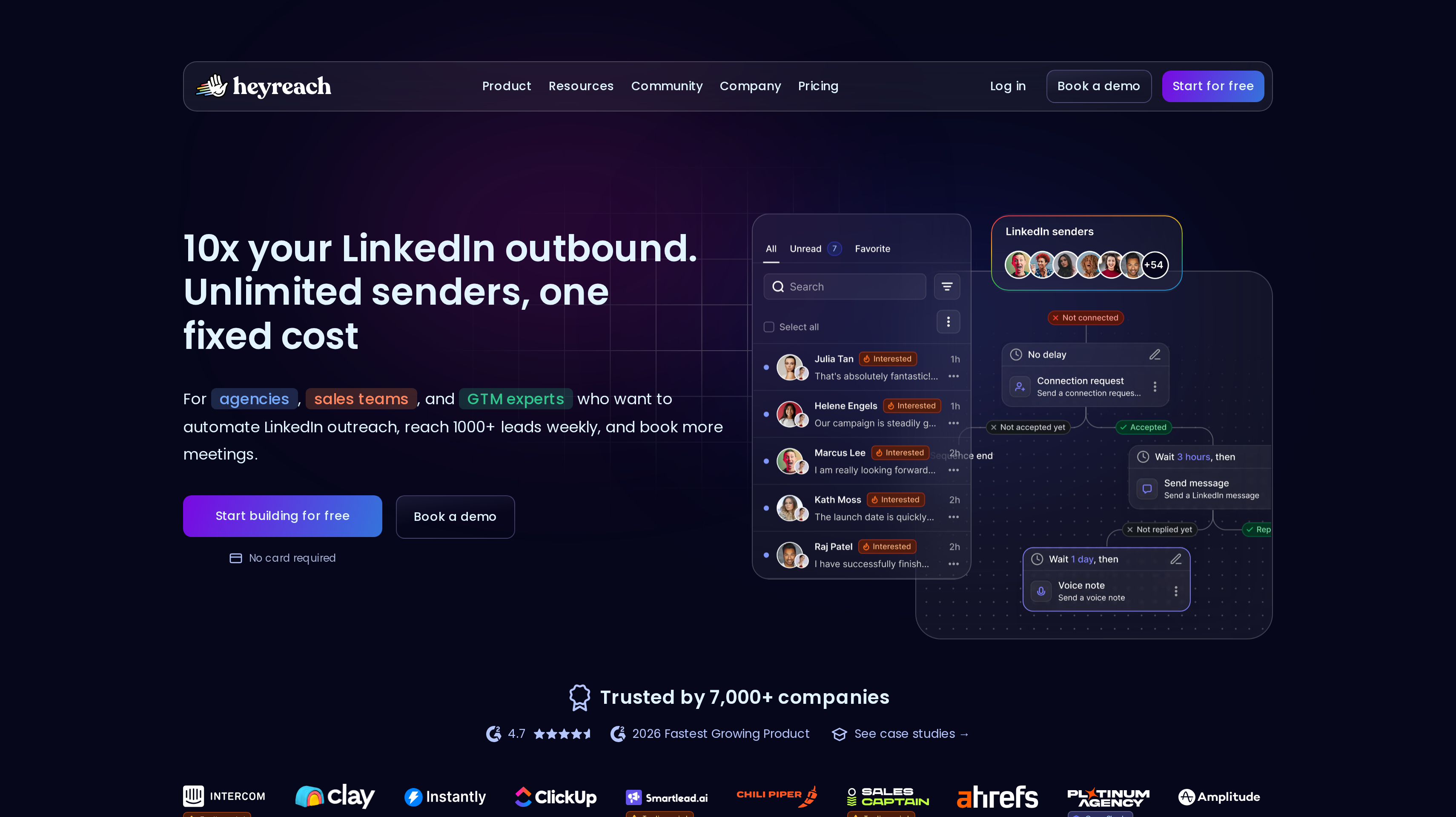
HeyReach leads for multiple LinkedIn senders. Automatic rotation and a unified inbox suit agencies handling outreach for several clients. Growth is $79 per sender per month on monthly billing, and Agency is $999 per month for 25 senders on monthly billing.
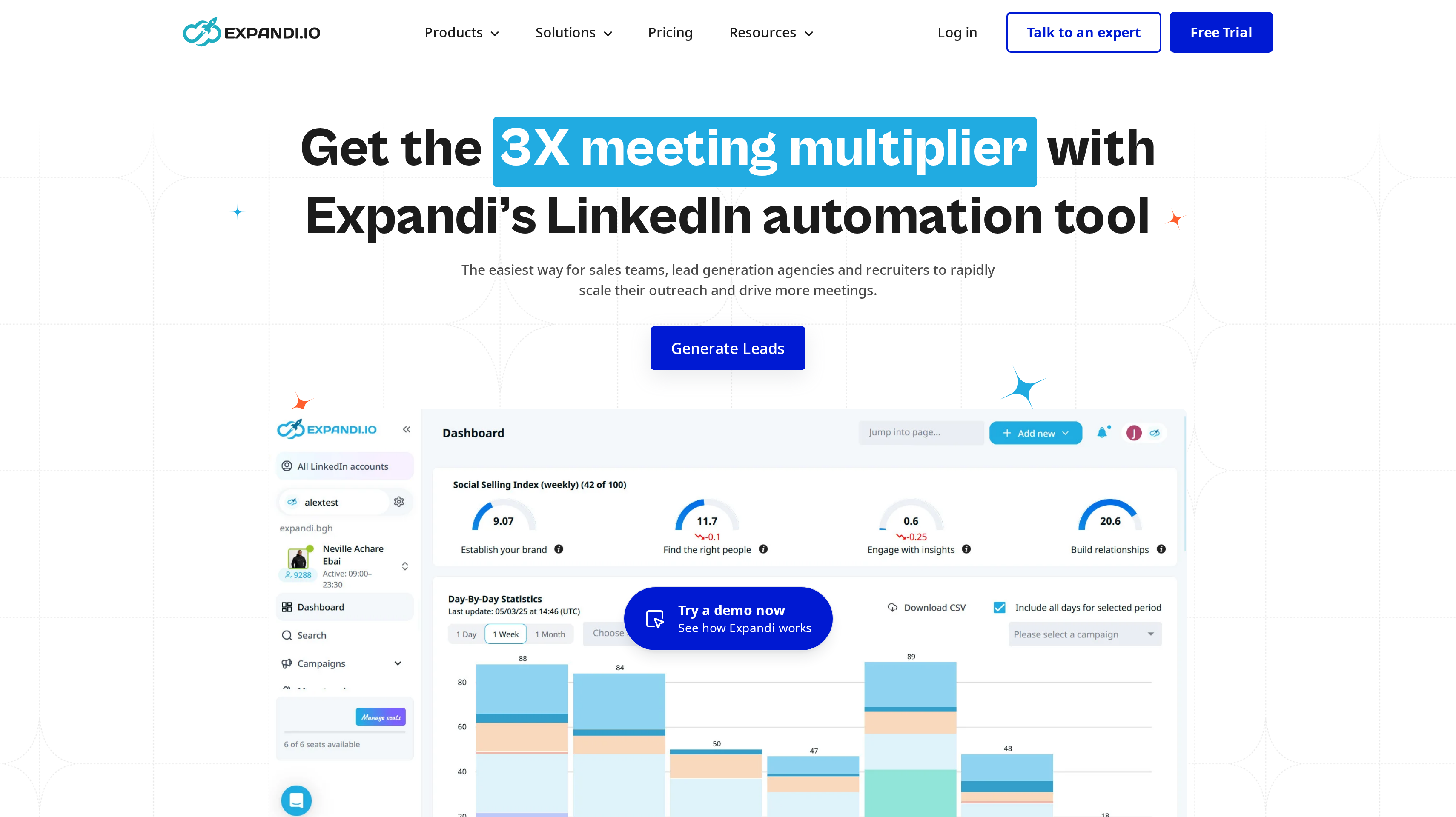
Account controls deserve their own buying criteria. Expandi combines a dedicated country-based IP address, profile warm-up, and adjustable action limits. Compare those controls separately from campaign features, and assign someone to review account activity.
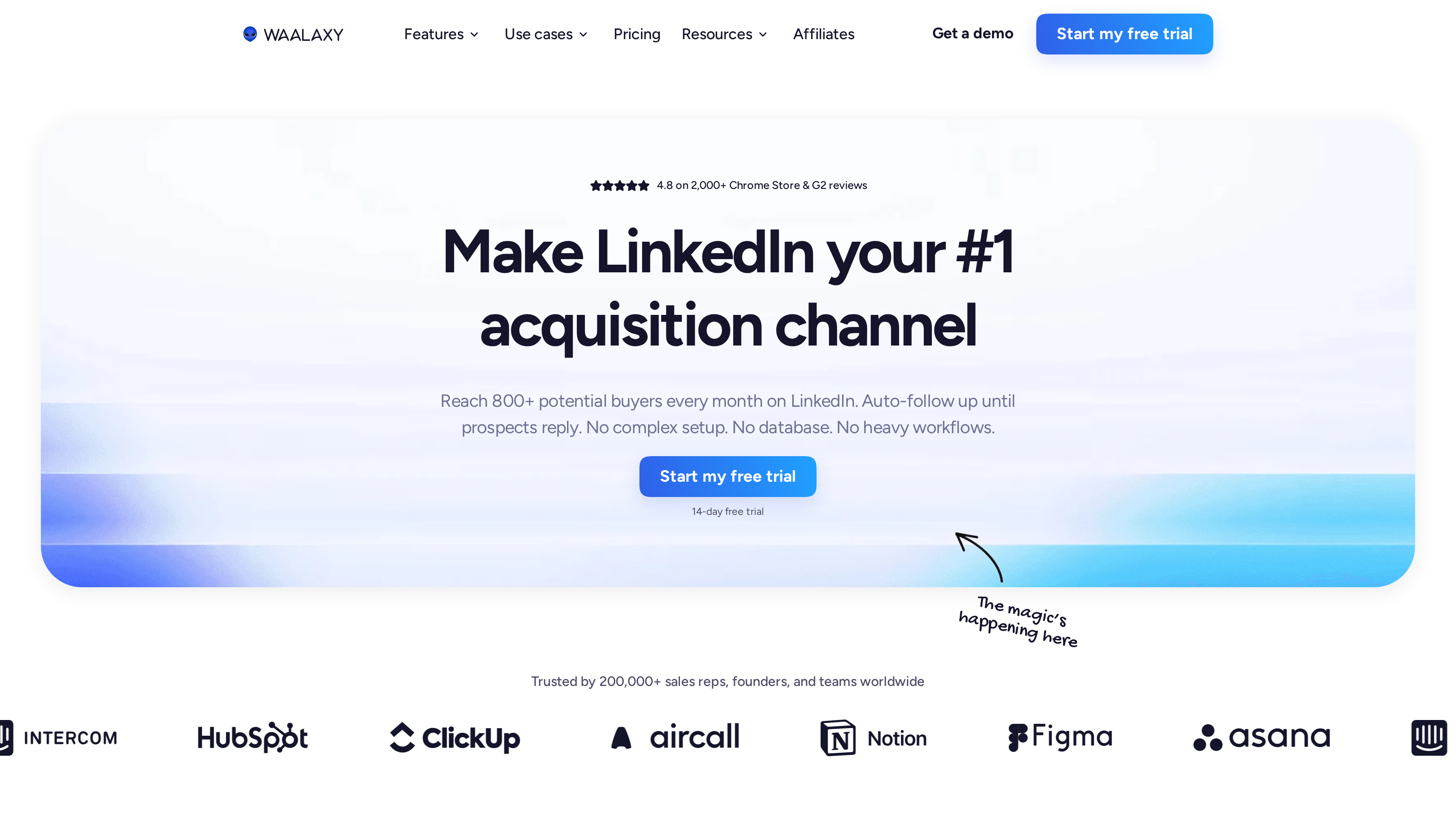
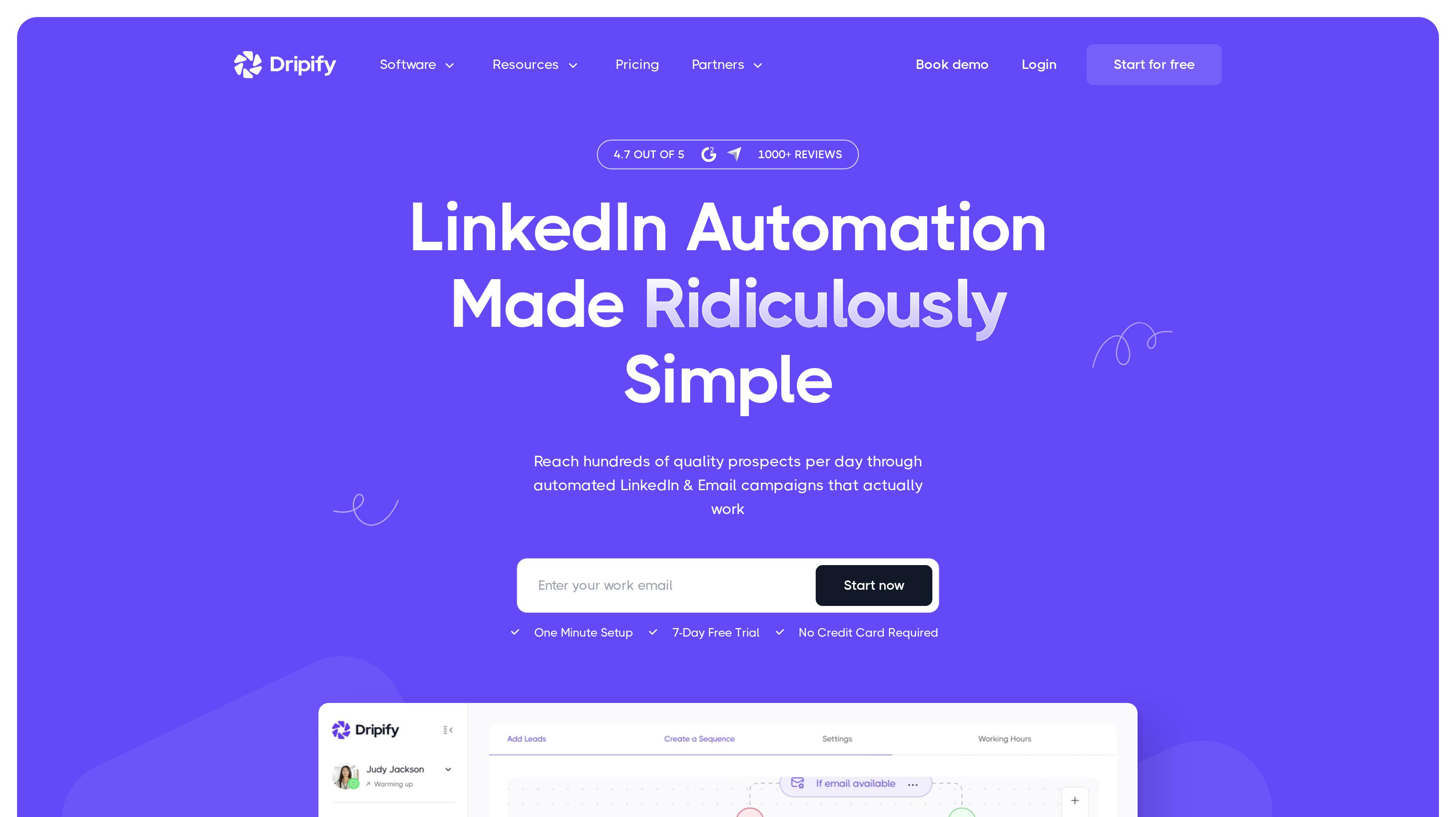
A small-budget start and an email sequence are different purchases. Waalaxy Pro starts at $16 per user per month for LinkedIn prospecting. Dripify Pro includes LinkedIn and email sequences at $59 per user per month billed annually.
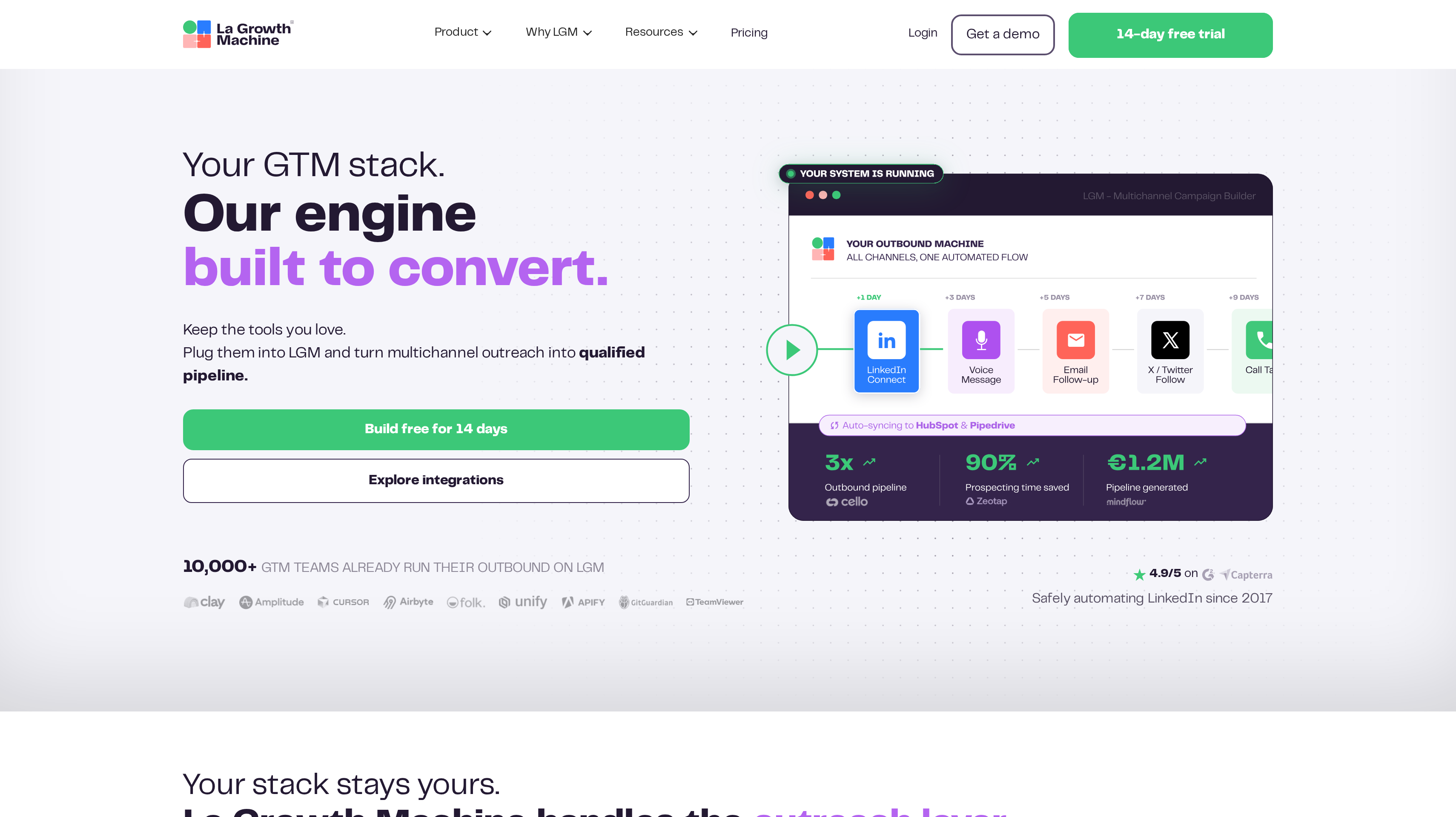
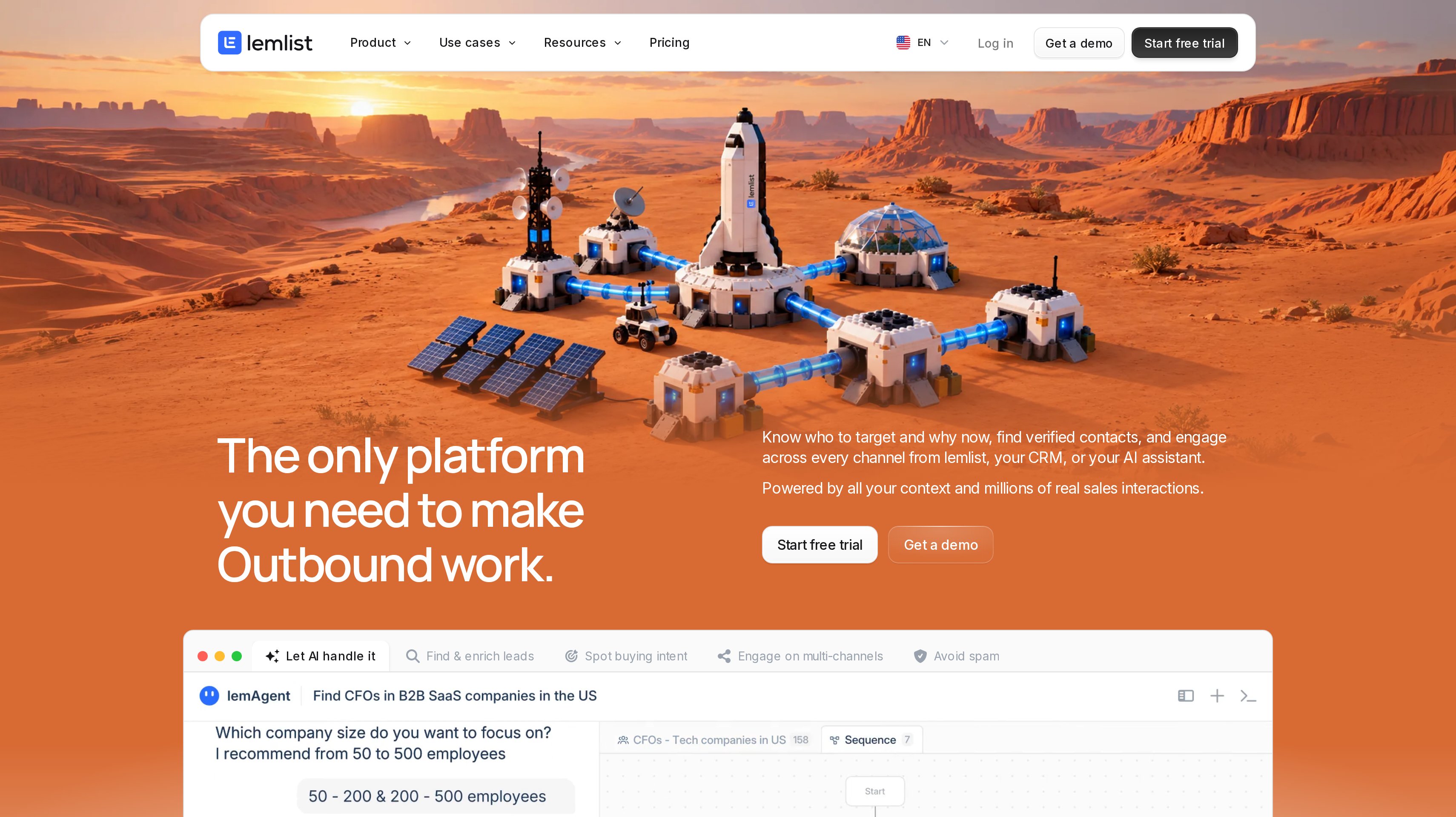
Multichannel means different things across plans. La Growth Machine supports LinkedIn and email on Basic, adds calls on Pro, and includes X on Ultimate. lemlist puts LinkedIn automation on Multichannel, alongside its email outreach capabilities.
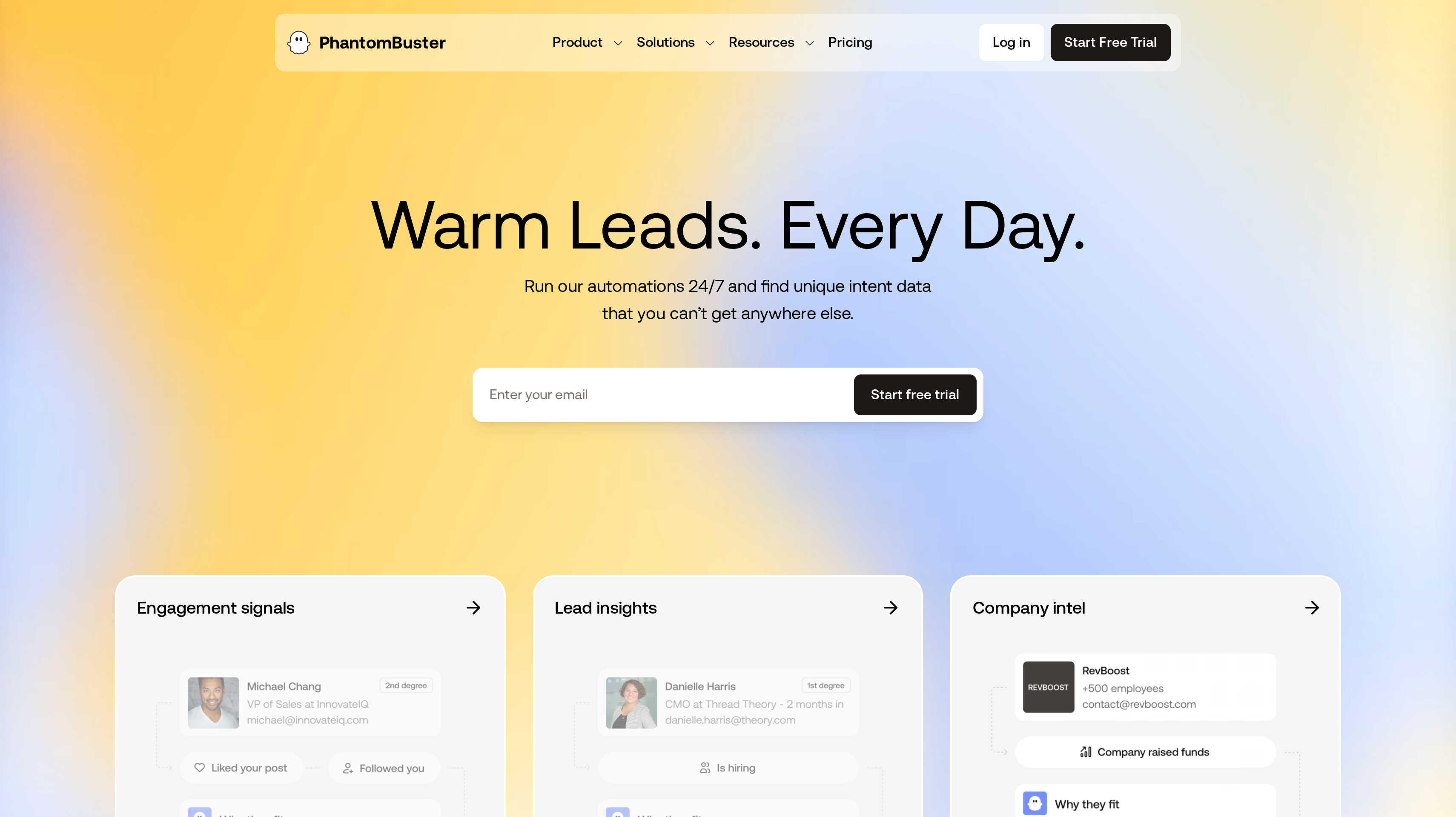
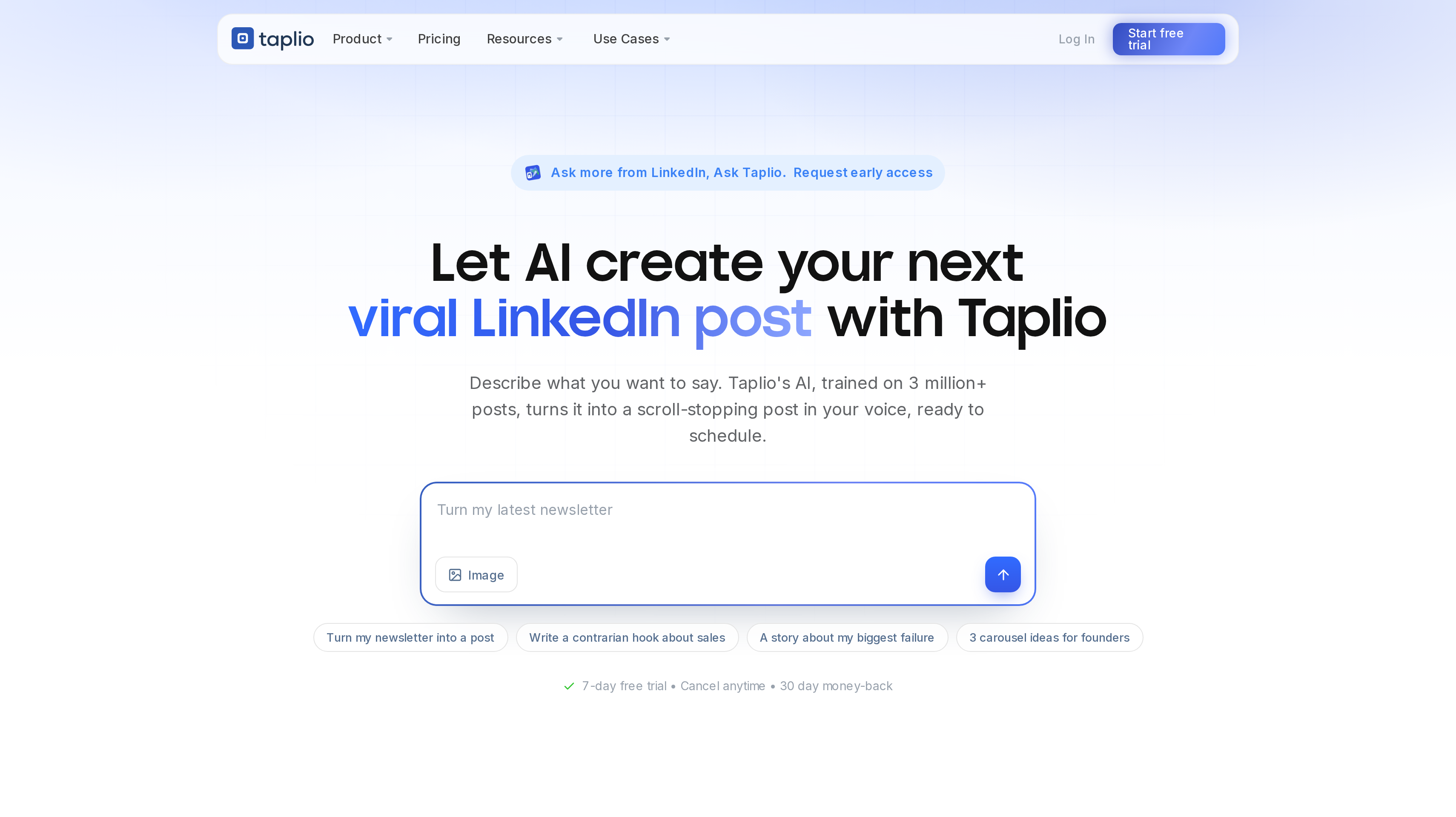
Lead research and content belong in the comparison too. PhantomBuster extracts and enriches lead data through cloud automations. Taplio focuses on writing, scheduling, and engagement, with lead outreach on Pro, so choose according to where your next conversation should begin.
Count sending profiles separately from people who answer. A sender, user, and identity can each represent a different billing unit. Map your profiles, reply owners, email needs, and client workspaces before comparing the subscription total.
What LinkedIn automation tools actually are (and what they are not)
A LinkedIn automation tool carries out repeatable steps around your LinkedIn activity. For outbound, that usually means connection requests, messages, and follow-ups arranged in a sequence with delays and conditions. Outreach platforms can also combine those actions with email, collect replies in an inbox, and send prospect information into your CRM. You still decide who belongs in the campaign and what gives you a reason to contact them.
For a SaaS team, the sequence should follow the buyer's situation. A founder discussing a specific product problem needs a different opening from an agency approaching a potential client. Once someone answers, a person needs to qualify the conversation, understand their requirements, and decide whether a demo makes sense. The handoff between a scheduled message and a real conversation matters as much as the sequence builder.
These products cover several jobs. Outreach platforms manage sending and replies. Data automations build and enrich prospect lists. Content tools help your founder publish and engage consistently. Your CRM remains the record of the sales opportunity, and your product still has to deliver what the message promises. Use the free LTV:CAC analyzer to work out how much acquisition spend a retained customer can support before adding more sending accounts.
Automation runs against LinkedIn's terms of use, and account restrictions are a real risk, so keep volumes conservative. Warm-up, cloud IPs, and adjustable limits give you controls over activity, but they do not grant permission from LinkedIn. Choose a manageable audience, review the actual messages, and leave room in your schedule to answer people who reply.
How We Ranked These LinkedIn Automation Tools
The shortlist focuses on SaaS outbound across founder accounts, sales teams, and agencies. It also includes lead-data automation and LinkedIn content software because finding the right person and earning their attention can be the work you need to improve first.
The comparison draws on vendor product pages and public pricing. Each recommendation connects a stated capability to a specific working setup, rather than treating every tool as a replacement for every other option.
We compared five criteria:
Sequence design and channels. Connection requests, follow-ups, conditional steps, and the ability to combine LinkedIn with email or other channels. The relevant plan matters more than a channel name on the homepage.
Sender management and replies. Multiple sending profiles, rotation, shared inboxes, and how your team divides responsibility for conversations. Agencies need a clear process for each client's accounts and messages.
Account activity controls. Cloud execution, dedicated IPs, warm-up, and configurable action limits where the vendor includes them. These are operational controls to evaluate alongside the campaign builder.
Lead data and CRM workflow. Imports, enrichment, exports, integrations, and how much context reaches the person handling the reply. A prospect's reason for being on your list should survive that handoff.
Cost and included capacity. Pricing per sender, user, or identity, plus execution time, enrichment credits, and the features attached to each tier. Free trials help you test a workflow before expanding it.
Published customer outcomes belong to the vendor or customer reporting them. The ranking favors a clear fit for the buyer's task over broad promises about meetings or revenue. We'll review the shortlist each quarter and revisit it after material pricing changes.
The Best LinkedIn Automation Tools in 2026
Start with who sends, then decide how the conversation should progress. The eight tools below cover shared LinkedIn outbound, controlled account activity, LinkedIn and email sequences, data collection, and founder content. Your shortlist can be smaller once you know which of those jobs takes the most time each week.
1. HeyReach, best for agencies and teams running many LinkedIn sender accounts
HeyReach organizes LinkedIn outreach around multiple sending accounts. You can rotate senders automatically and handle their messages in a unified inbox, so your team can answer without repeatedly switching between profiles. That combination earns it first place for an agency or sales team whose coordination work grows with every sender. The benefit is a manageable workflow across accounts, with someone responsible for every reply.
Campaigns can automate connection requests, messages, voice notes, and profile views. The If Connected condition separates people already in your network from new prospects. You can import contacts from Sales Navigator, Clay, RB2B, or HubSpot, which gives you a way to start campaigns from an existing prospecting process. A sales operator can prepare the list while the people handling conversations work from the inbox.
Growth costs $79 per sender per month on monthly billing and includes unlimited campaigns, a unified inbox, integrations, API access, and webhooks. Agency is $999 per month on monthly billing for 25 senders and adds whitelabeling and onboarding. HeyReach charges for connected LinkedIn senders, with no charge for adding teammates, clients, or virtual assistants. Count the profiles doing outreach when you budget, even if a larger group needs access to answer messages.
HeyReach also supports multichannel outreach through integrations. That makes the LinkedIn sending layer useful alongside your email setup. Decide which system owns the prospect record and how a reply reaches the correct person before distributing a campaign across accounts.
Best suited for agencies managing client LinkedIn outreach and sales teams that need coordinated sending across many profiles. Sender rotation and a centralized inbox give your operators a shared daily workflow for campaigns and responses.
2. Expandi, best for account-safety controls with cloud-based, dedicated IPs
Expandi puts account activity controls alongside its outreach campaigns. Its cloud-based software includes a dedicated country-based IP address, profile auto warm-up, and adjustable action limits. You can define daily limits and change the rate of growth during warm-up. For a team that wants account configuration to be part of campaign setup, those are concrete settings to evaluate before the first sequence launches.
The campaign tools include dynamic placeholders, conversation tags and notes, templates, and duplication prevention. Campaign prioritization lets you focus on particular sequences when several are running. For SaaS outbound, that gives you a way to prioritize a narrow, well-qualified audience while keeping other campaigns organized. Your team can agree on the message and timing before adding more activity to the account.
Business is $99 per month on monthly billing and includes unlimited campaigns. Expandi offers a seven-day free trial. Larger-team and whitelabel pricing is custom for more than 10 seats, with specialized support and the ability to use Expandi under your own brand. A small sales team can evaluate Business first, while an agency can scope its seat and branding requirements together.
The product also supports connection requests, messages, and email follow-ups in one sequence. Test the transition between those steps with the person who will answer, including what happens when a prospect responds before a later follow-up. Tags and notes are useful when a conversation needs context beyond its campaign name.
Best suited for sales teams and lead-generation agencies that want dedicated IPs, warm-up, and action limits built into their outreach setup. Campaign prioritization and conversation notes support an operator who reviews both account activity and the quality of replies.
3. Waalaxy, best for founders starting LinkedIn prospecting on a small budget
Waalaxy suits a founder turning an occasional LinkedIn message into a repeatable prospecting routine. You can build lists from LinkedIn Search, Sales Navigator, or Recruiter Lite, then use pre-built sequences for invitations and follow-ups. It also supports audiences based on post reactions, groups, and events. Those inputs help you explain why a particular person belongs in a campaign before you write the opening message.
Pro starts at $16 per user per month and includes 300 invitations per month, unlimited campaigns, pre-built sequences, and automated follow-ups. Advanced starts at $32 per user per month with 800 invitations per month, API access, and Make, Zapier, and n8n modules. Treat the plan allowance as capacity for your workflow, rather than a target you need to fill with more prospects.
Business starts at $55 per user per month and adds cold email sequences, combined LinkedIn and email campaigns, and 500 email finder credits. Waalaxy offers a 14-day free trial. If your first campaign only needs LinkedIn, you can evaluate the list import and follow-up process before deciding whether email belongs in the same tool.
The wider workflow includes CRM connections such as HubSpot and Pipedrive, professional email enrichment, and CSV exports with history. Campaign reply reporting helps you compare audiences and openings. For a founder who also answers every sales conversation, begin with a segment small enough to read the replies yourself and understand what people misunderstood or found relevant.
Best suited for founders who want an affordable first LinkedIn prospecting setup with templates and automated follow-ups. The plan progression also fits a founder adding email sequences and connected workflows as the outreach process becomes more established.
4. Dripify, best for solo sellers building LinkedIn and email drip campaigns
Dripify combines LinkedIn and email actions in multi-step lead-generation sequences. You build the path with delays and conditions, then follow campaign performance and conversion rates from the same product. That is a useful setup for a solo seller who wants a prospect's next step to depend on what happened earlier. You can plan the campaign without keeping a separate reminder for every follow-up.
Personalization includes smart variables and AI-powered icebreakers. An email finder supplies business addresses, and a dedicated inbox lets you respond to leads inside Dripify. The practical buying question is how much preparation a campaign needs before the first message goes out. Try it with prospect records that represent your actual audience, including incomplete records, so you can see how the copy reads when context is missing.
Pro is $59 per user per month billed annually, or $79 per user per month on monthly billing. It includes LinkedIn and email sequences, unlimited drip campaigns, analytics, built-in LinkedIn protection, and 100 email finder credits per month. Advanced is $79 per user per month billed annually, or $99 on monthly billing, and adds team management. Enterprise has custom pricing with dedicated technical support and a customer success manager.
A seven-day free trial requires no credit card. Use that trial to build one complete sequence and handle its replies, rather than judging the software only by how quickly you can launch. For a small SaaS sales operation, response handling needs to fit between demos, onboarding calls, and work on the product.
Best suited for solo sellers who want LinkedIn and email drip campaigns with lead finding and an inbox in the same application. Advanced provides a path to team management when more people start sharing the sales work.
5. La Growth Machine, best for multichannel sequences across LinkedIn, email, calls, and X
La Growth Machine organizes outbound around identities, the profiles that run your campaigns. Its sequences use conditions and branches, so a lead who accepts a LinkedIn request can receive a message while another follows an email path. A/B testing lets you compare the copy or steps in that sequence. This fits a SaaS team that wants channel choice to follow the prospect's response.
LinkedIn and email conversations come together in a shared inbox that you can filter by identity, campaign, or status. The product also supports personalized LinkedIn voice messages and enriched lead data. Your campaign operator can configure the sequence while reps handle replies, which makes the division of work clear when several people contribute to outbound.
Basic starts at €50 per month per identity and includes LinkedIn and email, 250 enriched leads per month, one sending email per identity, and up to three separately billed identities. Pro starts at €100 per month per identity and adds calls, 400 enriched leads per month, five sending emails per identity, and up to six active campaigns. A 14-day free trial is available. People who only answer replies do not need a sending identity.
Ultimate includes LinkedIn, email, X, and calls, alongside HubSpot and Pipedrive sync. Match the plan to the channels and CRM work your sequence requires. If connecting the rest of your sales stack is a separate project, the workflow automation shortlist covers tools for moving data between applications. Define the owner of each record before connecting multiple systems to it.
Best suited for sales teams designing conditional outreach across several channels with a shared reply workflow. Identity-based billing works well when the people running campaigns and the people answering leads are different groups.
6. lemlist, best for email-first teams adding LinkedIn steps to cold sequences
lemlist brings prospect data, email outreach, and multichannel sequences into one sales platform. For a team that already relies on cold email, LinkedIn becomes another step in the same process. You can import leads from a CRM or CSV, enrich their contact details, and build sequences around the available channels. That makes it a relevant choice when email remains the main route to a conversation.
The Email plan is $69 per month on monthly billing, or $55 per month billed yearly, with unlimited users and email senders at the listed 50,000-email monthly volume. LinkedIn automation belongs to Multichannel, which is $109 per user per month on monthly billing, or $87 per user per month billed yearly. Multichannel includes five senders per user and unlimited emails and messages. Map those senders to your actual setup when comparing a quote with a tool priced directly by LinkedIn profile.
The campaign capabilities include conditioned next steps, automatic stopping, LinkedIn profile visits, follows, and invitations. A unified inbox keeps replies accessible, while sending-limit management and deliverability tools support the email side. For your evaluation, take an existing email campaign and decide exactly where a LinkedIn step adds useful context. A connection request should have a reason to exist beyond filling a gap in the schedule.
lemlist offers a 14-day trial with Multichannel capabilities except in-app calls, plus 200 credits for finding email addresses and phone numbers. Enterprise pricing is custom and adds roles, permissions, and CRM access. Keep data enrichment requirements separate from the sequence design when you plan your rollout.
Best suited for email-first SaaS sales teams that want LinkedIn steps inside the outbound process they already run. The combination of lead enrichment, email infrastructure, and conditional sequences supports a sales operator managing both contact data and campaign delivery.
7. PhantomBuster, best for extracting and enriching LinkedIn lead data with automations
PhantomBuster builds prospecting workflows around live data and repeatable automations. It can extract information, enrich lists, and trigger LinkedIn actions using signals from the people you want to reach. The main fit here is the preparation work before a campaign starts. You might need a list tied to relevant activity rather than another place to write a connection message.
Its workflows run in the cloud, including when your browser is closed. LinkedIn actions include messages, connection requests, likes, and event invitations, with personalization informed by lead data. Integrations connect that work to HubSpot and other CRMs, or to n8n, Zapier, and Make. For a SaaS operator, the useful output is a prospect record with enough context for someone to decide what to say next.
Start is $56 per month, with $672 billed annually, and includes 20 hours of monthly execution time and 500 monthly email credits. Grow is $128 per month, with $1,536 billed annually, and includes 15 automation slots, 80 hours of monthly execution time, and 2,500 monthly email credits. Scale is $352 per month, with $4,224 billed annually, and includes 50 slots and 300 hours of monthly execution time. Users are unlimited.
Execution time measures how long the automations actively run, and slots determine how many can run at once. The free trial includes five slots and two hours of execution time, with exports limited to 10 rows. Test the data quality and time required for one workflow before scheduling it repeatedly across your lead sources.
Best suited for growth operators who need fresh LinkedIn prospect lists, enrichment, and automations connected to their CRM. Execution-time and slot allowances give you a concrete way to budget recurring data workflows and parallel jobs.
8. Taplio, best for founder-led growth through LinkedIn posts and engagement
Taplio focuses on the publishing and engagement work around a LinkedIn audience. You can turn ideas into drafts, repurpose existing material, schedule posts, and review performance. For a SaaS founder, that can mean turning a customer conversation or product lesson into a post you can publish during a busy week. The source material still needs your experience and a point worth sharing.
The product also helps you engage with other people's posts and turn audience activity into contact lists. Its broader workflow connects content, comments, and outreach. That makes the buying decision different from selecting a sender-rotation platform. Your first test should be whether you can publish work you would sign your name to and keep up with the conversations it starts.
Starter is $39 per month billed monthly and includes scheduling and core analytics. Growth is $69 per month billed monthly and adds faster replies and comments plus team collaboration. Pro is $199 per month billed monthly and adds unlimited AI posts and comments, automated lead outreach, and priority support. Choose the tier according to whether you need a publishing routine, collaborative engagement, or an outreach workflow around the audience.
The seven-day trial gives you Pro access, and Taplio offers a 30-day money-back guarantee. Team and agency options include multiple-account management, shared analytics, and admin, content writer, and client roles. Those roles matter when someone helps draft the founder's posts but the founder remains responsible for the voice and the resulting conversations.
Best suited for SaaS founders who want a consistent LinkedIn publishing habit and a process for engaging with relevant people. Team collaboration also fits a founder working with a writer who prepares drafts and reviews content performance.
Side-by-Side Comparison
Compare the main job, entry price, billing unit, and available trial.
Tool
Main job
Plan price
Basis
Trial
HeyReach
Sender rotation
$79/mo
Sender
14 days
Expandi
Activity controls
$99/mo
Account
7 days
Waalaxy
Starter outreach
From $16/mo
User
14 days
Dripify
Drip sequences
$59/mo
User
7 days
La Growth Machine
Multichannel
From €50/mo
Identity
14 days
lemlist
Email + LinkedIn
$87/mo
User
14 days
PhantomBuster
Lead data
$56/mo
Run time
Free trial
Taplio
Content + replies
$39/mo
Account
7 days
Which LinkedIn automation tool fits your use case
Build your shortlist around the person who will use the product every morning. A founder answering their own messages needs a different setup from an operator distributing campaigns across client profiles. A content writer needs an approval routine and useful post analytics, while a growth operator may spend most of the week improving lead data.
Bring one representative campaign to your evaluation. Include the list source, the opening message, a follow-up, the reply handoff, and the CRM record you expect to see afterward. For a content tool, replace the sequence with a draft, a scheduled post, and the conversation it should start. That exercise exposes missing steps sooner than comparing long feature lists.
Use case
What changes about the setup
What to look for
Agency client campaigns
Many profiles, shared replies
HeyReach rotation and inbox
Controlled account activity
Warm-up and daily reviews
Expandi IPs and limits
Founder prospecting
Small list, one reply owner
Waalaxy templates and follow-ups
Email alongside LinkedIn
One sequence across channels
Dripify, LGM, or lemlist
Lead research
Data feeds another sales tool
PhantomBuster exports and enrichment
Founder content
Writing and engagement every week
Taplio scheduling and collaboration
Proof: What results look like
Expandi publishes a testimonial from Roberto C., VP Design & Global Projects, who says he signed contracts worth more than $1 million using the tool. La Growth Machine publishes a customer account of moving from one-off outreach to a regular flow of leads. These examples describe outcomes reported by the people running those campaigns.
Your own useful measure is qualified conversations that become paying customers, alongside the time required to handle them. Use the LTV:CAC analyzer to relate your acquisition costs to customer value. For examples of the separate partner channel, the customer stories show what businesses report about their affiliate programs.
FAQ
What are the best LinkedIn automation tools for agencies?
HeyReach leads this shortlist for agencies coordinating multiple senders and handling replies in one inbox. Expandi fits an agency that prioritizes dedicated IPs, warm-up, and action controls. Start your evaluation with the number of client profiles and the people who need to answer their messages.
How much do LinkedIn automation tools cost per sender?
HeyReach Growth costs $79 per sender per month on monthly billing, while Waalaxy Pro starts at $16 per user per month. Dripify Pro is $59 per user per month billed annually. La Growth Machine Basic starts at €50 per identity per month, so compare the billing unit with your planned sending profiles.
What should LinkedIn outreach tools include for a SaaS sales team?
Look for sequences that match your sales process, a clear reply workflow, and a way to carry prospect context into your CRM. If email is part of the campaign, confirm that it belongs to the plan you select. Lead enrichment matters when your list contains profiles but lacks usable business contact details.
How do sender accounts differ from team seats?
A sender is the profile carrying out outreach, while a team seat usually describes a person accessing the software. HeyReach charges for LinkedIn senders and allows teammates to join without a user charge. La Growth Machine bills campaign-running identities separately from people who only answer replies, so draw your account and staffing map before buying.
Which tools combine LinkedIn with email sequences?
Dripify includes both channels on its paid plans, Waalaxy adds combined campaigns on Business, and La Growth Machine includes them on Basic. lemlist adds LinkedIn on Multichannel. Choose the sequence around how your buyer responds, and test how the inbox handles a reply that arrives halfway through the planned steps.
How should I evaluate warm-up and daily limits?
Ask who will set the limits, review activity, and pause a campaign when it needs attention. Expandi includes profile warm-up and configurable action ranges, while other tools describe their own protection and sending controls. Treat those settings as part of a recurring operating routine, with a named owner and time to review replies.
What is the difference between PhantomBuster and Taplio?
PhantomBuster focuses on data collection, enrichment, and automated workflows that can feed a sales process. Taplio centers on creating LinkedIn posts, scheduling them, engaging with people, and developing the audience into leads. Choose according to whether you need a better prospect list or a more consistent founder presence.
How can LinkedIn outreach help recruit affiliate partners?
You can use outreach to start conversations with customers and creators whose audiences match your SaaS. Agree on the offer and expectations, then manage attribution and commissions through affiliate and partner program software. The affiliate software shortlist covers that next purchase separately from your sending tool.
Try for free
Choose the outreach tool around the work you can sustain each week. Give one person responsibility for replies and follow each qualified conversation into your CRM. Some of those conversations will be with customers and creators who can introduce your SaaS to an audience of their own. Affonso helps you run affiliate and partner programs for those relationships. Set up the offer, attribute referred subscriptions, and manage the commissions partners earn. Start your Affonso free trial.
 Affonso
 Silvestro Zinnanti, FounderComparisonNovember 13, 202622 min read