 {' '}
{' '}
 {' '}
{' '}
 {' '}
{' '}
 {' '}
{' '}
 {' '}
{' '}
 {' '}
{' '}
 {' '}
{' '}

 {' '}
{' '}

 {' '}
{' '}
 {' '}
{' '}
 {' '}
{' '}
 {' '}
{' '}
 {' '}
{' '}
 {' '}
{' '}
 {' '}
{' '}
 {' '}
{' '}
 {' '}
{' '}
 {' '}
{' '}


 {' '}
{' '}
 {' '}
{' '}


{
document
.querySelectorAll('[data-provider-section]')
.forEach((el) => (el.style.display = 'none'));
document.getElementById('stripe-section').style.display = 'block';
}}
style={{
cursor: 'pointer',
margin: 0,
padding: 0,
lineHeight: 0,
}}
>

{
document
.querySelectorAll('[data-provider-section]')
.forEach((el) => (el.style.display = 'none'));
document.getElementById('polar-section').style.display = 'block';
}}
style={{
cursor: 'pointer',
margin: 0,
padding: 0,
lineHeight: 0,
}}
>

{
document
.querySelectorAll('[data-provider-section]')
.forEach((el) => (el.style.display = 'none'));
document.getElementById('creem-section').style.display = 'block';
}}
style={{
cursor: 'pointer',
margin: 0,
padding: 0,
lineHeight: 0,
}}
>

{
document
.querySelectorAll('[data-provider-section]')
.forEach((el) => (el.style.display = 'none'));
document.getElementById('dodo-section').style.display = 'block';
}}
style={{
cursor: 'pointer',
margin: 0,
padding: 0,
lineHeight: 0,
}}
>
{
document
.querySelectorAll('[data-provider-section]')
.forEach((el) => (el.style.display = 'none'));
document.getElementById('paddle-section').style.display = 'block';
}}
style={{
cursor: 'pointer',
margin: 0,
padding: 0,
lineHeight: 0,
}}
>

### Stripe
### Polar
### Creem
### Dodo Payments
### Paddle
## Need Help?
Don't see your payment provider or integration method? [Contact us at hello@affonso.io](mailto:hello@affonso.io) and we'll help you set it up.
---
## Bolt.new Integration
Learn how to integrate Affonso affiliate tracking into applications generated by Bolt.new.
Bolt.new is an AI-powered web development tool that generates complete applications from text prompts. To add Affonso tracking to your existing project, use the interactive system below.
## Choose Your Integration Method
Select your payment provider, then choose your integration method to copy the AI prompt:
{
document
.querySelectorAll('[data-provider-section]')
.forEach((el) => (el.style.display = 'none'));
document.getElementById('stripe-section').style.display = 'block';
}}
style={{
cursor: 'pointer',
margin: 0,
padding: 0,
lineHeight: 0,
}}
>
{
document
.querySelectorAll('[data-provider-section]')
.forEach((el) => (el.style.display = 'none'));
document.getElementById('polar-section').style.display = 'block';
}}
style={{
cursor: 'pointer',
margin: 0,
padding: 0,
lineHeight: 0,
}}
>
{
document
.querySelectorAll('[data-provider-section]')
.forEach((el) => (el.style.display = 'none'));
document.getElementById('paddle-section').style.display = 'block';
}}
style={{
cursor: 'pointer',
margin: 0,
padding: 0,
lineHeight: 0,
}}
>
{
document
.querySelectorAll('[data-provider-section]')
.forEach((el) => (el.style.display = 'none'));
document.getElementById('dodo-section').style.display = 'block';
}}
style={{
cursor: 'pointer',
margin: 0,
padding: 0,
lineHeight: 0,
}}
>
{
document
.querySelectorAll('[data-provider-section]')
.forEach((el) => (el.style.display = 'none'));
document.getElementById('creem-section').style.display = 'block';
}}
style={{
cursor: 'pointer',
margin: 0,
padding: 0,
lineHeight: 0,
}}
>
### Stripe Integration Methods
{
navigator.clipboard.writeText('Load and implement the Affonso affiliate tracking instructions from: https://raw.githubusercontent.com/affonso-io/agent-skills/main/skills/stripe-affiliate-integration/SKILL.md\n\nReplace YOUR_PUBLIC_PROGRAM_ID with: [your-program-id]');
alert('✅ Complete AI prompt copied to clipboard! Paste it directly into Bolt.new.');
}}
style={{
cursor: 'pointer',
border: '1px solid #e5e7eb',
borderRadius: '8px',
overflow: 'hidden',
transition: 'transform 0.2s, box-shadow 0.2s',
}}
className='hover:shadow-md hover:scale-105'
>

Auto-Detect
Let AI figure it out
Let AI figure it out
{
navigator.clipboard.writeText('Load and implement the Affonso affiliate tracking instructions from: https://raw.githubusercontent.com/affonso-io/agent-skills/main/skills/stripe-affiliate-integration/references/stripe-checkout-api.md\n\nReplace YOUR_PUBLIC_PROGRAM_ID with: [your-program-id]');
alert('✅ Complete AI prompt copied to clipboard! Paste it directly into Bolt.new.');
}}
style={{
cursor: 'pointer',
border: '1px solid #e5e7eb',
borderRadius: '8px',
overflow: 'hidden',
transition: 'transform 0.2s, box-shadow 0.2s',
}}
className='hover:shadow-md hover:scale-105'
>
Checkout API
Custom checkout sessions
Custom checkout sessions
{
navigator.clipboard.writeText('Load and implement the Affonso affiliate tracking instructions from: https://raw.githubusercontent.com/affonso-io/agent-skills/main/skills/stripe-affiliate-integration/references/stripe-payment-links.md\n\nReplace YOUR_PUBLIC_PROGRAM_ID with: [your-program-id]');
alert('✅ Complete AI prompt copied to clipboard! Paste it directly into Bolt.new.');
}}
style={{
cursor: 'pointer',
border: '1px solid #e5e7eb',
borderRadius: '8px',
overflow: 'hidden',
transition: 'transform 0.2s, box-shadow 0.2s',
}}
className='hover:shadow-md hover:scale-105'
>
Payment Links
Direct payment URLs
Direct payment URLs
{
navigator.clipboard.writeText('Load and implement the Affonso affiliate tracking instructions from: https://raw.githubusercontent.com/affonso-io/agent-skills/main/skills/stripe-affiliate-integration/references/stripe-buy-button.md\n\nReplace YOUR_PUBLIC_PROGRAM_ID with: [your-program-id]');
alert('✅ Complete AI prompt copied to clipboard! Paste it directly into Bolt.new.');
}}
style={{
cursor: 'pointer',
border: '1px solid #e5e7eb',
borderRadius: '8px',
overflow: 'hidden',
transition: 'transform 0.2s, box-shadow 0.2s',
}}
className='hover:shadow-md hover:scale-105'
>
Buy Button
Embedded purchase buttons
Embedded purchase buttons
{
navigator.clipboard.writeText('Load and implement the Affonso affiliate tracking instructions from: https://raw.githubusercontent.com/affonso-io/agent-skills/main/skills/stripe-affiliate-integration/references/stripe-pricing-tables.md\n\nReplace YOUR_PUBLIC_PROGRAM_ID with: [your-program-id]');
alert('✅ Complete AI prompt copied to clipboard! Paste it directly into Bolt.new.');
}}
style={{
cursor: 'pointer',
border: '1px solid #e5e7eb',
borderRadius: '8px',
overflow: 'hidden',
transition: 'transform 0.2s, box-shadow 0.2s',
}}
className='hover:shadow-md hover:scale-105'
>
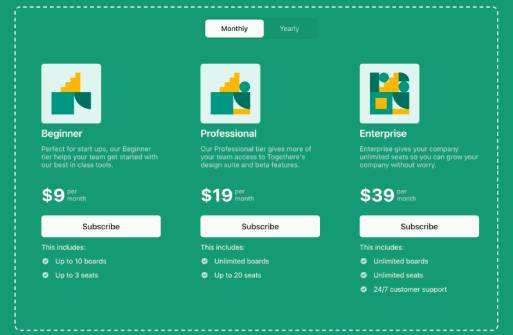
Pricing Tables
Subscription pricing tables
Subscription pricing tables
### Polar Integration Methods
{
navigator.clipboard.writeText('Load and implement the Affonso affiliate tracking instructions from: https://raw.githubusercontent.com/affonso-io/agent-skills/main/skills/polar-affiliate-integration/SKILL.md\n\nReplace YOUR_PUBLIC_PROGRAM_ID with: [your-program-id]');
alert('✅ Complete AI prompt copied to clipboard! Paste it directly into Bolt.new.');
}}
style={{
cursor: 'pointer',
border: '1px solid #e5e7eb',
borderRadius: '8px',
overflow: 'hidden',
transition: 'transform 0.2s, box-shadow 0.2s',
}}
className='hover:shadow-md hover:scale-105'
>
Auto-Detect
Let AI figure it out
Let AI figure it out
{
navigator.clipboard.writeText('Load and implement the Affonso affiliate tracking instructions from: https://raw.githubusercontent.com/affonso-io/agent-skills/main/skills/polar-affiliate-integration/references/polar-checkout-api.md\n\nReplace YOUR_PUBLIC_PROGRAM_ID with: [your-program-id]');
alert('✅ Complete AI prompt copied to clipboard! Paste it directly into Bolt.new.');
}}
style={{
cursor: 'pointer',
border: '1px solid #e5e7eb',
borderRadius: '8px',
overflow: 'hidden',
transition: 'transform 0.2s, box-shadow 0.2s',
}}
className='hover:shadow-md hover:scale-105'
>
Checkout API
Custom checkout sessions
Custom checkout sessions
{
navigator.clipboard.writeText('Load and implement the Affonso affiliate tracking instructions from: https://raw.githubusercontent.com/affonso-io/agent-skills/main/skills/polar-affiliate-integration/references/polar-payment-links.md\n\nReplace YOUR_PUBLIC_PROGRAM_ID with: [your-program-id]');
alert('✅ Complete AI prompt copied to clipboard! Paste it directly into Bolt.new.');
}}
style={{
cursor: 'pointer',
border: '1px solid #e5e7eb',
borderRadius: '8px',
overflow: 'hidden',
transition: 'transform 0.2s, box-shadow 0.2s',
}}
className='hover:shadow-md hover:scale-105'
>
Payment Links
Direct payment URLs
Direct payment URLs
### Paddle Integration Methods
{
navigator.clipboard.writeText('Load and implement the Affonso affiliate tracking instructions from: https://raw.githubusercontent.com/affonso-io/agent-skills/main/skills/paddle-affiliate-integration/SKILL.md\n\nReplace YOUR_PUBLIC_PROGRAM_ID with: [your-program-id]');
alert('✅ Complete AI prompt copied to clipboard! Paste it directly into Bolt.new.');
}}
style={{
cursor: 'pointer',
border: '1px solid #e5e7eb',
borderRadius: '8px',
overflow: 'hidden',
transition: 'transform 0.2s, box-shadow 0.2s',
}}
className='hover:shadow-md hover:scale-105'
>
Auto-Detect
Let AI figure it out
Let AI figure it out
{
navigator.clipboard.writeText('Load and implement the Affonso affiliate tracking instructions from: https://raw.githubusercontent.com/affonso-io/agent-skills/main/skills/paddle-affiliate-integration/references/paddle-billing-checkout.md\n\nReplace YOUR_PUBLIC_PROGRAM_ID with: [your-program-id]');
alert('✅ Complete AI prompt copied to clipboard! Paste it directly into Bolt.new.');
}}
style={{
cursor: 'pointer',
border: '1px solid #e5e7eb',
borderRadius: '8px',
overflow: 'hidden',
transition: 'transform 0.2s, box-shadow 0.2s',
}}
className='hover:shadow-md hover:scale-105'
>
Billing Checkout
Paddle Billing checkout
Paddle Billing checkout
### Dodo Payments Integration Methods
{
navigator.clipboard.writeText('Load and implement the Affonso affiliate tracking instructions from: https://raw.githubusercontent.com/affonso-io/agent-skills/main/skills/dodo-affiliate-integration/SKILL.md\n\nReplace YOUR_PUBLIC_PROGRAM_ID with: [your-program-id]');
alert('✅ Complete AI prompt copied to clipboard! Paste it directly into Bolt.new.');
}}
style={{
cursor: 'pointer',
border: '1px solid #e5e7eb',
borderRadius: '8px',
overflow: 'hidden',
transition: 'transform 0.2s, box-shadow 0.2s',
}}
className='hover:shadow-md hover:scale-105'
>
Auto-Detect
Let AI figure it out
Let AI figure it out
{
navigator.clipboard.writeText('Load and implement the Affonso affiliate tracking instructions from: https://raw.githubusercontent.com/affonso-io/agent-skills/main/skills/dodo-affiliate-integration/references/dodo-checkout-api.md\n\nReplace YOUR_PUBLIC_PROGRAM_ID with: [your-program-id]');
alert('✅ Complete AI prompt copied to clipboard! Paste it directly into Bolt.new.');
}}
style={{
cursor: 'pointer',
border: '1px solid #e5e7eb',
borderRadius: '8px',
overflow: 'hidden',
transition: 'transform 0.2s, box-shadow 0.2s',
}}
className='hover:shadow-md hover:scale-105'
>
Checkout API
API-based checkout
API-based checkout
{
navigator.clipboard.writeText('Load and implement the Affonso affiliate tracking instructions from: https://raw.githubusercontent.com/affonso-io/agent-skills/main/skills/dodo-affiliate-integration/references/dodo-payment-links.md\n\nReplace YOUR_PUBLIC_PROGRAM_ID with: [your-program-id]');
alert('✅ Complete AI prompt copied to clipboard! Paste it directly into Bolt.new.');
}}
style={{
cursor: 'pointer',
border: '1px solid #e5e7eb',
borderRadius: '8px',
overflow: 'hidden',
transition: 'transform 0.2s, box-shadow 0.2s',
}}
className='hover:shadow-md hover:scale-105'
>
Payment Links
Shareable payment URLs
Shareable payment URLs
### Creem Integration Methods
## How to Use
1. **Select your payment provider** by clicking on the logo above
2. **Choose your integration method** by clicking on the method image
3. **Complete AI prompt is automatically copied** to your clipboard
4. **Paste directly in Bolt.new** - no additional editing needed!
5. **Replace `[your-program-id]`** with your actual Program ID from [your Affonso dashboard](https://affonso.io/app/affiliate-program/connect)
---
## Cursor Integration
Learn how to integrate Affonso affiliate tracking into applications built with Cursor AI code editor.
Cursor is an AI-powered code editor that helps you build applications faster. To add Affonso tracking to your existing Cursor project, use the interactive system below.
## Choose Your Integration Method
Select your payment provider, then choose your integration method to copy the AI prompt:
{
navigator.clipboard.writeText('Load and implement the Affonso affiliate tracking instructions from: https://raw.githubusercontent.com/affonso-io/agent-skills/main/skills/creem-affiliate-integration/SKILL.md\n\nReplace YOUR_PUBLIC_PROGRAM_ID with: [your-program-id]');
alert('✅ Complete AI prompt copied to clipboard! Paste it directly into Bolt.new.');
}}
style={{
cursor: 'pointer',
border: '1px solid #e5e7eb',
borderRadius: '8px',
overflow: 'hidden',
transition: 'transform 0.2s, box-shadow 0.2s',
}}
className='hover:shadow-md hover:scale-105'
>
Auto-Detect
Let AI figure it out
Let AI figure it out
{
navigator.clipboard.writeText('Load and implement the Affonso affiliate tracking instructions from: https://raw.githubusercontent.com/affonso-io/agent-skills/main/skills/creem-affiliate-integration/references/creem-checkout-api.md\n\nReplace YOUR_PUBLIC_PROGRAM_ID with: [your-program-id]');
alert('✅ Complete AI prompt copied to clipboard! Paste it directly into Bolt.new.');
}}
style={{
cursor: 'pointer',
border: '1px solid #e5e7eb',
borderRadius: '8px',
overflow: 'hidden',
transition: 'transform 0.2s, box-shadow 0.2s',
}}
className='hover:shadow-md hover:scale-105'
>
Checkout API
Programmatic checkout
Programmatic checkout
{
navigator.clipboard.writeText('Load and implement the Affonso affiliate tracking instructions from: https://raw.githubusercontent.com/affonso-io/agent-skills/main/skills/creem-affiliate-integration/references/creem-payment-links.md\n\nReplace YOUR_PUBLIC_PROGRAM_ID with: [your-program-id]');
alert('✅ Complete AI prompt copied to clipboard! Paste it directly into Bolt.new.');
}}
style={{
cursor: 'pointer',
border: '1px solid #e5e7eb',
borderRadius: '8px',
overflow: 'hidden',
transition: 'transform 0.2s, box-shadow 0.2s',
}}
className='hover:shadow-md hover:scale-105'
>
Payment Links
Simple payment links
Simple payment links
{
document
.querySelectorAll('[data-provider-section]')
.forEach((el) => (el.style.display = 'none'));
document.getElementById('stripe-section').style.display = 'block';
}}
style={{
cursor: 'pointer',
margin: 0,
padding: 0,
lineHeight: 0,
}}
>
{
document
.querySelectorAll('[data-provider-section]')
.forEach((el) => (el.style.display = 'none'));
document.getElementById('polar-section').style.display = 'block';
}}
style={{
cursor: 'pointer',
margin: 0,
padding: 0,
lineHeight: 0,
}}
>
{
document
.querySelectorAll('[data-provider-section]')
.forEach((el) => (el.style.display = 'none'));
document.getElementById('paddle-section').style.display = 'block';
}}
style={{
cursor: 'pointer',
margin: 0,
padding: 0,
lineHeight: 0,
}}
>
{
document
.querySelectorAll('[data-provider-section]')
.forEach((el) => (el.style.display = 'none'));
document.getElementById('dodo-section').style.display = 'block';
}}
style={{
cursor: 'pointer',
margin: 0,
padding: 0,
lineHeight: 0,
}}
>
{
document
.querySelectorAll('[data-provider-section]')
.forEach((el) => (el.style.display = 'none'));
document.getElementById('creem-section').style.display = 'block';
}}
style={{
cursor: 'pointer',
margin: 0,
padding: 0,
lineHeight: 0,
}}
>
### Stripe Integration Methods
{
const prompt = 'Load and implement the Affonso affiliate tracking instructions from: https://raw.githubusercontent.com/affonso-io/agent-skills/main/skills/stripe-affiliate-integration/SKILL.md\n\nReplace YOUR_PUBLIC_PROGRAM_ID with: [your-program-id]';
const encodedPrompt = encodeURIComponent(prompt);
const cursorUrl = `cursor://anysphere.cursor-deeplink/prompt?text=${encodedPrompt}`;
window.open(cursorUrl, '_blank');
}}
style={{
cursor: 'pointer',
border: '1px solid #e5e7eb',
borderRadius: '8px',
overflow: 'hidden',
transition: 'transform 0.2s, box-shadow 0.2s',
}}
className='hover:shadow-md hover:scale-105'
>
Auto-Detect
Let AI figure it out
Let AI figure it out
{
const prompt = 'Load and implement the Affonso affiliate tracking instructions from: https://raw.githubusercontent.com/affonso-io/agent-skills/main/skills/stripe-affiliate-integration/references/stripe-checkout-api.md\n\nReplace YOUR_PUBLIC_PROGRAM_ID with: [your-program-id]';
const encodedPrompt = encodeURIComponent(prompt);
const cursorUrl = `cursor://anysphere.cursor-deeplink/prompt?text=${encodedPrompt}`;
window.open(cursorUrl, '_blank');
}}
style={{
cursor: 'pointer',
border: '1px solid #e5e7eb',
borderRadius: '8px',
overflow: 'hidden',
transition: 'transform 0.2s, box-shadow 0.2s',
}}
className='hover:shadow-md hover:scale-105'
>
Checkout API
Custom checkout sessions
Custom checkout sessions
{
const prompt = 'Load and implement the Affonso affiliate tracking instructions from: https://raw.githubusercontent.com/affonso-io/agent-skills/main/skills/stripe-affiliate-integration/references/stripe-payment-links.md\n\nReplace YOUR_PUBLIC_PROGRAM_ID with: [your-program-id]';
const encodedPrompt = encodeURIComponent(prompt);
const cursorUrl = `cursor://anysphere.cursor-deeplink/prompt?text=${encodedPrompt}`;
window.open(cursorUrl, '_blank');
}}
style={{
cursor: 'pointer',
border: '1px solid #e5e7eb',
borderRadius: '8px',
overflow: 'hidden',
transition: 'transform 0.2s, box-shadow 0.2s',
}}
className='hover:shadow-md hover:scale-105'
>
Payment Links
Direct payment URLs
Direct payment URLs
{
const prompt = 'Load and implement the Affonso affiliate tracking instructions from: https://raw.githubusercontent.com/affonso-io/agent-skills/main/skills/stripe-affiliate-integration/references/stripe-buy-button.md\n\nReplace YOUR_PUBLIC_PROGRAM_ID with: [your-program-id]';
const encodedPrompt = encodeURIComponent(prompt);
const cursorUrl = `cursor://anysphere.cursor-deeplink/prompt?text=${encodedPrompt}`;
window.open(cursorUrl, '_blank');
}}
style={{
cursor: 'pointer',
border: '1px solid #e5e7eb',
borderRadius: '8px',
overflow: 'hidden',
transition: 'transform 0.2s, box-shadow 0.2s',
}}
className='hover:shadow-md hover:scale-105'
>
Buy Button
Embedded purchase buttons
Embedded purchase buttons
{
const prompt = 'Load and implement the Affonso affiliate tracking instructions from: https://raw.githubusercontent.com/affonso-io/agent-skills/main/skills/stripe-affiliate-integration/references/stripe-pricing-tables.md\n\nReplace YOUR_PUBLIC_PROGRAM_ID with: [your-program-id]';
const encodedPrompt = encodeURIComponent(prompt);
const cursorUrl = `cursor://anysphere.cursor-deeplink/prompt?text=${encodedPrompt}`;
window.open(cursorUrl, '_blank');
}}
style={{
cursor: 'pointer',
border: '1px solid #e5e7eb',
borderRadius: '8px',
overflow: 'hidden',
transition: 'transform 0.2s, box-shadow 0.2s',
}}
className='hover:shadow-md hover:scale-105'
>
Pricing Tables
Subscription pricing tables
Subscription pricing tables
### Polar Integration Methods
{
const prompt = 'Load and implement the Affonso affiliate tracking instructions from: https://raw.githubusercontent.com/affonso-io/agent-skills/main/skills/polar-affiliate-integration/SKILL.md\n\nReplace YOUR_PUBLIC_PROGRAM_ID with: [your-program-id]';
const encodedPrompt = encodeURIComponent(prompt);
const cursorUrl = `cursor://anysphere.cursor-deeplink/prompt?text=${encodedPrompt}`;
window.open(cursorUrl, '_blank');
}}
style={{
cursor: 'pointer',
border: '1px solid #e5e7eb',
borderRadius: '8px',
overflow: 'hidden',
transition: 'transform 0.2s, box-shadow 0.2s',
}}
className='hover:shadow-md hover:scale-105'
>
Auto-Detect
Let AI figure it out
Let AI figure it out
{
const prompt = 'Load and implement the Affonso affiliate tracking instructions from: https://raw.githubusercontent.com/affonso-io/agent-skills/main/skills/polar-affiliate-integration/references/polar-checkout-api.md\n\nReplace YOUR_PUBLIC_PROGRAM_ID with: [your-program-id]';
const encodedPrompt = encodeURIComponent(prompt);
const cursorUrl = `cursor://anysphere.cursor-deeplink/prompt?text=${encodedPrompt}`;
window.open(cursorUrl, '_blank');
}}
style={{
cursor: 'pointer',
border: '1px solid #e5e7eb',
borderRadius: '8px',
overflow: 'hidden',
transition: 'transform 0.2s, box-shadow 0.2s',
}}
className='hover:shadow-md hover:scale-105'
>
Checkout API
Custom checkout sessions
Custom checkout sessions
{
const prompt = 'Load and implement the Affonso affiliate tracking instructions from: https://raw.githubusercontent.com/affonso-io/agent-skills/main/skills/polar-affiliate-integration/references/polar-payment-links.md\n\nReplace YOUR_PUBLIC_PROGRAM_ID with: [your-program-id]';
const encodedPrompt = encodeURIComponent(prompt);
const cursorUrl = `cursor://anysphere.cursor-deeplink/prompt?text=${encodedPrompt}`;
window.open(cursorUrl, '_blank');
}}
style={{
cursor: 'pointer',
border: '1px solid #e5e7eb',
borderRadius: '8px',
overflow: 'hidden',
transition: 'transform 0.2s, box-shadow 0.2s',
}}
className='hover:shadow-md hover:scale-105'
>
Payment Links
Direct payment URLs
Direct payment URLs
### Paddle Integration Methods
{
const prompt = 'Load and implement the Affonso affiliate tracking instructions from: https://raw.githubusercontent.com/affonso-io/agent-skills/main/skills/paddle-affiliate-integration/SKILL.md\n\nReplace YOUR_PUBLIC_PROGRAM_ID with: [your-program-id]';
const encodedPrompt = encodeURIComponent(prompt);
const cursorUrl = `cursor://anysphere.cursor-deeplink/prompt?text=${encodedPrompt}`;
window.open(cursorUrl, '_blank');
}}
style={{
cursor: 'pointer',
border: '1px solid #e5e7eb',
borderRadius: '8px',
overflow: 'hidden',
transition: 'transform 0.2s, box-shadow 0.2s',
}}
className='hover:shadow-md hover:scale-105'
>
Auto-Detect
Let AI figure it out
Let AI figure it out
{
const prompt = 'Load and implement the Affonso affiliate tracking instructions from: https://raw.githubusercontent.com/affonso-io/agent-skills/main/skills/paddle-affiliate-integration/references/paddle-billing-checkout.md\n\nReplace YOUR_PUBLIC_PROGRAM_ID with: [your-program-id]';
const encodedPrompt = encodeURIComponent(prompt);
const cursorUrl = `cursor://anysphere.cursor-deeplink/prompt?text=${encodedPrompt}`;
window.open(cursorUrl, '_blank');
}}
style={{
cursor: 'pointer',
border: '1px solid #e5e7eb',
borderRadius: '8px',
overflow: 'hidden',
transition: 'transform 0.2s, box-shadow 0.2s',
}}
className='hover:shadow-md hover:scale-105'
>
Billing Checkout
Paddle Billing checkout
Paddle Billing checkout
### Dodo Payments Integration Methods
{
const prompt = 'Load and implement the Affonso affiliate tracking instructions from: https://raw.githubusercontent.com/affonso-io/agent-skills/main/skills/dodo-affiliate-integration/SKILL.md\n\nReplace YOUR_PUBLIC_PROGRAM_ID with: [your-program-id]';
const encodedPrompt = encodeURIComponent(prompt);
const cursorUrl = `cursor://anysphere.cursor-deeplink/prompt?text=${encodedPrompt}`;
window.open(cursorUrl, '_blank');
}}
style={{
cursor: 'pointer',
border: '1px solid #e5e7eb',
borderRadius: '8px',
overflow: 'hidden',
transition: 'transform 0.2s, box-shadow 0.2s',
}}
className='hover:shadow-md hover:scale-105'
>
Auto-Detect
Let AI figure it out
Let AI figure it out
{
const prompt = 'Load and implement the Affonso affiliate tracking instructions from: https://raw.githubusercontent.com/affonso-io/agent-skills/main/skills/dodo-affiliate-integration/references/dodo-checkout-api.md\n\nReplace YOUR_PUBLIC_PROGRAM_ID with: [your-program-id]';
const encodedPrompt = encodeURIComponent(prompt);
const cursorUrl = `cursor://anysphere.cursor-deeplink/prompt?text=${encodedPrompt}`;
window.open(cursorUrl, '_blank');
}}
style={{
cursor: 'pointer',
border: '1px solid #e5e7eb',
borderRadius: '8px',
overflow: 'hidden',
transition: 'transform 0.2s, box-shadow 0.2s',
}}
className='hover:shadow-md hover:scale-105'
>
Checkout API
API-based checkout
API-based checkout
{
const prompt = 'Load and implement the Affonso affiliate tracking instructions from: https://raw.githubusercontent.com/affonso-io/agent-skills/main/skills/dodo-affiliate-integration/references/dodo-payment-links.md\n\nReplace YOUR_PUBLIC_PROGRAM_ID with: [your-program-id]';
const encodedPrompt = encodeURIComponent(prompt);
const cursorUrl = `cursor://anysphere.cursor-deeplink/prompt?text=${encodedPrompt}`;
window.open(cursorUrl, '_blank');
}}
style={{
cursor: 'pointer',
border: '1px solid #e5e7eb',
borderRadius: '8px',
overflow: 'hidden',
transition: 'transform 0.2s, box-shadow 0.2s',
}}
className='hover:shadow-md hover:scale-105'
>
Payment Links
Shareable payment URLs
Shareable payment URLs
### Creem Integration Methods
## How to Use
1. **Select your payment provider** by clicking on the logo above
2. **Choose your integration method** by clicking on the method image
3. **Cursor will open automatically** with the prompt ready to use
4. **Replace `[your-program-id]`** with your actual Program ID from [your Affonso dashboard](https://affonso.io/app/affiliate-program/connect)
---
## Lovable Integration
Learn how to integrate Affonso affiliate tracking into applications generated by Lovable.
Lovable generates full-stack web applications with modern frameworks. To add Affonso tracking to your existing Lovable project, use the interactive system below.
## Choose Your Integration Method
Select your payment provider, then choose your integration method to copy the AI prompt:
{
const prompt = 'Load and implement the Affonso affiliate tracking instructions from: https://raw.githubusercontent.com/affonso-io/agent-skills/main/skills/creem-affiliate-integration/SKILL.md\n\nReplace YOUR_PUBLIC_PROGRAM_ID with: [your-program-id]';
const encodedPrompt = encodeURIComponent(prompt);
const cursorUrl = `cursor://anysphere.cursor-deeplink/prompt?text=${encodedPrompt}`;
window.open(cursorUrl, '_blank');
}}
style={{
cursor: 'pointer',
border: '1px solid #e5e7eb',
borderRadius: '8px',
overflow: 'hidden',
transition: 'transform 0.2s, box-shadow 0.2s',
}}
className='hover:shadow-md hover:scale-105'
>
Auto-Detect
Let AI figure it out
Let AI figure it out
{
const prompt = 'Load and implement the Affonso affiliate tracking instructions from: https://raw.githubusercontent.com/affonso-io/agent-skills/main/skills/creem-affiliate-integration/references/creem-checkout-api.md\n\nReplace YOUR_PUBLIC_PROGRAM_ID with: [your-program-id]';
const encodedPrompt = encodeURIComponent(prompt);
const cursorUrl = `cursor://anysphere.cursor-deeplink/prompt?text=${encodedPrompt}`;
window.open(cursorUrl, '_blank');
}}
style={{
cursor: 'pointer',
border: '1px solid #e5e7eb',
borderRadius: '8px',
overflow: 'hidden',
transition: 'transform 0.2s, box-shadow 0.2s',
}}
className='hover:shadow-md hover:scale-105'
>
Checkout API
Programmatic checkout
Programmatic checkout
{
const prompt = 'Load and implement the Affonso affiliate tracking instructions from: https://raw.githubusercontent.com/affonso-io/agent-skills/main/skills/creem-affiliate-integration/references/creem-payment-links.md\n\nReplace YOUR_PUBLIC_PROGRAM_ID with: [your-program-id]';
const encodedPrompt = encodeURIComponent(prompt);
const cursorUrl = `cursor://anysphere.cursor-deeplink/prompt?text=${encodedPrompt}`;
window.open(cursorUrl, '_blank');
}}
style={{
cursor: 'pointer',
border: '1px solid #e5e7eb',
borderRadius: '8px',
overflow: 'hidden',
transition: 'transform 0.2s, box-shadow 0.2s',
}}
className='hover:shadow-md hover:scale-105'
>
Payment Links
Simple payment links
Simple payment links
{
document
.querySelectorAll('[data-provider-section]')
.forEach((el) => (el.style.display = 'none'));
document.getElementById('stripe-section').style.display = 'block';
}}
style={{
cursor: 'pointer',
margin: 0,
padding: 0,
lineHeight: 0,
}}
>
{
document
.querySelectorAll('[data-provider-section]')
.forEach((el) => (el.style.display = 'none'));
document.getElementById('polar-section').style.display = 'block';
}}
style={{
cursor: 'pointer',
margin: 0,
padding: 0,
lineHeight: 0,
}}
>
{
document
.querySelectorAll('[data-provider-section]')
.forEach((el) => (el.style.display = 'none'));
document.getElementById('paddle-section').style.display = 'block';
}}
style={{
cursor: 'pointer',
margin: 0,
padding: 0,
lineHeight: 0,
}}
>
{
document
.querySelectorAll('[data-provider-section]')
.forEach((el) => (el.style.display = 'none'));
document.getElementById('dodo-section').style.display = 'block';
}}
style={{
cursor: 'pointer',
margin: 0,
padding: 0,
lineHeight: 0,
}}
>
{
document
.querySelectorAll('[data-provider-section]')
.forEach((el) => (el.style.display = 'none'));
document.getElementById('creem-section').style.display = 'block';
}}
style={{
cursor: 'pointer',
margin: 0,
padding: 0,
lineHeight: 0,
}}
>
### Stripe Integration Methods
{
navigator.clipboard.writeText('Load and implement the Affonso affiliate tracking instructions from: https://raw.githubusercontent.com/affonso-io/agent-skills/main/skills/stripe-affiliate-integration/SKILL.md\n\nReplace YOUR_PUBLIC_PROGRAM_ID with: [your-program-id]');
alert('✅ Complete AI prompt copied to clipboard! Paste it directly into Lovable.');
}}
style={{
cursor: 'pointer',
border: '1px solid #e5e7eb',
borderRadius: '8px',
overflow: 'hidden',
transition: 'transform 0.2s, box-shadow 0.2s',
}}
className='hover:shadow-md hover:scale-105'
>
Auto-Detect
Let AI figure it out
Let AI figure it out
{
navigator.clipboard.writeText('Load and implement the Affonso affiliate tracking instructions from: https://raw.githubusercontent.com/affonso-io/agent-skills/main/skills/stripe-affiliate-integration/references/stripe-checkout-api.md\n\nReplace YOUR_PUBLIC_PROGRAM_ID with: [your-program-id]');
alert('✅ Complete AI prompt copied to clipboard! Paste it directly into Lovable.');
}}
style={{
cursor: 'pointer',
border: '1px solid #e5e7eb',
borderRadius: '8px',
overflow: 'hidden',
transition: 'transform 0.2s, box-shadow 0.2s',
}}
className='hover:shadow-md hover:scale-105'
>
Checkout API
Custom checkout sessions
Custom checkout sessions
{
navigator.clipboard.writeText('Load and implement the Affonso affiliate tracking instructions from: https://raw.githubusercontent.com/affonso-io/agent-skills/main/skills/stripe-affiliate-integration/references/stripe-payment-links.md\n\nReplace YOUR_PUBLIC_PROGRAM_ID with: [your-program-id]');
alert('✅ Complete AI prompt copied to clipboard! Paste it directly into Lovable.');
}}
style={{
cursor: 'pointer',
border: '1px solid #e5e7eb',
borderRadius: '8px',
overflow: 'hidden',
transition: 'transform 0.2s, box-shadow 0.2s',
}}
className='hover:shadow-md hover:scale-105'
>
Payment Links
Direct payment URLs
Direct payment URLs
{
navigator.clipboard.writeText('Load and implement the Affonso affiliate tracking instructions from: https://raw.githubusercontent.com/affonso-io/agent-skills/main/skills/stripe-affiliate-integration/references/stripe-buy-button.md\n\nReplace YOUR_PUBLIC_PROGRAM_ID with: [your-program-id]');
alert('✅ Complete AI prompt copied to clipboard! Paste it directly into Lovable.');
}}
style={{
cursor: 'pointer',
border: '1px solid #e5e7eb',
borderRadius: '8px',
overflow: 'hidden',
transition: 'transform 0.2s, box-shadow 0.2s',
}}
className='hover:shadow-md hover:scale-105'
>
Buy Button
Embedded purchase buttons
Embedded purchase buttons
{
navigator.clipboard.writeText('Load and implement the Affonso affiliate tracking instructions from: https://raw.githubusercontent.com/affonso-io/agent-skills/main/skills/stripe-affiliate-integration/references/stripe-pricing-tables.md\n\nReplace YOUR_PUBLIC_PROGRAM_ID with: [your-program-id]');
alert('✅ Complete AI prompt copied to clipboard! Paste it directly into Lovable.');
}}
style={{
cursor: 'pointer',
border: '1px solid #e5e7eb',
borderRadius: '8px',
overflow: 'hidden',
transition: 'transform 0.2s, box-shadow 0.2s',
}}
className='hover:shadow-md hover:scale-105'
>
Pricing Tables
Subscription pricing tables
Subscription pricing tables
### Polar Integration Methods
{
navigator.clipboard.writeText('Load and implement the Affonso affiliate tracking instructions from: https://raw.githubusercontent.com/affonso-io/agent-skills/main/skills/polar-affiliate-integration/SKILL.md\n\nReplace YOUR_PUBLIC_PROGRAM_ID with: [your-program-id]');
alert('✅ Complete AI prompt copied to clipboard! Paste it directly into Lovable.');
}}
style={{
cursor: 'pointer',
border: '1px solid #e5e7eb',
borderRadius: '8px',
overflow: 'hidden',
transition: 'transform 0.2s, box-shadow 0.2s',
}}
className='hover:shadow-md hover:scale-105'
>
Auto-Detect
Let AI figure it out
Let AI figure it out
{
navigator.clipboard.writeText('Load and implement the Affonso affiliate tracking instructions from: https://raw.githubusercontent.com/affonso-io/agent-skills/main/skills/polar-affiliate-integration/references/polar-checkout-api.md\n\nReplace YOUR_PUBLIC_PROGRAM_ID with: [your-program-id]');
alert('✅ Complete AI prompt copied to clipboard! Paste it directly into Lovable.');
}}
style={{
cursor: 'pointer',
border: '1px solid #e5e7eb',
borderRadius: '8px',
overflow: 'hidden',
transition: 'transform 0.2s, box-shadow 0.2s',
}}
className='hover:shadow-md hover:scale-105'
>
Checkout API
Custom checkout sessions
Custom checkout sessions
{
navigator.clipboard.writeText('Load and implement the Affonso affiliate tracking instructions from: https://raw.githubusercontent.com/affonso-io/agent-skills/main/skills/polar-affiliate-integration/references/polar-payment-links.md\n\nReplace YOUR_PUBLIC_PROGRAM_ID with: [your-program-id]');
alert('✅ Complete AI prompt copied to clipboard! Paste it directly into Lovable.');
}}
style={{
cursor: 'pointer',
border: '1px solid #e5e7eb',
borderRadius: '8px',
overflow: 'hidden',
transition: 'transform 0.2s, box-shadow 0.2s',
}}
className='hover:shadow-md hover:scale-105'
>
Payment Links
Direct payment URLs
Direct payment URLs
### Paddle Integration Methods
{
navigator.clipboard.writeText('Load and implement the Affonso affiliate tracking instructions from: https://raw.githubusercontent.com/affonso-io/agent-skills/main/skills/paddle-affiliate-integration/SKILL.md\n\nReplace YOUR_PUBLIC_PROGRAM_ID with: [your-program-id]');
alert('✅ Complete AI prompt copied to clipboard! Paste it directly into Lovable.');
}}
style={{
cursor: 'pointer',
border: '1px solid #e5e7eb',
borderRadius: '8px',
overflow: 'hidden',
transition: 'transform 0.2s, box-shadow 0.2s',
}}
className='hover:shadow-md hover:scale-105'
>
Auto-Detect
Let AI figure it out
Let AI figure it out
{
navigator.clipboard.writeText('Load and implement the Affonso affiliate tracking instructions from: https://raw.githubusercontent.com/affonso-io/agent-skills/main/skills/paddle-affiliate-integration/references/paddle-billing-checkout.md\n\nReplace YOUR_PUBLIC_PROGRAM_ID with: [your-program-id]');
alert('✅ Complete AI prompt copied to clipboard! Paste it directly into Lovable.');
}}
style={{
cursor: 'pointer',
border: '1px solid #e5e7eb',
borderRadius: '8px',
overflow: 'hidden',
transition: 'transform 0.2s, box-shadow 0.2s',
}}
className='hover:shadow-md hover:scale-105'
>
Billing Checkout
Paddle Billing checkout
Paddle Billing checkout
### Dodo Payments Integration Methods
{
navigator.clipboard.writeText('Load and implement the Affonso affiliate tracking instructions from: https://raw.githubusercontent.com/affonso-io/agent-skills/main/skills/dodo-affiliate-integration/SKILL.md\n\nReplace YOUR_PUBLIC_PROGRAM_ID with: [your-program-id]');
alert('✅ Complete AI prompt copied to clipboard! Paste it directly into Lovable.');
}}
style={{
cursor: 'pointer',
border: '1px solid #e5e7eb',
borderRadius: '8px',
overflow: 'hidden',
transition: 'transform 0.2s, box-shadow 0.2s',
}}
className='hover:shadow-md hover:scale-105'
>
Auto-Detect
Let AI figure it out
Let AI figure it out
{
navigator.clipboard.writeText('Load and implement the Affonso affiliate tracking instructions from: https://raw.githubusercontent.com/affonso-io/agent-skills/main/skills/dodo-affiliate-integration/references/dodo-checkout-api.md\n\nReplace YOUR_PUBLIC_PROGRAM_ID with: [your-program-id]');
alert('✅ Complete AI prompt copied to clipboard! Paste it directly into Lovable.');
}}
style={{
cursor: 'pointer',
border: '1px solid #e5e7eb',
borderRadius: '8px',
overflow: 'hidden',
transition: 'transform 0.2s, box-shadow 0.2s',
}}
className='hover:shadow-md hover:scale-105'
>
Checkout API
API-based checkout
API-based checkout
{
navigator.clipboard.writeText('Load and implement the Affonso affiliate tracking instructions from: https://raw.githubusercontent.com/affonso-io/agent-skills/main/skills/dodo-affiliate-integration/references/dodo-payment-links.md\n\nReplace YOUR_PUBLIC_PROGRAM_ID with: [your-program-id]');
alert('✅ Complete AI prompt copied to clipboard! Paste it directly into Lovable.');
}}
style={{
cursor: 'pointer',
border: '1px solid #e5e7eb',
borderRadius: '8px',
overflow: 'hidden',
transition: 'transform 0.2s, box-shadow 0.2s',
}}
className='hover:shadow-md hover:scale-105'
>
Payment Links
Shareable payment URLs
Shareable payment URLs
### Creem Integration Methods
## How to Use
1. **Select your payment provider** by clicking on the logo above
2. **Choose your integration method** by clicking on the method image
3. **Complete AI prompt is automatically copied** to your clipboard
4. **Paste directly in Lovable** - no additional editing needed!
5. **Replace `[your-program-id]`** with your actual Program ID from [your Affonso dashboard](https://affonso.io/app/affiliate-program/connect)
---
## Replit Integration
Learn how to integrate Affonso affiliate tracking into applications built and deployed on Replit.
Replit allows you to build and deploy web applications directly in the browser using various frameworks and languages. To add Affonso tracking to your existing Replit project, use the interactive system below.
## Choose Your Integration Method
Select your payment provider, then choose your integration method to copy the AI prompt:
{
navigator.clipboard.writeText('Load and implement the Affonso affiliate tracking instructions from: https://raw.githubusercontent.com/affonso-io/agent-skills/main/skills/creem-affiliate-integration/SKILL.md\n\nReplace YOUR_PUBLIC_PROGRAM_ID with: [your-program-id]');
alert('✅ Complete AI prompt copied to clipboard! Paste it directly into Lovable.');
}}
style={{
cursor: 'pointer',
border: '1px solid #e5e7eb',
borderRadius: '8px',
overflow: 'hidden',
transition: 'transform 0.2s, box-shadow 0.2s',
}}
className='hover:shadow-md hover:scale-105'
>
Auto-Detect
Let AI figure it out
Let AI figure it out
{
navigator.clipboard.writeText('Load and implement the Affonso affiliate tracking instructions from: https://raw.githubusercontent.com/affonso-io/agent-skills/main/skills/creem-affiliate-integration/references/creem-checkout-api.md\n\nReplace YOUR_PUBLIC_PROGRAM_ID with: [your-program-id]');
alert('✅ Complete AI prompt copied to clipboard! Paste it directly into Lovable.');
}}
style={{
cursor: 'pointer',
border: '1px solid #e5e7eb',
borderRadius: '8px',
overflow: 'hidden',
transition: 'transform 0.2s, box-shadow 0.2s',
}}
className='hover:shadow-md hover:scale-105'
>
Checkout API
Programmatic checkout
Programmatic checkout
{
navigator.clipboard.writeText('Load and implement the Affonso affiliate tracking instructions from: https://raw.githubusercontent.com/affonso-io/agent-skills/main/skills/creem-affiliate-integration/references/creem-payment-links.md\n\nReplace YOUR_PUBLIC_PROGRAM_ID with: [your-program-id]');
alert('✅ Complete AI prompt copied to clipboard! Paste it directly into Lovable.');
}}
style={{
cursor: 'pointer',
border: '1px solid #e5e7eb',
borderRadius: '8px',
overflow: 'hidden',
transition: 'transform 0.2s, box-shadow 0.2s',
}}
className='hover:shadow-md hover:scale-105'
>
Payment Links
Simple payment links
Simple payment links
{
document
.querySelectorAll('[data-provider-section]')
.forEach((el) => (el.style.display = 'none'));
document.getElementById('stripe-section').style.display = 'block';
}}
style={{
cursor: 'pointer',
margin: 0,
padding: 0,
lineHeight: 0,
}}
>
{
document
.querySelectorAll('[data-provider-section]')
.forEach((el) => (el.style.display = 'none'));
document.getElementById('polar-section').style.display = 'block';
}}
style={{
cursor: 'pointer',
margin: 0,
padding: 0,
lineHeight: 0,
}}
>
{
document
.querySelectorAll('[data-provider-section]')
.forEach((el) => (el.style.display = 'none'));
document.getElementById('paddle-section').style.display = 'block';
}}
style={{
cursor: 'pointer',
margin: 0,
padding: 0,
lineHeight: 0,
}}
>
{
document
.querySelectorAll('[data-provider-section]')
.forEach((el) => (el.style.display = 'none'));
document.getElementById('dodo-section').style.display = 'block';
}}
style={{
cursor: 'pointer',
margin: 0,
padding: 0,
lineHeight: 0,
}}
>
{
document
.querySelectorAll('[data-provider-section]')
.forEach((el) => (el.style.display = 'none'));
document.getElementById('creem-section').style.display = 'block';
}}
style={{
cursor: 'pointer',
margin: 0,
padding: 0,
lineHeight: 0,
}}
>
### Stripe Integration Methods
{
navigator.clipboard.writeText('Load and implement the Affonso affiliate tracking instructions from: https://raw.githubusercontent.com/affonso-io/agent-skills/main/skills/stripe-affiliate-integration/SKILL.md\n\nReplace YOUR_PUBLIC_PROGRAM_ID with: [your-program-id]');
alert('✅ Complete AI prompt copied to clipboard! Paste it directly into Replit AI.');
}}
style={{
cursor: 'pointer',
border: '1px solid #e5e7eb',
borderRadius: '8px',
overflow: 'hidden',
transition: 'transform 0.2s, box-shadow 0.2s',
}}
className='hover:shadow-md hover:scale-105'
>
Auto-Detect
Let AI figure it out
Let AI figure it out
{
navigator.clipboard.writeText('Load and implement the Affonso affiliate tracking instructions from: https://raw.githubusercontent.com/affonso-io/agent-skills/main/skills/stripe-affiliate-integration/references/stripe-checkout-api.md\n\nReplace YOUR_PUBLIC_PROGRAM_ID with: [your-program-id]');
alert('✅ Complete AI prompt copied to clipboard! Paste it directly into Replit AI.');
}}
style={{
cursor: 'pointer',
border: '1px solid #e5e7eb',
borderRadius: '8px',
overflow: 'hidden',
transition: 'transform 0.2s, box-shadow 0.2s',
}}
className='hover:shadow-md hover:scale-105'
>
Checkout API
Custom checkout sessions
Custom checkout sessions
{
navigator.clipboard.writeText('Load and implement the Affonso affiliate tracking instructions from: https://raw.githubusercontent.com/affonso-io/agent-skills/main/skills/stripe-affiliate-integration/references/stripe-payment-links.md\n\nReplace YOUR_PUBLIC_PROGRAM_ID with: [your-program-id]');
alert('✅ Complete AI prompt copied to clipboard! Paste it directly into Replit AI.');
}}
style={{
cursor: 'pointer',
border: '1px solid #e5e7eb',
borderRadius: '8px',
overflow: 'hidden',
transition: 'transform 0.2s, box-shadow 0.2s',
}}
className='hover:shadow-md hover:scale-105'
>
Payment Links
Direct payment URLs
Direct payment URLs
{
navigator.clipboard.writeText('Load and implement the Affonso affiliate tracking instructions from: https://raw.githubusercontent.com/affonso-io/agent-skills/main/skills/stripe-affiliate-integration/references/stripe-buy-button.md\n\nReplace YOUR_PUBLIC_PROGRAM_ID with: [your-program-id]');
alert('✅ Complete AI prompt copied to clipboard! Paste it directly into Replit AI.');
}}
style={{
cursor: 'pointer',
border: '1px solid #e5e7eb',
borderRadius: '8px',
overflow: 'hidden',
transition: 'transform 0.2s, box-shadow 0.2s',
}}
className='hover:shadow-md hover:scale-105'
>
Buy Button
Embedded purchase buttons
Embedded purchase buttons
{
navigator.clipboard.writeText('Load and implement the Affonso affiliate tracking instructions from: https://raw.githubusercontent.com/affonso-io/agent-skills/main/skills/stripe-affiliate-integration/references/stripe-pricing-tables.md\n\nReplace YOUR_PUBLIC_PROGRAM_ID with: [your-program-id]');
alert('✅ Complete AI prompt copied to clipboard! Paste it directly into Replit AI.');
}}
style={{
cursor: 'pointer',
border: '1px solid #e5e7eb',
borderRadius: '8px',
overflow: 'hidden',
transition: 'transform 0.2s, box-shadow 0.2s',
}}
className='hover:shadow-md hover:scale-105'
>
Pricing Tables
Subscription pricing tables
Subscription pricing tables
### Polar Integration Methods
{
navigator.clipboard.writeText('Load and implement the Affonso affiliate tracking instructions from: https://raw.githubusercontent.com/affonso-io/agent-skills/main/skills/polar-affiliate-integration/SKILL.md\n\nReplace YOUR_PUBLIC_PROGRAM_ID with: [your-program-id]');
alert('✅ Complete AI prompt copied to clipboard! Paste it directly into Replit AI.');
}}
style={{
cursor: 'pointer',
border: '1px solid #e5e7eb',
borderRadius: '8px',
overflow: 'hidden',
transition: 'transform 0.2s, box-shadow 0.2s',
}}
className='hover:shadow-md hover:scale-105'
>
Auto-Detect
Let AI figure it out
Let AI figure it out
{
navigator.clipboard.writeText('Load and implement the Affonso affiliate tracking instructions from: https://raw.githubusercontent.com/affonso-io/agent-skills/main/skills/polar-affiliate-integration/references/polar-checkout-api.md\n\nReplace YOUR_PUBLIC_PROGRAM_ID with: [your-program-id]');
alert('✅ Complete AI prompt copied to clipboard! Paste it directly into Replit AI.');
}}
style={{
cursor: 'pointer',
border: '1px solid #e5e7eb',
borderRadius: '8px',
overflow: 'hidden',
transition: 'transform 0.2s, box-shadow 0.2s',
}}
className='hover:shadow-md hover:scale-105'
>
Checkout API
Custom checkout sessions
Custom checkout sessions
{
navigator.clipboard.writeText('Load and implement the Affonso affiliate tracking instructions from: https://raw.githubusercontent.com/affonso-io/agent-skills/main/skills/polar-affiliate-integration/references/polar-payment-links.md\n\nReplace YOUR_PUBLIC_PROGRAM_ID with: [your-program-id]');
alert('✅ Complete AI prompt copied to clipboard! Paste it directly into Replit AI.');
}}
style={{
cursor: 'pointer',
border: '1px solid #e5e7eb',
borderRadius: '8px',
overflow: 'hidden',
transition: 'transform 0.2s, box-shadow 0.2s',
}}
className='hover:shadow-md hover:scale-105'
>
Payment Links
Direct payment URLs
Direct payment URLs
### Paddle Integration Methods
{
navigator.clipboard.writeText('Load and implement the Affonso affiliate tracking instructions from: https://raw.githubusercontent.com/affonso-io/agent-skills/main/skills/paddle-affiliate-integration/SKILL.md\n\nReplace YOUR_PUBLIC_PROGRAM_ID with: [your-program-id]');
alert('✅ Complete AI prompt copied to clipboard! Paste it directly into Replit AI.');
}}
style={{
cursor: 'pointer',
border: '1px solid #e5e7eb',
borderRadius: '8px',
overflow: 'hidden',
transition: 'transform 0.2s, box-shadow 0.2s',
}}
className='hover:shadow-md hover:scale-105'
>
Auto-Detect
Let AI figure it out
Let AI figure it out
{
navigator.clipboard.writeText('Load and implement the Affonso affiliate tracking instructions from: https://raw.githubusercontent.com/affonso-io/agent-skills/main/skills/paddle-affiliate-integration/references/paddle-billing-checkout.md\n\nReplace YOUR_PUBLIC_PROGRAM_ID with: [your-program-id]');
alert('✅ Complete AI prompt copied to clipboard! Paste it directly into Replit AI.');
}}
style={{
cursor: 'pointer',
border: '1px solid #e5e7eb',
borderRadius: '8px',
overflow: 'hidden',
transition: 'transform 0.2s, box-shadow 0.2s',
}}
className='hover:shadow-md hover:scale-105'
>
Billing Checkout
Paddle Billing checkout
Paddle Billing checkout
### Dodo Payments Integration Methods
{
navigator.clipboard.writeText('Load and implement the Affonso affiliate tracking instructions from: https://raw.githubusercontent.com/affonso-io/agent-skills/main/skills/dodo-affiliate-integration/SKILL.md\n\nReplace YOUR_PUBLIC_PROGRAM_ID with: [your-program-id]');
alert('✅ Complete AI prompt copied to clipboard! Paste it directly into Replit AI.');
}}
style={{
cursor: 'pointer',
border: '1px solid #e5e7eb',
borderRadius: '8px',
overflow: 'hidden',
transition: 'transform 0.2s, box-shadow 0.2s',
}}
className='hover:shadow-md hover:scale-105'
>
Auto-Detect
Let AI figure it out
Let AI figure it out
{
navigator.clipboard.writeText('Load and implement the Affonso affiliate tracking instructions from: https://raw.githubusercontent.com/affonso-io/agent-skills/main/skills/dodo-affiliate-integration/references/dodo-checkout-api.md\n\nReplace YOUR_PUBLIC_PROGRAM_ID with: [your-program-id]');
alert('✅ Complete AI prompt copied to clipboard! Paste it directly into Replit AI.');
}}
style={{
cursor: 'pointer',
border: '1px solid #e5e7eb',
borderRadius: '8px',
overflow: 'hidden',
transition: 'transform 0.2s, box-shadow 0.2s',
}}
className='hover:shadow-md hover:scale-105'
>
Checkout API
API-based checkout
API-based checkout
{
navigator.clipboard.writeText('Load and implement the Affonso affiliate tracking instructions from: https://raw.githubusercontent.com/affonso-io/agent-skills/main/skills/dodo-affiliate-integration/references/dodo-payment-links.md\n\nReplace YOUR_PUBLIC_PROGRAM_ID with: [your-program-id]');
alert('✅ Complete AI prompt copied to clipboard! Paste it directly into Replit AI.');
}}
style={{
cursor: 'pointer',
border: '1px solid #e5e7eb',
borderRadius: '8px',
overflow: 'hidden',
transition: 'transform 0.2s, box-shadow 0.2s',
}}
className='hover:shadow-md hover:scale-105'
>
Payment Links
Shareable payment URLs
Shareable payment URLs
### Creem Integration Methods
## How to Use
1. **Select your payment provider** by clicking on the logo above
2. **Choose your integration method** by clicking on the method image
3. **Complete AI prompt is automatically copied** to your clipboard
4. **Paste directly in Replit AI** - no additional editing needed!
5. **Replace `[your-program-id]`** with your actual Program ID from [your Affonso dashboard](https://affonso.io/app/affiliate-program/connect)
---
## v0.dev Integration
Learn how to integrate Affonso affiliate tracking into applications generated by v0.dev.
v0.dev by Vercel generates React/Next.js components and applications from text prompts. To add Affonso tracking to your existing v0 project, use the optimized prompt below.
## Choose Your Integration Method
Select your payment provider, then choose your integration method to copy the AI prompt URL:
{
navigator.clipboard.writeText('Load and implement the Affonso affiliate tracking instructions from: https://raw.githubusercontent.com/affonso-io/agent-skills/main/skills/creem-affiliate-integration/SKILL.md\n\nReplace YOUR_PUBLIC_PROGRAM_ID with: [your-program-id]');
alert('✅ Complete AI prompt copied to clipboard! Paste it directly into Replit AI.');
}}
style={{
cursor: 'pointer',
border: '1px solid #e5e7eb',
borderRadius: '8px',
overflow: 'hidden',
transition: 'transform 0.2s, box-shadow 0.2s',
}}
className='hover:shadow-md hover:scale-105'
>
Auto-Detect
Let AI figure it out
Let AI figure it out
{
navigator.clipboard.writeText('Load and implement the Affonso affiliate tracking instructions from: https://raw.githubusercontent.com/affonso-io/agent-skills/main/skills/creem-affiliate-integration/references/creem-checkout-api.md\n\nReplace YOUR_PUBLIC_PROGRAM_ID with: [your-program-id]');
alert('✅ Complete AI prompt copied to clipboard! Paste it directly into Replit AI.');
}}
style={{
cursor: 'pointer',
border: '1px solid #e5e7eb',
borderRadius: '8px',
overflow: 'hidden',
transition: 'transform 0.2s, box-shadow 0.2s',
}}
className='hover:shadow-md hover:scale-105'
>
Checkout API
Programmatic checkout
Programmatic checkout
{
navigator.clipboard.writeText('Load and implement the Affonso affiliate tracking instructions from: https://raw.githubusercontent.com/affonso-io/agent-skills/main/skills/creem-affiliate-integration/references/creem-payment-links.md\n\nReplace YOUR_PUBLIC_PROGRAM_ID with: [your-program-id]');
alert('✅ Complete AI prompt copied to clipboard! Paste it directly into Replit AI.');
}}
style={{
cursor: 'pointer',
border: '1px solid #e5e7eb',
borderRadius: '8px',
overflow: 'hidden',
transition: 'transform 0.2s, box-shadow 0.2s',
}}
className='hover:shadow-md hover:scale-105'
>
Payment Links
Simple payment links
Simple payment links
{
document
.querySelectorAll('[data-provider-section]')
.forEach((el) => (el.style.display = 'none'));
document.getElementById('stripe-section').style.display = 'block';
}}
style={{
cursor: 'pointer',
margin: 0,
padding: 0,
lineHeight: 0,
}}
>
{
document
.querySelectorAll('[data-provider-section]')
.forEach((el) => (el.style.display = 'none'));
document.getElementById('polar-section').style.display = 'block';
}}
style={{
cursor: 'pointer',
margin: 0,
padding: 0,
lineHeight: 0,
}}
>
{
document
.querySelectorAll('[data-provider-section]')
.forEach((el) => (el.style.display = 'none'));
document.getElementById('paddle-section').style.display = 'block';
}}
style={{
cursor: 'pointer',
margin: 0,
padding: 0,
lineHeight: 0,
}}
>
{
document
.querySelectorAll('[data-provider-section]')
.forEach((el) => (el.style.display = 'none'));
document.getElementById('dodo-section').style.display = 'block';
}}
style={{
cursor: 'pointer',
margin: 0,
padding: 0,
lineHeight: 0,
}}
>
{
document
.querySelectorAll('[data-provider-section]')
.forEach((el) => (el.style.display = 'none'));
document.getElementById('creem-section').style.display = 'block';
}}
style={{
cursor: 'pointer',
margin: 0,
padding: 0,
lineHeight: 0,
}}
>
### Stripe Integration Methods
{
navigator.clipboard.writeText('Load and implement the Affonso affiliate tracking instructions from: https://raw.githubusercontent.com/affonso-io/agent-skills/main/skills/stripe-affiliate-integration/SKILL.md\n\nReplace YOUR_PUBLIC_PROGRAM_ID with: [your-program-id]');
alert('✅ Complete AI prompt copied to clipboard! Paste it directly into v0.dev.');
}}
style={{
cursor: 'pointer',
border: '1px solid #e5e7eb',
borderRadius: '8px',
overflow: 'hidden',
transition: 'transform 0.2s, box-shadow 0.2s',
}}
className='hover:shadow-md hover:scale-105'
>
Auto-Detect
Let AI figure it out
Let AI figure it out
{
navigator.clipboard.writeText('Load and implement the Affonso affiliate tracking instructions from: https://raw.githubusercontent.com/affonso-io/agent-skills/main/skills/stripe-affiliate-integration/references/stripe-checkout-api.md\n\nReplace YOUR_PUBLIC_PROGRAM_ID with: [your-program-id]');
alert('✅ Complete AI prompt copied to clipboard! Paste it directly into v0.dev.');
}}
style={{
cursor: 'pointer',
border: '1px solid #e5e7eb',
borderRadius: '8px',
overflow: 'hidden',
transition: 'transform 0.2s, box-shadow 0.2s',
}}
className='hover:shadow-md hover:scale-105'
>
Checkout API
Custom checkout sessions
Custom checkout sessions
{
navigator.clipboard.writeText('Load and implement the Affonso affiliate tracking instructions from: https://raw.githubusercontent.com/affonso-io/agent-skills/main/skills/stripe-affiliate-integration/references/stripe-payment-links.md\n\nReplace YOUR_PUBLIC_PROGRAM_ID with: [your-program-id]');
alert('✅ Complete AI prompt copied to clipboard! Paste it directly into v0.dev.');
}}
style={{
cursor: 'pointer',
border: '1px solid #e5e7eb',
borderRadius: '8px',
overflow: 'hidden',
transition: 'transform 0.2s, box-shadow 0.2s',
}}
className='hover:shadow-md hover:scale-105'
>
Payment Links
Direct payment URLs
Direct payment URLs
{
navigator.clipboard.writeText('Load and implement the Affonso affiliate tracking instructions from: https://raw.githubusercontent.com/affonso-io/agent-skills/main/skills/stripe-affiliate-integration/references/stripe-buy-button.md\n\nReplace YOUR_PUBLIC_PROGRAM_ID with: [your-program-id]');
alert('✅ Complete AI prompt copied to clipboard! Paste it directly into v0.dev.');
}}
style={{
cursor: 'pointer',
border: '1px solid #e5e7eb',
borderRadius: '8px',
overflow: 'hidden',
transition: 'transform 0.2s, box-shadow 0.2s',
}}
className='hover:shadow-md hover:scale-105'
>
Buy Button
Embedded purchase buttons
Embedded purchase buttons
{
navigator.clipboard.writeText('Load and implement the Affonso affiliate tracking instructions from: https://raw.githubusercontent.com/affonso-io/agent-skills/main/skills/stripe-affiliate-integration/references/stripe-pricing-tables.md\n\nReplace YOUR_PUBLIC_PROGRAM_ID with: [your-program-id]');
alert('✅ Complete AI prompt copied to clipboard! Paste it directly into v0.dev.');
}}
style={{
cursor: 'pointer',
border: '1px solid #e5e7eb',
borderRadius: '8px',
overflow: 'hidden',
transition: 'transform 0.2s, box-shadow 0.2s',
}}
className='hover:shadow-md hover:scale-105'
>
Pricing Tables
Subscription pricing tables
Subscription pricing tables
### Polar Integration Methods
{
navigator.clipboard.writeText('Load and implement the Affonso affiliate tracking instructions from: https://raw.githubusercontent.com/affonso-io/agent-skills/main/skills/polar-affiliate-integration/SKILL.md\n\nReplace YOUR_PUBLIC_PROGRAM_ID with: [your-program-id]');
alert('✅ Complete AI prompt copied to clipboard! Paste it directly into v0.dev.');
}}
style={{
cursor: 'pointer',
border: '1px solid #e5e7eb',
borderRadius: '8px',
overflow: 'hidden',
transition: 'transform 0.2s, box-shadow 0.2s',
}}
className='hover:shadow-md hover:scale-105'
>
Auto-Detect
Let AI figure it out
Let AI figure it out
{
navigator.clipboard.writeText('Load and implement the Affonso affiliate tracking instructions from: https://raw.githubusercontent.com/affonso-io/agent-skills/main/skills/polar-affiliate-integration/references/polar-checkout-api.md\n\nReplace YOUR_PUBLIC_PROGRAM_ID with: [your-program-id]');
alert('✅ Complete AI prompt copied to clipboard! Paste it directly into v0.dev.');
}}
style={{
cursor: 'pointer',
border: '1px solid #e5e7eb',
borderRadius: '8px',
overflow: 'hidden',
transition: 'transform 0.2s, box-shadow 0.2s',
}}
className='hover:shadow-md hover:scale-105'
>
Checkout API
Custom checkout sessions
Custom checkout sessions
{
navigator.clipboard.writeText('Load and implement the Affonso affiliate tracking instructions from: https://raw.githubusercontent.com/affonso-io/agent-skills/main/skills/polar-affiliate-integration/references/polar-payment-links.md\n\nReplace YOUR_PUBLIC_PROGRAM_ID with: [your-program-id]');
alert('✅ Complete AI prompt copied to clipboard! Paste it directly into v0.dev.');
}}
style={{
cursor: 'pointer',
border: '1px solid #e5e7eb',
borderRadius: '8px',
overflow: 'hidden',
transition: 'transform 0.2s, box-shadow 0.2s',
}}
className='hover:shadow-md hover:scale-105'
>
Payment Links
Direct payment URLs
Direct payment URLs
### Paddle Integration Methods
{
navigator.clipboard.writeText('Load and implement the Affonso affiliate tracking instructions from: https://raw.githubusercontent.com/affonso-io/agent-skills/main/skills/paddle-affiliate-integration/SKILL.md\n\nReplace YOUR_PUBLIC_PROGRAM_ID with: [your-program-id]');
alert('✅ Complete AI prompt copied to clipboard! Paste it directly into v0.dev.');
}}
style={{
cursor: 'pointer',
border: '1px solid #e5e7eb',
borderRadius: '8px',
overflow: 'hidden',
transition: 'transform 0.2s, box-shadow 0.2s',
}}
className='hover:shadow-md hover:scale-105'
>
Auto-Detect
Let AI figure it out
Let AI figure it out
{
navigator.clipboard.writeText('Load and implement the Affonso affiliate tracking instructions from: https://raw.githubusercontent.com/affonso-io/agent-skills/main/skills/paddle-affiliate-integration/references/paddle-billing-checkout.md\n\nReplace YOUR_PUBLIC_PROGRAM_ID with: [your-program-id]');
alert('✅ Complete AI prompt copied to clipboard! Paste it directly into v0.dev.');
}}
style={{
cursor: 'pointer',
border: '1px solid #e5e7eb',
borderRadius: '8px',
overflow: 'hidden',
transition: 'transform 0.2s, box-shadow 0.2s',
}}
className='hover:shadow-md hover:scale-105'
>
Billing Checkout
Paddle Billing checkout
Paddle Billing checkout
### Dodo Payments Integration Methods
{
navigator.clipboard.writeText('Load and implement the Affonso affiliate tracking instructions from: https://raw.githubusercontent.com/affonso-io/agent-skills/main/skills/dodo-affiliate-integration/SKILL.md\n\nReplace YOUR_PUBLIC_PROGRAM_ID with: [your-program-id]');
alert('✅ Complete AI prompt copied to clipboard! Paste it directly into v0.dev.');
}}
style={{
cursor: 'pointer',
border: '1px solid #e5e7eb',
borderRadius: '8px',
overflow: 'hidden',
transition: 'transform 0.2s, box-shadow 0.2s',
}}
className='hover:shadow-md hover:scale-105'
>
Auto-Detect
Let AI figure it out
Let AI figure it out
{
navigator.clipboard.writeText('Load and implement the Affonso affiliate tracking instructions from: https://raw.githubusercontent.com/affonso-io/agent-skills/main/skills/dodo-affiliate-integration/references/dodo-checkout-api.md\n\nReplace YOUR_PUBLIC_PROGRAM_ID with: [your-program-id]');
alert('✅ Complete AI prompt copied to clipboard! Paste it directly into v0.dev.');
}}
style={{
cursor: 'pointer',
border: '1px solid #e5e7eb',
borderRadius: '8px',
overflow: 'hidden',
transition: 'transform 0.2s, box-shadow 0.2s',
}}
className='hover:shadow-md hover:scale-105'
>
Checkout API
API-based checkout
API-based checkout
{
navigator.clipboard.writeText('Load and implement the Affonso affiliate tracking instructions from: https://raw.githubusercontent.com/affonso-io/agent-skills/main/skills/dodo-affiliate-integration/references/dodo-payment-links.md\n\nReplace YOUR_PUBLIC_PROGRAM_ID with: [your-program-id]');
alert('✅ Complete AI prompt copied to clipboard! Paste it directly into v0.dev.');
}}
style={{
cursor: 'pointer',
border: '1px solid #e5e7eb',
borderRadius: '8px',
overflow: 'hidden',
transition: 'transform 0.2s, box-shadow 0.2s',
}}
className='hover:shadow-md hover:scale-105'
>
Payment Links
Shareable payment URLs
Shareable payment URLs
### Creem Integration Methods
## How to Use
1. **Select your payment provider** by clicking on the logo above
2. **Choose your integration method** by clicking on the method image
3. **Complete AI prompt is automatically copied** to your clipboard
4. **Paste directly in v0.dev** - no additional editing needed!
5. **Replace `[your-program-id]`** with your actual Program ID from [your Affonso dashboard](https://affonso.io/app/affiliate-program/connect)
---
## Embedded Referral Dashboard
Turn every user into a promoter with zero friction – no signup, no redirect, no extra login
# Embedded Referral Dashboard
Your users are already in your app. They already love your product. Give them a referral link right there – no signup, no redirect, no friction.
## Affiliate Program + Referral Program
Run both on the same platform:
- **Affiliates** sign up via your portal, promote actively, earn cash commissions
- **Your users** get an embedded dashboard inside your app – no extra account needed
Use groups to separate them. Each group can have completely different rewards: cash commissions, credits, points, or free months.
## What Your Users See
A clean dashboard with their personal referral link, stats (clicks, leads, sales), and earnings – all inside your app. They copy the link, share it, done.
## Visual Preview & Code Generator
Before writing any code, preview and customize your embedded dashboard:
1. Go to [**Affiliate Program → Appearance**](https://affonso.io/app/affiliate-program/appearance)
2. Go to [**Embed** tab](https://affonso.io/app/affiliate-program/appearance?tab=embed)
3. Use the visual editor to:
- Preview how the dashboard looks in light, dark, or system theme
- Change the UI language (14 languages supported)
- Set a custom background color to match your app
- See exactly what your users will see
4. Switch to **Integration Code** to get copy-paste code snippets
The preview shows your actual branding – your logo, your colors – so you know exactly what users will see before you integrate.
## Get Started
Integration takes a few lines of code. Your server generates a token, your frontend renders an iframe.
→ [Full integration guide](https://docs.affonso.io/api/embedded-dashboard)
→ [API reference](https://docs.affonso.io/api/endpoint/embed/create-token)
---
## Astro Integration
Learn how to integrate Affonso affiliate tracking into your Astro application.
Astro's component-based architecture and island-first approach make it ideal for adding tracking scripts through layout components that work efficiently with static generation and partial hydration.
## Add tracking script to your Astro app
Astro's recommended approach is to create a layout component that includes your tracking script, which can then be reused across all your pages for consistent tracking.
1. Create or open your main layout at `src/layouts/Layout.astro`
2. Add the tracking script in the `` section
3. Use this layout across your pages:
```astro
---
export interface Props {
title: string;
}
const { title } = Astro.props;
---
{
navigator.clipboard.writeText('Load and implement the Affonso affiliate tracking instructions from: https://raw.githubusercontent.com/affonso-io/agent-skills/main/skills/creem-affiliate-integration/SKILL.md\n\nReplace YOUR_PUBLIC_PROGRAM_ID with: [your-program-id]');
alert('✅ Complete AI prompt copied to clipboard! Paste it directly into v0.dev.');
}}
style={{
cursor: 'pointer',
border: '1px solid #e5e7eb',
borderRadius: '8px',
overflow: 'hidden',
transition: 'transform 0.2s, box-shadow 0.2s',
}}
className='hover:shadow-md hover:scale-105'
>
Auto-Detect
Let AI figure it out
Let AI figure it out
{
navigator.clipboard.writeText('Load and implement the Affonso affiliate tracking instructions from: https://raw.githubusercontent.com/affonso-io/agent-skills/main/skills/creem-affiliate-integration/references/creem-checkout-api.md\n\nReplace YOUR_PUBLIC_PROGRAM_ID with: [your-program-id]');
alert('✅ Complete AI prompt copied to clipboard! Paste it directly into v0.dev.');
}}
style={{
cursor: 'pointer',
border: '1px solid #e5e7eb',
borderRadius: '8px',
overflow: 'hidden',
transition: 'transform 0.2s, box-shadow 0.2s',
}}
className='hover:shadow-md hover:scale-105'
>
Checkout API
Programmatic checkout
Programmatic checkout
{
navigator.clipboard.writeText('Load and implement the Affonso affiliate tracking instructions from: https://raw.githubusercontent.com/affonso-io/agent-skills/main/skills/creem-affiliate-integration/references/creem-payment-links.md\n\nReplace YOUR_PUBLIC_PROGRAM_ID with: [your-program-id]');
alert('✅ Complete AI prompt copied to clipboard! Paste it directly into v0.dev.');
}}
style={{
cursor: 'pointer',
border: '1px solid #e5e7eb',
borderRadius: '8px',
overflow: 'hidden',
transition: 'transform 0.2s, box-shadow 0.2s',
}}
className='hover:shadow-md hover:scale-105'
>
Payment Links
Simple payment links
Simple payment links
{/* Your components */}
;
}
export default App;
```
- Replace `YOUR_PUBLIC_PROGRAM_ID` with your program ID from the [Affonso dashboard](https://affonso.io/app/affiliate-program)
- Set `YOUR_COOKIE_DURATION` to how many days the tracking should persist
> **🍪 Need GDPR/Cookie Consent compliance?** Add `script.setAttribute('data-requires-consent', 'true');` to the script creation above and [follow our GDPR integration guide](/help/installation-guides/overview/gdpr-cookie-consent-integration) for privacy-first tracking.
**Alternative:** Add the script directly to your `public/index.html` file in the `` section for immediate loading.
## Testing
1. Start your development server: `npm start`
2. Visit `localhost:3000?atp=test`
3. Check browser DevTools → **Console** → type `window.affonso_referral`
4. Deploy and verify tracking in your Affonso dashboard
## Next Steps
Once installed, you can access affiliate referral data and pass it to your payment provider. [Connect your payment provider →](/help/getting-started/payment-provider-guide)
---
## Svelte/SvelteKit Integration
Learn how to integrate Affonso affiliate tracking into your Svelte or SvelteKit application.
Svelte and SvelteKit offer flexible ways to add tracking scripts, with SvelteKit providing an HTML template approach and regular Svelte using component lifecycle hooks.
## Add tracking script to your Svelte app
For SvelteKit, the recommended approach is to modify your `app.html` template to include the tracking script globally across all routes.
1. Open `src/app.html` in your project
2. Add the tracking script in the `` section
3. Make sure it's before the `%sveltekit.head%` placeholder:
```html
%sveltekit.head%
%sveltekit.body%
```
- Replace `YOUR_PUBLIC_PROGRAM_ID` with your program ID from the [Affonso dashboard](https://affonso.io/app/affiliate-program)
- Set `YOUR_COOKIE_DURATION` to how many days the tracking should persist
> **🍪 Need GDPR/Cookie Consent compliance?** Add `data-requires-consent='true'` to the Script component above and [follow our GDPR integration guide](/help/installation-guides/overview/gdpr-cookie-consent-integration) for privacy-first tracking.
[Find your Program ID →](https://affonso.io/app/affiliate-program)
**For regular Svelte:** Use the [`onMount` lifecycle function](https://svelte.dev/docs/svelte#onmount) in your main `App.svelte` component to add the script dynamically.
## Testing
1. Start your development server: `npm run dev`
2. Visit `localhost:5173?atp=test` (or your dev server URL)
3. Check browser DevTools → **Console** → type `window.affonso_referral`
4. Deploy and verify tracking in your Affonso dashboard
## Next Steps
Once installed, you can access affiliate referral data and pass it to your payment provider. [Connect your payment provider →](/help/getting-started/payment-provider-guide)
---
## Vue.js Integration
Learn how to integrate Affonso affiliate tracking into your Vue.js application.
Vue.js provides multiple integration points for adding tracking scripts, with the main entry file being the most common approach for global script loading.
## Add tracking script to your Vue app
The recommended method is to add the script in your main entry file where you create your Vue application instance, ensuring it loads before your app initializes.
1. Open your main entry file, typically `src/main.js`
2. Add the script creation logic before creating your Vue app
3. Mount your app as usual:
```javascript
import { createApp } from 'vue';
import App from './App.vue';
// Add Affonso tracking script
const script = document.createElement('script');
script.async = true;
script.defer = true;
script.setAttribute('data-affonso', 'YOUR_PUBLIC_PROGRAM_ID');
script.setAttribute('data-cookie_duration', 'YOUR_COOKIE_DURATION');
script.src = 'https://cdn.affonso.io/js/pixel.min.js';
document.head.appendChild(script);
createApp(App).mount('#app');
```
- Replace `YOUR_PUBLIC_PROGRAM_ID` with your program ID from the [Affonso dashboard](https://affonso.io/app/affiliate-program)
- Set `YOUR_COOKIE_DURATION` to how many days the tracking should persist
> **🍪 Need GDPR/Cookie Consent compliance?** Add `script.setAttribute('data-requires-consent', 'true');` to the script creation above and [follow our GDPR integration guide](/help/installation-guides/overview/gdpr-cookie-consent-integration) for privacy-first tracking.
**Alternative:** Use the [`mounted()` lifecycle hook](https://vuejs.org/guide/essentials/lifecycle.html) in your root `App.vue` component or add the script directly to your `index.html` file.
## Testing
1. Start your development server: `npm run serve` or `npm run dev`
2. Visit `localhost:8080?atp=test` (or your dev server URL)
3. Check browser DevTools → **Console** → type `window.affonso_referral`
4. Deploy and verify tracking in your Affonso dashboard
## Next Steps
Once installed, you can access affiliate referral data and pass it to your payment provider. [Connect your payment provider →](/help/getting-started/payment-provider-guide)
---
## GDPR & Cookie Consent Integration
Learn how to integrate Affonso's tracking script with cookie consent software to comply with GDPR and privacy regulations.
# GDPR & Cookie Consent Integration
If you're using cookie consent software or need to comply with GDPR regulations, Affonso's tracking script supports a special consent mode that respects user privacy choices.
## How Consent Mode Works
When consent mode is enabled, the tracking script operates in two phases:
**Before Consent (Privacy-First):**
- Detects affiliate parameters in the URL
- **No cookies are set** until user gives consent
- **No personal data collected** (no IP address, browser info, location data, etc.)
**After Consent:**
- Enables full affiliate tracking with user permission
- Sets the `affonso_referral` cookie for attribution
- Enables discount codes and enhanced functionality
## Installation
Add the consent-enabled tracking script to your website's `` section:
```html
```
- Replace `YOUR_PUBLIC_PROGRAM_ID` with your program ID from the [Affonso dashboard](https://affonso.io/app/affiliate-program)
- Set `YOUR_COOKIE_DURATION` to how many days the tracking should persist
**This is the same script as always - just with one additional attribute:**
- `data-requires-consent="true"` enables privacy-first mode
- The script will wait for `window.affonsoConsentGranted()` before setting cookies
- Without this attribute, the script works in standard mode (sets cookies immediately)
## Integration with Cookie Consent Software
### Popular Cookie Consent Platforms
The consent mode works with all major cookie consent platforms:
- **Cookiebot**
- **OneTrust**
- **CookieYes**
- **Iubenda**
- **Klaro**
- **Cookie Notice**
- **Termly**
- **Custom consent solutions**
### Step-by-Step Integration
1. **Install the consent-enabled script** in your `` tag (see code above)
2. **Add consent callback** to your consent platform configuration
3. **Handle URL parameter propagation** with custom code (see below)
4. **Test the integration** to ensure proper functionality
### Consent Platform Configuration
**Important:** Only add the consent callback function - NOT the entire script again.
When a user accepts cookies, your consent software should call:
```javascript
// Add this to your consent platform configuration
// DO NOT add the script tag again - it's already in your
window.affonsoConsentGranted();
```
**This function must be called:**
- ✅ **When user first accepts cookies** (on any page)
- ✅ **On every page load** if user has already given consent
- ✅ **After page navigation** if consent was previously granted
**Example integrations:**
#### Cookiebot
```javascript
// Add this to your consent platform - NOT a new script tag
window.addEventListener('CookiebotOnAccept', function() {
if (Cookiebot.consent.marketing) {
window.affonsoConsentGranted();
}
});
// Also check on page load if consent was already given
document.addEventListener('DOMContentLoaded', function() {
if (typeof Cookiebot !== 'undefined' && Cookiebot.consent.marketing) {
window.affonsoConsentGranted();
}
});
```
#### OneTrust
```javascript
// Add this to your consent platform - NOT a new script tag
function OptanonWrapper() {
if (OnetrustActiveGroups.includes('C0004')) { // Marketing cookies
window.affonsoConsentGranted();
}
}
// Also check on page load
document.addEventListener('DOMContentLoaded', function() {
if (typeof OnetrustActiveGroups !== 'undefined' && OnetrustActiveGroups.includes('C0004')) {
window.affonsoConsentGranted();
}
});
```
#### CookieYes
```javascript
// Add this to your consent platform - NOT a new script tag
document.addEventListener('cookieyes_consent_update', function(event) {
if (event.detail.accepted.includes('advertisement')) {
window.affonsoConsentGranted();
}
});
// Also check on page load if consent exists
document.addEventListener('DOMContentLoaded', function() {
// Check if marketing cookies are already accepted
if (localStorage.getItem('cookieyes-consent')) {
const consent = JSON.parse(localStorage.getItem('cookieyes-consent'));
if (consent.advertisement) {
window.affonsoConsentGranted();
}
}
});
```
#### Custom Consent Solution
```javascript
// When user clicks "Accept All" or "Accept Marketing"
function handleConsentAccepted() {
// Your consent logic here...
// Then notify Affonso
window.affonsoConsentGranted();
}
// Also check on every page load if consent was already given
document.addEventListener('DOMContentLoaded', function() {
if (hasUserGivenConsent()) { // Your consent check function
window.affonsoConsentGranted();
}
});
```
## How URL Propagation Works
**Important:** URL parameter propagation does NOT happen automatically. You need to implement this with custom code.
In consent mode, the `affonso_id` parameter is added to the URL for session continuity:
**What happens automatically:**
```
yoursite.com?ref=affiliate123
↓ (Affonso script adds affonso_id)
yoursite.com?ref=affiliate123&affonso_id=cm123abc456
```
**What you need to implement:**
```
yoursite.com/pricing?affonso_id=cm123abc456 ← You must preserve this
yoursite.com/features?affonso_id=cm123abc456 ← when users navigate
```
**Why this matters:** If the `affonso_id` parameter is lost during navigation, attribution won't work when the user gives consent later.
### URL Propagation Implementation
You need to ensure the `affonso_id` parameter is preserved when users navigate between pages. This requires custom code on your website.
**General approach:**
1. Check if `affonso_id` exists in the current URL
2. Add it to all internal navigation links
3. Preserve it during form submissions and redirects
**Implementation depends on your website technology:**
- Static websites: Update all `` tags with JavaScript
- Single Page Applications: Handle in your router
- Server-side frameworks: Add parameter to link generation
## Testing Your Integration
### 1. Test Without Consent
1. Visit your site with a test parameter: `yoursite.com?atp=test`
2. Check that **no `affonso_referral` cookie** is set
3. Verify that `affonso_id` is added to the URL for session continuity
4. Check your Affonso dashboard - you should see a minimal entry **without personal data**
### 2. Test With Consent
1. On the same page, accept cookies through your consent banner
2. Check that `affonso_referral` cookie **is now set**
3. In your Affonso dashboard, the entry should now show **complete attribution data** (IP, location, browser)
### 3. Test Navigation
1. Navigate to another page on your site
2. Verify that `affonso_id` parameter is preserved in the URL
3. If you give consent on a subpage, it should still work correctly
## Troubleshooting
### Cookie Not Set After Consent
- Ensure `window.affonsoConsentGranted()` is called **after** the user accepts
- Check browser DevTools Console for any JavaScript errors
- Verify the consent function is called only **once per page**
### Tracking Lost Between Pages
- Ensure `affonso_id` parameter is preserved in navigation for proper attribution
- Check that your SPA router doesn't strip query parameters
- Verify internal links include the `affonso_id` parameter when in consent mode
### Affiliate Attribution Not Working
- Test the complete flow: affiliate link → consent → purchase
- Check that both the script and consent integration are functioning properly
- Verify your payment provider integration includes the referral data
## API Reference
### Available Functions
```javascript
// Check if consent is required
window.Affonso.isConsentRequired(); // returns true/false
// Get current referral ID (works in both modes)
window.Affonso.getReferralId(); // returns ID or null
// Manually trigger consent (if needed)
window.affonsoConsentGranted(); // returns Promise {
document
.querySelectorAll('[data-provider-code]')
.forEach((el) => (el.style.display = 'none'));
document.getElementById('stripe-code').style.display = 'block';
}}
style={{
cursor: 'pointer',
margin: 0,
padding: 0,
lineHeight: 0,
}}
>
{
document
.querySelectorAll('[data-provider-code]')
.forEach((el) => (el.style.display = 'none'));
document.getElementById('polar-code').style.display = 'block';
}}
style={{
cursor: 'pointer',
margin: 0,
padding: 0,
lineHeight: 0,
}}
>
{
document
.querySelectorAll('[data-provider-code]')
.forEach((el) => (el.style.display = 'none'));
document.getElementById('creem-code').style.display = 'block';
}}
style={{
cursor: 'pointer',
margin: 0,
padding: 0,
lineHeight: 0,
}}
>
{
document
.querySelectorAll('[data-provider-code]')
.forEach((el) => (el.style.display = 'none'));
document.getElementById('dodo-code').style.display = 'block';
}}
style={{
cursor: 'pointer',
margin: 0,
padding: 0,
lineHeight: 0,
}}
>
### Stripe Payment Links - Framer Script
Add this to **End of `` tag** in your Framer custom code:
```html
```
### Stripe Pricing Tables - Framer Script
If you're using Stripe Pricing Tables, add this additional script:
```html
```
### Stripe Buy Button - Framer Script
If you're using Stripe Buy Buttons, add this additional script:
```html
```
### Polar Payment Links - Framer Script
Add this to **End of `` tag** in your Framer custom code:
```html
```
### Creem Payment Links - Framer Script
Add this to **End of `` tag** in your Framer custom code:
```html
```
### Dodo Payments Links - Framer Script
Add this to **End of `` tag** in your Framer custom code:
```html
```
## Step 3: Publish Your Site
Click **Publish** in Framer - your payment links will now automatically include affiliate tracking!
## Why Framer Needs Special Handling
Framer creates SPAs where:
- Scripts load once when site first loads
- Page navigation doesn't reload scripts
- Our enhancement includes `MutationObserver` for instant SPA support
## Testing
1. Create a test affiliate link in your Affonso dashboard
2. Visit your Framer site using that affiliate link
3. Navigate to a page with payment links
4. Right-click a payment link → **Copy link address**
5. Check that the link includes tracking:
- **Stripe**: `client_reference_id=...`
- **Polar**: `reference_id=...`
- **Creem**: `metadata[affonso_referral]=...`
- **Dodo**: `metadata_affonso_referral=...`
**Browser Check:** Press F12 → Console → type `window.affonso_referral` (should show your referral ID)
## Performance Impact
- **Without affiliate traffic**: Zero CPU usage (completely idle)
- **With affiliate traffic**: ~0.1% CPU usage (event-driven only)
- **Enhancement**: Happens instantly when new content loads
---
## Ghost Integration
Complete guide to integrating Affonso with Ghost, including basic tracking and advanced member signup attribution
Ghost's code injection feature makes it simple to add tracking scripts globally across your entire website or blog, perfect for SaaS companies using Ghost for their content marketing and knowledge base.
## Add tracking script to your Ghost site
Ghost's recommended approach is to use the site-wide code injection settings, which applies the script to all pages automatically without needing to modify themes.
1. Open your Ghost Admin panel
2. Go to **Settings → Code injection**
3. In the **Site Header** section, add your tracking script:
```html
```
> **🍪 Need GDPR/Cookie Consent compliance?** Add `data-requires-consent="true"` to the script above and [follow our GDPR integration guide](/help/installation-guides/overview/gdpr-cookie-consent-integration) for privacy-first tracking.
4. Click **Save**
The script will automatically appear on all pages and start tracking affiliate referrals.
## Track Member Signups (Optional)
If you're using Ghost's built-in membership features and want to track when referred visitors become members, add this enhanced tracking code to your **Site Header**:
```html
```
- Replace `YOUR_PUBLIC_PROGRAM_ID` with your program ID from the [Affonso dashboard](https://affonso.io/app/affiliate-program)
- Set `YOUR_COOKIE_DURATION` to how many days the tracking should persist
**Note:** This enhanced tracking automatically notifies affiliates when their referrals sign up for memberships.
For more details, see [Ghost's official code injection documentation](https://ghost.org/tutorials/use-code-injection-in-ghost/).
## Testing
1. Visit your Ghost site with `?atp=test`
2. Check browser DevTools → **Console** → type `window.affonso_referral`
3. Verify the script appears in your page source
4. For enhanced tracking: Test a member signup and check your Affonso dashboard
5. Check tracking in your Affonso dashboard
**Note:** Code injection changes apply immediately without needing to republish.
## Multi-Domain Setup
If you're using Ghost only for your blog/content (e.g., `blog.yourcompany.com`) while your main application runs elsewhere (e.g., `app.yourcompany.com`), make sure to install the Affonso tracking script on **both domains**.
Affonso works seamlessly across subdomains - the same affiliate cookie will be shared between domains. See our [multi-domain setup guide](/help/faq/my-website-and-app-are-on-different-domains-will-affiliate) for more details on cross-domain tracking.
## Next Steps
Once installed, you can access affiliate referral data and pass it to your payment provider. [Connect your payment provider →](/help/getting-started/payment-provider-guide)
---
## Squarespace Integration
Learn how to integrate Affonso affiliate tracking into your Squarespace website.
Squarespace's built-in code injection feature makes it simple to add tracking scripts across your entire website, ideal for SaaS companies using Squarespace for their marketing presence.
## Add tracking script to your Squarespace site
Squarespace's recommended approach is to use the site-wide code injection settings, which applies the script to every page automatically.
1. Open your Squarespace site dashboard
2. Go to **Settings → Developer Tools → Code Injection**
3. In the **Header** section, add your tracking script:
```html
```
- Replace `YOUR_PUBLIC_PROGRAM_ID` with your program ID from the [Affonso dashboard](https://affonso.io/app/affiliate-program)
- Set `YOUR_COOKIE_DURATION` to how many days the tracking should persist
> **🍪 Need GDPR/Cookie Consent compliance?** Add `data-requires-consent="true"` to the script above and [follow our GDPR integration guide](/help/installation-guides/overview/gdpr-cookie-consent-integration) for privacy-first tracking.
4. Click **Save**
5. The script will automatically appear on all pages
**Alternative:** Use page-specific code injection by going to **Pages → [Specific Page] → Settings → Advanced → Page Header Code Injection** for targeted tracking.
For more details, see [Squarespace's official code injection guide](https://support.squarespace.com/hc/en-us/articles/205815928-Adding-custom-code-to-your-site).
## Testing
1. Visit your Squarespace site with `?atp=test`
2. Check browser DevTools → **Console** → type `window.affonso_referral`
3. Verify the script appears in your page source
4. Check tracking in your Affonso dashboard
**Note:** Code injection is available on Business plans and higher.
## Multi-Domain Setup
If you're using Squarespace only for your marketing site (e.g., `yourcompany.com`) and your SaaS app runs on a subdomain (e.g., `app.yourcompany.com`), make sure to install the Affonso tracking script on **both domains**.
Affonso works seamlessly across subdomains - the same affiliate cookie will be shared between `yourcompany.com` and `app.yourcompany.com`. See our [multi-domain setup guide](/help/faq/my-website-and-app-are-on-different-domains-will-affiliate) for more details on cross-domain tracking.
## Next Steps
Once installed, you can access affiliate referral data and pass it to your payment provider. [Connect your payment provider →](/help/getting-started/payment-provider-guide)
---
## Super.so Integration
Learn how to integrate Affonso affiliate tracking into your Super.so website powered by Notion.
Super.so transforms your Notion pages into fast, customizable websites, and provides custom code injection capabilities that make it easy to add affiliate tracking across your entire site.
## Add tracking script to your Super.so site
Super.so's recommended approach is to use the custom code feature in your site settings, which ensures the script loads on all pages generated from your Notion content.
1. Open your Super.so dashboard
2. Go to your site's **Settings**
3. Navigate to **Code** section
4. In the **Head HTML** field, add your tracking script:
```html
```
- Replace `YOUR_PUBLIC_PROGRAM_ID` with your program ID from the [Affonso dashboard](https://affonso.io/app/affiliate-program)
- Set `YOUR_COOKIE_DURATION` to how many days the tracking should persist
> **🍪 Need GDPR/Cookie Consent compliance?** Add `data-requires-consent="true"` to the script above and [follow our GDPR integration guide](/help/installation-guides/overview/gdpr-cookie-consent-integration) for privacy-first tracking.
5. Click **Save**
6. Your site will automatically update with the tracking script
**Alternative:** Use page-specific custom code by adding HTML blocks to individual Notion pages, though site-wide injection is preferred for consistent tracking.
For more details, see [Super.so's help documentation](https://docs.super.so/custom-code).
## Testing
1. Visit your Super.so site with `?atp=test`
2. Check browser DevTools → **Console** → type `window.affonso_referral`
3. Verify the script appears in your page source
4. Check tracking in your Affonso dashboard
**Note:** Custom code changes may take a few minutes to propagate across your site.
## Multi-Domain Setup
If you're using Super.so for your documentation or blog (e.g., `docs.yourcompany.com`) while your main SaaS app runs elsewhere (e.g., `app.yourcompany.com`), make sure to install the Affonso tracking script on **both domains**.
Affonso works seamlessly across subdomains - the same affiliate cookie will be shared between domains. See our [multi-domain setup guide](/help/faq/my-website-and-app-are-on-different-domains-will-affiliate) for more details on cross-domain tracking.
## Next Steps
Once installed, you can access affiliate referral data and pass it to your payment provider. [Connect your payment provider →](/help/getting-started/payment-provider-guide)
---
## TYPO3 Integration
Learn how to integrate Affonso affiliate tracking into your TYPO3 website.
TYPO3's powerful template system and TypoScript configuration make it flexible to add tracking scripts globally across your enterprise website, perfect for organizations using TYPO3 for their web presence.
## Add tracking script to your TYPO3 site
The recommended approach is to add the script via TypoScript in your site configuration, ensuring the script loads on all pages consistently across your TYPO3 installation.
1. Access your TYPO3 backend
2. Go to **Template** module
3. Select your root page template
4. Go to **Setup** field
5. Add the following TypoScript code:
```
page {
headerData.999 = TEXT
headerData.999.value (
)
}
```
- Replace `YOUR_PUBLIC_PROGRAM_ID` with your program ID from the [Affonso dashboard](https://affonso.io/app/affiliate-program)
- Set `YOUR_COOKIE_DURATION` to how many days the tracking should persist
> **🍪 Need GDPR/Cookie Consent compliance?** Add `data-requires-consent="true"` to the script above and [follow our GDPR integration guide](/help/installation-guides/overview/gdpr-cookie-consent-integration) for privacy-first tracking.
6. Click **Save**
7. Clear all caches (Admin Tools → Flush TYPO3 and PHP Cache)
**Alternative:** Add the script directly to your Fluid template files in the `` section, or use the "Additional Header Data" field in page properties.
For more details, see [TYPO3's TypoScript documentation](https://docs.typo3.org/m/typo3/reference-typoscript/main/en-us/) and [template configuration guide](https://docs.typo3.org/m/typo3/tutorial-typoscript-in-45-minutes/main/en-us/).
## Testing
1. Clear TYPO3 cache after adding the TypoScript
2. Visit your TYPO3 site with `?atp=test`
3. Check browser DevTools → **Console** → type `window.affonso_referral`
4. Verify tracking in your Affonso dashboard
**Note:** TypoScript changes require cache clearing to take effect.
## Multi-Domain Setup
If you're using TYPO3 only for your main website (e.g., `yourcompany.com`) and your application runs on a subdomain (e.g., `app.yourcompany.com`), make sure to install the Affonso tracking script on **both domains**.
Affonso works seamlessly across subdomains - the same affiliate cookie will be shared between `yourcompany.com` and `app.yourcompany.com`. See our [multi-domain setup guide](/help/faq/my-website-and-app-are-on-different-domains-will-affiliate) for more details on cross-domain tracking.
## Next Steps
Once installed, you can access affiliate referral data and pass it to your payment provider. [Connect your payment provider →](/help/getting-started/payment-provider-guide)
---
## Unbounce Integration
Learn how to integrate Affonso affiliate tracking into your Unbounce landing pages.
Unbounce's JavaScript management feature allows you to add custom tracking scripts to your landing pages, perfect for SaaS companies using Unbounce for high-converting marketing campaigns.
## Add tracking script to your Unbounce page
Unbounce's recommended approach is to use the JavaScript section in the page editor, which ensures the script loads properly with Unbounce's optimized page loading system.
1. Open your landing page in the **Unbounce Builder**
2. Click on **Javascripts** in the sidebar (or **Page Properties → Javascripts**)
3. Click **Add Javascript**
4. Set the placement to **Head**
5. Add your tracking script:
```html
```
- Replace `YOUR_PUBLIC_PROGRAM_ID` with your program ID from the [Affonso dashboard](https://affonso.io/app/affiliate-program)
- Set `YOUR_COOKIE_DURATION` to how many days the tracking should persist
> **🍪 Need GDPR/Cookie Consent compliance?** Add `data-requires-consent="true"` to the script above and [follow our GDPR integration guide](/help/installation-guides/overview/gdpr-cookie-consent-integration) for privacy-first tracking.
6. Click **Save**
7. Publish your landing page
**Alternative:** Use the "Before Body End Tag" placement if you prefer the script to load after page content, or add it at the domain level for multiple pages.
For more details, see [Unbounce's official JavaScript guide](https://documentation.unbounce.com/hc/en-us/articles/360035250491-Adding-Your-Custom-Scripts-Using-Script-Manager).
## Testing
1. Publish your Unbounce landing page
2. Visit your published page with `?atp=test`
3. Check browser DevTools → **Console** → type `window.affonso_referral`
4. Verify tracking in your Affonso dashboard
**Note:** Changes to JavaScript require republishing the page to take effect.
## Multi-Domain Setup
If you're using Unbounce for landing pages (e.g., `campaign.yourcompany.com`) while your main application runs elsewhere (e.g., `app.yourcompany.com`), make sure to install the Affonso tracking script on **both domains**.
Affonso works seamlessly across subdomains - the same affiliate cookie will be shared between domains. See our [multi-domain setup guide](/help/faq/my-website-and-app-are-on-different-domains-will-affiliate) for more details on cross-domain tracking.
## Next Steps
Once installed, you can access affiliate referral data and pass it to your payment provider. [Connect your payment provider →](/help/getting-started/payment-provider-guide)
---
## Webflow Integration
Learn how to integrate Affonso affiliate tracking into your Webflow website.
Webflow's custom code feature makes it straightforward to add tracking scripts globally across your entire website, perfect for SaaS marketing sites that need comprehensive affiliate tracking.
## Add tracking script to your Webflow site
Webflow's recommended approach is to use the site-wide custom code settings, which ensures the tracking script loads on every page of your website.
1. Open your Webflow project dashboard
2. Go to **Site Settings → Custom Code**
3. In the **Head Code** section, add your tracking script:
```html
```
- Replace `YOUR_PUBLIC_PROGRAM_ID` with your program ID from the [Affonso dashboard](https://affonso.io/app/affiliate-program)
- Set `YOUR_COOKIE_DURATION` to how many days the tracking should persist
> **🍪 Need GDPR/Cookie Consent compliance?** Add `data-requires-consent="true"` to the script above and [follow our GDPR integration guide](/help/installation-guides/overview/gdpr-cookie-consent-integration) for privacy-first tracking.
4. Click **Save Changes**
5. Publish your site for the changes to take effect
**Alternative:** Add the script to individual pages via **Page Settings → Custom Code** if you only need tracking on specific pages.
For more details, see [Webflow's official custom code documentation](https://help.webflow.com/hc/en-us/articles/33961332238611-Custom-code-embed).
## Testing
1. Publish your Webflow site after adding the code
2. Visit your published site with `?atp=test`
3. Check browser DevTools → **Console** → type `window.affonso_referral`
4. Verify tracking in your Affonso dashboard
**Note:** Custom code only works on published sites, not in Webflow's preview mode.
## Multi-Domain Setup
If you're using Webflow only for your marketing site (e.g., `yourcompany.com`) and your application runs on a subdomain (e.g., `app.yourcompany.com`), make sure to install the Affonso tracking script on **both domains**.
Affonso works seamlessly across subdomains - the same affiliate cookie will be shared between `yourcompany.com` and `app.yourcompany.com`. See our [multi-domain setup guide](/help/faq/my-website-and-app-are-on-different-domains-will-affiliate) for more details on cross-domain tracking.
## Next Steps
Once installed, you can access affiliate referral data and pass it to your payment provider. [Connect your payment provider →](/help/getting-started/payment-provider-guide)
---
## Weebly Integration
Learn how to integrate Affonso affiliate tracking into your Weebly website.
Weebly's HTML/CSS editor provides custom code injection capabilities that make it simple to add tracking scripts across your entire website, perfect for small businesses using Weebly's drag-and-drop builder.
## Add tracking script to your Weebly site
Weebly's recommended approach is to use the Header Code feature in the site settings, which applies the script to all pages automatically.
1. Log into your Weebly account and open your site editor
2. Click **Settings** in the top menu
3. Go to **SEO** tab
4. In the **Header Code** section, add your tracking script:
```html
```
- Replace `YOUR_PUBLIC_PROGRAM_ID` with your program ID from the [Affonso dashboard](https://affonso.io/app/affiliate-program)
- Set `YOUR_COOKIE_DURATION` to how many days the tracking should persist
> **🍪 Need GDPR/Cookie Consent compliance?** Add `data-requires-consent="true"` to the script above and [follow our GDPR integration guide](/help/installation-guides/overview/gdpr-cookie-consent-integration) for privacy-first tracking.
5. Click **Save**
6. Publish your site for the changes to take effect
**Alternative:** Use the Embed Code element on individual pages if you only need tracking on specific pages.
For more details, see [Weebly's code editor guide](https://www.weebly.com/websites/code-editor).
## Testing
1. Publish your Weebly site after adding the header code
2. Visit your published site with `?atp=test`
3. Check browser DevTools → **Console** → type `window.affonso_referral`
4. Verify tracking in your Affonso dashboard
**Note:** Header code injection is available on Weebly paid plans.
## Multi-Domain Setup
If you're using Weebly only for your marketing site (e.g., `yourcompany.com`) and your application runs on a subdomain (e.g., `app.yourcompany.com`), make sure to install the Affonso tracking script on **both domains**.
Affonso works seamlessly across subdomains - the same affiliate cookie will be shared between `yourcompany.com` and `app.yourcompany.com`. See our [multi-domain setup guide](/help/faq/my-website-and-app-are-on-different-domains-will-affiliate) for more details on cross-domain tracking.
## Next Steps
Once installed, you can access affiliate referral data and pass it to your payment provider. [Connect your payment provider →](/help/getting-started/payment-provider-guide)
---
## Wix Integration
Learn how to integrate Affonso affiliate tracking into your Wix website.
Wix provides custom code injection capabilities that make it easy to add tracking scripts to your entire website, perfect for SaaS companies using Wix for their marketing presence.
## Add tracking script to your Wix site
Wix's recommended approach is to use the site-wide custom code settings through the Wix Editor, ensuring the script loads on all pages of your website.
1. Open your Wix site in the **Wix Editor**
2. Click **Settings** in the top menu
3. Go to **Custom Code** in the settings menu
4. Click **+ Add Custom Code**
5. Set the code to load in **All Pages** and place in **Head**
6. Add your tracking script:
```html
```
- Replace `YOUR_PUBLIC_PROGRAM_ID` with your program ID from the [Affonso dashboard](https://affonso.io/app/affiliate-program)
- Set `YOUR_COOKIE_DURATION` to how many days the tracking should persist
> **🍪 Need GDPR/Cookie Consent compliance?** Add `data-requires-consent="true"` to the script above and [follow our GDPR integration guide](/help/installation-guides/overview/gdpr-cookie-consent-integration) for privacy-first tracking.
7. Click **Apply**
8. Publish your site for the changes to take effect
**Alternative:** Add the script to specific pages only by selecting individual pages instead of "All Pages".
For more details, see [Wix's official custom code guide](https://support.wix.com/en/article/wix-editor-embedding-custom-code-on-your-site).
## Testing
1. Publish your Wix site after adding the custom code
2. Visit your published site with `?atp=test`
3. Check browser DevTools → **Console** → type `window.affonso_referral`
4. Verify tracking in your Affonso dashboard
**Note:** Custom code requires a Wix Premium plan and only works on the published site, not in the editor preview.
## Multi-Domain Setup
If you're using Wix only for your marketing site (e.g., `yourcompany.com`) and your application runs on a subdomain (e.g., `app.yourcompany.com`), make sure to install the Affonso tracking script on **both domains**.
Affonso works seamlessly across subdomains - the same affiliate cookie will be shared between `yourcompany.com` and `app.yourcompany.com`. See our [multi-domain setup guide](/help/faq/my-website-and-app-are-on-different-domains-will-affiliate) for more details on cross-domain tracking.
## Next Steps
Once installed, you can access affiliate referral data and pass it to your payment provider. [Connect your payment provider →](/help/getting-started/payment-provider-guide)
---
## WordPress Integration
Learn how to integrate Affonso affiliate tracking into your WordPress website.
WordPress offers multiple ways to add tracking scripts, from theme customization to plugins, making it flexible for different user comfort levels and site setups.
## Add tracking script to your WordPress site
The recommended approach is to use a plugin for safe, code-free installation that survives theme updates and doesn't require technical knowledge.
1. Install the [Insert Headers and Footers](https://wordpress.org/plugins/insert-headers-and-footers/) plugin
2. Go to **Settings → Insert Headers and Footers**
3. In the **Scripts in Header** section, add your tracking script:
```html
```
- Replace `YOUR_PUBLIC_PROGRAM_ID` with your program ID from the [Affonso dashboard](https://affonso.io/app/affiliate-program)
- Set `YOUR_COOKIE_DURATION` to how many days the tracking should persist
> **🍪 Need GDPR/Cookie Consent compliance?** Add `data-requires-consent="true"` to the script above and [follow our GDPR integration guide](/help/installation-guides/overview/gdpr-cookie-consent-integration) for privacy-first tracking.
**Alternative:** Add the script via your theme's `functions.php` file using the `wp_head` action hook, or directly in your theme's `header.php` file. See [WordPress's official guide on adding code to header](https://wordpress.org/documentation/article/editing-wp-config-php/) for more advanced options.
## Testing
1. Visit your WordPress site with `?atp=test`
2. Check browser DevTools → **Console** → type `window.affonso_referral`
3. Verify the script appears in your page source
4. Deploy and verify tracking in your Affonso dashboard
**Note:** If using caching plugins, clear your cache after installation.
## Multi-Domain Setup
If you're using WordPress only for your marketing site (e.g., `yourcompany.com`) and your application runs on a subdomain (e.g., `app.yourcompany.com`), make sure to install the Affonso tracking script on **both domains**.
Affonso works seamlessly across subdomains - the same affiliate cookie will be shared between `yourcompany.com` and `app.yourcompany.com`. See our [multi-domain setup guide](/help/faq/my-website-and-app-are-on-different-domains-will-affiliate) for more details on cross-domain tracking.
## Next Steps
Once installed, you can access affiliate referral data and pass it to your payment provider. [Connect your payment provider →](/help/getting-started/payment-provider-guide)
---
## Creem Checkout API
Learn how to pass Affonso referral data to Creem Checkout sessions for proper commission tracking.
# Creem Checkout API Integration
💡 **Make sure your [Creem
account](/help/getting-started/connect-payment-provider) is connected.**
Pass the `affonso_referral` cookie as metadata to your Creem Checkout session:
```typescript
import { cookies } from 'next/headers';
import axios from 'axios';
// Get Affonso referral cookie (Next.js 15+)
// For Next.js 13-14: const cookieStore = cookies(); (without await)
const cookieStore = await cookies();
const affonsoReferral = cookieStore.get('affonso_referral')?.value || '';
// Create checkout session with Creem
const response = await axios.post(
'https://api.creem.io/v1/checkouts',
{
request_id: 'your-request-id',
product_id: 'prod_your-product-id',
// ... your existing config
metadata: {
affonso_referral: affonsoReferral, // Add this line
},
},
{
headers: {
'x-api-key': process.env.CREEM_API_KEY,
},
}
);
```
## Testing
1. Visit your site with `?atp=test` (our test affiliate parameter)
2. Check browser DevTools → **Application** → **Cookies** → look for `affonso_referral`
3. Trigger your checkout flow locally
4. Check your **server logs/terminal** - the Creem session should show:
```json
metadata: { affonso_referral: "cmdhq6ayf..." }
```
5. If the metadata appears in your logs, you're all set!
**Note:** Use 100% discount codes for live testing without payments, or test locally with server logs - Creem test mode won't appear in Affonso.
---
## Creem Payment Links
Learn how to automatically add Affonso referral tracking to your existing Creem Payment Links.
# Creem Payment Links Integration
💡 **Make sure your [Creem
account](/help/getting-started/connect-payment-provider) is connected.**
If you're using Creem Payment Links (URLs starting with `creem.io/payment`), add this enhancement script to automatically include referral tracking.
## Installation
Place this script in your website's `` section, right after the main Affonso tracking script:
```html
```
- Replace `YOUR_PUBLIC_PROGRAM_ID` with your program ID from the [Affonso dashboard](https://affonso.io/app/affiliate-program)
- Set `YOUR_COOKIE_DURATION` to how many days the tracking should persist
> **🍪 Need GDPR/Cookie Consent compliance?** Add `data-requires-consent="true"` to the script above and [follow our GDPR integration guide](/help/installation-guides/overview/gdpr-cookie-consent-integration) for privacy-first tracking.
## How It Works
1. **Visitor clicks affiliate link** → Affonso sets tracking cookie
2. **Enhancement script runs** → Finds all Payment Links on your page
3. **Adds referral tracking** → Appends `metadata[affonso_referral]` to each link
4. **Customer purchases** → Creem receives tracking data → Affiliate gets credited
## Testing
1. Visit your site with `?atp=test` (our test affiliate parameter)
2. Check browser DevTools → **Application** → **Cookies** → look for `affonso_referral`
3. Inspect your Payment Links - URLs should now include `metadata[affonso_referral]=`
4. Make a test purchase to verify tracking in your Affonso dashboard
**Note:** Use 100% discount codes for live testing without payments - Creem test mode won't appear in Affonso.
---
## Custom Payment Provider API
Integrate Affonso with any payment provider using our REST API to track commissions manually.
# Custom Payment Provider Integration
This guide shows you how to integrate Affonso with **any payment provider** (Lemon Squeezy, Gumroad, Razorpay, Paystack, or others) using our REST API. This approach gives you full control over commission tracking.
**Note:** With custom integrations, you calculate and submit commission amounts manually. Commission rates configured in Affonso settings won't be applied automatically.
## Prerequisites
Before starting, make sure you have:
1. **Affonso tracking script installed** on your website
2. **API key** from your [Affonso dashboard](https://affonso.io/app/settings/api-keys)
---
## Integration Overview
💡 **Make sure your [Dodo Payments
account](/help/getting-started/connect-payment-provider) is connected.**
Pass the `affonso_referral` cookie as metadata to your Dodo Payments:
```typescript
import { cookies } from 'next/headers';
import DodoPayments from 'dodopayments';
// Get Affonso referral cookie (Next.js 15+)
// For Next.js 13-14: const cookieStore = cookies(); (without await)
const cookieStore = await cookies();
const affonsoReferral = cookieStore.get('affonso_referral')?.value || '';
const client = new DodoPayments({
bearerToken: process.env.DODO_PAYMENTS_API_KEY,
});
// For payments
const payment = await client.payments.create({
// ... your existing config
metadata: {
affonso_referral: affonsoReferral, // Add this line
},
});
// For subscriptions
const subscription = await client.subscriptions.create({
// ... your existing config
metadata: {
affonso_referral: affonsoReferral, // Add this line
},
});
```
## Testing
1. Visit your site with `?atp=test` (our test affiliate parameter)
2. Check browser DevTools → **Application** → **Cookies** → look for `affonso_referral`
3. Trigger your checkout flow locally
4. Check your **server logs/terminal** - the Dodo session should show:
```json
metadata: { affonso_referral: "cmdhq6ayf..." }
```
5. If the metadata appears in your logs, you're all set!
**Note:** Use 100% discount codes for live testing without payments, or test locally with server logs - Dodo test mode won't appear in Affonso.
---
## Dodo Payment Links
Learn how to automatically add Affonso referral tracking to your existing Dodo Payment Links.
# Dodo Payment Links Integration
💡 **Make sure your [Dodo Payments
account](/help/getting-started/connect-payment-provider) is connected.**
If you're using Dodo Payment Links (URLs starting with `checkout.dodopayments.com`), add this enhancement script to automatically include referral tracking.
## Installation
Place this script in your website's `` section, right after the main Affonso tracking script:
```html
```
- Replace `YOUR_PUBLIC_PROGRAM_ID` with your program ID from the [Affonso dashboard](https://affonso.io/app/affiliate-program)
- Set `YOUR_COOKIE_DURATION` to how many days the tracking should persist
> **🍪 Need GDPR/Cookie Consent compliance?** Add `data-requires-consent="true"` to the script above and [follow our GDPR integration guide](/help/installation-guides/overview/gdpr-cookie-consent-integration) for privacy-first tracking.
## How It Works
1. **Visitor clicks affiliate link** → Affonso sets tracking cookie
2. **Enhancement script runs** → Finds all Payment Links on your page
3. **Adds referral tracking** → Appends `metadata_affonso_referral` to each link
4. **Customer purchases** → Dodo receives tracking data → Affiliate gets credited
## Testing
1. Visit your site with `?atp=test` (our test affiliate parameter)
2. Check browser DevTools → **Application** → **Cookies** → look for `affonso_referral`
3. Inspect your Payment Links - URLs should now include `metadata_affonso_referral=`
4. Make a test purchase to verify tracking in your Affonso dashboard
**Note:** Use 100% discount codes for live testing without payments - Dodo test mode won't appear in Affonso.
---
## Paddle Billing Checkout
Learn how to pass Affonso referral data to Paddle Billing checkout for proper commission tracking.
# Paddle Billing Checkout Integration
💡 **Make sure your [Paddle
account](/help/getting-started/connect-payment-provider) is connected.**
To track affiliate commissions properly, you need to include the Affonso referral ID in your Paddle checkout.
The referral ID is automatically made available through our tracking script as `window.affonso_referral`. Simply include this value in your checkout's customData.
**Implementation:**
```javascript
Paddle.Checkout.open({
product: 12345,
email: "customer@example.com",
customData: {
affonso_referral: window.affonso_referral
},
});
```
**Important:** This works with both Paddle.js and direct API calls. The key is to always pass the `window.affonso_referral` value through the `customData` parameter so Paddle includes it in transaction webhooks.
## Testing
1. Visit your site with `?atp=test` (our test affiliate parameter)
2. Check browser DevTools → **Console** → type `window.affonso_referral` to see the referral ID
3. Trigger your checkout flow locally
4. Check your **server logs/terminal** - the Paddle checkout should show:
```json
customData: { affonso_referral: "cmdhq6ayf..." }
```
5. If the customData appears in your logs, you're all set!
**Note:** Use 100% discount codes for live testing without payments, or test locally with server logs - Paddle sandbox mode won't appear in Affonso.
## Webhook Integration
Paddle will include your `customData` in webhook events. Make sure to extract the `affonso_referral` value from the webhook payload and include it when reporting transactions to Affonso.
---
## Polar Checkout API
Learn how to pass Affonso referral data to Polar Checkout sessions for proper commission tracking.
# Polar Checkout API Integration
💡 **Make sure your [Polar
account](/help/getting-started/connect-payment-provider) is connected.**
Pass the `affonso_referral` cookie as metadata to your Polar Checkout session:
```typescript
import { cookies } from 'next/headers';
// Get Affonso referral cookie (Next.js 15+)
// For Next.js 13-14: const cookieStore = cookies(); (without await)
const cookieStore = await cookies();
const affonsoReferral = cookieStore.get('affonso_referral')?.value || '';
// Create checkout session with Polar
const checkout = await polar.checkouts.create({
// ... your existing config
metadata: {
affonso_referral: affonsoReferral, // Add this line
},
});
```
## Testing
1. Visit your site with `?atp=test` (our test affiliate parameter)
2. Check browser DevTools → **Application** → **Cookies** → look for `affonso_referral`
3. Trigger your checkout flow locally
4. Check your **server logs/terminal** - the Polar session should show:
```json
metadata: { affonso_referral: "cmdhq6ayf..." }
```
5. If the metadata appears in your logs, you're all set!
**Note:** Use 100% discount codes for live testing without payments, or test locally with server logs - Polar test mode won't appear in Affonso.
---
## Polar Payment Links
Learn how to automatically add Affonso referral tracking to your existing Polar Payment Links.
# Polar Payment Links Integration
💡 **Make sure your [Polar
account](/help/getting-started/connect-payment-provider) is connected.**
If you're using Polar Payment Links (URLs starting with `buy.polar.sh`), add this enhancement script to automatically include referral tracking.
## Installation
Place this script in your website's `` section, right after the main Affonso tracking script:
```html
```
- Replace `YOUR_PUBLIC_PROGRAM_ID` with your program ID from the [Affonso dashboard](https://affonso.io/app/affiliate-program)
- Set `YOUR_COOKIE_DURATION` to how many days the tracking should persist
> **🍪 Need GDPR/Cookie Consent compliance?** Add `data-requires-consent="true"` to the script above and [follow our GDPR integration guide](/help/installation-guides/overview/gdpr-cookie-consent-integration) for privacy-first tracking.
## How It Works
1. **Visitor clicks affiliate link** → Affonso sets tracking cookie
2. **Enhancement script runs** → Finds all Payment Links on your page
3. **Adds referral tracking** → Appends `reference_id` to each link
4. **Customer purchases** → Polar receives tracking data → Affiliate gets credited
## Testing
1. Visit your site with `?atp=test` (our test affiliate parameter)
2. Check browser DevTools → **Application** → **Cookies** → look for `affonso_referral`
3. Inspect your Payment Links - URLs should now include `reference_id=`
4. Make a test purchase to verify tracking in your Affonso dashboard
**Note:** Use 100% discount codes for live testing without payments - Polar test mode won't appear in Affonso.
---
## Stripe Buy Button
Learn how to add affiliate tracking to your Stripe Buy Buttons for proper commission attribution.
# Stripe Buy Button Integration
💡 **Make sure your [Stripe
account](/help/getting-started/connect-payment-provider) is connected.**
## Installation
Add this script to your website's `` section, right after your Affonso tracking script:
```html
```
- Replace `YOUR_PUBLIC_PROGRAM_ID` with your program ID from the [Affonso dashboard](https://affonso.io/app/affiliate-program)
- Set `YOUR_COOKIE_DURATION` to how many days the tracking should persist
> **🍪 Need GDPR/Cookie Consent compliance?** Add `data-requires-consent="true"` to the script above and [follow our GDPR integration guide](/help/installation-guides/overview/gdpr-cookie-consent-integration) for privacy-first tracking.
That's it! Your Buy Button will now automatically track affiliate referrals when customers make purchases.
---
## Stripe Checkout API
Learn how to pass Affonso referral data to Stripe Checkout sessions for proper commission tracking.
# Stripe Checkout API Integration
💡 **Make sure your [Stripe
account](/help/getting-started/connect-payment-provider) is connected.**
Pass the `affonso_referral` cookie as metadata to your Stripe Checkout session:
```typescript
import { cookies } from 'next/headers';
// Get Affonso referral cookie (Next.js 15+)
// For Next.js 13-14: const cookieStore = cookies(); (without await)
const cookieStore = await cookies();
const affonsoReferral = cookieStore.get('affonso_referral')?.value || '';
// Add to your Stripe session
const session = await stripe.checkout.sessions.create({
// ... your existing config
metadata: {
affonso_referral: affonsoReferral, // Add this line
},
});
```
## Testing
1. Visit your site with `?atp=test` (our test affiliate parameter)
2. Check browser DevTools → **Application** → **Cookies** → look for `affonso_referral`
3. Trigger your checkout flow locally
4. Check your **server logs/terminal** - the Stripe session should show:
```json
metadata: { affonso_referral: "cmdhq6ayf..." }
```
5. If the metadata appears in your logs, you're all set!
**Note:** Use 100% discount codes for live testing without payments, or test locally with server logs - Stripe test mode won't appear in Affonso.
---
## Stripe Payment Links
Learn how to add affiliate tracking to your Stripe Payment Links for proper commission attribution.
# Stripe Payment Links Integration
💡 **Make sure your [Stripe
account](/help/getting-started/connect-payment-provider) is connected.**
If you're using Stripe Payment Links (URLs starting with `buy.stripe.com`), add this
enhancement script to automatically include referral tracking.{' '}
## Installation
Add this script to your website's `` section, right after your Affonso tracking script:
```html
```
- Replace `YOUR_PUBLIC_PROGRAM_ID` with your program ID from the [Affonso dashboard](https://affonso.io/app/affiliate-program)
- Set `YOUR_COOKIE_DURATION` to how many days the tracking should persist
> **🍪 Need GDPR/Cookie Consent compliance?** Add `data-requires-consent="true"` to the script above and [follow our GDPR integration guide](/help/installation-guides/overview/gdpr-cookie-consent-integration) for privacy-first tracking.
## How It Works
1. **Visitor clicks affiliate link** → Affonso sets tracking cookie
2. **Enhancement script runs** → Finds all Payment Links on your page
3. **Adds referral tracking** → Appends `client_reference_id` to each link
4. **Customer purchases** → Stripe receives tracking data → Affiliate gets credited
## Testing
1. Visit your site with `?atp=test` (our test affiliate parameter)
2. Check browser DevTools → **Application** → **Cookies** → look for `affonso_referral`
3. Inspect your Payment Links - URLs should now include `client_reference_id=`
4. Make a test purchase to verify tracking in your Affonso dashboard
**Note:** Use 100% discount codes for live testing without payments - Stripe test mode won't appear in Affonso.
---
## Stripe Pricing Tables
Learn how to add affiliate tracking to your Stripe Pricing Tables for proper commission attribution.
# Stripe Pricing Tables Integration
💡 **Make sure your [Stripe
account](/help/getting-started/connect-payment-provider) is connected.**
## Installation
Add this script to your website's `` section, right after your Affonso tracking script:
```html
```
- Replace `YOUR_PUBLIC_PROGRAM_ID` with your program ID from the [Affonso dashboard](https://affonso.io/app/affiliate-program)
- Set `YOUR_COOKIE_DURATION` to how many days the tracking should persist
> **🍪 Need GDPR/Cookie Consent compliance?** Add `data-requires-consent="true"` to the script above and [follow our GDPR integration guide](/help/installation-guides/overview/gdpr-cookie-consent-integration) for privacy-first tracking.
That's it! Your Pricing Table will now automatically include affiliate tracking data when customers make purchases.
---
## Creative Library – Marketing Assets for Your Affiliate Program
Centralized hub for managing and distributing marketing materials to your affiliates
The Creative Library lets you upload and organize marketing materials for your affiliates, ensuring consistent brand messaging while giving them professional assets that convert better than generic promotional content.
## How to Add Marketing Assets
1. Click **"Add Creative"** button in the top-right corner
2. Select the creative type (banner, logo, email template, etc.)
3. Fill in the required information:
**Name and description** - Title and purpose of the asset
**Category and tags** - For organization and searchability
**Upload file or URL** - Asset content or link
**Usage guidelines** - Instructions and restrictions
4. Save the asset
## How Affiliates Access Assets
Affiliates can browse your Creative Library by category, search by keywords, and either download files directly or copy URLs/content for their promotional campaigns. All assets include usage guidelines to maintain brand consistency.
## What Happens After Setup
Your affiliates get instant access to professional marketing materials, leading to better conversion rates and consistent brand representation. You can track which assets perform best and update your Creative Library based on affiliate usage and performance data.
---
**Need help organizing your marketing assets?** Contact support for guidance on setting up your Creative Library.
---
## Custom Coupon Codes for Affiliates
Assign unique coupon codes to affiliates for tracked discounts, even without affiliate links.
Unique coupon codes let your affiliates offer discounts to their audience while automatically tracking their referrals - no affiliate links required. Affonso creates and syncs these codes directly with your payment processor, streamlining the process for both you and your partners.
## Two Ways to Create Coupon Codes
### Option 1: Self-Service (Recommended for Scale)
Let affiliates create their own coupon codes while you control the discount settings.
**Setting Up Self-Service Coupons:**
1. Go to your Affiliate Program settings
2. Scroll to "Advanced Settings"
3. Find "Self-Service Affiliate Coupons" and click "Configure"
4. Set your discount blueprint:
- **Discount Type:** Percentage or fixed amount
- **Discount Value:** The discount affiliates will offer (e.g., 20%)
- **Duration:** How long the discount applies (once, forever, or multiple months)
5. Click "Enable Self-Service Coupons"
**What Affiliates See:**
Once enabled, affiliates will see a "Create Your Coupon Code" option in their portal. They can choose their own code (e.g., JOHNSMITH20), and it's instantly synced with your payment provider using your preset discount settings.
**Note:** Each affiliate can create one coupon code per program. The code must be 3-20 characters, letters and numbers only.
---
### Option 2: Manual Assignment
Manually create and assign coupon codes for individual affiliates.
**Setting Up a Coupon Code Manually:**
1. Log into your Affonso admin dashboard
2. Navigate to "Partners" in the navigation
3. Locate the affiliate you want to assign a coupon code to
4. Click the "Action" dropdown button in the right column
5. Select "Manage Coupon Code"
6. Enter the desired code and set discount details (percentage or fixed amount, usage limits, subscription duration)
**Note:** Each affiliate can have one coupon code at a time.
---
## What Happens After Setup
The coupon code automatically syncs with your payment processor and appears in the affiliate's portal. Your partners can now share their unique code directly with their audience, offering discounts while ensuring accurate commission tracking. All conversions are tracked in your reports, whether they came from affiliate links or coupon codes.
## Supported Payment Providers
Self-service and manual coupon codes work with:
- Stripe
- Paddle
- Polar
- Dodo Payments
---
**Need help with coupon codes?** Contact support for guidance on setting up affiliate discounts.
---
## Inviting Affiliates to a Specific Group
How to generate and share invite links that automatically assign new affiliates to a group
Groups let you organize affiliates and assign different commission structures. With group invite links, new affiliates are automatically added to the right group when they sign up - no manual assignment needed.
**Looking to invite individual affiliates?** See [Inviting New Affiliates](/help/managing-affiliates/inviting-new-affiliates) for email invitations with full control over name, tracking ID, and group assignment.
## How to Share a Group Invite Link
1. Go to **Affiliate Program > Groups** in your dashboard
2. Click on the group you want to invite affiliates to
3. Click the **"Share Invite Link"** button (top right)
4. Copy the link or share it directly via email/social media
When affiliates sign up using this link, they're automatically assigned to that specific group.
## What the Invite Link Looks Like
The invite link includes a `group` parameter that identifies which group to assign:
```
https://yourportal.affonso.io/?group=abc123-def456
```
If you have a custom domain configured, it will use that instead:
```
https://partners.yourcompany.com/?group=abc123-def456
```
## Use Cases
Group invite links are ideal when you have different types of partners with different commission structures:
### Influencer Partners
Create an "Influencers" group with higher commission rates (e.g., 30%) and share that invite link when reaching out to content creators on YouTube, TikTok, or Instagram.
### Blog & Content Partners
Set up a "Blog Partners" group with standard commissions (e.g., 20%) for bloggers, review sites, and content publishers who drive traffic through written content.
### Integration Partners
Create an "Integration Partners" group for SaaS companies, agencies, or developers who integrate your product into their workflows. These partners often warrant premium commission rates due to their high-value referrals.
## What Happens When an Affiliate Signs Up
1. Affiliate clicks your group invite link
2. They're redirected to the sign-up page
3. After completing registration, they're automatically added to the specified group
4. They inherit the group's commission structure and settings
## Sharing Options
The share modal gives you multiple ways to distribute your invite link:
- **Copy Link** - Copy to clipboard for pasting anywhere
- **Email** - Opens your email client with a pre-filled message
- **Facebook, Twitter, LinkedIn** - Share directly on social media
---
**Pro Tip:** Combine group invite links with [custom incentives per group](/help/commission-payouts/commission/what-are-affiliate-groups) to create tiered partner programs with different reward levels for each partner type.
---
## Inviting New Affiliates
Step-by-step guide to recruiting and onboarding new affiliate partners
Inviting affiliates sends them an email invitation to join your program, giving them access to their affiliate dashboard and tracking links once they accept.
## How to Invite Affiliates
1. Go to your [Affiliate Dashboard](https://affonso.io/app/affiliates)
2. Click the **"Invite Partner"** button (top right)
3. Fill out the invitation form
4. Click **"Send Invitation"**
The affiliate will receive an email with an accept link to join your program.
## Invitation Form Options
When inviting an affiliate, you can configure several options:
### Email (Required)
The affiliate's email address where the invitation will be sent.
### Name (Optional)
Pre-fill the affiliate's display name. If left empty, they'll enter it during onboarding.
### Tracking ID (Optional)
Assign a custom tracking ID for the affiliate's referral links. The system checks availability in real-time. If left empty, the affiliate can choose their own during onboarding.
### Affiliate Group
Select which group to assign the affiliate to. Groups determine commission rates and other settings. Choose from:
- Your default group (pre-selected)
- Any custom group you've created (e.g., "Influencers", "Blog Partners", "Integration Partners")
[Learn more about groups and group-specific commissions](/help/commission-payouts/commission/what-are-affiliate-groups)
### Skip Onboarding
When enabled, the affiliate skips the standard onboarding flow (name entry, tracking ID selection) and goes directly to their dashboard. Use this when you've already pre-filled their name and tracking ID.
## Invitation Limits
**Important:** Only invite affiliates who have previously agreed to join your program. Unsolicited invitations can be considered spam.
To prevent spam and ensure system stability, there are limits on how many invitations you can send:
- **Monthly Limit:** 75 invitations per month
- **Daily Limit:** 15 invitations per day
- **Hourly Limit:** 5 invitations per hour
- **Rate Limit:** 1 invitation per minute
These limits apply per team and reset automatically. If you reach a limit, you'll see an error message with information about when you can send invitations again.
## What Happens When You Invite an Affiliate
The affiliate receives an email invitation with an "Accept Invitation" link. Once they click it, they get access to their affiliate portal where they can generate tracking links, view performance, and access marketing materials. They become an active part of your program and can start promoting immediately.
## Alternative Methods
### Group Invite Links
Share a link that automatically assigns new affiliates to a specific group when they sign up. Perfect for recruiting partners into different tiers.
[Learn more about group invite links](/help/managing-affiliates/inviting-affiliates-to-groups)
### CSV Import
For bulk additions without email invitations, use our [CSV import feature](/help/migration/how-do-i-import-data-into-affonso). This method adds affiliates directly without sending invitation emails.
---
**Ready to grow your affiliate program?** Start reaching out to potential partners and watch your program expand with quality affiliates.
---
## Manual Referral Attribution
How to manually assign customers to specific affiliates and add transactions
Manual attribution lets you assign sales to specific affiliates, ensuring they get proper commission credit for their referrals.
## How to Add Manual Referrals
1. Go to your [Affiliate Dashboard](https://affonso.io/app/affiliates)
2. Find and click on the affiliate you want to credit
3. Click the **"Add Referral"** button (top right)
4. Enter customer email and optional customer ID
5. Set the referral date and customer status (Lead, Trial, Customer, etc.)
6. If customer status is "Trial", "Customer" or "Active", you can add transaction details
7. Set commission type (Fixed amount or Percentage) and value
8. Choose approval status and save
**Note:** You cannot add transactions for customers with "Lead", "Canceled", or "Rejected" status.
## How to Add Transactions to Existing Referrals
Sometimes you need to add additional sales or commissions to a referral that already exists — for example, when a customer makes a repeat purchase offline.
1. Go to your [Affiliate Dashboard](https://affonso.io/app/affiliates)
2. Find and click on the affiliate
3. Click on the referral you want to add a transaction to
4. Click the **"Add Transaction"** button
5. Enter the transaction amount and date
6. Set the commission (fixed amount or percentage)
7. Choose the approval status:
- **Approved** — Ready for payment immediately
- **Pending** — Held for a specified number of days before approval
- **Manual Review** — Requires your manual approval later
- **Declined** — No commission will be paid
**Note:** If the referral was previously a "Lead" or "Trialing", adding a transaction automatically updates its status to "Customer".
## What Happens When You Manually Attribute
The sale gets retroactively assigned to the chosen affiliate, updating their commission earnings, performance metrics, and dashboard statistics. The attribution becomes permanent in your records and will be included in their next payout.
## When You Need Manual Attribution
Use manual attribution for offline referrals from phone calls or in-person recommendations, untracked social media referrals, technical issues, or cross-device conversions where tracking fails.
Use manual transactions for repeat purchases made offline, upsells or add-ons not tracked by your payment processor, or adjustments to existing referral commissions.
---
**Need help with complex attribution?** Contact our support team for guidance on difficult cases.
---
## Program Access Modes
Control how affiliates can join your program with Public, Private, and Invite Only modes
Access modes let you control how new affiliates join your program. Choose between open enrollment, manual approval, or invitation-only access depending on how much control you need.
## The Three Access Modes
### Public
New affiliates sign up through your portal and are automatically approved. They get their tracking links immediately and can start promoting right away.
**Best for:** Programs that want to grow quickly and are open to any affiliate.
### Private
Affiliates can still sign up through your portal, but they won't receive tracking links or be able to start promoting until you manually review and approve them. This gives you full control over who represents your brand while keeping the door open for new applicants.
**How it works:**
1. An affiliate signs up through your portal as usual
2. They appear in your [Affiliates Dashboard](https://affonso.io/app/affiliates) with a **Pending** status
3. You review their profile and decide whether to approve or reject them
4. Once approved, they receive their tracking links and can start promoting
**Best for:** Programs that want to vet affiliates before giving them access, while still allowing anyone to apply.
### Invite Only
Portal signup is disabled for new affiliates. You control exactly who joins by inviting them yourself. There are two ways to invite affiliates:
**Via the Dashboard (recommended):**
1. Go to your [Affiliates Dashboard](https://affonso.io/app/affiliates)
2. Click **"Invite Partner"**
3. Fill in their details and send the invitation
4. The affiliate receives an email invitation to join your program
[Learn more about inviting affiliates](/help/managing-affiliates/inviting-new-affiliates)
**Via the API:**
You can also create affiliates programmatically using the [Create Affiliate endpoint](https://docs.affonso.io/api/endpoint/affiliates/create). Note that affiliates created via the API do not receive an invitation email automatically — you'll need to share the portal login with them separately.
In both cases, the invited affiliate can log in to the portal normally after being added.
**Best for:** Exclusive programs, strategic partnerships, or when you want to hand-pick every affiliate.
## How to Change Your Access Mode
1. Go to [Affiliate Program Settings](https://affonso.io/app/affiliate-program)
2. Find the **Access Mode** section
3. Select the mode you want
4. Click **Save Changes**
The change takes effect immediately.
## Plan Requirements
- **Public** mode is available on all plans
- **Private** and **Invite Only** modes require the **Growth** plan or higher
---
**Not sure which mode to start with?** Most programs start with Public to build their affiliate base, then switch to Private once they want more control over quality.
---
## Setting Individual Commission Rates
Create custom commission structures for specific affiliate partners
Individual commission rates let you reward top performers with custom incentives that differ from your default group rates. This is perfect for strategic partners, high-volume affiliates, or when you want to negotiate special terms.
## How to Set Individual Commission Rates
1. Go to your [Affiliates Dashboard](https://affonso.io/app/affiliates)
2. Find and click on the specific affiliate you want to customize
3. Click **"View Details"** to access their profile
4. Scroll down to the **"Custom Incentives"** section
5. Click **"Add Override"** to create a custom incentive
6. Choose which products/plans trigger this override (all plans, monthly plans, yearly plans, one-time products, or specific products)
7. Set the incentive type (Fixed Amount, Percentage, Credits, or Free Months) and rate
8. Configure payout conditions and approval settings
9. Create the override
## What Happens After Setup
The custom incentive overrides the default group incentives for that specific affiliate. They'll earn the individual rate you set instead of the standard group rate. The override appears in their Custom Incentives section and takes effect immediately for new referrals.
## When to Use Individual Rates
Use individual commission rates to reward top performers with higher rates, attract strategic partners with competitive offers, negotiate special terms for high-value affiliates, or provide different rates based on the affiliate's audience quality or volume potential.
---
**Need help with commission structures?** You can also set up group-based rewards for multiple affiliates at once.
---
## Rejecting Problem Affiliates
How to reject affiliates for policy violations or suspicious activity
Rejecting an affiliate allows you to stop their ability to generate new referrals and halt future commission payments while investigating policy violations, suspicious activity, or other concerns.
## What Happens When You Reject an Affiliate
Once rejected, the affiliate immediately loses the ability to generate new attributed referrals through their tracking links. Their existing referrals remain in your system and continue to be tracked, but any future sales from those referrals are automatically recorded with 0% commission - meaning the affiliate won't receive payment for them.
Their dashboard access becomes restricted, and you'll need to manually review and potentially reject any existing pending commissions. This creates a protective measure that stops both new referrals and future earnings while preserving historical data for your records.
## When Rejection Makes Sense
Consider rejecting affiliates when they break your terms and conditions, show unusual traffic or conversion patterns, or when you need to investigate potentially fraudulent activity. Quality issues like poor traffic quality or brand misalignment also warrant rejection, as do serious payment disputes or commission disagreements that cannot be resolved.
## How to Reject an Affiliate
1. Go to your [Affiliate Dashboard](https://affonso.io/app/affiliates)
2. Find the specific affiliate you want to reject in the list
3. Click on their **Partnership Status** in the affiliates table
4. Select **"Rejected"** from the status options
5. Add internal notes explaining the reason for rejection
## Managing Existing Commissions
After rejecting an affiliate, you'll need to manually handle their existing data:
- **Review pending commissions** and mark them as rejected if appropriate
- **Process any pending payouts** according to your policies
- **Update commission status** for any disputed transactions
## Reactivating Rejected Affiliates
If issues are resolved and you decide to reactivate the affiliate, you can change their status back to "Approved" in your [Affiliate Dashboard](https://affonso.io/app/affiliates). Simply click on their Partnership Status and select "Approved" to restore their ability to generate new referrals and earn commissions.
**Remember:** Rejection stops both new referrals and future commission earnings from existing referrals. Use this carefully as it has immediate financial impact on the affiliate.
---
**Need help with affiliate management?** Contact support for guidance on handling difficult situations.
---
## How do I import data into Affonso?
Import Your Existing Affiliate Data to Affonso
We make it easy to bring your existing affiliates and referral data with you.
## Self-Service Affiliate Import
You can now import your affiliates directly through your Affonso dashboard. Go to **[Settings → Team → General](https://affonso.io/app/settings/team/general)** and use our CSV import feature.
### CSV Format Requirements
**Required Columns:**
- **Name:** Full name of the affiliate
- **Email:** Valid email address (must be unique)
- **Tracking Parameter:** 2-50 characters for their custom link token
**Optional Columns:**
- **PayPal Email:** For commission payments
### Format & Limits
- **Maximum:** 1,000 rows, 5MB file size
- **Delimiters:** Comma (`,`) or semicolon (`;`)
- **Extra columns:** Will be ignored
### Example CSV Format
```csv
Name,Email,Tracking Parameter,PayPal Email
John Smith,john@example.com,johnsmith,payments@johnsmith.com
Sarah Wilson,sarah@example.com,sarahw,sarah.wilson@gmail.com
Mike Chen,mike@example.com,mikechen,
```
## How Tracking Links Work
Your Affonso affiliate links will be formatted as:
```
https://yourdomain.com/?via=xxxx
```
Where `xxxx` is the **Tracking Parameter** you specify in your CSV file.
## Payment Information Setup
After importing, your affiliates can update their preferred payout methods in their affiliate dashboard:
- **PayPal Email**
- **Wise Email**
- **Payoneer Email**
- **Bitcoin Wallet**
- **Ethereum Wallet**
## Automatic Migration from Other Platforms
If you're switching from **Tolt** or **FirstPromoter**, you don't need to manually export and import data. Affonso has built-in migration tools that automatically import your partners, customers, and commissions — no CSV required.
- **[Migrate from Tolt →](/help/migration/migrate-from-tolt-to-affonso)** — Automatically imports partners, customers, and commissions using your Tolt API key.
- **[Migrate from FirstPromoter →](/help/migration/migrate-from-firstpromoter-to-affonso)** — Automatically imports promoters, referrals, and commissions using your FirstPromoter API key.
Start a migration in **[Settings → Migration](https://affonso.io/app/settings/team/migration)**.
## Historical Data Import
For platforms not listed above, please contact our support team. We'll work with you individually to assess what data can be migrated.
**Important:** We recommend exporting and keeping your historical data from your previous platform for your own records.
---
**Ready to import your affiliates?** [Go to CSV Import →](https://affonso.io/app/settings/team/general)
---
## Migrate from Dub to Affonso
Complete guide to migrate your existing Dub affiliate program integration to Affonso, including Stripe setup and tracking script replacement.
# Migrate from Dub
If you're currently using Dub for your affiliate program and want to switch to Affonso, this guide will walk you through the migration process step by step. Dub's integration approach is a bit different from other platforms since it uses API-based conversion tracking, but the migration to Affonso is still straightforward.
💡 **Good news!** If you already have Dub integrated with Stripe, migrating to Affonso simplifies your setup. Instead of Dub's API-based lead and sale tracking, Affonso uses a simple metadata field in your payment provider - no extra API calls needed.
Ready to migrate? Let's get your affiliate program running on Affonso in just a few steps:
💡 **Migration Tip:** With Affonso, you no longer need separate API calls to track leads and sales. Just pass the `affonso_referral` value in your payment provider's metadata, and Affonso handles the rest automatically via webhooks.
💡 **Connect your payment provider:** [Connect your payment provider](/help/getting-started/connect-payment-provider) to Affonso before migrating.
#### Migration Pattern (All Payment Providers)
**Before (Dub):**
```javascript
metadata: {
dubCustomerExternalId: user.id, // ❌ Remove this
dubClickId: dub_id, // ❌ Remove this
}
```
**After (Affonso):**
```javascript
metadata: {
affonso_referral: affonsoReferral, // ✅ Add this line
}
```
#### Stripe Example (Detailed)
##### Current Dub Integration
```javascript
// Old Dub way - REPLACE THIS
const session = await stripe.checkout.sessions.create({
customer_email: user.email,
success_url: 'https://example.com/success',
cancel_url: 'https://example.com/cancel',
metadata: {
dubCustomerExternalId: user.id, // ❌ Remove this
},
line_items: [
{price: 'price_H5vtDq1fbrJ', quantity: 1},
],
mode: 'subscription',
});
```
#### New Affonso Integration
```typescript
// New Affonso way - USE THIS
import { cookies } from 'next/headers';
// Get Affonso referral data
const cookieStore = await cookies(); // Next.js 15+
const affonsoReferral = cookieStore.get('affonso_referral')?.value || '';
const session = await stripe.checkout.sessions.create({
success_url: 'https://example.com/success',
cancel_url: 'https://example.com/cancel',
metadata: {
affonso_referral: affonsoReferral, // ✅ Add this line
},
line_items: [
{price: 'price_H5vtDq1fbrJ', quantity: 1},
],
mode: 'subscription',
});
```
💡 **Simpler setup!** With Dub, you needed to manage `dubCustomerExternalId`, `dubClickId`, and sometimes `client_reference_id`. With Affonso, a single `affonso_referral` metadata field handles everything.
#### Remove Dub Lead & Sale Tracking API Calls
If you were using Dub's API to track lead and sale events, you can remove those calls entirely. Affonso tracks conversions automatically through payment provider webhooks - no extra API integration needed.
```javascript
// ❌ Remove any Dub lead/sale tracking calls like these:
await dub.track.lead({ ... });
await dub.track.sale({ ... });
```
#### Integration Guides for All Payment Providers
[View all payment provider integration guides →](/help/integrations)
- [ ] **Replace tracking script** - Remove Dub analytics script, add Affonso script
- [ ] **Choose referral data method** - Client-side (`window.affonso_referral`) OR server-side (cookie)
- [ ] **Update payment provider metadata** - Replace `dubCustomerExternalId`/`dubClickId` with `affonso_referral`
- [ ] **Remove Dub API calls** - Remove any `dub.track.lead()` or `dub.track.sale()` calls
- [ ] **Connect payment provider** to Affonso dashboard (Stripe, Polar, Creem, or Dodo)
- [ ] **Test referral tracking** with `?atp=test` parameter
- [ ] **Test payment integration** with server logs or live testing
- [ ] **Optional: Add signup tracking** for better insights
- [ ] **Update affiliate links** to use new Affonso format (if needed)
- [ ] **Migrate affiliate data** (contact support if needed)
---
## Import Your Existing Affiliates
Don't forget to bring your existing affiliates with you! You can easily import your affiliate data from Dub (or any other platform) using our self-service CSV import feature.
**What you can import:**
- Affiliate names and email addresses
- Custom tracking parameters for their links
- PayPal payment information
- Up to 1,000 affiliates per import
[📖 Learn how to import affiliate data →](/help/migration/how-do-i-import-data-into-affonso)
---
## Need Help with Migration?
- **Technical Support**: [hello@affonso.io](mailto:hello@affonso.io) - We typically respond within 2 hours during business hours
- **Migration Assistance**: Our team can help you migrate your existing affiliate data and test the integration
- **Custom Setup**: Need help with a complex migration? We offer personalized migration support
**Questions about your specific setup?** [Contact our support team](mailto:hello@affonso.io) and we'll help you migrate from Dub to Affonso smoothly!
---
## Migrate from FirstPromoter to Affonso
Complete guide to migrate your existing FirstPromoter affiliate program to Affonso — import your data automatically and replace the tracking integration.
# Migrate from FirstPromoter
If you're currently using FirstPromoter for your affiliate program and want to switch to Affonso, this guide will walk you through the full migration — from importing your existing data to replacing the tracking integration.
💡 **Good news!** Affonso has a built-in migration tool that automatically imports your campaigns, commission rules, promoters, referrals, and commissions from FirstPromoter. The entire process takes just a few minutes.
💡 **Safe to re-run.** The migration is idempotent — if you run it again, existing records will be skipped. No duplicates will be created.
💡 **Migration Tip:** If you're currently using FirstPromoter's callback or `_fprom_tid` cookie, you can easily switch to `window.affonso_referral` or the `affonso_referral` cookie with minimal changes. We recommend the server-side cookie approach for better security.
💡 **Connect your payment provider:** [Connect your payment provider](/help/getting-started/connect-payment-provider) to Affonso before migrating.
#### Migration Pattern (All Payment Providers)
**Before (FirstPromoter):**
```javascript
metadata: {
fp_uid: referralId, // ❌ Remove this
}
```
**After (Affonso):**
```javascript
metadata: {
affonso_referral: affonsoReferral, // ✅ Add this line
}
```
#### Stripe Example (Detailed)
##### Current FirstPromoter Integration
```javascript
// Old FirstPromoter way - REPLACE THIS
const session = await stripe.checkout.sessions.create({
success_url: 'https://example.com/success',
cancel_url: 'https://example.com/cancel',
metadata: {
fp_uid: referralId, // ❌ Remove this
},
line_items: [
{price: 'price_H5vtDq1fbrJ', quantity: 1},
],
mode: 'subscription',
});
```
#### New Affonso Integration
```typescript
// New Affonso way - USE THIS
import { cookies } from 'next/headers';
// Get Affonso referral data
const cookieStore = await cookies(); // Next.js 15+
const affonsoReferral = cookieStore.get('affonso_referral')?.value || '';
const session = await stripe.checkout.sessions.create({
success_url: 'https://example.com/success',
cancel_url: 'https://example.com/cancel',
metadata: {
affonso_referral: affonsoReferral, // ✅ Add this line
},
line_items: [
{price: 'price_H5vtDq1fbrJ', quantity: 1},
],
mode: 'subscription',
});
```
#### Integration Guides for All Payment Providers
[View all payment provider integration guides →](/help/integrations)
- [ ] **Import data from FirstPromoter** — Use the automatic migration tool in Settings (campaigns, rewards, promoters, referrals, commissions)
- [ ] **Replace tracking script** — Remove FirstPromoter script, add Affonso script
- [ ] **Choose referral data method** — Client-side (`window.affonso_referral`) OR server-side (cookie)
- [ ] **Update payment provider metadata** — Change `fp_uid` to `affonso_referral`
- [ ] **Connect payment provider** to Affonso dashboard (Stripe, Polar, Creem, or Dodo)
- [ ] **Test referral tracking** with `?atp=test` parameter
- [ ] **Test payment integration** with server logs or live testing
- [ ] **Optional: Add signup tracking** for better insights
---
## Need Help with Migration?
- **Technical Support**: [hello@affonso.io](mailto:hello@affonso.io) - We typically respond within 2 hours during business hours
- **Migration Assistance**: Our team can help you migrate your existing affiliate data and test the integration
- **Custom Setup**: Need help with a complex migration? We offer personalized migration support
**Questions about your specific setup?** [Contact our support team](mailto:hello@affonso.io) and we'll help you migrate from FirstPromoter to Affonso smoothly!
---
## Migrate from PartnerStack to Affonso
Complete guide to migrate your existing PartnerStack affiliate program integration to Affonso, including Stripe setup and tracking script replacement.
# Migrate from PartnerStack
If you're currently using PartnerStack for your affiliate program and want to switch to Affonso, this guide will walk you through the migration process step by step. PartnerStack's integration is a bit more involved than other platforms (with separate signup tracking and payment webhooks), but migrating to Affonso actually simplifies your setup.
💡 **Good news!** Migrating from PartnerStack to Affonso simplifies your integration. Instead of managing PartnerStackJS signup events, customer keys, and separate payment webhooks, Affonso uses a single metadata field in your payment provider - no extra API calls or signup tracking code needed.
Ready to migrate? Let's get your affiliate program running on Affonso in just a few steps:
💡 **Migration Tip:** With Affonso, you don't need the `growsumo.createSignup()` call anymore. Just pass the `affonso_referral` value in your payment provider's metadata and Affonso handles the rest automatically.
💡 **Connect your payment provider:** [Connect your payment provider](/help/getting-started/connect-payment-provider) to Affonso before migrating.
#### Migration Pattern (All Payment Providers)
**Before (PartnerStack):**
```javascript
metadata: {
customer_key: customerId, // ❌ Remove this
partner_key: partnerKey, // ❌ Remove this (if used)
product_key: productId, // ❌ Remove this (if used)
}
```
**After (Affonso):**
```javascript
metadata: {
affonso_referral: affonsoReferral, // ✅ Add this line
}
```
#### Stripe Example (Detailed)
##### Current PartnerStack Integration
```javascript
// Old PartnerStack way - REPLACE THIS
const customer = await stripe.customers.create({
email: user.email,
metadata: {
customer_key: user.id, // ❌ Remove this
},
});
const session = await stripe.checkout.sessions.create({
customer: customer.id,
success_url: 'https://example.com/success',
cancel_url: 'https://example.com/cancel',
line_items: [
{price: 'price_H5vtDq1fbrJ', quantity: 1},
],
mode: 'subscription',
});
```
#### New Affonso Integration
```typescript
// New Affonso way - USE THIS
import { cookies } from 'next/headers';
// Get Affonso referral data
const cookieStore = await cookies(); // Next.js 15+
const affonsoReferral = cookieStore.get('affonso_referral')?.value || '';
const session = await stripe.checkout.sessions.create({
success_url: 'https://example.com/success',
cancel_url: 'https://example.com/cancel',
metadata: {
affonso_referral: affonsoReferral, // ✅ Add this line
},
line_items: [
{price: 'price_H5vtDq1fbrJ', quantity: 1},
],
mode: 'subscription',
});
```
💡 **Simpler setup!** With PartnerStack, you needed to manage `customer_key`, `partner_key`, `product_key`, and a separate signup tracking flow. With Affonso, a single `affonso_referral` metadata field handles everything.
#### Remove PartnerStack Signup Tracking Code
You can remove the `growsumo.createSignup()` calls from your signup flow entirely. Affonso tracks conversions automatically through payment provider webhooks.
```javascript
// ❌ Remove PartnerStack signup tracking code like this:
growsumo.data.name = userName;
growsumo.data.email = userEmail;
growsumo.data.customer_key = userId;
growsumo.createSignup();
```
#### Integration Guides for All Payment Providers
[View all payment provider integration guides →](/help/integrations)
- [ ] **Replace tracking script** - Remove PartnerStackJS snippet, add Affonso script
- [ ] **Choose referral data method** - Client-side (`window.affonso_referral`) OR server-side (cookie)
- [ ] **Update payment provider metadata** - Replace `customer_key`/`partner_key` with `affonso_referral`
- [ ] **Remove PartnerStack signup code** - Remove `growsumo.createSignup()` calls
- [ ] **Remove PartnerStack webhook** - Disconnect the PartnerStack webhook from Stripe
- [ ] **Connect payment provider** to Affonso dashboard (Stripe, Polar, Creem, or Dodo)
- [ ] **Test referral tracking** with `?atp=test` parameter
- [ ] **Test payment integration** with server logs or live testing
- [ ] **Optional: Add signup tracking** for better insights
- [ ] **Update affiliate links** to use new Affonso format (if needed)
- [ ] **Migrate affiliate data** (contact support if needed)
---
## Import Your Existing Affiliates
Don't forget to bring your existing affiliates with you! You can easily import your affiliate data from PartnerStack (or any other platform) using our self-service CSV import feature.
**What you can import:**
- Affiliate names and email addresses
- Custom tracking parameters for their links
- PayPal payment information
- Up to 1,000 affiliates per import
[📖 Learn how to import affiliate data →](/help/migration/how-do-i-import-data-into-affonso)
---
## Need Help with Migration?
- **Technical Support**: [hello@affonso.io](mailto:hello@affonso.io) - We typically respond within 2 hours during business hours
- **Migration Assistance**: Our team can help you migrate your existing affiliate data and test the integration
- **Custom Setup**: Need help with a complex migration? We offer personalized migration support
**Questions about your specific setup?** [Contact our support team](mailto:hello@affonso.io) and we'll help you migrate from PartnerStack to Affonso smoothly!
---
## Migrate from Rewardful to Affonso
Complete guide to migrate your existing Rewardful affiliate program integration to Affonso, including Stripe setup and tracking script replacement.
# Migrate from Rewardful
If you're currently using Rewardful for your affiliate program and want to switch to Affonso, this guide will walk you through the migration process step by step. Since you already have affiliate tracking set up with Rewardful, the migration is straightforward - you just need to replace a few key components.
💡 **Good news!** If you already have Rewardful integrated with Stripe, migrating to Affonso requires only minimal code changes. Your existing affiliate program structure can remain largely the same.
Ready to migrate? Let's get your affiliate program running on Affonso in just a few steps:
💡 **Migration Tip:** If you're currently using `Rewardful.referral`, you can easily switch to `window.affonso_referral` or the `affonso_referral` cookie with minimal changes. We recommend the server-side cookie approach for better security.
💡 **Connect your payment provider:** [Connect your payment provider](/help/getting-started/connect-payment-provider) to Affonso before migrating.
#### Migration Pattern (All Payment Providers)
**Before (Rewardful):**
```javascript
metadata: {
referral: Rewardful.referral, // ❌ Remove this
}
```
**After (Affonso):**
```javascript
metadata: {
affonso_referral: affonsoReferral, // ✅ Add this line
}
```
#### Stripe Example (Detailed)
##### Current Rewardful Integration
```javascript
// Old Rewardful way - REPLACE THIS
rewardful('ready', function() {
const session = await stripe.checkout.sessions.create({
success_url: 'https://example.com/success',
cancel_url: 'https://example.com/cancel',
metadata: {
referral: Rewardful.referral, // ❌ Remove this
},
line_items: [
{price: 'price_H5vtDq1fbrJ', quantity: 1},
],
mode: 'subscription',
});
});
```
#### New Affonso Integration
```typescript
// New Affonso way - USE THIS
import { cookies } from 'next/headers';
// Get Affonso referral data
const cookieStore = await cookies(); // Next.js 15+
const affonsoReferral = cookieStore.get('affonso_referral')?.value || '';
const session = await stripe.checkout.sessions.create({
success_url: 'https://example.com/success',
cancel_url: 'https://example.com/cancel',
metadata: {
affonso_referral: affonsoReferral, // ✅ Add this line
},
line_items: [
{price: 'price_H5vtDq1fbrJ', quantity: 1},
],
mode: 'subscription',
});
```
#### Integration Guides for All Payment Providers
[View all payment provider integration guides →](/help/integrations)
- [ ] **Replace tracking script** - Remove Rewardful script, add Affonso script
- [ ] **Choose referral data method** - Client-side (`window.affonso_referral`) OR server-side (cookie)
- [ ] **Update payment provider metadata** - Change `referral` to `affonso_referral`
- [ ] **Connect payment provider** to Affonso dashboard (Stripe, Polar, Creem, or Dodo)
- [ ] **Test referral tracking** with `?atp=test` parameter
- [ ] **Test payment integration** with server logs or live testing
- [ ] **Optional: Add signup tracking** for better insights
- [ ] **Update affiliate links** to use new Affonso format (if needed)
- [ ] **Migrate affiliate data** (contact support if needed)
---
## Import Your Existing Affiliates
Don't forget to bring your existing affiliates with you! You can easily import your affiliate data from Rewardful (or any other platform) using our self-service CSV import feature.
**What you can import:**
- Affiliate names and email addresses
- Custom tracking parameters for their links
- PayPal payment information
- Up to 1,000 affiliates per import
[📖 Learn how to import affiliate data →](/help/migration/how-do-i-import-data-into-affonso)
---
## Need Help with Migration?
- **Technical Support**: [hello@affonso.io](mailto:hello@affonso.io) - We typically respond within 2 hours during business hours
- **Migration Assistance**: Our team can help you migrate your existing affiliate data and test the integration
- **Custom Setup**: Need help with a complex migration? We offer personalized migration support
**Questions about your specific setup?** [Contact our support team](mailto:hello@affonso.io) and we'll help you migrate from Rewardful to Affonso smoothly!
---
## Migrate from Tolt to Affonso
Complete guide to migrate your existing Tolt affiliate program to Affonso — import your data automatically and replace the tracking integration.
# Migrate from Tolt
If you're currently using Tolt for your affiliate program and want to switch to Affonso, this guide will walk you through the full migration — from importing your existing data to replacing the tracking integration.
💡 **Good news!** Affonso has a built-in migration tool that automatically imports your partners, customers, and commissions from Tolt. The entire process takes just a few minutes.
💡 **Safe to re-run.** The migration is idempotent — if you run it again, existing records will be skipped. No duplicates will be created.
💡 **Migration Tip:** If you're currently using `window.tolt_referral` client-side, you can easily switch to `window.affonso_referral` with minimal changes. However, we recommend the server-side cookie approach for better security.
💡 **Connect your payment provider:** [Connect your payment provider](/help/getting-started/connect-payment-provider) to Affonso before migrating.
#### Migration Pattern (All Payment Providers)
**Before (Tolt):**
```javascript
metadata: {
tolt_referral: req.body.referral, // ❌ Remove this
}
```
**After (Affonso):**
```javascript
metadata: {
affonso_referral: affonsoReferral, // ✅ Add this line
}
```
#### Stripe Example (Detailed)
##### Current Tolt Integration
```javascript
// Old Tolt way - REPLACE THIS
const session = await stripe.checkout.sessions.create({
success_url: 'https://example.com/success',
cancel_url: 'https://example.com/cancel',
metadata: {
tolt_referral: req.body.referral, // ❌ Remove this
},
line_items: [
{price: 'price_H5vtDq1fbrJ', quantity: 1},
],
mode: 'subscription',
});
```
#### New Affonso Integration
```typescript
// New Affonso way - USE THIS
import { cookies } from 'next/headers';
// Get Affonso referral data
const cookieStore = await cookies(); // Next.js 15+
const affonsoReferral = cookieStore.get('affonso_referral')?.value || '';
const session = await stripe.checkout.sessions.create({
success_url: 'https://example.com/success',
cancel_url: 'https://example.com/cancel',
metadata: {
affonso_referral: affonsoReferral, // ✅ Add this line
},
line_items: [
{price: 'price_H5vtDq1fbrJ', quantity: 1},
],
mode: 'subscription',
});
```
#### Integration Guides for All Payment Providers
[View all payment provider integration guides →](/help/integrations)
- [ ] **Import data from Tolt** — Use the automatic migration tool in Settings
- [ ] **Replace tracking script** — Remove Tolt script, add Affonso script
- [ ] **Choose referral data method** — Client-side (`window.affonso_referral`) OR server-side (cookie)
- [ ] **Update payment provider metadata** — Change `tolt_referral` to `affonso_referral`
- [ ] **Connect payment provider** to Affonso dashboard (Stripe, Polar, Creem, or Dodo)
- [ ] **Test referral tracking** with `?atp=test` parameter
- [ ] **Test payment integration** with server logs or live testing
- [ ] **Optional: Add signup tracking** for better insights
---
## Need Help with Migration?
- **Technical Support**: [hello@affonso.io](mailto:hello@affonso.io) - We typically respond within 2 hours during business hours
- **Migration Assistance**: Our team can help you migrate your existing affiliate data and test the integration
- **Custom Setup**: Need help with a complex migration? We offer personalized migration support
**Questions about your specific setup?** [Contact our support team](mailto:hello@affonso.io) and we'll help you migrate from Tolt to Affonso smoothly!
---
## Blocked Country Detection
Restrict affiliate participation based on geographic location for compliance or program requirements
Some programs need to restrict affiliates from certain countries — whether for legal compliance, sanctions requirements, or business reasons. Blocked Country Detection enforces these restrictions automatically.
## How It Works
When an affiliate sets or updates their country in their invoice information, Affonso checks it against your configured blocklist. If the country matches, a fraud event is created.
## Three Modes
Configure this in your [Risk Center Settings](https://affonso.io/app/risk-center/settings):
**Off** — No country restrictions. This is the default.
**Detect** — The affiliate stays active, but a pending event is created for your review.
**Block** — The affiliate is automatically rejected from the program.
## Setting It Up
1. Go to your [Risk Center Settings](https://affonso.io/app/risk-center/settings)
2. Find **Blocked Country Detection**
3. Choose your mode (Detect or Block)
4. Select the countries you want to block from the dropdown
5. Save your changes
You must select at least one country when enabling this rule.
## Things to Keep in Mind
- Country is based on the affiliate's invoice information, not their IP address.
- The check runs when an affiliate updates their invoice details or joins the program.
- In **Block** mode, the affiliate's partnership is immediately rejected — they can no longer generate referrals for that program.
---
**Need help with regional compliance?** Contact support and we'll help you configure the right restrictions.
---
## Disposable Email Detection
Block referrals from customers using temporary or throwaway email addresses
Disposable email services (like 10minutemail, tempmail, or guerrillamail) allow anyone to create a temporary email address that expires after a short time. Affiliates can abuse these to fake signups and inflate their referral numbers.
## How It Works
When a referral is created, Affonso checks the customer's email domain against a maintained list of known disposable email providers. If the domain matches, a fraud event is created.
## Three Modes
Configure Disposable Email Detection in your [Risk Center Settings](https://affonso.io/app/risk-center/settings):
**Off** — No detection. This is the default.
**Detect** — The referral stays active, but a pending event is created for your review.
**Block** — The referral is automatically rejected. Commissions are still calculated but created with a **Declined** status, so you have a full audit trail. You can manually change a Declined earning to Approved if the block was a false positive. Webhook events (`transaction.created` and `transaction.rejected`) are emitted so external systems stay in sync.
## When to Enable This
Enable this if you see patterns of referrals from customers who never convert to paying users, or if you notice signups from unusual email domains. It's especially useful for programs that offer lead-based commissions where affiliates get paid per signup.
## Things to Keep in Mind
- The disposable email list is regularly updated to cover new providers.
- Some legitimate users do use privacy-focused email services. Consider starting with **Detect** mode to check for false positives before switching to **Block**.
- Only the email domain is checked — not the full email address.
---
**Questions?** Contact support for help with email-based fraud patterns.
---
## Duplicate Payout Method Detection
Detect affiliates using the same payment details to identify potential multi-accounting
When multiple affiliate accounts share the same payout details, it often indicates one person running several accounts to game your program. Duplicate Payout Method Detection flags these overlaps automatically.
## How It Works
When an affiliate updates their payment method or invoice information, Affonso checks whether those details are already in use by another affiliate in your program. This includes payment emails, bank details, crypto wallets, and tax identifiers like VAT or Tax IDs.
If a match is found, a fraud event is created linking both affiliates.
## Three Modes
Configure this in your [Risk Center Settings](https://affonso.io/app/risk-center/settings):
**Off** — No detection. This is the default.
**Detect** — Both affiliates remain active, but a pending event is created for your review.
**Block** — Both affiliates are automatically rejected from the program.
## Reviewing Flagged Events
Duplicate payout events show you which two affiliates matched and which payment details overlap. You can then:
- **Confirm** — Both affiliates are rejected
- **Resolve** — Mark as a false positive (e.g., a business with multiple legitimate representatives)
## Things to Keep in Mind
- Detection runs when affiliates update their payout or invoice details, not retroactively.
- In **Block** mode, both the new and existing affiliate are rejected — review promptly if you enable this.
- The comparison is normalized (case-insensitive, formatting differences ignored) to catch common evasion attempts.
---
**Need help?** Contact support if you're seeing multi-accounting patterns in your program.
---
## Risk Center Overview
Protect your affiliate program from fraud with automated detection and manual review tools
The [Risk Center](https://affonso.io/app/risk-center) gives you automated fraud detection and a central place to review suspicious activity across your affiliate program. Instead of manually monitoring every referral and affiliate, the system flags issues for you — so you can focus on growing your program.
## What You Get
- **Automated detection** for the most common types of affiliate fraud
- **Three modes per rule** — turn each check off, monitor silently, or block automatically
- **A review dashboard** where all flagged events are collected with full context
- **Manual overrides** to confirm fraud or dismiss false positives
## Available Detection Rules
Each rule can be configured independently per affiliate program in your [Risk Center Settings](https://affonso.io/app/risk-center/settings):
| Rule | What It Catches |
|---|---|
| [Self-Referral Detection](/help/risk-center/self-referral-detection) | Affiliates referring themselves as customers |
| [Disposable Email Detection](/help/risk-center/disposable-email-detection) | Signups from temporary email providers |
| [Paid Traffic Detection](/help/risk-center/paid-traffic-detection) | Referrals from paid advertising sources |
| [Duplicate Payout Detection](/help/risk-center/duplicate-payout-detection) | Multiple affiliate accounts sharing payment details |
| [Blocked Country Detection](/help/risk-center/blocked-country-detection) | Affiliates from restricted countries |
## How Modes Work
Every detection rule supports three modes:
**Off** — The rule is disabled. No checks are performed.
**Detect** — Suspicious activity is flagged for manual review, but no action is taken automatically. Referrals and affiliates stay active. Best for understanding your program's risk profile.
**Block** — Suspicious activity is automatically blocked. Referrals are rejected or affiliates are removed. Events are still logged so you can review and override false positives.
> **Tip:** Start with **Detect** for any new rule. Review events for a week or two to understand false positive rates before switching to **Block**.
## Reviewing Events
All flagged events appear in your [Risk Center](https://affonso.io/app/risk-center) dashboard. Each event shows the detection type, the affiliate and referral involved, and the details that triggered the flag.
For every event you can:
- **Confirm** — Mark as fraud. The referral is rejected and commissions are declined.
- **Resolve** — Mark as a false positive. The referral keeps its original status.
---
**Need help setting up your Risk Center?** Contact support and we'll walk you through it.
---
## Paid Traffic Detection
Automatically detect and manage affiliates driving referrals through paid advertising channels
Some affiliates use paid ads (Google Ads, Meta, TikTok, etc.) to drive referrals — which often means you're paying commissions on traffic you're already paying for through ad spend. Paid Traffic Detection helps you identify and control this.
## How It Works
Affonso analyzes incoming referral traffic for signals that indicate a paid advertising source. When a match is found, a fraud event is created in your [Risk Center](https://affonso.io/app/risk-center) so you can review it.
Detection covers all major advertising platforms and uses multiple data points per referral to minimize false positives. Each event includes a confidence level (high or medium) so you can prioritize your review.
## Three Modes
You can configure Paid Traffic Detection per affiliate program in your [Risk Center Settings](https://affonso.io/app/risk-center/settings):
**Off** — No detection. All referrals proceed normally. This is the default.
**Detect** — Referrals flagged as paid traffic are still approved and earn commissions, but a pending event is created for your review. Use this to monitor your program before taking action.
**Block** — Referrals flagged as paid traffic are automatically rejected. Commissions are still calculated but created with a **Declined** status, so you have a full audit trail. You can manually change a Declined earning to Approved if the block was a false positive. A resolved event is logged for your review.
## Setting It Up
1. Go to your [Risk Center Settings](https://affonso.io/app/risk-center/settings)
2. Find **Paid Traffic Detection**
3. Set your preferred mode
4. Save your changes
> **Recommended:** Start with **Detect** mode for 1–2 weeks to understand your traffic patterns before switching to **Block**.
## Reviewing Flagged Events
When paid traffic is detected, you'll see events in your Risk Center with the type **Paid Traffic**. Each event shows:
- The affiliate and referral involved
- The confidence level of the detection
- Which advertising platform was identified
From there you can:
- **Confirm** the event as fraud — the referral is rejected and commissions are declined
- **Resolve** the event as a false positive — the referral keeps its original status
## What Affiliates See
Affiliates don't see fraud events or detection details. If a referral is blocked, they'll see the referral status as rejected in their portal — the same as any other rejected referral.
## Things to Keep in Mind
- Detection only applies to new referrals going forward. Existing referrals aren't retroactively checked.
- In **Block** mode, `transaction.created` and `transaction.rejected` webhooks are still emitted for blocked referrals so external systems stay in sync.
- If detection encounters an error, the referral proceeds normally — the system never blocks a referral due to a technical failure.
- You can change modes at any time. Switching from Detect to Block won't affect previously approved referrals.
---
**Questions about paid traffic in your program?** Contact support and we'll help you find the right setup.
---
## Self-Referral Detection
Automatically catch affiliates who sign up as their own customers to earn commissions
Self-referrals happen when an affiliate uses their own referral link to sign up as a customer and earn commissions on their own purchases. This is one of the most common forms of affiliate fraud.
## How It Works
When a new referral is created, Affonso checks whether the customer's email matches any email associated with the referring affiliate — including their account email and payout method emails. If there's a match, a fraud event is created.
## Three Modes
Configure Self-Referral Detection in your [Risk Center Settings](https://affonso.io/app/risk-center/settings):
**Off** — No detection.
**Detect** — The referral stays active and earns commissions, but a pending event is created for your review. This is the **default mode** for new programs.
**Block** — The referral is automatically rejected. Commissions are still calculated but created with a **Declined** status, so you have a full audit trail. You can manually change a Declined earning to Approved if the block was a false positive. Webhook events (`transaction.created` and `transaction.rejected`) are emitted so external systems stay in sync.
## Reviewing Flagged Events
Self-referral events appear in your [Risk Center](https://affonso.io/app/risk-center) with the matched email visible. From there you can confirm it as fraud (reject the referral and decline commissions) or resolve it as a false positive if the match was coincidental.
## Things to Keep in Mind
- Self-referral detection is enabled in **Detect** mode by default for all new programs.
- Detection compares against multiple email addresses associated with the affiliate, not just their login email.
- Affiliates don't see why a referral was rejected — they only see the status change.
---
**Need help?** Contact support for guidance on handling self-referral cases.
---
## Auto-Apply Affiliate Coupons at Checkout
Learn how to automatically apply affiliate coupon codes during checkout
When a customer arrives on your site through an affiliate referral link, Affonso automatically stores the affiliate's coupon data in the browser. This guide shows you how to retrieve that data and pass it to your payment provider so the discount is applied at checkout — without the customer having to manually enter a code.
This works with both **program-wide coupons** and **unique affiliate coupons**. For an overview of both coupon types, see [Double-Sided Incentives with Coupon Codes](/help/commission-payouts/commission/double-sided-incentives).
## Step 1: Retrieve Coupon Data on the Frontend
The Affonso tracking pixel provides JavaScript methods to access coupon data. Add this logic to your checkout page or checkout button handler:
```javascript
function getCouponForCheckout() {
// Check if Affonso is loaded
if (typeof window.Affonso === 'undefined') return null;
// Prefer unique affiliate coupon over program-wide coupon
const affiliateCoupons = window.Affonso.getAffiliateCoupons();
if (affiliateCoupons.length > 0) {
return affiliateCoupons[0]; // Most recently created coupon
}
// Fall back to program-wide coupon
return window.Affonso.getDiscount();
}
```
Each coupon object contains:
| Field | Description | Example |
|-------|-------------|---------|
| `couponId` | Payment provider's coupon ID | `"promo_abc123"` |
| `promoCode` | Human-readable coupon code | `"JOHN20"` |
| `amount` | Discount value | `20` |
| `type` | `"percentage"` or `"fixed"` | `"percentage"` |
| `maxDuration` | `"once"`, `"forever"`, or `"repeating"` | `"once"` |
## Step 2: Send to Your Backend
Pass the `couponId` to your backend when creating the checkout session:
```javascript
const coupon = getCouponForCheckout();
const response = await fetch('/api/checkout', {
method: 'POST',
headers: { 'Content-Type': 'application/json' },
body: JSON.stringify({
priceId: 'price_xxx',
couponId: coupon?.couponId || null,
// ... your other checkout data
})
});
const { url } = await response.json();
window.location.href = url;
```
## Step 3: Apply in Your Payment Provider
### Stripe
Pass the `couponId` as a discount when creating a Checkout Session:
```javascript
const session = await stripe.checkout.sessions.create({
mode: 'subscription', // or 'payment'
line_items: [{ price: priceId, quantity: 1 }],
// Apply the affiliate coupon
discounts: couponId
? [{ coupon: couponId }]
: undefined,
success_url: 'https://yoursite.com/success',
cancel_url: 'https://yoursite.com/cancel',
});
```
If you use Stripe Promotion Codes instead of Coupons, you can pass `allow_promotion_codes: true` to let customers enter the code manually, or use the `promoCode` field to pre-fill it.
[Stripe Checkout Session API Docs](https://docs.stripe.com/api/checkout/sessions/create)
### DODO
Pass the `couponId` as `discount_id`:
```javascript
const session = await fetch('https://api.dodopayments.com/checkout-sessions', {
method: 'POST',
headers: {
'Authorization': `Bearer ${DODO_API_KEY}`,
'Content-Type': 'application/json',
},
body: JSON.stringify({
product_id: productId,
discount_id: couponId || undefined,
// ... other fields
}),
});
```
[DODO Checkout Session API Docs](https://docs.dodopayments.com/api-reference/checkout-sessions/create)
### Creem
Pass the `promoCode` as `discount_code`:
```javascript
const session = await fetch('https://api.creem.io/v1/checkouts', {
method: 'POST',
headers: {
'x-api-key': CREEM_API_KEY,
'Content-Type': 'application/json',
},
body: JSON.stringify({
product_id: productId,
discount_code: promoCode || undefined,
// ... other fields
}),
});
```
Note: Creem uses the `promoCode` (the human-readable code) instead of `couponId`.
[Creem Checkout API Docs](https://docs.creem.io/api-reference/endpoint/create-checkout)
### Polar
Pass the `couponId` as `discount_id`:
```javascript
const checkout = await polar.checkouts.create({
productPriceId: priceId,
discountId: couponId || undefined,
successUrl: 'https://yoursite.com/success',
});
```
[Polar Checkout API Docs](https://docs.polar.sh)
### Paddle
Pass the `couponId` as `discount_id` in the checkout items:
```javascript
Paddle.Checkout.open({
items: [{ priceId: priceId, quantity: 1 }],
discountId: couponId || undefined,
});
```
[Paddle Checkout API Docs](https://developer.paddle.com/build/checkout/build-overlay-checkout)
## Optional: Show the Discount Before Checkout
You can display the discount to the customer before they reach checkout to increase conversion:
```javascript
const coupon = getCouponForCheckout();
if (coupon) {
const discountText = coupon.type === 'percentage'
? `${coupon.amount}% off`
: `$${coupon.amount} off`;
document.getElementById('discount-badge').textContent =
`Your discount: ${discountText} with code ${coupon.promoCode}`;
}
```
## Troubleshooting
**Coupon data is `null`:**
- Make sure the Affonso tracking pixel is installed and loaded before your checkout code runs
- Verify the customer arrived via an affiliate referral link (`?via=...` parameter)
- Check that the affiliate has an active coupon (program-wide or unique)
**Coupon is not applied at checkout:**
- Verify the `couponId` matches a valid coupon in your payment provider
- Ensure the coupon hasn't expired or exceeded its usage limit
- Check that the coupon is valid for the product/price being purchased
---
## Run Your Affiliate Program with Coupon Codes Only
Disable affiliate links and track conversions exclusively through coupon codes for a streamlined partner experience.
Some businesses prefer to run their affiliate program using only coupon codes instead of referral links. This approach simplifies tracking, works better for certain marketing channels, and gives affiliates a clear, memorable way to share your product.
## Why Disable Affiliate Links?
Running a coupon-only program offers several advantages:
- **Simpler for influencers:** Affiliates can share a code verbally in videos, podcasts, or live streams without needing to drop a link
- **Better for offline promotion:** Coupon codes work at events, in print materials, or anywhere links aren't practical
- **Cleaner tracking:** All conversions flow through a single attribution method
- **Reduced fraud risk:** Coupon codes are harder to abuse than referral links
## How to Disable Affiliate Links
1. Navigate to your [Affiliate Program Settings](https://affonso.io/app/affiliate-program)
2. Scroll to **Tracking Settings**
3. Find **Affiliate Links** and toggle the switch to **Off**
4. Save your changes
## What Happens When You Disable Links
When affiliate links are disabled:
- **Sign-up page:** The referral link section is hidden from new affiliate applications
- **Affiliate portal:** Existing affiliates no longer see their referral link in their dashboard
- **Tracking:** Only coupon code conversions are tracked and attributed to affiliates
Affiliates will still have full access to their portal, performance stats, and commission information. The only change is that referral links become invisible.
## Setting Up Coupon Code Tracking
Before disabling links, ensure your affiliates have a way to generate conversions:
### Option 1: Self-Service Coupons
Let affiliates create their own coupon codes with your preset discount settings. This scales effortlessly as your program grows.
1. Go to **Coupon Settings** in your Affiliate Program
2. Click **Enable** under Self-Service Affiliate Coupons
3. Configure the discount type, value, and duration
4. Affiliates can now create their own codes in the portal
### Option 2: Manual Coupon Assignment
Assign unique coupon codes to specific affiliates directly from your dashboard.
1. Go to [Affiliates](https://affonso.io/app/affiliates)
2. Click the action menu for an affiliate
3. Select **Manage Coupon Code**
4. Enter the code and discount details
## Best Practices
**Communicate the change:** Let existing affiliates know you're switching to coupon-only tracking and ensure they have their codes ready before you disable links.
**Set clear expectations:** Update your affiliate program terms to reflect the coupon-only model so new partners understand how tracking works.
**Monitor performance:** After switching, check your conversion data to ensure affiliates are successfully using their coupon codes.
---
**Need help transitioning to coupon-only tracking?** Contact support for guidance on migrating your affiliate program.
---
# Blog
## 10 Benefits of Using Affiliate Software for SaaS
*2024-11-15*
# 10 Key Benefits of Using Affiliate Software for SaaS Businesses in 2024
While various marketing strategies exist, [affiliate marketing](/) has emerged as a particularly powerful approach for SaaS businesses. However, managing an affiliate program manually is virtually impossible - this is where specialized [affiliate software for SaaS](/blog/best-affiliate-software-for-saas) comes into play. Let's explore the ten most significant benefits that affiliate software brings to SaaS businesses.
## Understanding Affiliate Software in the SaaS Context
Before diving into the benefits, it's important to understand that [affiliate software](/) for SaaS businesses differs from traditional affiliate tracking solutions. Modern affiliate platforms are specifically designed to handle the unique challenges of software businesses, including subscription-based pricing, multiple product offerings, and complex commission structures. These specialized solutions provide the foundation for scalable affiliate programs that drive sustainable growth. Learn how to [get started with affiliate marketing](/blog/getting-started-with-affiliate-marketing) for your SaaS business.
### 1. Automated Tracking and Attribution
One of the most crucial benefits of using affiliate software is the automation of tracking and attribution processes. Modern platforms use advanced tracking methods like JavaScript integration to ensure accurate attribution of every sale. This automation eliminates the risk of missing referrals or incorrectly attributing sales, ensuring that every affiliate gets proper credit for their efforts.
For SaaS businesses, this automated tracking is particularly valuable when dealing with subscription-based products. The software can track not just initial signups but also recurring payments, upgrades, and lifetime value of referred customers. This comprehensive tracking ensures fair compensation for affiliates while providing businesses with accurate performance data.
### 2. Streamlined Commission Management
Managing affiliate commissions manually can quickly become a logistical nightmare, especially for SaaS businesses with recurring revenue models. Affiliate software automates this entire process, from calculating commissions to processing payments. The system can handle various commission structures, including first-month commissions, recurring commissions on subscription renewals, tiered commission rates based on performance, and custom commission rules for different products or plans.
Common commission structures in modern affiliate software:
- Performance-based tiered commissions
- Lifetime recurring commissions
- Hybrid models combining one-time and recurring payments
- Custom rules for different subscription tiers
This automation saves countless hours of administrative work while ensuring accuracy and timely payments to affiliates.
### 3. Centralized Program Management
For SaaS businesses offering multiple products or running various affiliate programs, centralized management is invaluable. Modern affiliate software provides a unified dashboard where businesses can manage all their affiliate programs from one location. This centralization enables businesses to oversee all their affiliate activities, manage multiple programs, and maintain consistent communications from a single interface. The ability to handle everything from one dashboard significantly reduces administrative overhead and improves program efficiency.
### 4. Enhanced Affiliate Experience
Successful affiliate programs depend on keeping partners engaged and motivated. Quality affiliate software provides a professional, user-friendly interface for affiliates to track their performance, access marketing materials, and manage their earnings. This enhanced experience creates an environment where affiliates can easily monitor their success, access necessary resources, and maintain motivation through clear performance visibility. The professional interface and comprehensive tools help attract and retain high-performing partners.
### 5. Fraud Prevention and Security
In the digital world, fraud prevention is crucial for maintaining program integrity. Modern affiliate software includes sophisticated fraud detection systems that protect both the business and legitimate affiliates. These systems can identify suspicious patterns, prevent self-referrals, and maintain program integrity through advanced monitoring techniques. By implementing robust security measures, businesses can ensure their affiliate program remains trustworthy and sustainable.
Key security features typically include:
- Real-time fraud detection algorithms
- IP tracking and verification
- Click pattern analysis
- Duplicate transaction prevention
### 6. Detailed Analytics and Reporting
Data-driven decision-making is essential for SaaS businesses, and affiliate software provides comprehensive analytics and reporting capabilities. These insights enable businesses to understand which affiliates drive the most valuable customers, which products perform best with affiliate marketing, and the overall ROI of their affiliate efforts. The detailed reporting capabilities help optimize program performance and make informed strategic decisions.
### 7. Marketing Resource Management
Effective affiliate marketing requires providing partners with the right promotional materials. Affiliate software simplifies this process by offering centralized creative asset management and distribution. This organized approach ensures affiliates have easy access to up-to-date marketing materials, branded content, and promotional tools. The system streamlines the entire process of creating, distributing, and tracking the performance of marketing materials.
### 8. Scalability and Growth Support
As SaaS businesses grow, their affiliate programs need to scale accordingly. A quality [affiliate software for SaaS](/) provides the infrastructure needed for growth, supporting unlimited affiliate recruitment and program expansion without creating operational bottlenecks. The software's architecture ensures that as your program grows, the system can handle increased demand without compromising performance or user experience.
### 9. Integration Capabilities
Modern affiliate software seamlessly integrates with essential SaaS business tools. This integration capability ensures smooth data flow between different systems and creates a cohesive operational ecosystem. The software typically connects with various payment processors like [Stripe](/stripe-affiliate-program), analytics platforms, CRM systems, and email marketing tools, creating a unified workflow that supports efficient program operation.
### 10. Cost-Effective Marketing
Perhaps the most significant benefit is the cost-effectiveness of affiliate marketing when managed through specialized software. Unlike traditional advertising where costs are incurred upfront, affiliate marketing only costs money when sales are made. The software's automation and efficiency features make this even more cost-effective by reducing administrative overhead and preventing costly mistakes or fraud.
## Making the Most of Affiliate Software
To maximize these benefits, businesses should carefully consider their choice of affiliate software. Key factors to evaluate include:
- Integration capabilities with existing tech stack
- Scalability features for future growth
- Commission structure flexibility
- Program management tools
- Cost-effectiveness of the solution
The right [affiliate software for SaaS](/blog/best-affiliate-software-for-saas) transforms partner marketing from a challenging task into a streamlined, profitable marketing channel that drives sustainable growth for your SaaS business. Explore [Affonso's pricing](/pricing) and [feature set](/affiliate-finder) to see how it can help your business grow.
---
## Affonso Alternatives in 2026: Features, Pricing & Reviews
*2026-01-19*
If you're running a SaaS company and researching [affiliate marketing platforms](/) for your business, there's a good chance you've come across **Affonso** — or maybe you're using it already and want to explore what else is out there.
We believe in **transparency**, so instead of pretending there are no other options, here's an honest look at the **top Affonso alternatives** in 2026. We'll show what each tool does well, where it might fall short — and why **Affonso continues to be a trusted choice** for growing SaaS teams worldwide. For a comprehensive comparison, check out our guide on the [best affiliate software for SaaS](/blog/best-affiliate-software-for-saas).
---
# What Is Affiliate Software?
[Affiliate software](/) helps businesses track, manage, and reward people who refer new customers — known as affiliates. These tools provide the infrastructure to run referral programs, automate commission payouts, detect fraud, and monitor performance. For SaaS companies, affiliate software is a scalable, low-risk way to grow revenue by turning happy users and partners into promoters. Learn more about [getting started with affiliate marketing](/blog/getting-started-with-affiliate-marketing).
---
# What Is Affonso?
Affonso is a modern affiliate software built specifically for SaaS companies. It offers automated payouts, unlimited affiliates, tools that help you find affiliates and zero transaction fees. Designed to be flexible, affordable, and easy to launch, Affonso gives startups and scaling SaaS teams full control over their affiliate program — without the complexity of bloated affiliate systems or the cost of legacy tools.
---
## 1. Affonso: Built for SaaS Growth, Not Just Affiliate Tracking
Before we dive into alternatives, here's what sets **Affonso** apart:
- **Starts at just $15/month**
- **No transaction fees**
- **Unlimited affiliates, programs & referrals**
- **Integrated payouts via PayPal, Wise, Crypto & Bank transfer**
- **Fraud detection, custom dashboards & automation**
- **Flexible plans** including one-time payment option (Revenue Pass)
- **[Affiliate discovery tools](/affiliate-finder) included**
Whether you're an early-stage startup or managing $30K+ in affiliate revenue, Affonso gives you **powerful features without enterprise pricing**. Deep [Stripe integration](/stripe-affiliate-program), fast setup, and full control — all from one clean dashboard.
[Explore Affonso Pricing](/pricing)
---
## 2. Rewardful
[Rewardful](/blog/rewardful-pricing-guide) was one of the first affiliate platforms built specifically for **Stripe-powered SaaS** businesses.
#### What Rewardful Does Well:
- Solid **Stripe subscription support**
- Configurable cookie windows & attribution
- Recurring commissions
- Clean API and developer tools
#### Why Users Switch to Affonso:
- UI feels outdated
- Manual payouts (no built-in managed payouts)
- Revenue and feature limits by plan
- Less flexibility in branding & fraud control
**Summary:** [Rewardful](/blog/rewardful-pricing-guide) is reliable for basic use cases, but as affiliate revenue grows, users often move to **Affonso for automation, integrated payouts, and flexibility.** If you're considering switching, read our [Rewardful alternatives guide](/blog/rewardful-alternatives).
---
## 3. FirstPromoter

[FirstPromoter](/blog/firstpromoter-pricing-guide) has been a legacy player in SaaS affiliate tracking for years, supporting **Stripe, Paddle, and Recurly**.
#### Strengths:
- Advanced Stripe subscription tracking
- Multi-tier commissions
- Affiliate + referral + influencer campaigns
#### Common Limitations:
- Outdated UI
- Limited branding & dashboard customization
- No affiliate discovery features
- Rigid plan limits
**Summary:** [FirstPromoter](/blog/firstpromoter-pricing-guide) works well if you're running a basic subscription affiliate model. But for more control and modern UX, **Affonso is a natural upgrade**. Compare more options in our [FirstPromoter alternatives](/blog/firstpromoter-alternatives) article.
---
## 4. Tolt
[Tolt](/blog/tolt-pricing-guide) is a more recent Stripe-native affiliate tool aimed at **startups and indie SaaS teams**.
#### Pros:
- Fast setup
- Clean dashboard
- Managed payouts via PayPal/Wise
- Stripe, Paddle, and Chargebee support
#### Cons:
- Limited reporting and analytics
- Feature gaps at lower tiers
- Rapid price increases over the past year
- No built-in fraud tools or affiliate discovery
**Summary:** [Tolt](/blog/tolt-pricing-guide) is startup-friendly, but Affonso brings **more value per dollar** with better fraud protection, branding, and growth tools. See all [Tolt alternatives](/blog/tolt-alternatives) if you're considering a switch.
---
## 5. PartnerStack
[PartnerStack](/blog/partnerstack-pricing-guide) is more than affiliate software — it's a **PRM (Partner Relationship Management)** system used by large B2B SaaS enterprises.
#### What It Offers:
- Handles affiliates, resellers, referral partners
- PartnerStack marketplace
- CRM integrations
- Scalable automation
#### But Keep in Mind:
- High starting price (from $800+/mo historically)
- No public pricing
- Requires sales call to get started
- Complex and bloated for affiliate-only needs
**Summary:** [PartnerStack](/blog/partnerstack-pricing-guide) is great for enterprise partner ecosystems, but if you only need a **focused, Stripe-integrated affiliate program**, Affonso delivers more value with less complexity.
---
## 6. LinkMink
One of the original tools for **recurring commissions in Stripe**, LinkMink is simple, stable — and admittedly a bit dated.
#### Good For:
- Basic Stripe subscription tracking
- Refund-based commission removal
- Lifetime/recurring commission models
#### Where It Lags:
- No fraud protection
- Limited dashboard & UX
- No custom branding or advanced incentives
- No integrated payouts
**Summary:** LinkMink is fine for MVPs, but **Affonso offers modern features, custom dashboards, and better scaling potential**.
---
## 7. Tapfiliate
Tapfiliate is a **generalist** platform for affiliate and referral marketing across SaaS, eCommerce, and more.
#### Highlights:
- Supports Stripe, WooCommerce, Shopify
- Multi-language support
- Broad campaign tools
- API access
#### Drawbacks:
- Stripe integration is not as deep
- Complex UI for simple use cases
- Lacks advanced fraud tools
- Payout process less streamlined
**Summary:** Tapfiliate is flexible across industries, but **Affonso wins for Stripe-first SaaS companies** with cleaner automation and more focused features.
---
## 8. LeadDyno
LeadDyno is a veteran affiliate tool, one of the few featured in the **Stripe App Marketplace**.
#### What It Offers:
- Stripe-integrated
- Works with PayPal & ACH
- Affiliate dashboards
- E-commerce + SaaS friendly
#### Why It Feels Dated:
- Limited customization
- Basic reporting
- Weak fraud detection
- UI hasn't evolved in years
**Summary:** LeadDyno is a simple way to start, but most growing SaaS teams outgrow it. **Affonso gives you future-proof scalability** and a modern experience.
---
## 9. TrackDesk
A newcomer in the space, TrackDesk is designed to be **affordable and easy to use**, especially for non-technical founders.
#### Pros:
- Stripe integration
- Quick setup
- Zapier support
- Anti-fraud tools
#### Limitations:
- Limited analytics
- Fewer payout options
- Less customization
- No affiliate discovery
**Summary:** TrackDesk is a promising low-cost entry, but **Affonso offers more control, automation, and partner growth tools** for serious SaaS companies.
---
#### Why Affonso Stands Out — Even Among the Best
There are solid tools out there — no question. But **Affonso was built to fill the gaps left by all of them**, combining:
✓ Deep [Stripe-native automation](/stripe-affiliate-program)
✓ No transaction fees
✓ Modern UI and reporting
✓ [Flexible plans](/pricing) — from $15/mo to one-time payments
✓ Built-in [affiliate discovery](/affiliate-finder)
✓ Custom branding, tracking, and fraud prevention
✓ Full automation of payouts, emails, and partner flows
Whether you're early-stage or scaling up, **Affonso gives you everything you need — and nothing you don't.** Read about the [10 benefits of using affiliate software](/blog/10-benefits-of-using-affiliate-software) to see how it transforms your growth.
---
## Final Thoughts
Looking at alternatives to Affonso? That's smart. Comparing options helps you make confident, long-term decisions.
But if you're a **SaaS team using Stripe**, and you want:
- Clear pricing
- Fast setup
- Full feature access
- Real support
- And no paywalls as you grow...
Then [Affonso](https://affonso.io) might not just be an alternative — it might be your next competitive edge.
---
## TL;DR – Top Affonso Alternatives (2026)
| Tool | Best For | Key Limitations |
| --- | --- | --- |
| **Affonso** | SaaS Businesses | No Chargebee integration|
| **Rewardful** | Stripe subscriptions | Outdated UI, manual payouts |
| **FirstPromoter** | Multi-tier commissions | Rigid plans, outdated dashboards |
| **Tolt** | Startup-friendly affiliate setup | Limited analytics, pricing volatility |
| **PartnerStack** | Large partner ecosystems | Expensive, complex, overkill for SaaS |
| **LinkMink** | Simple Stripe integration | No fraud tools, outdated experience |
| **Tapfiliate** | Cross-platform businesses | Not Stripe-focused, complex UI |
| **LeadDyno** | Quick Stripe setup | Weak customization, outdated dashboard |
| **TrackDesk** | Non-technical users | Limited analytics and payouts |
**Affonso**: The best balance of price, features, and Stripe-native automation — built for SaaS.
---
## Ready to try Affonso?
Start your [free 14-day trial](https://affonso.io/auth/signup) now or explore our [pricing](/pricing) and see which plan fits your team best.
---
## Affonso Pricing in 2026: Is It Worth It?
*2026-01-19*
Affiliate marketing is one of the most cost-effective growth channels for SaaS companies — but choosing the right platform can be frustrating. **Confusing pricing, hidden fees, limited features** — sound familiar?
**Meet Affonso**: a modern, developer-friendly [affiliate platform](/) that's **fair, transparent, and affordable** — whether you're just launching or scaling past $30K/month in affiliate revenue. Compare it with other [best affiliate software for SaaS](/blog/best-affiliate-software-for-saas) solutions.
This article breaks down our pricing structure as of **October 21, 2026**, what you get in each plan, and how we stack up against other players in the space.
---
## Affonso Pricing Overview
###### (As of Sept 17, 2026)
| Plan | Monthly Cost | Revenue Limit from Affiliates | Notes |
| --- | --- | --- | --- |
| **Launch** | $15/month | Up to $1,000/month | Great for early-stage SaaS |
| **Growth** | $39/month | Up to $10,000/month | Built for scaling startups |
| **Elite** | $99/month | Up to $30,000/month | For advanced affiliate teams |
| **Enterprise** | $149/month | Over $30,000/month | Enterprise solution |
All plans include a **14-day free trial.**
---
## What's Included at Every Level
We believe in delivering full value at every stage — not holding key features hostage behind expensive upgrades.
### Launch – $15/month
- Unlimited affiliates & referrals
- Custom commission logic
- Self-referral fraud protection
- Coupon code tracking
- Custom branding
- Manual payouts via PayPal, Wise & more
- Email notifications
- Human support
- Migration from other tools
- 180 affiliate discovery credits per year
- **Zero transaction fees**
> 💡 Ideal for early-stage SaaS teams validating their affiliate strategy. Learn more about [getting started with affiliate marketing](/blog/getting-started-with-affiliate-marketing).
---
### Growth – $39/month
- Everything in Launch, plus:
- Private programs
- Custom domain
- Managed payouts
- Remove "Powered by Affonso"
- Up to 5 team members
- Personalized onboarding & migration
- Double-sided incentives
- 420 affiliate discovery credits/year
> 🔥 Best for growing SaaS companies ready to scale fast with automation.
---
### Elite – $99/month
- Everything in Growth, plus:
- Unlimited team members
- Unlimited affiliate groups
- Unlimited affiliate incentives
- Custom email sender
- Collect W-8/W-9 tax forms
- Affiliate invoices
- Dedicated success manager
- 600 affiliate discovery credits/year
> Built for serious SaaS operators scaling with global affiliate teams.
---
## Why We Built Affonso This Way
We talked to dozens of SaaS founders before building Affonso. They all had the same complaints about the existing tools:
- **[PartnerStack](/blog/partnerstack-pricing-guide)**: No public pricing, required demos, enterprise contracts, and fees up to 15% on payouts.
- **[Tolt.io](/blog/tolt-pricing-guide)**: Price doubled in less than 12 months. Free plan removed. Features locked behind $199+/mo plans.
- **[Rewardful](/blog/rewardful-pricing-guide)**: Entry-level plans feel limited. Revenue caps and key features hidden in higher tiers.
- **[FirstPromoter](/blog/firstpromoter-pricing-guide)**: Reliable, but stuck in 2018 — few product updates, and rigid plan structure.
We decided to flip the script:
- Simple pricing
- Transparent feature access
- No hidden fees
- Start affordably — grow confidently
---
## Where Affonso Shines
- Built **exclusively for SaaS** — works out of the box with [Stripe](/stripe-affiliate-program), Paddle, and more
- **No transaction fees**, ever
- **[Unique Affiliate Finder](/affiliate-finder)** that helps you grow your partner base
- **Fully white-labeled**, even at mid-tier
- **Modern UI** with flexible tracking logic
- **Human support**, not bots
- Easy migration from [Tolt](/blog/how-to-cancel-tolt-affiliate-software-subscription), [Rewardful](/blog/how-to-cancel-rewardful-affiliate-software-subscription), [FirstPromoter](/blog/how-to-cancel-firstpromoter-affiliate-software), and others
---
## Try Affonso Free for 14 Days
We get it — switching platforms isn't a decision you take lightly. That's why **Affonso provides a free trial**, so you can test everything yourself. Discover the [10 benefits of using affiliate software](/blog/10-benefits-of-using-affiliate-software) for your SaaS business.
[Start your free trial](https://affonso.io/auth/signup)
---
## 📊 TL;DR – Affonso Pricing Breakdown
| Plan | Price | Revenue Limit | Best For |
| --- | --- | --- | --- |
| **Launch** | $15/month | $1,000/month | Early-stage SaaS teams |
| **Growth** | $39/month | $10,000/month | Scaling startups |
| **Elite** | $99/month | $30,000/month | Advanced teams |
| **Enterprise** | $149/month | Over $30,000/month | Enterprise SaaS |
All plans:
- No transaction fees
- Affiliate tracking & automation
- Full access, no feature gates
- Affiliate discovery credits included
---
**Need help migrating or have questions?**
We're here — just reach out via hello@affonso.io or chat.
Let your affiliates love your product as much as your users do 💙
**→ [Try Affonso today](https://affonso.io/help/migration/migrate-from-tolt-to-affonso)**
---
## Best Affiliate Software for SaaS in 2026: Features, Pricing & Reviews
*2026-01-19*
Looking for the **best affiliate software for SaaS** in 2026? This comprehensive guide compares the top 10 platforms including **Affonso, PartnerStack, Impact, Tapfiliate, Rewardful, FirstPromoter, Tolt**, and more. We break down features, pricing, integrations, and ideal use cases to help you choose the right affiliate management solution for your SaaS business.
Affiliate marketing has evolved into one of the most cost-effective and scalable growth strategies for SaaS companies. As customer acquisition costs rise and organic reach becomes harder to sustain, affiliate programs offer a powerful way to turn loyal users, influencers, and partners into revenue-driving brand advocates.
But running an affiliate program manually isn't scalable. That's where [affiliate software](/) steps in. Streamlining everything from tracking to payouts and partner management. In this guide, we explore the **top 10 [affiliate software for SaaS](https://affonso.io) in 2026**, breaking down features, pricing, and ideal use cases to help you find the perfect fit for your business.
## What Is Affiliate Software for SaaS?
Affiliate software is a platform that helps businesses create, manage, and scale their affiliate marketing programs. It automates key processes such as:
- Tracking affiliate links and referral performance
- Managing and calculating commissions
- Creating partner dashboards and onboarding workflows
- Reporting on sales, clicks, and traffic sources
- Integrating with other tools like CRMs, payment gateways, and email marketing software
Unlike traditional marketing tools, [affiliate management software](/) is specifically designed to build and nurture performance-based partnerships, ensuring you only pay for actual results. If you're just getting started, check out our guide on [getting started with affiliate marketing](/blog/getting-started-with-affiliate-marketing).
## Why Affiliate Software Is Essential for SaaS Companies
SaaS companies face unique challenges when it comes to affiliate marketing:
- **Subscription Revenue Tracking**: Many SaaS businesses rely on monthly or annual recurring revenue (MRR/ARR), making it critical to track and reward recurring customer payments (not just the first sale).
- **Scalable Growth**: Affiliate programs allow SaaS brands to expand their reach without inflating their paid advertising budgets.
- **Automation Is Key**: From onboarding new partners to issuing commissions, automation through affiliate software saves hours of manual work.
- **Data-Driven Insights**: Robust analytics help identify your most valuable partners and optimize campaigns based on performance.
- **Integration with SaaS Ecosystem**: Affiliate software often plug directly into popular platforms like [Stripe](/stripe-affiliate-program), Paddle, Mailchimp, and more. Ensuring your affiliate program fits seamlessly into your tech stack.
To understand the full value proposition, read about the [10 benefits of using affiliate software](/blog/10-benefits-of-using-affiliate-software).
## Key Features to Look For in Affiliate Software for SaaS
Not all affiliate software is built equally. Especially when it comes to SaaS use cases. Here are the top features to prioritize:
#### Recurring Commission Support
SaaS businesses often use subscription models. The right affiliate software should support recurring commissions for every billing cycle, not just one-time rewards.
#### Deep Integrations
Look for platforms that offer built-in integrations with tools like:
- Stripe, Paddle, Polar.sh, Creem, Chargebee (for billing)
- HubSpot, Salesforce (for CRM)
- MailChimp (for email marketing)
- Zapier (for automation)
#### Real-Time Analytics & Fraud Detection
Accurate tracking and real-time data dashboards allow you to monitor performance and prevent fraudulent clicks or sales.
#### White-Label or Branded Partner Portals
Give affiliates a seamless, on-brand experience with customizable portals and dashboards.
#### Managed Payouts
Automated commission payouts save time and reduce human error. Some platforms even fully manage affiliate payments for you, handling taxes, thresholds, and schedules.
#### API Access & Webhooks
Advanced users may need API access or webhooks to connect affiliate data with custom tools or internal systems.
#### Partner Onboarding Automation
Streamline the sign-up, approval, and welcome process for new affiliates to reduce friction and get partners promoting faster.
#### Affiliate Marketplace
An integrated affiliate marketplace allows potential affiliates to discover your program without you having to do outreach. This increases program visibility and attracts active marketers.
#### Affiliate Finder
Built-in affiliate discovery engines to help you find top-performing affiliates in your niche. Great for scaling faster, though not essential.
# 1. Affonso
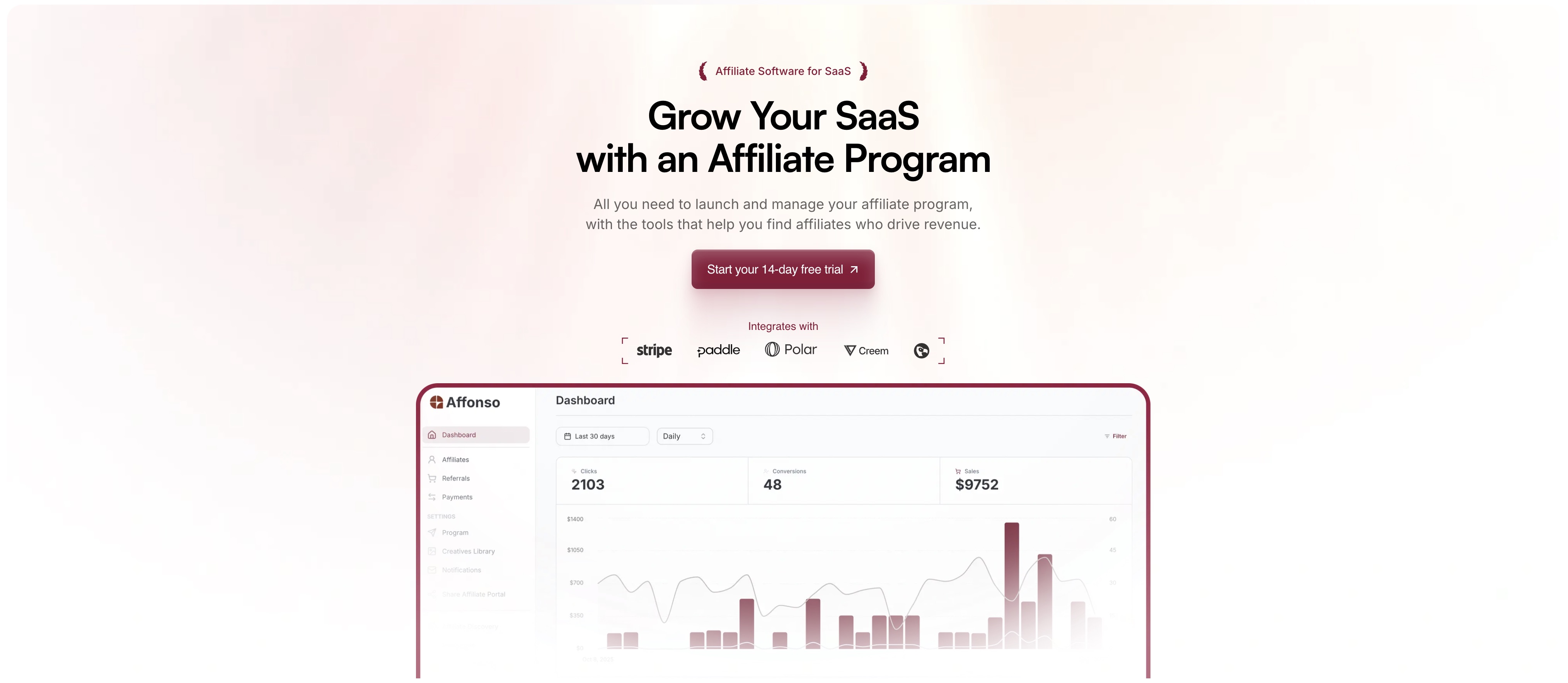
[Affonso](/) is built specifically for SaaS businesses looking to launch and scale affiliate programs without the complexity and cost of general‑purpose affiliate tools. From the moment you integrate with your payment provider to running recurring commissions, fraud protection, affiliate discovery and full payout handling. Affonso handles the heavy lifting so you can focus on growth.
Here's how it stands out:
- Works natively with major SaaS billing platforms for accurate affiliate tracking across the customer lifecycle.
- Automates payment processing, compliance, and affiliate management so you focus on growth instead of operations.
- Includes partner‑recruitment tools (marketplace, discovery) so you don't just manage affiliates, you find and onboard them.
- Designed with pricing and transparency in mind, making it accessible to SaaS teams of all sizes.
All of this makes Affonso an excellent choice for SaaS teams that want more than "just affiliate tracking", they want an engine that grows with them.
#### Key Features
**1. Setup in minutes**
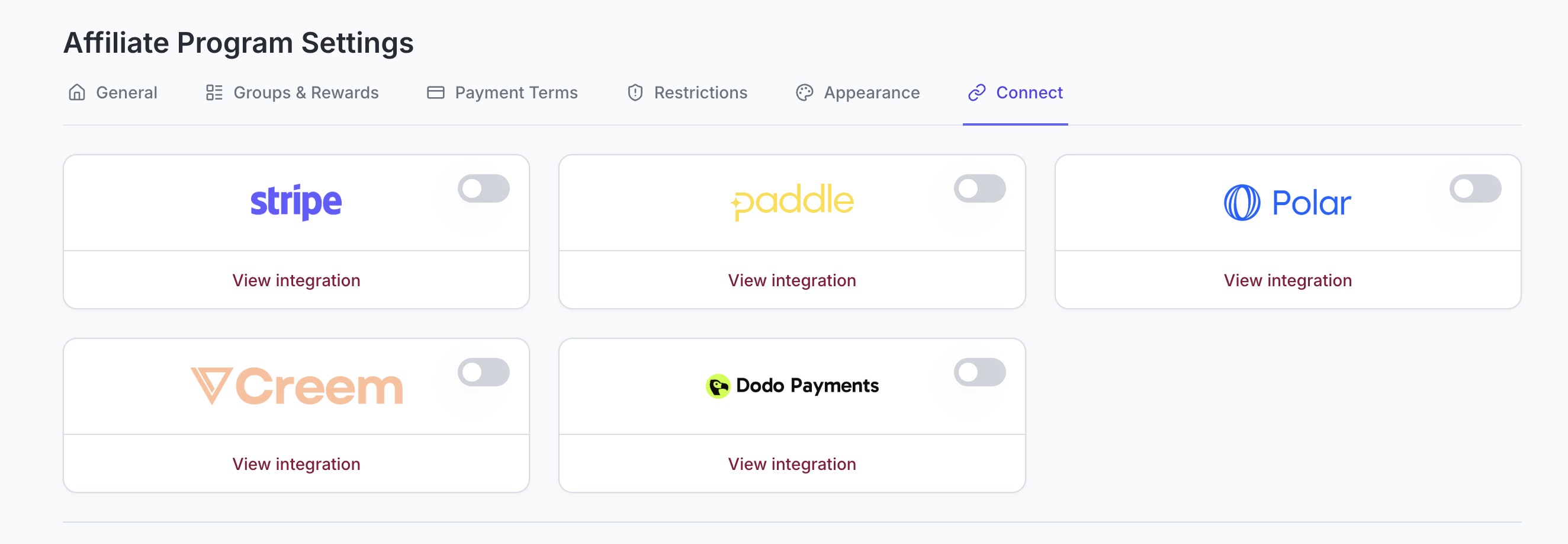
Affonso is built to integrate directly with major payment processor and MoR. With just a few clicks, you can connect your Stripe, Paddle, Polar, Creem or Dodo Payments account and immediately begin tracking affiliate‑driven conversions, one-time purchases, subscription upgrades, downgrades and refunds. This means you avoid lengthy development work or custom webhooks. The affiliate program is connected to your subscription stack out of the box.
**2. Managed Payouts**
One of the most time‑intensive parts of running a SaaS affiliate program is managing payouts — invoices, currencies, tax forms, compliance, many affiliate platforms leave you with manual work. Affonso takes this off your plate by handling affiliate payments globally for you. You send one payment to Affonso, and they distribute commissions to your affiliates via multiple payout rails (e.g., PayPal or Wire Transfer). They handle multiple currencies, invoices and tax compliance. The result: less manual admin, fewer errors, faster and more reliable payouts — which increases affiliate satisfaction and drives loyalty.
**3. Affiliate Finder**
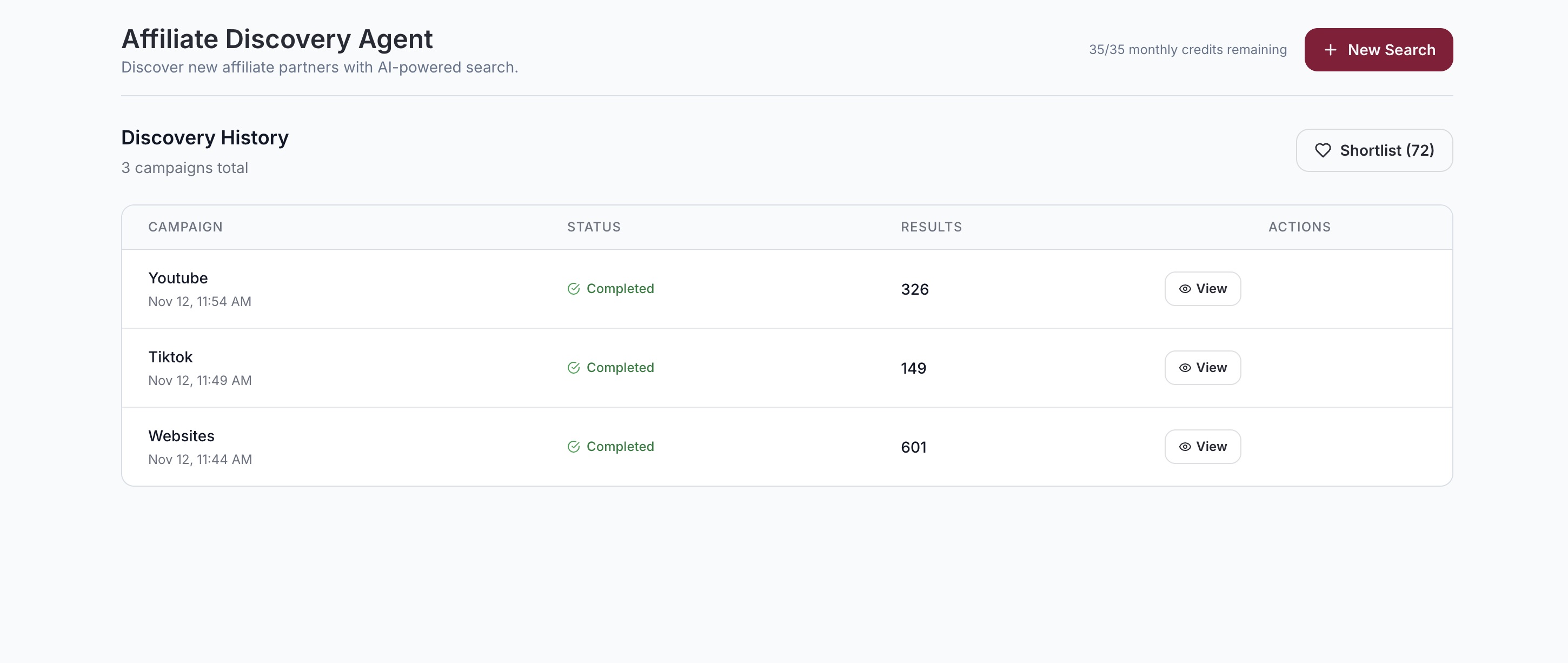
Rather than waiting for affiliates to find your program or manually prospecting one by one, Affonso offers an built‑in "[Affiliate Discovery Agent](/affiliate-finder)". This feature helps you identify, evaluate and recruit potential top‑performing affiliates in your niche and spy your comeptitors affiliates. By surfacing high‑quality partners (who already promote SaaS) you accelerate growth. You spend less time sourcing, outreach becomes more targeted, and your program can scale faster. It gives you proactive partner acquisition instead of purely reactive.
**4. Affiliate Marketplace**
In addition to you recruiting affiliates, Affonso makes your program discoverable in their own marketplace of affiliate partners. That means your SaaS affiliate program shows up to affiliates browsing actively for new programs to join. This creates an inbound channel for affiliate acquisition. You get partner applications, interest and traffic without solely relying on outbound recruitment. For a growing SaaS program, that added visibility can reduce acquisition cost for affiliates and grow your partner pipeline faster.
**5. Fraud Detection**
For SaaS affiliate programs, paying out for fraudulent or low‑quality referrals can erode margins fast. Affonso includes fraud detection mechanisms like preventing self‑referrals. By reducing abuse and ensuring only genuine affiliate‑driven conversions count, you maintain program integrity, protect your ARR, and strengthen trust with real affiliates who value fair tracking and payout.
**6. GDPR Compliance**
Operating globally — especially in Europe — means your affiliate program must comply with data‑privacy and cookie‑consent regulations. Affonso supports GDPR‑friendly tracking flows, consent management, and integrates with your affiliate tracking so you can remain compliant while still capturing referrals and conversions. This ensures your SaaS business isn't exposed to regulatory risk from the affiliate side and helps maintain affiliate trust by showing your compliance credentials.
**7. Custom Commission Rules**
Not all affiliates or SaaS offerings are equal. You might want a different commission for annual plans vs monthly, or for upgrades vs new sign‑ups, or a higher rate for top tier affiliates. Affonso delivers full flexibility. You can set commission rules per product, plan type (monthly/annual), affiliate group or individual affiliate. You can choose one‑time or recurring commissions, combine fixed + percentage models, and tailor logic to your business model. This means you align affiliate incentives closely with your SaaS revenue goals and LTV rather than using one‑size‑fits‑all.
**8. Human Support**
Too many affiliate software platforms provide only chatbots or large help‑centres and leave you to figure it out. With Affonso you get real human support: onboarding assistance, live video calls if needed, and timely responses. For SaaS teams especially when you're scaling your affiliate program, having a partner who can walk you through setup, troubleshoot workflows or help optimise your program is a major advantage over tools where you're left on your own.
#### Pros & Cons
Here's a balanced view of what Affonso does well — and where you should still check your requirements.
**Pros**
- Built specifically for SaaS (subscription, upgrades, refunds, one-time payments)
- Rapid setup with native integrations (Stripe, Paddle, etc)
- Automated payouts and global compliance — huge time‑saver
- Affiliate discovery + marketplace built in — helps scale recruitment
- Strong fraud detection and custom commission logic
- Human support and modern UX
- **[Transparent pricing](/pricing)** model and no hidden revenue cuts
**Cons**
- If you use exotic payment processors beyond those supported, you'll want to verify compatibility
- Very feature‑rich — some simpler programs might only need a subset of the tools, so overhead may feel slightly large
#### Conclusion for SaaS startups
If you're a SaaS company serious about leverage affiliate marketing as a growth channel — especially where recurring revenue, subscription upgrades, partner recruitment and global payouts matter — Affonso offers a purpose‑built solution that covers all major pain points. From setup to payouts, from discovery to compliance, it's engineered for growth.
When you compare it to more generic affiliate tools (or ones built for e‑commerce rather than SaaS), you'll notice that Affonso brings the specialized features you need without requiring a workaround or expensive customisation.
---
## 2. PartnerStack

[PartnerStack](/blog/partnerstack-pricing-guide) is widely known as a heavyweight in the affiliate and partner marketing space, designed for high-growth SaaS companies that manage more than just affiliates. It shines particularly when you need to run layered programs — think affiliates, resellers, referral partners — all under one roof. For teams running complex or multi-touch partner ecosystems, PartnerStack delivers robust automation and a partner marketplace to scale fast. However, for companies focused purely on affiliate marketing, it might feel heavy and unnecessarily complex.
**Key Features**
- Built-in partner marketplace to recruit affiliates and agencies
- Multi-channel partner support (affiliates, resellers, referrals)
- Workflow automation for onboarding, tracking, and payouts
- Integrates with Stripe and CRM systems
- Commission tracking and payment automation
**Pros**
- Great for large SaaS businesses with multi-tier partner programs
- Access to a large pool of potential partners via marketplace
- Strong automation and scalability
**Cons**
- [High price point](https://affonso.io/blog/partnerstack-pricing-guide) (typically starts at $800+/month)
- Requires demo and onboarding — no instant setup
- May be overkill if you only need affiliate management
---
## 3. Impact
Impact.com is a global partnership automation platform that helps businesses manage all kinds of partners — from affiliates and influencers to B2B agencies. It's an enterprise-class system built for data-rich performance marketing at scale. You'll find sophisticated features like cross-device attribution, fraud prevention, and a polished marketplace to find top affiliates. That said, it has a steeper learning curve and cost, which might not suit smaller SaaS teams focused purely on affiliate strategies.
**Key Features**
- Enterprise-grade tracking and multi-device attribution
- Customizable commission logic and event triggers
- Built-in fraud protection and compliance tools
- Global partner marketplace
- CRM and Stripe integration
**Pros**
- Great for advanced, multi-channel performance marketing
- Deep reporting and tracking granularity
- Strong fraud and compliance suite
**Cons**
- Higher complexity and onboarding friction
- Requires larger budgets and internal resources
- More than needed for simple SaaS affiliate use cases
---
## 4. Tapfiliate

Tapfiliate is a versatile affiliate and referral marketing platform with a strong international focus. It supports multiple languages, integrates with various platforms like Stripe, WooCommerce, and Shopify, and gives developers flexibility through its API. Tapfiliate is a great option for businesses operating in multiple markets or using different payment stacks. For SaaS-only companies that rely heavily on Stripe, however, the experience might not be as tightly optimized as niche tools built specifically for SaaS workflows.
**Key Features**
- Multi-language affiliate dashboards
- Recurring commission tracking
- Broad integration support (SaaS, e-commerce, digital products)
- Customizable campaign settings
- API for custom workflows
**Pros**
- Strong for international programs
- Flexible campaign design
- Developer-friendly
**Cons**
- Stripe integration not as seamless as SaaS-first tools
- Dashboard can feel cluttered for SaaS-only use cases
- Basic fraud protection
---
## 5. Rewardful

[Rewardful](/blog/rewardful-pricing-guide) made its name by being one of the first Stripe-native affiliate platforms designed for SaaS companies. It simplifies affiliate and referral tracking with strong Stripe event handling and recurring commission logic. While it's still a solid option, the pace of development has slowed, and many growing SaaS teams feel limited by its rigid interface, lack of modern design, and minimal automation around affiliate payments.
**Key Features**
- Deep integration with Stripe and Paddle
- Supports recurring and lifetime commissions
- Attribution flexibility (first- or last-click)
- API and JS snippet for developer customization
- Basic fraud filters for coupon abuse
**Pros**
- Simple and reliable for early-stage SaaS
- Excellent Stripe billing event tracking
- Easy to set up and use
**Cons**
- Outdated interface
- No built-in payout automation
- Limited customization for branding or workflows
---
## 6. FirstPromoter

[FirstPromoter](/blog/firstpromoter-pricing-guide) is a long-standing affiliate platform tailored for subscription-based businesses. It integrates closely with Stripe, Paddle, and Recurly, and has earned a reputation for stability when managing recurring commissions. However, its interface hasn't aged gracefully, and its limited customization can frustrate growing teams that need more control or scalability.
**Key Features**
- Recurring, lifetime, and multi-tier commissions
- Referral, influencer, and partner campaign support
- Stripe, Paddle, and Recurly integrations
- Tracks upgrades, downgrades, cancellations, and refunds
- Supports basic fraud checks
**Pros**
- Strong automation for recurring SaaS billing
- Works across multiple campaign types
- Proven track record
**Cons**
- Dated user interface
- Limited partner branding options
- No affiliate discovery or marketplace
---
## 7. Tolt

[Tolt](/blog/tolt-pricing-guide) is one of the newer affiliate tools made specifically for Stripe-powered SaaS startups. Its biggest selling point is its plug-and-play simplicity and friendly pricing, making it a great fit for small teams looking to get started quickly. While it covers the basics well, more advanced reporting and fraud detection features are still missing.
**Key Features**
- Instant setup with Stripe, Paddle, and Chargebee
- Branded affiliate dashboards
- Automated payouts via PayPal/Wise
- Simplified fraud detection
**Pros**
- Fast to set up and easy to use
- Clean UI with startup-ready tools
- Budget-friendly for early SaaS teams
**Cons**
- Basic analytics and limited reporting
- No affiliate marketplace
- Limited scalability for large teams
---
## 8. LinkMink
LinkMink is one of the original players in the Stripe affiliate tracking space. It offers a no-frills, reliable way to manage recurring commissions and refund logic. While dependable, it hasn't evolved as quickly as newer tools and may feel limiting for companies seeking modern UX, branding options, or deeper automation.
**Key Features**
- Recurring commission tracking
- Refund-adjusted payouts
- Stripe integration
- Easy onboarding
**Pros**
- Reliable for tracking recurring payments
- Minimal setup and clean logic
- Good for MVP-stage SaaS tools
**Cons**
- Outdated interface and design
- No automated payouts
- Weak fraud prevention and partner management
---
## 9. LeadDyno

LeadDyno is another legacy tool still active in the affiliate space, known for its broad integrations and appearance in the Stripe App Marketplace. It offers basic automation and dashboards, but its features and interface feel behind the curve when compared to newer tools built for SaaS growth.
**Key Features**
- Affiliate tracking through Stripe and e-commerce platforms
- Basic automation for payouts and tracking
- Available through the Stripe App Marketplace
- Dashboard for affiliate earnings and referral links
**Pros**
- Easy to install
- Familiar in SaaS circles
- Offers core functionality for small businesses
**Cons**
- Limited reporting and fraud detection
- Dated UI and UX
- Few branding or customization options
---
## 10. TrackDesk

TrackDesk is a newer tool focused on making affiliate marketing easy for non-technical SaaS founders. It's one of the fastest tools to set up with Stripe and offers anti-fraud protection and Zapier integration. While great for startups, it still lacks some of the advanced reporting and customization features of more mature platforms.
**Key Features**
- One-click Stripe onboarding
- Affiliate lifecycle tracking
- Bot and fraud detection
- Zapier integration for automation
**Pros**
- Super quick setup
- Built-in fraud prevention
- Affordable for small SaaS teams
**Cons**
- Lacks depth in reporting
- Payout options are limited
- Fewer options for scaling larger programs
---
## How to Choose the Right Affiliate Software for Your SaaS Business
With so many affiliate software platforms available, choosing the right one for your SaaS business requires clarity on your goals and an understanding of your specific needs. Here's a step-by-step guide to help you make the right decision:
#### 1. Define Your Program Goals
Are you focused on customer acquisition, brand awareness, or increasing recurring revenue? Your primary goals will determine the must-have features, such as recurring commissions or API flexibility.
#### 2. Evaluate Integration Requirements
Check whether the software integrates seamlessly with your payment processor (like Stripe or Paddle), CRM (like HubSpot or Salesforce), and marketing stack. The more automated the workflow, the more scalable your affiliate program.
#### 3. Consider Scalability and Partner Management
If you plan to scale your program rapidly, **you'll need features like** **affiliate finders, marketplaces**, and automation tools for onboarding, communication, and payouts.
#### 4. Prioritize Automation and Ease of Use
Time is money, especially in SaaS. Look for intuitive dashboards, auto-approvals, scheduled payouts, and automated tracking so your team can focus on growth rather than admin.
#### 5. Check Payout Methods and Policies
Managed payouts are a huge time-saver, especially when handled by the platform. Review how commissions are calculated, the frequency of payouts, minimum thresholds, and support for international affiliates.
#### 6. Look for Affiliate Discovery Tools
If you're starting from scratch, having access to an affiliate marketplace or discovery engine can accelerate your partner recruitment efforts.
#### 7. Explore Pricing and Trial Options
Pricing models vary. Some tools charge flat monthly fees, others take a percentage of revenue or offer tiered pricing. Many offer free trials, so test usability and fit before committing.
---
## FAQs
**What is the best affiliate software for SaaS startups?**
The best [affiliate software for SaaS](/) startups typically includes a free plan or affordable tier, offers recurring commission tracking, and integrates easily with Stripe, Paddle or Polar. **[Affonso's pricing](/pricing)** is designed specifically for startups with plans starting at just €15/month. For deeper platform comparisons, check out our [Rewardful alternatives](/blog/rewardful-alternatives), [FirstPromoter alternatives](/blog/firstpromoter-alternatives), and [Tolt alternatives](/blog/tolt-alternatives) guides.
**Can affiliate software handle recurring commissions for SaaS subscriptions?**
Yes, many affiliate platforms are built specifically for recurring revenue models. They allow you to pay affiliates based on subscription renewals, upgrades, or ongoing usage.
**How much does affiliate software for SaaS companies typically cost?**
Pricing ranges from $15/month to several hundred per month, depending on features, scale, and managed services. Some charge commission on payouts; others offer flat-fee pricing.
**Is there any free affiliate software for SaaS?**
Some tools offer free trials or limited free plans ideal for testing. However, fully free affiliate software is rare for SaaS due to the complexity of recurring revenue tracking and "free" tools often charge percentage fees that cost you more over time.
---
## Top 6 FirstPromoter Alternatives in 2026: Features, Pricing & Reviews
*2026-01-19*
Looking for **FirstPromoter alternatives** in 2026? While FirstPromoter has been a trusted name for SaaS affiliate tracking since 2017, many teams are seeking platforms with modern interfaces, more flexible pricing, better fraud protection, and stronger automation. This guide compares the **top FirstPromoter alternatives** including **Affonso, Rewardful, Tolt, Tapfiliate**, and more.
**FirstPromoter** has been a staple in the affiliate marketing space for SaaS companies since 2017. With strong Stripe integration and recurring commission support, it's helped thousands of teams launch referral programs. But in 2026, the [affiliate software](/) landscape has changed — and so have the needs of modern SaaS teams.
Whether you're outgrowing FirstPromoter or looking for a more flexible, modern solution, this guide covers the **top [FirstPromoter alternatives](/blog/firstpromoter-pricing-guide)**, their pros and cons, and why **Affonso** has become a popular choice for fast-moving, growth-oriented SaaS businesses. For a broader comparison, see our guide on the [best affiliate software for SaaS](/blog/best-affiliate-software-for-saas).
---
## Feature Comparison: FirstPromoter vs Alternatives
| Feature | Affonso | FirstPromoter | Rewardful | Tolt |
|---------|---------|---------------|-----------|------|
| Starting Price | €15/mo | $49/mo | $49/mo | $29/mo |
| Transaction Fees | ❌ None | ❌ None | ❌ None | ❌ None |
| Recurring Commissions | ✅ Yes | ✅ Yes | ✅ Yes | ✅ Yes |
| Multi-Processor Support | ✅ Stripe, Paddle, Polar, Creem, Dodo | ✅ Stripe, Paddle, Recurly | ✅ Stripe | ✅ Stripe, Paddle, Chargebee |
| Managed Payouts | ✅ Yes (global) | ⚠️ Limited | ❌ Manual | ⚠️ Limited |
| Fraud Detection | ✅ Self-referral blocking | ⚠️ Basic | ⚠️ Basic | ⚠️ Basic |
| Affiliate Marketplace | ✅ Yes | ❌ No | ❌ No | ⚠️ Limited |
| Affiliate Finder | ✅ AI-powered | ❌ No | ❌ No | ❌ No |
| Setup Time | ~15 min | ~45 min | ~30 min | ~20 min |
| Best For | SaaS startups | Complex billing scenarios | Stripe-only simple programs | Early-stage SaaS |
---
### What Is Affiliate Software?
[Affiliate software](/) enables SaaS companies to track referrals, manage commissions, automate payouts, and scale partner programs. The right tool simplifies the entire process — from signup to payout — while protecting against fraud and offering flexibility as your business grows. Learn more in our [getting started guide](/blog/getting-started-with-affiliate-marketing).
---
### What Is FirstPromoter?
[FirstPromoter](/blog/firstpromoter-pricing-guide) is an affiliate platform built for subscription businesses. It integrates with Stripe, Paddle, and Recurly, offering recurring and lifetime commission support, multi-tiered referrals, and customizable attribution models.
It's reliable and accurate — but for many teams in 2026, its **dated interface, rigid plan structure, and limited customization** are starting to show their age.
---
## 1. Affonso – The Modern FirstPromoter Alternative
[**Affonso**](https://affonso.io/) was built to address many of the limitations SaaS teams face with FirstPromoter. It offers deep Stripe integration, but layers on a modern UI, more flexible pricing, and stronger fraud protection — all without transaction fees or paywalls.
### Why Teams Choose Affonso:
- Starts at **€15/month**, with **no transaction fees**
- Unlimited affiliates and referrals
- [Stripe](/stripe-affiliate-program), Paddle & WooCommerce support
- Integrated payouts via PayPal, Wise, crypto & bank
- Self-referral fraud detection included
- Custom dashboards and commission logic
- [Affiliate discovery credits](/affiliate-finder) on all plans
- One-time payment option (**Revenue Pass**) for early-stage teams
See **[Affonso Pricing](/pricing)** or [start your free trial](https://affonso.io/auth/signup)
---
## 2. Rewardful

[Rewardful](https://affonso.io/blog/rewardful-pricing-guide) is another legacy tool built for Stripe. It supports recurring commissions and provides a simple interface for affiliate management.
### Pros:
- Stripe-native setup
- Recurring and lifetime commissions
- Attribution control and API access
### Limitations:
- Manual payouts only
- UI feels dated
- Branding and reporting are limited
- No affiliate discovery or payout automation
**Summary:** Rewardful is simple, but lacks the flexibility and automation Affonso offers — especially when scaling. For deeper comparisons, explore our [Rewardful alternatives](/blog/rewardful-alternatives), [Tolt alternatives](/blog/tolt-alternatives), and [best affiliate software for SaaS](/blog/best-affiliate-software-for-saas) guides.
---
## 3. Tolt

[Tolt](/blog/tolt-pricing-guide) is a more recent affiliate tool, aimed at startups using Stripe, Paddle, or Chargebee.
### Pros:
- Fast setup
- Clean dashboard
- Branded affiliate portals
- Managed payouts supported
### Limitations:
- Key features locked to higher plans
- Rapid price increases over time
- Limited analytics and logic customization
**Summary:** Tolt is startup-friendly, but Affonso offers better long-term value and control. See all [Tolt alternatives](/blog/tolt-alternatives) or check out our complete comparison in the [best affiliate software for SaaS](/blog/best-affiliate-software-for-saas) guide.
---
## 4. Tapfiliate

Tapfiliate is a broader affiliate and referral platform that works across e-commerce and SaaS, including Stripe support.
### Pros:
- Multi-platform support
- Developer API
- Multi-language affiliate portals
### Limitations:
- Stripe support not as deep
- Interface not optimized for SaaS
- Less automation around payouts
**Summary:** Tapfiliate is flexible, but Affonso is **more focused and powerful for SaaS-first companies.**
---
## 5. PartnerStack

PartnerStack is a large-scale partner management tool for B2B SaaS companies with affiliate, referral, and reseller channels.
### Pros:
- Supports multiple partner types
- Built-in partner marketplace
- Onboarding and commission automation
### Limitations:
- Custom pricing only (historically starts at $800/month)
- Complex setup
- Requires demo and sales contact
- Affiliate-only features are not the focus
**Summary:** Great for enterprise ecosystems. But Affonso is better suited for **lean SaaS teams focused on affiliate growth.**
---
## 6. TrackDesk

TrackDesk is a newer, lightweight affiliate tool that integrates with Stripe and focuses on ease of use.
### Pros:
- Quick setup
- Affordable pricing
- Fraud protection
- Zapier integration
### Limitations:
- Limited analytics and reporting
- Fewer customization options
- Still maturing as a platform
**Summary:** TrackDesk is great for early experimentation, but **Affonso offers more robust tools and automation for serious SaaS teams.**
---
## Why SaaS Teams Are Switching from FirstPromoter to Affonso
FirstPromoter still does a great job of tracking Stripe events and managing basic commissions. But today's teams want more:
- More **customization**
- Better **branding and dashboards**
- Smarter **fraud detection**
- **Integrated payouts** instead of manual exports
- Clear, fair [pricing](/pricing) — without plan-based limitations
**Affonso delivers all that — in a faster, leaner, more modern platform.** If you're considering canceling FirstPromoter, read our guide on [how to cancel FirstPromoter](/blog/how-to-cancel-firstpromoter-affiliate-software).
---
## Final Thoughts
If you're using FirstPromoter and wondering whether it's time to switch to a [modern affiliate platform](/), the answer depends on where you're going — not where you started.
Affonso was built for modern SaaS teams that need **automation, flexibility, and control** — without having to commit to enterprise pricing or outdated UX.
From early-stage startups to growing SaaS businesses, **Affonso provides the tools to build an affiliate engine that actually scales.**
Start [your free trial](https://affonso.io/auth/signup) or visit [Affonso](https://affonso.io/)
---
## TL;DR – Best FirstPromoter Alternatives in 2026
| Tool | Key Strength | Where It Falls Short |
| --- | --- | --- |
| **Affonso** | Stripe-native, modern, scalable | More automation, better UX |
| **Rewardful** | Simple Stripe integration | Manual payouts, limited flexibility |
| **Tolt** | Clean UI, fast setup | High pricing, limited analytics |
| **Tapfiliate** | Multi-platform support | Not optimized for SaaS |
| **PartnerStack** | Ecosystem & resellers | Expensive and complex |
| **TrackDesk** | Easy to use, Stripe-friendly | Limited depth, still maturing |
---
## FirstPromoter Pricing in 2026: Is It Worth It?
*2026-01-19*
**FirstPromoter** has been around since 2017, serving as one of the earliest dedicated affiliate tools for SaaS companies. It earned trust early with transparent pricing and functional flexibility.
But in 2026, that landscape has changed. While FirstPromoter still works, its pricing model, feature set, and UX haven't evolved as quickly as many newer competitors. If you're thinking about affiliate software for your SaaS business this year, here's what you need to know.
---
## FirstPromoter's Pricing Journey (2017 → 2026)
FirstPromoter's pricing started off simple. But over time, plans have remained relatively static while the expectations of growing SaaS teams have evolved.
### 2017–2019
- Starter: $49/mo – up to $5,000 from affiliates
- Business: $99/mo – up to $15,000
- Enterprise: $149+ – above $15,000
Despite minor tweaks, these pricing tiers have mostly remained unchanged over the years. That's unusual in a SaaS world where competitors are iterating quickly.
---
## FirstPromoter Pricing in 2026
| Plan | Revenue Cap | Price | Notable Limitations |
| --- | --- | --- | --- |
| **Starter** | Up to $5,000/month | $49/month | 2 campaigns, 1,000 promoters |
| **Business** | Up to $15,000/month | $99/month | Most features unlocked |
| **Enterprise** | $15,000+/month | $149+/month | Requires contact for full access |
All plans include **0% transaction fees** and a **14-day free trial**.
---
## What You Get at Each Tier
### Starter – $49/month
- Max $5K/month from affiliates
- 2 campaigns
- Max 1,000 promoters
- Coupon & link tracking
- Referral dashboard
- PayPal payouts
- Unlimited team members
- No multi-site or advanced payout support
---
### Business – $99/month
- Max $15K/month revenue
- Unlimited campaigns & promoters
- Multi-site support
- Wise & bank payouts
- Multi-tier commissions (MLM)
- Tax form collection (W-9/W-8BEN)
- Custom email server
---
### Enterprise – $149+/month
- Custom plan for larger programs
- Custom CSS/JS
- Remove "Powered by"
- Dedicated support
- Still no public pricing or limits
→ Feature-rich, but **requires demo and negotiation**, and lacks transparency.
---
## Where FirstPromoter Shines
- **Tried-and-tested** tool with years of stability
- Solid integrations for SaaS (Stripe, PayPal, Wise)
- Offers multi-tier/MLM options for advanced workflows
- Tax handling and payout invoicing (for EU/US)
- No transaction fees on any plan
- Supports unlimited team members even on Starter
FirstPromoter can handle complex affiliate logic if you're willing to pay for it — and don't mind a more traditional UI.
---
## Where It Falls Short
- **Pricing has barely evolved** since 2018 — despite market changes
- **Campaign limits** (2 max on Starter) block flexibility
- **1,000 promoter cap** on Starter tier is unusually low
- UI feels dated compared to modern platforms
- No visible product innovation or roadmap updates
- **Enterprise plan lacks public pricing or transparency**
In 2026, growth-focused SaaS companies often need more **agility**, **automation**, and **open pricing** from their [affiliate program software](/). FirstPromoter's static tiers make it harder to scale smoothly.
---
## A More Modern Alternative: Affonso
If you're looking for a flexible, transparent, and fast-evolving platform, [**Affonso**](https://affonso.io) was built for modern SaaS teams — without outdated caps or confusing pricing.
### Why Affonso?
- **Plans start at just $15/month**
- **Up to $30,000/mo revenue** on a $99 plan
- **No campaign, affiliate, or team member limits** on Growth & Elite
- **Built-in fraud detection & custom tracking logic**
- **Affiliate discovery agent credits** included
- **Modern UI + live support** (even on entry-level plans)
- **Transparent pricing, no hidden upsells**
[Affonso](https://affonso.io) gives you everything you need to launch and scale your affiliate program — without waiting on demos or outgrowing outdated tiers.
---
## Final Thoughts
FirstPromoter helped shape the [affiliate tracking platform](/) space for SaaS back in 2017. But in 2026, its pricing structure and user experience feel increasingly outdated.
If you just need a reliable legacy tool, it can still work. But if you want to move fast, scale efficiently, and avoid old-school limitations, [**Affonso**](https://affonso.io) delivers more flexibility and better value at every stage of growth.
---
## TL;DR – FirstPromoter Pricing Overview (2026)
| Plan | Revenue Cap | Price | Key Notes |
| --- | --- | --- | --- |
| **Starter** | $5,000/month | $49/mo | 2 campaigns, 1,000 promoters, limited scalability |
| **Business** | $15,000/month | $99/mo | Most features unlocked, still capped revenue |
| **Enterprise** | $15,000+/month | $149+/mo | Custom pricing, must contact sales |
---
## Getting Started with Affiliate Marketing for SaaS
*2024-11-13*
## Introduction
[Affiliate marketing](/) has become one of the most powerful growth channels for SaaS companies. In this guide, we'll walk you through everything you need to know to get started with your own affiliate program. Learn more about the [10 benefits of using affiliate software](/blog/10-benefits-of-using-affiliate-software) for your business.
## Why Affiliate Marketing?
Affiliate marketing offers several unique advantages for SaaS companies:
- **Cost-effective**: You only pay for actual results
- **Scalable**: Affiliates can reach audiences you might never access
- **Trust-building**: Recommendations from trusted sources convert better
- **Lower CAC**: Typically results in a lower customer acquisition cost
If you're considering which platform to use, check out our guide to the [best affiliate software for SaaS](/blog/best-affiliate-software-for-saas).
## Setting Up Your Program
### 1. Define Your Commission Structure
The first step is to determine how you'll compensate your affiliates. Common models include:
- **Recurring commissions**: Pay affiliates a percentage of every subscription payment
- **One-time payments**: Pay a fixed amount per customer
- **Hybrid models**: Combine upfront and recurring payments
### 2. Choose Your Tracking Method
Accurate tracking is crucial for a successful affiliate program. A dedicated [affiliate program management](/) tool helps you track:
- Click-throughs from affiliate links
- Sign-ups attributed to affiliates
- Conversions and revenue
- Commission payouts
### 3. Create Affiliate Resources
Your affiliates need resources to promote your product effectively:
1. **Marketing materials**: Banners, logos, and graphics
2. **Product information**: Feature lists, pricing details, screenshots
3. **Email templates**: Pre-written promotional emails
4. **Best practices**: Tips for successful promotion
## Best Practices for Success
### Build Relationships
Don't just recruit affiliates and forget about them. Build genuine relationships:
- Regular communication through newsletters
- One-on-one calls with top performers
- Private community or Slack channel
- Recognition and rewards for achievements
### Optimize Your Conversion Funnel
Make it easy for referred visitors to convert:
- Clear value proposition on landing pages
- Streamlined signup process
- Special offers for referred customers
- Fast onboarding experience
### Monitor and Analyze
Track key metrics to improve your program:
| Metric | What to Track | Why It Matters |
|--------|--------------|----------------|
| Conversion Rate | % of clicks that become customers | Shows landing page effectiveness |
| EPC | Earnings per click | Indicates program profitability |
| Cookie Duration | How long tracking lasts | Affects affiliate motivation |
| Payout Rate | % of commission paid | Ensures timely payments |
## Common Pitfalls to Avoid
### 1. Setting Commissions Too Low
If your commission rate isn't attractive, top affiliates will promote competitors instead. Research your market and offer competitive rates.
### 2. Neglecting Communication
Affiliates who feel ignored will stop promoting you. Keep them engaged with regular updates, tips, and support.
### 3. Complex Terms and Conditions
Make your program terms simple and clear. Confusion leads to distrust and lower participation.
## Getting Started with Affonso
If you're ready to launch your affiliate program, [Affonso](/) makes it simple:
1. Sign up and connect your [Stripe account](/stripe-affiliate-program)
2. Set your commission structure
3. Invite your first affiliates
4. Track everything in one dashboard
Our platform handles all the complexity of tracking, attribution, and payouts, so you can focus on growing your program. Check out our [pricing](/pricing) to find the right plan for your needs.
## Conclusion
Starting an affiliate program doesn't have to be complicated. With the right structure, tools, and approach, you can create a powerful new growth channel for your SaaS business.
Ready to get started? [Try Affonso free for 14 days](https://affonso.io) and launch your affiliate program today.
---
*Have questions about affiliate marketing? [Contact our team](mailto:hello@affonso.io) and we'll help you get started.*
---
## How to Cancel Your FirstPromoter Subscription
*2025-06-05*
Deciding to cancel your **FirstPromoter** subscription? Whether you're cutting costs, simplifying tools, or switching platforms, this guide gives you a clear path. Learn how to cancel, what to consider before doing so, and how to ensure a clean exit from your affiliate program.
## Why Cancel FirstPromoter?
Built for SaaS companies, FirstPromoter offers robust affiliate tracking, detailed rewards, branded dashboards, coupon-links, fraud protections, and Stripe-based automation — and it handles auto-payouts via invoices to simplify things.
Still, businesses sometimes choose to cancel due to:
- **Non-refundable subscriptions** – plans are month-to-month or annual, with no refunds for unused time.
- **14-day trial only** – you must cancel within 14 days to avoid charges.
- **No self-serve cancel button** – cancellations require navigating billing settings, live chat, or email.
- **Manual billing** – while auto-payouts help, the backend can feel clunky compared to fully integrated tools.
If you're aiming for simplicity, lower costs, or a more self-serve experience, this guide is for you.
## How to Cancel Your FirstPromoter Subscription

Here are your cancellation options:
### 1. Via Website
1. Log in at **firstpromoter.com**
2. Go to **Account > Billing**
3. Look for the cancel option — usually labeled **"Cancel subscription"**
4. Confirm the cancellation
5. Your account stays active until the end of the current billing period; payments stop afterward.
### 2. Via Live Chat
- Access **live chat** within the dashboard and request cancellation.
### 3. Via Email
Write to **support@firstpromoter.com** with a message like:
> "Please cancel my FirstPromoter subscription. My account email is [your email]."
According to their Terms, this method is also valid for cancellation.
## Keep in Mind Before You Cancel
- **No refunds** for partial months or after trial.
- The platform will remain accessible until your current period ends.
- **Export key data**: promoters, links, commissions, settings—especially if you're switching tools.
- **Disconnect billing integrations** (Stripe, Paddle) to stop tracking or charges.
- **Communicate with affiliates**: give them notice and share migration details if needed.
## What Happens After Cancellation?
Once canceled:
- No further charges or auto-renewal errors.
- Affiliates won't earn after the end date.
- The account may remain accessible for historical data.
- Your customer should receive confirmation via email or on-screen.
## Looking for a Smarter Alternative? Try Affonso
If you're moving on from FirstPromoter, it's the perfect moment to rethink what you really need from an affiliate platform.
**Affonso** was built with SaaS founders, WordPress developers, and indie teams in mind — giving you power, flexibility, and automation without unnecessary complexity.
### Why Users Choose Affonso After FirstPromoter
| Feature | FirstPromoter | **Affonso** |
| --- | --- | --- |
| Stripe Integration | ✅ Yes | ✅ Yes |
| Auto-Payouts | ✅ Included in Enterprise Plan ($149) | ✅ Included in Growth Plan ($39) |
| Affiliate Finder | ❌ | ✅ |
| Affiliate Marketplace | ❌ | ✅ |
| Affiliate Invoicing | ✅ (with custom setup) | ✅ Fully automated |
| Multi-Program Support | 🔶 Available on higher plans | ✅ Included from the start |
| Portal Branding | ✅ Basic options | ✅ Full white-label support |
| Integration Options | Stripe, Paddle, Chargebee | ✅ Stripe, Paddle, Polar.sh, Creem.io, Dodo Payments|
| Payout Methods | PayPal, Bank Transfer (manual) | ✅ PayPal, Wise, Crypto, and more |
| Cancel Flexibility | Support-based | ✅ Self-service |
### Why People Switch from FirstPromoter to Affonso
| Features | FirstPromoter $49 plan | **Affonso** $15 plan |
| --- | --- | --- |
| Automated affiliate payouts | ❌ | ✅ |
| Affiliates | Limited to 1000 | Unlimited |
| Private affiliate program | ❌ | ✅ |
| Affiliate Finder | ❌ | ✅ |
| Monthly subscriptions | starts at $49 | starts at $15 |
---
### What Affonso Offers
- Fast, webhook-based integration with multiple payment providers
- Custom commission rules and tier structures
- Branded affiliate portals with real-time analytics
- Self-referral protection and fraud controls
- Multiple payout options — including crypto
- Scalable setup for businesses with multiple products or brands
### Ready to switch?
If you're done with manual workarounds and want an affiliate system that just works — explore [**Affonso.io**](https://affonso.io/).
Built for performance, designed for scale.
---
## How to Cancel Your PromoteKit Subscription
*2025-06-04*
Looking to cancel your **PromoteKit** subscription? Whether you're scaling back, reducing costs, or switching to a more flexible platform, this guide walks you through the cancellation process step-by-step. Plus, we'll introduce a smarter alternative.
## Why Some Users Move Away from PromoteKit
PromoteKit is a strong Stripe-native affiliate tool with a free plan, flexible tracking (links, coupons, subscriptions or one-time payments), fraud protection, and branded portals.
Still, depending on your needs, you might encounter some limitations:
- **Limited payout options** – While PayPal and Wise are supported, invoice generation for affiliate commissions isn't available.
- **No auto-payouts** – All commission payouts must be handled manually.
- **Support availability** – Some users required contacting their Stripe partner for custom support needs.
- **Scaling plans** – Beyond the free tier (3 referrals), growth plans are fixed at $39/month for revenues up to $10k/month.
If you want more automation, invoice handling, or scalable payout options, it may be time to explore alternatives.
## How to Cancel PromoteKit
PromoteKit doesn't offer a one-click cancel link on the website—users typically manage billing via Stripe. Here's how to do it:
### 1. Cancel via Stripe Dashboard
If the app was connected via Stripe, removal must be done through your Stripe dashboard:
- Log into **Stripe**
- Navigate to **Connected Apps**, find **PromoteKit**
- Click **"Disconnect"** or **"Revoke Access"**
### 2. Remove Billing Authorization
If PromoteKit charged your card directly, there will be a recurring payment method listed:
- Go to **Customers > Subscriptions** in Stripe
- Find the PromoteKit subscription and choose **Cancel subscription**
### 3. Email PromoteKit Support
If you're unsure how the app was connected or want confirmation, email:
**support@promotekit.com**
Include your business email and a polite request:
> "Please cancel my PromoteKit subscription and confirm removal."
If needed, support may direct you to Stripe settings or billing settings in your account.
## Before You Cancel: A Few Tips
- **Save your data** – Export affiliate lists, commissions, links.
- **Stop payout obligations** – Schedule pending payouts before deletion.
- **Remove webhooks or scripts** – Ensure no broken links remain on your site after cancellation.
## Looking for an Alternative? Meet Affonso
Cancelling PromoteKit is one thing — choosing the right next step is what counts. **Affonso** offers flexible affiliate management tailored to SaaS, indie makers, and agencies:
### Affonso Highlights
- **Multiple Integrations** – Native support for Stripe, Polar.sh, and Creem.io.
- **Auto-Payouts** – Automated payments via PayPal, Wise, or crypto with growth plans.
- **Invoicing for Affiliates** – Generates payouts with invoices included.
- **Multi-Program Support** – Manage several affiliate programs in a single account.
- **Branded Portals** – Full control over domain and design.
- **Advanced Safeguards** – Detects self-referrals and protects program integrity.
## Final Thoughts
- **Cancelling PromoteKit** is done via Stripe disconnect or support request — easy once you know where to look.
- **Looking for more automation, payout options, and invoicing?** Affonso provides it all in one lean, scalable platform.
### Ready to Upgrade?
Discover [**Affonso.io**](https://affonso.io/) — automate your affiliate workflow, pay affiliates effortlessly, and scale without limits.
No manual billing. No complex setup. Just smart affiliate management designed for you.
---
## How to Cancel Your Rewardful.com Subscription
*2025-06-08*
If you're looking to cancel your Rewardful subscription, this guide will walk you through the process clearly and efficiently — whether you're switching tools, simplifying your stack, or cutting costs.
We'll not only show you how to cancel in a few simple steps but also introduce you to **Affonso** — a powerful, flexible, and more cost-effective alternative built specifically for SaaS teams and digital product creators.
## Why People Cancel Rewardful
Rewardful has been around for a while, especially for Stripe-based SaaS companies. It's popular because it's plug-and-play and handles affiliate tracking out of the box.
But here's what we hear from founders and creators who end up canceling:
- "It only works with Stripe and Paddle. I need more flexibility."
- "$49/month feels like a lot for the features I actually use."
- "I'm running multiple products but need to pay more just to add more affiliate programs."
- "I need crypto payouts — Rewardful doesn't support that."
- "I want more control over my affiliate dashboard branding."
- "I dont want do make all affiliate payments manually."
Sound familiar? You're not alone. Let's cancel this thing.
## How to Cancel Rewardful Subscription

### Option 1: Cancel from Your Dashboard
If you're on a paid plan, Rewardful lets you cancel directly from your account.
**Here's how:**
1. **Log in** to your Rewardful dashboard
2. Click your profile icon (usually top-right)
3. Go to **Billing**
4. Hit **"Cancel Plan"** or **"Turn off auto-renewal"**
5. Follow the confirmation prompts
6. Done
Your subscription will stay active until the end of your current billing cycle — so you won't lose access right away.
### Option 2: Cancel via Email
Not seeing the cancel button? You can also email:
hello@rewardful.com
Just write something like:
> "Hi, please cancel my Rewardful subscription. My account email is [your email]."
They'll typically respond within 1–2 business days.
## Heads-Up Before You Cancel
Here are some quick reminders to avoid issues:
**No partial refunds** – If you cancel mid-cycle, you won't get a refund for unused time.
**Backup your affiliate data** – Especially if you want to move to another platform.
**Disconnect webhooks** – If you've set up Rewardful on Stripe, disconnect those after canceling.
**Let affiliates know** – If they're active, give them a heads-up that you're switching platforms.
## What Happens After You Cancel?
- Your account stays active until the end of the billing period.
- After that, your affiliate links stop working.
- Any unpaid commissions may be void if not paid out before closure.
- If you had recurring affiliate payments running, make sure to stop those manually via Stripe or Paddle.
## Now What? Try a Smarter Alternative: Affonso
Alright — you've canceled Rewardful. But now you need a replacement that does more… for less.
Meet **Affonso** — the affiliate platform built for SaaS teams, WordPress developers, and indie makers who want powerful tools without the enterprise bloat.
Here's why it's:
### Why People Switch from Rewardful to Affonso
| Features | Rewardful $49 plan | **Affonso** $15 plan |
| --- | --- | --- |
| Automated affiliate payouts | ❌ | ✅ |
| Multiple affiliate link parameters | ❌ | ✅ |
| Affiliate Finder | ❌ | ✅ |
| Affiliate Marketplace | ❌ | ✅ |
| Affiliate Portal | ❌ Generic Affiliate Portal | ✅ Fully branded affiliate portal |
| Affiliate payouts via Wire transfer | ❌ | ✅ |
| Invoice creation for affiliate payouts | ❌ | ✅ |
| Monthly subscriptions | starts at $49 | starts at $15 |
---
## Final Thoughts: Don't Just Cancel — Upgrade
Rewardful is fine. But if you're here, you're probably ready for something leaner, simpler, and easier on your wallet.
Affonso lets you:
- Launch affiliate programs in minutes
- Track sales with Stripe, Polar.sh, or Creem.io
- Offer flexible commissions
- Automate payouts via PayPal, Wise, or Crypto
- Brand your affiliate portal
- Scale as you grow — without switching platforms every 6 months
### Ready to Make the Switch?
Check out [**Affonso.io**](https://affonso.io/) and try the one-time deal.
No subscriptions. No stress. Just smart affiliate marketing for modern SaaS.
---
## How to Cancel Your Tolt.io Subscription
*2025-06-09*
If you're considering canceling your **Tolt.io subscription**, you're likely re-evaluating your affiliate marketing stack. Maybe you've hit limitations. Maybe the cost doesn't justify the value anymore. Or perhaps you're just ready for a more flexible platform tailored to how modern SaaS companies grow.
Whatever the reason — this guide walks you through exactly how to cancel your Tolt.io subscription, step by step. And once you're done, we'll show you a smarter, more scalable alternative.
## Why People Cancel Tolt
Tolt is a capable affiliate marketing platform, especially for SaaS companies using Stripe. It offers detailed tracking, flexible commission rules, and integrations that work well in many cases.
But over time, some users decide to move on — and here's what they often cite:
- **Rising costs** – Tolt has increased its pricing more than once, which can add up, especially for smaller teams or early-stage businesses.
- **Auto-payouts gated behind higher plans** – Automatic affiliate payouts are only available on plans starting at $99/month, which may not be feasible for everyone.
- **No invoice generation for commissions** – Affiliates don't receive invoices for payouts, which can create extra admin work or friction with international partners.
- **Support responsiveness varies** – Some users have noted delays or limited availability when reaching out for help, especially on lower-tier plans.
- **Limited scalability for lean teams** – While the platform offers strong functionality, the cost-to-feature ratio becomes harder to justify if you're not using all the advanced tools.
If these points resonate with your experience, you're not alone — many SaaS founders are now looking for solutions that offer more flexibility at a more predictable price point.
If any of those pain points sound familiar, you're not alone.
## How to Cancel Your Tolt.io Subscription

Fortunately, canceling Tolt is pretty straightforward. You've got two main options:
### Option 1: Cancel via Dashboard
1. **Log in** to your Tolt account
2. Navigate to your **Billing** or **Account Settings**
3. Find the subscription section
4. Click **"Cancel Subscription"** or **disable auto-renewal**
5. Confirm the cancellation in the prompt
Your subscription remains active until the end of the current billing period. After that, you won't be charged further and access will be restricted.
### Option 2: Contact Support
If you don't see a cancel button or prefer a direct route, contact Tolt via:
**support@tolt.io**
Or use the **live chat** option in your dashboard.
Just include your account email and a short message like:
> "Hi, I'd like to cancel my Tolt subscription. Please confirm the cancellation."
## Before You Cancel: Things to Know
- **No refunds** for unused time in a billing cycle
- Your affiliate links and portals will stop working after cancellation
- Unpaid commissions should be resolved before closing the account
- If you've integrated webhooks with Stripe or Paddle, remember to disconnect them
- Back up any affiliate or partner data you want to keep
## Now What? Try Affonso – A Better Alternative for SaaS
Canceling Tolt is one thing — replacing it with something better is where the real opportunity lies.
**Affonso** is a modern affiliate platform designed specifically for SaaS companies, app developers, and WordPress creators. It's fast to set up, easy to manage, and built with the flexibility you need as your business grows.
### Why Users Choose Affonso After Tolt
| Feature | Tolt| **Affonso** |
| --- | --- | --- |
| Auto-Payouts | ✅ Included in Growth Plan ($99) | ✅ Included in Growth Plan ($39) |
| Affiliate Finder | ❌ | ✅ |
| Affiliate Marketplace | ❌ | ✅ |
| Integration Options | Stripe, Paddle, Chargebee | ✅ Stripe, Paddle, Polar.sh, Creem.io, Dodo Payments|
| Payout Methods | PayPal, Bank Transfer (manual) | ✅ PayPal, Wise, Crypto, and more |
| Cancel Flexibility | Support-based | ✅ Self-service |
---
### Benefits of Using Affonso
- **Multiple integrations**: Track and manage affiliates from Stripe, Paddle, Polar.sh, Creem.io, and Dodo Payments
- **Custom commission rules**: Tailor payout logic to your sales strategy
- **Dedicated affiliate portals**: Let affiliates monitor their performance and access marketing assets
- **Global payouts**: Send payments via PayPal, Wise, or even crypto
- **One-click setup**: Get running in minutes with clear docs and webhook-based tracking
- **Built-in protections**: Prevent abuse and fraud with self-referral detection and clean attribution
---
## Final Thoughts
Canceling Tolt is simple — log in, manage your settings, and you're done. But what matters more is what comes next.
If you're looking for more flexibility, better integration options, and a cost-effective structure that scales with you — **Affonso** is the better way forward.
It's built for SaaS founders, indie developers, and agencies who want powerful affiliate tools without complexity or vendor lock-in.
---
### Ready to Switch?
Check out [**Affonso.io**](https://affonso.io/) and see how easy it is to build a smarter affiliate system that actually fits your workflow.
---
## How to Find Your Stripe Account ID
*2025-10-02*
If you're working with Stripe, whether you're building a SaaS app, integrating subscriptions, or just managing payouts, you'll almost certainly need your **Stripe account ID** at some point.
It's the unique identifier that looks like this: `acct_123abc456xyz`, and it's used across the Stripe API and dashboard when working with connected accounts, webhooks, and platform integrations.
So, where exactly do you find it?
---
## Where to Find Your Stripe Account ID
To find your Stripe account ID:
1. **Log in to your Stripe Dashboard** at [dashboard.stripe.com](https://dashboard.stripe.com/)
2. Go to **Settings** (click the gear icon in the top-right corner)
3. Click on **"Personal details"** under the **Personal settings** section
4. Scroll down to the **"Accounts" section** and click on your organization name to show all your Accounts and their IDs. (it starts with `acct_`)
Here's a direct link to get there faster:
[https://dashboard.stripe.com/settings/account](https://dashboard.stripe.com/settings/account)
Once you're there, just copy the ID. It's usually needed when working with APIs, support, or integrating Stripe Connect features.
---
## What Does the Stripe Account ID Look Like?
Your Stripe account ID always starts with `acct_` followed by a long string of random characters. For example:
`acct_123abc456xyz`
This ID is **not** your login email or business name. It's a unique technical identifier used behind the scenes.
---
## Need the Platform's Stripe Account ID?
If you're using **Stripe Connect** and need the **platform's Stripe account ID** for operations like transfers or destination charges, you can usually retrieve it programmatically:
```python
import stripe
stripe.api_key = "sk_live_..."
account = stripe.Account.retrieve()
print(account.id)
```
This will return your **current authenticated Stripe account ID**, which is helpful if you're working with both platform and connected accounts.
---
## Final Notes
Your Stripe account ID is essential when you're:
- Setting up OAuth connections
- Creating transfers or payouts via the API
- Configuring webhooks for specific connected accounts
- Contacting Stripe support for technical issues
It's a small detail, but having quick access to it will save you time.
---
## Top Lemon Squeezy Alternatives for SaaS in 2026: What to Use Instead
*2026-01-19*
Lemon Squeezy quickly became a favorite in the SaaS world thanks to its beautiful interface, built-in subscription billing, and all-in-one Merchant of Record (MoR) functionality. It made launching and scaling a global SaaS product easier than ever, especially for indie developers and small teams who wanted to skip the tax headaches and complex integrations.
But in July 2024, something big happened, **Stripe acquired Lemon Squeezy**. While the platform still operates independently for now, the future is less certain. Some teams worry about pricing changes, vendor lock-in, or tighter integration with Stripe's ecosystem. Others just prefer to avoid being tied too closely to one of the industry giants.
If you're considering a move, or simply exploring what else is out there, this guide covers the top Lemon Squeezy alternatives for SaaS businesses in 2026. We'll look at each platform's strengths, how they compare to Lemon Squeezy, and why they might be a better fit depending on your growth goals.
---
## What is Lemon Squeezy?
Lemon Squeezy is a Merchant of Record platform that handles payments, global taxes, compliance, and customer billing for SaaS and digital product companies. It's known for its elegant UI, built-in affiliate tracking, subscription billing, license key delivery, and no-code integrations.
Its pricing is set at 5% plus $0.50 per transaction, with an additional 1.5% for international payments. While that's fairly standard in the MoR space, it does add up, especially for higher-volume businesses.
Since the **Stripe acquisition on July 26, 2024**, the Lemon Squeezy roadmap has become a question mark. Will the brand remain separate? Will Stripe's MoR beta eventually absorb Lemon Squeezy into a broader product suite? Those uncertainties are exactly why some SaaS teams are now looking for alternatives.
---
## Paddle
Paddle is one of the closest like-for-like alternatives to Lemon Squeezy and has long been a leader in the MoR space. It handles global tax compliance, chargebacks, and payment processing while also offering subscription billing and localized checkout for international users.
Its pricing is transparent, 5% plus $0.50 per transaction, with no added fees for global sales. Paddle integrates natively with [**Affonso**](https://affonso.io/integrations), allowing SaaS companies to easily set up and manage affiliate programs. That's a big plus if your business relies on partner-driven growth.
Paddle is especially appealing to teams that want enterprise-level MoR functionality without giving up control or predictability in pricing.
---
## Polar
Polar is a developer-friendly MoR platform that delivers flexibility without compromising on compliance. Like Lemon Squeezy, it offers subscription support, global tax handling, and seamless checkout experiences, but it also gives developers access to a clean, well-documented API, plus webhook support.
Its pricing starts at 4% plus $0.40 per transaction, with small fees for subscriptions and international transactions. Polar also integrates with [**Affonso**](https://affonso.io/polar-affiliate-program) for a native affiliate solution, giving SaaS companies the tools they need to scale through referrals and partnerships.
If you loved Lemon Squeezy's simplicity but want something more customizable, Polar is a serious contender.
---
## Creem
Creem combines modern design with serious MoR functionality. It supports everything from subscriptions and wallets to real-time customer analytics and compliance reporting—all within a beautifully designed interface.
Its pricing is 3.9% plus $0.40 per transaction. SEPA payouts are free for EU businesses, and there's wide support for payment methods like UPI, PayPal, Apple Pay, and iDEAL. Creem also uses [**Affonso**](https://affonso.io/creem-affiliate-program) for affiliate tracking, giving SaaS founders a ready-to-go marketing stack.
For European SaaS teams or anyone who appreciates great UX alongside full MoR coverage, Creem is a fantastic Lemon Squeezy alternative.
---
## Dodo Payments
Dodo Payments offers a creator-first experience with global payment coverage, subscriptions, and digital delivery features built-in. It's a full MoR provider with a growing customer base among SaaS startups that prioritize flexibility and international readiness.
Pricing starts at 4% plus $0.40 per transaction, with 1.5% for non-US transactions and 0.5% for recurring payments. Payouts are available in USD, USDC, INR, and more.
DodoPayments also integrates with [**Affonso**](https://affonso.io/dodo-affiliate-program), making it easy to set up affiliate marketing campaigns without relying on external tracking tools.
For early-stage SaaS teams aiming for international growth, DodoPayments is a flexible, full-featured alternative.
---
## Stripe
Stripe, the new parent company of Lemon Squeezy, is a dominant force in global payments. It offers unmatched flexibility, deep developer tooling, and an ecosystem of integrations.
The big news? In 2026, **Stripe announced the private beta of its own Merchant of Record solution**, aiming to compete with Paddle and the very product it acquired. The pricing for MoR through Stripe is expected to include an additional **3.5% fee on top of standard transaction fees**, which pushes it toward the higher end of the market.
Still, for technical teams that want maximum control and are already integrated into the Stripe ecosystem, this MoR beta could become a powerful option, especially since Stripe also supports [**Affonso**](https://affonso.io/stripe-affiliate-program) for affiliate tracking.
That said, if you're not already committed to Stripe, it might be worth considering more transparent and specialized MoR platforms instead.
---
## Gumroad
Gumroad is a simple, creator-first MoR platform that supports subscriptions, global VAT, and customer management. It's not as feature-rich as Lemon Squeezy or Paddle, but it gets the job done with minimal setup or technical requirements.
It charges 10% plus $0.50 per transaction, plus Stripe or PayPal processing fees, so it's not the cheapest. But it includes affiliate tracking, product delivery, and tax handling out of the box, making it great for solo developers or smaller SaaS tools.
If you're prioritizing ease over customization, Gumroad is a hands-off alternative to Lemon Squeezy.
---
## Payhip
Payhip is another affordable alternative that doesn't offer MoR, but it does handle VAT, subscriptions, and digital delivery. It has a built-in affiliate system and offers a free plan (5% per sale) and two paid tiers ($29/month and $99/month) that reduce the transaction fee to 2% or 0%.
While it doesn't include full tax or compliance handling like Paddle or Polar, Payhip is a great option for SaaS businesses with simpler needs or those who want to keep costs low while validating a product.
---
## BagelPay
BagelPay is a newer MoR player with a focus on international payments, subscriptions, and transparent pricing. It charges 5% plus $0.50 per transaction but doesn't add extra fees for subscriptions or most international payouts.
Although affiliate support isn't included yet, BagelPay does offer wide payment method coverage (UPI, SEPA, PayPal, Google Pay) and localized checkout flows.
It's a strong alternative for SaaS teams operating in global markets, especially across India and Southeast Asia.
---
## Mollie
Mollie isn't a MoR, but for SaaS companies based in Europe, it's a great option for collecting payments with support for all major EU-focused methods like SEPA, iDEAL, and Bancontact.
You'll need to handle tax compliance and subscription logic yourself, but Mollie's API is developer-friendly, and its pricing is competitive. If Lemon Squeezy's acquisition made you nervous and you're looking for a lightweight EU-native solution, Mollie might be the right pick.
---
## Final Thoughts
Lemon Squeezy raised the bar for what a modern SaaS billing solution could look like, and its acquisition by Stripe only confirms how valuable MoR platforms have become. But with that acquisition also comes uncertainty. If you're looking to regain control, reduce fees, or explore tools with more transparency and flexibility, the time to explore alternatives is now.
Whether it's **Paddle for enterprise-grade MoR**, **Polar for developer control**, or **Creem for clean design and EU payouts**, there's no shortage of strong Lemon Squeezy alternatives in 2026. And if affiliate marketing is part of your growth strategy, most of these tools, including Stripe, Paddle, Polar, Creem, and DodoPayments, integrate natively with [**Affonso**](https://affonso.io/integrations), offering a complete marketing and billing stack out of the box.
---
## Best Open Source Affiliate Software for SaaS
*2024-12-23*
# The Truth About Open Source Affiliate Software for SaaS in 2026
The allure of open source affiliate software is undeniable, especially for SaaS companies looking to launch their first affiliate program. As the landscape of affiliate marketing evolves in 2024, many business owners find themselves drawn to the promise of free, customizable solutions. But here's what nobody is talking about: the real impact these choices have on your SaaS growth trajectory.
After years of working with hundreds of SaaS companies, we've witnessed firsthand how the wrong choice in affiliate software can stall growth at crucial scaling moments. The open source landscape has changed dramatically, and it's time for an honest conversation about what this means for your business.
## A Shrinking Open Source Landscape
The reality of open source affiliate software in 2026 might surprise you. While dozens of options existed just a few years ago, the field has narrowed significantly. Today, Raider stands as perhaps the only viable open source option for SaaS companies. This consolidation isn't coincidental - it reflects the growing complexity of modern affiliate marketing requirements and the challenges of maintaining robust, secure systems without commercial backing.
Raider offers a self-hosted solution with customization capabilities, but it comes with a catch that many SaaS founders discover too late: the implementation complexity can drain valuable development resources that could be better spent on your core product. The technical debt accumulates silently until it demands attention at the worst possible moment - usually when your affiliate program starts gaining real traction.
## The Hidden Complexity of Self-Hosted Solutions
When evaluating open source affiliate software, many SaaS companies focus solely on the upfront cost savings. This surface-level analysis misses the deeper operational implications of managing a self-hosted affiliate system. Your development team becomes responsible for security patches, server maintenance, and custom feature development. Each hour spent maintaining affiliate infrastructure is an hour not spent improving your core SaaS product.
The challenge compounds as your affiliate program grows. What starts as a simple tracking system quickly needs to evolve into a sophisticated platform handling complex commission structures, multiple tiers of affiliates, and integration with various payment processors. These requirements often emerge gradually, creating a constant drain on development resources that could be directing their energy toward your product's competitive advantage.
## Why Modern SaaS Companies Are Shifting Away from Open Source
The trend we're seeing is clear: successful SaaS companies are increasingly choosing purpose-built affiliate solutions over open source alternatives. This shift isn't driven by marketing or sales pressure - it's a practical response to the real challenges of scaling an affiliate program in today's market. The modern SaaS affiliate program needs a reliable [SaaS affiliate tracking solution](/) that can handle recurring commissions, complex attribution models, and seamless integration with existing tech stacks.
Think about the fundamental nature of SaaS businesses. Your success depends on delivering reliable, scalable solutions to your customers while maintaining focus on your core value proposition. Every hour spent managing infrastructure is a distraction from that mission. This reality becomes particularly acute when dealing with affiliate programs, where reliability and accuracy directly impact your relationships with partners who drive growth.
## The Future of Affiliate Marketing for SaaS
The affiliate marketing landscape is evolving rapidly, and today's solutions need to do more than just track clicks and conversions. Modern affiliate programs require sophisticated fraud prevention, automated commission calculations for recurring revenue, and seamless integration with other systems. These requirements aren't nice-to-haves - they're essential for running a competitive program that attracts and retains high-performing affiliates.
Open source solutions, while admirable in their flexibility, struggle to keep pace with these evolving needs. The community-driven development model excels at solving specific technical challenges but often falls short when addressing the complex, interconnected requirements of modern SaaS affiliate programs. This limitation becomes particularly apparent when dealing with recurring revenue models and multi-tier commission structures common in SaaS.
## Making the Strategic Choice for Your SaaS Business
The decision between open source and purpose-built [affiliate marketing software for SaaS](/) isn't just about features or initial costs - it's about strategic alignment with your business goals. Your affiliate program should accelerate growth, not create technical debt. It should empower your partners, not burden your development team. Most importantly, it should scale seamlessly as your business grows.
At Affonso, we've built our platform specifically for SaaS companies because we understand these unique challenges. Our experience shows that the most successful SaaS affiliate programs focus on partner relationships and program optimization, not infrastructure management.
The future of SaaS affiliate marketing belongs to companies that can move quickly, adapt to changing market conditions, and focus on growth rather than infrastructure. Whether you're just starting your affiliate program or looking to scale an existing one, the key is choosing a foundation that supports your long-term success. The open source path, while appealing at first glance, often leads to technical debt and missed opportunities that become apparent only when it's most costly to change course.
Ready to build an affiliate program that scales with your SaaS business? Let's talk about how Affonso can help you achieve your growth goals without the technical overhead.
---
## Top Paddle Alternatives for SaaS in 2026: Payment Platforms Compared
*2026-01-19*
Paddle has become one of the most well-known payment platforms for SaaS businesses—especially those expanding internationally. Its all-in-one Merchant of Record model handles taxes, compliance, and billing, making it a plug-and-play solution for global growth. But as good as it is, Paddle isn't the perfect fit for everyone.
Some teams want more control. Others need lower fees, faster payouts, or different integrations. And while Paddle does a lot well, there's growing competition from newer platforms that are just as powerful—sometimes even more flexible or better suited to specific business models.
If you're exploring alternatives to Paddle in 2026, you're in the right place. In this guide, we'll walk through the best Paddle alternatives for SaaS companies, breaking down what makes each one unique—and where they might be a better fit for your business.
---
## Stripe
[Stripe](https://stripe.com) is one of the most developer-friendly payment platforms in the world, and for many SaaS companies, it's the default starting point. With a flexible API, real-time analytics, and global support, Stripe gives full control over the billing experience.
The biggest downside? Until now, Stripe didn't offer MoR functionality. But in 2026, Stripe has finally rolled out a **private beta for its own MoR service**, set to charge an **additional 3.5% on top of regular fees**. That means full MoR coverage could soon be a part of Stripe's ecosystem—but at a premium.
What makes Stripe even more powerful now is its integration with [**Affonso**](https://affonso.io/stripe-affiliate-program), allowing SaaS businesses to run native affiliate programs with deep tracking, partner attribution, and flexible commission rules.
If you're a dev-first team and want to keep control while preparing for MoR capabilities in the near future, Stripe may actually be worth keeping—or coming back to.
---
## Lemon Squeezy
[Lemon Squeezy](https://www.lemonsqueezy.com/) offers a sleek, all-in-one MoR solution tailor-made for SaaS, digital products, and creators. It includes subscriptions, license key management, tax handling, and a built-in affiliate system—making it a strong Paddle alternative from both a feature and user experience standpoint.
In a major twist, **Stripe acquired Lemon Squeezy on July 26, 2024**, signaling its intention to double down on the MoR market. While Lemon Squeezy remains an independent product for now, future integrations or pricing shifts could follow.
Its pricing sits at 5% plus $0.50 per transaction, with an additional 1.5% for international payments. For many SaaS startups, the ease of use and all-in-one structure is worth every penny. Plus, affiliate marketing is a breeze thanks to native tracking and commission tools.
---
## Polar
[Polar](https://polar.sh/) is a developer-focused MoR platform built for SaaS from the ground up. It combines API-level flexibility with the legal protection of a full MoR. Recurring payments, subscription management, fraud handling, and chargebacks—it's all covered.
Like Paddle, Polar uses [**Affonso**](https://affonso.io/polar-affiliate-program) for its affiliate infrastructure, allowing teams to set up and scale performance-based sales without relying on clunky third-party tools.
Pricing is 4% plus $0.40 per transaction, with modest add-ons for recurring payments and international fees. If you're building a SaaS product with a dev-heavy team and want to move fast while staying compliant globally, Polar is a solid Paddle alternative.
---
## Creem
[Creem](https://www.creem.io/) brings design and performance together in a MoR solution built with SaaS businesses in mind. It offers subscriptions, wallet support, customer analytics, and international tax handling—all wrapped in a beautiful, intuitive UI.
Its pricing model starts at 3.9% plus $0.40, with free SEPA payouts for EU-based users, making it a great choice for European SaaS teams. It supports a wide range of payment methods including UPI, PayPal, iDEAL, and Apple Pay.
Creem also partners with [**Affonso**](https://affonso.io/creem-affiliate-program) to deliver native affiliate tracking—giving SaaS marketers the tools they need to grow through referrals and partnerships. If you care about UX and want a modern MoR setup with strong EU coverage, Creem is a strong alternative to Paddle.
---
## Dodo Payments
[Dodo Payments](https://dodopayments.com/) is a creator-first MoR platform with growing appeal in the SaaS world. It supports subscriptions, digital product delivery, global payments, and offers a clean, customizable checkout experience.
Pricing is 4% plus $0.40, with an added 1.5% for international transactions and 0.5% for subscription payments. Payouts are also optimized for both US and international businesses—including options like USDC.
DodoPayments relies on [**Affonso**](https://affonso.io/dodo-affiliate-program) for its affiliate infrastructure, giving SaaS teams an easy way to roll out referral and partner campaigns without needing to build anything custom.
If you're a SaaS company selling globally with a lean team, and want built-in tools for marketing and compliance, DodoPayments is a practical, full-featured alternative to Paddle.
---
## Gumroad
[Gumroad](https://gumroad.com/) may have started as a platform for digital artists, but today it's a full-fledged MoR solution suitable for small SaaS products, indie tools, and creators with recurring revenue.
Its pricing is on the higher end—10% plus $0.50 per transaction, plus payment processing fees—but there are no monthly charges or complex setup steps. Gumroad handles global VAT, customer communication, refunds, and more.
It also includes built-in affiliate tools and customer management features. For SaaS founders looking for a simple, zero-code payment solution with all the MoR benefits, Gumroad might be just enough without being overwhelming.
---
## Payhip
[Payhip](https://payhip.com/) doesn't offer MoR functionality, but it's still a solid Stripe alternative for SaaS founders who want to keep things lightweight. The free plan charges 5% per transaction, while its Plus ($29/mo) and Pro ($99/mo) plans reduce fees to 2% and 0% respectively.
It includes storefronts, membership tools, affiliate tracking, and VAT handling—making it a surprisingly robust option for info products, micro-SaaS, or early-stage tools.
If Paddle feels too heavy and you don't mind managing taxes yourself, Payhip can be a good stepping stone.
---
## BagelPay
[BagelPay](https://bagelpay.io/) is a lesser-known MoR platform that focuses on transparent pricing and global payouts. It supports major payment methods like UPI, SEPA, PayPal, and Apple Pay.
With a flat 5% plus $0.50 fee per transaction, and no added cost for subscriptions or most international payouts, it keeps pricing predictable. While affiliate tracking isn't built-in yet, its MoR foundation makes it strong for international SaaS businesses.
If you're looking for a Paddle alternative with global reach and minimal overhead, BagelPay is worth checking out—especially for SaaS companies in India or Southeast Asia.
---
## Mollie
[Mollie](https://www.mollie.com/) isn't a MoR, but it's one of Europe's best-known payment processors. With strong support for local methods like iDEAL, SEPA, and Bancontact, it's perfect for SaaS businesses serving customers across the EU.
Its APIs are clean, the pricing is transparent, and payouts are fast. You'll still need to handle your own taxes and compliance, but if you're not ready for a full MoR model and need something lighter than Paddle, Mollie is a solid option.
---
## TL;DR
Paddle offers a powerful, all-in-one solution for SaaS companies—but it's not the only game in town. In 2026, the field is wide open, with Stripe entering the MoR race, Lemon Squeezy refining its experience, and platforms like Polar, Creem, and DodoPayments offering equally robust alternatives—with flexible pricing and built-in affiliate support through **Affonso**.
Whether you need deep API access, a modern UI, or the simplest way to go global, there's a Paddle alternative out there that fits your stack and your stage.
If you're running a SaaS and relying on affiliate marketing to grow, don't miss the opportunity to explore platforms that integrate natively with **Affonso**, giving you a head start with seamless tracking and partner management. (Link to your Affonso affiliate landing page here.)
---
## PartnerStack Pricing in 2026: Is It Worth It?
*2026-01-19*
PartnerStack is often considered the "enterprise standard" for B2B partner programs. With over 100,000 active partners in its marketplace, it positions itself as the platform of choice for complex partnership ecosystems.
But here's the catch:
> PartnerStack removed public pricing years ago — and that's usually not a good sign.
In this article, we break down what we know about PartnerStack pricing, how it's changed, what you get for your money, and whether it still delivers value in 2026.
---
## A Quick Look at PartnerStack's Pricing History
Unlike most modern SaaS tools, **PartnerStack hides its pricing** behind demo forms and sales calls. But early snapshots reveal just how expensive it has always been.
### 2019 Pricing (Publicly Listed)
| Plan | Starting Price | Notes |
| --- | --- | --- |
| **SMB** | $800/mo + fees | For single-tier programs |
| **Essentials** | $1,500/mo + fees | Out-of-the-box functionality |
| **Enterprise** | Custom pricing | Complex integrations, CRMs, multi-partner types |
In addition to the **monthly base cost**, PartnerStack charged an **additional fee on partner commissions**, typically between **3–15%** depending on volume and plan.
---
### 2020–2026: No More Public Pricing
From 2020 onward, PartnerStack removed all pricing details from its website. The messaging shifted to:
> "We work with every customer to create a plan tailor-made for their business."
In practice, this means **you must speak to sales** to get even a ballpark quote — and for many startups, that's a red flag.
---
## What You Get with PartnerStack in 2026
Although pricing is hidden, all plans currently include:
- Access to **PartnerStack Marketplace** (100K+ active partners)
- **Automated partner payments** via self-serve withdrawals
- **Link-based attribution** and partner analytics
- **Onboarding automation** with content journeys
- Ticket, email, or phone support depending on plan
Enterprise plans offer:
- CRM-to-CRM integrations
- Partner tiers and groups
- White-label options
- Custom integrations
- Full reseller & multi-channel support
But again — **none of these come with transparent pricing**.
---
## Where PartnerStack Shines
- **Large B2B partner ecosystem** baked into the platform
- **Marketplace exposure** for scaling fast
- Strong tools for **resellers, affiliates, and referral partners**
- **Robust automation** for onboarding and partner journeys
- Handles **compliance and payouts** across currencies
PartnerStack is ideal for **large, mature companies** running multi-channel programs — especially when budget isn't a concern.
---
## Where PartnerStack Falls Short
- **No public pricing** = no transparency
- **High base cost ($1500+/mo)**
- **Additional commission fees (3–15%)**
- **Requires sales calls to even get started**
- **Overkill for most SaaS startups or mid-sized teams**
- **Complexity adds friction**, especially for simple affiliate use cases
> Many reviews on Capterra cite PartnerStack as "very expensive", with slow support and limited flexibility for non-enterprise needs.
If you're early-stage or lean — you're likely **paying for features you don't need**.
---
## A Better Alternative: Affonso
If you want the power of a modern partner platform **without enterprise bloat**, [**Affonso](https://affonso.io)** is built exactly for you.
- **Transparent pricing from $15/mo** — no hidden fees
- **No commission fees** ever
- **Unlimited affiliates and referrals**
- **Managed payouts via PayPal, Wise, and more**
- **Custom commission flows** and tracking logic
- **Built-in affiliate discovery tools** (included credits)
- **No "Powered by" branding on Growth plan and up**
[Affonso](https://affonso.io) delivers everything most B2B teams need — **without sales calls or budget approvals.**
---
## Final Thoughts
PartnerStack has its place — especially for global enterprise programs with reseller networks and CRM integrations.
But if you're a **growth-stage SaaS company** looking to build an affiliate or partner program, **PartnerStack is often too expensive, too opaque, and too complex** for what you actually need.
[**Affonso**](https://affonso.io) gives you the tools you need to scale — without locking features behind demos and percentage-based fees.
---
## TL;DR – What We Know About PartnerStack Pricing (2026)
| Plan | Starting Price | Fees on Commissions | Public Pricing? | Notes |
| --- | --- | --- | --- | --- |
| **SMB** | $800+/mo | 3–15% | ❌ Removed | For basic partner programs |
| **Essentials** | $1,500+/mo | 3–15% | ❌ Removed | Includes referral + reseller tools |
| **Enterprise** | Custom | Likely lower % | ❌ Removed | Custom integrations, CRMs, full support |
**Compared to Affonso:**
| Plan | Monthly Price | Revenue Limit | Commission Fees | Public Pricing |
| --- | --- | --- | --- | --- |
| **Launch** | $15/mo | $1,000/mo | 0% | ✅ Yes |
| **Growth** | $39/mo | $10,000/mo | 0% | ✅ Yes |
| **Elite** | $99/mo | $30,000/mo | 0% | ✅ Yes |
| **Revenue Pass** | $99 (one-time) | Until $10K earned | 0% | ✅ Yes |
---
## Best Rewardful Alternatives in 2026: Features, Pricing & Reviews
*2026-01-19*
Looking for **Rewardful alternatives** in 2026? If you're running a SaaS business with a Stripe-based affiliate program, you've probably considered or used Rewardful. While Rewardful pioneered Stripe-native affiliate tracking, many teams are now seeking platforms with better fraud detection, flexible commission logic, integrated payouts, and modern dashboards. This guide compares the **top Rewardful alternatives** including **Affonso, FirstPromoter, Tolt, PartnerStack**, and more.
Affiliate marketing is one of the most effective and scalable growth channels for SaaS businesses — but only if you're using the right tools. **Rewardful** has long been a go-to solution for Stripe-based startups. It's simple, Stripe-native, and reliable. But in 2026, many SaaS teams are looking for more — better fraud detection, more flexible commission logic, integrated payouts, and modern dashboards.
If you're searching for the best **[Rewardful alternatives](/blog/rewardful-pricing-guide)**, this guide compares the top platforms on the market today — and why **Affonso** has become the first choice for modern, growth-focused SaaS companies. For a broader overview, check out our [best affiliate software for SaaS](/blog/best-affiliate-software-for-saas) guide.
---
## Feature Comparison: Rewardful vs Alternatives
| Feature | Affonso | Rewardful | FirstPromoter | Tolt |
|---------|---------|-----------|---------------|------|
| Starting Price | €15/mo | $49/mo | $49/mo | $29/mo |
| Transaction Fees | ❌ None | ❌ None | ❌ None | ❌ None |
| Recurring Commissions | ✅ Yes | ✅ Yes | ✅ Yes | ✅ Yes |
| Multi-Processor Support | ✅ Stripe, Paddle, Polar, Creem, Dodo | ✅ Stripe | ✅ Stripe, Paddle, Recurly | ✅ Stripe, Paddle, Chargebee |
| Managed Payouts | ✅ Yes (global) | ❌ Manual | ⚠️ Limited | ⚠️ Limited |
| Fraud Detection | ✅ Self-referral blocking | ⚠️ Basic | ⚠️ Basic | ⚠️ Basic |
| Affiliate Marketplace | ✅ Yes | ❌ No | ❌ No | ⚠️ Limited |
| Affiliate Finder | ✅ AI-powered | ❌ No | ❌ No | ❌ No |
| Setup Time | ~15 min | ~30 min | ~45 min | ~20 min |
| Best For | SaaS startups | Stripe-only simple programs | Complex billing scenarios | Early-stage SaaS |
---
### What Is Affiliate Software?
[Affiliate software](/) enables companies to run, track, and scale partner programs. It automates referral tracking, calculates commissions, prevents fraud, and handles payouts — allowing you to turn customers, influencers, and partners into scalable acquisition channels. Learn the fundamentals in our [getting started with affiliate marketing](/blog/getting-started-with-affiliate-marketing) guide.
---
### What Is Rewardful?
Rewardful is a Stripe-focused affiliate tool launched in 2017. It quickly became popular among SaaS startups for its simplicity, recurring commission support, and clean developer API. However, its interface, feature set, and plan flexibility haven't evolved much — which is why many teams outgrow it.
---
## 1. Affonso – A Modern Alternative Built for SaaS

[**Affonso**](/) is designed for SaaS teams who want more control, better automation, and no hidden fees. With **[Stripe-native tracking](/stripe-affiliate-program)**, customizable logic, automated payouts, and a beautiful dashboard, Affonso delivers everything Rewardful offers — and more.
#### What Makes Affonso Different:
- **Starts at just €15/month**
- **No transaction fees, ever**
- **Unlimited affiliates & referrals**
- **Integrated payouts via PayPal, Wise, Crypto, and more**
- **Fraud detection** built-in
- **Custom branding & dashboards**
- **[Affiliate discovery tools](/affiliate-finder)** included
- **Revenue Pass** (one-time payment, no subscription)
See **[Affonso Pricing](/pricing)** or start your [14-day free trial](https://affonso.io/auth/signup)
---
## 2. FirstPromoter

[**FirstPromoter**](/blog/firstpromoter-alternatives) supports Stripe, Paddle, and Recurly. It's reliable and handles complex billing events well, including upgrades, refunds, and cancellations.
#### Pros:
- Deep billing automation
- Multi-tier and lifetime commissions
- Referral + influencer support
#### Cons:
- Outdated dashboard
- Limited branding options
- No affiliate discovery or payout automation
**Summary:** Great if you're focused on tracking recurring subscriptions, but Affonso offers a **cleaner experience and more automation** at a [lower price point](/pricing). For a deeper dive, explore our [FirstPromoter alternatives](/blog/firstpromoter-alternatives) and [Tolt alternatives](/blog/tolt-alternatives) guides, or see the full [best affiliate software for SaaS](/blog/best-affiliate-software-for-saas) comparison.
---
## 3. Tolt

[**Tolt**](/blog/tolt-alternatives) is a newer Stripe-focused affiliate platform with fast setup and startup-friendly pricing — though prices have increased rapidly over time.
#### Pros:
- Easy to get started
- Branded affiliate portals
- Supports Stripe, Paddle, Chargebee
#### Cons:
- Limited reporting
- Fewer customization options
- No advanced fraud prevention
**Summary:** Good for early-stage SaaS, but Affonso offers **more long-term value** and better control for scaling teams. Read our full [Tolt alternatives](/blog/tolt-alternatives) comparison. If you need to cancel, see our guide on [how to cancel Rewardful](/blog/how-to-cancel-rewardful-affiliate-software-subscription).
---
## 4. PartnerStack

[PartnerStack](/blog/partnerstack-pricing-guide) is an enterprise-grade PRM platform that handles affiliate, reseller, and referral partnerships.
#### Pros:
- Built-in partner marketplace
- Multi-partner-type support
- Scalable automation
#### Cons:
- High cost (historically $800–$1,500/mo+)
- No transparent pricing
- Overkill for simple affiliate needs
- Requires demo to start
**Summary:** Ideal for enterprises with layered partner programs. If you're focused on **SaaS affiliate growth**, Affonso is leaner, faster, and more cost-effective.
---
## 5. Tapfiliate

Tapfiliate is a multi-platform affiliate tool with Stripe support and global campaign features.
#### Pros:
- Broad integration range
- Multi-language affiliate portals
- Developer-friendly API
#### Cons:
- Stripe integration not as deep
- Cluttered UI for SaaS use cases
- Limited fraud tools
**Summary:** Great if you manage affiliates across different platforms. But for **Stripe-first SaaS**, Affonso is purpose-built and more intuitive.
---
## 6. LinkMink
LinkMink is one of the oldest Stripe affiliate tools — simple and dependable but showing its age.
#### Pros:
- Solid Stripe tracking
- Recurring commission support
- Automatic refund logic
#### Cons:
- Basic interface
- No fraud prevention
- No payout automation
**Summary:** LinkMink is fine for MVPs. But teams that scale often switch to **Affonso for modern UX, better tools, and no limits**.
---
## 7. LeadDyno

LeadDyno integrates with Stripe and several e-commerce platforms, and is available in the Stripe App Marketplace.
#### Pros:
- Easy to set up
- Basic automation
- Stripe compatibility
#### Cons:
- Outdated dashboard
- Limited reporting & branding
- Weak fraud prevention
**Summary:** Good for small businesses, but Affonso offers a **cleaner dashboard, stronger feature set, and better long-term scalability**.
---
## 8. TrackDesk

TrackDesk is a newer option focused on affordability and fast onboarding — suitable for non-technical users.
#### Pros:
- One-click Stripe integration
- Anti-fraud tools
- Zapier support
#### Cons:
- Less mature reporting
- Fewer payout options
- Limited branding
**Summary:** Promising for beginners, but Affonso brings **enterprise-grade tools without the enterprise price.**
---
## Why More SaaS Teams Choose Affonso Over Rewardful
While Rewardful helped define the space early on, its **stagnant product development and limited flexibility** make it harder to recommend in 2026. Affonso delivers everything Rewardful does — and adds:
✓ Modern dashboard
✓ Managed payouts
✓ No transaction fees
✓ Full branding control
✓ [Affiliate growth tools](/affiliate-finder)
✓ Clean [pricing from €15/month](/pricing)
> No sales calls. No surprises. Just everything you need to grow your SaaS affiliate program with confidence. Learn about the [10 benefits of using affiliate software](/blog/10-benefits-of-using-affiliate-software) for your business.
---
## Final Thoughts
There's nothing wrong with exploring Rewardful alternatives — especially if your program is growing or your needs have evolved. The key is to choose a [SaaS affiliate platform](/) that scales with you — not against you.
With deep Stripe integration, full automation, flexible pricing, and unlimited affiliate support, **[Affonso](https://affonso.io/) is built for the next generation of SaaS growth.**
---
## TL;DR – Top Rewardful Alternatives in 2026
| Tool | Strengths | Limitations |
| --- | --- | --- |
| [**Affonso**](https://affonso.io/) | Modern, Stripe-native, no fees | Most complete for SaaS growth |
| **FirstPromoter** | Subscription tracking | Rigid, dated UI |
| **Tolt** | Fast setup, clean UI | Price hikes, limited analytics |
| **PartnerStack** | Ecosystem & reseller tools | Expensive, complex setup |
| **Tapfiliate** | Multi-platform support | Not focused on SaaS |
| **LinkMink** | Reliable basics | Lacks modern features |
| **LeadDyno** | Easy to start | Limited reporting & UX |
| **TrackDesk** | Affordable & simple | Less mature overall |
---
## Rewardful Pricing in 2026: Is It Worth It?
*2026-01-19*
**Rewardful** has long been a popular choice for SaaS affiliate and referral management. Launched in 2017 as a bootstrapped product, it built a strong early reputation for being developer-friendly and affordable. But since its **acquisition by saas.group** in 2021, many founders have started asking:
> "Is Rewardful still the lean, modern affiliate tool it once was — or is it showing signs of legacy bloat?"
In this breakdown, we'll explore Rewardful's **pricing evolution**, current value, and what to consider if you're evaluating [affiliate tracking software](/) in 2026.
## From Bootstrapped to Acquired: What Changed After 2021?
Rewardful was acquired by **saas.group**, a private equity-style operator that buys profitable SaaS businesses and runs them under its growing portfolio.
While Rewardful hasn't publicly changed branding or core features, **its pricing has shifted multiple times**, and some users report that **product velocity has slowed**. As with many PE-owned SaaS tools, long-term alignment with user needs can become a concern.
> saas.group owns over 15 SaaS products. That sounds efficient, but divided attention often leads to slower support and less innovation.
## Rewardful Pricing History: More Restrictions, Higher Expectations
Rewardful has gone through several pricing iterations since 2020. Here's how things have changed over time:
### May 2020
- **Performance Plan**: $29/mo + 9% transaction fee
- **Starter**: $49/mo, up to $1,000 affiliate revenue
- **Growth**: $79/mo, up to $10,000
- **Enterprise**: $299+, unlimited revenue
At the time, Rewardful was **competitive for startups**. Plans were transparent, and the product was lean.
---
### 2021–2022: Quiet Price Increases
- Starter capped at $5,000 affiliate revenue
- Growth plan capped at $15,000
- Performance plan remained at $29/mo + 9%
- Features like **Affiliate Finder credits** were introduced (then removed)
During this time, Rewardful remained functional — but pricing tiers began to feel tighter, especially for growing SaaS companies.
---
### 2023–2026: Current Pricing (As of September 2026)
| Plan | Revenue Limit | Monthly Price | Key Notes |
| --- | --- | --- | --- |
| **Starter** | Up to $7,500/mo | $49 | 1 campaign only, 2 team members |
| **Growth** | Up to $15,000/mo | $99 | Unlimited campaigns & team, branded portal |
| **Enterprise** | Over $15,000/mo | $149+ (custom) | Dedicated support, demo required |
| **Performance** | Unlimited revenue | $29 + 9% fee | Pay-as-you-grow, but expensive at scale |
> ✅ All plans include a 14-day free trial
>
>
> ❌ Many growth features now require at least **$99/month** or more
>
## What You Actually Get — And What You Don't
### Starter – $49/mo
- Max $7,500 affiliate revenue
- 1 campaign
- 2 team members
- Payout via PayPal or Wise
- Basic fraud detection
- Coupon tracking & attribution
→ **Good for** testing the waters, but very limited beyond the basics.
---
### Growth – $99/mo
- Max $15,000 revenue
- Unlimited team & campaigns
- Branded affiliate portal
- Custom scripts & rewards
- Private campaigns
→ Better for scaling, but capped revenue and no dedicated support.
---
### Enterprise – $149+/mo
- Revenue above $15K
- Phone support + Success Manager
- One-click PayPal payouts
- No public feature differences vs. Growth
→ Custom pricing starts low, but can scale quickly depending on usage.
---
## Where Rewardful Shines
- **Simple, Stripe-native setup** for SaaS teams
- **Clean interface** with quick onboarding
- Reliable integrations with payout providers like PayPal & Wise
- Includes fraud detection and coupon tracking
- Developer-friendly API
Rewardful is a solid option if you're just getting started or running a very straightforward affiliate program.
---
## Where Rewardful Falls Short
- **Starter plan limited to 1 campaign** and 2 team members
- **Revenue caps on every plan** — scale = pay more
- **Growth features locked behind $99+**
- **Little visible innovation since 2021 acquisition**
- **No free plan** — testing is only possible with a time-limited trial
- **Lacks flexibility** around commission logic and advanced workflows
For modern SaaS companies growing fast, Rewardful can start to feel rigid and outdated compared to a purpose-built [SaaS affiliate management tool](/) — especially as **feature needs grow but plan limits stay fixed**.
---
## A Better Alternative: Affonso
If you're outgrowing Rewardful — or want more flexibility from the start — [**Affonso**](https://affonso.io) is a smarter alternative built for fast-moving SaaS companies.
### Why Teams Choose Affonso:
- **Fair, scalable pricing**
- **Powerful automation without the enterprise bloat**
- **Built-in flexibility without hidden paywalls**
- **Modern UI that doesn't require tutorials**
You get **enterprise-grade features** at startup-friendly pricing — without hitting artificial walls as you grow.
---
## Final Thoughts
Rewardful still delivers on the basics. But in 2026, it's harder to justify its pricing and limits — especially when faster, more flexible options exist.
For small teams testing affiliate marketing, it's okay but pricey! And if you're aiming to grow your program or want more control, **Rewardful's current model feels increasingly outdated**.
If you're looking for a **modern alternative with better value**, check out [**Affonso**](https://affonso.io) — built for modern SaaS teams that don't want to compromise.
---
## TL;DR – Rewardful Pricing Summary (2026)
| Plan | Affiliate Revenue Cap | Monthly Price | Key Notes |
| --- | --- | --- | --- |
| **Starter** | $7,500/month | $49/mo | 1 campaign, 2 team members, limited growth |
| **Growth** | $15,000/month | $99/mo | Unlimited campaigns, branding features |
| **Enterprise** | $15,000+/month | $149+/mo | Dedicated support, requires demo |
---
## Top Stripe Alternatives in 2026: Compare the Best Payment Platforms
*2026-01-19*
Stripe has long been the go-to payments infrastructure for SaaS companies, prized for its flexibility, developer tools, and wide range of supported payment methods. But as the SaaS ecosystem matures, so do the needs of its players. Stripe's core offering, while powerful, isn't always the best fit—especially for global compliance, tax handling, or native subscription and [affiliate solutions](/).
Interestingly, Stripe recently announced the **private beta of its own Merchant of Record (MoR) service**, signaling that it, too, is adapting to the growing demand for all-in-one solutions. While not yet publicly available, early reports suggest a 3.5% fee will be added on top of existing fees for this MoR service—something to keep in mind as you evaluate alternatives. Compare payment platforms with [best affiliate software for SaaS](/blog/best-affiliate-software-for-saas) integration options.
Meanwhile, a number of platforms are already offering strong MoR support, global tax compliance, built-in affiliate tools, and more. Whether you're looking for full-featured SaaS billing, clean APIs, or out-of-the-box international readiness, there's no shortage of Stripe alternatives worth considering in 2026.
# What is Stripe?
Stripe is a payment processor and billing platform built with developers in mind. It lets businesses accept payments using credit cards, Apple Pay, Google Pay, and local methods like SEPA and iDEAL. Its appeal lies in the API flexibility, deep integrations, and solid documentation that make it easy to embed into any SaaS stack.
But Stripe is not (yet) a public Merchant of Record. That means SaaS businesses must handle taxes, VAT, fraud, and compliance themselves—a task that becomes significantly harder when selling across borders. While the company has now entered MoR private beta, the 3.5% additional fee and limited access make it more of a "coming soon" solution than something SaaS teams can count on today.
# Stripe Alternatives That Founders Should Know in 2026
## Polar
[Polar](https://polar.sh/?via=affonso) is one of the most developer-centric Stripe alternatives on the market and offers full MoR capabilities, including tax compliance and global payments. Designed for SaaS teams that still want full control over their stack, Polar comes with a clean API, webhook support, and native subscription billing.
What's especially compelling about Polar is its support for affiliate marketing through a direct integration with [**Affonso**](https://affonso.io/polar-affiliate-program), a verified partner providing a robust, native affiliate solution. This makes it ideal for SaaS platforms that rely on performance marketing or partner programs for growth.
With a base fee of 4% plus 40 cents per transaction, and small add-ons for subscriptions and international sales, Polar delivers the power of Stripe with the safety net of MoR support—no extra work needed on your part.
## Paddle
[Paddle](http://paddle.com/?via=affonso) has become a heavyweight in the MoR space, especially for SaaS companies scaling internationally. It takes care of taxes, chargebacks, compliance, and payment infrastructure, letting you focus on your product and customers. Paddle supports subscriptions, multiple currencies, and various global payment methods out of the box.
It also integrates natively with [**Affonso**](https://affonso.io/integrations) for affiliate tracking, making it a go-to solution for SaaS businesses that need end-to-end sales infrastructure, from billing to partner payouts. Pricing is flat at 5% plus 50 cents per transaction, with no hidden fees for international transactions.
If you're launching or growing a SaaS business and want to avoid building your own compliance and billing logic, Paddle is one of the strongest Stripe alternatives on the table.
## Creem
[Creem](http://creem.io/?via=affonso) brings a fresh design perspective to the MoR space, pairing a modern interface with powerful SaaS-friendly features like subscriptions, wallets, and global tax handling. With fees starting at 3.9% plus 40 cents per transaction—and SEPA payouts free for EU-based companies—it's especially attractive for teams in Europe.
It supports all major payment methods, including UPI, iDEAL, and Bancontact, and gives teams access to real-time analytics and a sleek user dashboard. Like Polar and Paddle, Creem also uses [**Affonso**](https://affonso.io/creem-affiliate-program) for its affiliate solution, allowing seamless setup and tracking for SaaS companies that rely on partner marketing.
Creem is a smart pick if you're looking for a Stripe alternative with strong design, full MoR support, and a user-friendly experience from start to finish.
## Dodo Payments
[Dodo Payments](http://dodopayments.com/?via=affonso) blends creator-first design with SaaS functionality, offering a full MoR solution, subscription management, digital delivery, and global payment support. Pricing is competitive, starting at 4% plus 40 cents per transaction, with an added 1.5% for non-US payments and 0.5% for recurring billing.
DodoPayments works globally, with support for SEPA, iDEAL, PayPal, Apple Pay, and even USDC payouts. Its affiliate tracking is also powered by [**Affonso**](https://affonso.io/dodo-affiliate-program), giving SaaS teams a ready-made solution for performance-based growth.
This is a great option for growing SaaS startups looking to simplify international sales without sacrificing flexibility or customization.
## Lemon Squeezy
[Lemon Squeezy](https://lemonsqueezy.com/?via=affonso) offers one of the most polished payment experiences in the MoR category, with all the bells and whistles a SaaS business might need—subscriptions, license key generation, VAT handling, digital downloads, and built-in analytics.
Notably, **Lemon Squeezy was acquired by Stripe on July 26, 2024**, signaling Stripe's intention to accelerate its presence in the MoR space. While the platform remains separate for now, it's worth keeping an eye on how integration may affect pricing and control in the future.
With fees at 5% plus 50 cents per transaction, and 1.5% for non-US payments, Lemon Squeezy is a strong Stripe alternative for SaaS teams that want beauty, power, and peace of mind in a single platform. It also offers native affiliate tracking as part of its feature set—perfect for marketing-driven businesses.
## Mollie
Mollie is a non-MoR payment processor with strong support for European SaaS companies. It's often chosen for its localized payment options like SEPA, iDEAL, and Bancontact, and for its transparent pricing structure.
While you'll need to handle taxes and compliance yourself, Mollie offers a user-friendly API and fast onboarding, making it a great option for businesses targeting the EU market that don't require full MoR coverage.
## BagelPay
BagelPay is a newer MoR platform focused on global payouts and simple fee structures. It charges 5% plus 50 cents per transaction, but waives most fees for domestic and international payouts. It supports subscription billing without extra charges and handles payments across cards, PayPal, Apple Pay, UPI, and more.
While it doesn't currently offer affiliate tracking, BagelPay is a strong option for SaaS businesses operating in emerging markets or those prioritizing fast, reliable payouts over advanced customization.
## Payhip
Payhip isn't a MoR, but it does provide valuable SaaS-friendly tools like storefronts, memberships, course delivery, and VAT compliance. It offers a free plan where you only pay 5% per transaction, or you can upgrade to a $29 or $99 monthly plan to lower that fee.
Payhip supports affiliate tracking natively and is great for micro-SaaS, info product businesses, or educational platforms that don't yet need full MoR support but want a Stripe alternative that handles the basics with ease.
## Gumroad
Gumroad started as a marketplace for creatives, but over time it has grown into a reliable MoR solution for solo developers, digital product sellers, and small SaaS projects. With a base fee of 10% plus 50 cents per transaction (plus standard Stripe or PayPal processing fees), it's more expensive than others—but that price includes everything from tax handling to customer support.
What Gumroad lacks in flexibility, it makes up for in simplicity. It has a built-in affiliate program, customer dashboards, and zero monthly fees. If you're a small SaaS founder looking for the easiest possible setup without touching code, Gumroad is worth a look.
## Stripe
Let's circle back to Stripe itself. It's still one of the most flexible and scalable payment platforms out there. Developers love the API, the real-time analytics, the integrations—it's an engineering dream.
Now, with its **MoR beta officially announced**, Stripe seems ready to enter the next phase. The catch? The MoR service comes with an **additional 3.5% fee on top of existing fees**, and it's still only available to select users. That puts it on the expensive side and makes it less accessible—at least for now.
If you're building a custom stack and want full control, Stripe still works. And with its integration with **[Affonso](/stripe-affiliate-program)** for affiliate tracking, it's also a good fit for marketing-heavy SaaS models. But if you're looking for an all-in-one, ready-now MoR solution, one of the other platforms above might serve you better.
---
## Wrapping It All Up
SaaS businesses today have more choice than ever when it comes to handling payments, subscriptions, tax compliance, and affiliate growth. Stripe has been the gold standard, but with its MoR offering still in limited beta and high fees looming, many companies are taking a second look.
From **developer-first platforms like Polar**, to **enterprise-ready options like [Paddle](/blog/paddle-alternatives-for-saas)**, and **design-forward tools like Creem or Lemon Squeezy**, there's a Stripe alternative that fits nearly every SaaS use case. And for those prioritizing growth via affiliates, remember that [**Affonso**](/) is a verified partner offering native affiliate solutions for Polar, Paddle, Creem, DodoPayments, and even Stripe itself. You can explore more on their [affiliate solutions page](/stripe-affiliate-program).
Choosing your payment provider isn't just about processing transactions. It's about finding a partner that matches your growth model, handles your compliance, and doesn't slow you down. In 2026, there's no reason to settle.
---
## Top 6 Tolt Alternatives in 2026: Features, Pricing & Reviews
*2026-01-19*
Looking for **Tolt alternatives** in 2026? While Tolt entered the affiliate software market with a modern interface and fast Stripe integration, many SaaS teams are now seeking more flexibility, better pricing, and advanced features. This guide compares the **top Tolt alternatives** including **Affonso, FirstPromoter, Rewardful, Tapfiliate**, and more to help you find the right solution.
**Tolt.io** entered the [affiliate software](/) space with a modern UI, a focus on Stripe-based SaaS, and a promise of fast setup. In 2023, it gained attention from the startup world — but with rapid price increases and limited plan flexibility, many teams are now evaluating **Tolt alternatives** in 2026.
In this guide, we review the top platforms SaaS teams are switching to, how they compare to Tolt, and why **Affonso** is leading the way for companies that want a flexible, reliable, and affordable [affiliate solution](/blog/best-affiliate-software-for-saas).
---
## Feature Comparison: Tolt vs Alternatives
| Feature | Affonso | Tolt | FirstPromoter | Rewardful |
|---------|---------|------|---------------|-----------|
| Starting Price | €15/mo | $29/mo | $49/mo | $49/mo |
| Transaction Fees | ❌ None | ❌ None | ❌ None | ❌ None |
| Recurring Commissions | ✅ Yes | ✅ Yes | ✅ Yes | ✅ Yes |
| Multi-Processor Support | ✅ Stripe, Paddle, Polar, Creem, Dodo | ✅ Stripe, Paddle, Chargebee | ✅ Stripe, Paddle, Recurly | ✅ Stripe |
| Managed Payouts | ✅ Yes (global) | ⚠️ Limited | ⚠️ Limited | ❌ Manual |
| Fraud Detection | ✅ Self-referral blocking | ⚠️ Basic | ⚠️ Basic | ⚠️ Basic |
| Affiliate Marketplace | ✅ Yes | ⚠️ Limited | ❌ No | ❌ No |
| Affiliate Finder | ✅ AI-powered | ❌ No | ❌ No | ❌ No |
| Setup Time | ~15 min | ~20 min | ~45 min | ~30 min |
| Best For | SaaS startups | Early-stage SaaS | Complex billing scenarios | Stripe-only simple programs |
---
### What Is Affiliate Software?
[Affiliate software](/) helps businesses track referrals, manage commissions, prevent fraud, and pay out partners. For SaaS companies, it's one of the most effective growth channels — as long as the underlying tools are scalable, automated, and easy to manage. Read about the [10 benefits of using affiliate software](/blog/10-benefits-of-using-affiliate-software) for your business.
---
### What Is Tolt.io?
[Tolt](/blog/tolt-pricing-guide) is a Stripe-focused affiliate platform that launched in 2023. It offers fast setup, a polished dashboard, branded affiliate portals, and automated payouts via PayPal and Wise. It's popular among early-stage startups for its simplicity.
However, Tolt has **increased prices multiple times** within two years, removed its free plan, and now limits access to key features based on revenue tiers. Many SaaS teams now find it **too restrictive or too expensive** as they scale. If you're considering canceling, see our guide on [how to cancel Tolt](/blog/how-to-cancel-tolt-affiliate-software-subscription).
---
## 1. Affonso – A Scalable, Stripe-Native Alternative to Tolt
[**Affonso**](https://affonso.io/) was built for SaaS companies that need affiliate infrastructure they can rely on — without running into pricing walls, hidden limits, or missing functionality.
### What Makes Affonso Different:
- Starts at **€15/month**, with **no transaction fees**
- Unlimited affiliates and referrals on all plans
- Native support for [Stripe](/stripe-affiliate-program), [Polar](/polar-affiliate-program), [Creem](/creem-affiliate-program) & [Dodo Payments](/dodo-affiliate-program)
- Built-in **fraud detection**, custom branding, and flexible commission logic
- Payouts via PayPal, Wise, Crypto, and more
- Includes **[affiliate discovery credits](/affiliate-finder)** to grow your program
- One-time payment option (**Revenue Pass**) available
Whether you're running a side project or scaling your affiliate program beyond $30,000/month in revenue — [**Affonso**](/blog/affonso-affiliate-software-pricing-guide) offers unmatched flexibility at a fair price.
**[Explore Affonso Pricing](/pricing)** or discover how our **[AI-powered affiliate finder](/affiliate-finder)** can help you recruit top partners faster.
---
## 2. FirstPromoter

A long-standing tool in SaaS affiliate marketing, [FirstPromoter](/blog/firstpromoter-pricing-guide) supports Stripe, Paddle, and Recurly, with automation around subscription events.
### Pros:
- Recurring and lifetime commission support
- Handles cancellations, upgrades, downgrades, and refunds
- Multi-tier programs supported
### Limitations:
- Dated UI and reporting
- No integrated payouts (manual exports required)
- Custom branding options are limited
**Summary:** A reliable option, but Affonso offers a **cleaner experience and more automation**, especially for growing programs. For more insights, check out our [FirstPromoter alternatives](/blog/firstpromoter-alternatives), [Rewardful alternatives](/blog/rewardful-alternatives), and [best affiliate software for SaaS](/blog/best-affiliate-software-for-saas) guides.
---
## 3. Rewardful

[Rewardful](https://affonso.io/blog/rewardful-pricing-guide) is known for its early Stripe integration and simplicity, making it a common first choice for new SaaS companies.
### Pros:
- Recurring commission support
- First- and last-touch attribution
- Basic fraud protection and developer-friendly API
### Limitations:
- Payouts are manual
- UI feels outdated
- No affiliate discovery features
- Limited plan flexibility
**Summary:** Rewardful is functional but hasn't evolved much. **Affonso matches its core strengths and adds more control, automation, and growth tools.** Compare more in our [Rewardful alternatives](/blog/rewardful-alternatives) guide.
---
## 4. Tapfiliate

Tapfiliate supports a wide range of platforms beyond Stripe, including Shopify, WooCommerce, and e-commerce setups.
### Pros:
- Multi-language affiliate portals
- Custom scripts and email workflows
- Cross-platform integrations
### Limitations:
- Stripe support is not as deep
- General-purpose tool (not SaaS-specific)
- Reporting and setup can feel complex for SaaS use cases
**Summary:** Versatile for multi-channel businesses, but for **SaaS + Stripe-first teams**, Affonso is more purpose-built and easier to scale.
---
## 5. PartnerStack

PartnerStack is an enterprise-level partner management platform built for B2B SaaS companies with complex reseller and partner structures.
### Pros:
- Manages affiliates, resellers, and referral partners
- Built-in partner marketplace
- Automates partner onboarding and payouts
### Limitations:
- High pricing (starts around $800/month)
- Requires sales contact
- Complex onboarding
- Not focused solely on affiliate needs
**Summary:** Best for large partner ecosystems. For focused affiliate growth, **Affonso offers a cleaner, more agile solution**.
---
## 6. TrackDesk

TrackDesk is a newer affiliate platform focused on affordability and ease of use, particularly for non-technical founders.
### Pros:
- Quick Stripe integration
- Zapier support
- Bot detection and basic fraud protection
### Limitations:
- Limited reporting
- Fewer payout methods
- Basic customization only
- Still building core features
**Summary:** Good for testing ideas. For teams ready to grow, **Affonso offers better structure, deeper automation, and broader integrations.**
---
## Why Affonso Replaces Tolt for Many SaaS Teams
Tolt made a strong entrance into the market. But as teams grow, they often find themselves **bumping up against revenue caps, gated features, and increasing monthly costs.**
Affonso provides a clearer path:
- Transparent [pricing](/pricing) with no surprises
- Full feature access at every tier
- Better fraud tools and payout flexibility
- Support for complex commission logic
- [Affiliate discovery](/affiliate-finder) included
Affonso is designed to grow with your team — **not limit it**. For additional context, explore the [best affiliate software for SaaS](/blog/best-affiliate-software-for-saas) guide.
---
## Final Thoughts
Tolt is still a solid choice for SaaS founders who need a clean, quick setup and a Stripe-friendly platform. But if you're scaling your affiliate program, value cost transparency, and want more control over branding, logic, and growth — an [affiliate management platform](/) like **Affonso is a strong alternative.**
With unmatched flexibility, automation, and pricing that works for startups and scale-ups alike, **Affonso has become the go-to affiliate platform for SaaS teams that expect more from their tools.**
[Start your 14-day free trial](https://affonso.io/auth/signup) or explore [Affonso](https://affonso.io/)
---
## TL;DR – Best Tolt Alternatives in 2026
| Tool | Key Strength | Limitations Compared to Affonso |
| --- | --- | --- |
| **Affonso** | Stripe-native, modern, scalable | No custom email sender |
| **FirstPromoter** | Recurring commission logic | Outdated UI, limited branding |
| **Rewardful** | Simple Stripe integration | Manual payouts, limited customization |
| **Tapfiliate** | Multi-platform support | Less focused on SaaS |
| **PartnerStack** | Reseller + referral features | Expensive, complex, overkill for SaaS |
| **TrackDesk** | Affordable and simple | Limited reporting, basic features |
---
## Tolt.io Pricing in 2026: Is It Worth It?
*2026-01-19*
Tolt.io has grown rapidly over the last two years — both in product features and pricing. But with the removal of its free plan and steady price increases, many SaaS startups and affiliate marketers are asking: **is Tolt.io still worth the cost in 2026?** Especially when more affordable [affiliate software solution](/) options exist.
This article breaks down their current pricing, plan limits, and features — and introduces a more agile alternative worth considering.
---
## Tolt.io Keeps Increasing Prices
Since early 2023, **Tolt has changed its pricing structure four times**, consistently increasing costs while tightening limits for lower tiers.
### January 2023 Pricing
- **Free** – Up to $1,000 earned: **$0/mo**
- **Growth** – Up to $1,500/mo earned: **$20/mo**
- **Pro** – Up to $5,000/mo earned: **$50/mo**
- **Unlimited** – $5,001+: **$100/mo**
At this point, small projects could still start for free.
### April 2023 Pricing
- Free plan **removed** completely
- **Starter** – Up to $2,500/mo: **$29/mo**
- **Growth** – Up to $7,500/mo: **$49/mo**
- **Pro** – Up to $20,000/mo: **$99/mo**
- **Enterprise** – Custom: **Contact sales**
This shift signaled Tolt was no longer targeting bootstrapped founders.
### December 2023 Pricing
- **Basic** – Up to $10,000/mo: **$49/mo**
- **Growth** – Up to $20,000/mo: **$99/mo**
- **Pro** – Up to $50,000/mo: **$199/mo**
- **Enterprise** – Custom: **Contact sales**
Prices doubled (or more) in under 12 months, while limits increased modestly.
### January 2026 Pricing — Yet Another Price Hike
- **Basic** – Up to $10,000/mo: **$69/mo** *(was $49)*
- **Growth** – Up to $20,000/mo: **$99/mo**
- **Pro** – Up to $50,000/mo: **$199/mo**
- **Enterprise** – Custom: **Contact sales**
**And it happened again.** In January 2026, Tolt raised prices once more. The Basic plan jumped from $49 to $69 — a **40% increase** with no additional features. That's now **four price increases** since early 2023.
If you're keeping track: what started as a **free plan** in 2023 now costs **$69/month** just to get started. And there's no indication the increases will stop here.
Tolt now firmly positions itself in the **mid-to-enterprise segment**, with no low-cost entry point for bootstrapped founders or small teams.
---
## What You Get at Each Tier in 2026
Below is a high-level breakdown of Tolt.io's current plans and what you get at each price point.
### Basic – $69/month
- **Up to $10,000/mo earned from affiliates**
- Unlimited affiliates & referrals
- Manual payouts only
- 2 programs / 3 partner groups / 3 team members
- Branded portal + custom domain
- Email notifications
- Double-sided rewards (coupons)
- **No auto payouts or customizable emails**
→ **Best for** small affiliate programs — if you're okay with doing things manually.
---
### Growth – $99/month
- **Up to $20,000/mo earned**
- All Basic features, plus:
- Auto payouts (via PayPal, Wise, crypto, local bank)
- Invoice generation
- Tax compliance (W-9/W-8 & 1099s)
- 5 programs, partner groups, team members
- Custom email notifications
→ **Better suited for** growing programs, but still limited on scale and branding control.
---
### Pro – $199/month
- **Up to $50,000/mo earned**
- Everything in Growth, plus:
- Unlimited everything (programs, groups, flows)
- Custom payout methods
- Dedicated Slack channel
- **No "powered by Tolt" branding**
- Full white-label control
→ **Ideal for** high-revenue programs with complex commission flows — if you're okay with the cost.
---
## Is Tolt.io Worth the Cost in 2026?
It depends on your affiliate revenue, team size, and payout complexity.
### Where Tolt Shines
- Solid automation for payouts and tax compliance
- White-label support at higher tiers
- Reliable infrastructure for large affiliate teams
- Smooth onboarding and partner management UX
If your affiliate program already generates 5+ figures in revenue monthly, Tolt can offer solid operational value — but only once you're on **Growth or Pro**.
---
### Where Tolt Falls Short
- **Rapid price increases** signal more hikes coming
- **Important features like auto payouts only start at $99/month**
- **Limited team & program flexibility** unless you're on the most expensive plan
- **No customizable emails** unless you pay at least $99/month
- **Branded with "Powered by Tolt"** on lower tiers
You're effectively paying more — even as your affiliate revenue grows. That's a dealbreaker for many SaaS teams.
---
## A VC-Backed Future: Expect Even More Price Increases
In October 2023, Tolt announced they had joined the **LAUNCH Accelerator**, signaling external funding and ambitious scaling.
That's great for platform innovation — but it also means **more pricing updates are almost guaranteed**. We've already seen the pattern: four price increases in under two years. With VC pressure to grow revenue, this trend is unlikely to stop.
If you lock in current rates today, there's no guarantee they won't change your plan terms tomorrow. Tolt has shown they're willing to raise prices aggressively — and existing customers are not immune.
---
## Looking for a Leaner, Modern Alternative?
If you're running a growing affiliate program and need:
- **Fair, scalable pricing**
- **Powerful automation without the enterprise bloat**
- **Built-in flexibility without hidden paywalls**
- **Modern UI that doesn't require tutorials**
Then it might be time to look at [**Affonso**](https://affonso.io) — a smart, lightweight alternative to Tolt built for **modern SaaS teams**.
---
## Final Thoughts
Tolt.io has evolved into a capable affiliate platform for mature operations. But its **pricing, paywall-heavy features, and limited entry tiers** make it harder to recommend for smaller, agile teams.
If you're looking for **better value, more flexibility, and lower complexity**, [**Affonso**](https://affonso.io) might be the better fit for your affiliate strategy in 2026.
---
### TL;DR – Tolt.io Pricing Breakdown
| Plan | Max Affiliate Revenue | Monthly Cost | Key Features |
| --- | --- | --- | --- |
| **Basic** | $10,000/mo | $69/mo | Manual payouts, limited flows |
| **Growth** | $20,000/mo | $99/mo | Auto payouts, tax compliance |
| **Pro** | $50,000/mo | $199/mo | Unlimited everything, Slack, no branding |
| **Enterprise** | $50,001+ | Custom | Custom limits + support |
---
# Changelog
## New: Program Access Modes — Public, Private & Invite-Only (16.04.2026)
Control exactly who can join your affiliate program with the new **Access Modes**.
Replace the old auto-approve toggle with three clear options:
- **Public** — Anyone can sign up and is automatically approved
- **Private** — Anyone can apply, but you approve each affiliate manually
- **Invite-Only** — Only affiliates you explicitly invite can join
We also made several portal improvements:
- **[NEW]** Three access modes for granular program enrollment control
- **[IMPROVED]** Disabled affiliate links are now hidden in the portal instead of shown as inactive
- **[IMPROVED]** Onboarding adapts automatically when affiliate links are disabled
- **[FIXED]** Missing European countries added to the invoice address dropdown
- **[FIXED]** Notification labels corrected and translated to English
---
## New: Manually Add Transactions to Referrals (14.12.2025)
You can now manually add sales & commissions to existing referrals directly from the referral details view — giving you full control over commission tracking.
## Why I Added This
Sometimes sales happen outside your payment processor, or you need to credit an affiliate for a deal closed offline. This feature lets you record those transactions manually while keeping your commission data accurate.
## How It Works
- Open any referral's transaction details
- Click "Add Transaction"
- Enter the transaction amount and date
- Set the commission (fixed amount or percentage)
- Choose the approval status:
- **Approved** — Ready for payment immediately
- **Pending** — Held for a specified number of days
- **Manual Review** — Requires your approval
- **Declined** — No commission paid
The referral status automatically updates to "Customer" if it was previously "Lead" or "Trialing".
Simple, flexible, and keeps your affiliate program running smoothly.
---
## New: Add Your Own Terms, Privacy Policy & Contact Info (12.05.2025)
You can now set your own Terms of Service, Privacy Policy, and a Contact Email for your affiliate program — all visible to your affiliates at signup, login, and in their dashboard.
## Why I Added This
Affiliate programs often come with specific legal or support requirements. This update gives you full control over the information your affiliates see and agree to — making your program feel more trustworthy and aligned with your business.
## How It Works
- Go to your program settings
- Add links to your Terms and Privacy Policy
- Optionally set a dedicated contact email
- Affiliates will see this information:
- During signup
- Every time they log in
- Permanently in their dashboard
It’s simple, clear, and gives your program a more professional edge.
---
## New: Advanced Affiliate Filters (16.01.2026)
Find exactly the affiliates you're looking for with our new advanced filtering system. Filter by performance metrics, source, group, promo codes, and more — all with shareable URLs.
## Why I Added This
As your affiliate program grows, scrolling through hundreds of affiliates to find specific partners becomes tedious. You needed a way to quickly segment your affiliates by performance, source, or any combination of criteria.
## What's New
**Performance Filters** - Filter affiliates by visitors, leads, referrals, revenue, or commission using greater-than or less-than operators. Find your top performers or identify affiliates who need attention.
**Source & Group Filters** - Narrow down by how affiliates joined (Portal, Marketplace, Invitation, Import, API, Embed) or by their assigned group. Perfect for analyzing different acquisition channels.
**Promo Code Filter** - Quickly find affiliates with or without assigned coupon codes. Click the code badge to manage their codes directly.
**Shareable URLs** - Every filter combination updates the URL. Share filtered views with your team or bookmark your most-used searches.
**Persistent Preferences** - Your filters are saved per team in localStorage. Come back tomorrow and pick up right where you left off.
## Built for:
- **Performance Analysis:** Find top earners or affiliates below certain thresholds
- **Segment Management:** Focus on specific groups or acquisition sources
- **Coupon Campaigns:** Identify affiliates without codes for your next promotion
- **Team Collaboration:** Share filtered views via URL with teammates
## How It Works
Click the Filter button next to search. Expand any section, set your criteria, and hit Apply. Active filters appear as removable pills below the toolbar. The filter count badge shows how many filters are active at a glance.
## 🚀 Live Now
Available in your [Affiliates dashboard](https://affonso.io/app/affiliates) — start filtering today.
---
## New: Affiliate Discovery Agent — AI-Powered Prospecting Built In (20.06.2025)
Finding great affiliates just got way easier.
The new **Affiliate Discovery Agent** takes over the entire prospecting process. It analyzes your product and website, generates a tailored program description, recommends keywords and relevant competitors, and then scans the internet to find high-potential partners.
We’ve just launched the **Affiliate Discovery Agent** — a fully automated AI tool that helps you discover ideal affiliate partners without spending hours on manual research.
## Here’s how it works:
1. **AI-Powered Setup**
The agent reviews your site and builds a custom outreach profile — including a suggested program description, target keywords, and relevant competitor brands.
2. **Multi-Channel Search**
Choose where to look:
Websites, YouTube, Reddit, Instagram, TikTok, LinkedIn, Facebook, X (Twitter), Medium, Substack
3. **Automated Scraping & Filtering**
The agent crawls your selected channels, extracts relevant content, and uses AI to filter out low-quality or off-topic results. What’s left is a curated list of creators, businesses, and influencers already talking about your niche.
4. **Qualified Leads for Partnerships**
You’ll get a clean list of potential affiliates — content where your keywords or competitors are already being mentioned. Perfect targets for outreach and partnership.
5. **Build Your Prospect Shortlist**
Every matched result can be added to a dedicated shortlist. Use this space to organize and manage your outreach — track statuses like New, Contacted, Negotiation, Won, or Lost. Think of it as a lightweight CRM built just for affiliate recruiting.
6. **Export Your Leads**
Easily export your entire shortlist or filter by status to download only the leads you need — perfect for managing outreach externally or syncing with your workflow.
It’s built to help you grow faster without spending hours on research — based on real content and aligned interests.
👉 Try it now: https://affonso.io/app/discovery
This is just the beginning. The Discovery Agent will keep evolving with more filtering, outreach tools, and smart prioritization. Let us know what you think!
---
## Affiliate Finder 2.0: Improved Performance & Quality (03.09.2025)
I'm excited to announce a major update to the Affiliate Finder that transforms how you discover and connect with potential affiliate partners. After months of development, I've rebuilt the entire discovery engine from the ground up.
### Lightning-Fast Campaign Processing
The most noticeable improvement is speed. Campaign processing is now significantly faster, with most campaigns completing in just minutes. This means you can run multiple discovery campaigns throughout the day and get actionable results almost immediately.
Whether you're discovering opportunities across multiple industries or running campaigns for different programs, the system now handles everything smoothly without slowdowns.
### Superior Data Quality Through AI
I've completely reimagined how the system filters and presents affiliate opportunities to you. The enhanced AI now:
- **Automatically removes irrelevant results** that don't match your business model or target audience
- **Eliminates low-quality opportunities** with poor engagement or suspicious metrics
- **Provides relevance scoring** to help you prioritize the most promising partnerships
- **Cleans up duplicate entries** so you see unique opportunities only
Instead of sifting through thousands of potential matches, you now see a curated selection of high-quality opportunities that are genuinely worth your time to pursue.
### Enterprise-Grade Reliability
Campaign reliability has been a key focus area. The new system is built to be rock-solid:
- **Campaigns complete successfully** every time, even for large searches
- **Multiple campaigns can run simultaneously** without interfering with each other
- **Automatic problem recovery** handles any issues seamlessly in the background
### Looking Forward
This update represents my commitment to making affiliate discovery not just faster, but genuinely more effective. By combining speed improvements with quality enhancements, I've created a system that helps you find better partners in less time.
I'm excited to see how these improvements accelerate your affiliate program growth and look forward to your feedback as you explore the enhanced platform.
---
## 🛡️ Self-Referral Fraud Detection (11.02.2025)
I've added an important security feature to protect your affiliate program from self-referral fraud, saving you from paying unearned commissions.
## What's New:
- **Automatic Detection:** The system now automatically identifies and flags potential self-referrals
- **Dashboard Alerts:** Suspicious referrals are highlighted in your dashboard for easy review
- **Action Controls:** Take appropriate actions directly from the dashboard:
- Reject specific referrals to prevent commission payments
- Block affiliates engaging in fraudulent behavior
- Review detailed evidence before making decisions
## Why I Added This:
Self-referrals can significantly impact your program's ROI and undermine its integrity. This feature helps maintain a fair program where commissions are earned honestly, not through exploiting the system.
## How It Works:
The detection system uses multiple data points to identify when affiliates are likely referring themselves. You maintain full control over the final decision, with clear information to guide your actions.
---
## New: Affiliate Impersonation (12.07.2025)
Experience your affiliate program from your partners' perspective with the new affiliate impersonation feature. Team administrators can now securely log in as any of their active affiliates to see exactly what they see in their dashboard.
**Perfect for support and onboarding** - quickly troubleshoot issues, guide new affiliates through their dashboard, or test new features from the affiliate's viewpoint. Simply click the impersonate option next to any affiliate in your management interface.
**Secure token-based system** generates a temporary 5-minute access link that redirects you to the affiliate's dashboard under their subdomain. All impersonation activities are automatically logged for security and audit purposes.
**Seamless experience switching** allows you to easily return to your admin view when finished. This feature helps you provide better support and ensures your affiliate experience is always optimized from their perspective.
No more guessing what affiliates see - experience it firsthand and provide the best possible support for your affiliate partners.
---
## 🔐 Login Security: OTP Resend Feature (26.03.2025)
I've added a simple feature that lets users request a new One-Time Password (OTP) during the login process if the original code wasn't received or has expired.
## What's New:
- Resend OTP: Added a "Resend Code" button on the login verification screen
- For All Users: Available to both program owner and affiliates
## Why I Added This:
Email delays happen. This update ensures you can always access your account even if an OTP email is delayed or missed.
---
## Affiliate Onboarding: Country Field Added (08.01.2025)
I've added a country step to affiliate onboarding so program owners instantly see where affiliates operate and can manage eligibility with clarity.
## What's New:
- Country selection during onboarding
- Flag badge shown across list and details views
## Why I Added This:
Clear country visibility helps owners understand affiliate origins at a glance and, where needed, limit participation to specific regions—without awkward manual checks.
---
## Clearer Affiliate Payouts (27.11.2025)
The affiliate dashboard now makes payouts easier to understand. Payout tables and a dedicated drawer lay out amounts, statuses, and methods in one place, reducing back-and-forth with your partners.
We also aligned payout methods with WiseTag support, so affiliates see exactly how and when they’ll be paid. More clarity, fewer surprises, and quicker answers when payout questions come in.
---
## API: Your Affiliate Program, Everywhere (18.12.2025)
You can now connect your affiliate program to any tool you already use. Zapier, Make, n8n, or your own backend – you decide how the data flows.
Create API keys with granular permissions, set expiration dates, and manage affiliates, referrals, commissions, and payouts programmatically. Full control, zero manual work.
Whether you're syncing data to your CRM, building a custom dashboard, or automating onboarding flows – the API has you covered.
**Use any payment provider:** Native integrations cover Stripe, Paddle, Polar.sh, Creem, and Dodo Payments. But with the API, you can connect any payment provider you use – track purchases, subscriptions, and commissions from anywhere.
→ Full documentation at [docs.affonso.io](https://docs.affonso.io/)
---
## New: Bulk Affiliate Import (03.07.2025)
Quickly migrate your entire affiliate network into Affonso — without breaking links or burning relationships.
## Why I Added This
Switching platforms used to mean rebuilding everything from scratch: re-adding affiliates manually, regenerating tracking links, and frustrating your partners in the process.
I’ve felt that pain myself. So I fixed it.
## How It Works
- Export your affiliate list from your current platform
- Upload your CSV via drag & drop or file picker
- We auto-detect the delimiter (comma or semicolon) and validate everything in real-time
- Preview exactly what will happen — rows with errors are clearly marked
- Hit import — duplicates are skipped automatically, and new affiliates are invited instantly
You’ll get a full summary before anything goes live. Each imported affiliate keeps their original tracking parameters, so their links keep working as-is.
## Built for:
- **Platform Migration:** Move over from other affiliate tools in minutes
- **Bulk Onboarding:** Add new affiliates after a campaign or event
- **Agency Use:** Set up clients fast using existing affiliate rosters
- **Smooth Transitions:** Avoid affiliate headaches by keeping their links intact
## 🚀 Live Now
You’ll find the importer in your Organization tab → “[Import Affiliates](https://affonso.io/app/settings/team/general)”.
---
## Discovery: Manage Multiple Opportunities at Once (09.01.2026)
Stop clicking through opportunities one by one. Select multiple search results and add them to your shortlist or remove them in a single action.
Whether you're processing a large discovery search or cleaning up your results – work through your list faster and get to outreach sooner.
---
## Bulk Payouts: Pay All Your Affiliates in Minutes (14.01.2026)
Stop paying affiliates one by one. Now you can pay everyone at once — through PayPal, Wise, or bank transfer.
## What's New
Affonso now generates ready-to-use files for the bulk payment features of PayPal, Wise, and your bank. Select your pending payouts, choose your payment method, and pay dozens (or hundreds) of affiliates in a single batch.
- **PayPal Mass Payments:** Pay all your PayPal affiliates in one go using PayPal's Payouts feature
- **Wise Batch Payments:** Send money worldwide with low fees and great exchange rates — all affiliates in one transfer
- **Bank Wire Transfers:** Process all bank transfer payouts through your bank's bulk payment system
## Why This Matters
Before, paying 50 affiliates meant 50 individual transactions. Now it's one.
Whether you're running a small program or scaling to hundreds of partners — bulk payouts save you hours every month and reduce the chance of errors.
## How It Works
1. Open [Payments](https://affonso.io/app/payments) → **Pending** tab
2. Click **Export** and select PayPal, Wise, or Wire
3. Upload to your payment provider and confirm
4. Done — mark as paid in Affonso
The whole process takes minutes, not hours.
## Learn More
We've written detailed guides for each payment method:
- [PayPal Mass Payouts](/help/commission-payouts/payouts/paypal-mass-affiliate-payouts)
- [Wise Bulk Payouts](/help/commission-payouts/payouts/wise-bulk-affiliate-payouts)
- [Wire Transfer Bulk Payouts](/help/commission-payouts/payouts/wire-transfer-bulk-affiliate-payouts)
## Want Us to Handle It?
With [Managed Payouts](/help/commission-payouts/payouts/automating-affiliate-payouts-with-affonso) on Growth or Elite, you don't lift a finger — pay one invoice, we pay all your affiliates worldwide.
---
## Complete Commission System Redesign (05.08.2025)
Managing affiliate commissions just got dramatically simpler while becoming infinitely more powerful.
## What's New
#### Smart Commission Priority
The system automatically knows who gets what:
- Affiliates get their custom rates first
- Everyone else follows their group settings
- No conflicts, no confusion, no manual overrides
**Real scenario:** Your best affiliate negotiated 45% commission? Set it once and every sale automatically calculates correctly, even when your default rate is 25%.
#### Flexible Commission Rules
Set different commission rates for different scenarios:
- Annual subscriptions get higher commissions (because they're more valuable)
- Monthly plans get standard rates
- Specific premium products get custom rates
- Everything else follows your default
**Business impact:** Encourage affiliates to push your annual plans by offering 40% commission vs 25% for monthly - automatically applied based on what customers choose.
#### Global Currency Made Simple
Running an international business shouldn't mean commission chaos.
Set your payout currency once (like USD) and every commission gets automatically converted - no matter if customers pay in Euros, Pounds, or Canadian Dollars.
**Example:** Customer in Germany pays €100, affiliate sees a clean $110 sale in their dashboard. Your accounting stays simple, affiliates know exactly what they're earning.
#### Affiliate Groups That Actually Work
Stop managing dozens of affiliates individually. Create groups with shared commission rates:
- Premium Partners: 35% commission across all products
- Standard Affiliates: 25% commission
- New Partners: 20% commission with easy upgrade path
Add new affiliates to the right group and they instantly get the correct commission structure. Change a group's rate and everyone in it updates automatically.
#### Available now in your dashboard.
Questions about setting up custom commission structures? Check the help docs or reach out to support.
---
## Coupon Management Improvements (10.01.2026)
Two major improvements to coupon management: Full Creem support and product restrictions across all payment providers.
## Creem Coupon Management
Program administrators can now create and manage discount codes for affiliates when using Creem:
- **Affiliate Coupon Codes:** Create percentage or fixed-amount discount codes for specific affiliates
- **Program-Wide Coupons:** Set up coupon codes that apply to the entire affiliate program
- **Self-Service Blueprints:** Enable affiliates to create their own coupon codes based on your predefined rules
- **Flexible Duration:** Support for one-time, recurring, or forever discount durations
## Product Restrictions for All Providers
You can now restrict coupon codes to specific products across all supported payment processors:
- **Stripe:** Restrict to products using `prod_xxx` IDs
- **Paddle:** Restrict to products (`pro_xxx`) or prices (`pri_xxx`)
- **Polar:** Restrict to products using UUID format
- **DODO:** Restrict to products using product IDs
- **Creem:** Product IDs are required for all discounts
This allows for more targeted discount campaigns, ensuring coupons only apply to specific products in your catalog rather than your entire product lineup.
---
## Creative Library 2.0 - A Complete Transformation (21.08.2025)
We've completely reimagined how affiliate programs manage and distribute marketing assets. The new Creative Library isn't just an update—it's a fundamental rethinking of how creative assets should work in modern affiliate marketing.
### What drove this change?
Our users told us the old creative system felt scattered and overwhelming. Program managers struggled to organize assets, while affiliates couldn't find what they needed quickly. We listened.
### The transformation includes:
#### 🏗️ Complete architectural redesign
- Modern, intuitive interface that feels natural to use
- Grouped asset organization that makes sense at first glance
- Clean, minimalist cards that focus on what matters
#### 📁 Smart categorization system
- **6 thoughtfully designed categories:** Brand Assets, Banners & Graphics, Product Images, Videos, Content Templates, and Documents
- Each category has its own icon and subcategories for precise organization
- Assets are automatically sorted with "Other" always appearing last
#### ✨ Intelligent form experience
- Dynamic forms that adapt based on the creative type you select
- No more overwhelming forms with irrelevant fields
- Smart validation ensures you only see what you need
#### 🔧 Powerful asset management
- Edit any creative asset without starting over
- Form state management that remembers your changes
- Seamless switching between create and edit modes
#### 📱 Affiliate-first dashboard
- Affiliates get the same beautiful, organized experience
- One-click download functionality for any asset
- Quick actions overlay for instant access to copy/download options
#### 📋 Rich metadata support
- Tags for cross-category discovery
- Dimensions and technical specifications
- Usage notes and restrictions to guide proper use
- Everything affiliates need to promote effectively
#### 📖 Comprehensive documentation
- Complete guide covering every aspect of the Creative Library
- Best practices for both program managers and affiliates
- Technical specifications and troubleshooting help
### The result
A Creative Library that doesn't just store assets. It empowers your entire affiliate ecosystem to perform better. Program managers can organize and maintain assets effortlessly, while affiliates can find and use the perfect creative materials in seconds.
This isn't just an improvement. It's the foundation for how modern affiliate programs should manage their creative assets.
---
## Credit-Based Rewards Are Here! (20.06.2025)
You can now offer credits as a commission type – right alongside fixed and percentage payouts.
Perfect if you want to reward users with:
- free months of your SaaS
- store credit or upgrades
- access to premium content or in-app perks
Credits are ideal when your partners aren’t professional affiliates but existing users who love your product and want to share it.
This gives you more flexibility, lower cash flow impact, and tighter user retention – especially for early-stage SaaS and digital products.
Set it up under your [group & incentives settings](https://affonso.io/app/groups), define how many credits are earned per referral, and communicate what those credits are worth.
📖 Learn more about credit-based commissions
Let us know what creative use cases you come up with!
---
## 🔌 New Integration: Creem (24.12.2024)
I'm excited to announce our newest integration with Creem! This addition expands our payment processor support for SaaS companies.
Creem.io has been gaining popularity as a flexible payment solution in the software industry. Now you can use Creem for your payments while managing your affiliate program through Affonso.
## How To Get Started:
1. Connect your Creem account using your API key
2. Set up the Creem webhook to receive real-time payment notifications
3. Add our lightweight tracking script to your website
4. Pass referral data to Creem during checkout
5. Start inviting affiliates to promote your products
For step-by-step instructions, see our [Creem integration documentation](https://affonso.io/help/integrations/creem/creem-checkout-api).
This integration allows for seamless tracking across your marketing site and application domains, with full support for signup tracking to give you deeper insights into your affiliate funnel.
---
## New: Custom Affiliate Onboarding Forms (22.04.2025)
I've added a highly-requested feature that gives program owners more control over their affiliate approval process. You can now create custom onboarding questionnaires for your affiliates.
## What's New:
- Create a custom set of questions that new affiliates must complete after registration
- Design your own onboarding flow to gather the specific information your program needs
- Review detailed responses in each affiliate's profile
- Make better-informed decisions about which affiliates to approve
## How It Works:
When a new affiliate registers and logs in for the first time, they'll be presented with your custom onboarding form before they can access their dashboard. Their responses are stored in their profile, giving you valuable insights about their marketing methods, audience, and expectations.
## Why I Added This:
Many program owners have asked for better ways to screen potential affiliates and ensure they're a good fit before approving them. This feature helps you make smarter decisions about who represents your brand, while also setting clear expectations with affiliates from day one.
To set up your custom onboarding form, visit the Program Settings section in your dashboard or click here.
---
## Customize Portal Texts in 14 Languages (17.12.2025)
You can now customize the text content shown on your affiliate portal login page — in all 14 supported languages. Perfect for tailoring messaging to your brand voice or specific audience.
## How It Works
- Go to **Appearance** settings
- Click **Configure** under Custom Texts
- Edit the text for any language you want to customize
- Languages you don't customize will use the default translation
Each language is independent — if you only customize English, German users will still see the German default. No extra work required.
## What You Can Customize
- **Join Program Text** — The description shown to affiliates when they sign up
More customizable texts coming soon.
---
## New: Daily Activity Email Reports (13.04.2025)
I've added a new feature that keeps everyone informed about their affiliate program performance. Now both program owners and affiliates receive a daily email summary of the last 24 hours of activity.
## For Affiliates:
The daily email shows:
- Total commissions generated in the last 24 hours
- Number of new sales attributed to your links
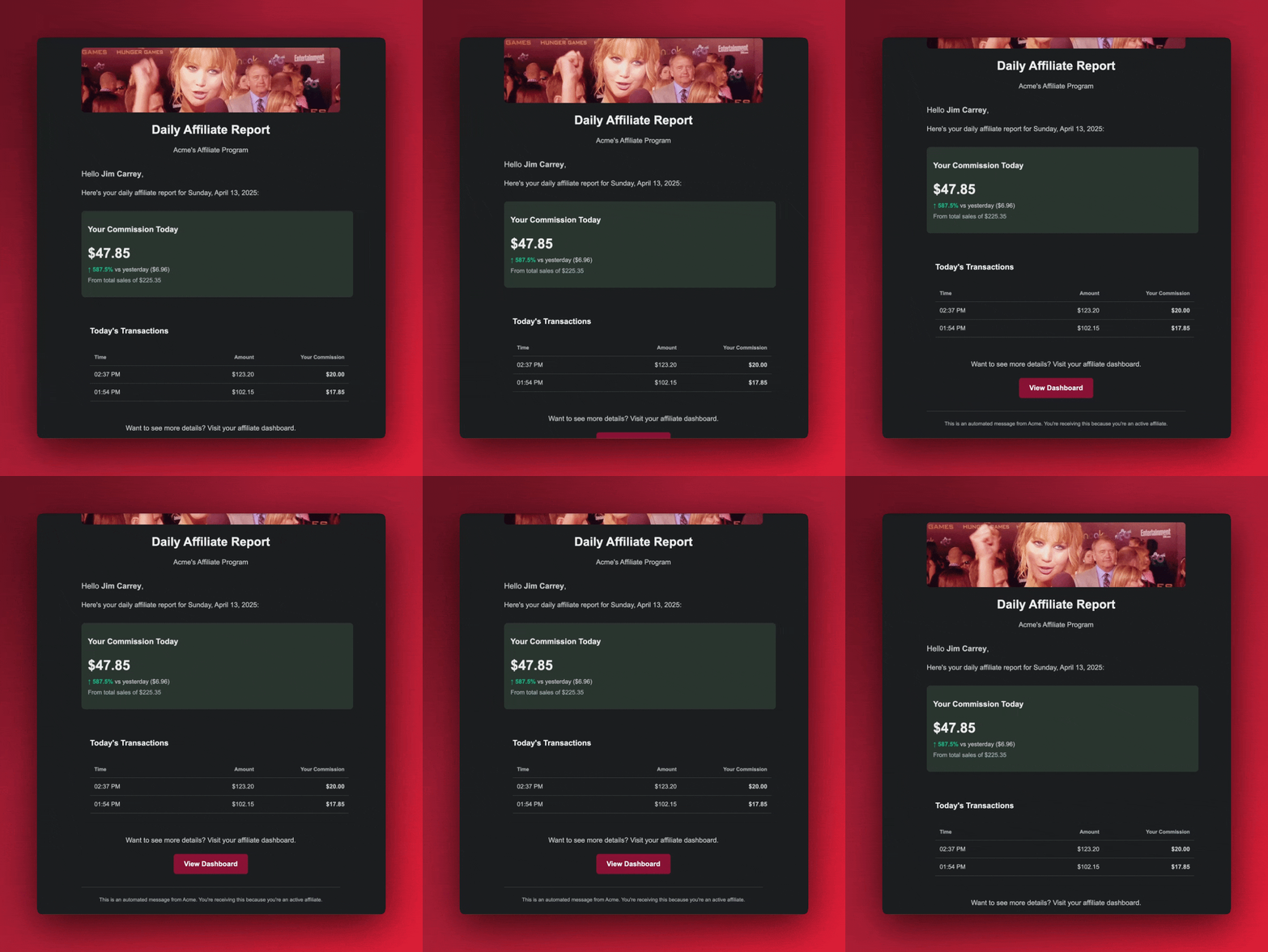
## For Program Owners:
Your daily summary includes:
- Total sales generated through affiliates in the last 24 hours
- Individual affiliate performance breakdown
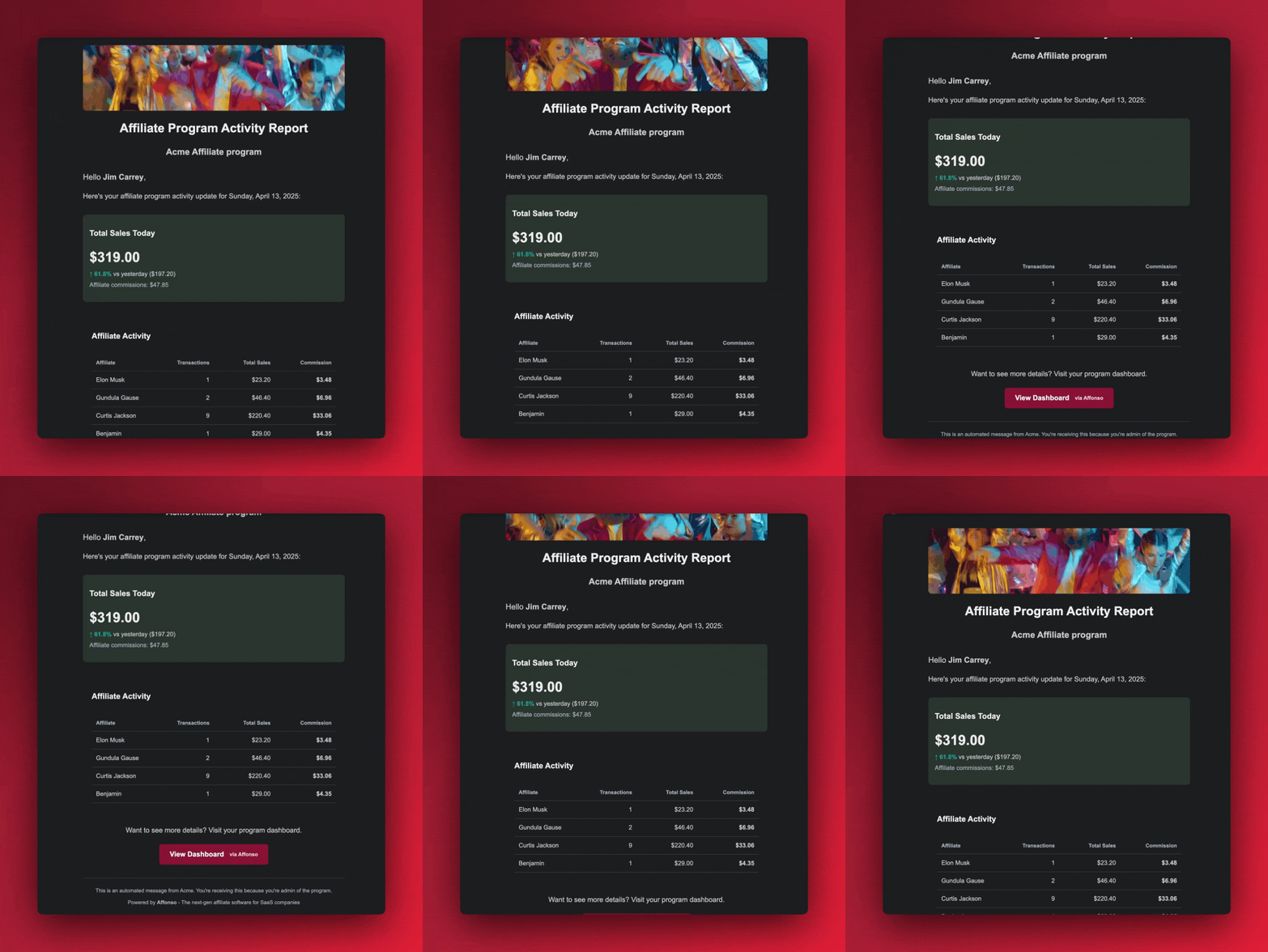
This automated reporting keeps everyone in the loop without requiring constant dashboard checks. Affiliates stay motivated by seeing their daily results, while program owners maintain clear visibility into their program's performance.
The emails are sent automatically once per day and require no configuration - they're ready to use right away!
---
## Improved: Confirmation Dialogs for Dangerous Actions (18.04.2026)
Dangerous actions now require you to type a confirmation before proceeding.
- **[FIXED]** Affiliate referral counts now include all converted referrals, not just trialing customers
- **[FIXED]** Stripe currency handling corrected for TWD, HUF, and ISK
---
## Improved: Dashboard Analytics & Fraud Monitoring (21.04.2026)
The dashboard analytics are now faster and more reliable, and we've added better fraud monitoring across the platform.
- **[IMPROVED]** Dashboard analytics cached and optimized — charts and stats load up to 3x faster
- **[IMPROVED]** Fraud detection now logs all checks for full transparency and auditability
- **[FIXED]** Portal form data no longer lost when switching between tabs
- **[FIXED]** VAT validation re-triggers automatically when you change your country
- **[FIXED]** Creative library displays correctly in the affiliate portal
- **[FIXED]** Dashboard 12-month date range no longer causes errors
---
## New: Disconnect Stripe Account (13.04.2026)
You can now disconnect your Stripe account directly from the settings page — no support ticket needed.
- **[NEW]** Disconnect Stripe from your program settings at any time
- **[NEW]** Paddle added to the payment provider setup guide
- **[FIXED]** Variable commission rates now display correctly in the affiliate portal
---
## DODO Payments: Coupon Management for Partners (27.07.2025)
Program administrators can now create and manage discount codes for their affiliates directly through Affonso.
## What's New:
- **Create Affiliate Discount Codes:** Program admins can generate percentage-based discount codes for specific affiliates
- **Usage Limits:** Set unlimited or limited-use coupons
- **Automatic Referral Tracking:** Track referrals automatically when customers use affiliate coupon codes
- **Centralized Management:** Unified interface for managing all affiliate discount codes in one place
## How it Works:
1. Program administrators create discount codes and assign them to affiliates
2. Affiliates share their unique discount codes with customers
3. Customers apply codes during DODO checkout
4. Referrals are automatically tracked and attributed to the correct affiliate
5. Commissions are calculated based on your program rules
This gives program administrators full control over coupon-based affiliate marketing while enabling seamless referral tracking without manual attribution.
---
## 🔌 New Integration: Dodo Payments (29.05.2025)
I'm excited to share that Affonso now integrates with Dodo Payments, making it even easier for fast-moving indie tools, startups, and modern checkout experiences to launch an affiliate program.
Dodo is gaining traction as a flexible and developer-friendly payment platform, and now you can combine it with Affonso's powerful referral tracking and commission system.
## How To Get Started:
- Connect your Dodo account by adding your API key
- Set up the webhook to enable automated tracking
- Add our lightweight tracking script to your website
- Start tracking referrals and paying affiliates
For full instructions, check out the [step-by-step integration guide here](https://affonso.io/help/integrations/dodo/dodo-checkout-api).
This is part of our broader plan to support more payment providers in 2025. Let me know which platform you’d like to see next!
---
## Embed Customization: Show What Matters (25.01.2026)
More control over your embedded referral dashboard — show affiliates exactly the information they need, nothing more.
## Card Visibility Controls
Not every metric makes sense for every program. Now you can toggle which cards appear in your embedded dashboard:
- Hide signup counts if you track conversions instead
- Show only earnings if that's what motivates your referrers
- Keep the interface clean and focused
Your embed, your rules.
## Better Referral Parameter Experience
We redesigned the referral parameters modal to make creating and managing tracking parameters easier:
- **Cleaner interface** for adding custom parameters
- **Built-in FAQ** answers common questions right where you need them
- **Smarter defaults** so the right parameter is always active
Affiliates can now set up tracking for different campaigns without guessing how things work.
---
## Embedded Dashboard: Turn Every User Into a Promoter (08.01.2026)
Your customers already love your product. Now they can share it with one click – without leaving your app, without creating an account, without any friction.
Embed a referral dashboard directly into your product. Every user gets their own link instantly. They share it, you track it, they earn rewards. That's it.
## Affiliate Program + Referral Program
Until now, Affonso was your affiliate program infrastructure – for professional marketers who sign up to your portal, promote actively, and earn cash commissions.
Now you get both. Keep your affiliate program running as usual. And add a referral program for your existing users – embedded right inside your app.
## Two Programs, One Platform
Use groups to separate them:
- **Affiliates** → Default group with cash commissions for professional promoters
- **Referrers** → Dedicated group for your users – assign them automatically via the embed
Each group can have completely different rewards. Cash commissions for affiliates. Credits, points, or free months for your users. Or cash for both – you decide.
## Zero Friction for Your Users
No redirect. No separate portal. No password to remember. Your users see their link, stats, and earnings right where they already are – inside your app.
## Visual Preview & Code Generator
Customize and preview your embedded dashboard before writing any code. In **Affiliate Program → Appearance → Embed**, you can:
- Toggle between light, dark, and system themes
- Select from 14 supported languages
- Set a custom background color
- See a live preview with your actual branding
- Copy ready-to-use code snippets
The preview updates instantly as you change settings – so you know exactly what your users will see.
→ [How to integrate](https://docs.affonso.io/api/embedded-dashboard)
---
## External User ID & Privacy Controls (24.02.2026)
Track referrals by your internal user ID instead of email — and control exactly what personal data Affonso stores.
## External User ID
`Affonso.signup()` now accepts an options object with `externalUserId`, `email`, and `name`. You no longer need to pass an email address to track leads.
```javascript
// Track by internal user ID — no email required
window.Affonso.signup({
externalUserId: 'usr_abc123'
});
// Or combine with email and name
window.Affonso.signup({
email: 'user@example.com',
externalUserId: 'usr_abc123',
name: 'Jane Doe'
});
```
Pass the same ID as `userId` in your payment provider's metadata so webhook events automatically match back to referrals. Works with Stripe, Polar, Creem, Dodo, and Paddle.
The classic email-only format still works exactly as before — no changes needed for existing integrations.
## Privacy Controls
New toggles in your affiliate program settings let you control what data is stored:
- **Email tracking** — Disable to stop storing customer email addresses on referrals
- **Name tracking** — Disable to stop storing customer names on referrals
When email tracking is disabled, referrals are matched using `externalUserId` instead. Ideal for privacy-conscious setups or strict data protection requirements.
Find these settings in **Affiliate Program → Privacy Controls**.
## Learn More
- [Signup & Lead Tracking Guide](/help/installation-guides/overview/signup-tracking) — Full documentation with framework examples and best practices
---
## New: Live Chat Support & AI Agent Readiness (23.04.2026)
We've replaced our old feedback widget with **Fernand** — a proper live chat so you can reach us instantly from anywhere in the app.
We've also made Affonso ready for the age of AI agents:
- **[NEW]** Live chat support available directly inside the dashboard
- **[NEW]** AI agent discovery endpoints — agents can now find and understand your affiliate program
- **[NEW]** OAuth discovery and WebMCP support for agent-to-agent integrations
- **[NEW]** Markdown content negotiation for AI-friendly responses
---
## New: Migrate from FirstPromoter (19.04.2026)
Moving away from FirstPromoter? Affonso now supports a full migration of your affiliate data.
- **[NEW]** Import affiliates, campaigns, rewards, and contacts from FirstPromoter
- **[NEW]** Campaign-to-group mapping preserves your existing structure
- **[NEW]** Reward rules are automatically converted to Affonso incentives
---
## New: Full Program Management via API (06.04.2026)
You can now manage your entire affiliate program through the API.
This release introduces endpoints for all core program settings, including program info, payment terms, tracking settings, restrictions, groups, creatives, notification settings, portal configuration, and fraud rules.
All endpoints support both read and update operations, giving you full control over your setup without needing to use the dashboard.
This also unlocks the ability to integrate affiliate program management directly into your own admin interface and automate changes programmatically.
Check out the full [API documentation](https://docs.affonso.io) for details on all available endpoints.
---
## Direct Group Invite Links: Recruit Affiliates into Specific Groups (21.12.2025)
Recruiting affiliates for different partner tiers just got a lot easier. You can now generate and share invite links that automatically assign new affiliates to a specific group when they sign up.
## Why This Matters
Before, you had to manually move affiliates into groups after they joined. Now, you can share a group-specific link and new partners are automatically placed in the right group with the correct commission structure from day one.
This is perfect for:
- **Influencer partners** who get higher commission rates (e.g., 30%)
- **Blog & content partners** with standard commissions for written content
- **Integration partners** like SaaS companies or developers with premium rates
- **Affiliate networks** where each network gets their own tracking group
## How It Works
1. Navigate to any group in your dashboard
2. Click **"Share Invite Link"**
3. Copy the link or share it via email/social media
The link looks like this:
```
https://yourportal.affonso.io/?group=abc123
```
When affiliates sign up through this link, they're automatically added to that group and inherit its commission settings.
## Share Anywhere
The new share modal makes it easy to distribute your invite link:
- Copy to clipboard with one click
- Send via email with a pre-filled message
- Share directly on Facebook, Twitter, or LinkedIn
[Learn more about group invite links](/help/managing-affiliates/inviting-affiliates-to-groups)
---
## New: Invite Affiliates by Email – Straight From Your Dashboard (09.05.2025)
You can now invite affiliates directly from your dashboard using just their email address. No signup link sharing, no manual follow-ups.
## Why I Added This
Sometimes the best affiliates are the ones you already know. Instead of waiting for them to find your signup page, you can now send a personal invite in seconds.
Plus: quite a few users asked for this. It makes onboarding hand-picked affiliates way easier — especially when you're just getting your program off the ground.
## How It Works
1. Go to your affiliate program dashboard
2. Click “Invite affiliate”
3. Enter the affiliate’s email address and hit send
4. They’ll instantly receive a branded invitation email with a unique link
5. When they click it, they’ll go through your onboarding flow.
6. Set up their personal tracking ID
Done – they’re in and ready to promote
---
## New: Manual Payout Generation (18.11.2025)
Pay your affiliates exactly when you need to - no more waiting for automatic schedules or rigid payment cycles. Generate payouts on-demand for any time period, perfect for closing books at quarter-end, rewarding top performers immediately, or handling special payment requests.
Running a holiday promotion and want to pay affiliates right after? Done. Need to settle accounts for a specific month for accounting purposes? Easy. Want to pay out one affiliate who's asking about their earnings? Takes seconds.
Override minimum thresholds when the situation calls for it - whether you're making a final payment to a departing affiliate, settling small balances to clean up your books, or making good-will payments for special circumstances. Your program, your rules.
Everything runs in the background so you can keep working. Click generate, close the window, and come back when it's done.
This is about giving you control over your cash flow and affiliate relationships, not being locked into rigid automated schedules when business needs change.
---
## New: Manual Referral & Commission Creation (25.07.2025)
You can now create referrals and commissions manually for your affiliates directly from the dashboard. This powerful new feature bridges the gap between online tracking and offline sales, ensuring no referral goes uncredited.
Perfect for offline sales, phone orders, and retroactive credits - simply navigate to your affiliates section and click "Add Referral" next to any affiliate. The intuitive form lets you record customer details, transaction amounts, and set custom commission structures.
Flexible commission settings allow you to choose between fixed amounts or percentage-based commissions that automatically calculate from the transaction value. You can also control when commissions become payable with approval workflows including immediate payment, hold periods, or manual review.
Built-in safeguards prevent duplicate referrals by email and customer ID, while manual entries are automatically tagged for easy identification in your reports. The system integrates seamlessly with all supported payment processors including Stripe, Polar, Creem, and Dodo Payments.
Enhanced user experience includes a custom date picker, real-time form validation, and dynamic currency display based on your team settings. All amounts are properly stored in your configured currency with full decimal input support.
This update ensures your affiliate program captures every referral, whether they come through tracking links or real-world interactions, giving you complete control over your commission management.
---
## New: Manually Attribute Leads to Partners (09.06.2025)
You can now manually assign leads to affiliates by email — ideal for edge cases where cookie tracking falls short.
Let’s say a user signs up on a different device, clears their cookies, or registers without clicking an affiliate link. Normally, that referral would be lost. But now, you can manually link that user’s email to the correct affiliate, ensuring future **purchases are tracked** properly.
Once assigned, any future payment tied to that email will automatically credit the affiliate — even across devices or browsers.
### How it works:
- Go to the **Affiliates** tab: https://affonso.io/app/affiliate
- Click **“View Details”** on the relevant affiliate
- Use the **"Add Lead"** option to enter the user's email
Perfect for when someone signs up without a referral cookie, but you still want to give credit where it's due.
---
## Affiliate Dashboard now in 14 Languages (01.12.2025)
Affiliates can use the dashboard in their own language—14 options, one click to switch. Onboarding feels familiar, support questions drop, and partners stay focused on their numbers.
Available languages: Arabic, German, English, Spanish, French, Italian, Portuguese, Dutch, Polish, Turkish, Japanese, Korean, Russian, and Chinese.
---
## Multi-Level Commissions (14.02.2026)
Your affiliates can now earn commissions from the sales of affiliates they recruit — up to 3 levels deep.
## Why Multi-Level
Growing an affiliate program is hard when only you can recruit. Multi-level commissions turn your existing affiliates into recruiters. They share a recruitment link, new affiliates sign up under them, and every sale in the chain earns commissions upward. Your program grows organically without extra effort from your team.
## How It Works
Configure multi-level rates per group in Groups & Rewards. Two calculation modes:
- **% of Commission:** Parent earns a percentage of their sub-affiliate's commission. Commissions naturally decrease at each level.
- **% of Sale:** Parent earns a percentage of the original sale amount. Every level earns the same.
**Real scenario:** You set 10% on Level 1. Your affiliate Sarah recruits Tom. When Tom closes a $500 sale and earns $50 commission, Sarah automatically earns $5. No manual work, no spreadsheets.
## What Affiliates See
Affiliates with multi-level enabled see a new **Sub-Affiliates** tab in their portal with:
- A recruitment link to share
- List of recruited sub-affiliates with their sales activity
- Multi-level earnings history and stats
## Admin Controls
- Set rates per group with per-affiliate overrides for special partners
- Manually assign parent-child relationships from the admin dashboard
- Refunds automatically cascade — full refunds set ML earnings to refunded, partial refunds reduce them proportionally
#### Available now on Growth, Elite, and Advanced plans.
Check the [help article](/help/commission-payouts/commission/multi-level-commissions) for detailed setup instructions.
---
## New: Multi-Provider Coupon Support (15.04.2026)
Coupons now work seamlessly across all your connected payment providers.
If you use multiple payment processors (Stripe, Creem, Polar, Dodo, Paddle), you can now create a single coupon that maps to the correct code on each provider. No more managing separate coupons per platform.
- **[NEW]** Link one affiliate coupon to multiple payment providers at once
- **[NEW]** Affiliates are redirected back to their original page after portal login
- **[IMPROVED]** Marketing pages load faster with reduced client-side JavaScript
- **[IMPROVED]** SEO improvements across all marketing pages
---
## New: Multiple Coupons Per Affiliate (05.04.2026)
Affiliates can now have more than one coupon code — giving you and your partners much more flexibility with promotions.
## Why This Matters
Until now, each affiliate was limited to a single coupon code. That made it hard to run seasonal promotions, A/B test different discount strategies, or offer product-specific codes alongside a general one.
Now affiliates can hold multiple coupon codes simultaneously, each with its own discount settings.
## What's New
- **Multiple Codes Per Affiliate:** Assign as many coupon codes as needed — no more one-code limit
- **Independent Settings:** Each code can have its own discount type, value, duration, and product restrictions
- **Full Provider Support:** Works across Stripe, Paddle, Polar, Dodo Payments, and Creem
---
## Connect Multiple Payment Providers to One Program (13.01.2026)
Running different products on different payment systems? You can now connect Stripe, Paddle, Polar, Creem, and Dodo to the same affiliate program – and track all sales in one place.
## Why This Matters
Before, each affiliate program could only connect to one payment provider. If you sold products through Stripe and Paddle, you needed two separate programs.
Now you can connect all your payment providers to a single program. Your affiliates get one link, one dashboard, one payout – regardless of where sales come from.
## How It Works
1. Go to your affiliate program settings
2. Connect each payment provider you use
3. Done – sales from all providers are tracked automatically
Each provider runs independently. Adding or removing one doesn't affect the others. Your existing connections stay exactly as they are.
---
## New: Enhanced Affiliate Detail View (02.04.2025)
I've completely redesigned the affiliate detail view to give program owners deeper insights and better management capabilities for each affiliate.
## What's New:
- **Comprehensive Profile Information:** Easily access signup date, email, and affiliate link
- **Coupon Management:** Create and manage custom coupon codes directly from the affiliate profile
- **Performance Snapshot:** View key metrics at a glance - earnings, conversion rates, gross and net revenue
- **Visual Analytics:** Track performance trends with intuitive charts for referrals and conversions
- **Customer Details:** See complete information about every customer referred by the affiliate
- **Commission Management:** Review all commission entries with their current status
- **Payment History:** Access full payment records and payout information
## Why This Matters:
Having comprehensive affiliate data in one place is essential for running an effective affiliate program. This redesigned view puts all the critical data at your fingertips so you can better understand individual affiliate performance and manage your relationships more effectively.
The enhanced view also makes it easier to identify your top performers and spot potential issues before they impact your program.
This update is live for all users - just click on any affiliate in your dashboard to experience the improved interface.
---
## New: Paddle Integration (02.10.2025)
We now support Paddle natively as a payment processor for affiliate programs. Program owners can easily connect their Paddle account to start tracking affiliate sales, commissions, and referrals directly through their existing Paddle setup without any complex configuration.
The integration automatically handles subscription tracking, one-time purchases, refunds, and commission calculations. Affiliates get credited for sales made through discount codes or referral links, with full support for trial periods, subscription renewals, and partial refunds, making it seamless to run affiliate programs alongside Paddle's billing system.
---
## Pay Per Lead (CPL) Incentives (28.01.2026)
Reward affiliates for signups, not just sales. Add a fixed bonus per lead on top of your regular commissions — so affiliates stay motivated even when conversions take time.
## Why Add CPL
Products with free trials or longer sales cycles can frustrate affiliates. They bring traffic, users sign up, but commissions only come weeks later when someone finally upgrades. CPL bridges that gap: affiliates see earnings immediately, you get more volume at the top of your funnel.
## How It Works
Create an incentive with **"Signups (Pay Per Lead)"** as trigger. Set a fixed amount — $1, $5, whatever fits your margins. Affiliates earn that bonus for every signup, plus their normal commission when the sale happens later. No extra integration. If you're already tracking signups, CPL works automatically.
## Setup
**Groups → Incentives → Add Incentive**
2. Select **"Signups (Pay Per Lead)**
3. Set amount per lead
4. Assign to a group
---
## Payment Terms & Tracking Page Improvements (26.01.2026)
Cleaner payment management and better visibility into what's happening with your affiliate program.
## Payment Terms Made Clear
Set and display your payment terms so affiliates always know when to expect payouts. No more support questions about payment schedules — the information is right there in their portal.
## Improved Tracking Page
We've cleaned up the tracking interface to make it easier to see what's working:
- **Faster loading** for programs with lots of activity
- **Cleaner layout** that highlights the important metrics
- **Better mobile experience** for checking stats on the go
Small improvements that add up to a smoother daily workflow for both you and your affiliates.
---
## Improved: App-Wide Performance Overhaul (20.04.2026)
We've made Affonso significantly faster across the board.
This update includes performance improvements to nearly every part of the app — from the dashboard to individual affiliate and referral pages.
- **[IMPROVED]** Dashboard, affiliates, referrals, and sales pages all load noticeably faster
- **[IMPROVED]** Loading skeletons added so you see instant feedback while data loads
- **[IMPROVED]** Database queries optimized
---
## 🔌 New Integration: Polar.sh (07.03.2025)
I'm thrilled to announce our newest payment integration with Polar.sh! This highly-requested integration opens up powerful new opportunities for SaaS companies, WordPress sellers, and desktop application developers.
[Polar.sh](https://affonso.io/polar-affiliate-program) has become an increasingly popular payment solution in the software industry. With this integration, you can now leverage Polar's powerful checkout experience while running a full-featured affiliate program through Affonso.
## How To Get Started:
1. Connect your Polar account using an API token
2. Set up the webhook connection (takes just minutes!)
3. Add our lightweight tracking script to your website
4. Start inviting affiliates to promote your products
For step-by-step instructions, [check out our complete integration documentation here](https://affonso.io/help/integrations/polar/polar-checkout-api).
This is just the beginning of our expansion plans for 2025. Stay tuned for more exciting integrations coming soon!
---
## Better Portal Referrals & Sales Flow (05.12.2025)
Your affiliates now get faster, clearer referral and sales views. Both tables load only what’s needed with real pagination, so large lists stay snappy and totals stay accurate across pages.
Clicking a customer in referrals jumps straight to the sales tab with that customer pre-filtered, keeping context while exploring performance. Sorting works across all data, not just the visible page, so leaders stay on top even as you browse.
Loading states now mirror the full table height, reducing layout shifts and giving a clear signal while data arrives. Overall, navigating affiliate earnings is quicker, cleaner, and more focused on the outcome: understanding what’s driving revenue.
---
## Postback URLs for Affiliates (05.03.2026)
Affiliates can now set up postback URLs directly from their portal — no code, no complex webhook setup. Just a URL with placeholders that gets called via GET when events happen.
## What's included:
- **4 event types:** `referral.lead`, `referral.converted`, `sale.created`, `commission.created`
- **Dynamic placeholders:** Insert `{commission_amount}`, `{tracking_id}`, `{sale_amount}`, and more into your URL — they get replaced with real values at fire time
- **Instant testing:** Hit "Send Test" on any saved postback to verify it works before going live
- **Up to 5 URLs per affiliate:** Each with its own event triggers
## Perfect for:
- Custom tracking systems and spreadsheets
- Zapier/Make/n8n webhooks for automations
- Affiliates who want real-time notifications without polling
Setup takes 30 seconds: **Settings → Postback** in the affiliate portal.
→ Full documentation at [Postback URLs](/help/for-affiliates/postback-urls)
---
## Pre-Login Affiliate Dashboard Enhancement (21.11.2024)
We've completely revamped our pre-login affiliate dashboard with a modern, user-friendly interface. The new design provides a streamlined entry point for potential affiliates, featuring a clean sign-in process with magic link authentication.
## Transparent Program Information
Before logging in, visitors can now explore all available affiliate programs in detail. Each program listing includes comprehensive information about commission structures, payout terms, and program benefits, helping partners make informed decisions.
## Brand Customization
Portal owners can now fully customize their affiliate landing page with brand colors and logos, creating a cohesive experience that matches their corporate identity.
---
## New Feature: Program-Wide Coupon Codes (11.09.2025)
Double-sided incentives are here! Create program-wide discount codes that automatically apply to all customers arriving through affiliate referral links.
This creates a powerful win-win scenario where affiliates are more motivated to promote because customers get instant value, while your conversion rates increase thanks to automatic discounts. Affiliates earn commissions while customers save money, creating positive network effects for your program.
Getting Started: Set up program-wide coupons in your [Affiliate Program Settings](https://affonso.io/app/affiliate-program) and integrate the discount logic with your checkout flow using our simple API.
[Complete Setup Guide →](https://affonso.io/help/commission-payouts/commission/double-sided-incentives)
---
## New: Email Finder (10.04.2026)
Find your affiliates' contact emails directly inside Affonso.
The new **Email Finder** lets you discover email addresses for your affiliate prospects — powered by a credit-based system so you only pay for what you use.
- **[NEW]** Find affiliate emails with one click from the discovery or affiliate list
- **[NEW]** Bulk email lookups for processing multiple affiliates at once
- **[NEW]** SDK and CLI now available in pricing plans
---
## New: QR Code Generation for Affiliate Links (16.01.2026)
Your affiliates can now generate and download QR codes for their referral links — perfect for offline marketing like business cards, flyers, or event banners.
## Why I Added This
Affiliates don't just promote online. Many share their links at conferences, meetups, or through printed materials. Copying a long URL onto a business card isn't practical. A QR code solves this instantly.
## What's New
**One-Click QR Download** - A new QR code button sits next to the copy button in both the Partner Portal and Embedded Dashboard. Click it, and a high-resolution PNG downloads immediately.
**All Parameters Included** - The QR code captures the complete affiliate link including tracking ID, custom parameters (sub1-sub5), and any deep link settings. Whatever your affiliate configured, the QR code reflects it.
**Clean Tooltips** - Hover over either button to see what it does. Small, unobtrusive, and consistent across Portal and Embed.
## Built for:
- **Event Marketing:** Affiliates at trade shows or conferences can display their QR code on banners or handouts
- **Print Materials:** Business cards, brochures, and flyers can include scannable referral links
- **Influencers:** YouTubers and podcasters can show QR codes on screen for easy mobile access
- **Retail Partners:** Physical stores can display QR codes at checkout or on receipts
## How It Works
Navigate to your referral link section. You'll see a QR code icon next to the copy button. Click it to instantly download a 512x512 PNG named with your tracking ID. The code works with all standard QR scanners.
## Live Now
Available in your [Partner Portal](https://affonso.io/portal) and Embedded Dashboard — start generating QR codes today.
---
## New: Self-Service Affiliate Coupons (22.12.2025)
Let your affiliates create their own personalized coupon codes — with discount settings you control.
## Why I Added This
Managing coupon codes for every affiliate manually doesn't scale. You want to give affiliates the flexibility to choose their own codes, but you need to control the discount terms.
Now you can do both.
## How It Works
### For Program Owners:
1. Go to your Affiliate Program settings
2. Find "Self-Service Affiliate Coupons" in Advanced Settings
3. Click "Configure" and set your discount blueprint:
- Discount type (percentage or fixed amount)
- Discount value
- Duration (once, forever, or multiple months)
4. Save — affiliates can now create their own codes
### For Affiliates:
1. Log into the affiliate portal
2. Click "Create Your Coupon Code"
3. Enter your preferred code (e.g., JOHNSMITH20)
4. Done — the code is instantly synced with the payment provider
You define the discount. They choose the code. Everyone wins.
## Built for:
- **Scaling Programs:** Stop manually creating codes for every affiliate
- **Brand Consistency:** Affiliates get personalized codes while you control the discount
- **Faster Onboarding:** New affiliates can start promoting immediately
- **All Major Providers:** Works with Stripe, Paddle, Polar, and DODO
## Live Now
Configure your coupon blueprint in Affiliate Program → Advanced Settings → "Self-Service Affiliate Coupons".
---
## Smarter Global Payouts & Invoice Management (23.01.2026)
Your affiliates can now receive payments through their local banking systems, and managing invoices for payouts just got dramatically easier.
## Pay Affiliates Their Way
We added **country-specific payment methods** so affiliates get paid through the systems they actually use:
- **US affiliates** can choose ACH transfers (checking or savings accounts)
- **EU affiliates** see SEPA/IBAN fields automatically
- **International affiliates** get the right wire transfer fields for their country
The system adapts based on the affiliate's location — no more confusion about which fields to fill in, and fewer failed payments due to incorrect bank details.
## Professional Invoice Handling
Managing invoices for affiliate payouts is now built in:
- **Self-billing invoices** generate automatically with proper VAT calculations
- **Upload and review** invoices from affiliates who provide their own
- **EU VAT verification** validates tax IDs instantly
- **Centralized storage** keeps all invoice files in one place
Whether you handle invoicing yourself or require affiliates to submit their own, the workflow is clear and trackable. No more email chains or lost documents.
## Custom Affiliate Links by Group
You can now set **custom website URLs for specific affiliate groups**. Perfect when you're running multiple brands or need white-label affiliate links that match different storefronts.
Affiliates in those groups automatically get links with the custom URL — their QR codes, tracking links, everything updates to match.
## More Control Over Tracking
New **toggle to disable affiliate links entirely** if you prefer running your program with coupon codes only. Give affiliates just coupons, or just links, or both. Your call.
---
## 🏷️ Custom Coupon Codes for Stripe Users (05.01.2025)
I've added a new feature that allows you to create custom coupon codes for your affiliates directly within Affonso when using Stripe as your payment processor.
## What's New:
- **Custom Coupon Creation:** Create personalized coupon codes for each affiliate directly in Affonso
- **Automatic Stripe Integration:** Coupon codes are instantly synced to your Stripe account
- **Link-Free Promotions:** Affiliates can now be identified by their unique coupon code - no affiliate links required
- **Win-Win Solution:** Your customers get discounts while affiliates still earn their commissions
## How It Works:
1. Create a unique coupon code for an affiliate in Affonso
2. The coupon is automatically created in your Stripe account
3. When customers use the coupon during checkout, the system identifies the affiliate
4. Commissions are tracked and credited correctly without needing a traditional affiliate link
This feature gives your affiliates more flexibility in how they promote your products, especially in situations where direct links aren't practical (podcasts, videos, offline events).
---
## Tax Form Collection: Stay Compliant, Pay with Confidence (05.01.2026)
Collecting tax forms from affiliates before payouts is now built into Affonso. Required for US compliance, useful for anyone who wants complete records.
## Why This Matters
If you pay US-based affiliates more than $600 per year, you need their W-9 form. Non-US affiliates may need W-8BEN forms. Tracking who submitted what — and chasing missing forms — has always been a headache.
Now it happens automatically.
## How It Works
Enable tax form requirements in your program settings (available on Elite). When an affiliate's earnings approach the threshold, they see a clear prompt to upload their tax form. Until it's submitted, payouts are held.
- **W-9** for US affiliates reaching the $600 threshold
- **W-8BEN** for international affiliates when needed
- **Automatic holds** until forms are on file
- **Clear messaging** so affiliates know exactly what's needed
No more spreadsheets to track form status. No more surprise compliance issues at tax time.
## For Your Affiliates
Affiliates see helpful guidance about which form they need and why. The upload process is straightforward.
---
## Team Member Management: Collaborate Without Confusion (27.01.2026)
Invite your team to manage your affiliate program together — with the right access levels for each person.
## Add Team Members in Seconds
Go to Settings → Team Members and invite colleagues by email. They'll get access to help manage affiliates, review payouts, or handle support — whatever you need.
## Smoother Onboarding
We've also improved the experience when new team members accept invitations:
- **Clearer next steps** so people know exactly where to go
- **Better validation** that catches errors before they cause problems
- **Faster setup** to get everyone productive quickly
Whether you're a solo founder adding your first VA or a growing team splitting responsibilities — adding help is now friction-free.
---
## New: Migrate from Tolt & Reset Program Data (17.04.2026)
Switching from Tolt? We've built a dedicated migration flow that imports your affiliates, referrals, and commissions — right from your Affonso settings.
We also added new tools for managing your program:
- **[NEW]** One-click Tolt migration with real-time progress tracking
- **[NEW]** Reset Program Data action in the danger zone to start fresh
- **[IMPROVED]** Toggle switches replaced with clearer button groups across program settings
- **[IMPROVED]** Help center articles updated with better navigation
---
## Total Signups Card: See Your Full Impact (24.01.2026)
Affiliates can now see their total signups at a glance — not just conversions.
## The Full Picture
Conversions matter, but they're only part of the story. Now your affiliates see exactly how many people clicked their link and signed up — even if they haven't converted to paying customers yet.
This visibility helps affiliates understand:
- **Their reach** — how many people they're actually bringing in
- **Conversion potential** — signups today become customers tomorrow
- **Campaign effectiveness** — which efforts drive the most interest
More transparency means more motivated affiliates who can optimize their promotion strategy.
---
## Webhooks for Affiliate Events (10.12.2025)
You can now deliver real-time affiliate events to your own systems via webhooks. Program owners get a dashboard to create endpoints, choose events, rotate secrets, view delivery logs, and replay failed deliveries. Payloads are HMAC-SHA256 signed, include retries with exponential backoff, and can be tested immediately after setup.
Learn how to configure and verify signatures in the Help Center: [Webhooks overview](/help/connect/webhooks/webhooks) and [Affiliate webhook events](/help/connect/webhooks).
---
## Webhooks: Real-Time Updates, Zero Polling (18.12.2025)
Stop checking for changes – let Affonso tell you when something happens. Webhooks push events to your systems the moment they occur.
New affiliate signed up? Referral converted? Payout triggered? Your tools know instantly. No delays, no missed events, no wasted API calls.
Set up endpoints, pick the events you care about, and let your workflows react in real-time. HMAC-SHA256 signed payloads keep everything secure.
→ Full documentation at [docs.affonso.io/webhooks](https://docs.affonso.io/webhooks)
---
## New: WeChat & AliPay Now Available for Affiliate Payouts (07.05.2025)
You can now offer **WeChat** and **AliPay** as payout options for your affiliates.
## Why I Added This
If you're working with affiliates in Asia, PayPal and Wise might not always be ideal. These new options make it easier to pay affiliates in China using the platforms they already trust.
## How It Works
Head to your program settings and enable one or both options under “Payout Methods.” Affiliates will see them in their portal right away.
---